A:AnswerHi Me,
Thanks for your inquiry. If a passkey* is required on the display of the BLUETOOTH device, enter “0000.” For Apple iOS devices, the unit is compatible with iOS 10.0 or later. A BLUETOOTH connection is not available on the devices with iOS 9.x or earlier. Follow the procedures below for pairing and connecting with BLUETOOTH devices:
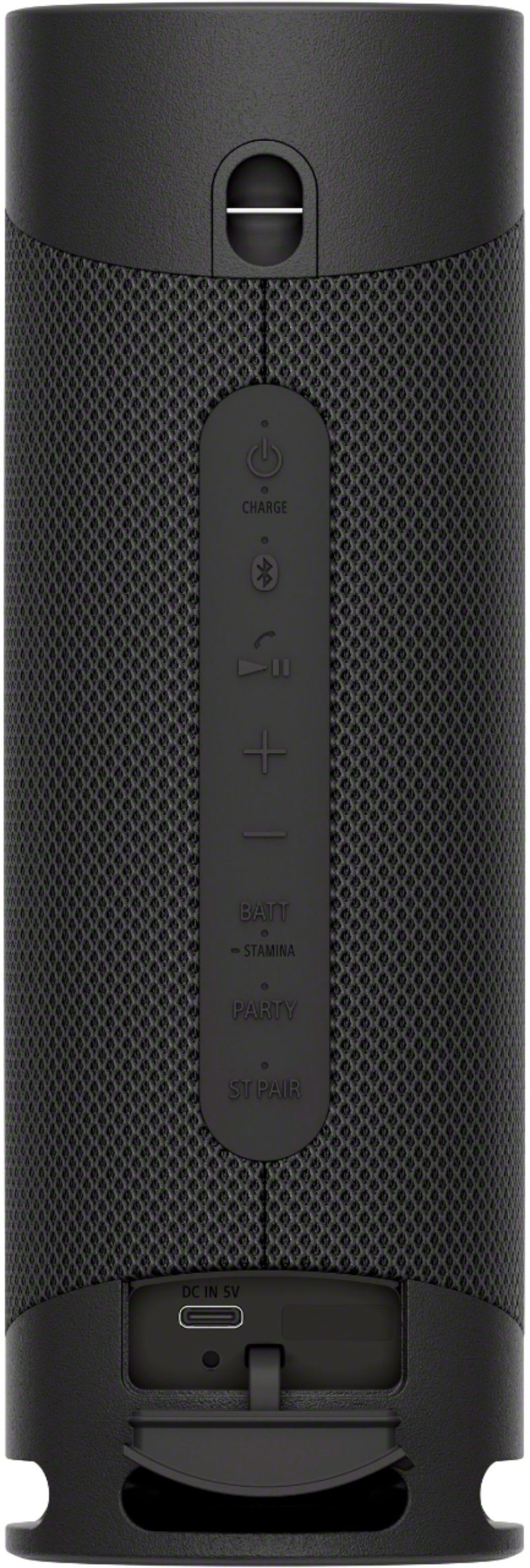
1. Press the (power) button.
2. Check the status of the (BLUETOOTH) indicator.
- When the speaker has no pairing information, for example when you use the BLUETOOTH function for the first time after purchase, the(BLUETOOTH) indicator keeps double flashing in blue.
3. Press the (BLUETOOTH) button.
- You hear voice guidance (BLUETOOTH pairing) from the speaker and the (BLUETOOTH) indicator starts double flashing (pairing mode).
4. Perform the pairing procedure on the BLUETOOTH device to detect the speaker.
- When a list of detected devices appears on the display of the BLUETOOTH device, select “SRS-XB23.”
- If a passkey* is required on the display of the BLUETOOTH device, enter “0000.”
* The passkey may be called a “passcode,” “PIN code,” “PIN number,” or “password.”
5. Make the BLUETOOTH connection from the BLUETOOTH device.
- When the BLUETOOTH connection is established, you hear voice guidance (BLUETOOTH connected) from the speaker and the activity of the(BLUETOOTH) indicator changes from flashing to lit.
- If the BLUETOOTH connection is not established, repeat from step number 3.
For more details, please check this link: https://helpguide.sony.net/speaker/srs-xb23/v1/en/contents/TP0002741485.html
Hope this helps.
Regards,
Jess
A:AnswerHi Frisky, Yes, you can pair these speakers to a turntable with BLUETOOTH connectivity, however, the devices must be compatible. Consult the manual of the device if it has Bluetooth capability to transmit a signal like the PS-LX310BT. Hope this helps. Thanks. -Jess
A:AnswerHi Ken,
Thank you so much for your inquiry! When making a call via BLUETOOTH connection, we can only use the microphone of the speaker to talk. Thanks! - Kris
A:AnswerHi MaggieandMe,
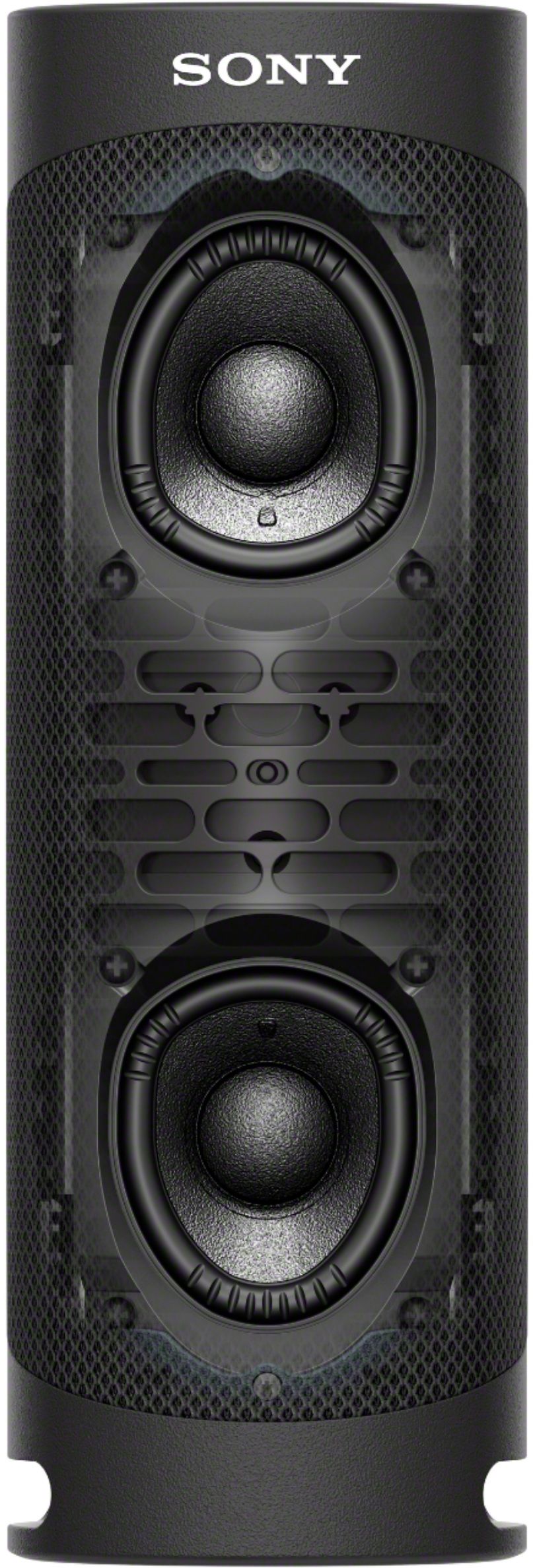
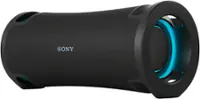
Thank you for your interest in the SRS-XB23. We apologize, this particular information is not listed as part of the product’s specifications. We can guarantee you that you will enjoy listening to XB23. The speakers of the XB23 are carefully designed to give you a real three-dimensional listening experience. Featuring the newly developed X-Balanced Speaker Unit which provides high sound quality and powerful sound pressure for a richer, deeper, more rewarding listening experience. I hope this helps! -Jess
A:Answeri Abcdbvc,
Thanks for inquiring about the XB23. Unfortunately, there is no option to disable the voice prompt on the XB23. Using the Sony | Music Center app, you can activate/deactivate the voice guidance associated with the remaining battery power that you hear when you turn on the speaker.
We recommend that before you establish a connection between the speaker and Bluetooth device, turn down the volume of the speaker and Bluetooth device to avoid any sudden loud sound and prompt output from the speaker. Hope this helps!
Regards,
Jess