Questions & Answers
- Model:
- SRSXB31/R
- |
- SKU:
- 6195451
Q: QuestionIs the Bluetooth name on every SRS XB31 the same
Asked by CDUD.
- A:Answer Hi, CDUD! Yes, when a list of detected devices appears on the display of the connecting Bluetooth device, the “SRS-XB31" would appear on it. ~Ralph
Answered by SonyListens

Q: QuestionHow do u pair speaker
Asked by Rickishere.
- A:Answer It is really simple to pair it to a Bluetooth device. The instructions that come with it are very straightforward.
Answered by Bubba911
Q: QuestionIs this compatible with I pad? I can’t connect
Asked by Sandi.
This question was asked about the related product: Sony - SRS-XB31 Portable Bluetooth Speaker - Black
- A:Answer It is compatible with every Bluetooth device's. My friend has it connected to his apple device. Download the app may be that's the missing part.
Answered by Alex
Q: QuestionHow do I connect to a Motorola Moto e5
Asked by Yooooo.
This question was asked about the related product: Sony - SRS-XB31 Portable Bluetooth Speaker - Black
- A:Answer For moto e5 and any other phone always have to check settings - Bluetooth -
Answered by Rashed88
Q: Questioncan I sync with a computer and how?
Asked by daveo.
This question was asked about the related product: Sony - SRS-XB31 Portable Bluetooth Speaker - Black
- A:Answer Hi daveo, Yes, it can be connected to a computer. Kindly refer to these links for more information: https://helpguide.sony.net/speaker/srs-xb31/v1/en/contents/TP0001604363.html https://helpguide.sony.net/speaker/srs-xb31/v1/en/contents/TP0001618238.html Regards, ~Ralph
Answered by SonyListens

Q: QuestionI’m having a hard time charging this speaker I just bought what charger port to use I do not have a computer. Please help
Asked by Sashac.
- A:Answer Turn on your the. Bluetooth on your phone.. and turn on your power button on the speaker look for the connection where your internet connection is it will pick up the speaker ., keep it close to your phone and it will connect., very easy your readily listen to your mu
Answered by 4Runner
Q: QuestionWat does the light do besides flash r there modes or anything like that
Asked by Anonymous.
This question was asked about the related product: Sony - SRS-XB31 Portable Bluetooth Speaker - Black
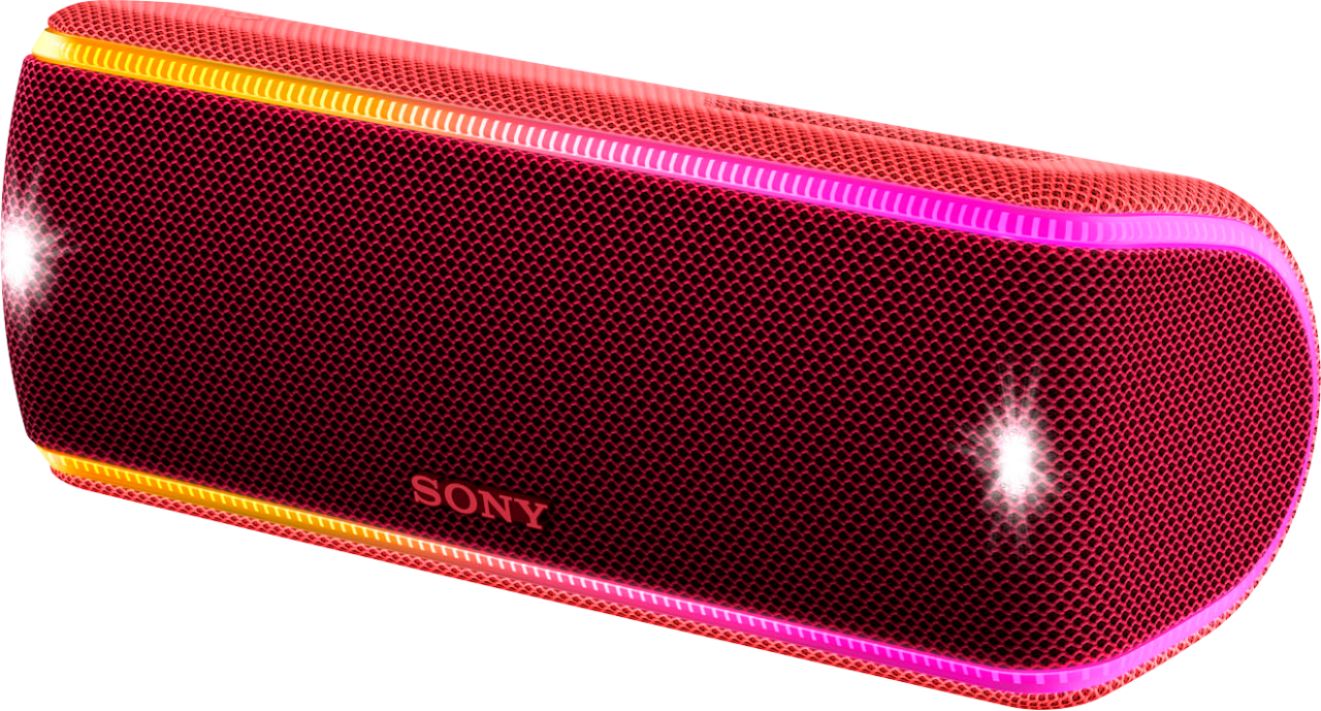
- A:Answer No, there are no modes, other than on or off. The light flashes to the music.
Answered by CommunityAnswer
Q: QuestionHow do I connect the Sony XB31 to my google smart speaker to play Pandora?
Asked by Craiger.
This question was asked about the related product: Sony - SRS-XB31 Portable Bluetooth Speaker - Black
- A:Answer Easy Control, Superior Voice Pick Up and Simple WIFI Setup. Buy Today.
Answered by Jacky
Q: QuestionHow many watts does it produce.
Asked by Denny.
- A:Answer The speaker at max vol is 30 watts but the bass is improved by the passive radiators which when the powers speakers move the non powers passive radiators move to make bass
Answered by Darbstar
Q: Questioncan you sync this speaker with Echo button, i.e. Alexa?
Asked by chuck.
This question was asked about the related product: Sony - SRS-XB31 Portable Bluetooth Speaker - Black
- A:Answer Yes, you can. I have paired this both with my Amazon Echo Dot and my Google Home Mini with no problems.
Answered by JonC
Q: QuestionHow do I connect the blue tooth with my Samsung phone?
Asked by Anonymous.
This question was asked about the related product: Sony - SRS-XB31 Portable Bluetooth Speaker - Black
- A:Answer Download the app and pair it via NFC. I did it like that to get maximum benefit of the speaker.
Answered by Alex
Q: QuestionHow many watts? What's the power rating?
Asked by TEESLICE1.
- A:Answer Hi TEESLICE1, It is rated 6 watts per channel minimum RMS power at stereo mode. For more information, kindly check on this (Specifications/Amplifier section): https://www.sony.com/electronics/support/res/manuals/4734/ed61675070eff6e0a02e1fc3140ad783/47340391M.pdf ~Ralph
Answered by SonyListens

Q: QuestionI have a new speaker. It’s been plugged in for about 5 hrs and I cannot get it to turn on... Am I missing something?
Asked by JustRay.
This question was asked about the related product: Sony - SRS-XB31 Portable Bluetooth Speaker - Black
- A:Answer Press the power button on top and a small light should come on. If not, take it back to the store for another. Something is wrong with it.
Answered by Zeeker
Q: Questioncan you play music off of USB?
Asked by jim.
This question was asked about the related product: Sony - SRS-XB31 Portable Bluetooth Speaker - Black
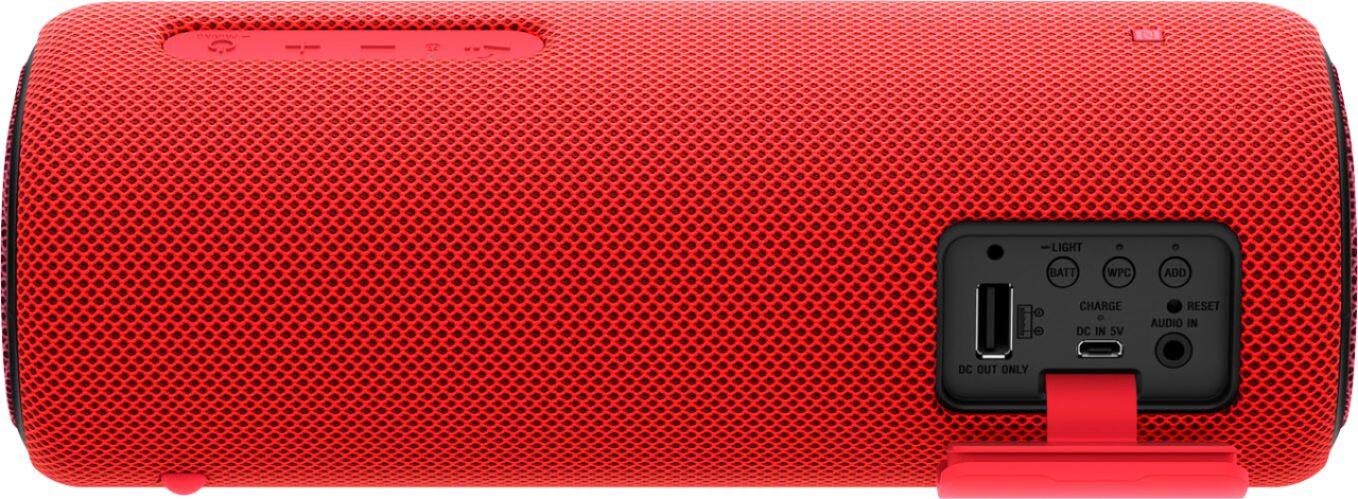
- A:Answer No, the USB port is only for output, such as charging a mobile device or whatever you may want to charge through usb. It only will play music through aux or Bluetooth.
Answered by Wheathead
Q: QuestionCan it be connected with my Google smart speaker to play Pandora stations?
Asked by Craiger.
This question was asked about the related product: Sony - SRS-XB31 Portable Bluetooth Speaker - Black
- A:Answer It does not have the functionality for that. What you have to do for any “dumb” Bluetooth speaker is to go through the app. Then you can choose to play it externally through another speaker. Downside is, it is only for playback, you cannot use the microphone on it
Answered by Bobby
Q: QuestionTo charge the battery, what connector do we need to plug into the speaker to connect to the charger
Asked by jimmy.
- A:Answer Hi jimmy, it is supplied with a micro-USB cable for charging. You may refer to this link for more information: https://helpguide.sony.net/speaker/srs-xb31/v1/en/contents/TP0001602892.html?search=charging ~Ralph
Answered by SonyListens

Q: Questionusing usb to cord do i plug into computer? or an iphone ac adapter? It says 1.5 A but iphone adapter is 5v 8A
Asked by dunc.
This question was asked about the related product: Sony - SRS-XB31 Portable Bluetooth Speaker - Black
- A:Answer If you mean to charge the speaker, it won’t matter what the amp is for the adapter, the speaker with only charge so fast through micro usb. If your referring to the USB port on the speaker, it is only an output port meaning that you can plug in a cable to charge your phone or such from your speaker. Hope that helps.
Answered by Wheathead
Q: QuestionIs a remote control app for power on/off for the srs-xb31?
Asked by BigT.
This question was asked about the related product: Sony - SRS-XB31 Portable Bluetooth Speaker - White
- A:Answer Yes there is an app, you can get it from either the play store app if you use an android device, if using an apple device I don't know
Answered by Hernandez
Q: Questionwhat are the dimensions?
Asked by jack.
This question was asked about the related product: Sony - SRS-XB31 Portable Bluetooth Speaker - Black
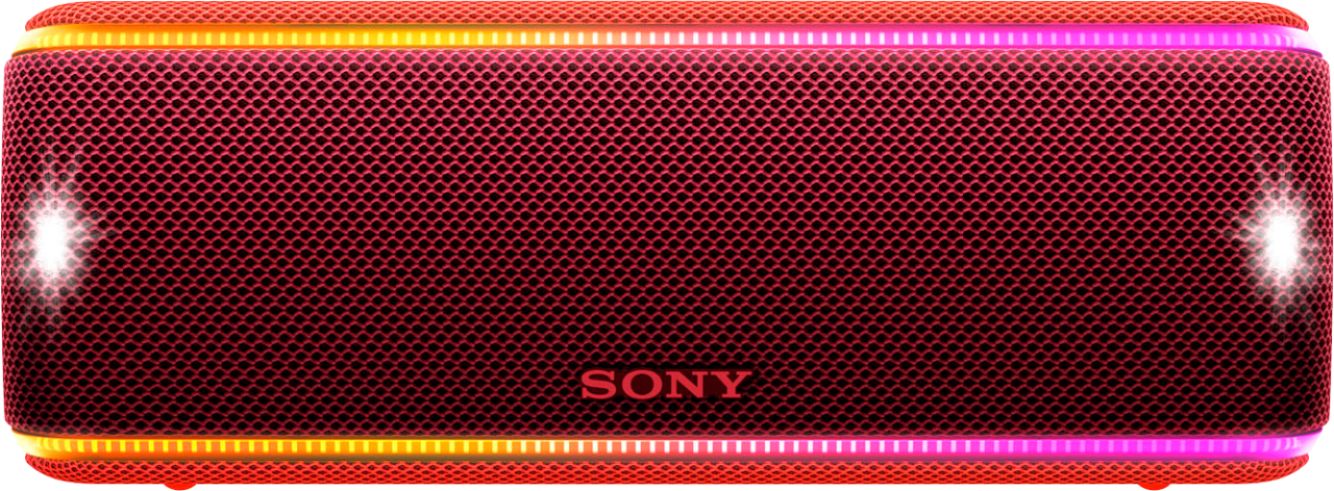
- A:Answer Hello jack, here are the approximated dimensions of the unit, it's 231 mm × 87 mm × 81 mm. For reference, please refer to the link below: https://www.sony.com/electronics/support/res/manuals/4734/ed61675070eff6e0a02e1fc3140ad783/47340391M.pdf Regards, _Bob
Answered by SonyListens

Q: QuestionIs it possible to turn off the light bars?? That flash along with the music??
Asked by Rich.
This question was asked about the related product: Sony - SRS-XB31 Portable Bluetooth Speaker - Black
- A:Answer Yes you have to download the Sony music center app, in the settings, illumination, lights off. That’s the only way to do it that I know of so far.
Answered by Wheathead
Most-viewed items
- $499.99$499.99The price was $779.99
- $139.00$139.00The price was $399.00
- $329.99$329.99The price was $469.99
- $159.99$159.99The price was $179.99
- $122.00$122.00The price was $129.99
- $1,149.00$1,149.00The price was $1,299.00
- $199.99$199.99The price was $349.99
- $115.99$115.99The price was $175.99