A:AnswerHi matt, Yes! You can pair two SRSXB41 speakers using the SPEAKER ADD function. And by using two speakers, you can switch between the double mode, where the same sound is played back on both speakers, and the stereo mode, where one speaker outputs the left channel sound and the other speaker outputs the right channel sound for stereo playback. Please refer to the link below for more information about these features:
Ref: https://helpguide.sony.net/speaker/srs-xb41/v1/en/contents/TP0001603950.html
Regards,
Sam
A:AnswerHi Pizza, I would not recommend placing the XB41 on top of your DVD Blu-Ray player if you are using it for an audio source for the player. The vibration from the XB41 speaker may cause the DVD to skip, or become distorted. Placing the XB41 somewhere more solid would be best. If you are limited on options, try some form of insulation between the speaker and DVD Blu-Ray player(foam, cardboard, etc.), just make sure you're not blocking the cooling vents on your DVD Blu-Ray player. If you're looking for someplace to keep the speaker while not in use then it should be fine, again just don't block cooling vents on your player. Thanks for your interest in Sony. ~Earl
A:AnswerHello, this unit does not have a remote control. However, you may control the content, lighting, DJ effects, and even change Bass, Mids, and Highs right in the Sony Music Center App. You can find even more settings for bringing your party to life in the Fiestable app. Thank you for your question. ~Earl
A:AnswerHi Juniorg1g1,
Yes, it is compatible with these models:
SRS-XB21, SRS-XB31, SRS-XB41, SRS-XB20, SRS-XB30, SRS-XB40, GTK-XB60, GTK-XB90
Regards,
isaiah
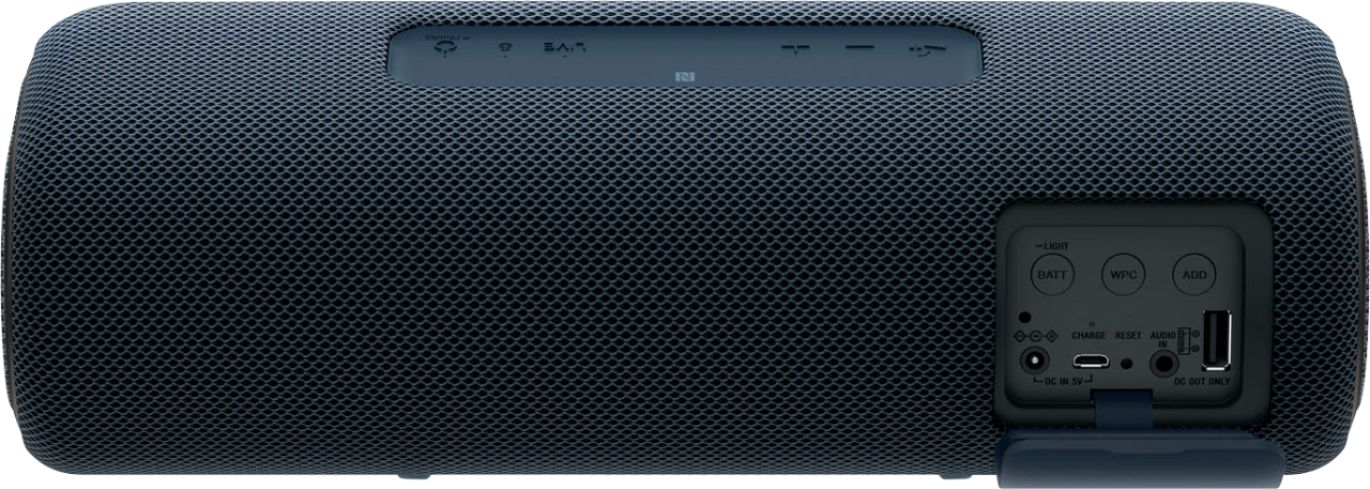
A:AnswerHi Timtom, thank you for your question. Unfortunately. you cannot connect a subwoofer to this unit. SRSXB41 only has AUDIO IN jack for connecting portable audio devices. Subwoofers connect to the SUB OUT or LFE output of a receiver/amplifier. ~Earl
A:AnswerYou can use any device with this speaker. My son used it with his phone, I used it to our TV to hear better etc. I can't remember the charge part but it charged via wall I know
A:AnswerHi, Le, Yes. The Sony SRS-XB41 portable speaker supports Wireless Party Chain function. Unfortunately, it does not support the model SRS-XB12: https://helpguide.sony.net/speaker/srs-xb41/v1/en/contents/TP0001604378.html. -Vincent
A:AnswerIt is waterproof. I would no be comfortable submerging it in water. I have sprayed mine down with a hose with no issues. I use mine on a side by side utv, get them muddy and clean them off. I use 2 as a party chain. They work great.
A:AnswerHi Don,
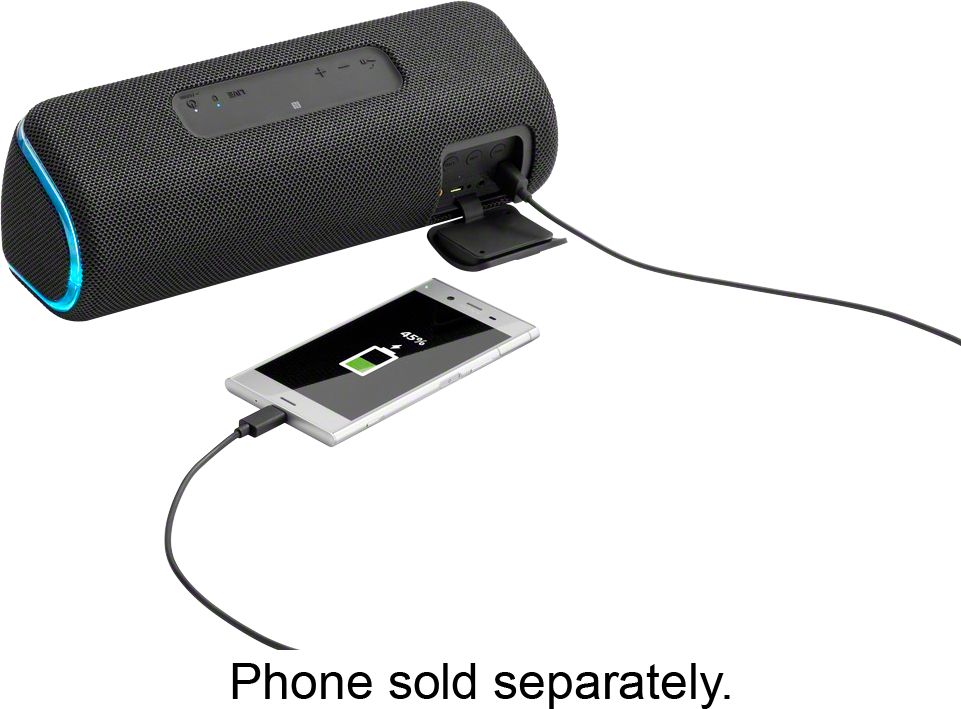
USB connection is for charging purposes only. If you want to play audio, you have to use Bluetooth connection or wired connection (3.5mm headphone cable).
Regards,
David
A:AnswerHi MIssyK, Make sure that the CHARGE indicator lights up in orange while charging. Charging is completed in about 5 hours and the indicator should turn off when fully charged. Please follow the additional guidelines and steps on this link to resolve the issue: https://helpguide.sony.net/speaker/srs-xb41/v1/en/contents/TP0001599391.html
If you are unable to resolve your concern, please email us at socialsupport@am.sony.com with the following details:
Name:
Bestbuy Username:
Model Number:
Issue:
Telephone Number:
Sincerely,
Sam