A:AnswerHello shoan,
Thanks for your interest in Sony's SRS-RA3000 Premium Wireless Speaker with Ambient Room-filling Sound!
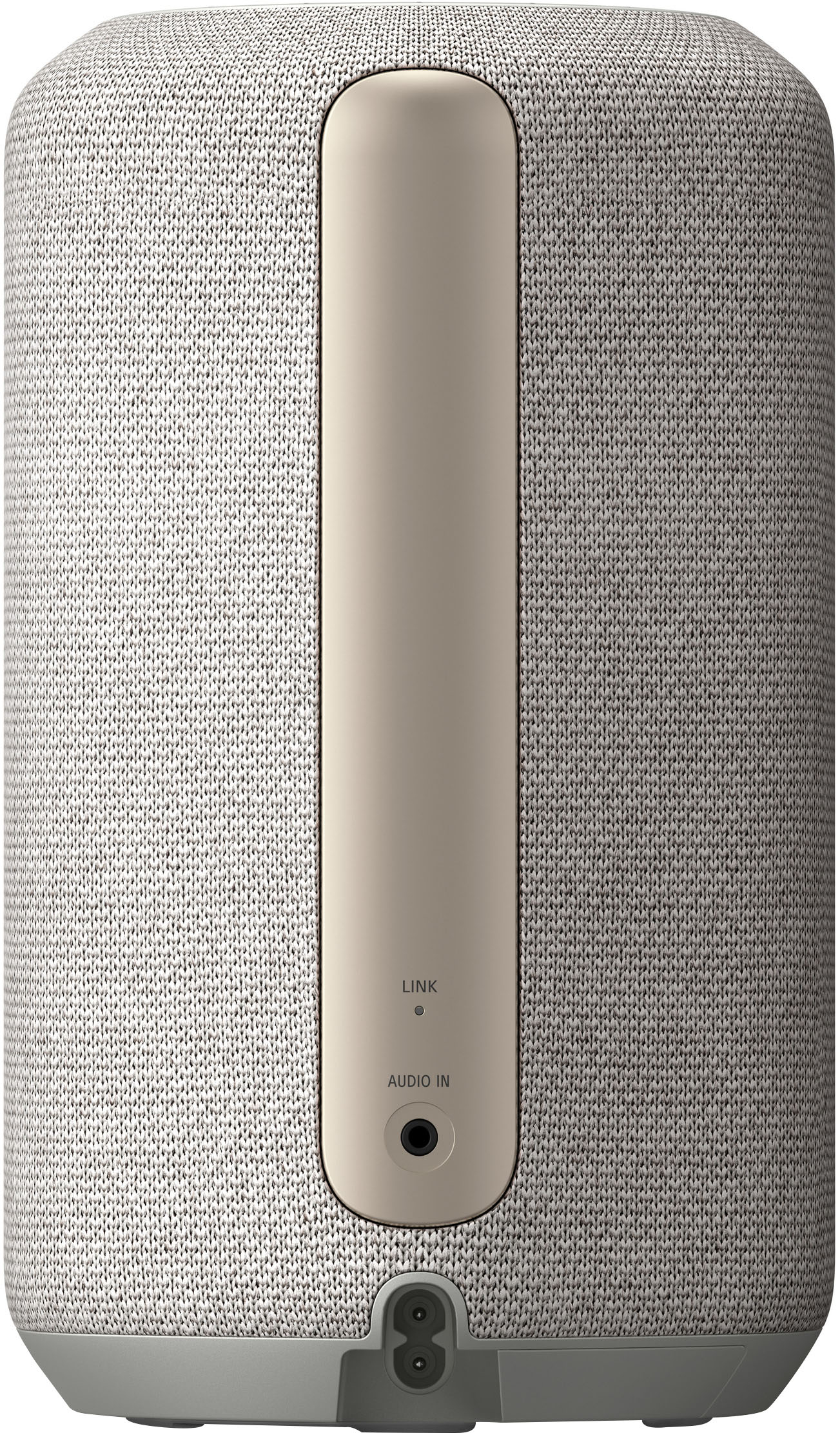
Unfortunately, the SRS-RA3000 Premium Wireless Speaker with Ambient Room-filling Sound doesn't have a built-in battery to charge. The SRS-RA3000 purchased in the US/CA uses a two-prong AC Power Cord (that connects to a power outlet) with a power requirement of 120 V AC, 60 Hz to operate. And with the use of a power converter, 220V could be used.
I hope you find this information to be helpful!
Best regards,
Romeo
A:AnswerHi MacOwner, Unfortunately, this speaker does not support Airplay. It connects via bluetooth and wi-fi to play music. And, it is only capable of listening to music via Wifi connection using Amazon music, Tidal, Spotify, and other streaming services that provide 360 Reality Audio compatible music. For more information on how to setup the speaker to compatible streaming music apps, please refer to the link/s below:
https://helpguide.sony.net/ha/srsra3000/v1/en/contents/TP1000521777.html
https://helpguide.sony.net/ha/srsra3000/v1/en/contents/TP1000521778.html
https://helpguide.sony.net/ha/srsra3000/v1/en/contents/TP0002936063.html
https://helpguide.sony.net/ha/srsra3000/v1/en/contents/TP0002936061.html
Hope this helps!
For further assistance, please contact our product support team via phone call or chat through this link: https://us.esupport.sony.com/support/s/service?language=en_US.
Regards,
Sam
A:AnswerHello CP,
Thank you so much for your inquiry.
We are sorry, but the SRS-RA3000 Premium Wireless Speaker with Ambient Room-filling Sound doesn't support LDAC. It only supports the SBC (Subband Codec) and AAC (Advanced Audio Coding) Bluetooth audio codec.
Additional information:
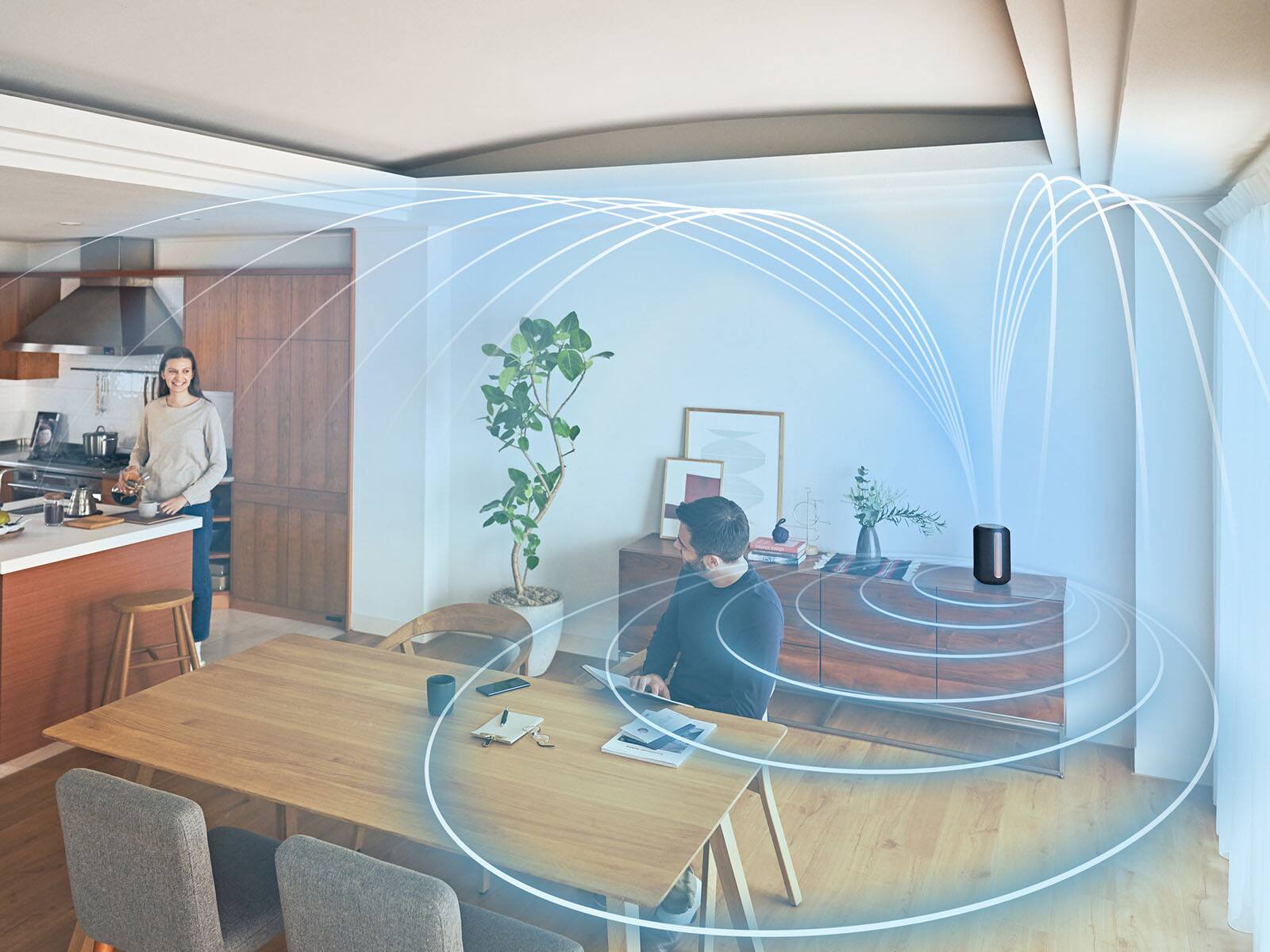
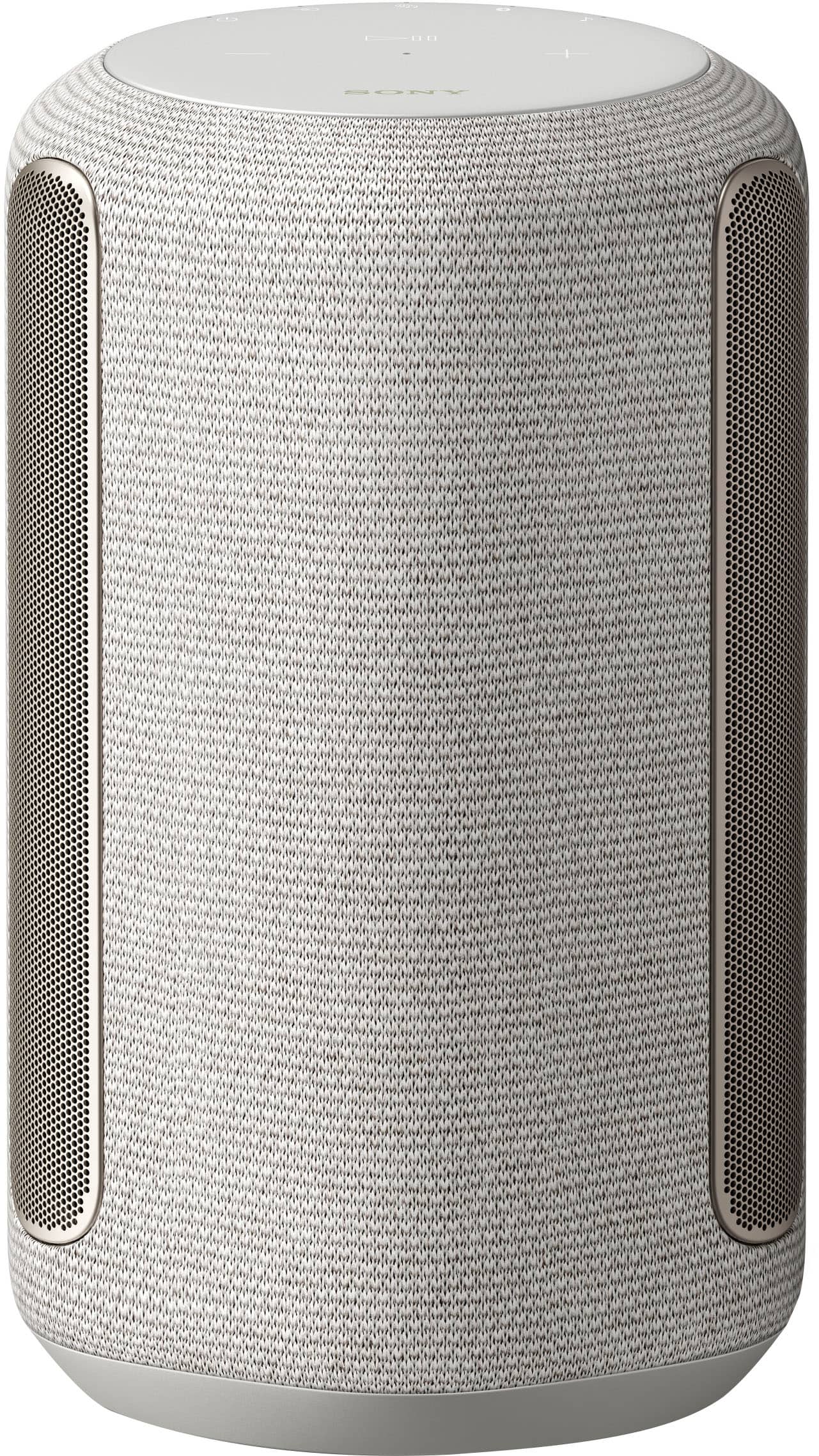
The SRS-RA3000 Wi-fi enabled wireless speaker delivers Sony’s new 360 Reality Audio technology into your home for a whole new level of immersion like never before. The ability to work with the Google Assistant and Alexa allows you to easily stream music from your favorite streaming services. It also features Auto Sound Calibration- No matter where you set up your RA3000, just turn it on, play music, and it automatically calibrates for optimum audio performance using an internal microphone and unique Sony algorithm. There’s no manual measurement or annoying test tone—just perfectly positioned ambient room-filling sound.
To know more about the specifications and features of our SRS-RA3000, check out the following link:
https://www.sony.com/electronics/wireless-speakers/srs-ra3000
I hope this helps!
Best regards,
Romeo
A:AnswerHi there, Thank you for your inquiry! Here is the information regarding the wattage of the SRSRA3000.
General
Power requirements
120 V AC, 60 Hz
Power consumption
On: 20 W
Standby mode: 0.5 W or less (Power Saving mode)
(When BLUETOOTH/Network standby mode are
set to off)
Standby mode: 2 W or less
(When BLUETOOTH/Network standby mode are
set to on)
Regards,
Carl
A:AnswerHi dourip, Thank you for your inquiry! Although you can pair the SRSRA3000 using Bluetooth A2DP to Sony TVs, unfortunately, the SRSRA3000 does not support Bravia Sync which requires HDMI connection.
I hope this helps.
Regards,
Carl
A:AnswerHi Cheesehead,
Thank you for your inquiry. You cannot use the RA3000 as part of the Atmos surround sound system for home theater if this is what you are trying to achieve. The soundbar is capable of being a Bluetooth transmitter and receiver. When in transmit mode, you can play the audio to BT devices like BT headphones and BT speakers. So yes, you can send the BT audio from the A7000 to the RA3000 but it would be for that specific device only.
Should you have additional questions, contact us at [email protected].
I hope this helps.
Regards,
Carl
A:AnswerHello there, Thank you for your interest in the Sony SRSRA3000! Unfortunately, it doesn't have an option to be connected to a Sony receiver as a rear speaker. I would suggest checking out the Sony SSCSE, SSCS5, or SSCS3 speakers for your Sony receiver. Hope this helps!
The SRS-RA3000 Wi-fi enabled wireless speaker delivers Sony’s new 360 Reality Audio technology into your home for a whole new level of immersion like never before. The ability to work with the Google Assistant and Alexa allows you to easily stream music from your favorite streaming services. -Sam
A:AnswerHi Chirocasey, Thank you so much for your inquiry! Yes, you can! The SRSRA3000 can be connected using Bluetooth or using an Analog audio cable (not supplied).
To pair the SRSRA3000 wireless to your computer, please check on this link: https://helpguide.sony.net/ha/srsra3000/v1/en/contents/TP0002936066.html
To connect the SRSRA3000 to your computer using Analog Audio Cable, please check on this link: https://helpguide.sony.net/ha/srsra3000/v1/en/contents/TP0002936072.html
I hope this helps!
Regards,
Carl
A:AnswerHi Abc123, thank you for your question. This unit is humidity resistant. However, it is not waterproof. The humidity resistant performance of the product is based on our measurements under a certain temperature/humidity level. (35 °C/35% - 95%). Do not use the product in a location where close to a bathtub, kitchen sink, laundry tub, swimming pool, etc. Hope this helps. ~Earl
A:AnswerHi there,
Thank you so much for your question.
Absolutely, yes! You can connect multiple RA3000 to a speaker group in the Google Home app. You’ll then be able to play different songs in different rooms, or the same music throughout your house, using the app or via your Assistant speaker.
Additional information:
The SRS-RA3000 Wi-fi enabled wireless speaker delivers Sony’s new 360 Reality Audio technology into your home for a whole new level of immersion like never before. The ability to work with the Google Assistant and Alexa allows you to easily stream music from your favorite streaming services.
I hope you find this information to be helpful!
Best regards,
Romeo