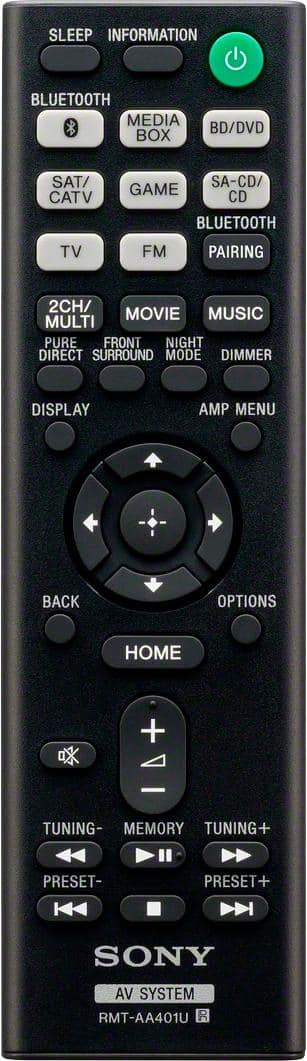
A:AnswerHi NeedtoKnow, Yes it does. You may refer to this link for more information:
https://helpguide.sony.net/ha/strdh59/v1/en/contents/TP0001553397.html?search=sleep
~Ralph
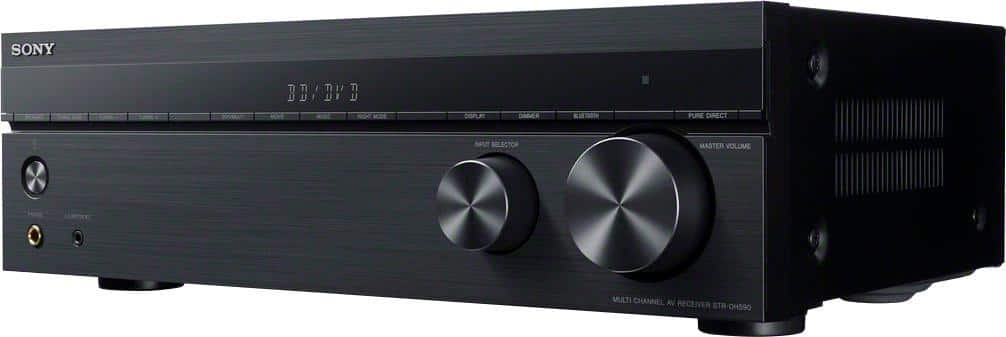
A:AnswerYes this has a stereo mode for 2 front speakers. Also front speakers digital surround sound mode. You can also plug a subwoofer in if your speakers aren't bassy enough. I have large tower speakers so I don't need a woofer. I use stereo mode for music and digital front surround for movies and gaming. The reciever has technology so you don't have to deal with the clutter of rear speakers for surround sound.
A:AnswerHi Adman, You may connect headphones through the phones jack. You may refer to pages 8-9 of this link for more information:
https://www.sony.com/electronics/support/res/manuals/4726/55cd375e0f9e7103f2b6baa747ed9072/47269061M.pdf
~Ralph
A:AnswerHi MARCUS,
Bass sound will only be heard if the content that you're listening to has bass throughout the song. ANd to enhance the bass a little bit more, then we would suggest for you to toggle through the soundfield option under sound effects on the home menu and see which one would suit you the best. Thanks!
Regards, Sam
A:AnswerHi Justin,
Yes, your record player will work seamlessly with the Sony Receiver STRDH590, your record player has a built-in phono preamp, Simply plug the turntable's audio signal cable into one of the receiver's analog audio inputs. Kindly refer to this link for the hookup guide.
https://docs.sony.com/release//Manual_4726906111.pdf Regards, Sam
A:AnswerI don't know about the connections. There is a "Help Guide" on Sony website--in addition to the operation manual. It is more detailed. Check there. As far as treble/bass adjustment, I know it can be done because I did it. It's just that there are so many options via the amp menu and it's somewhat confusing how to access them all. I utilized the Help Guide and did a little internet searching.
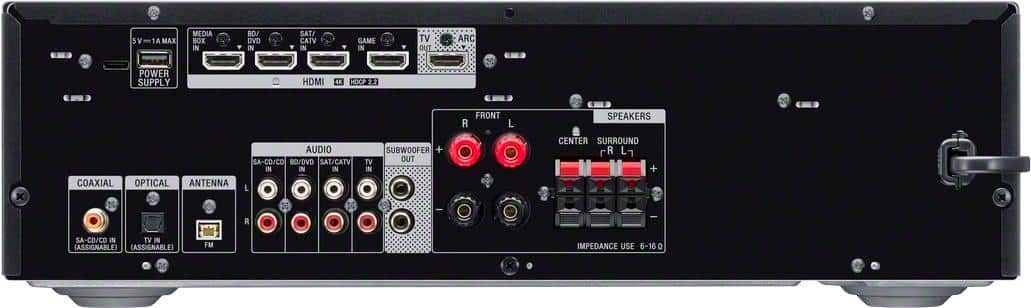
A:AnswerHi Russcat, you may consider checking the required speaker impedance of this receiver which is 6 ohms – 16 ohms. If your current surround speaker has the same impedance, then we can use it. For more details, please check the specification below.
https://docs.sony.com/release//Manual_4726906111.pdf
Regards,
Erin
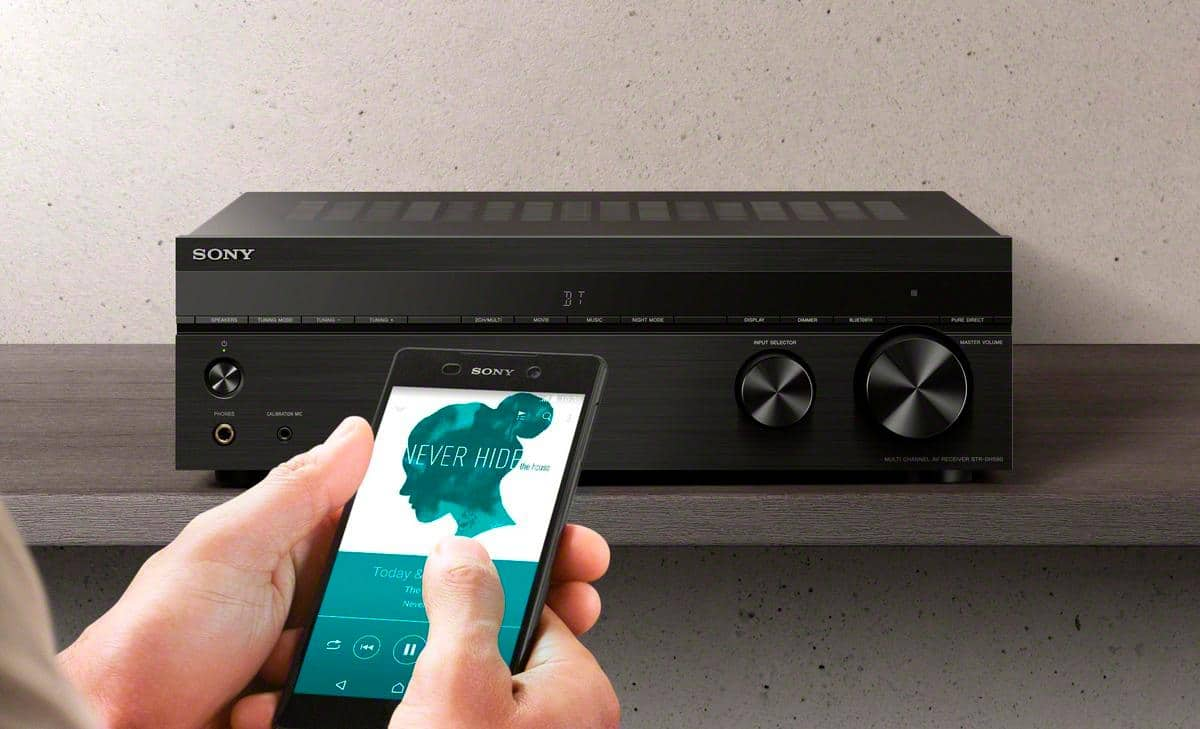
A:AnswerI don't think it has a dual audio software on this one, the bluetooth is basically for like streaming music from you phone or if your TV has bluetooth you can connect it too.
A:AnswerI would use Bluetooth to connect your iPad to the receiver. Power up the receiver and iPad enable Bluetooth on both and the receiver and iPad should recognize each other. Tapping the receiver selection on the iPad will complete the connection and you are ready to play music via the receiver and the connected speakers.
A:AnswerErin answered the question incorrectly. This receiver DOES NOT support Airplay. She listed the product manual for the other Sony receiver I was asking about, and now I need to return my product and try to find a new one.
A:AnswerThis receiver has 4 HDMI inputs and 1 HDMI output. You can also use the optical input connection if your TV has an optical out connection if you connect the HDMI connections directly to your TV. I only have 2 speakers connected right now and it has a "front speakers only" surround sound function to simulate the surround speakers.
The speaker connections use the standard speaker wires that you can connect with either stripped wire ends or banana plugs. The subwoofer uses the standard subwoofer cable with the RCA plugs.