A:AnswerI doubt it. We get Netflix, Hulu and YouTube. There are no other mainstream options, and no way to download them either. The streaming is limited, but the sound and picture quality are amazing. p.s. upgrade your HDMI cables while you are at it. It's worth the extra $25.

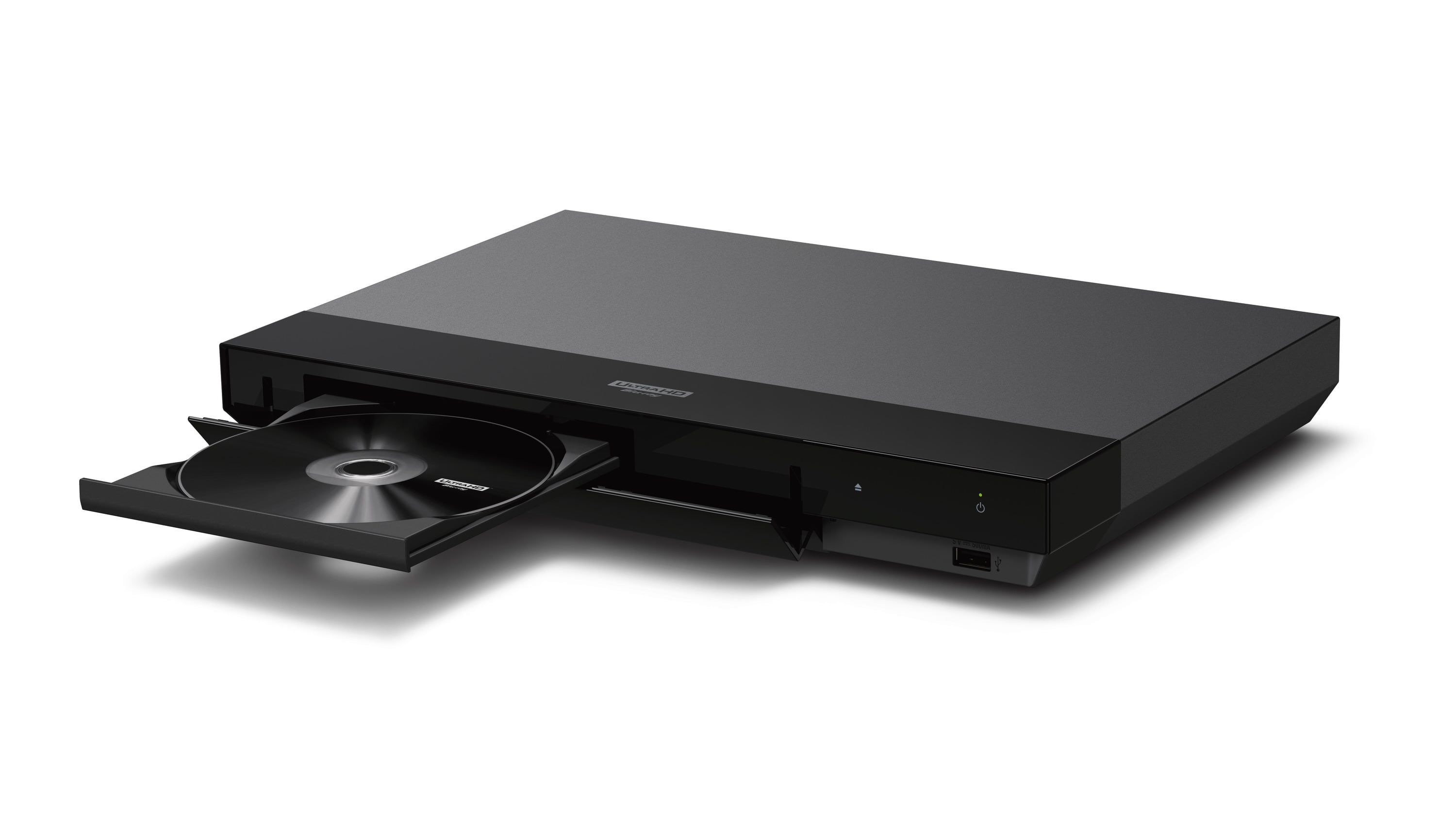
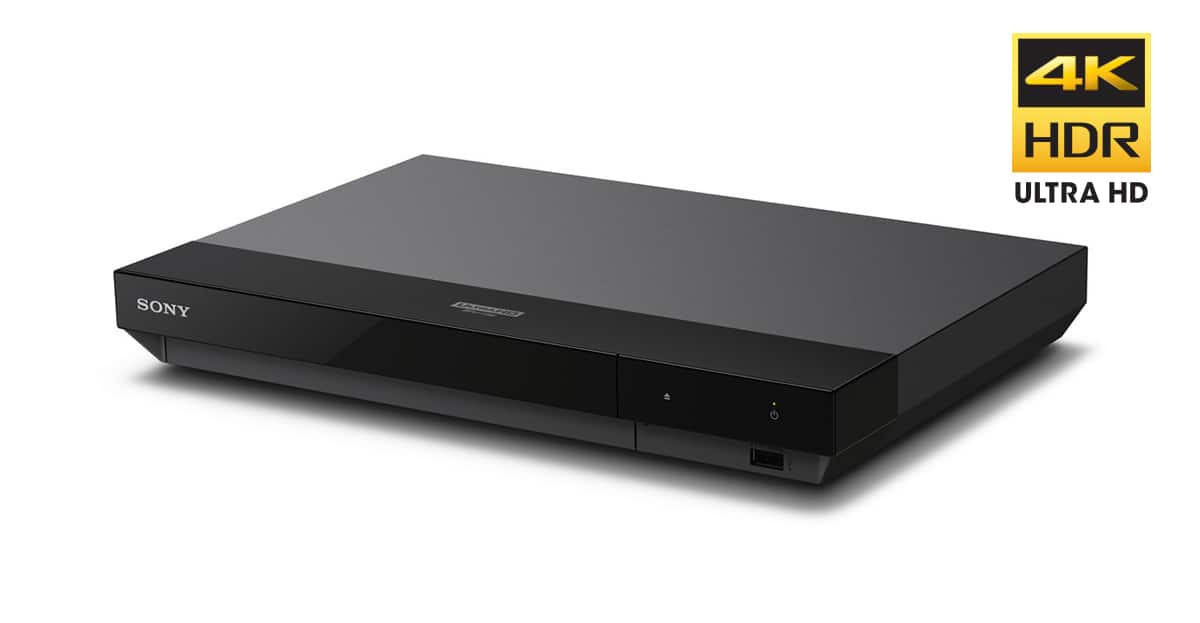
A:AnswerIf you have not done so, first I recommend you visit Sony.com and download the owner's manual and operating instruction for your blu-ray model UBP-700. this model supports two HDMI outputs and one coaxial digital output. I would recommend you use the digital coaxial first as the primary AUDIO OUTPUT TO YOUR SOUNDBAR, if your soundbar supports a coaxial input. Regarding the HDMI use the blu-ray player OUTPUT 1 for connection to your tv only. Then connect HDMI OUTPUT 2 (audio only) to you soundbar. THIS IS IMPORTANT as HDMI OUTPUT 1 supports both video and audio. OUTPUT 2 ONLY SUPPORT AUDIO. For best results use a better HDMI and/or COAXIAL CABLE that support 4K or better signal path. Please READ and FOLLOW the documentation provided by the manufacturer. Good luck!
A:AnswerEasy, use the ZOOM IN feature on your TV to fill in the screen with a picture completely. Please READ both your Blu-ray and your Television owners guide for best results.
A:AnswerThis DVD player does not have hdmi inputs. It has 2 hdmi outputs. Hopefully you have a tv with multiple hdmi inputs. Put your Roku in an input and select that input on your tv. You also need access to a wireless network. Roku will guide you through connecting and signing up.
A:AnswerIt was on sale a month ago for $160. After the sale it went back to the normal price of $180. All of a sudden it jumped to $250 everywhere. I was just curious as I did get mine a month ago for $160.
A:AnswerI am having the exact same problem with this same unit. Very frustrating too and not typical of Sony products. If anyone has any good answers, am all ears. Thanks.