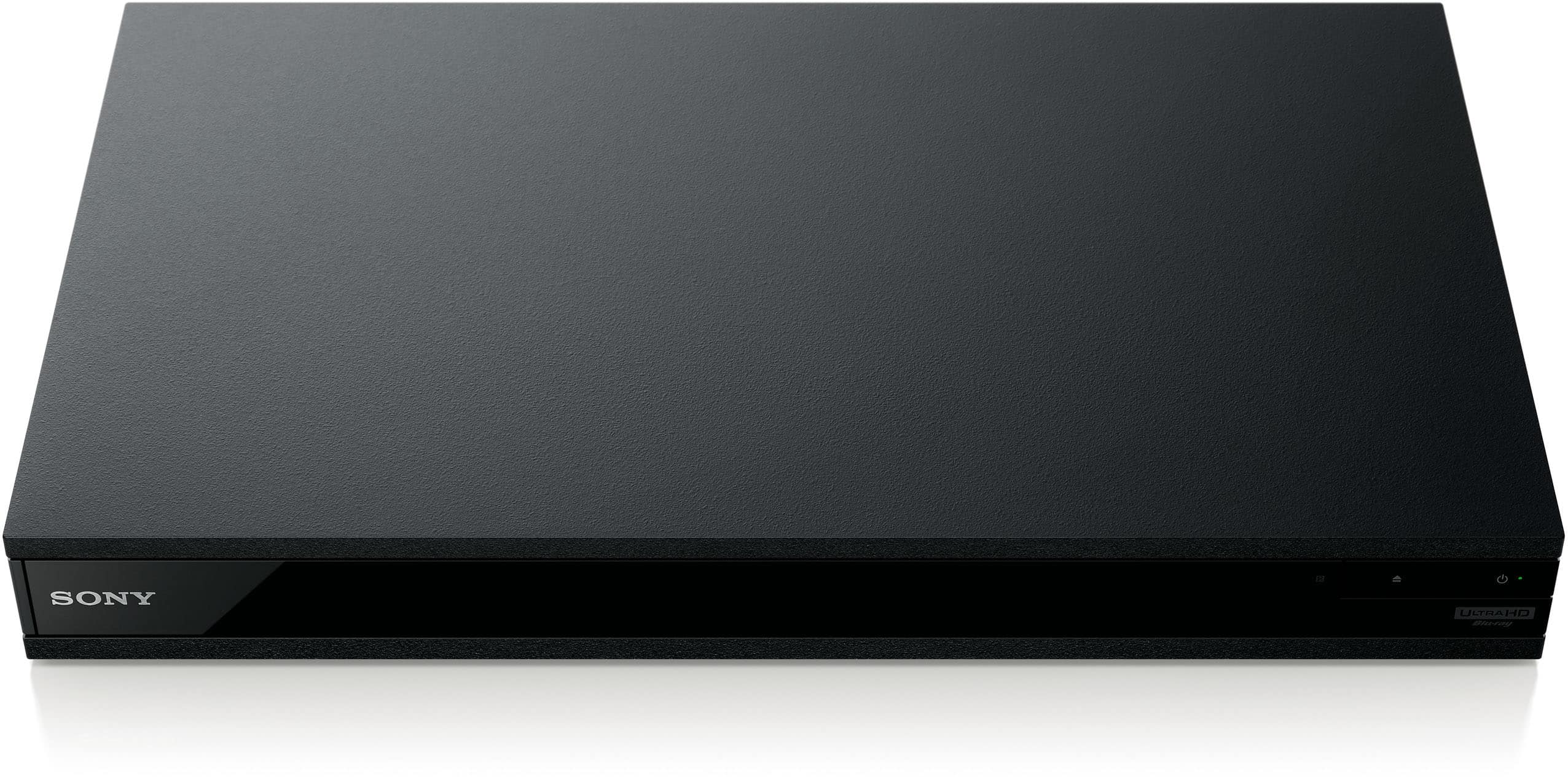
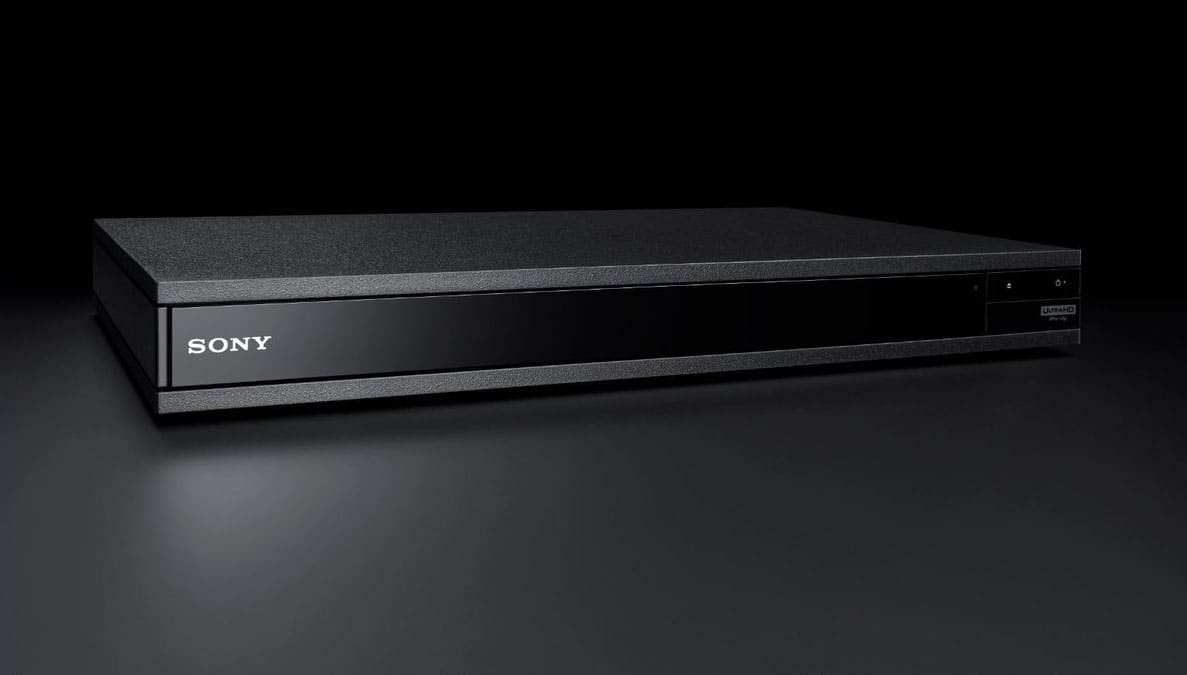
A:AnswerNo, it does not. It has: HDMI Out (video/Audio): HDMI Out (Audio only): Digital Out (Coaxial) jack.
On this 4K Sony player a Blu-ray Disc looked better than it did with my previous Blu-ray player. However, we think our DVD’s look better on the old Blu-ray player. Perhaps because there isn’t enough original material on a DVD to result in an improved picture.
I tried to connect the Sony 4K Blu-Ray player to my non-4K receiver with HDMI. The video signal would not pass through to my 4K television.
I tried connecting the Blu-ray directly to the television with HDMI. I used HDMI audio to connect to my receiver. However, the audio and visual was slightly out of sync. The words and lips did not match precisely.
I replaced my older receiver with a 4K receiver. The Sony 4K Blu-ray audio visual signal with a HDMI to the receiver, then an HDMI to the television gives me perfectly synced picture and sound. I subsequently upgraded my HDMI cables to 4K/8K cables and saw a discernible improvement in color and picture quality.

A:AnswerPlay other 4K disks to verify if a bad DVD is the culprit. Check player specifications on what Audio formats the player support,
Some players don't support certain audio formats.
The Sony UBPX800 M2 support most of the audio formats in the USA market. Check your player and or audio system settings.
I know foreign made/produced don't always work in players used in the US. They have distinct formats of video and audio. Sometimes DVDs cases have info on their formats.
A:AnswerSadly it appears to be IR and need of line of sight. My entertainment center has glass doors and I have issues from certain angles. Also when I covered the door with a box accidentally it ceased to respond to remote control input. There may be a way that it can communicate through a television with HDMI-CEC but I haven’t figured it out yet.
A:AnswerI don't care about such features. You should check the freely downloadable owner's manual if you have questions about the unit's modes of operation.
tldr: RTFM.
A:AnswerI believe that you can hook them up to your dvd player, look at the instructions that comes with that particular dvd player and see the specs for connecting certain Bluetooth devices