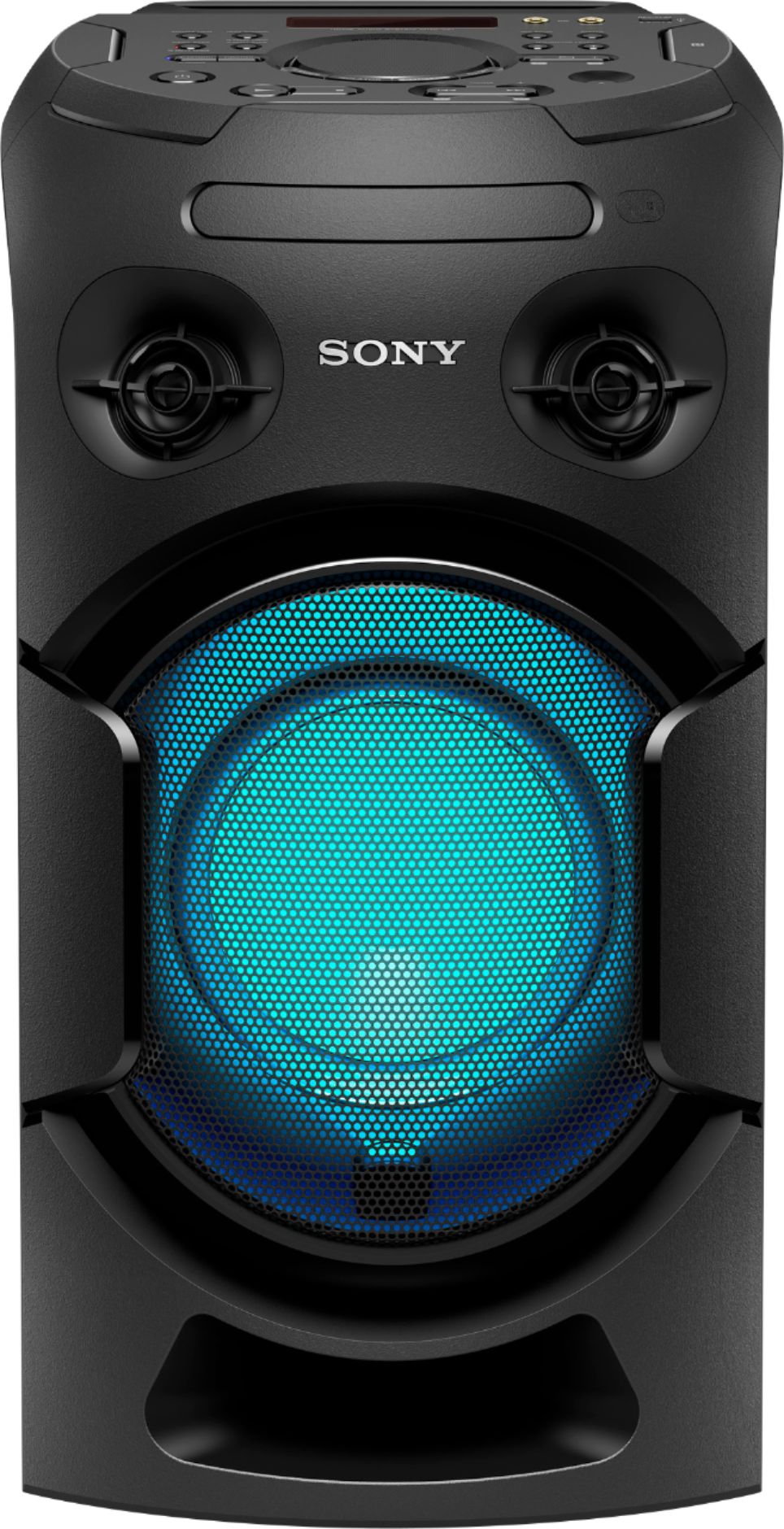
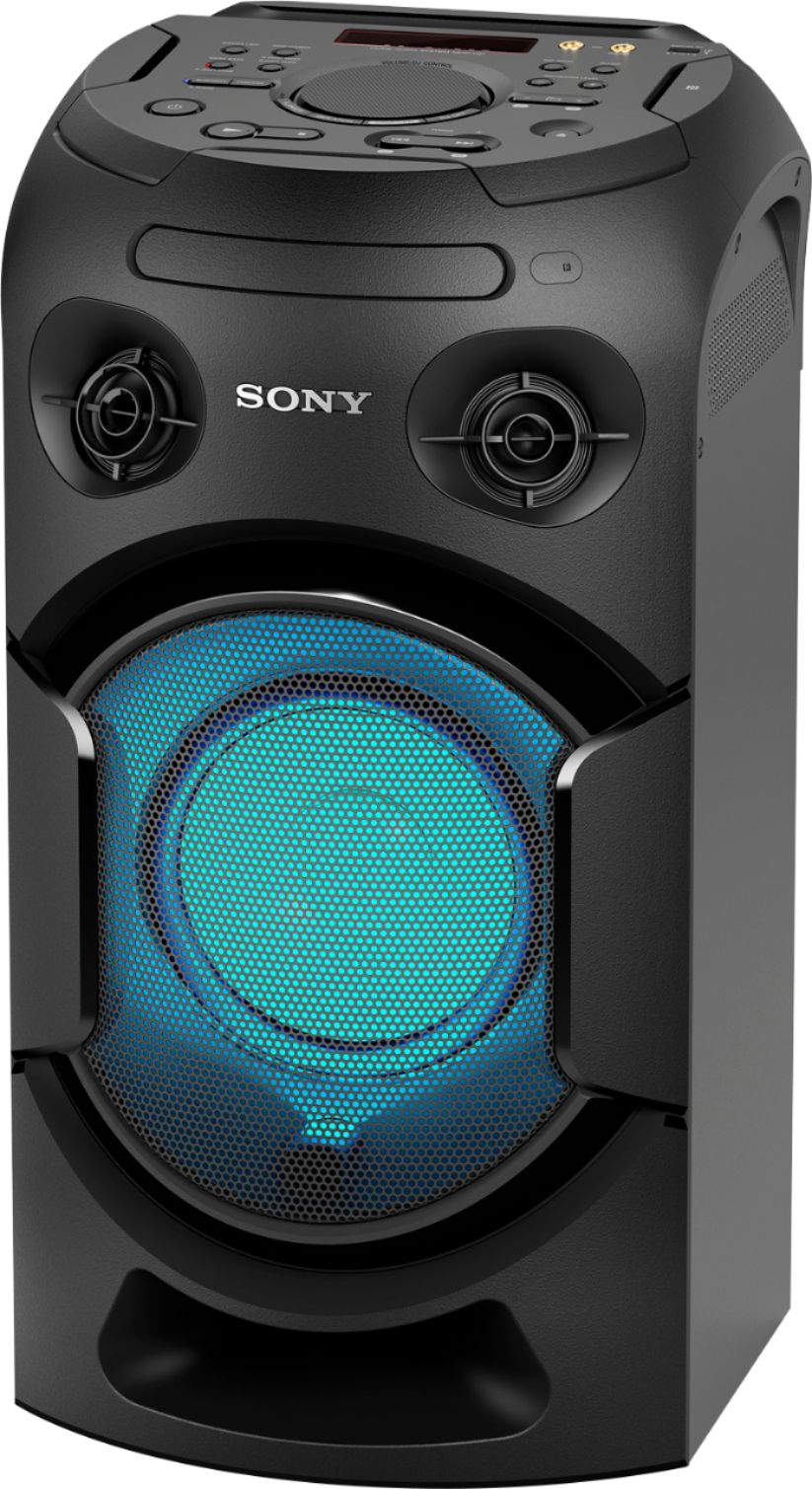
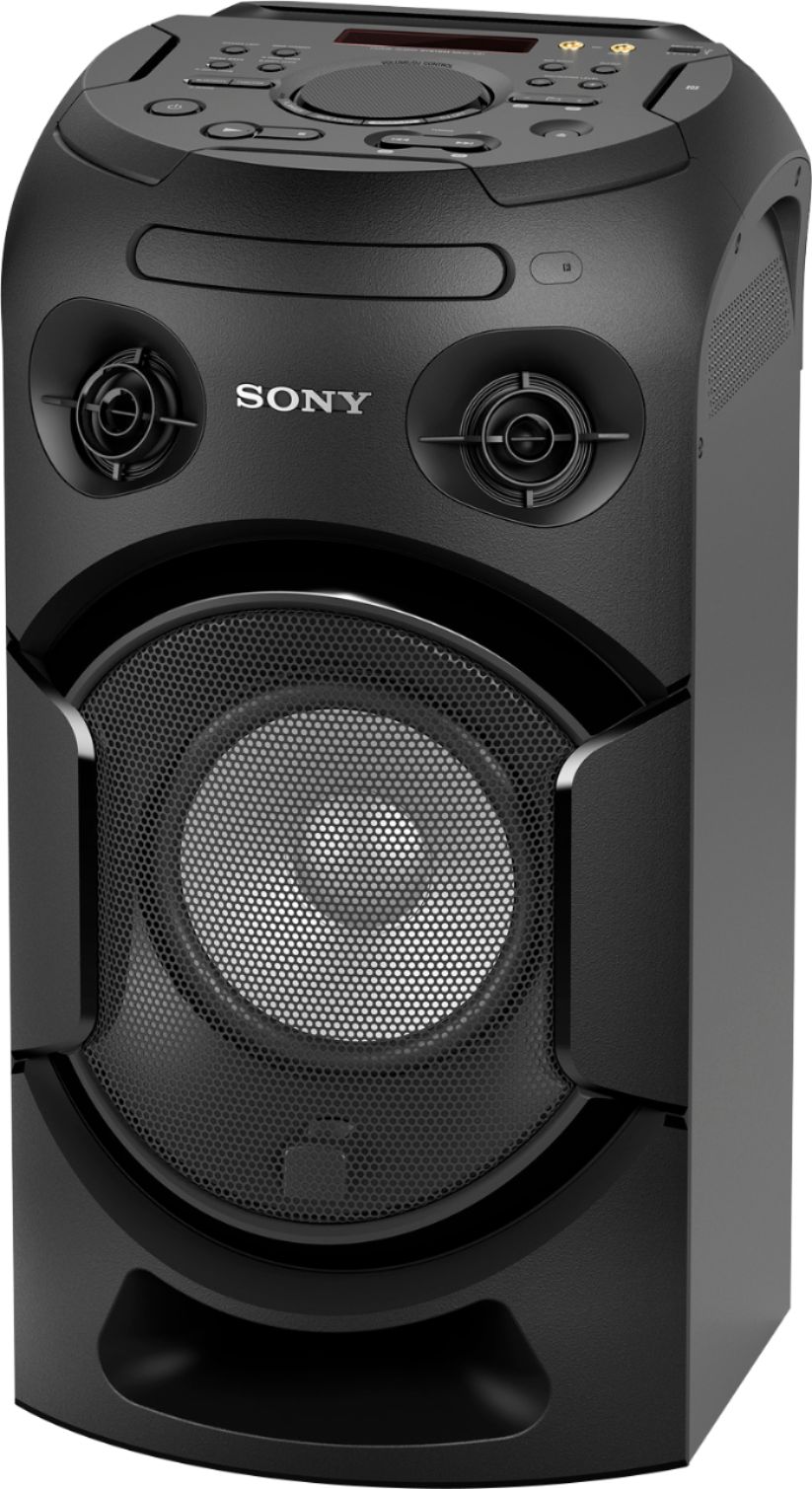
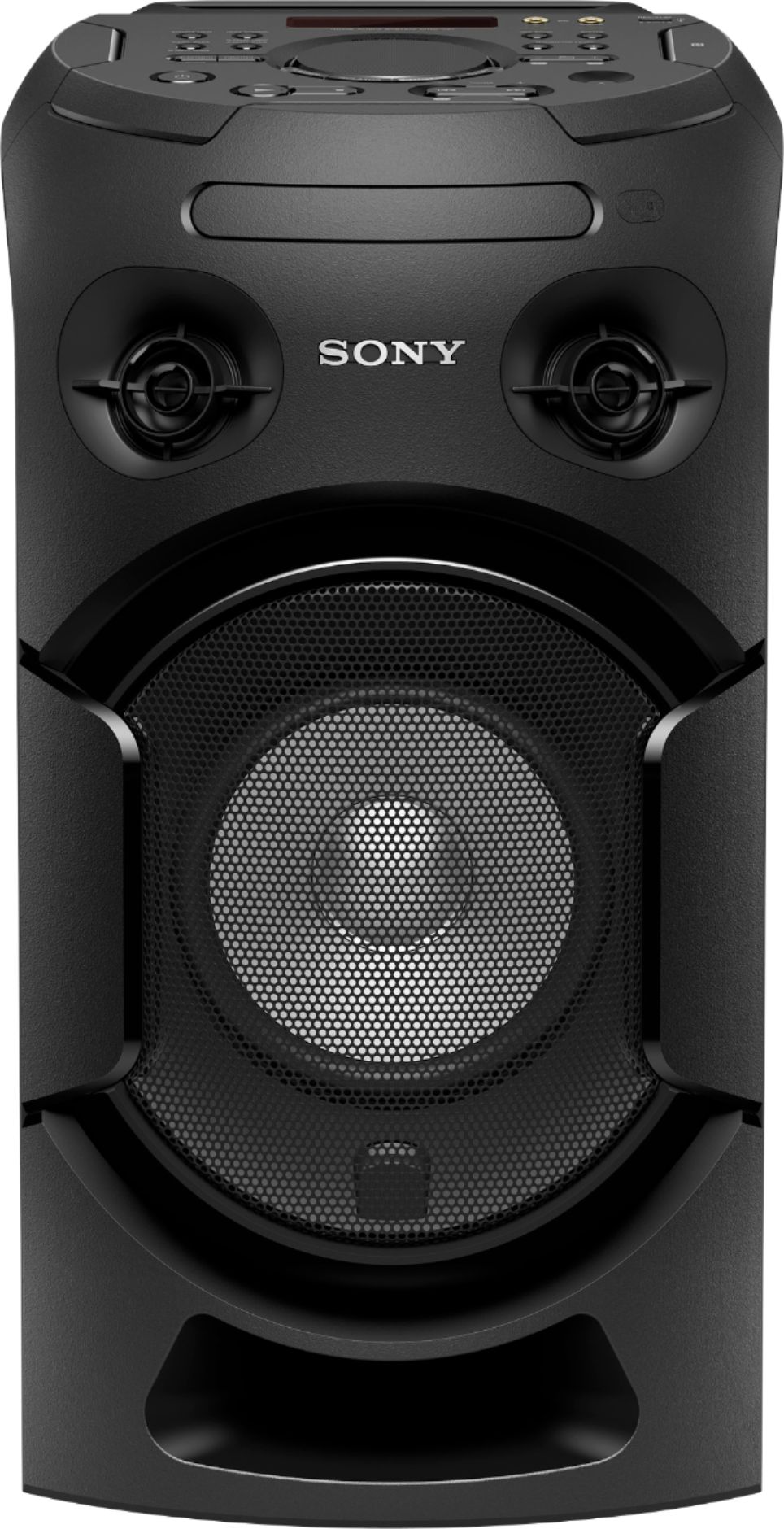
A:Answer Hi Lackey, Thanks for your inquiry! To pair the MHCV21 to your phone, please follow the steps below:
-Place the BLUETOOTH devicewithin 1 meter (3.3 feet) from the unit.
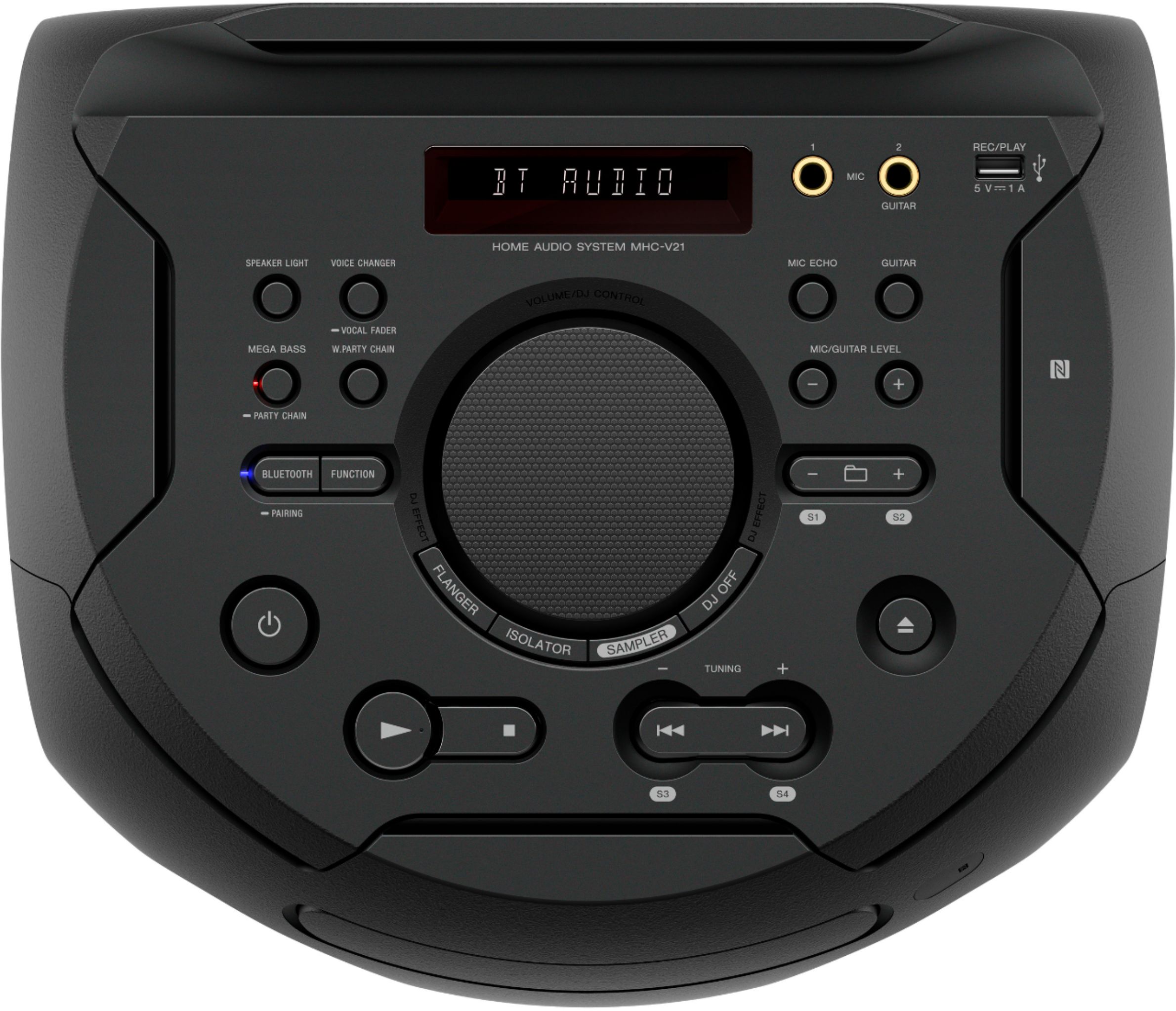
-Press FUNCTION repeatedly to select the BLUETOOTH function. “BLUETOOTH” appears on the display.
-Hold down PAIRING on the unit for 2 seconds or more. “PAIRING” flashes on the display.
-Turn on the BLUETOOTH function on the BLUETOOTH device (e.g smartphone) and perform the pairing procedure
-Select “MHC-V21” on the display of the BLUETOOTH device.
-Establish connection with the BLUETOOTH device.
For more detailed information, please refer to this link:
https://www.sony.com/electronics/support/res/manuals/4736/81c840d6b8e3c09cbf28aaa8ae40784d/47366071M.pdf ( page 25)
Regards,
Sam