A:Answer Hi Aly,
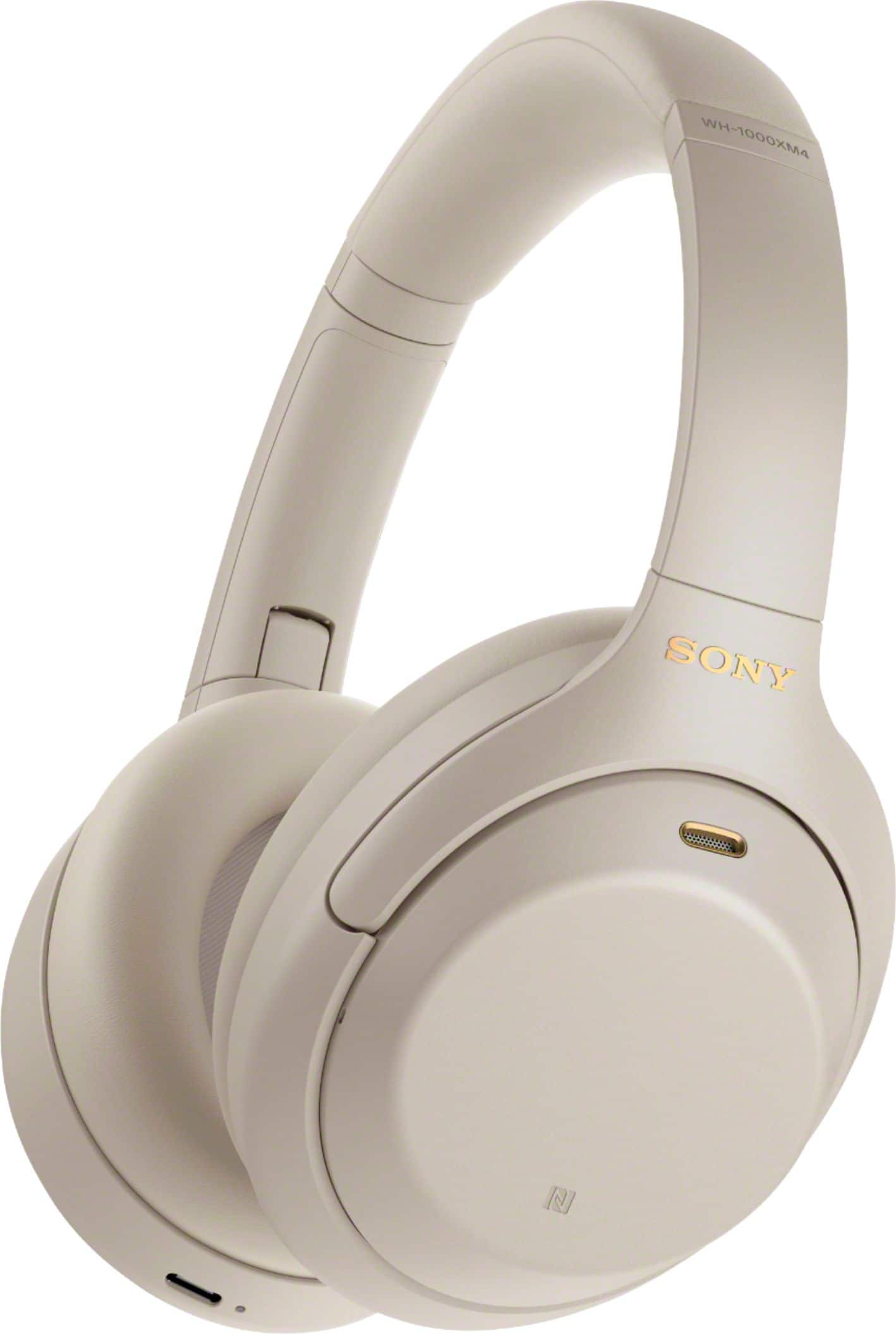
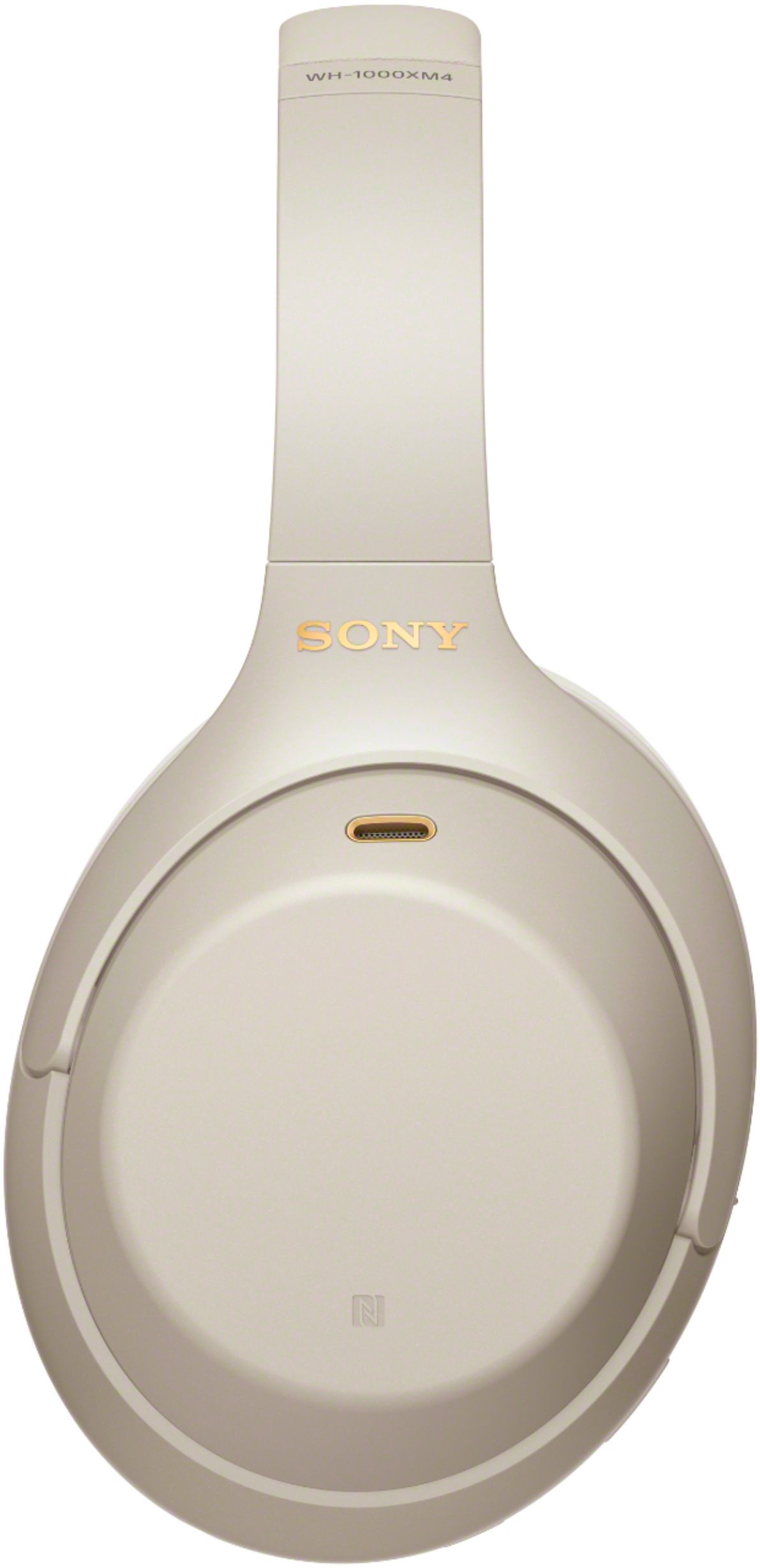
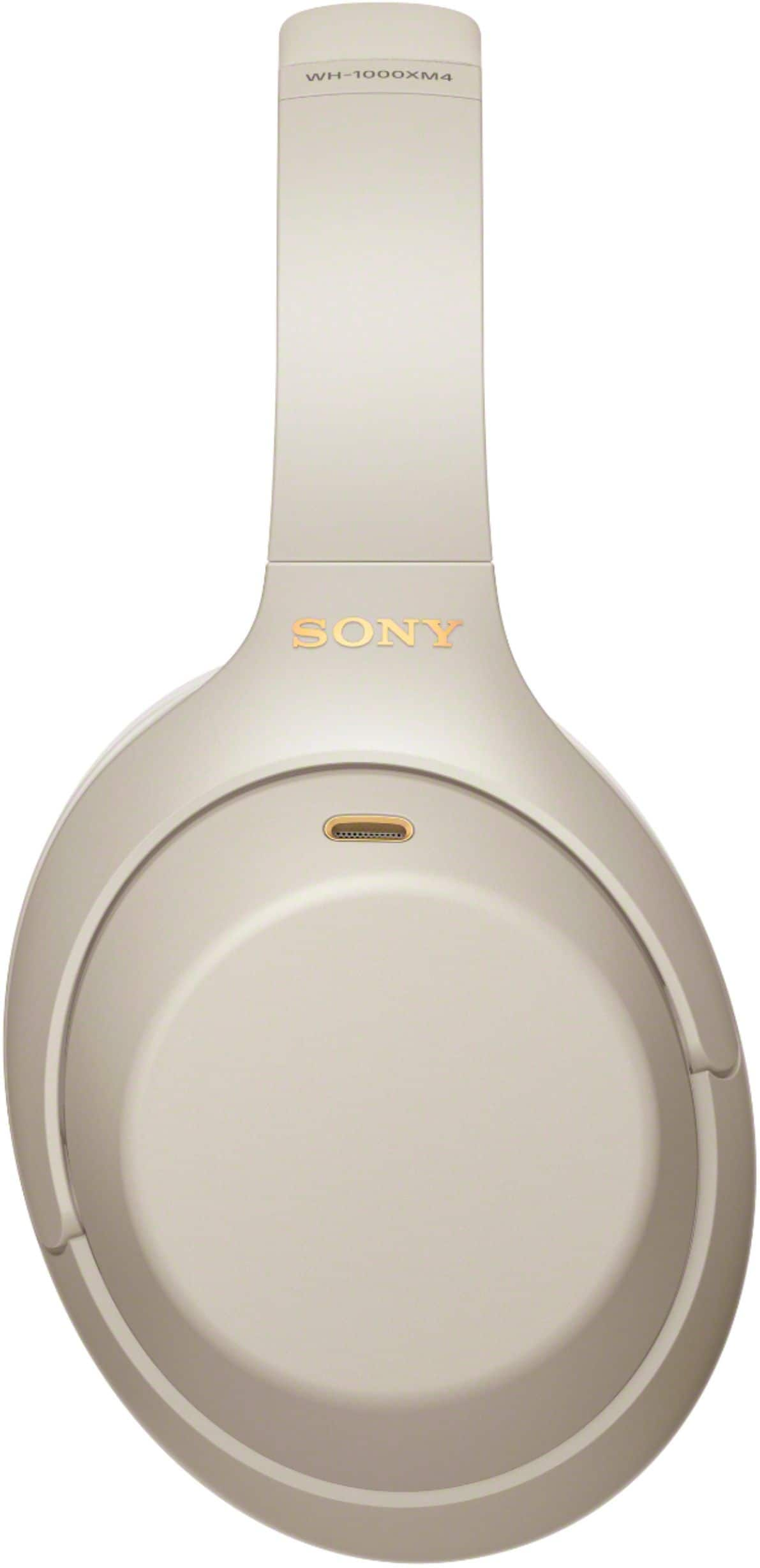
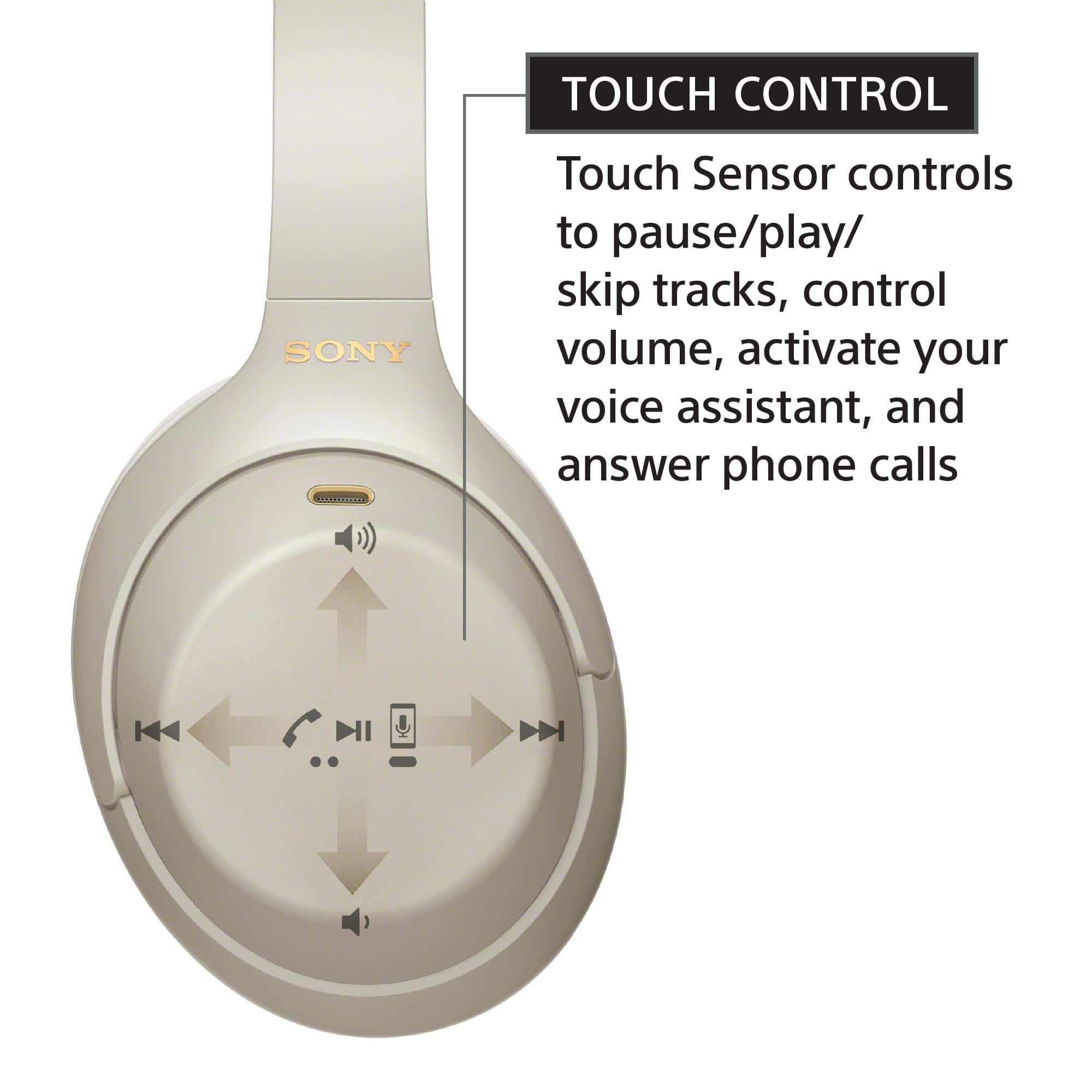
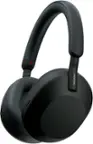
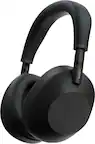
Thank you for the inquiry! You can adjust the volume using the touch sensor control panel of the headset. For increase volume, swipe up repeatedly until the volume reaches the desired level, Swipe down to decrease the volume. You can use the touch sensor control panel to perform the following operations check the help guide for more details.
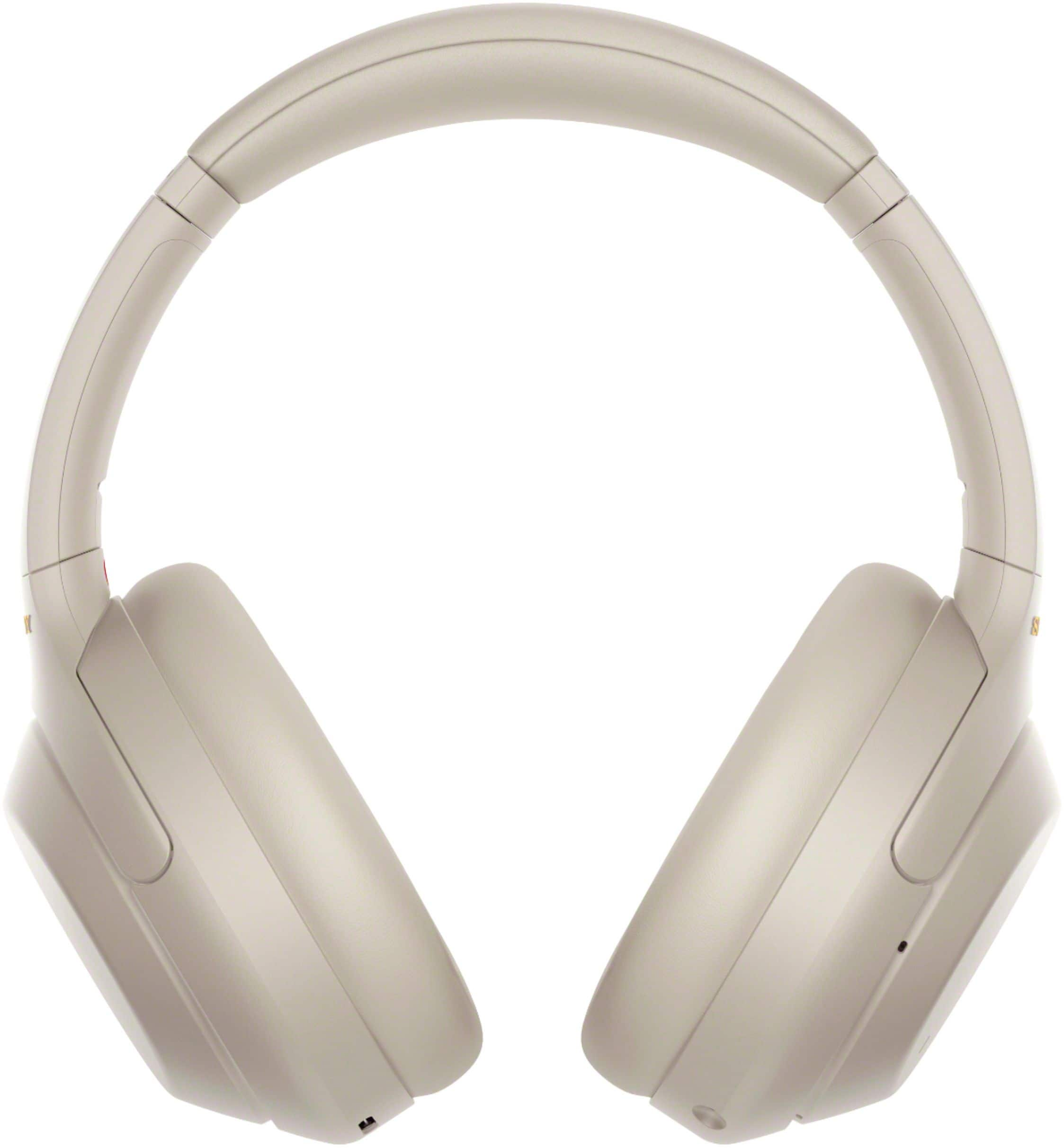
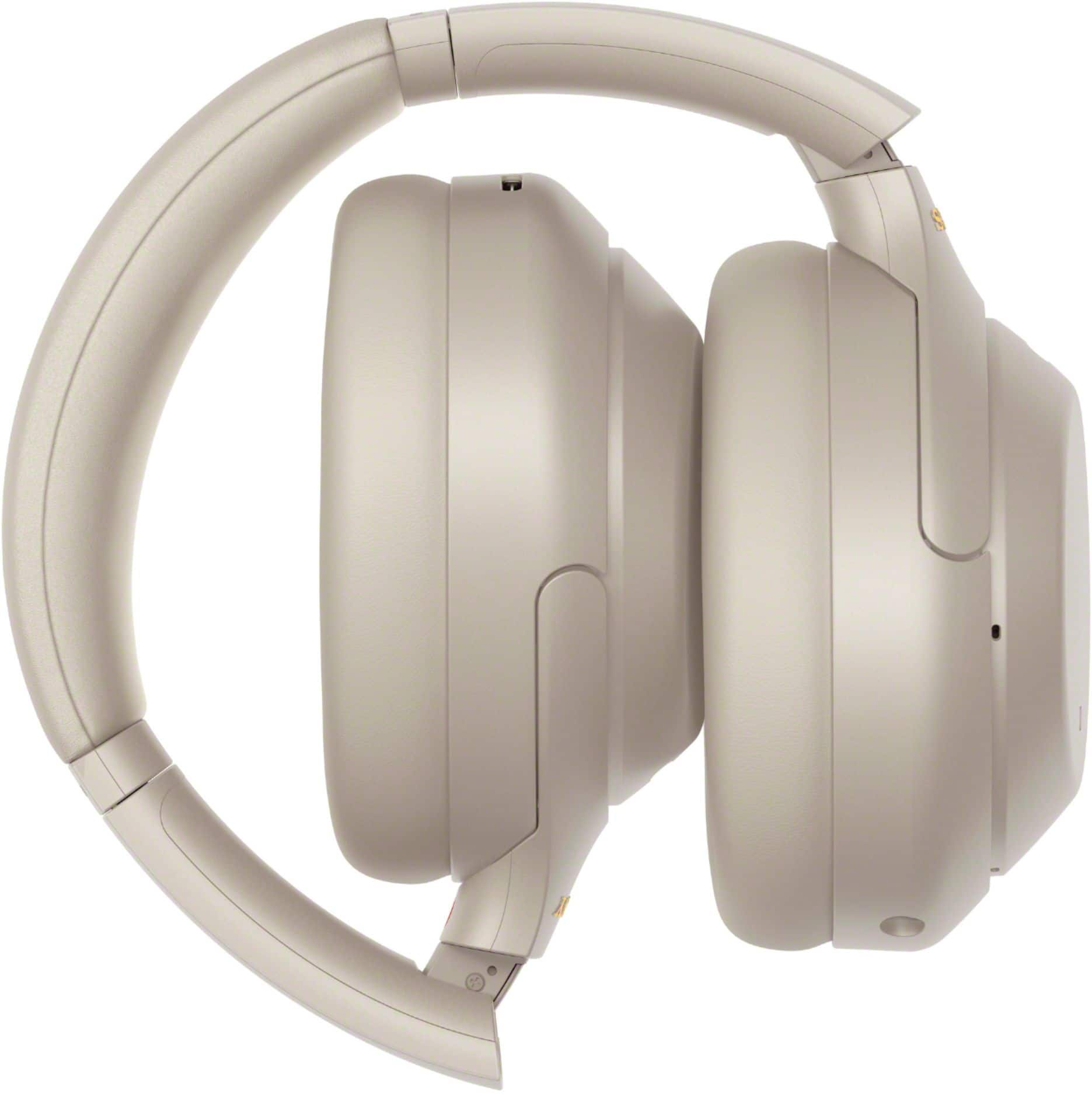
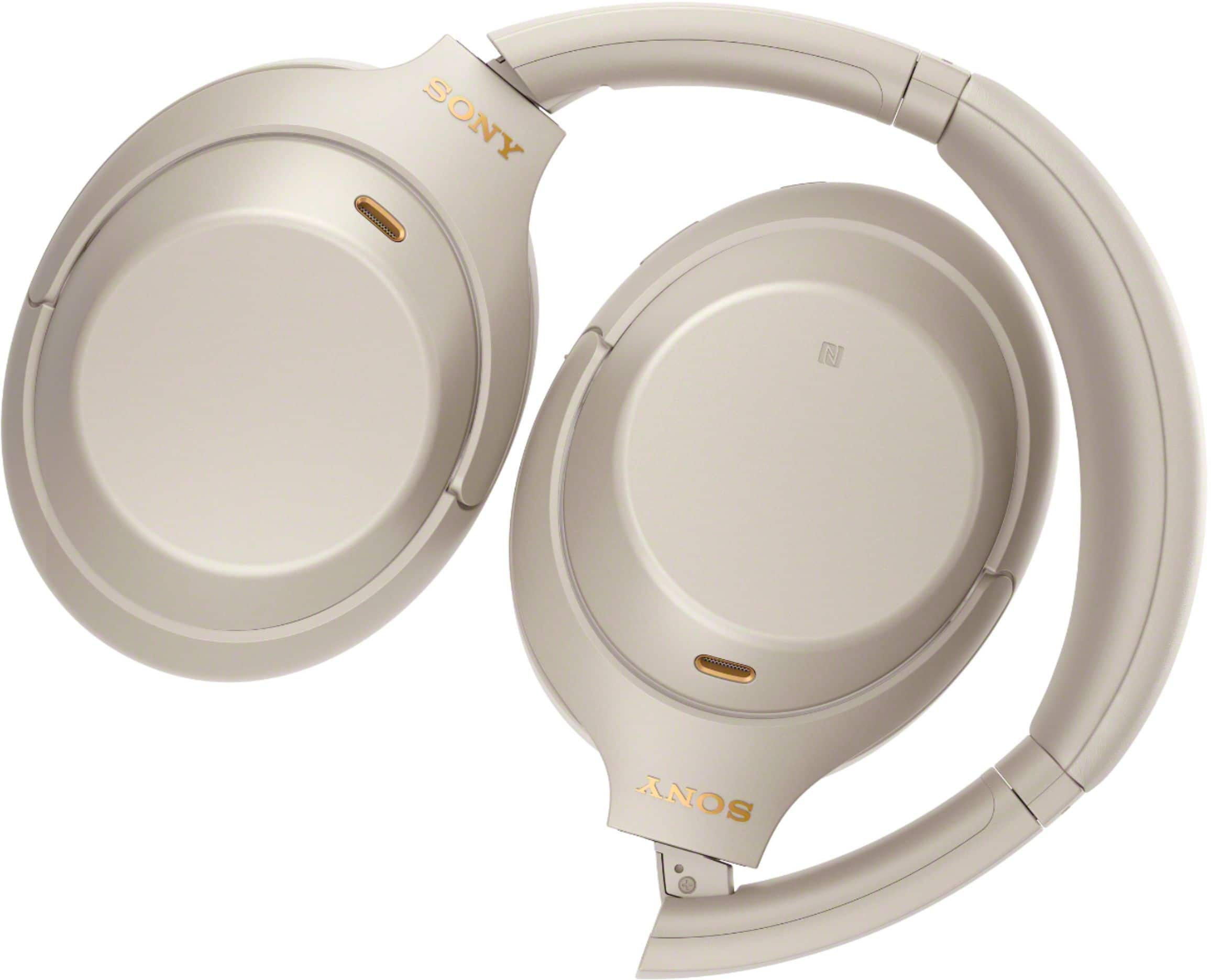
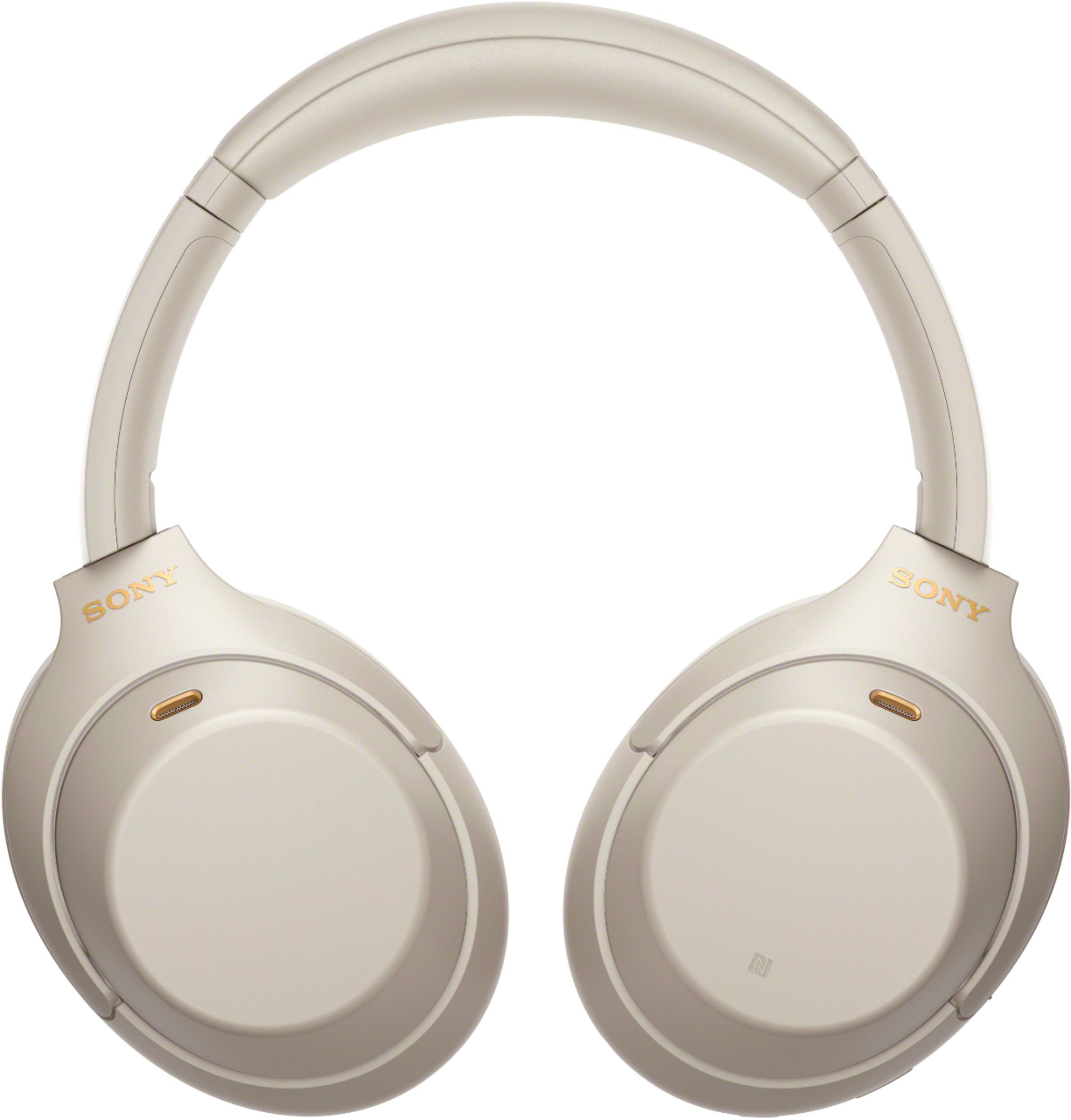
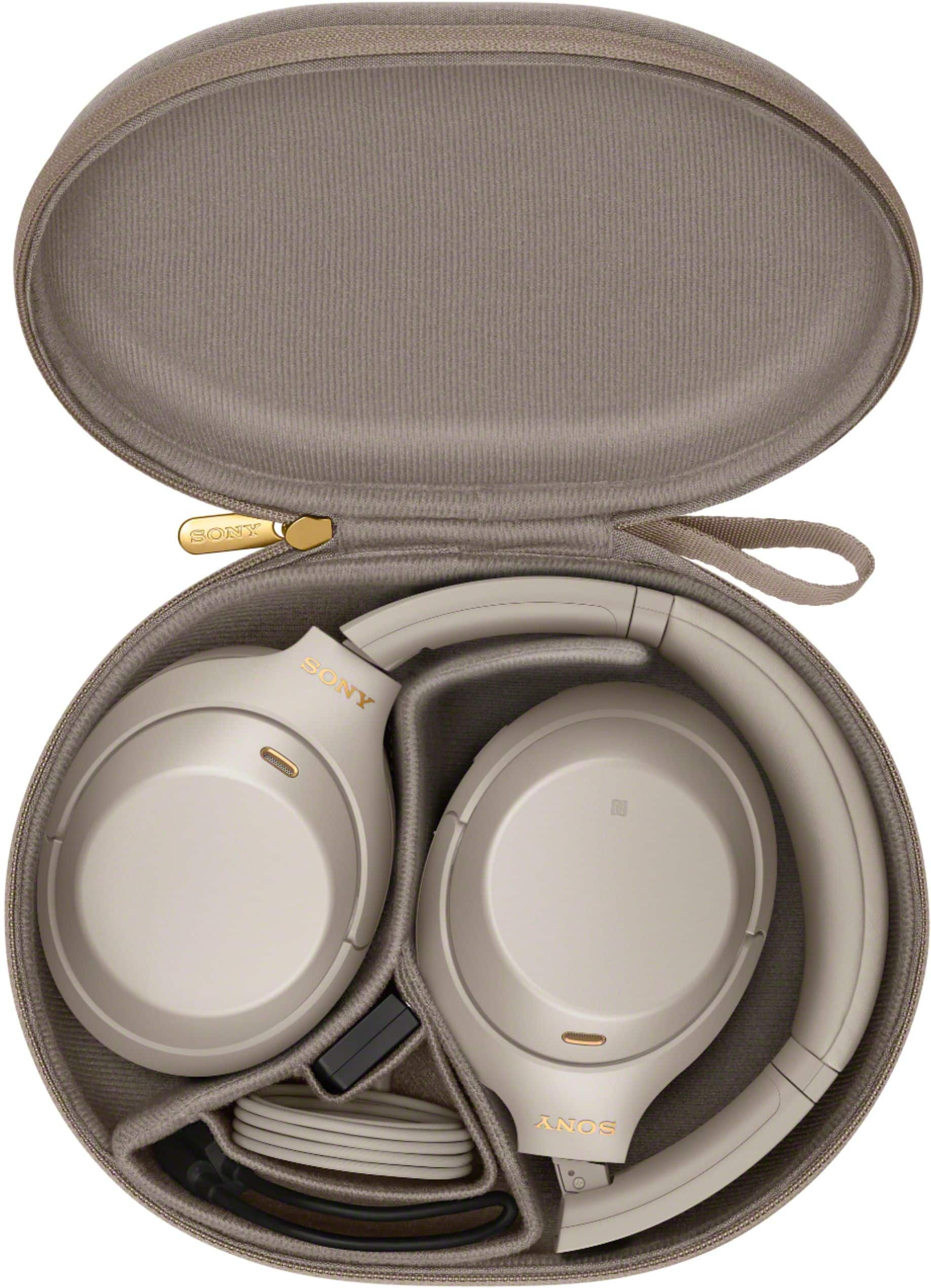
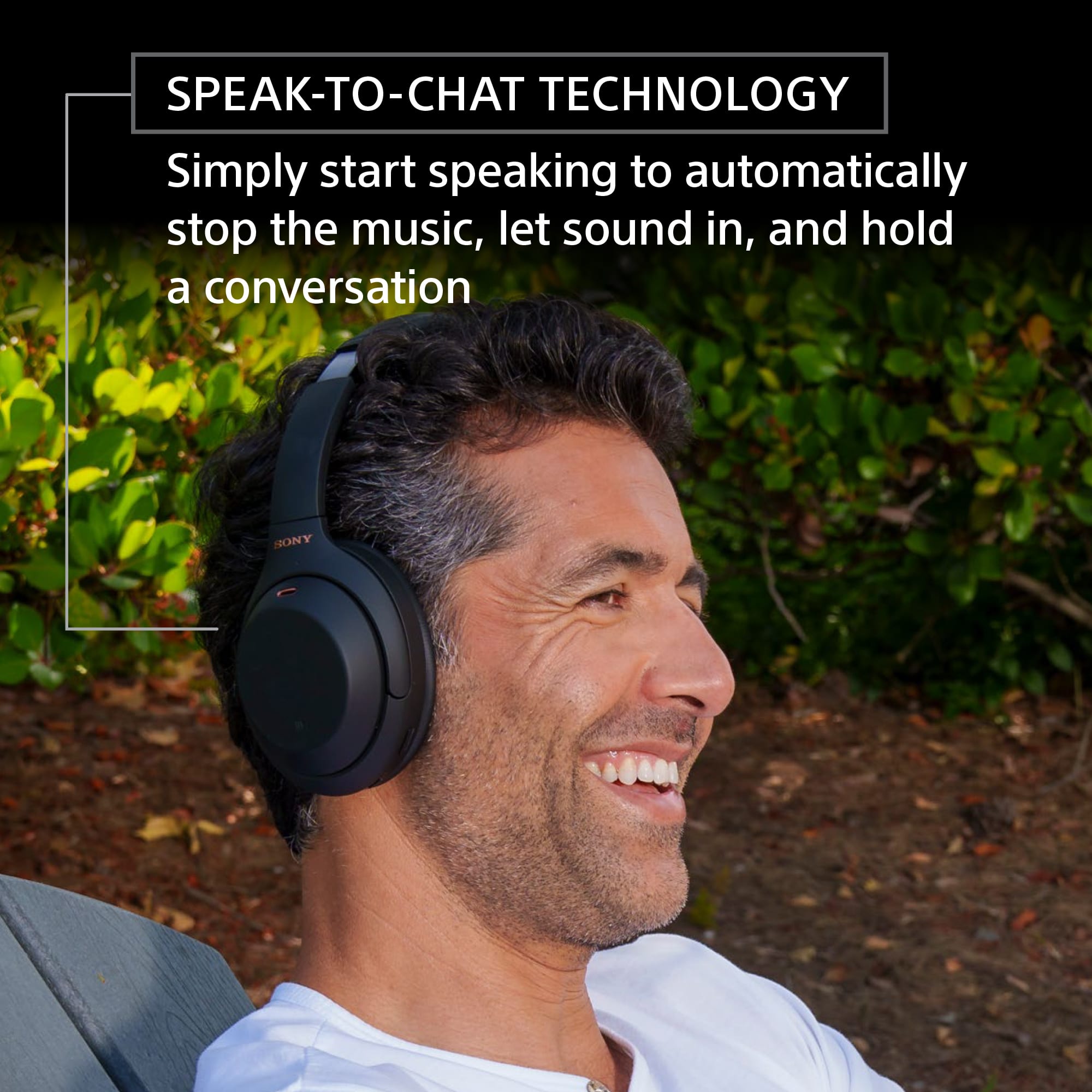
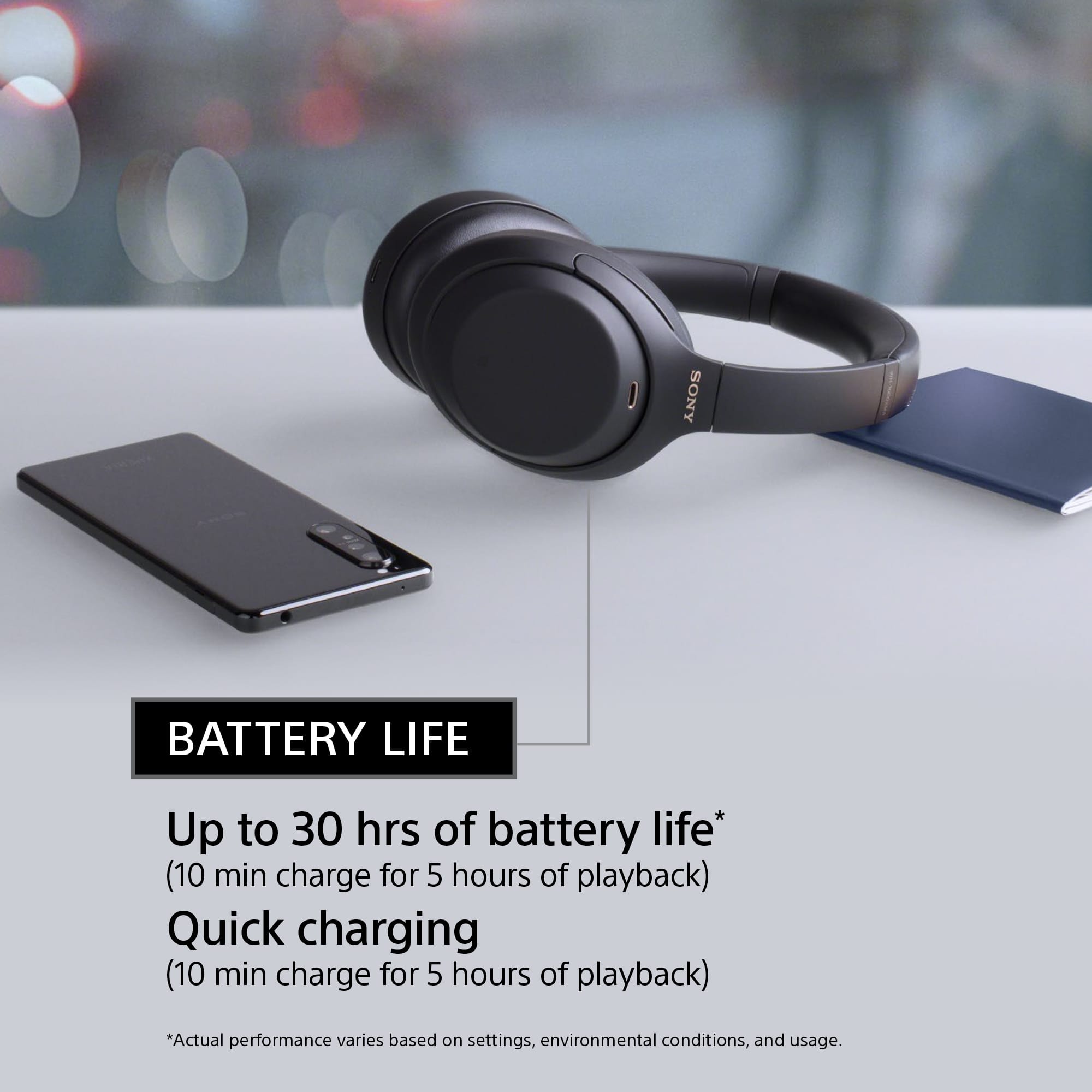
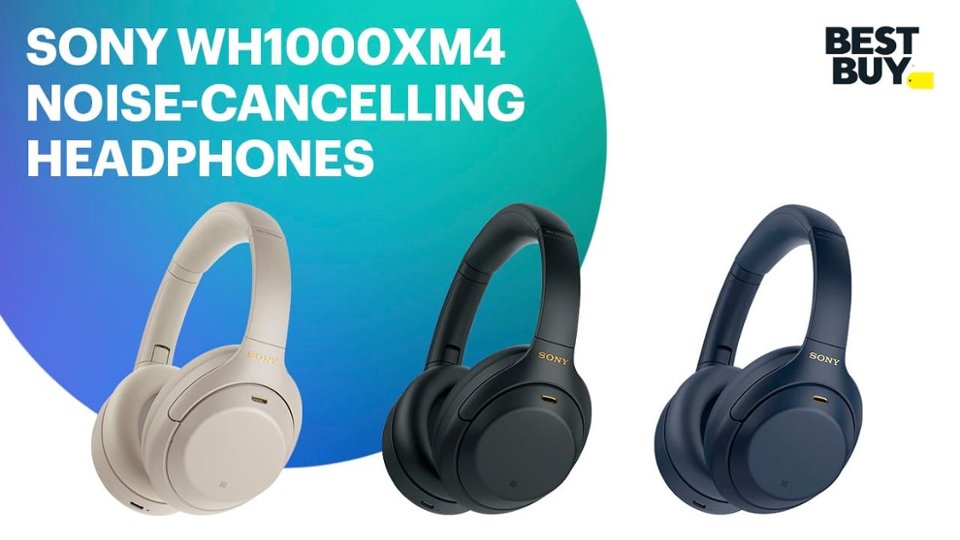
Sony’s intelligent industry-leading noise canceling headphones with premium sound elevate your listening experience with the ability to personalize and control everything you hear. Get up to 30 hours of battery life with quick charging capabilities, enjoy an enhanced Smart Listening feature set, and carry conversations hands-free with speak-to-chat.
Regards,
David