A:AnswerHi galahad, Good question! Unfortunately, no. When the headset is connected to an AC outlet or computer, all operations such as turning on the headset, registering or connecting to Bluetooth devices, and music playback cannot be performed. Hope this helps. -Sam
A:AnswerNo sony only wants sony gaming headphones to be used on ps5 so they havent opened upthe Bluetooth connection yet but you can buy a $10 dongle from Amazon or Walmart to make it bluetooth capable or you can use the wired aux cord which is included with the headphones to connect to the controller
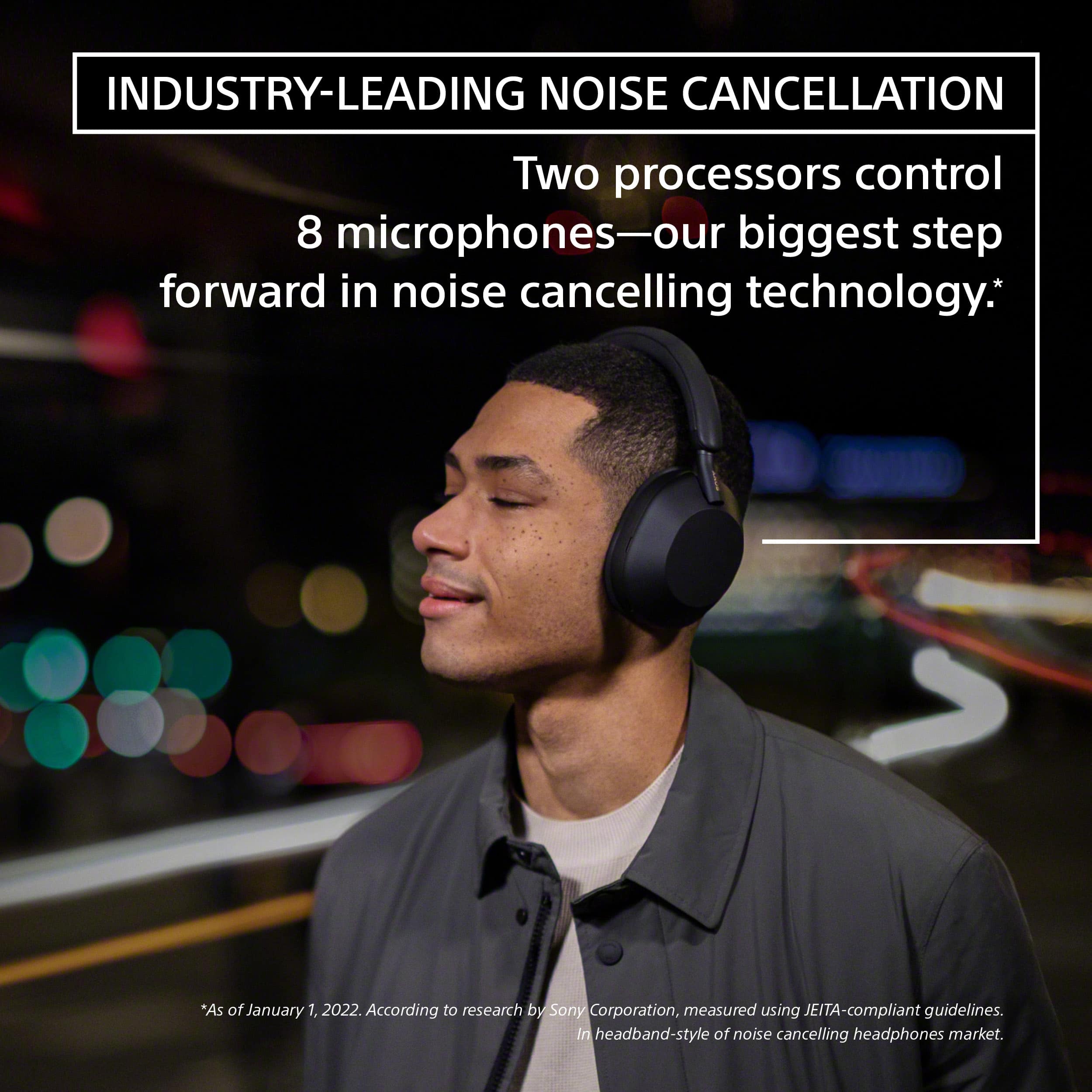
A:AnswerThank you for your question, Bill. Although we cannot compare the subjective experience of noise canceling between the two brands, we can guarantee you that our WH1000XM5 will give you an incomparable noise cancelling experience. Thanks to the new Integrated Processor V1 unlocks the full potential of our HD Noise Cancelling Processor QN1. This unique combination of technology controls eight microphones to deliver unprecedented noise-cancelling quality.
Thank you for asking and please let us know how else we can help, Erin
A:AnswerSome pieces are metal, but key components are low-quality plastic. Mine failed in less than a year of normal use and Sony would not provide repairs, refunds, or refurbishment despite it being covered under the 1-year limited warranty.
A:AnswerHi Dakota, thank you for reaching out. We're sorry if the loudness of the headphones did not meet your expectations. This is definitely not the experience we'd like you to have. Good thing that we have troubleshooting steps to help fix this issue.
For low sound level, please try the following:
Turn up the volume of the headset and the connected device.
Connect the Bluetooth device to the headset once again.
Reset the headset.
Initialize the headset, and pair the headset and the device again.
Ref: https://helpguide.sony.net/mdr/wh1000xm5/v1/en/contents/TP1000534511.html
Should you need further assistance, please email us at [email protected] with the following details:
Name:
Username:
Model Number:
Issue:
Telephone Number:
Sincerely,
Erin
A:AnswerHi AKN,
Sorry you are having an issue with your WH1000XM5s, this is not the experience we would like our customers to have from our products. If the phone and headphones are connected once you hear an incoming call. You can tap the touch sensor control panel twice quickly (with an interval of about 0.4 seconds) to receive the call. If that doesn’t work, try reestablishing the connection to resolve the issue.
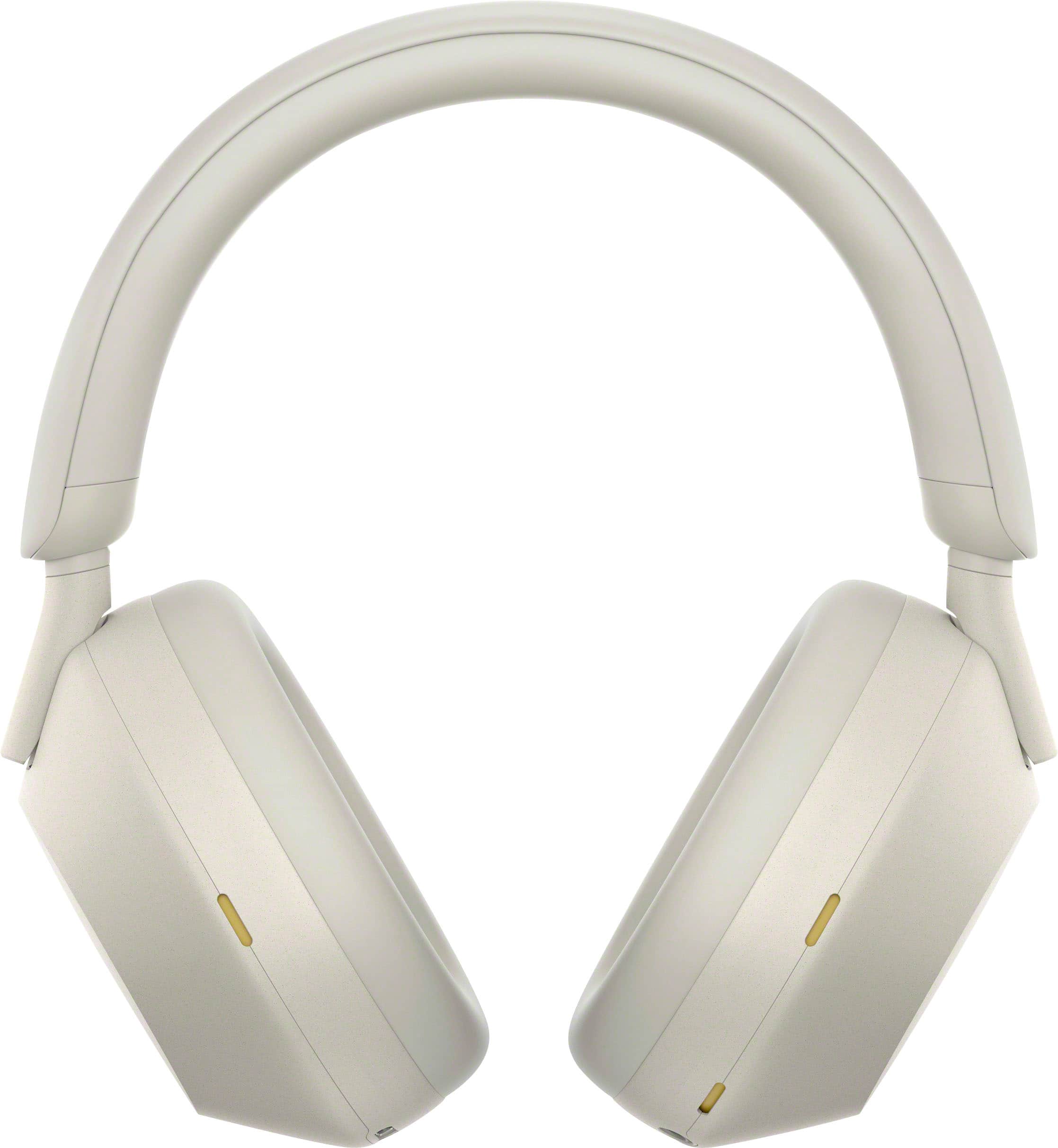
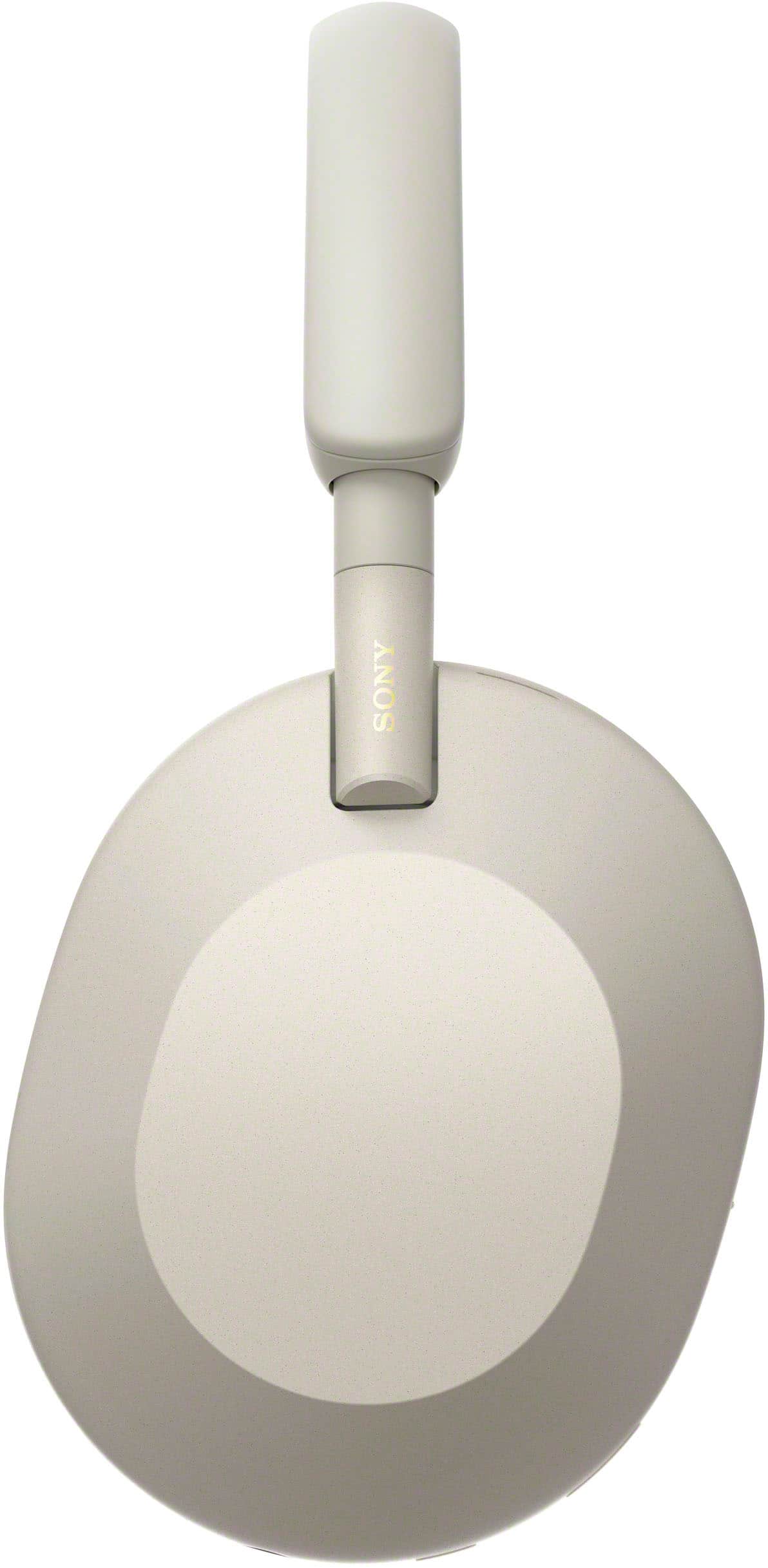
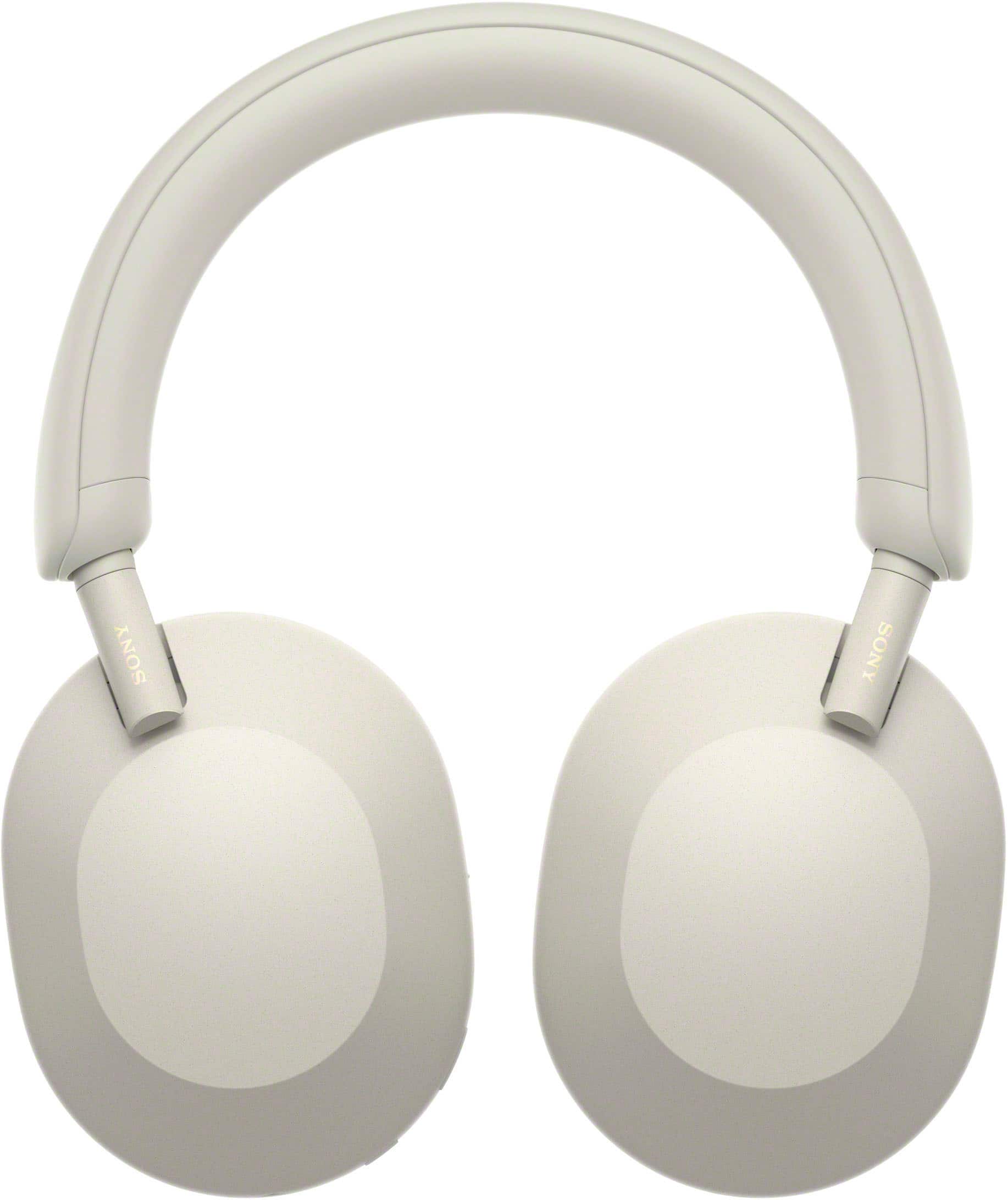
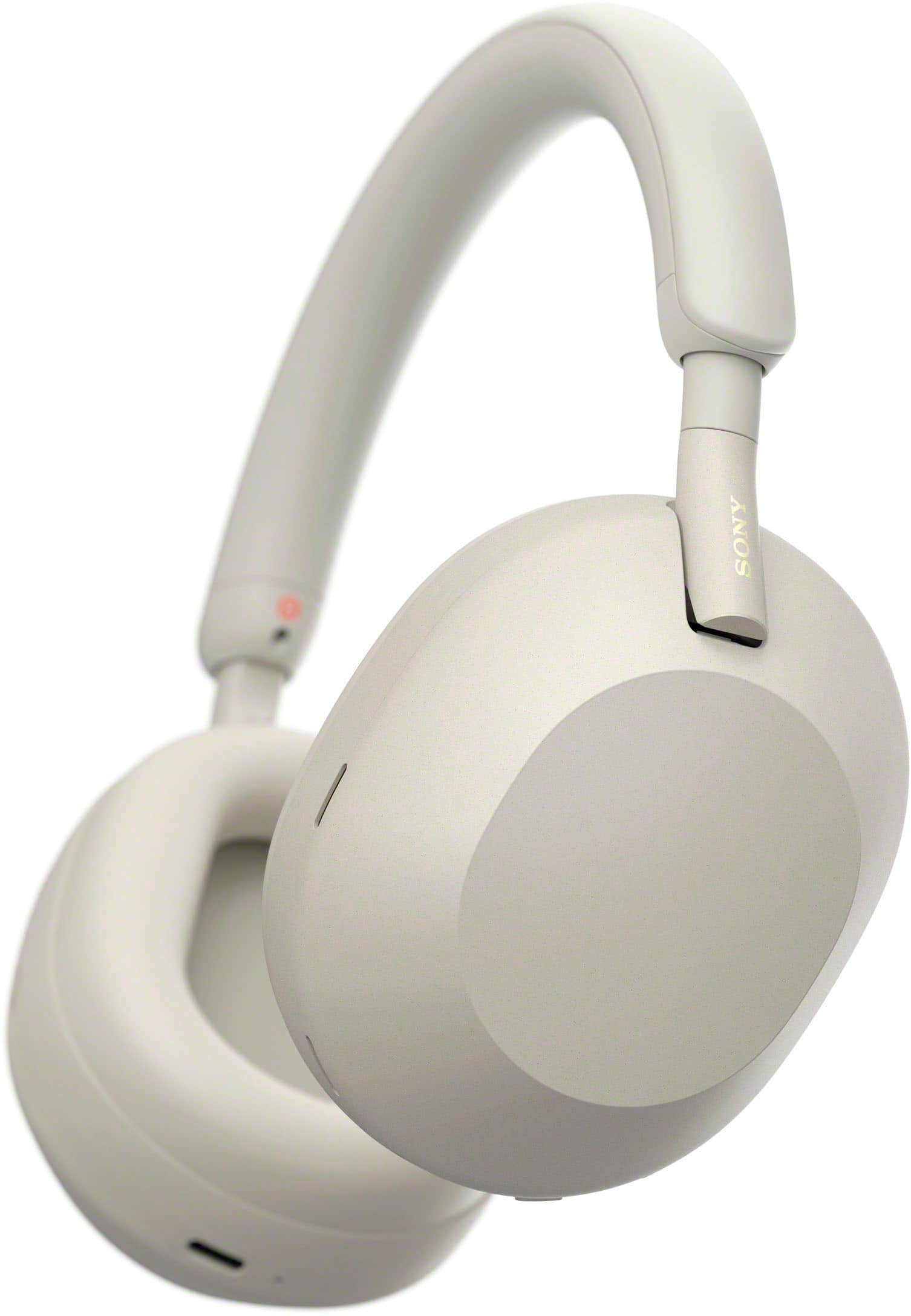
The WH-1000XM5 headphones rewrite the rules for distraction-free listening. The WH1000XM5 has two processors that control 8 microphones for unprecedented noise cancellation and exceptional call quality. With a newly developed driver, DSEE – Extreme and Hires audio support the WH-1000XM5 headphones provide awe-inspiring audio quality.
Regards,
David
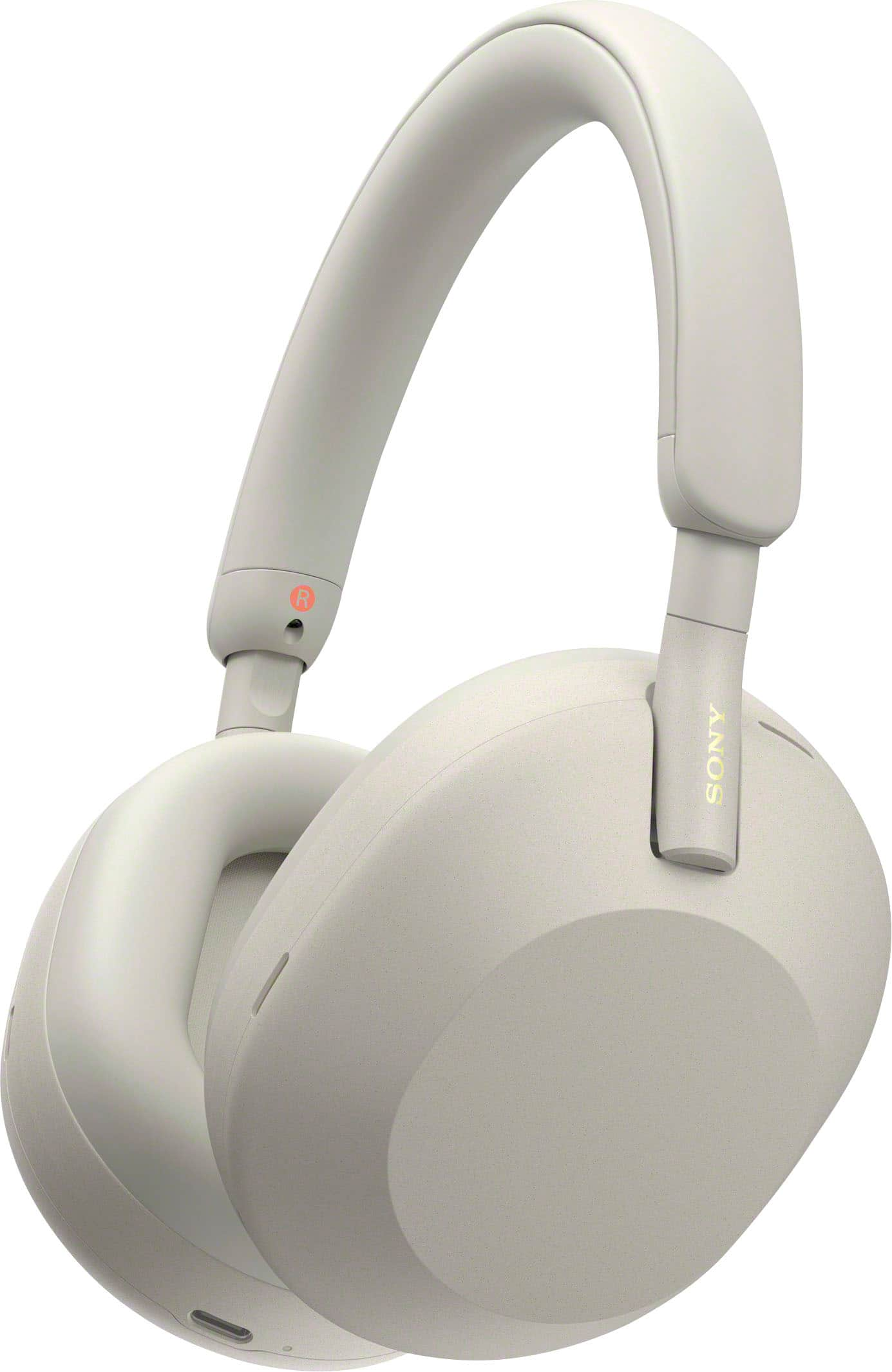
A:AnswerHi Matan, thanks for your question. They won't hear your music not unless you put them on around your neck and the volume is at a maximum level.
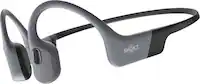
The WH-1000XM5 headphones have 2 processors that control 8 microphones for unprecedented noise cancellation and exceptional call quality. With a newly developed 30mm driver, DSEE – Extreme and Hi-Res audio support they provide awe-inspiring audio quality. Our Voice Pickup Technology uses 4 microphones that are calibrated to only pick up your voice, resulting in crystal clear calls.
I hope this helps.
Regards,
Erin
A:AnswerI'm unsure if the microphone would work but you can use them with your console of choice by plugging them into the audio jack on your controller.