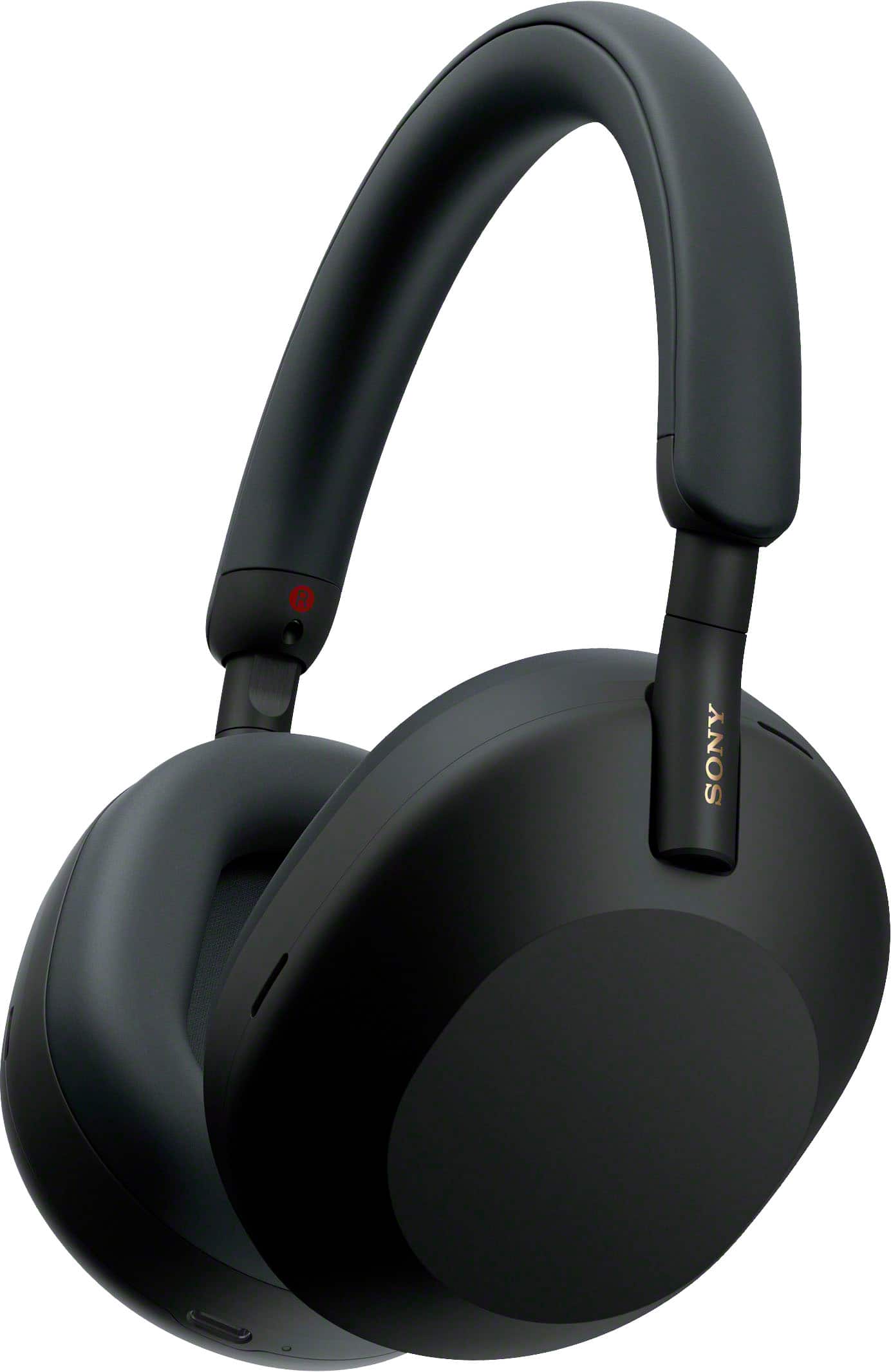
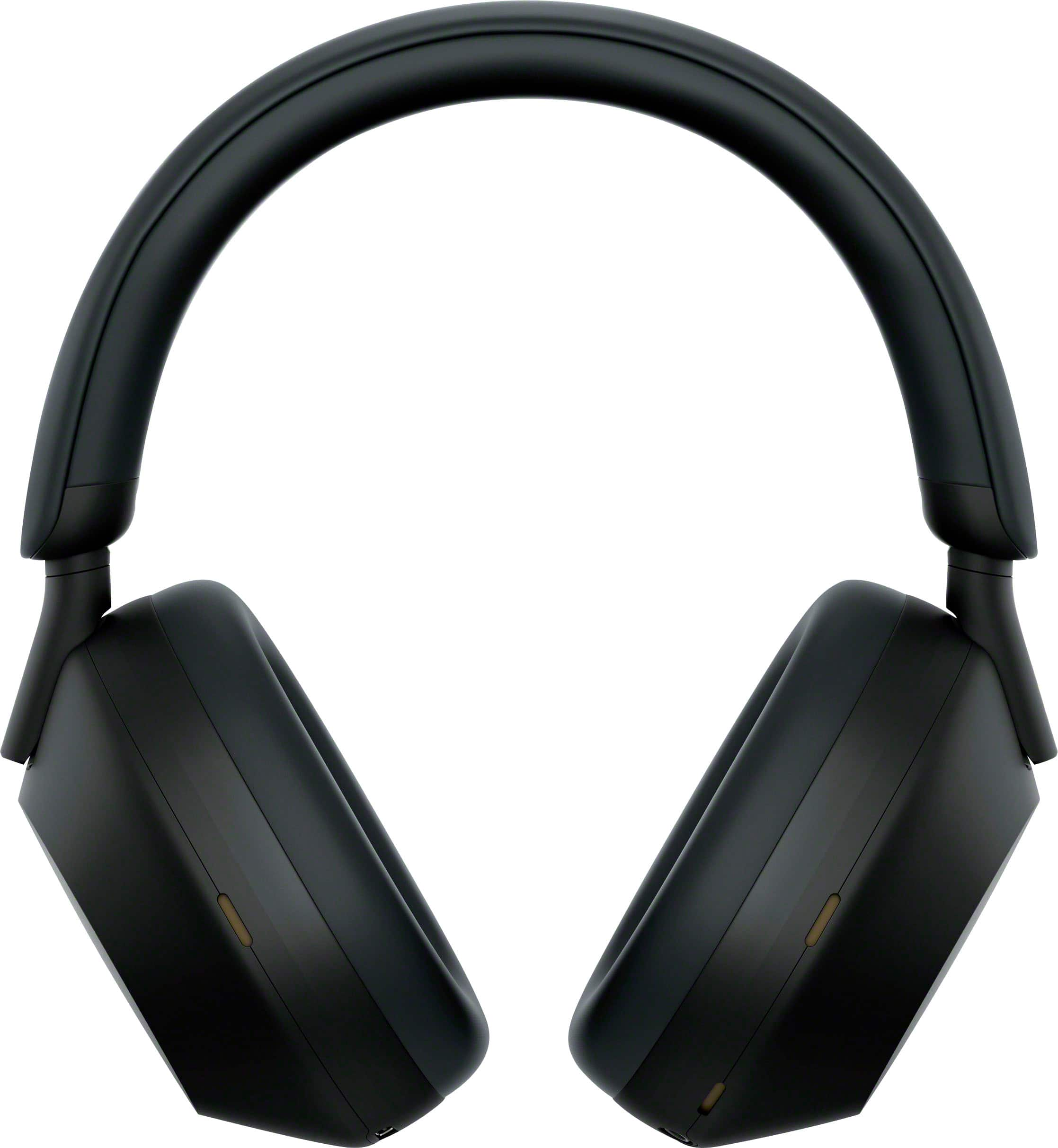
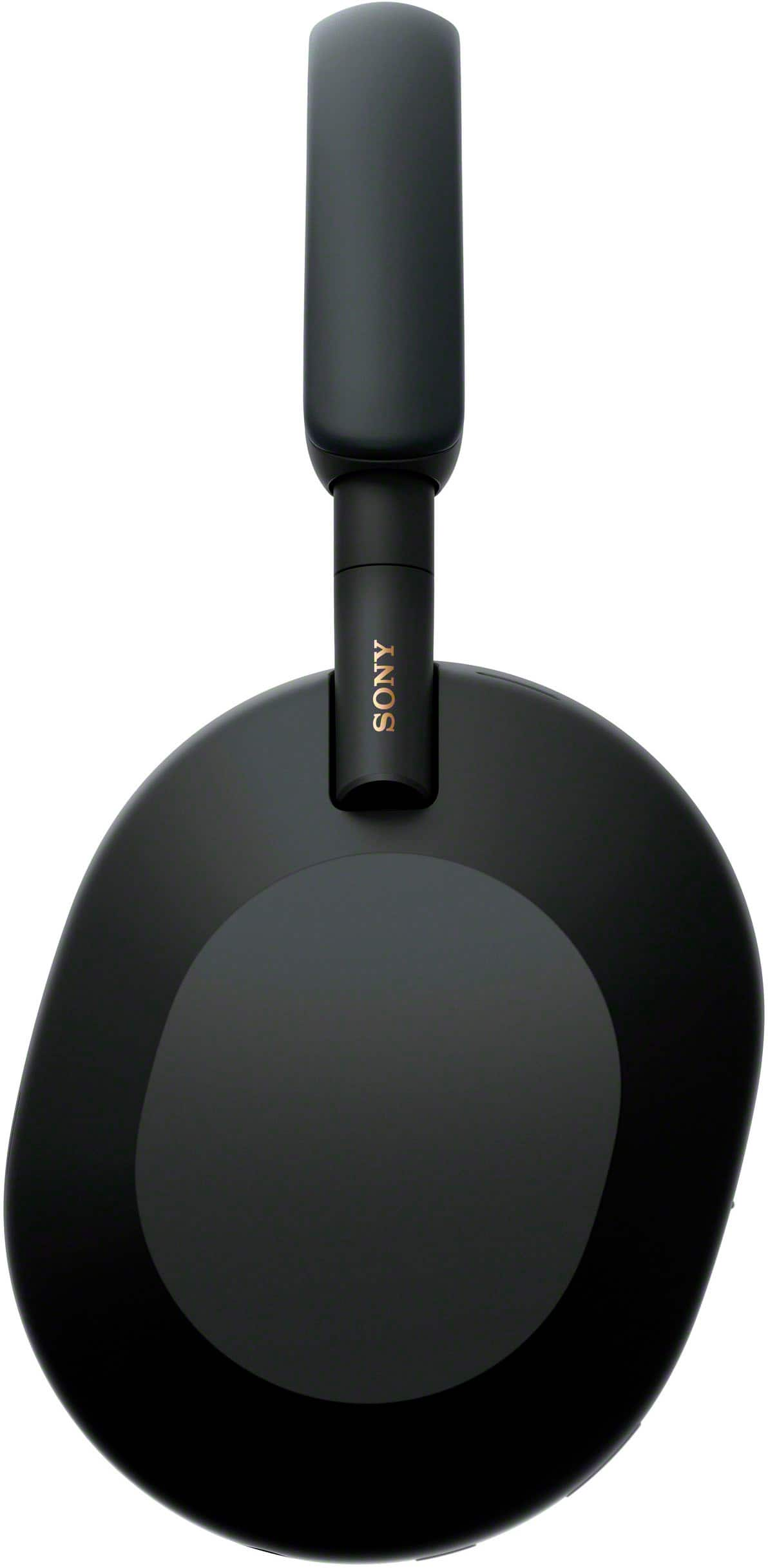
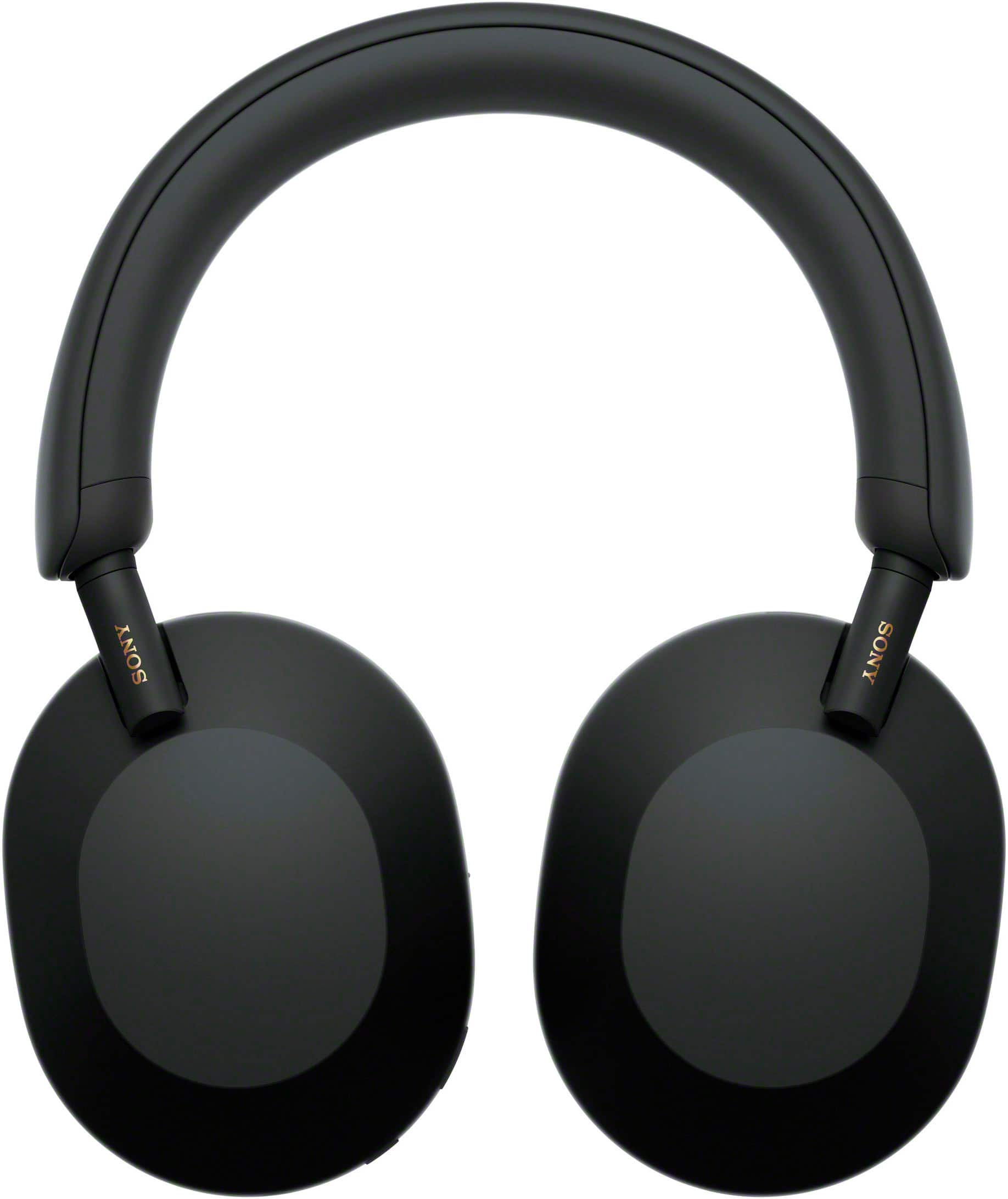
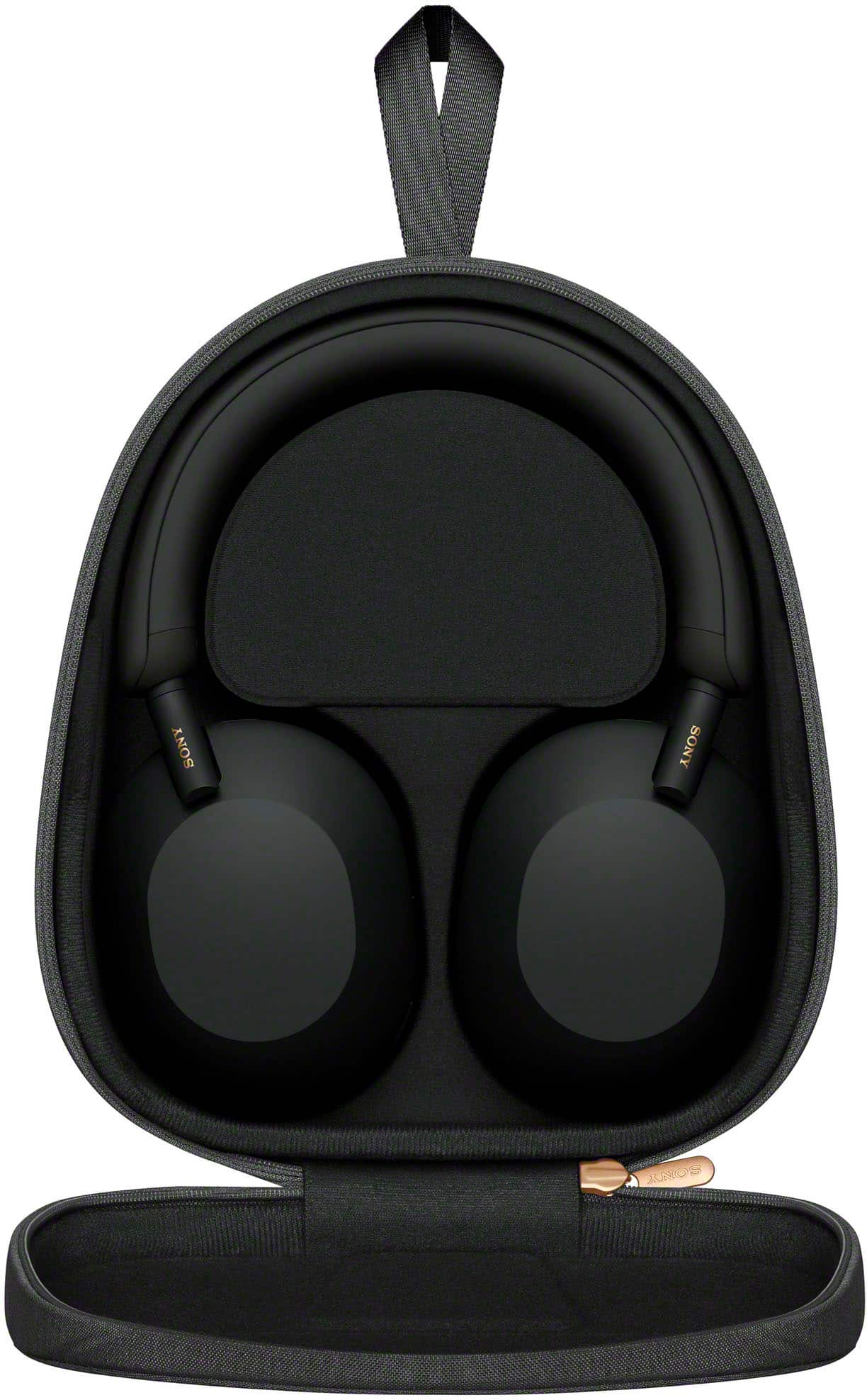
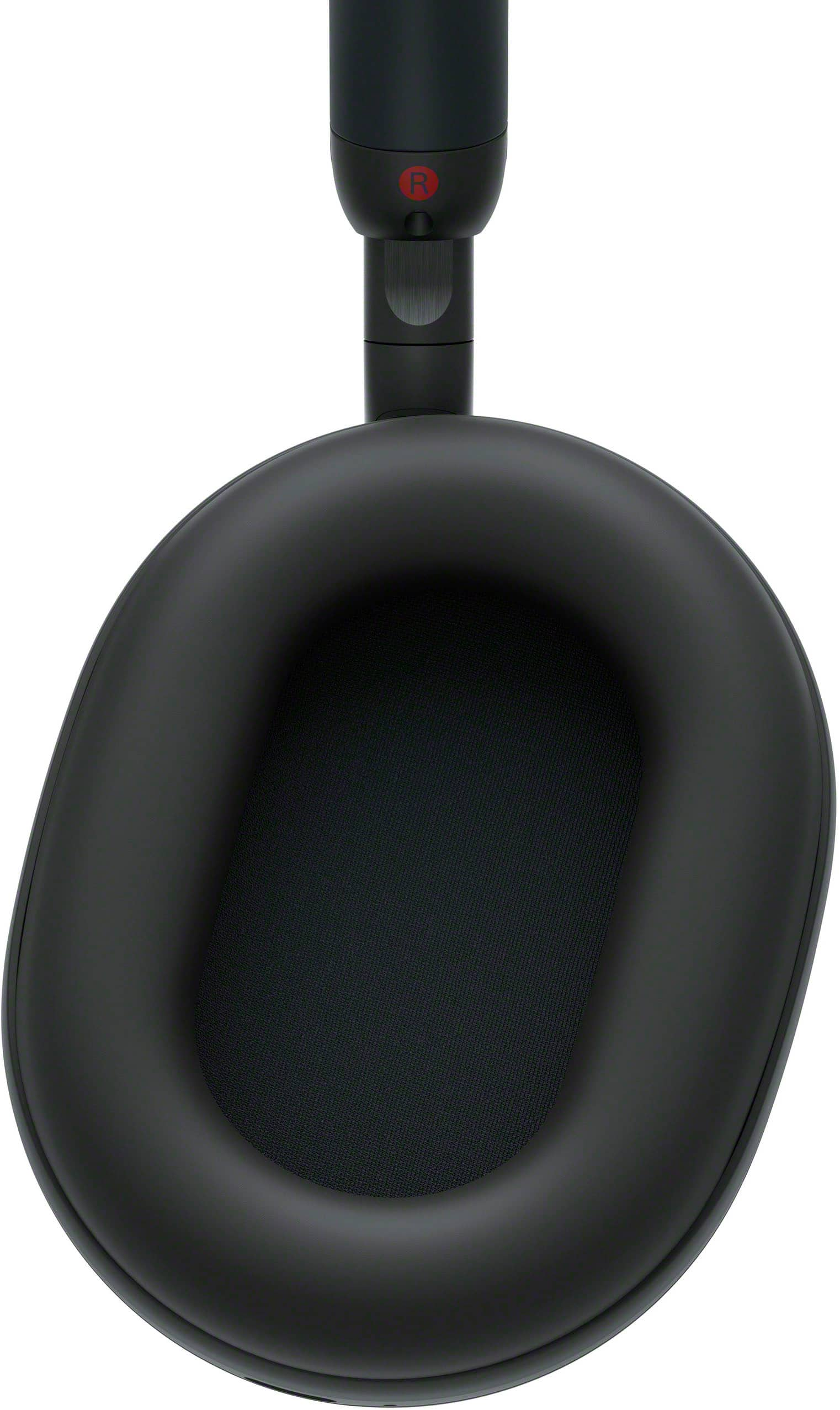
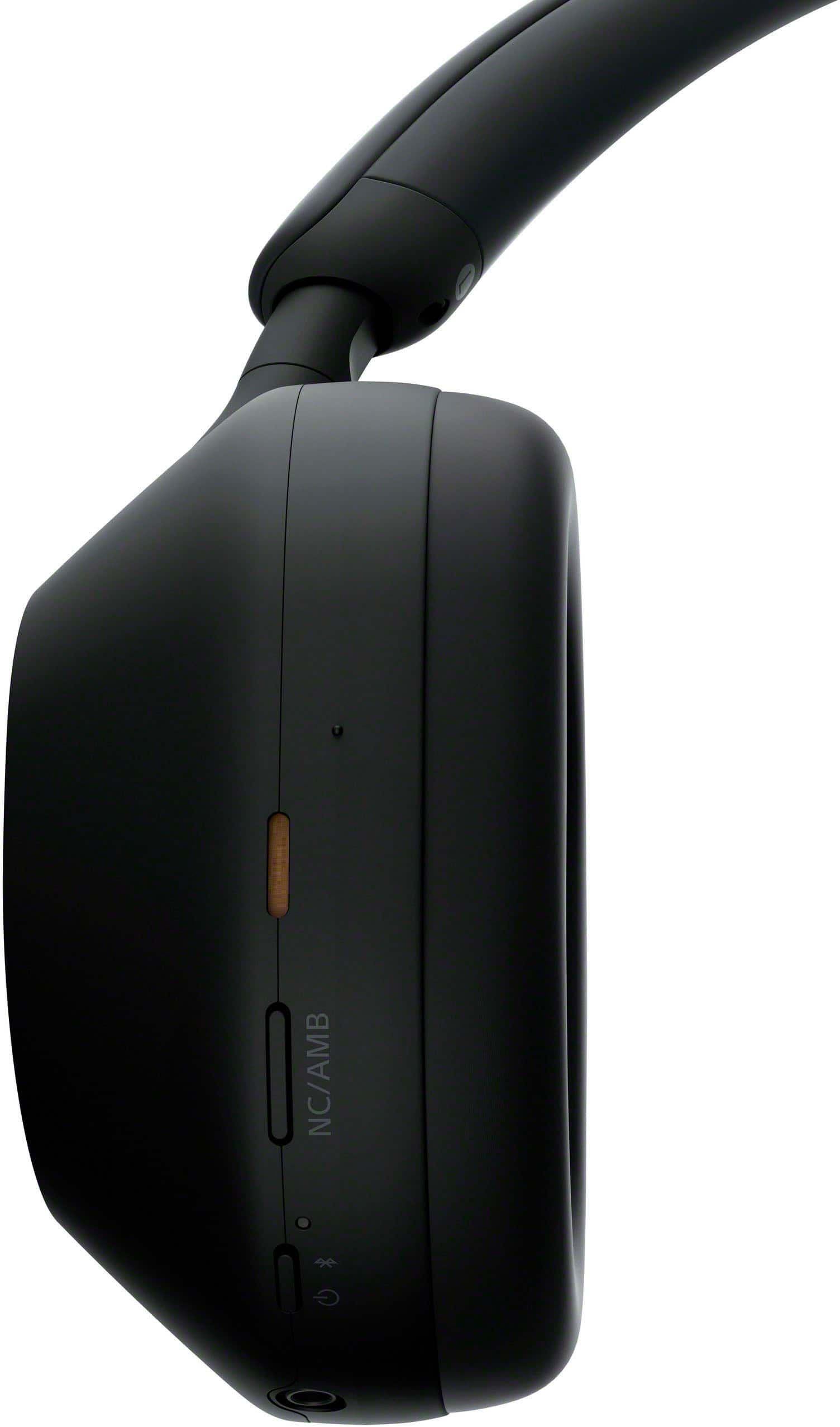
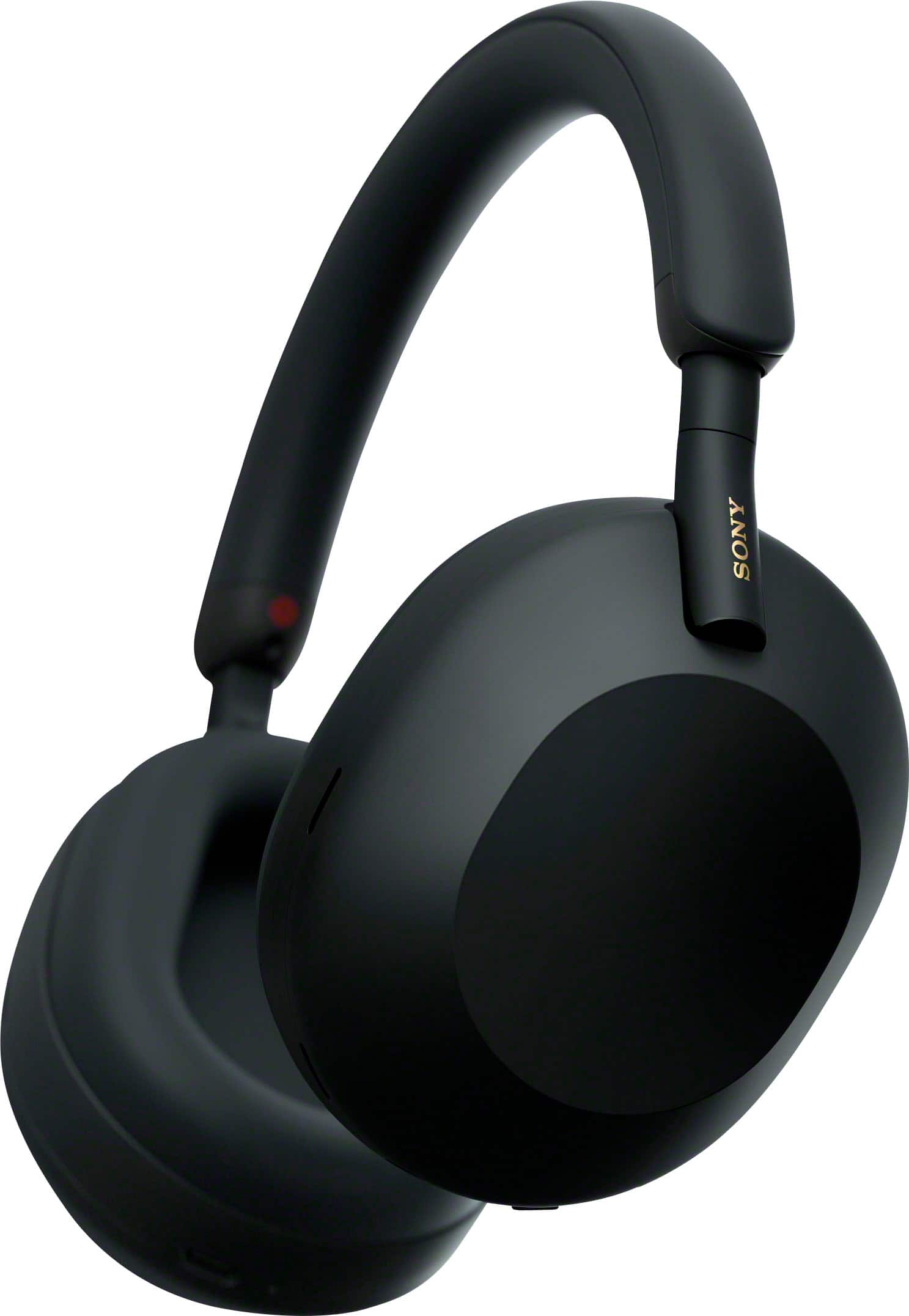







A:AnswerThe model has several differences. There are more microphones, different design, especially around the hinges, improved ANC and upgraded bluetooth codec support (from 5.0 to 5.2) and other internal design changes.
A:AnswerThis actually depends on your tv/receiver. These headphones use a technology called Bluetooth. If your other audio equipment also supports Bluetooth, you can connect wirelessly. You can also connect with a cable if your audio equipment has a headphone jack. The included cable is probably not long enough, but you should be able to purchase a longer, third party cable.
A:AnswerI own the "Stoney White" pair and can confirm while they do pick up oil, due to the texture (think sandstone-ish) and the color, they hide it really well. The black, just like a black car shows EVERYTHING the white color hides. Can't speak for the black headphones but seeing the same reviews you have, I imagine they are significantly worse at hiding this and mine barely show anything so far in 6-7 hours use.
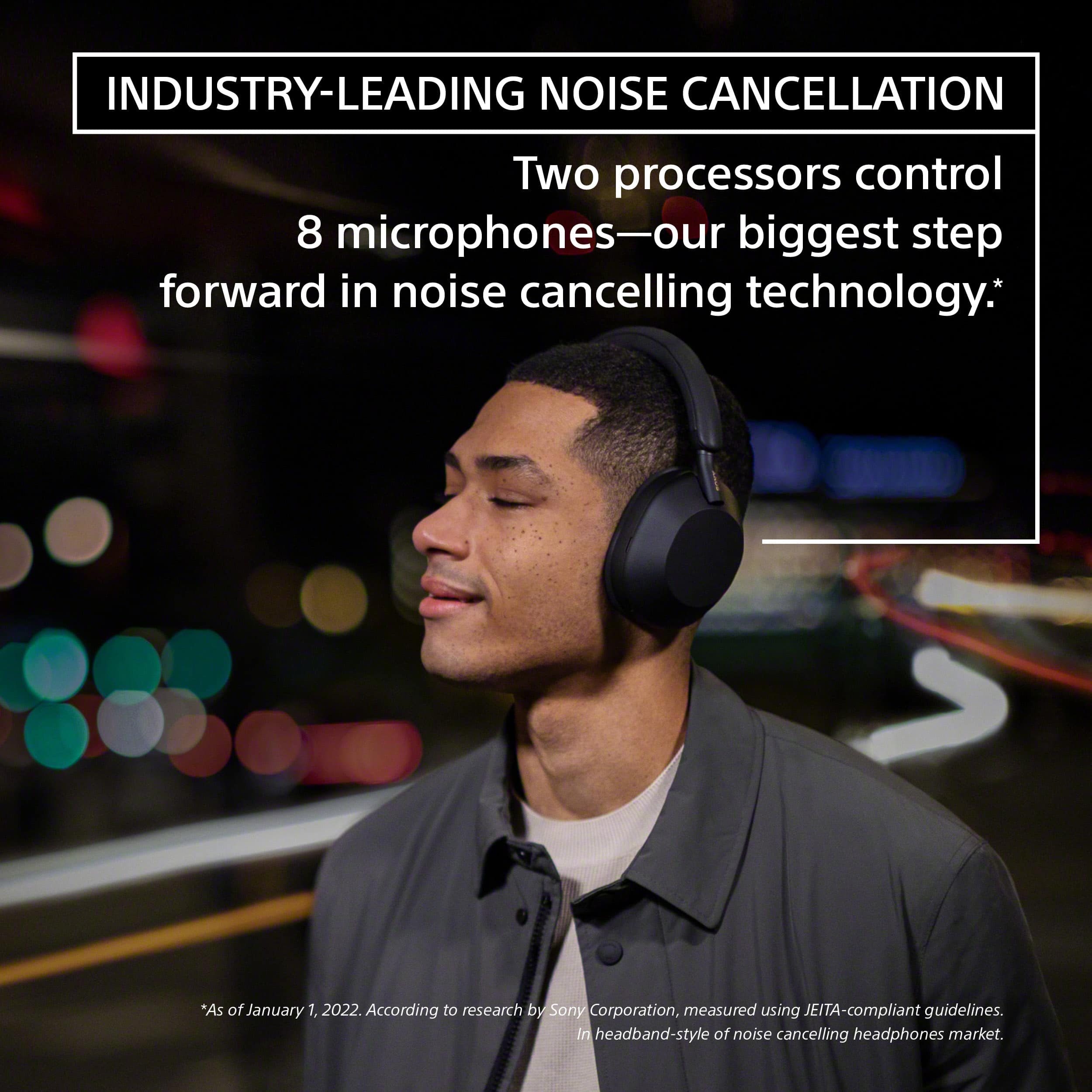
A:AnswerGreat question Merrie, the new WH1000XM5s have two processors and 8 microphones to help eliminate wind or any unwanted noise from your experience. So, we are always checking for and removing wind noise from your experience. No need for you to turn that feature on and off in new WH1000XM5s.
We hope you enjoy your new headphones. -Sam
A:AnswerCompared to the Xm4s these make me sweat so much. The vegan leather also feels sticky against your skin if your working out or doing heavy physical activities.
A:AnswerHi XboxGamer84,
Thank you for your inquiry! The Sony WH-1000XM5 aren't ideal for gaming. The audio playback on the headset may be delayed from that on the transmitting device, due to the characteristics of Bluetooth wireless technology. As a result, the sound may not be in sync with the image when viewing movies or playing games. Also, DJ mixers and DJ controllers do not have Bluetooth transmitters. Therefore you cannot DJ with wireless headphones. You can use the supplied headphone cable with your DJ controller as most DJs don't recommend using wireless headphones due to the Bluetooth latency.
I hope this helps.
Regards,
Carl
A:AnswerThanks for reaching out to us, Ambience. If your headphones are working properly then you shouldn’t worry about the small drop. If you have an issue in the future, please reach out to us.
Hope this helps.
Erin
A:AnswerNo, you don’t have to buy a fast charger but I would recommend buying a charger with a decent wattage 10 or above. Realistically, depending on how long you need them a 10 to 15 minute charge can last quite a long time. I’ll do one or two charges a week and that last me.
A:Answer11 hour flight no problem at all. The xm5 is rated for 30 hours on a full charge, more if you don't use all of the features. Real world heavy use I get at least 25 out of mine.
Re: plug-in, if you mean power, you need to have a USB type C cable to charge them, but again you should not need to for an 11 hour flight. If you mean audio, they can work wirelessly or can be plugged into an audio device with the included 3.5mm audio cable. I use these as travel studio headphones, plugged in more than wireless generally. Both modes are good, the fact that these have both was a primary factor for me to buy them.
A:AnswerHi Kk,
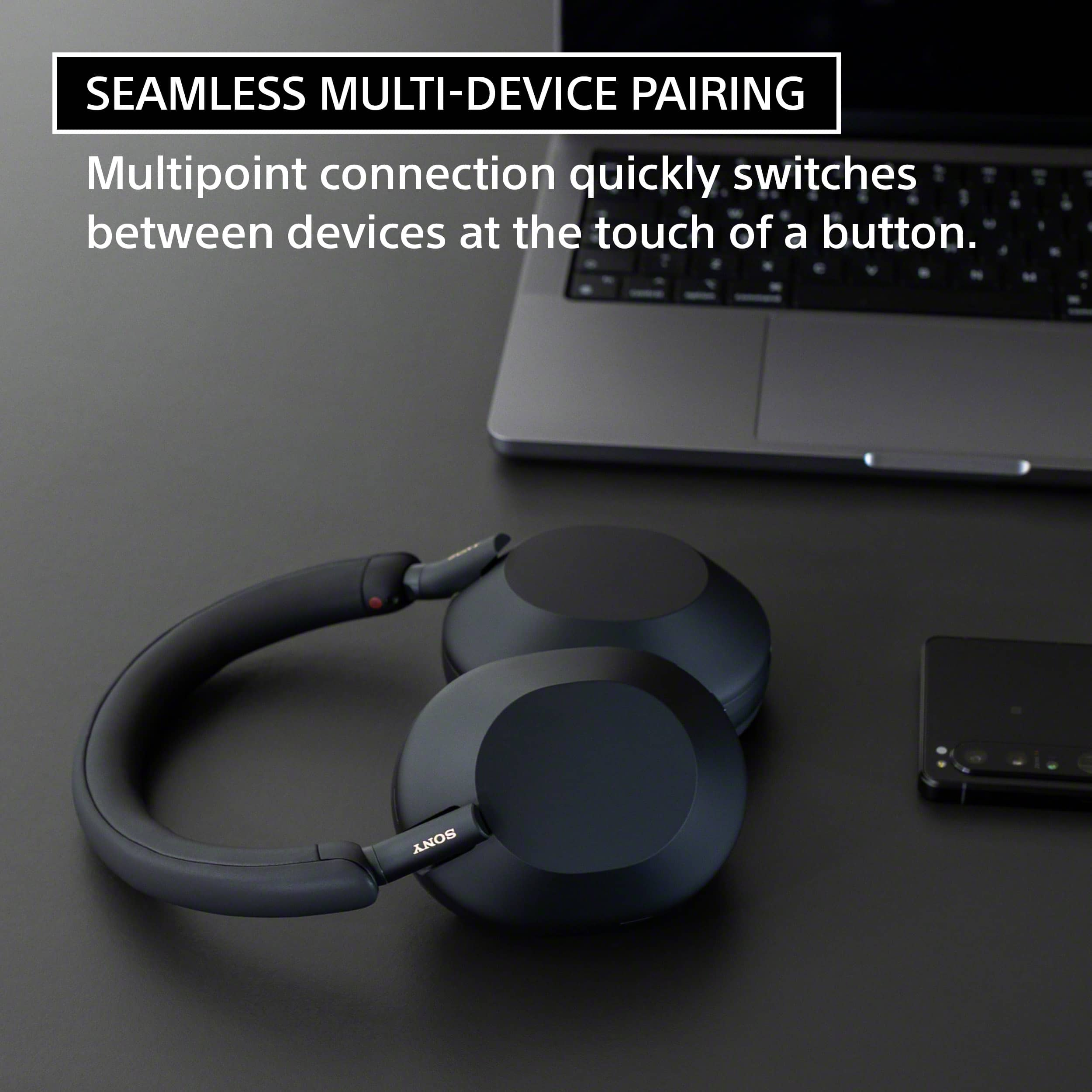
Thank you so much for your inquiry. For total convenience, these headphones support Multipoint feature which allows you to connect 2 Bluetooth devices (smartphone, tablet, laptop, etc.) to the headphones simultaneously. So when a call comes in, your headphones know which device is ringing and connects to the right one automatically. You’ll also be able to quickly switch your headphones to either of the two devices at the touch of a button.
Additional information:
• When Bluetooth connections are established between 2 devices and the headset, another paired device can be connected via Bluetooth connection.
• If you try to make a Bluetooth connection with the headset by operating the third device, the Bluetooth connection with the last device that played music will be maintained, and the Bluetooth connection with the other device will be disconnected. Then a Bluetooth connection between the third device and the headset is established.
For more on "Connecting the headset to 2 devices simultaneously (multipoint connection)", please check our help guide link here: https://helpguide.sony.net/mdr/wh1000xm5/v1/en/contents/TP1000541784.html
Regards,
Jess