Questions & Answers
- Model:
- WHCH720N/B
- |
- SKU:
- 6533162
Q: QuestionDo these headphones connect to a smart tv?
Asked by Gertie.
- A:Answer Hello Gertie, Thank you for considering Sony products! We appreciate your question and are here to assist you. The WH-CH720N headphones support the Advanced Audio Distribution Profile (A2DP), enabling wireless audio streaming from compatible devices. To connect your WH-CH720N headphones to your TV wirelessly, ensure that your TV also supports the A2DP Bluetooth profile. You can verify this by checking your TV's specifications or user manual. If both devices are A2DP-compatible, you should be able to pair them directly for wireless audio playback. For TVs lacking A2DP support, consider using a third-party Bluetooth transmitter connected to your TV's audio output to enable wireless connectivity with your headphones. For instructions on how to put your headphones into pairing mode, please visit this page: https://helpguide.sony.net/mdr/2966/v1/en/contents/TP1000776852.html?search=pairing Best regards, -Fred
Answered by SonyListens
Q: QuestionWill the Bluetooth be compatible with Play Station as a Sony owned company?
Asked by Gail.
- A:Answer Hello Gail, Thank you for considering Sony products! We appreciate your question and are here to assist you. The Sony WH-CH720N won’t connect to a PS4/PS5 over Bluetooth, since the consoles don’t support standard BT audio. They will only work wired through the controller for game sound, and the microphone may not function with the included cable. If you want full wireless compatibility and proper game chat, it’s better to go with Sony’s gaming headsets, like the Inzone models, which are designed specifically for PlayStation. Here you can find compatibles wireless gaming headset: https://electronics.sony.com/audio/gaming-audio/c/all-inzone-headsets Best regards, -Fred
Answered by SonyListens
Q: QuestionCan they be paired to a computer pc and can they be used for gaming?
Asked by 1234.
- A:Answer Hi 1234! Thanks for your interest in our headphones. The WH-CH720N headphones can be easily paired to your PC, whether it's a desktop or a laptop. They use Bluetooth technology, so the connection is easy as long as your computer has that capability. Regarding using them for gaming, the short answer is yes, they will work, but there is a small limitation. The audio quality will be excellent for casual gaming, watching streams, or playing less competitive games. They do, however, have a small amount of audio latency, just like the majority of conventional Bluetooth headphones. It's best to connect them directly using the included audio cable if you're a serious or competitive gamer. That Bluetooth latency is totally eliminated when you go wired. Now, if gaming is your top priority, we do want to point out that Sony offers a range of products, such as our INZONE H9 model, that are designed with that in mind. These headsets are designed from the ground up to give you a competitive edge and excellent communication. Please click this link to find out more information about the WH-CH720N headphones: https://www.sony.com/electronics/support/wireless-headphones-bluetooth-headphones/wh-ch720n/manuals Thank you for making Sony part of your purchasing consideration! Warm regards, Estefany
Answered by SonyListens
Q: QuestionSony WHCH720N Headphone's . I currently us headphones that connect to my TV through a Toslink cable so I can hear all my HDMI connections (Chromecast, Roku). Will these Sony headphones work?
Asked by Corvette.
- A:Answer Hello Corvette, Thank you for your interest in Sony products! We appreciate your inquiry and are happy to assist. The Sony WH-CH720N headphones are Bluetooth-only and do not feature a Toslink (optical) input. As a result, they cannot connect directly to your TV’s Toslink output. To use these headphones with your TV, your TV must support Bluetooth audio output. Alternatively, you can use a Bluetooth transmitter connected to your TV’s Toslink or headphone jack. This setup will enable the headphones to receive audio wirelessly from all devices connected via HDMI. For more detailed information about the connection options supported by the WH-CH720N headphones, please visit: https://helpguide.sony.net/mdr/2966/v1/en/contents/TP1000776866.html If you require headphones that directly support Toslink (optical) input, we recommend the Sony WH-L600 model. This headphone allows you to enjoy TV audio via Toslink connection. You can find more details about this model here: https://www.sony.com/electronics/support/res/manuals/W001/W0015180M.pdf Best regards, -Fred
Answered by SonyListens
Q: QuestionWill these headphones work with an Insignia TV? NS-40D420NA16
Asked by JR.
- A:Answer Hello JR! Thanks for your interest in our headphones. We're happy to assist! To answer your question, yes, your WH-CH720N headphones will absolutely work with that TV! The only thing is that since your specific Insignia model doesn't have the built-in capability to send its audio out to headphones wirelessly via Bluetooth, you'll simply need to connect them using the audio cable that came with your headphones instead of going wireless. All you need to do is plug one end of that cable into the TV’s Headphone/Audio Out jack, which is typically found on the side or back of the unit, and plug the other end into the input on your Sony headphones. For more details, please see this link: https://helpguide.sony.net/mdr/2966/v1/en/contents/TP1000777054.html We hope this helps! We truly value you choosing to look at Sony products! Best regards, Estefany
Answered by SonyListens
Q: QuestionHey I just wanted to know how good the bass is for these headphones, I’ll like hearing every detail of my songs i listen to
Asked by Anonymous.
- A:Answer Hi there, The bass is strong and punchy by default, making the sound energetic. To hear every detail (which can be a challenge with heavy bass), you should use the free Sony | Headphones Connect app to adjust the Equalizer (EQ). You can easily turn the bass down slightly and boost the high-end frequencies to get the perfect balance of bass and clarity for your songs. Best regards, Eliab
Answered by SonyListens
Q: QuestionWill the Sony earphones work with a Samsung model un43nu6900 ? Thank you
Asked by Daniel.
- A:Answer Hello Daniel, Thank you for choosing Sony! We appreciate your question and are here to assist you. The Sony WH-CH720N headphones use Bluetooth and are designed to connect with any device that supports Bluetooth audio streaming (specifically, the A2DP profile). Whether they will work with your Samsung UN43NU6900 TV depends on the TV itself. We strongly recommend that you check your TV's specifications to confirm it has the A2DP Bluetooth audio output required to transmit sound to the headphones. You can learn how to put the unit into pairing mode to connect with any device supporting the A2DP profile by visiting the following link: https://helpguide.sony.net/mdr/2966/v1/en/contents/TP1000776852.html?search=pairing Best regards, Fred
Answered by SonyListens

Q: Questionhow do you increase the sound
Asked by catlover.
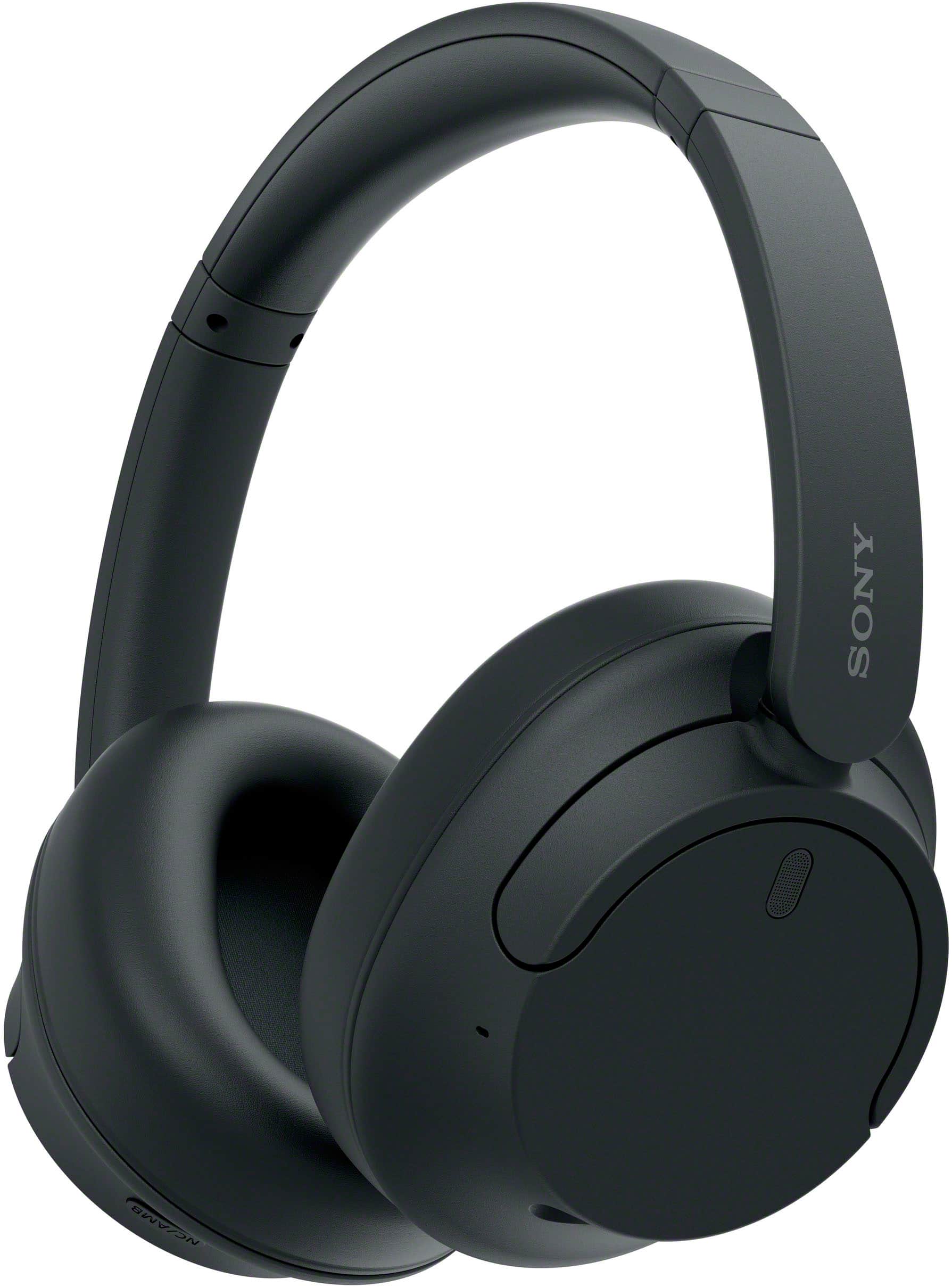
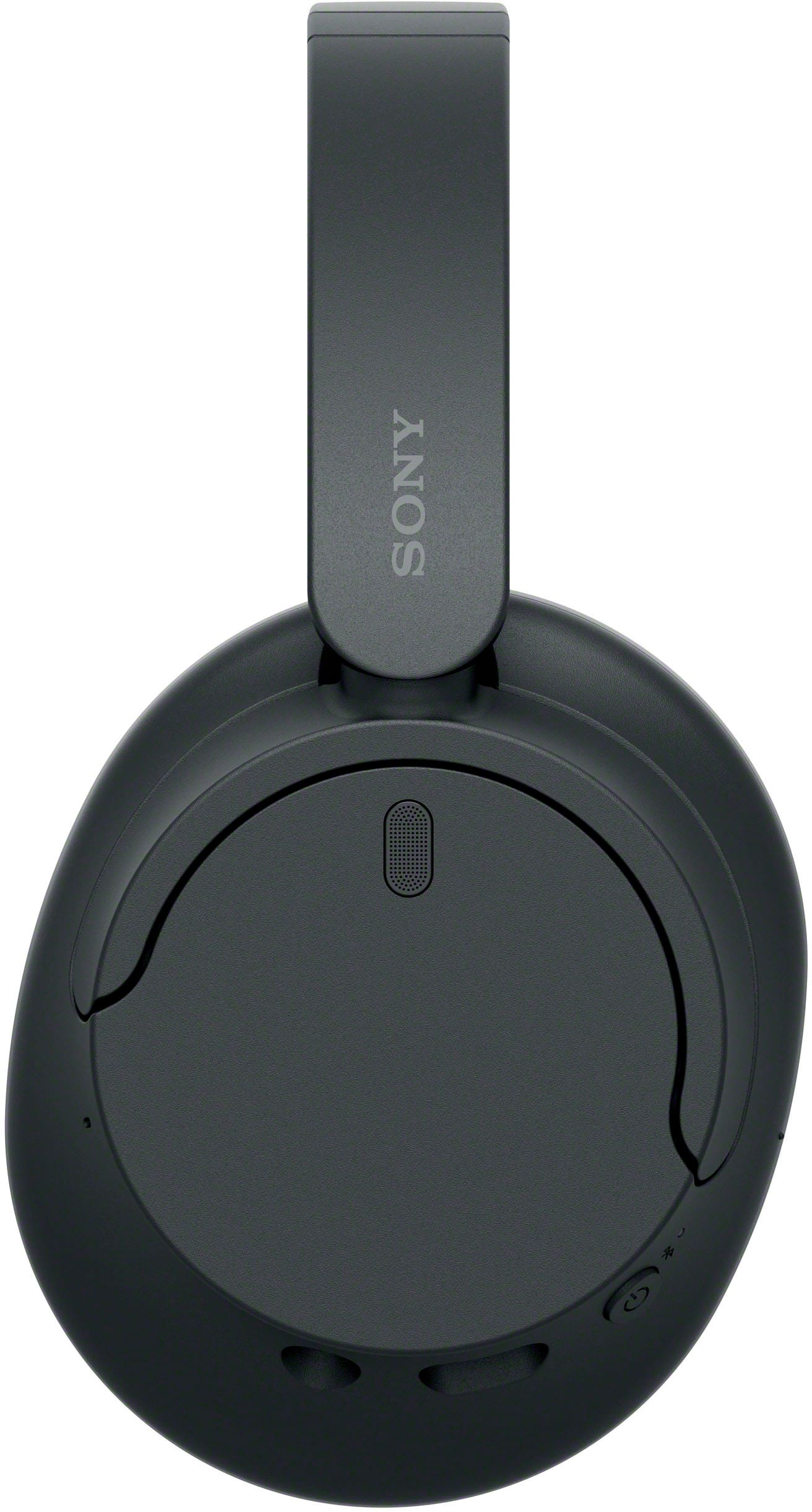
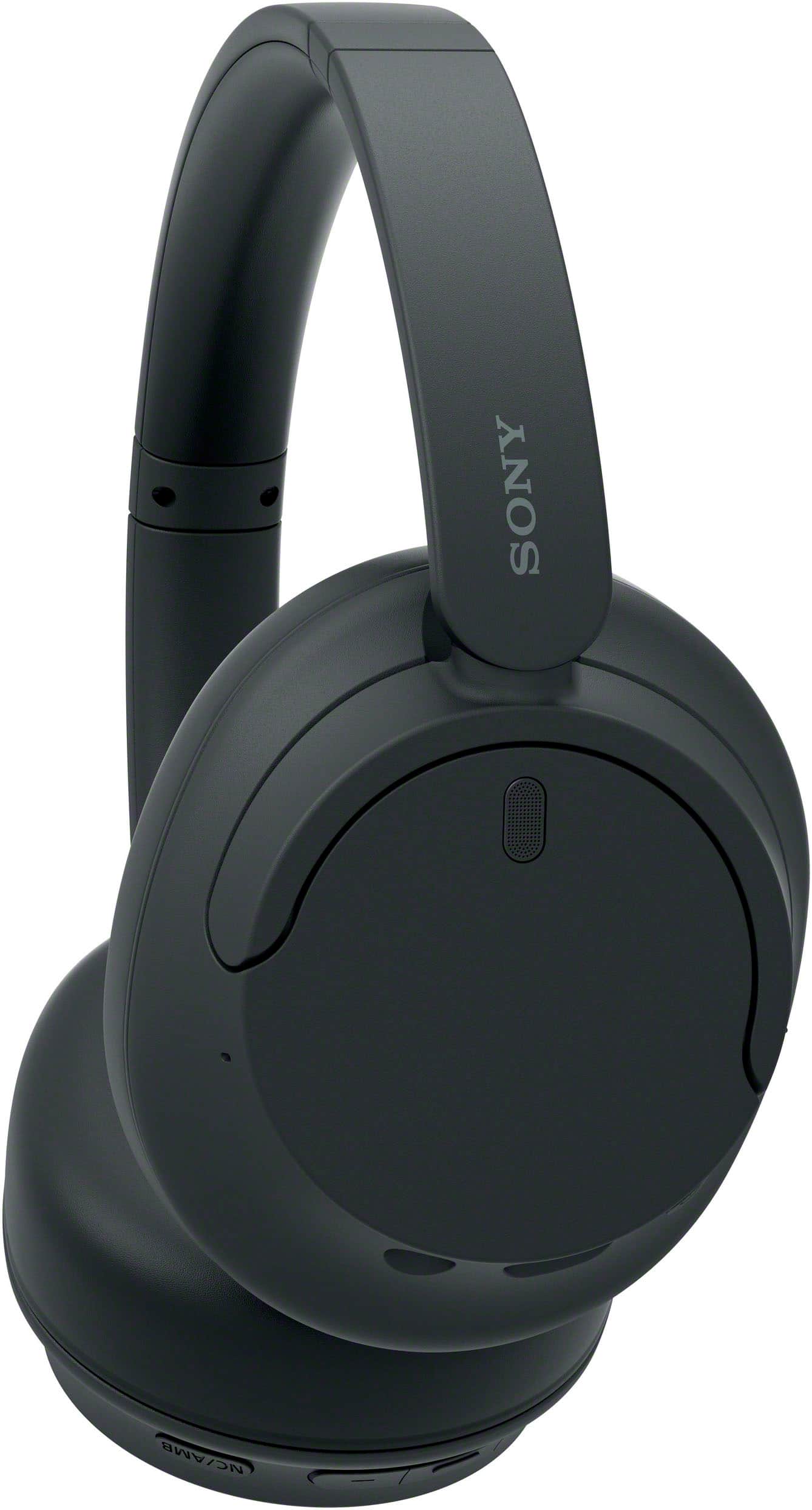
- A:Answer There are buttons on the side. At first it takes some use to remember which button is which but now I am easily able to increase or decrease the sound using the headphones. You also can use your device volume to increase or decrease.
Answered by DebbieS
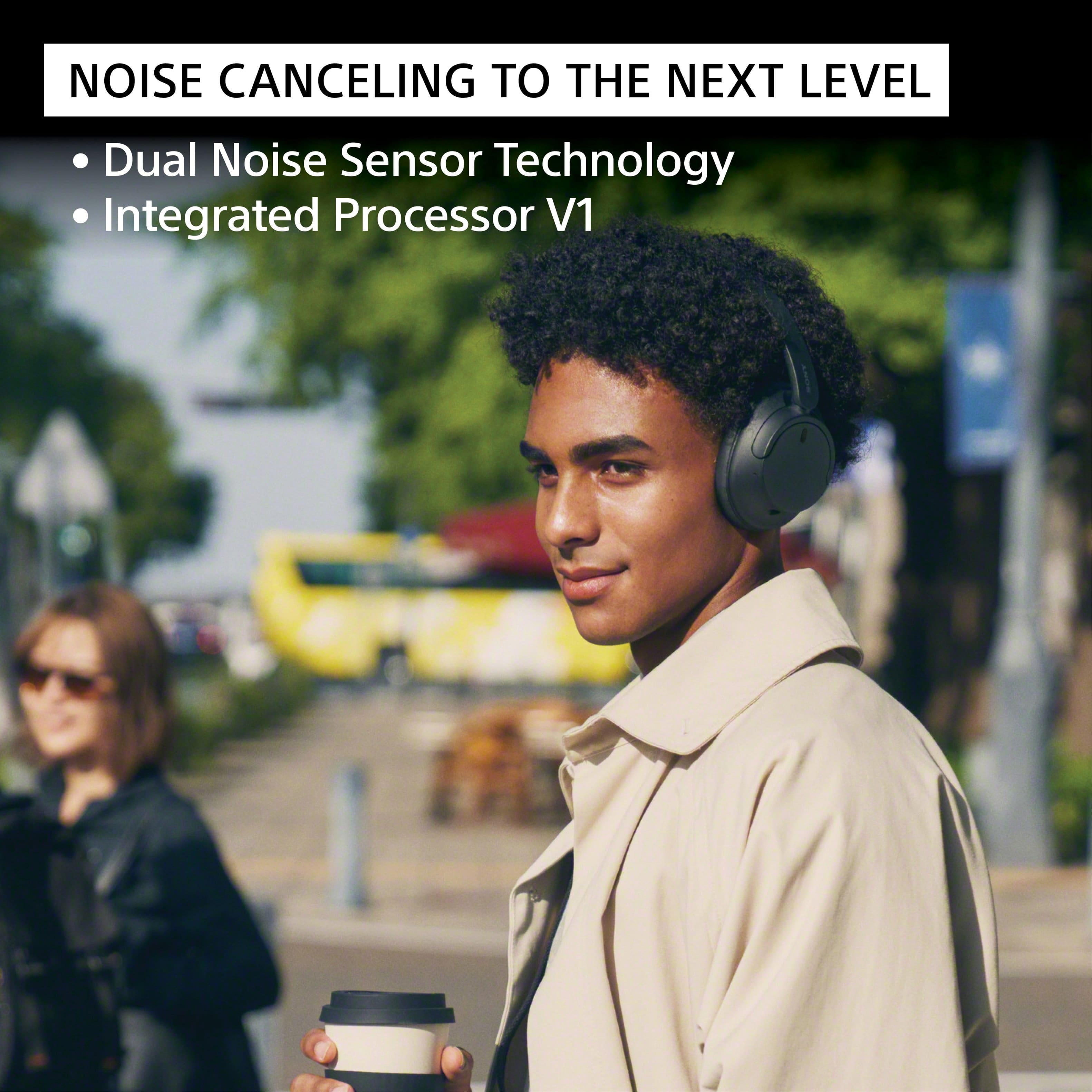
Q: QuestionDoes this headphones block put most of the sound from the outside noise when noise cancelling is active
Asked by UnknownUser.
- A:Answer Hello Jay, Thanks for your question about the noise canceling on the WH-CH720N headphones. It's a great feature, and we're happy to provide some clarity on what you can expect. The WH-CH720N headphones are designed to effectively block out a significant amount of ambient noise,\ reducing low-frequency sounds, such as the hum of an air conditioner, the rumble of a train or bus, and airplane cabin noise. This allows you to immerse yourself more fully in your music or podcasts. While they do an excellent job of dampening external sounds, they may be less effective at canceling out higher-frequency noises like human voices or sudden, sharp sounds. For the best noise-canceling performance, we recommend using the Sony | Sound Connect app to ensure the noise-canceling feature is set to "ON" and not in Ambient Sound Mode. Additionally, keep your device's software up to date for a better performance. Thanks for your interest in our Sony headphones! Sincerely, Jenn | Sony Social Media Team
Answered by SonyListens

Q: QuestionI have a Samsung tv, Model UN32F6000FFXZA which is a smart tv with blue tooth. I need to find wireless, noise cancelling headphones that will work with this tv?
Asked by Sue.
- A:Answer Hi Sue! We are delighted to assist you in recommending the perfect headphones for your television. Since your television is equipped with Bluetooth audio output, any of Sony's current or recent wireless noise-cancelling headphones should work. The WH-1000XM5 or WH-1000XM4 are highly recommended for the best overall experience, while the WH-CH720N offers a good balance of features and affordability. We encourage you to visit our official website at https://electronics.sony.com/?srsltid=AfmBOop3LzLZ25Bn_dyUiruCxfOLDkCX3HzCgT8h5hQOjHjZgPPtr0E9 to explore the various specifications and features of each headphone model. Thank you for considering Sony products! Best regards, Estefany
Answered by SonyListens

Q: QuestionWill these read texts out loud on iphonw
Asked by Trev.
- A:Answer Hello Trev, thanks for your question. The WH-CH720N headphones can be paired and connected with an iPhone over Bluetooth for standard audio functions such as playing music and handling calls. However, If you want text messages or notifications read out loud on your iPhone while using the WH-CH720N headphones, you would need to set the iOS feature on your phone –Siri, for example, can announce (read aloud) incoming messages and notifications through compatible headphones, including the WH-CH720N headphones. Hope this answers your concern. Thanks for choosing Sony! Sincerely, Jenn.
Answered by SonyListens

Q: QuestionI need headphones for my Sony TV will they work with a Tv
Asked by Al.
- A:Answer Hi Al, Yes, the WH-CH720N headphones can be connected to a TV via Bluetooth, provided that the TV supports the Advanced Audio Distribution Profile (A2DP). Best regards, Eliab
Answered by SonyListens

Q: QuestionI mainley want to use headphones for TV will these work with my Sony TV
Asked by AL.
- A:Answer If your just using them to listen I think they are a great choice the sound quality with music is 9/10 I didn’t give it a 10 because I would love for them to be just a little bit louder… Just my preference.. Definitely better than average headphones for listening only… Hope this helps
Answered by KhemB
Q: QuestionWill these headphones work with Hisense smart TV?
Asked by Dawood.
- A:Answer Hello Dawood, Thank you for your interest in the WH-CH720N headphones! To answer your question briefly: if your TV supports the A2DP Bluetooth profile, you will be able to connect the headphones without any issues. We recommend checking the product specifications of your TV to confirm that it includes this profile. Thank you once again for considering Sony products! Best regards, Gus
Answered by SonyListens

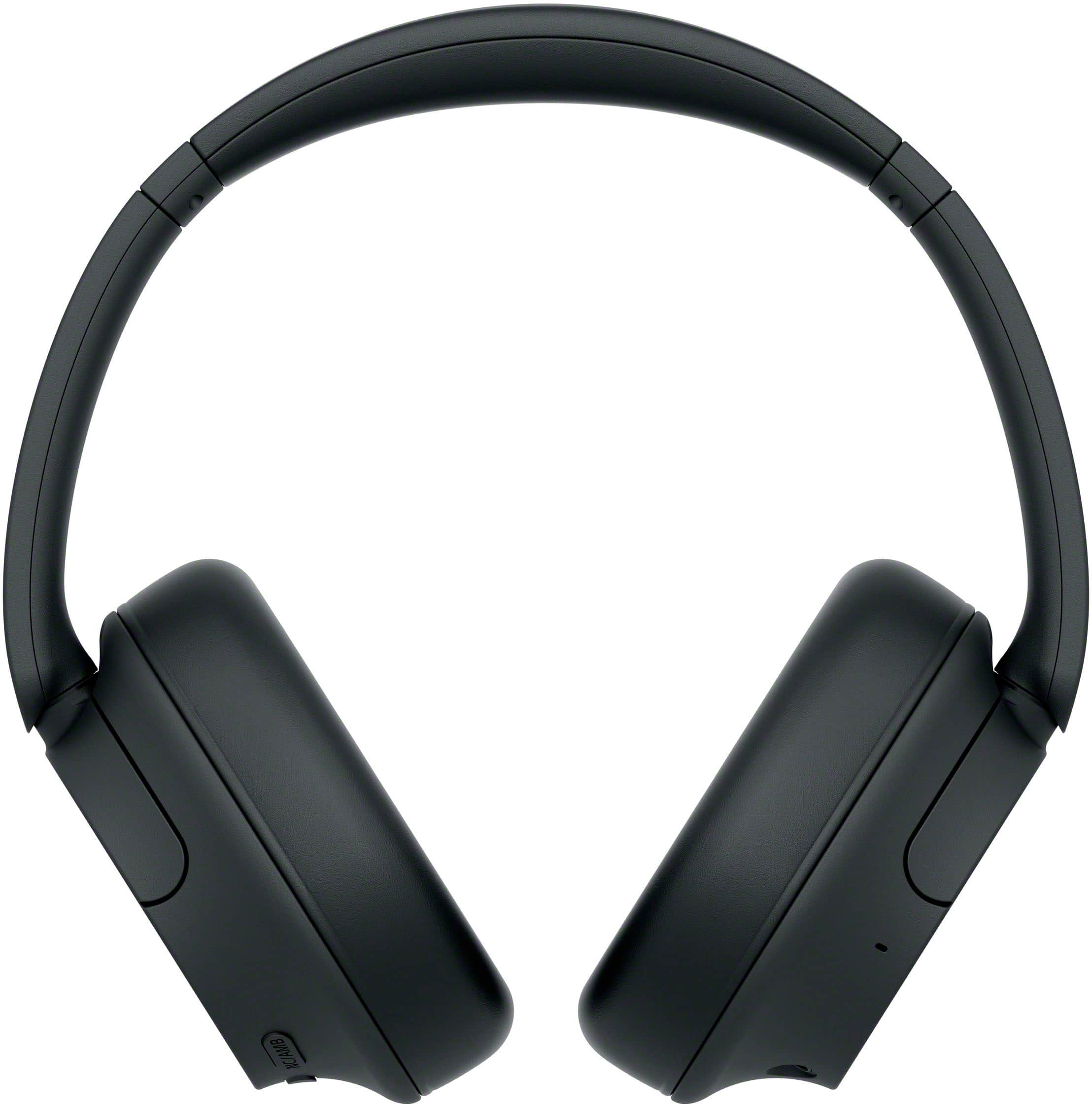
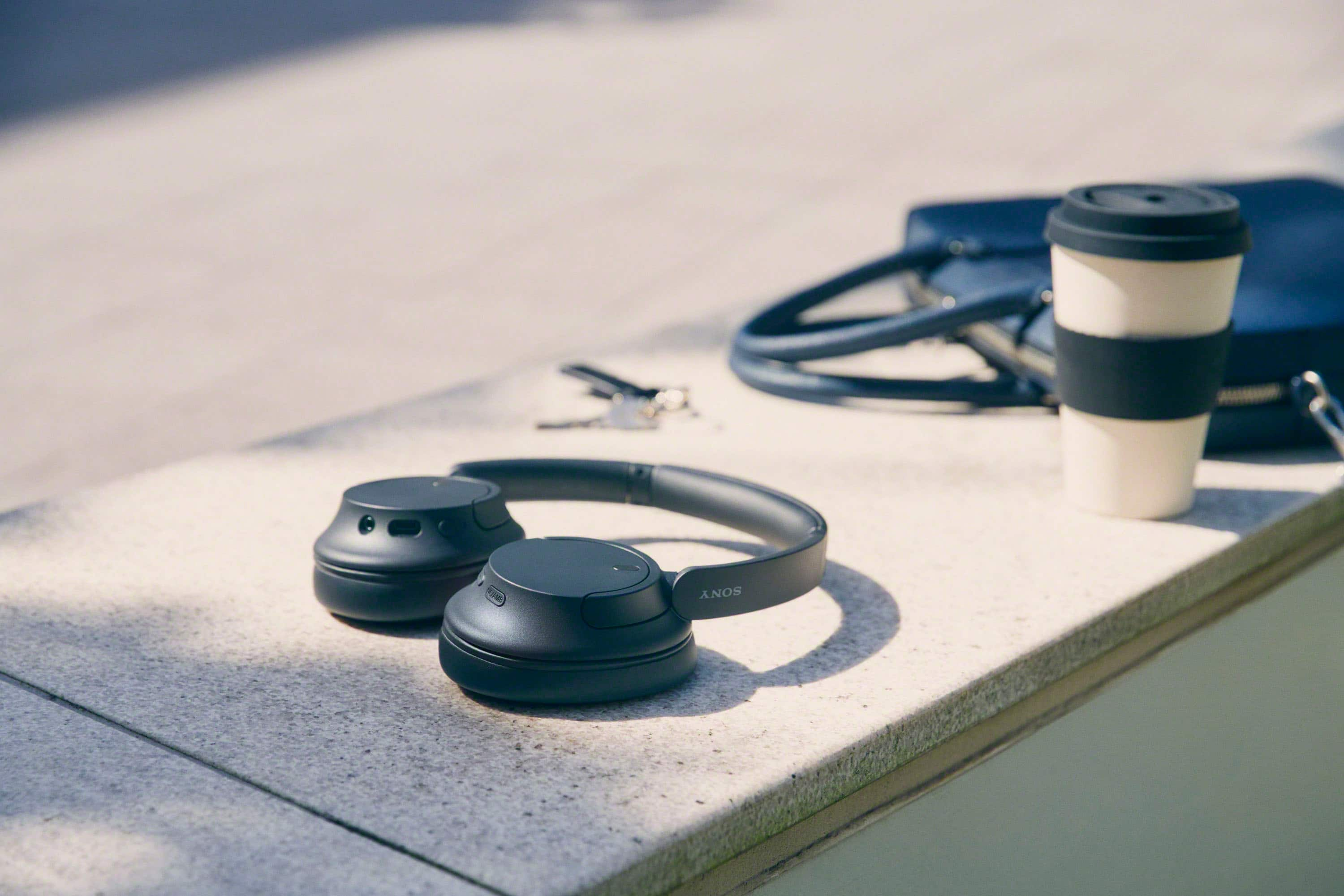
Q: QuestionDo these come with a case of some kind?
Asked by CD.
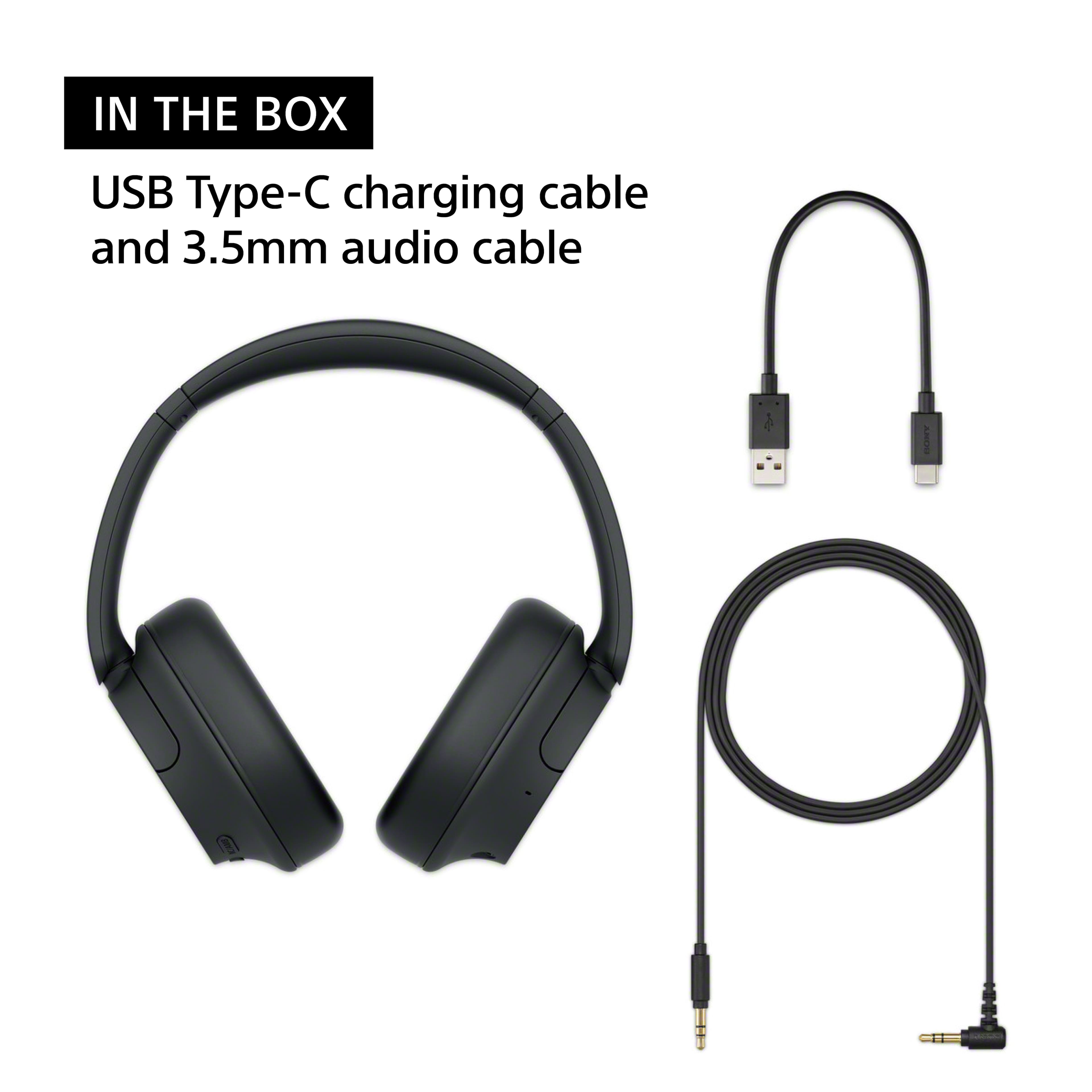
- A:Answer They should but the absolutely don’t
Answered by KhemB
Q: QuestionWill these headphones automatically shut off if not in use for a certain period of time? I use a sleep timer on my audiobook, and fall asleep with my headphones on. Need them to disconnect from my phone automatically after im asleep.
Asked by Momo.
- A:Answer Hey Momo, that's an interesting question! Basically, yes! You can set the automatic power off to the time you prefer, and it should be working fine! For detailed information, you might check: https://helpguide.sony.net/mdr/hpc/v1/en/contents/TP0002935917.html?search=auto%20power%20off https://helpguide.sony.net/mdr/2966/v1/en/contents/TP1000776844.html Thanks for considering Sony! Gus
Answered by SonyListens

Q: QuestionI have some Sony WHCH710N/B wireless headphones that connect wirelessly with my Samsung 950QC TV. The earpads are falling apart! Will the Sony WHCH720N work with my TV in the same way as my current headphones?
Asked by ToshibaSamsung.
- A:Answer Hi Hmid, thanks for your question regarding the WHCH720N headphones! We are sorry to hear that the earpads of your old ones are falling part, this is a good moment to go for the upgrade. These new headphones will definitely be able to connect wirelessly to the TV as your current ones do, all you need to do is going into the TV settings and pair the new ones via Bluetooth, and they will be ready to go! Thanks for choosing Sony, regards, -Dominick
Answered by SonyListens

Q: QuestionCan I use this to watch tv while still having the tv sound on for others?
Asked by davidk.
- A:Answer Hey Davidk, thanks for your question! About the connections, it will depend on your TV, the WHCH720N can be connected to your TV and if your TV can output the audio from Bluetooth and TV speakers at the same time, yes, it must work fine. We hope this helps with your question, thanks for considering Sony! Gus
Answered by SonyListens

Q: QuestionWhy will they only pair with either my iPhone or iPad? Not both?
Asked by Jeff.
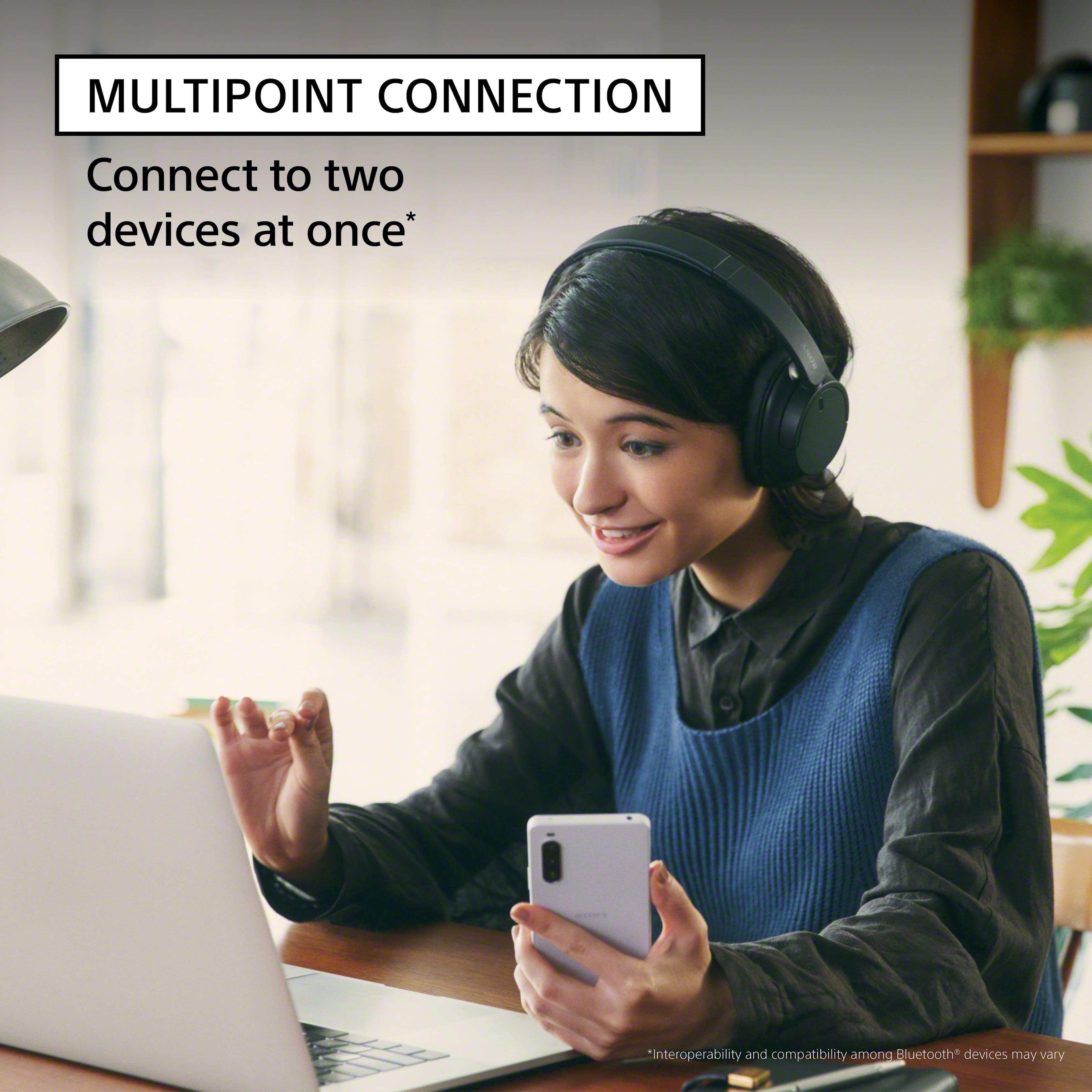
- A:Answer No
Answered by Will
Q: QuestionCan I answer my iPhone with it or can I talk through them to who calling me?
Asked by Me.
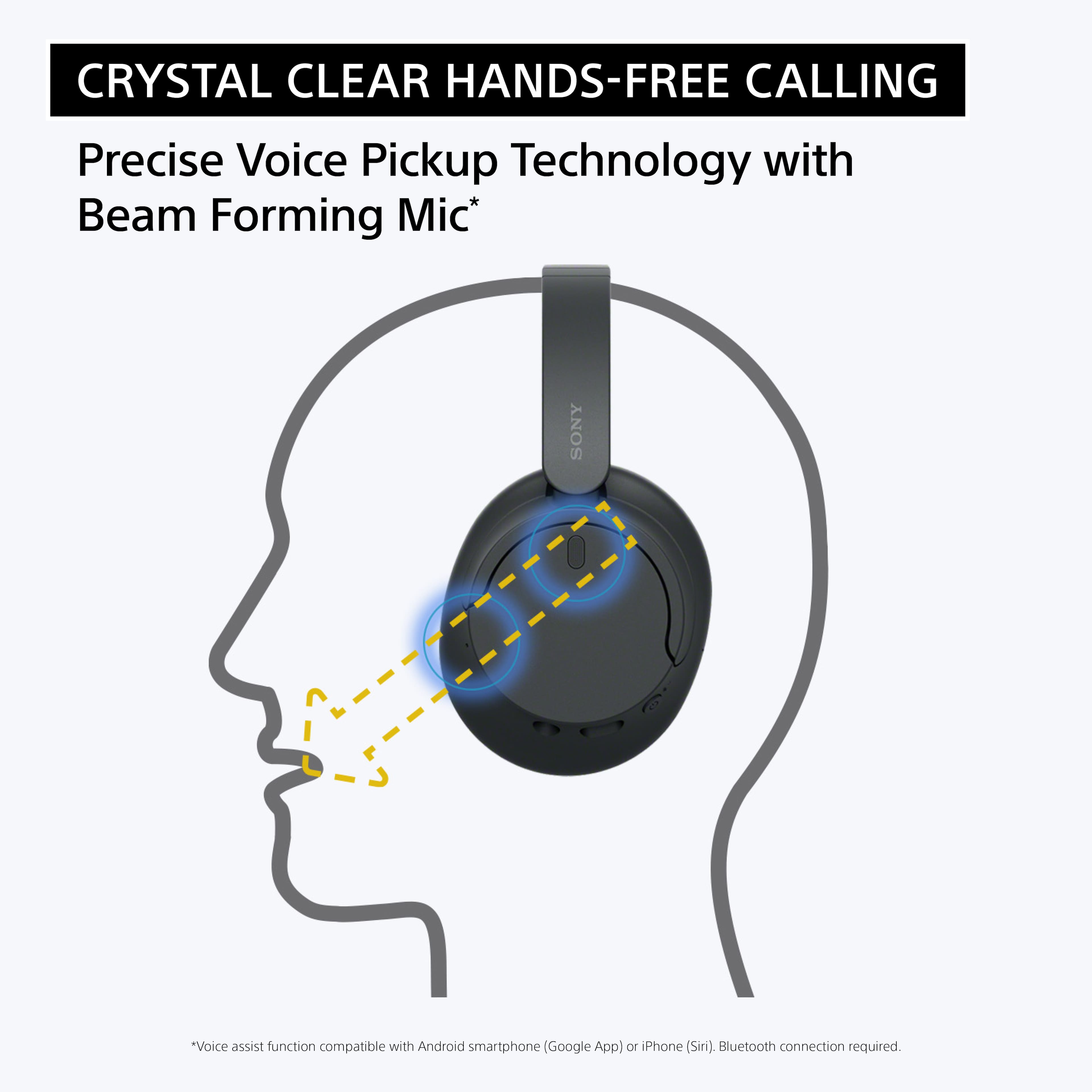
- A:Answer Yes, you can answer calls on your iPhone using the Sony WH-CH720N headphones. When you receive a call, you can press the multifunction button on the headphones to answer it. You can also talk through the built-in microphone on the headphones to speak with the person calling you. The sound quality for both listening and speaking during calls is clear, and you can use the headphones just like a regular Bluetooth headset for hands-free conversations.
Answered by Joybiswas
Most-viewed items
- Black Friday Deal$219.99Your price for this item is $219.99
- $79.99Your price for this item is $79.99$129.99The comparable value for this item is $129.99
- Black Friday Deal$429.99Your price for this item is $429.99
- $139.99Your price for this item is $139.99$179.99The comparable value for this item is $179.99
- Doorbuster$159.99Your price for this item is $159.99
- $184.95Your price for this item is $184.95$249.99The comparable value for this item is $249.99
- Black Friday Deal$179.99Your price for this item is $179.99
- Black Friday Deal$169.99Your price for this item is $169.99
- Black Friday Deal$199.00Your price for this item is $199.00
- Black Friday Deal$159.99Your price for this item is $159.99
- Black Friday Deal$39.95Your price for this item is $39.95
- Black Friday Deal$248.00Your price for this item is $248.00
- $298.99Your price for this item is $298.99$429.00The comparable value for this item is $429.00
- $236.49Your price for this item is $236.49$249.99The comparable value for this item is $249.99
- Black Friday Deal$129.99Your price for this item is $129.99
- Black Friday Deal$216.00Your price for this item is $216.00
- Black Friday Deal$199.00Your price for this item is $199.00
- Black Friday Deal$129.00Your price for this item is $129.00
- Black Friday Deal$124.99Your price for this item is $124.99
- Black Friday Deal$399.00Your price for this item is $399.00