A:AnswerHi John,
We apologize for any confusion. Our WHCH720N wireless noise canceling headphones are compatible with iPhones, iPods, Android smartphones and other devices that support the Bluetooth A2DP. These will perfectly work with Samsung smartphones.
Our WH-CH720N headphones also allow you to enjoy natural vocals, crystal-clear sound and balanced tuning audio, thanks to the Integrated Processor V1 and Digital Sound Enhancement Engine (DSEE), producing a high-quality sound exactly as the artists intended.
Thank you for your inquiry and I hope this helps!
-Vincent
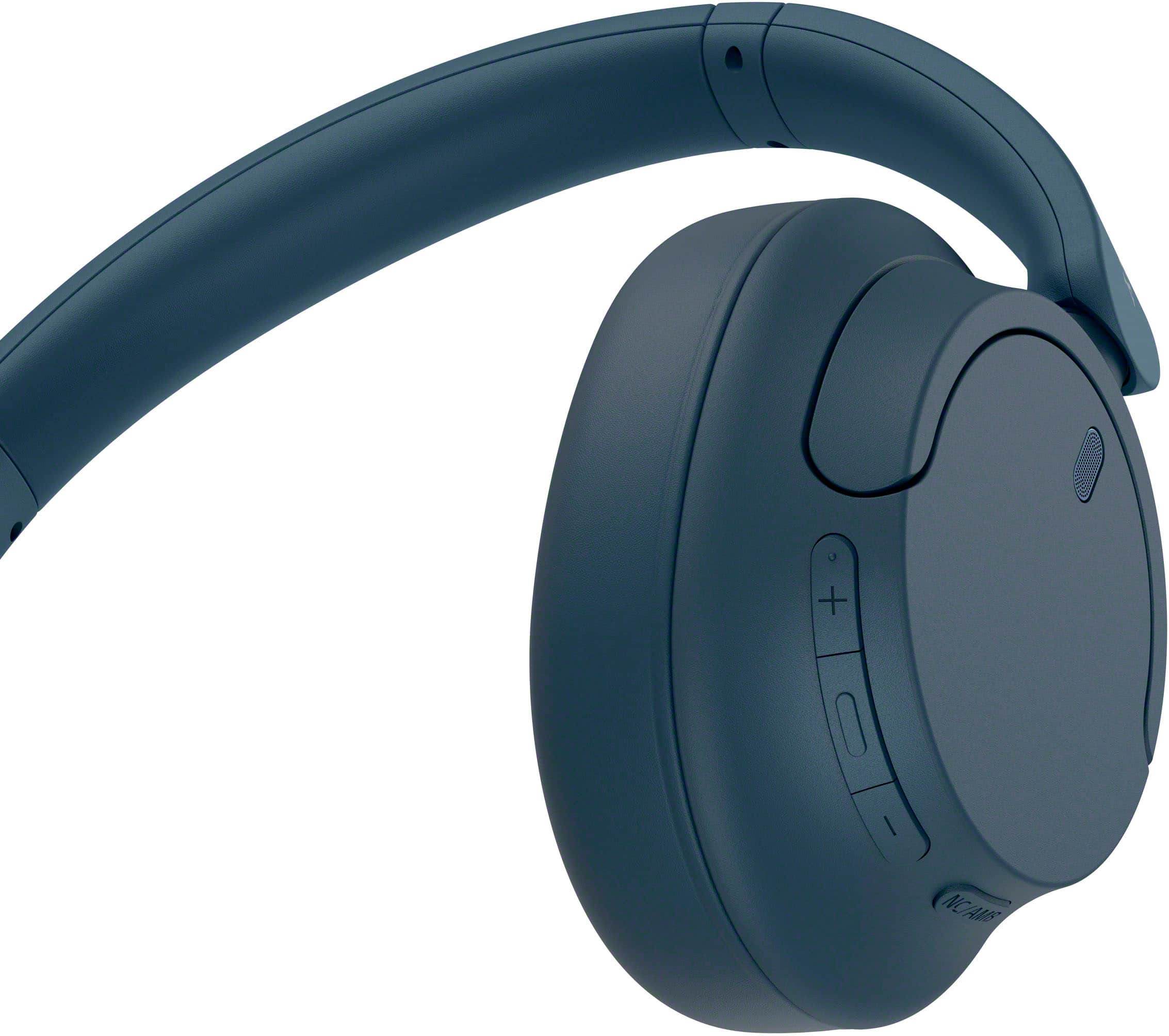
A:Answeryes, both. you can use all modes too: noise canceling, transparency, and off. you also can use the headphones without powering them on when wired.
A:AnswerHi RLPR,
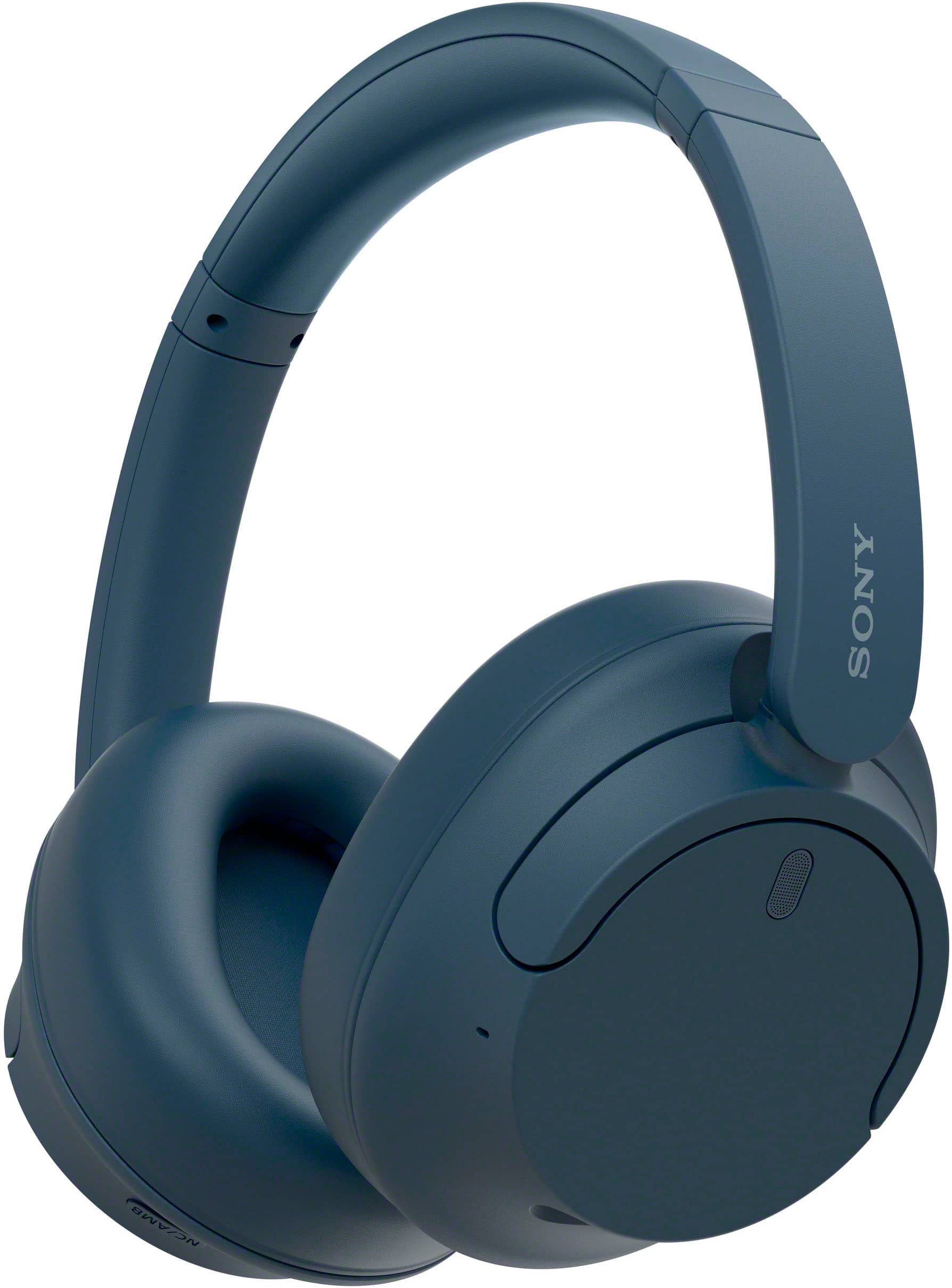
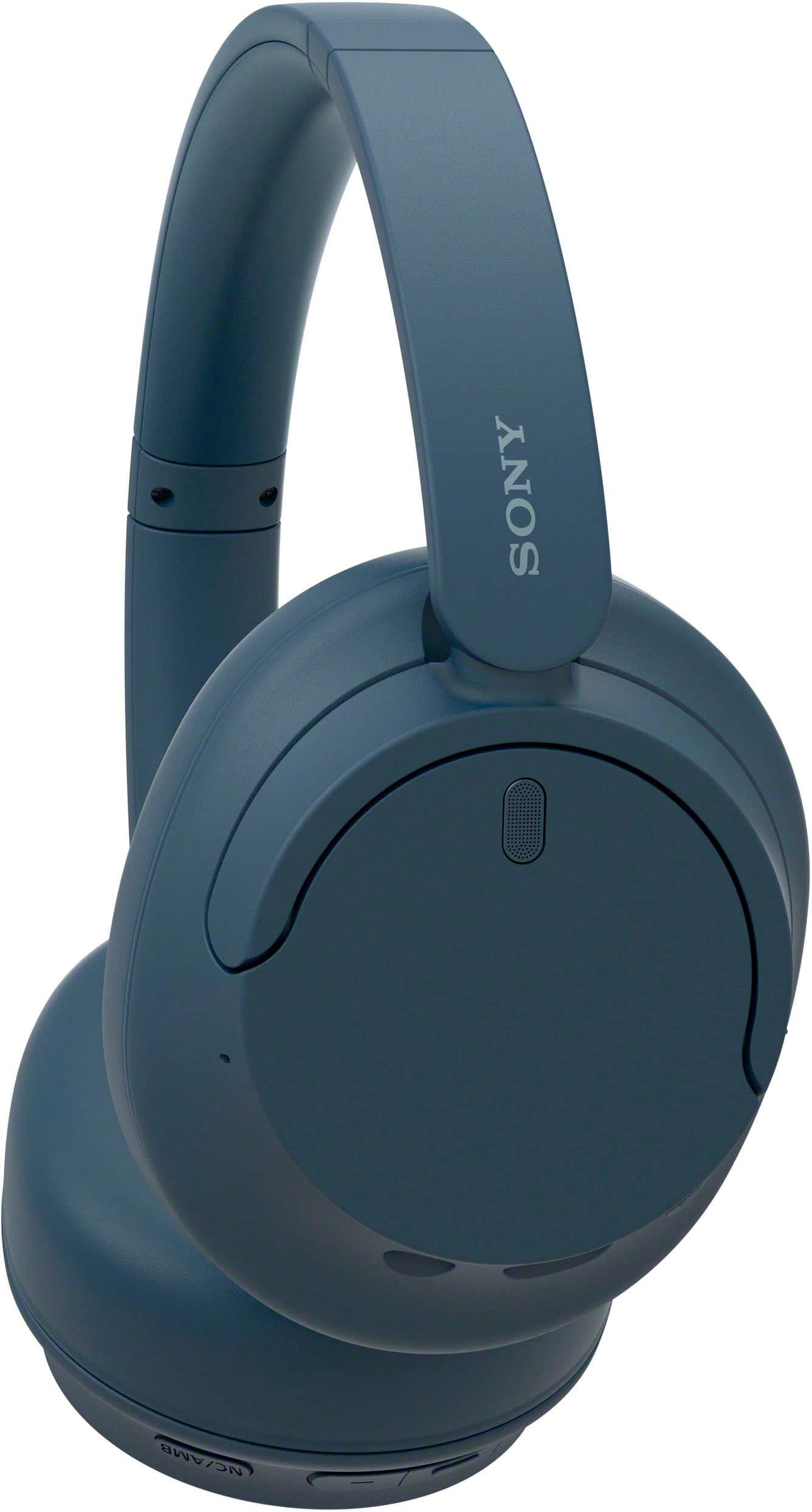
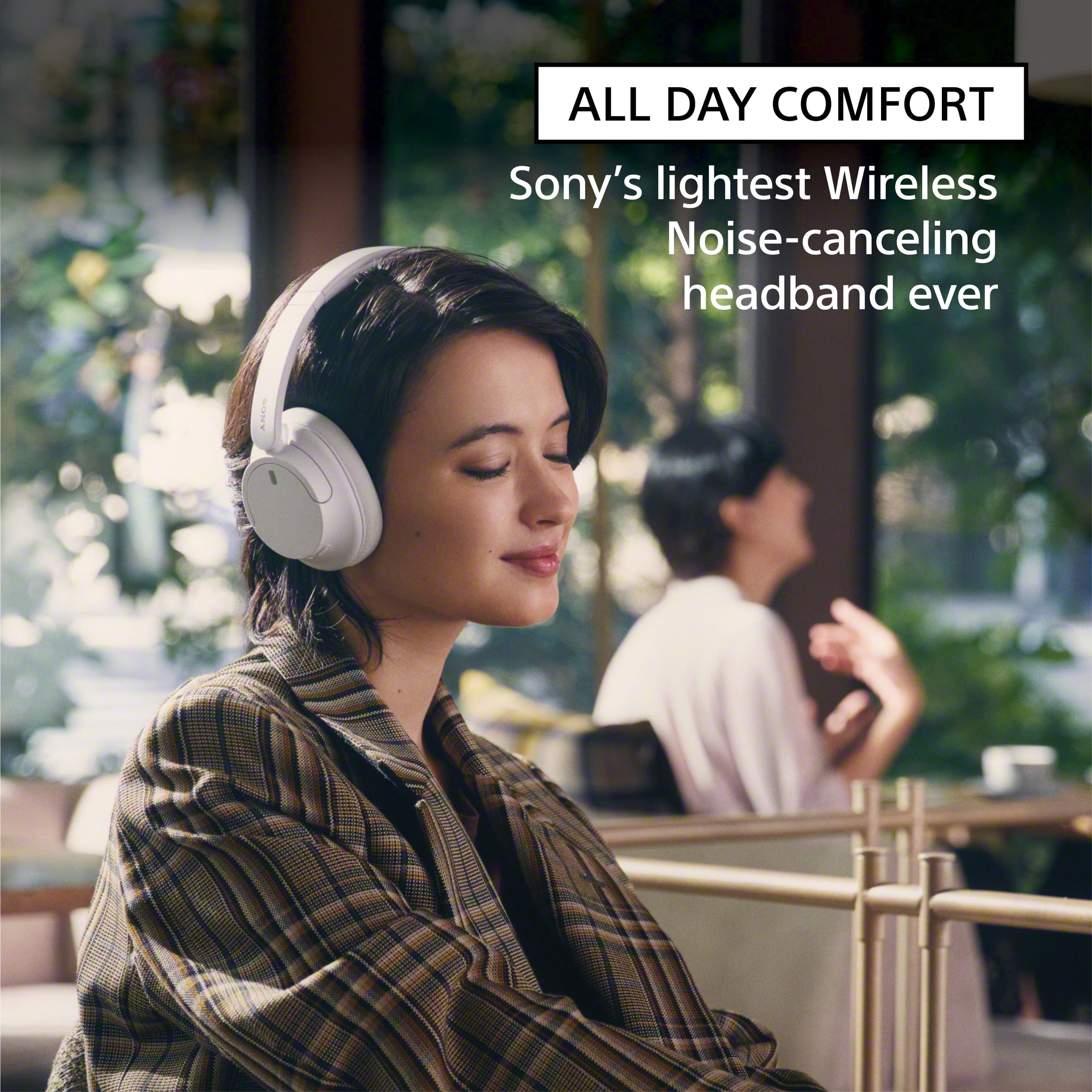
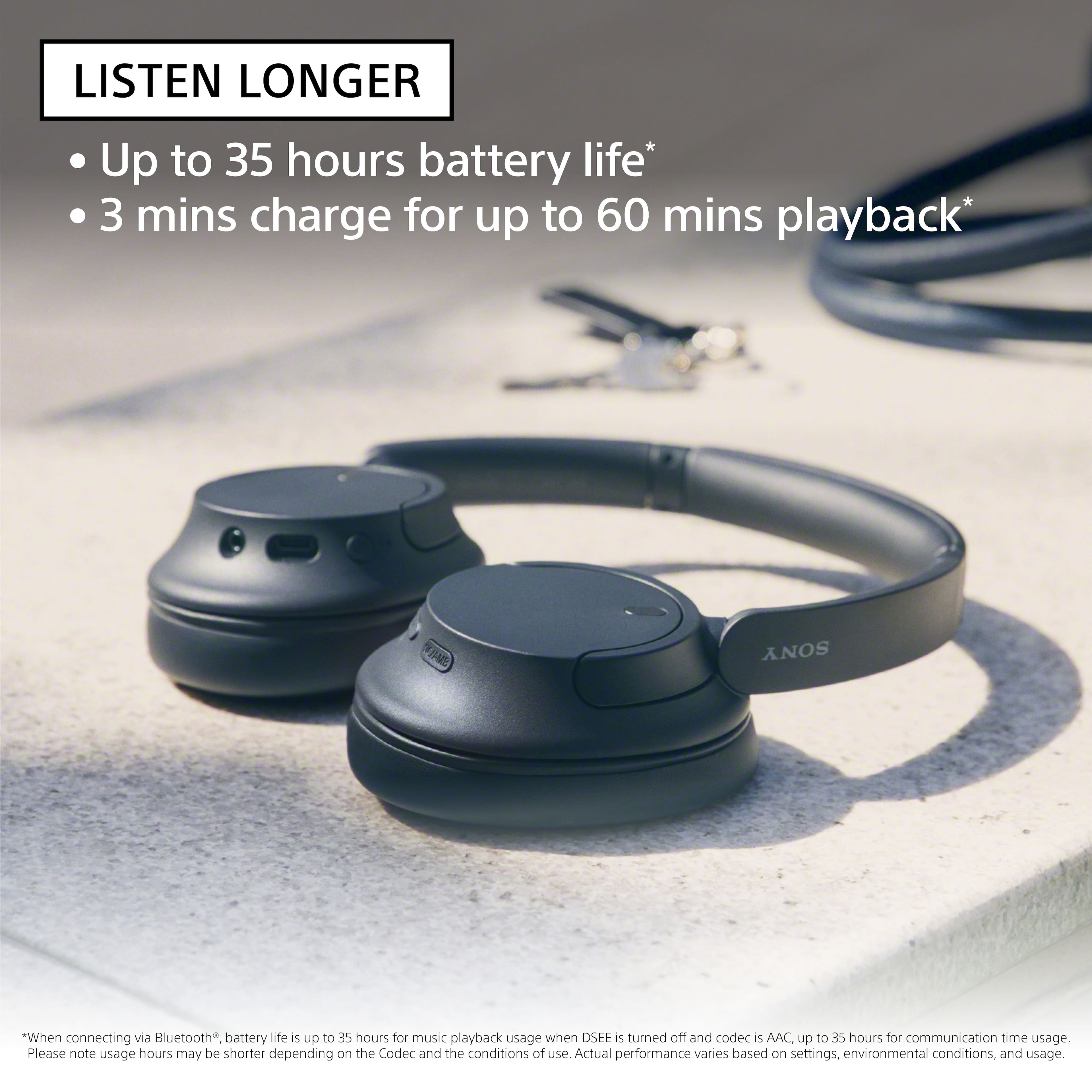
Thank you for your interest in our WHCH720N! You can wear them over hearing aids. Whether you’re working from home or relaxing with your favorite content, the WH-CH720N are ergonomically designed to be lightweight and comfortable. With up to 35 hours battery life, you can wear them and will stay comfortable for long periods of listening.
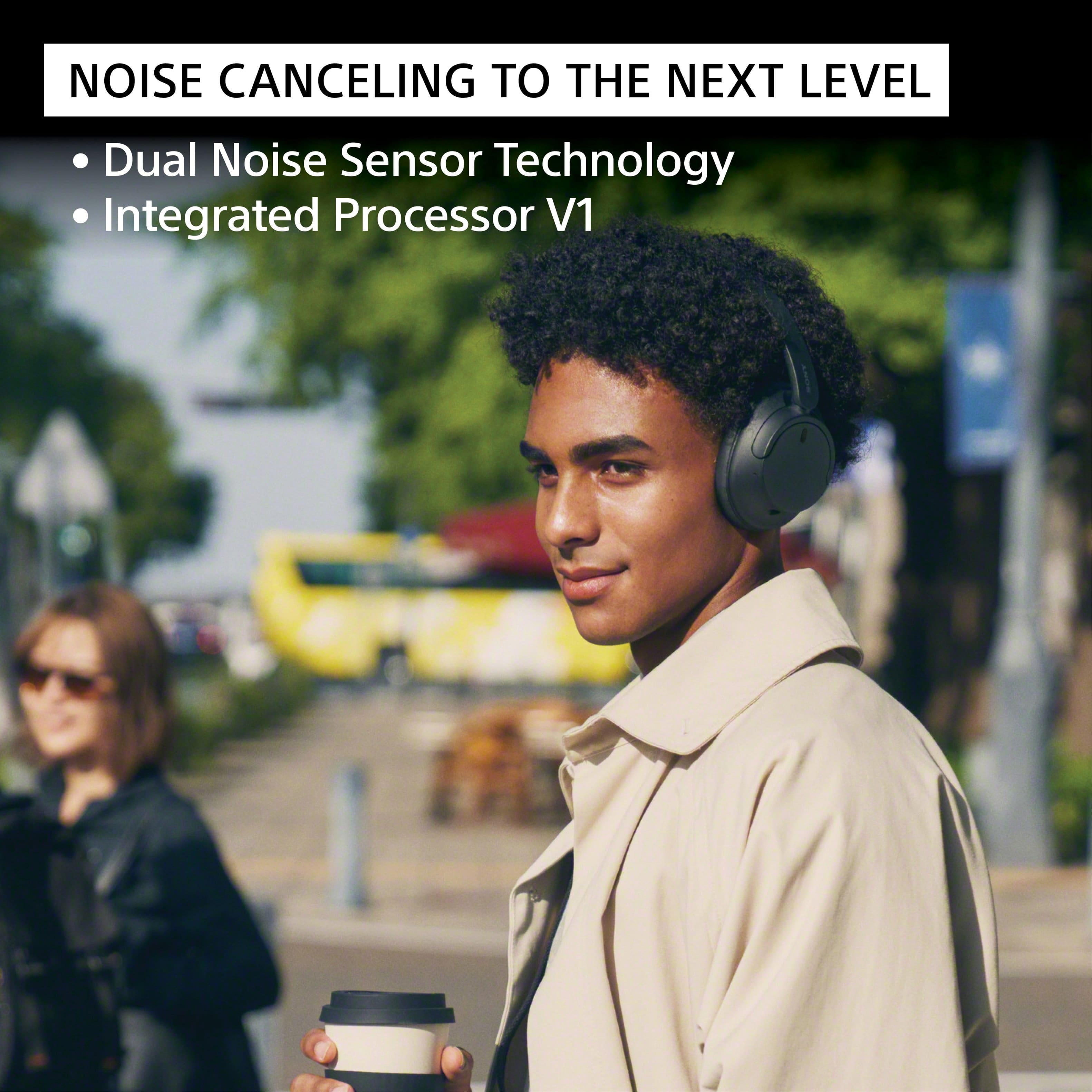
Turn down the world's noise with the long-lasting noise cancellation performance. Featuring Dual Noise Sensor technology and an Integrated Processor V1, the WH-CH720N allows you to fully immerse yourself in music without any distractions. Ergonomically designed to be lightweight, comfortable, and with up to 35 hours of battery life, you’ll almost forget you’re wearing it. Hope this helps! - Kris
A:AnswerDoes not work with ps5, even considering it is a SONY product, best thing to do is to buy a headphone cord because it does have a headphone cord input hole.
A:AnswerYes, the Sony WH-CH720N headphones will work without the app. You can pair them directly with any Bluetooth-enabled device, like a phone, tablet, TV, or computer, without using the Sony Headphones Connect app. While you won’t have access to features like sound customization or noise-canceling adjustments, the headphones will still function perfectly for listening to music, calls, or videos.
A:AnswerHi PC,
Thanks for reaching out and we apologize for any confusion. Our WHCH720N headphones have noise canceling feature. The noise canceling function generates antiphase sound against outside surrounding noises (such as noises in vehicles or noises from air conditioners indoors) to reduce the surrounding noises by canceling them out. We will report this to the right team to update the Specifications from Best Buy.
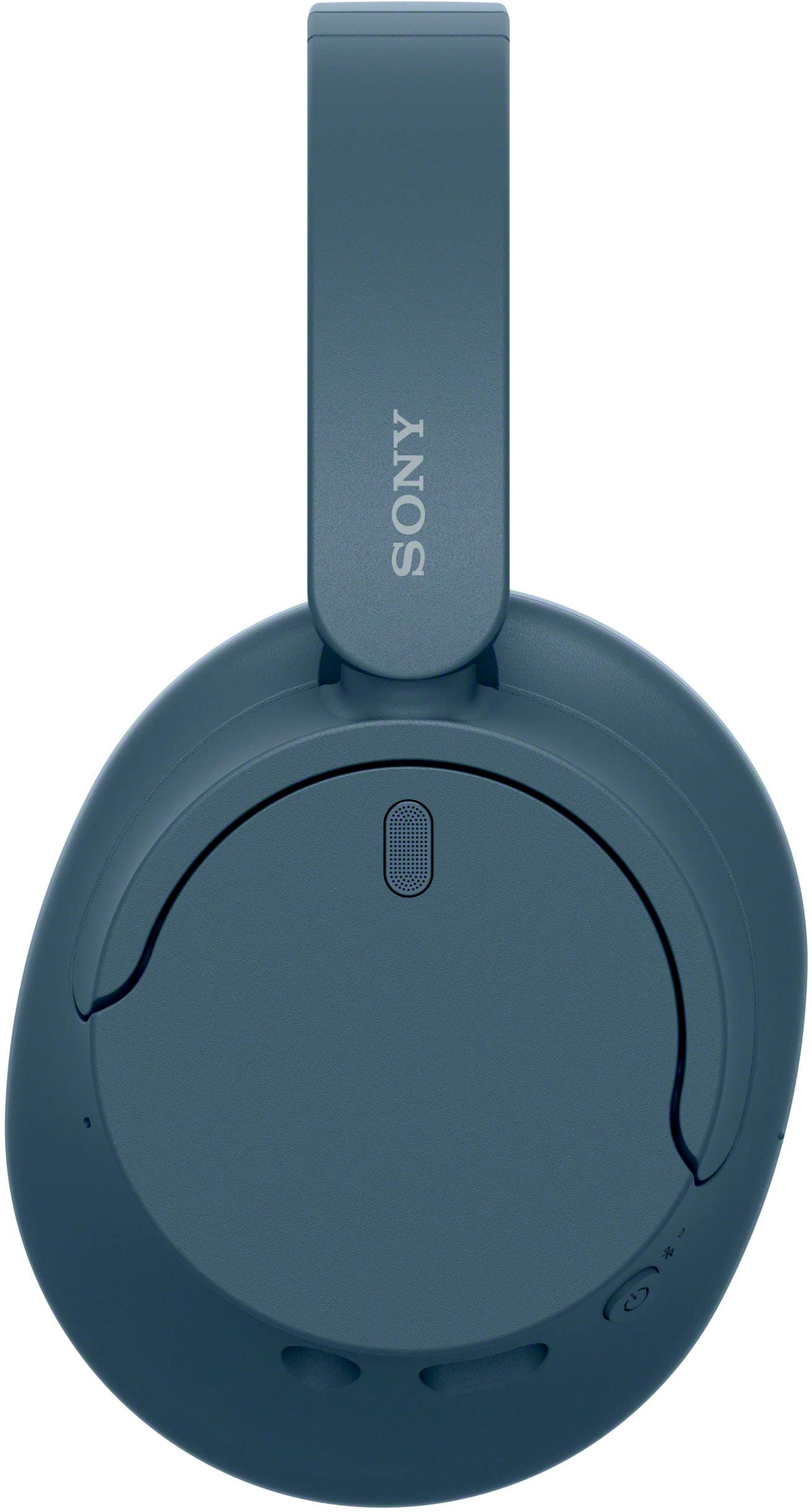
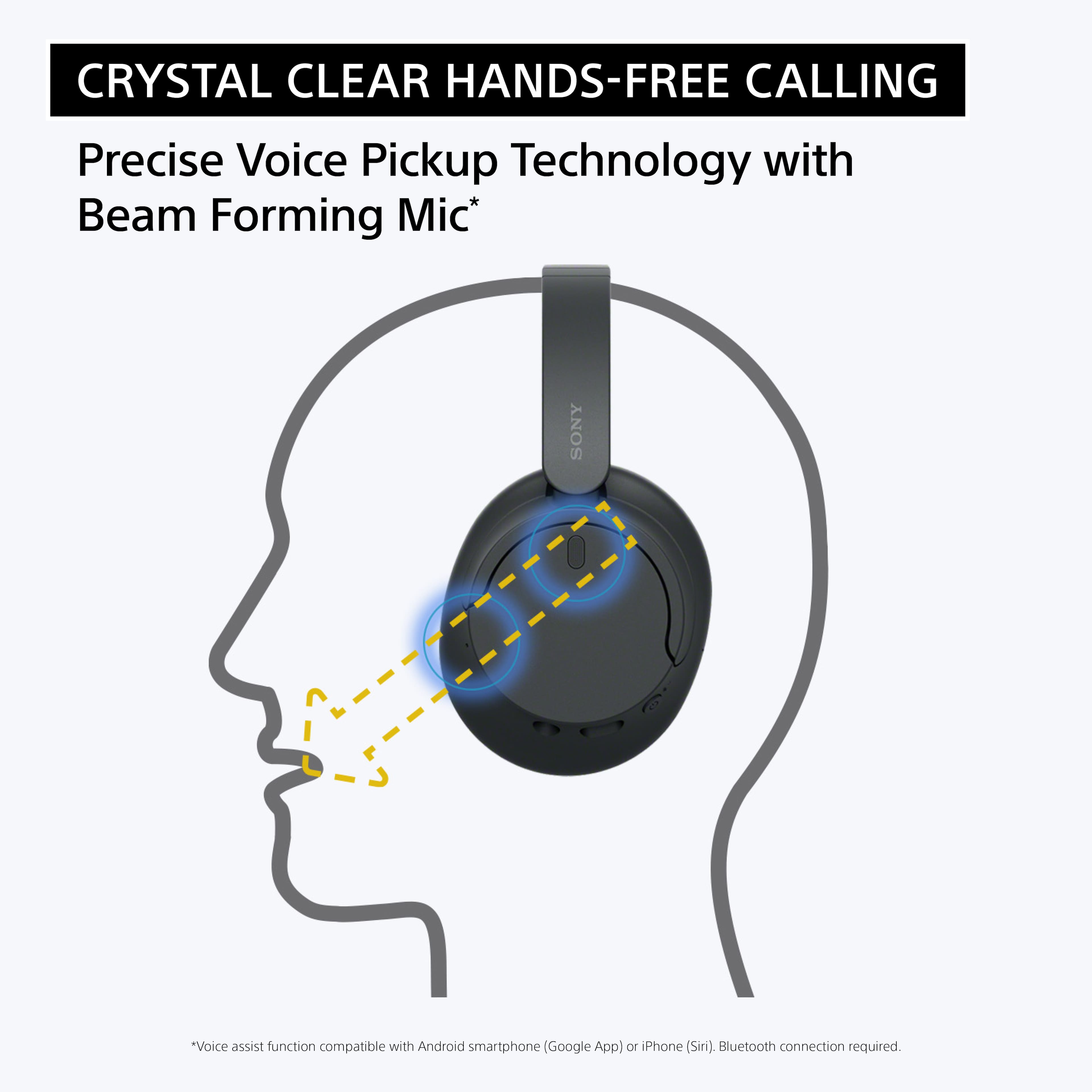
Our WH-CH720N headphones also allow you to enjoy natural vocals, crystal-clear sound and balanced tuning audio, thanks to the Integrated Processor V1 and Digital Sound Enhancement Engine (DSEE), producing a high-quality sound exactly as the artists intended. The Precise Voice Pickup technology Wind Noise Reduction Structure will give you a clear and natural conversation during calls.
Hope this helps!
-Vincent
A:AnswerHi matthew,
Thank you for your inquiry! Our WH-CH720N wireless noise canceling headphones are not waterproof nor sweatproof. If spending an hour on a treadmill will make you sweat a lot, we do not recommend using these headphones. These headphones are perfect when walking or doing light exercises. You may also want to check out our truly wireless noise canceling earbuds that are waterproof (IPX4) such as the WF-1000XM5, WF-1000XM4 or LinkBuds S, which are great for workouts.
Our WH-CH720N headphones allow you to enjoy natural vocals, crystal-clear sound and balanced tuning audio, thanks to the Integrated Processor V1 and Digital Sound Enhancement Engine (DSEE), producing a high-quality sound exactly as the artists intended.
Hope this helps!
-Vincent
A:AnswerHi Hope! I would say deep enough for every thing to sound very muffled while wearing with nothing playing… I like to where them sometimes even if I’m not listening to anything in my phone at the time.. lol
A:AnswerHi John, thanks for contacting Sony!
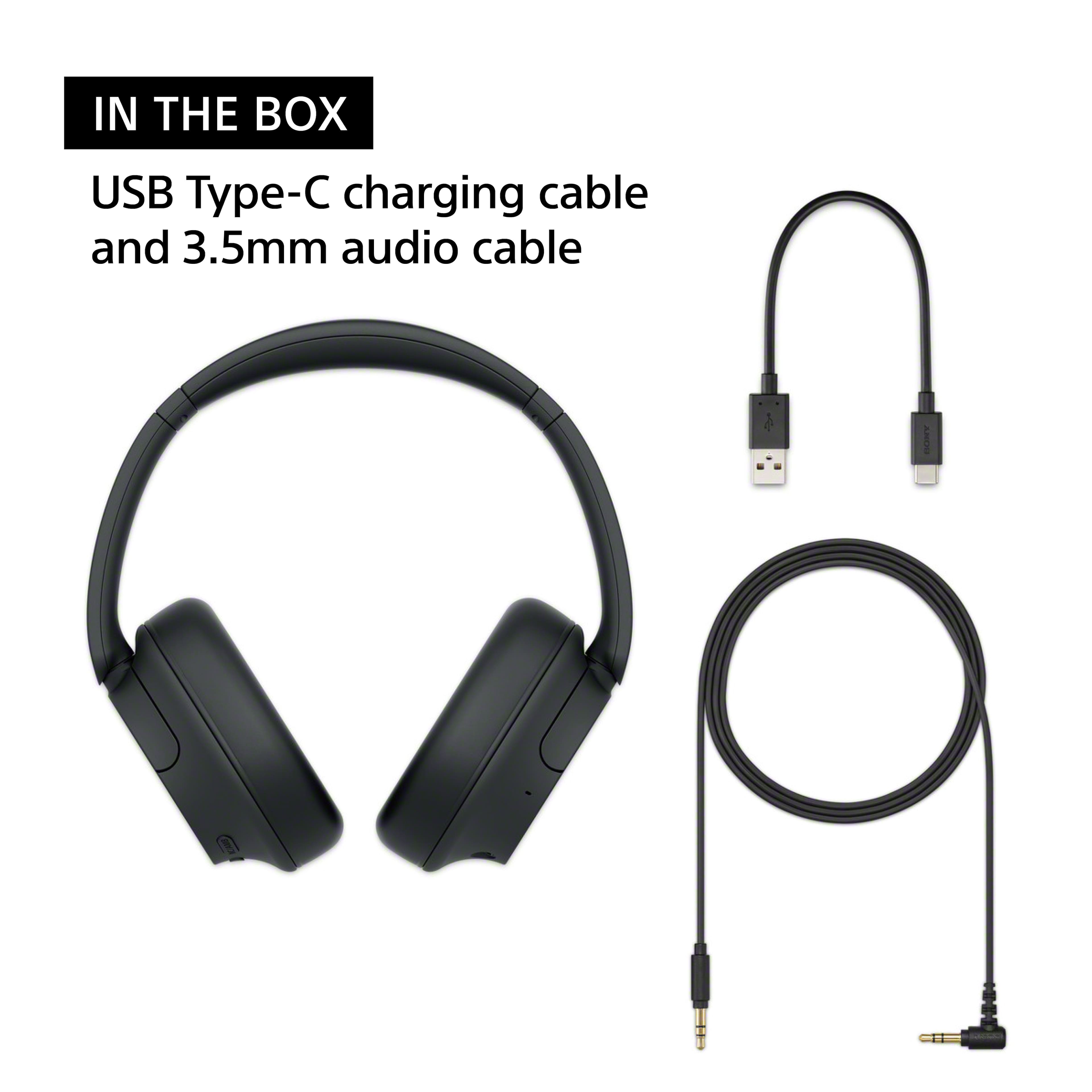
We are happy to confirm that you can indeed use your WH-CH720N headphones in a wired mode. They come with a 3.5 mm headphone cable, which you can connect to a computer or an in-flight entertainment system. This provides a great option for listening to music when Bluetooth is not available or preferred.
When using the headphones in wired mode, you can still use the noise-canceling or ambient sound features by turning the power on. However, please note that the Bluetooth function will be inactive in this mode. It's also important to know that the built-in microphone will not work when connected via the audio cable. If you receive a call, you would need to use your phone's microphone to speak.
For a comprehensive guide on all the features and functions of your headphones, you can refer to the official help guide here:
https://helpguide.sony.net/mdr/2966/v1/en/contents/TP1000777054.html
We appreciate you choosing Sony and hope you continue to enjoy your headphones on all your adventures!
Best regards,
Gus, Sony Social Media Team.
A:AnswerHi Dulansey! We are very glad to address your question about the WH-CH720N headphones!
The WH-CH720N are designed to provide a balanced stereo sound experience, meaning the same audio signal is sent to both the left and right earcups.
While the headphones themselves don't have a built-in feature to independently adjust the volume or sound profile for each ear, this kind of adjustment is often available through the device you're connected to. Many smartphones, tablets, and computers have accessibility settings that allow you to balance the audio output between the left and right channels.
Thank you for considering Sony products! We sincerely hope this information is helpful to you.
Best regards,
Estefany
A:AnswerHi Jesse, We appreciate your interest in our WHCH720N Bluetooth headphones. You can use these headphones while lying sideways. However, the size of these headphones might not be ideal for everyone if you're lying sideways. But, if you tend to sleep on your front or back, the WHCH720N is a great option due to its sophisticated style with exceptional comfort. Super-soft, pressure-relieving ear pads in foamed urethane evenly distribute pressure and increase ear/pad contact for a stable fit. And with a lighter-weight design, you'll barely notice you're wearing them. Hope this helps. Regards, -Craig
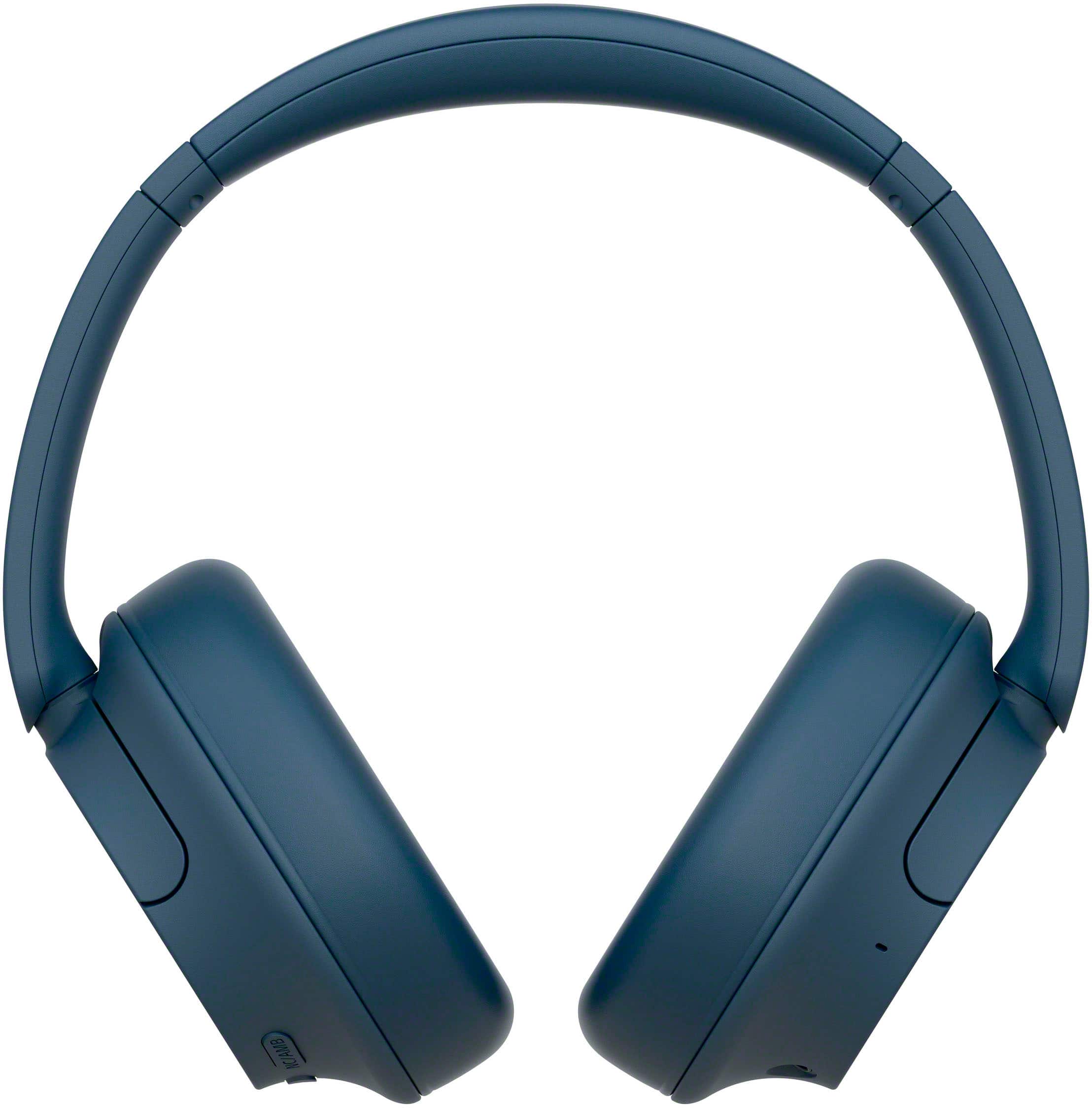
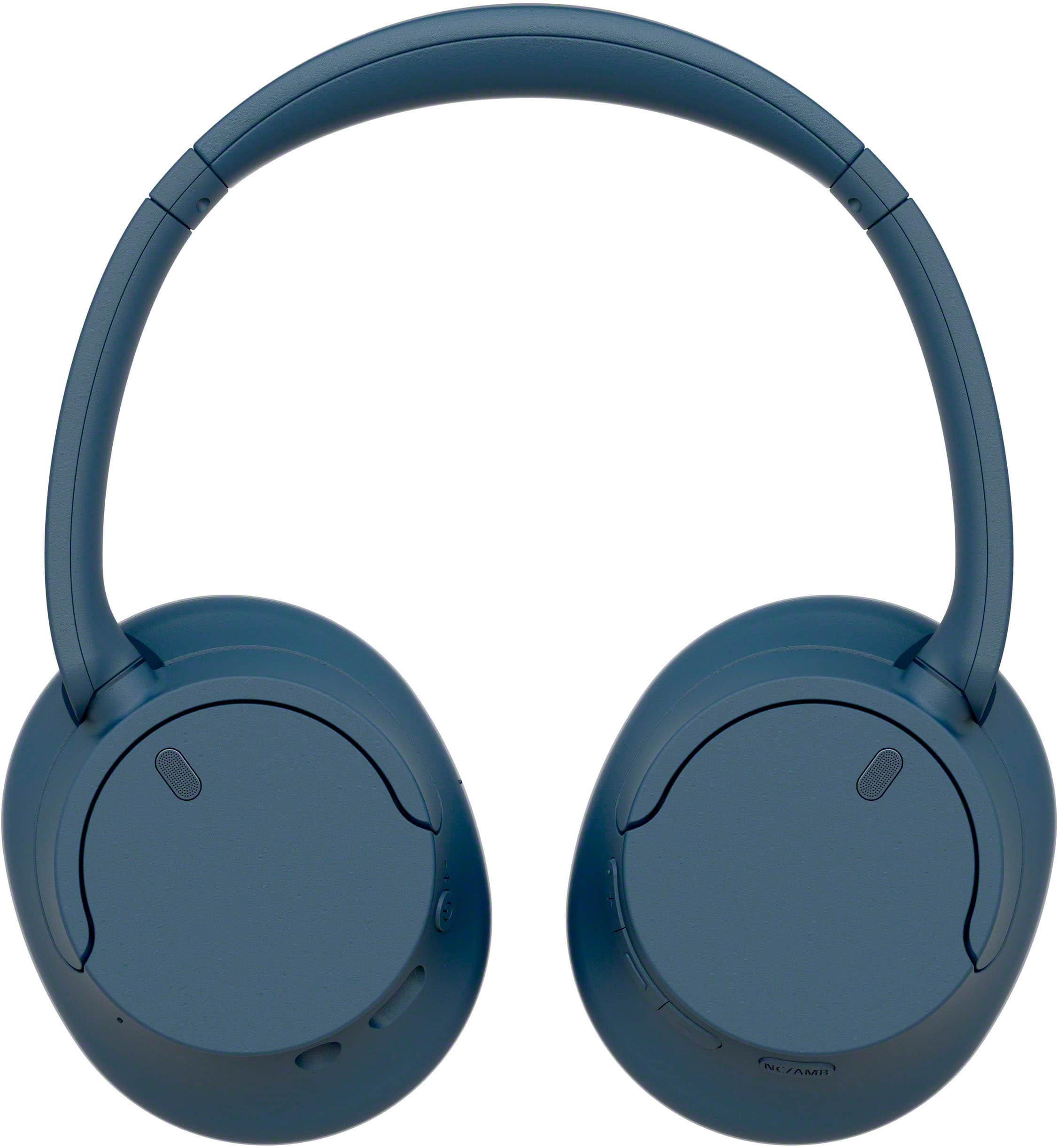
A:AnswerHi Mama, These are over-ear headphones. Our WH-CH720N headphones allow you to enjoy natural vocals, crystal-clear sound and balanced tuning audio, thanks to the Integrated Processor V1 and Digital Sound Enhancement Engine (DSEE), producing a high-quality sound exactly as the artists intended. The Precise Voice Pickup technology Wind Noise Reduction Structure will give you a clear and natural conversation during calls. Thank you for your inquiry and I hope this helps! Vincent
A:AnswerHello there,
Thank you for reaching out to Sony!
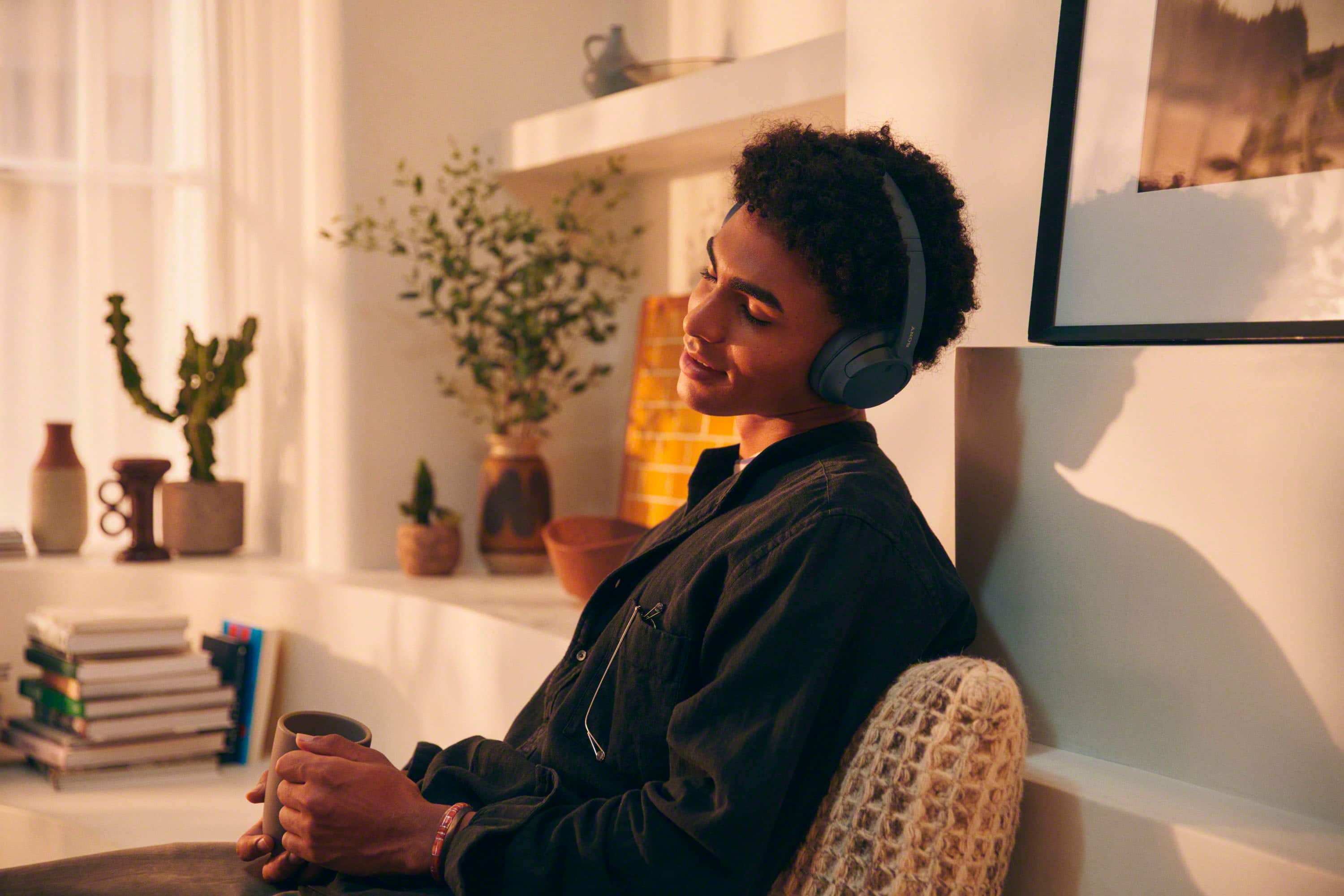
We appreciate your inquiry and are here to help. The Sony WH-CH720N headphones are designed to be comfortable for use with glasses. Their lightweight design and soft ear cushions work together to reduce pressure on your temples, making them suitable for extended listening sessions. However, comfort can vary depending on the thickness of your glasses' frames and individual sensitivity. For an optimal experience during long sessions, occasional breaks are recommended.
For more information on how to wear the headset, please visit: https://helpguide.sony.net/mdr/2966/v1/en/contents/TP1000781372.html.
Best regards,
-Fred
A:AnswerHello Chuckj,
Thank you for reaching out to Sony.
We sincerely apologize for any inconvenience you may have encountered with the Sony WH-RF400 headphones. Please be aware that the WH-RF400 utilizes radio frequency (RF) technology instead of Bluetooth. These headphones are designed with a transmitter base that connects to your TV via a 3.5 mm or RCA cable. If your TV does not have these ports, you may require an optical to RCA adapter for optimal connectivity.
You can find the connection instructions here: https://www.sony.com/electronics/support/res/manuals/4743/da265ba85491320863fd7b2651202bb7/47438071M.pdf
On the other hand, the WH-CH720N headphones can connect via Bluetooth, provided your TV supports the A2DP Bluetooth profile, which is necessary for transmitting audio to wireless headphones. If your TV is compatible with A2DP, the WH-CH720N should work seamlessly.
For detailed instructions on connecting the WH-CH720N to your TV, please visit: https://helpguide.sony.net/mdr/2966/v1/en/contents/TP1000776852.html
We hope this helps!
Best regards,
-Fred
A:AnswerHi there,
Thank you for contacting us. We are very glad to address your question about the WH-CH720N headphones!
To answer your question, the WH-CH720N headphones utilize Bluetooth 5.2 and your Samsung TV also features Bluetooth 5.2. This means they should pair and connect without any issues for wireless audio enjoyment.
Our WH-CH720N supports the A2DP Bluetooth profile, which is the standard for transmitting high-quality stereo audio, so you'll get the full sound experience from your TV through the headphones.
For detailed instructions on how to connect them to your TV, please click on the following link: https://helpguide.sony.net/mdr/2966/v1/en/contents/TP1000776852.html
Thanks for considering Sony products!
Best regards,
Stephanie
A:AnswerHi, thank you for your question. Yes. You can connect Bluetooth devices such as headphones or speakers and enjoy TV sound through those devices if the TV supports the Advanced Audio Distribution Profile (A2DP).
Turn down the world's noise with the long-lasting noise cancellation performance. Featuring Dual Noise Sensor technology and an Integrated Processor V1, the WH-CH720N allows you to fully immerse yourself in music without any distractions. Ergonomically designed to be lightweight, comfortable, and with up to 35 hours of battery life, you’ll almost forget you’re wearing it.
-Carl