Appreciation EventEnds Sunday. Limited quantities. No rainchecks.Shop now

Skip to contentGo to Product Search
Main Content

Questions & Answers

Top Deal
Loading...
$128.00
Save $50
The comparable value is $178.00
Page Showing 61-80 of 208 questions
  • QuestionCan new rechargeable batteries be replaced

    Asked by OhSnap.

    • Answer Hello Pat, Thank you for considering Sony products! We appreciate your inquiry about the WH-CH720N headphones and the possibility of replacing the rechargeable batteries. The batteries in these headphones are built-in and not designed for user replacement. However, with proper care, the rechargeable battery should provide a long service life. If you experience any issues, our support team is available to assist with repair or replacement options. Best regards, -Fred

      Answered by SonyListens

  • QuestionDo you need a connection to use the noise canceling function?

    Asked by schooler.

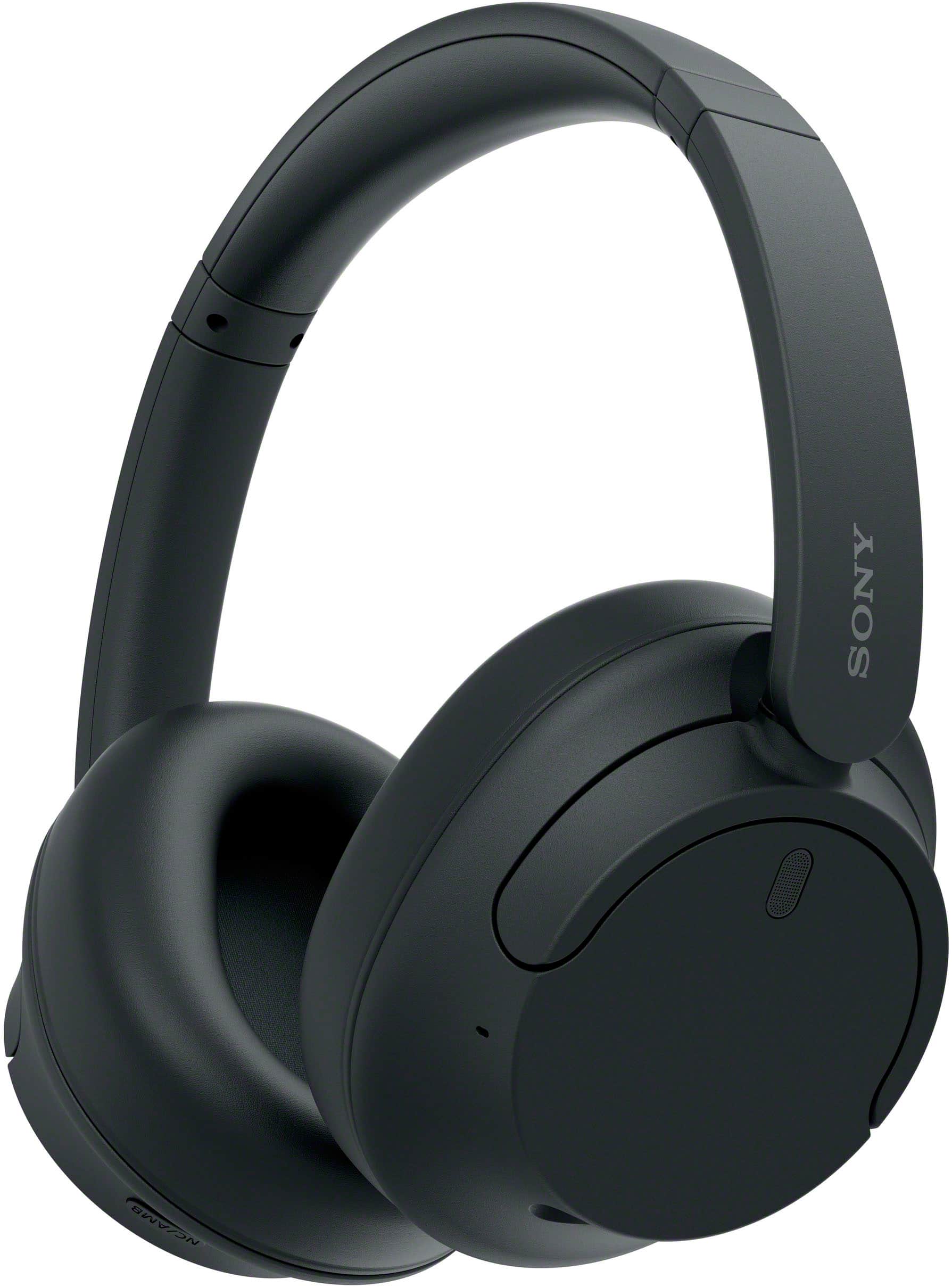
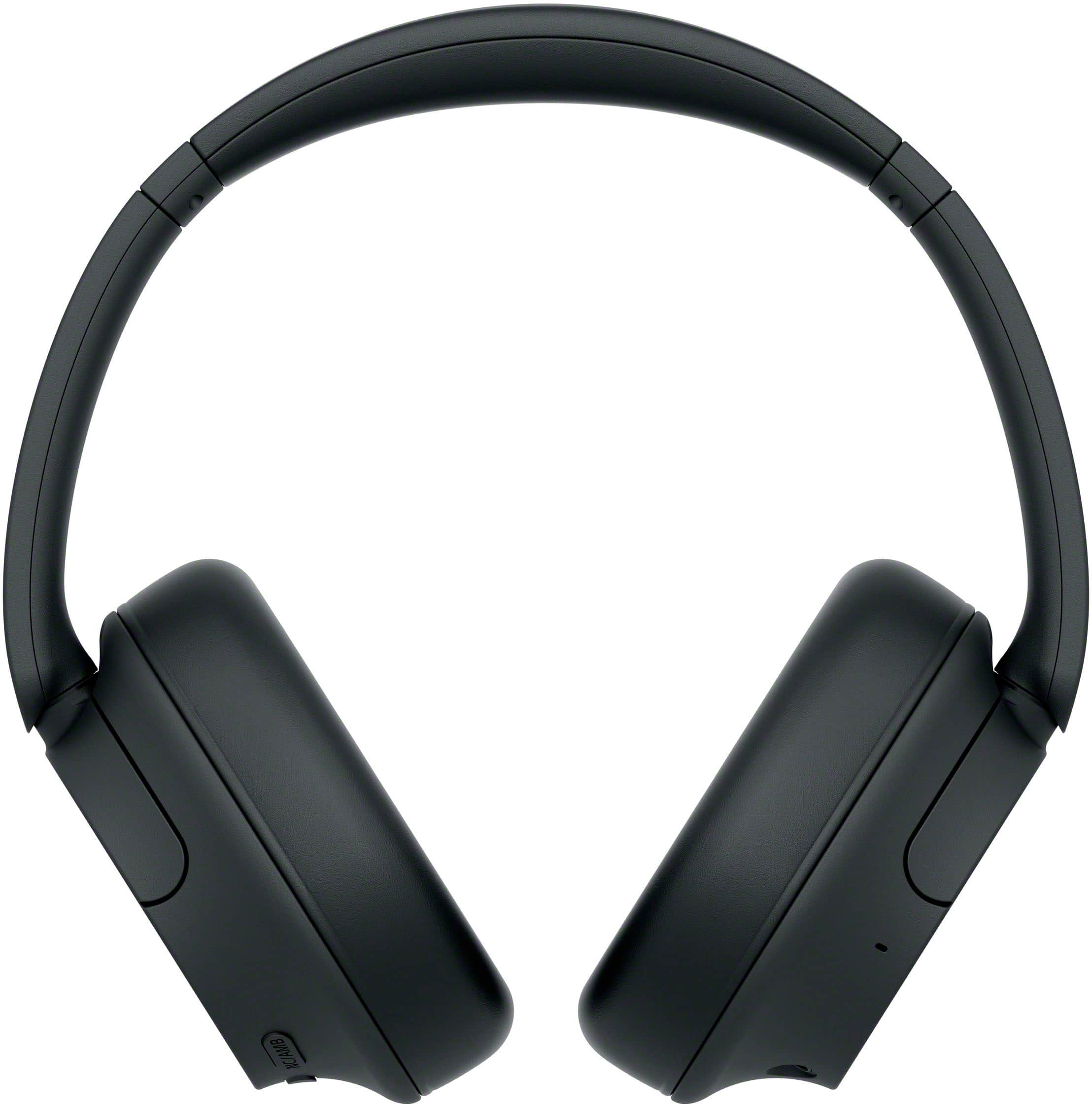
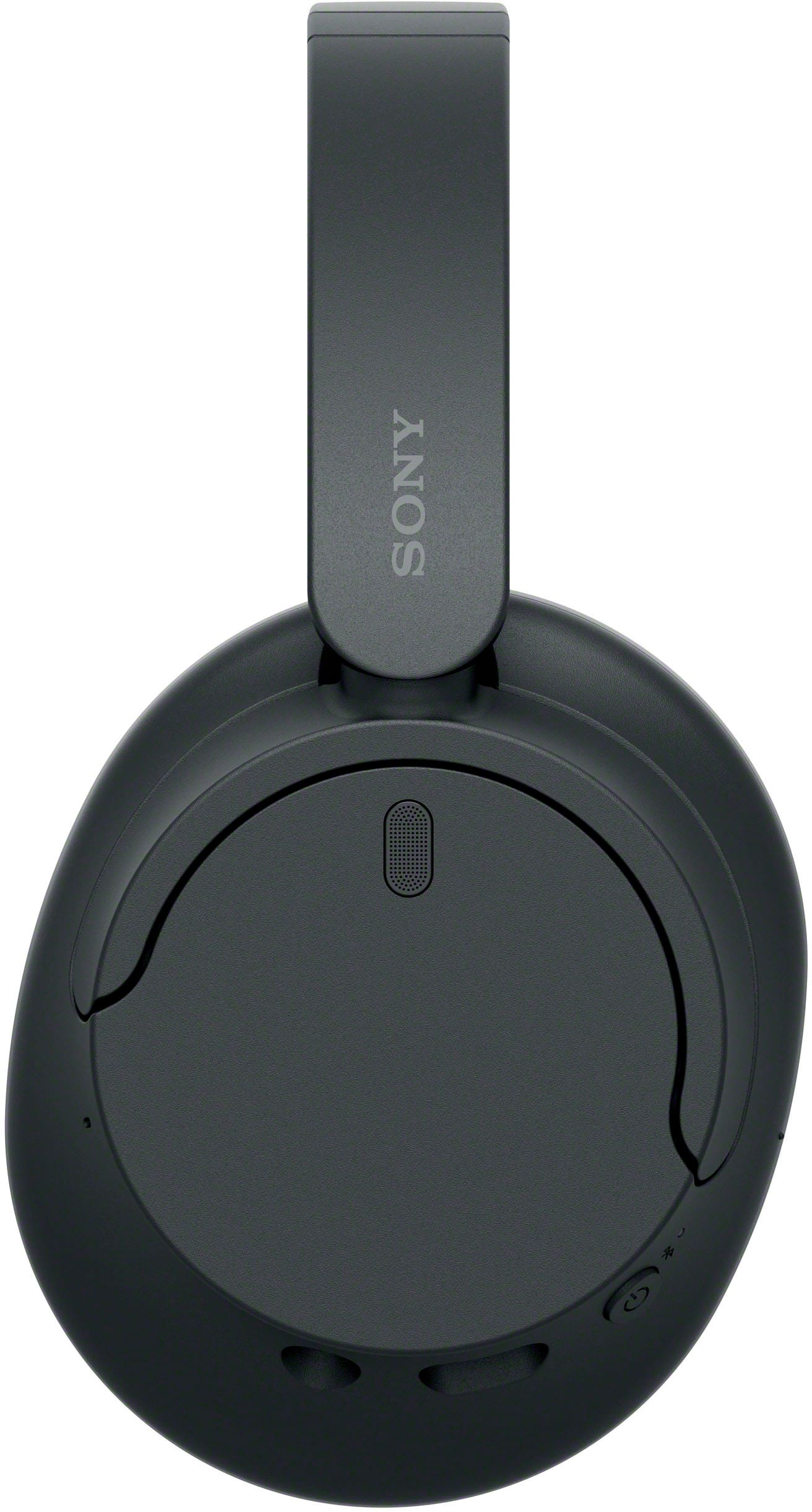
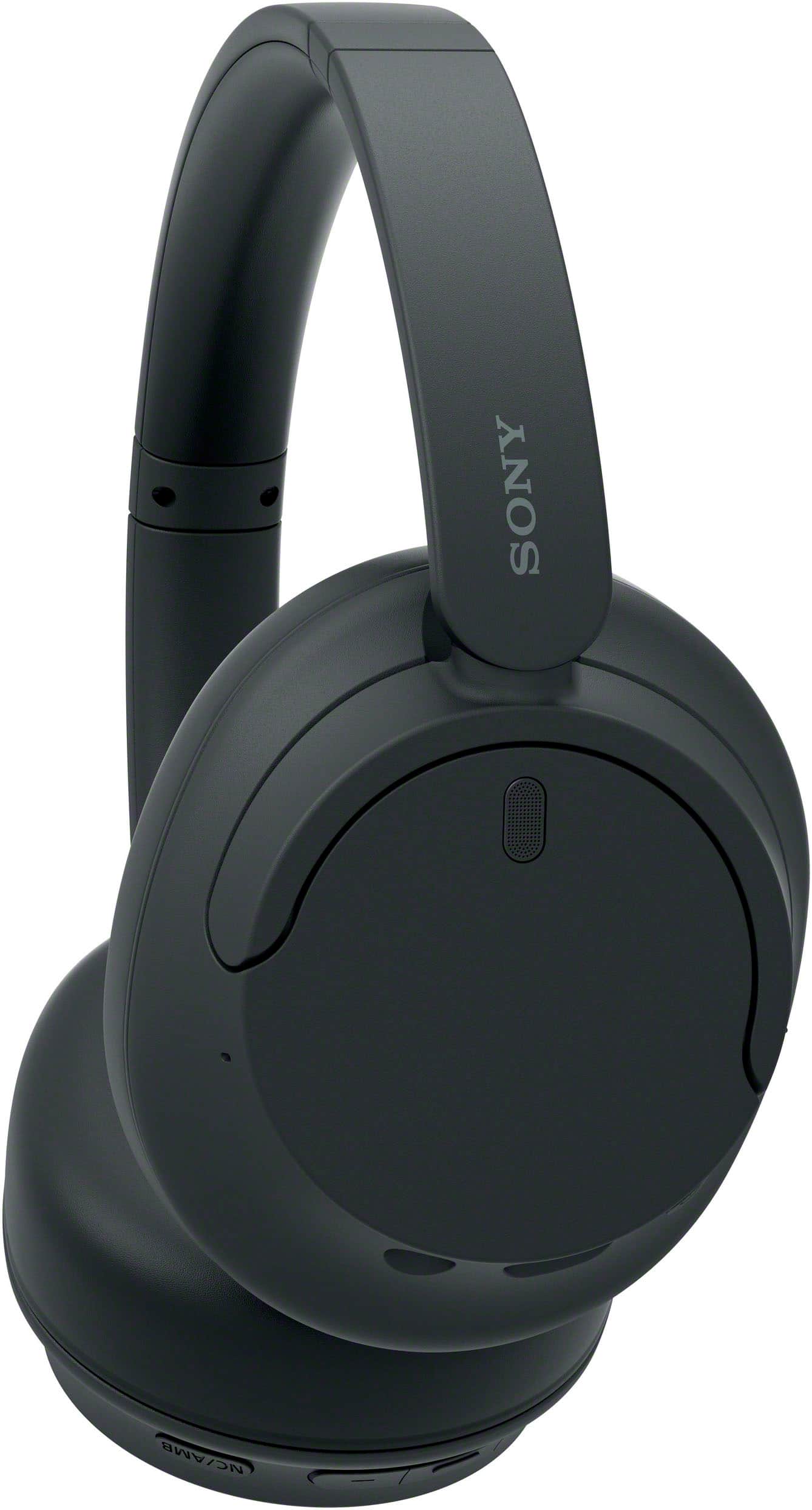
    • Answer Hi schooler, Thanks for the question! Happy to help out. No, you do not need a Bluetooth connection to use the noise canceling function on the Sony WH-CH720N, as the feature can be activated independently simply by turning the headset on. This flexibility allows you to enjoy silence whether you are connected via Bluetooth or using the supplied 3.5mm wired cable. When using the wired mode, the noise canceling remains functional even though Bluetooth is disabled, and you can easily toggle between Noise Canceling and Ambient Sound Mode using the physical NC/AMB button located on the left ear cup. Find more details here: https://helpguide.sony.net/mdr/2966/v1/en/contents/TP1000776935.html We truly value you choosing to look at Sony products! Warm regards, Estefany
      Answered by SonyListens

  • QuestionDoes this headphone be connected to a smart tv?

    Asked by Snowy.

    • Answer Thank you for contacting Sony, Snowy. Yes, your WH-CH720N headphones can definitely be connected to a smart TV as long as your TV supports Bluetooth audio (A2DP profile). Most modern smart TVs have this capability, allowing you to enjoy your movies and shows wirelessly with the added benefit of Sony's noise-canceling technology. Just put your headphones into pairing mode and look for them in your TV's Bluetooth settings menu to get started! We appreciate your interest in Sony products. Should you require any further assistance, please don't hesitate to reach out for support here: https://us.esupport.sony.com/support/s/support-contact?language=en_US&category=tv Best regards, Gus, Sony North America Customer Support

      Answered by SonyListens

  • QuestionCan these headphones pair with a Visio television

    Asked by Dale.

    • Answer Hi Dale! Thanks for the question! We're happy to assist you with this. The main thing to check is your specific TV model. While our WH-CH720N headphones work with Bluetooth, your TV needs to support a specific feature called the A2DP profile to send audio to headphones. Most newer smart TVs have this, but some older ones don't. To be sure, we recommend checking your TV's manual or specs list. If you’re still not sure, it’s a great idea to reach out to their support team for assistance. If you'd like to learn more about this product, please visit the link and click on 'Help Guide' for additional information: https://www.sony.com/electronics/support/wireless-headphones-bluetooth-headphones/wh-ch720n/manuals We appreciate you considering Sony for your next purchase! Best regards, Estefany

      Answered by SonyListens

  • QuestionWill these mute the TV speakers while using

    Asked by Kip.

    • Answer Hello Kip, Thank you for considering Sony products! We appreciate your inquiry about the Sony WH-CH720N headphones and are happy to assist you. When you connect these headphones to your TV via Bluetooth, the TV typically prompts you to switch the audio output to the headphones. Selecting "Yes" usually mutes the internal speakers, allowing you to enjoy audio through the headphones without external sound. Please note that this behavior depends on your TV's settings and may vary by model. Best regards, -Fred

      Answered by SonyListens

  • QuestionWhat is the Noise Reduction Rating number ?

    Asked by NRRnumber.

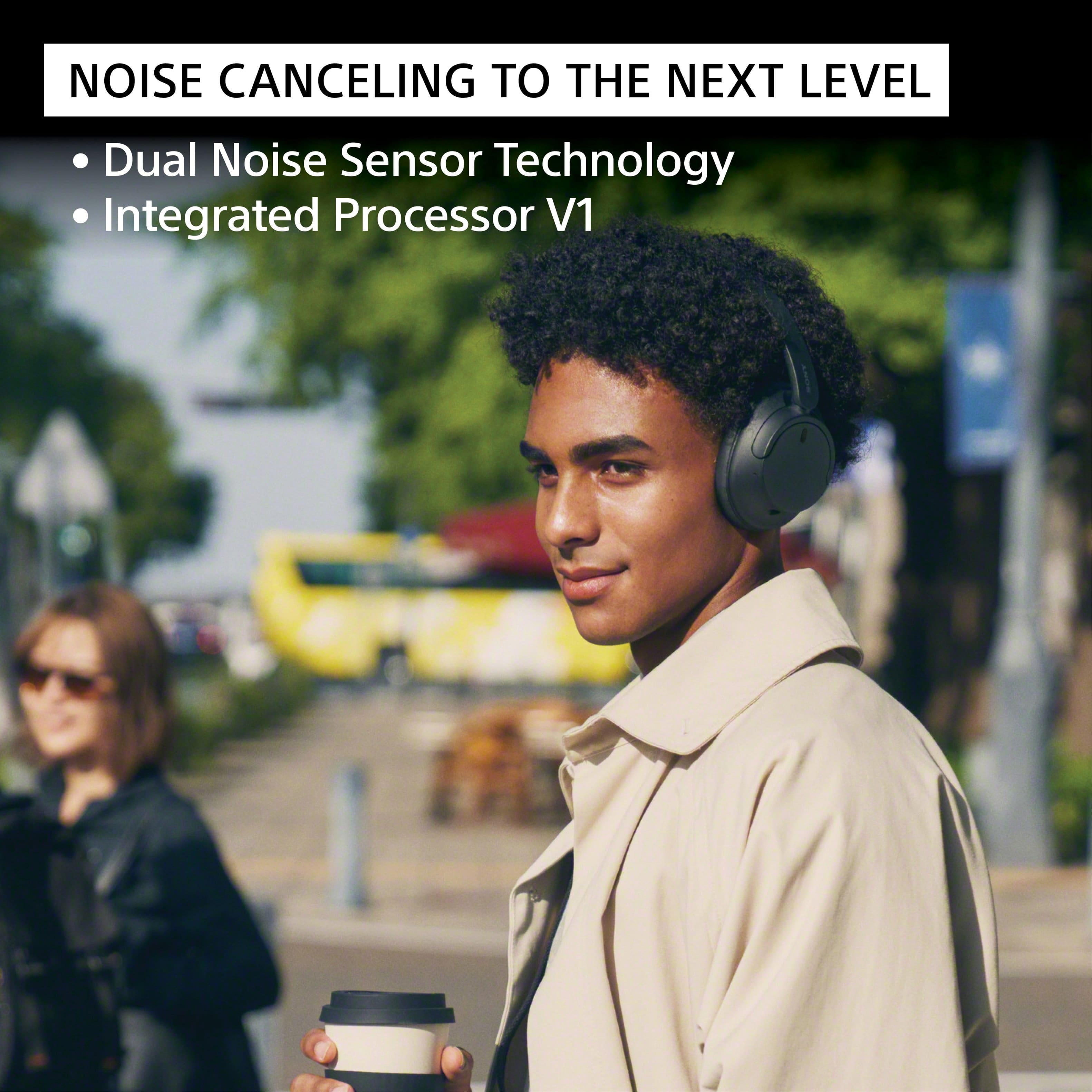
    • Answer Thank you for contacting Sony. The WH-CH720N does not have an official Noise Reduction Rating. This is because NRR is a specific certification for industrial hearing protection equipment, whereas these are consumer headphones designed for entertainment. While they feature our Integrated Processor V1 to effectively cancel ambient noise for a better listening experience, they are not rated for use as safety gear in high-decibel environments. We appreciate your interest in Sony products. Should you require any further assistance, please don't hesitate to reach out for support here: https://us.esupport.sony.com/support/s/support-contact?language=en_US&category=headphones Best regards, Gus, Sony North America Customer Support

      Answered by SonyListens

  • QuestionCan one person use the headphones while watching tv and hear the program and another in the room also still hear?

    Asked by Lori.

    • Answer Hi Lori, Thank you for your question regarding the Sony WH-CH720N. Whether one person can listen through the headphones while others hear the program through the TV speakers depends entirely on the specific capabilities of your television. The WH-CH720N headphones are designed to receive high-quality Bluetooth audio; however, many TVs automatically mute their internal speakers once a Bluetooth device is connected. To achieve your goal, your television must support simultaneous multi-audio output (the ability to output sound to Bluetooth and TV speakers at the same time). We recommend checking your television’s user manual or contacting the TV manufacturer to confirm if 'Multi-Audio Output' is a supported feature in their settings menu. If your TV does not support this natively, you may need an external Bluetooth transmitter with a bypass mode to enable both audio sources at once. We hope this information helps! Thank you for considering Sony. Best regards, Dominick

      Answered by SonyListens

  • QuestionCan you use these for tv listening? I have a Roku tv

    Asked by clueless.

    • Answer these can not be connected to a tv just phones and tables unfortunately

      Answered by JarrodB

  • QuestionDo these headphones have volume controls?

    Asked by Ken.

    • Answer yes!

      Answered by CameronS

  • QuestionCan they be used with a Bluetooth TV ? If not what do you recommend?

    Asked by Kenny.

    • Answer yes

      Answered by RickieB

  • QuestionWhen connected by blue tooth to a smart tv can you listen via the EAr Phones and others also hear the TV at the same time?

    Asked by Robert.

    • Answer mine don't.

      Answered by RickieB

  • Questionhow do I connect these to my laptop or phone?

    Asked by beth.

    • Answer They are bluetooth, just make sure they are in pairing mode and on your device go to bluetooth and find the headphones

      Answered by DAMIENS

  • QuestionHow loud can they go? My father is hard of hearing and needs some to listen to the tv.

    Asked by Anonymous.

    • Answer I think these would be great for that. The noise canceling is really good and will definitely help him to be able to only hear what is coming from the TV. These are very loud. I can hear podcasts while mowing outside.

      Answered by ThePharesWheel

  • QuestionDo these have the non slip hip on the inside of the head band?

    Asked by Nichole.

    • Answer yes, they have a faux padded leather nonslip on the inside of the headband.

      Answered by SamBestBuy

  • QuestionCan the noise cancelling and ambience be completely turned off on these headphones?

    Asked by katie.

    • Answer Yes! You can have them on normal. Through the app! (Sound connect)

      Answered by ANNALYH

  • QuestionI have a new Samsung QLED Q7FD 55" 2025 model TV. I need headphones that work with this TV. What do you recommend?

    Asked by Peanut.

    • Answer Hello Peanut, Thank you for considering Sony products! We appreciate your question and are here to assist you. Your Samsung Q7FD 55" 2025 model TV supports Bluetooth connectivity, allowing it to wirelessly transmit audio to compatible devices. The Sony WH-CH720N headphones also feature Bluetooth and support the A2DP profile, which is the standard for high-quality stereo audio streaming. This makes the WH-CH720N a suitable choice for use with your Samsung Q7FD TV. For enhanced audio experiences, you might also consider models like the WH-1000XM6 or WH-1000XM4, which offer advanced noise cancellation and premium sound quality. For more details and to explore other headphone options compatible with your TV, please visit: https://electronics.sony.com/audio/headphones/c/all-headphones Best regards, -Fred

      Answered by SonyListens

  • QuestionDoes sound leak?

    Asked by Dora.

    • Answer Sound doesn’t leak at low-mid range volume but at high volume it does leak

      Answered by DAMIENS

  • QuestionCan you replace the ear muffs?

    Asked by Barry.

    • Answer Yes

      Answered by YelicsaM

  • QuestionI need a set of headphones wireless headphones to hook to my Roku TV. I had a set of headphones that I could listen to the TV and my wife could mute the TV if she needed to and I would still hear the TV. My TV is a Philips TV Roku TV and no place to hook

    Asked by Anonymous.

    • Answer I love these headphones. They work!

      Answered by VLMM