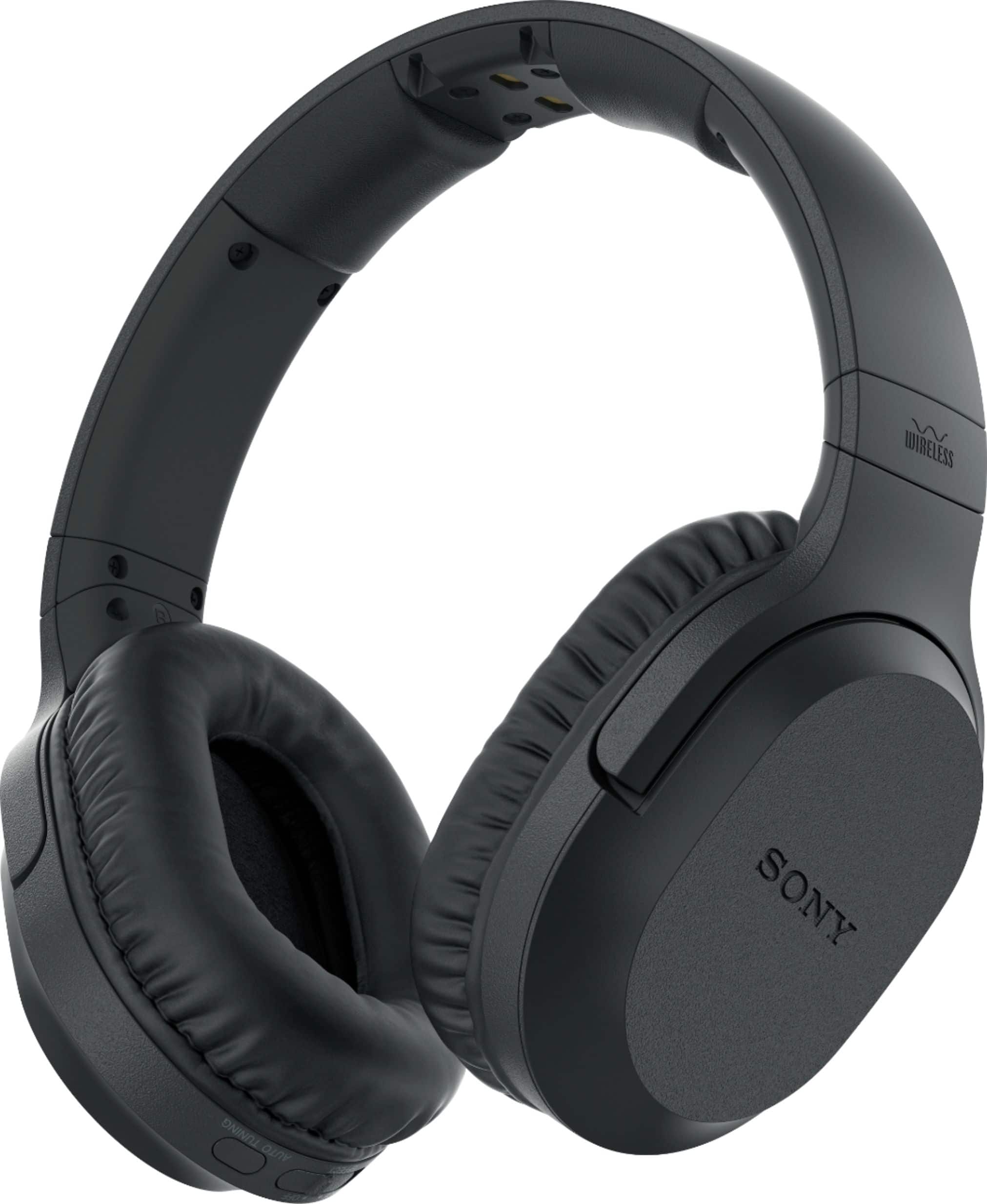
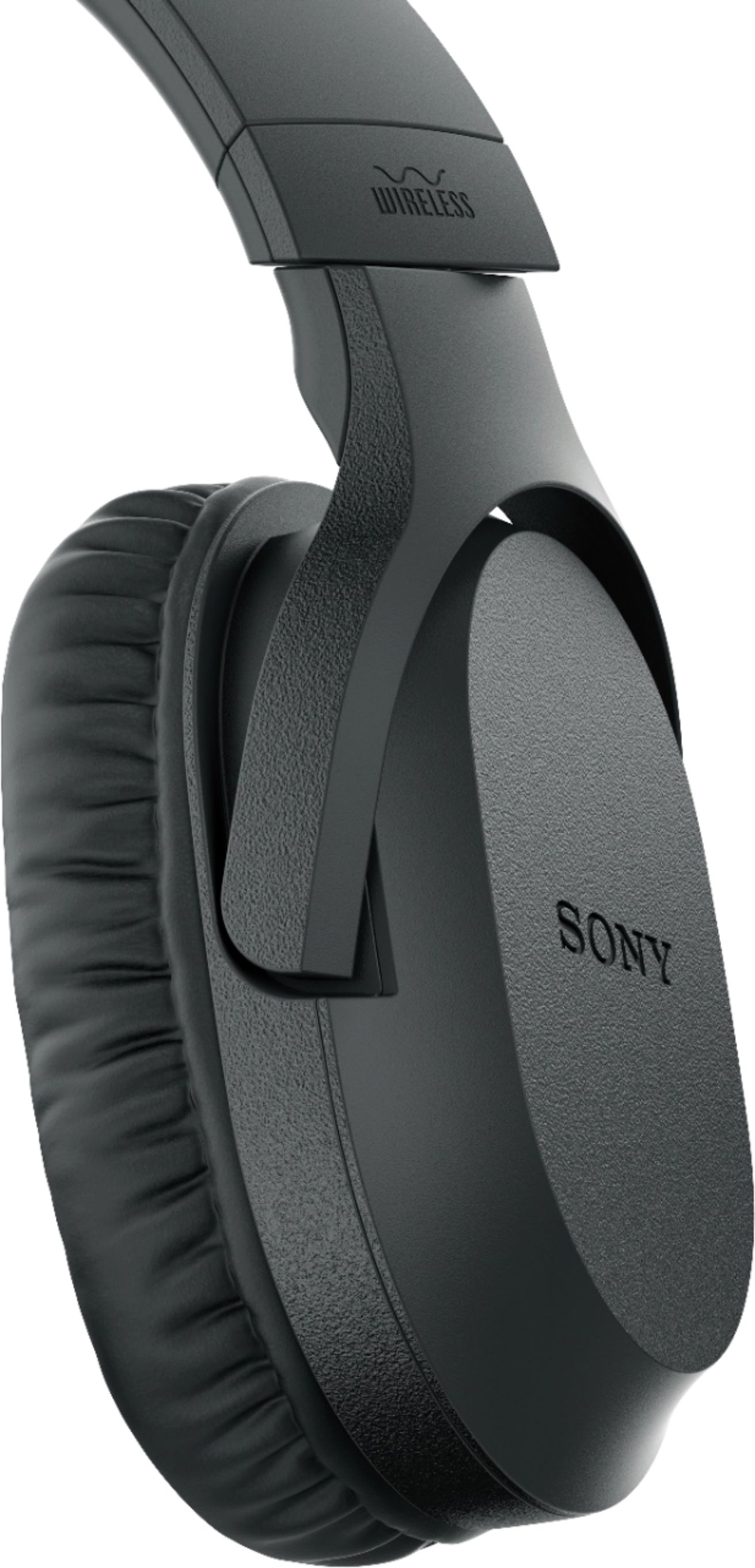
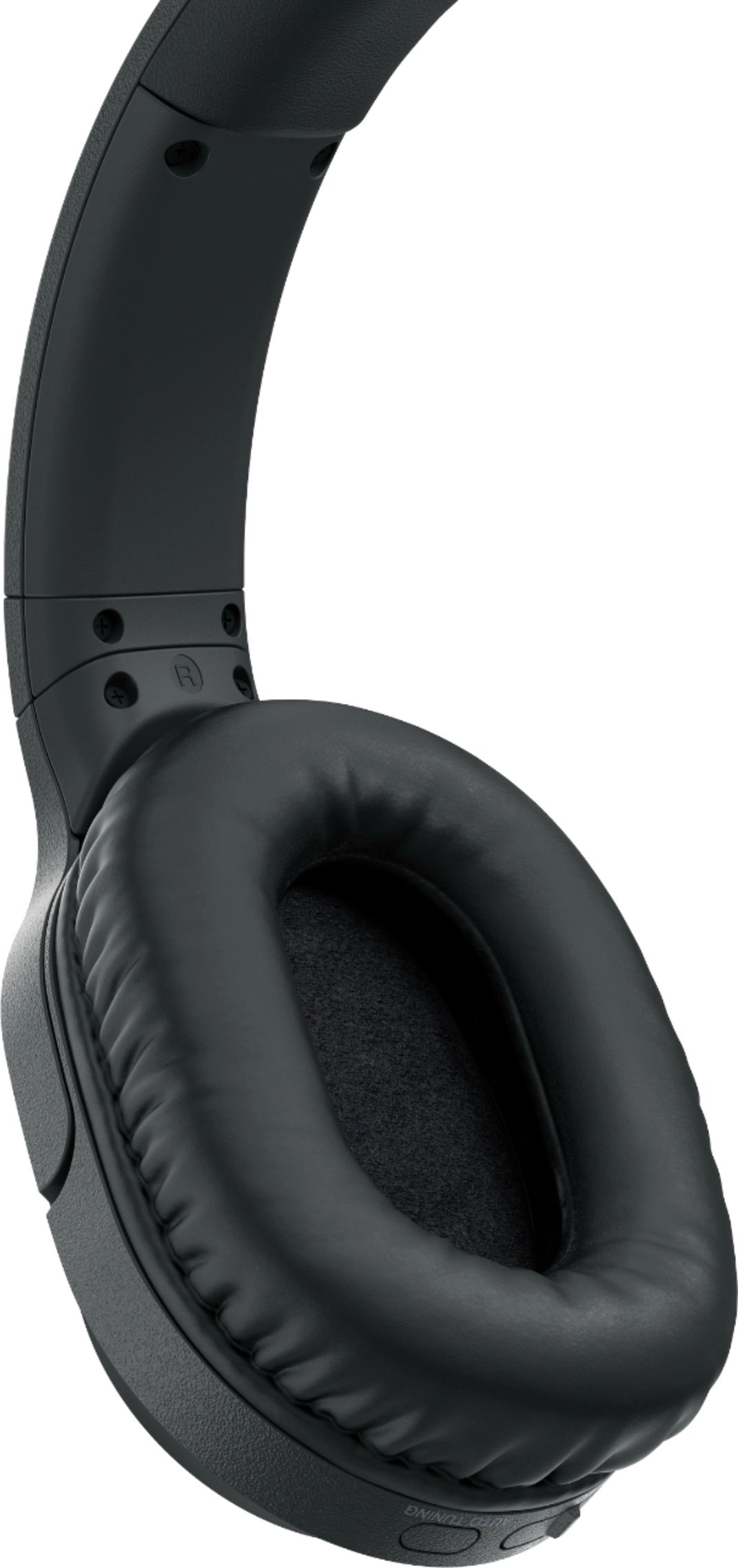
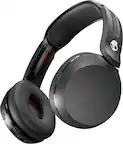
A:AnswerHi, Baby, No. These are not Bluetooth headphones. If you prefer Bluetooth headphones, check out this link: https://www.sony.com/electronics/headphones/t/headband-headphones?features=bluetooth. -Vincent
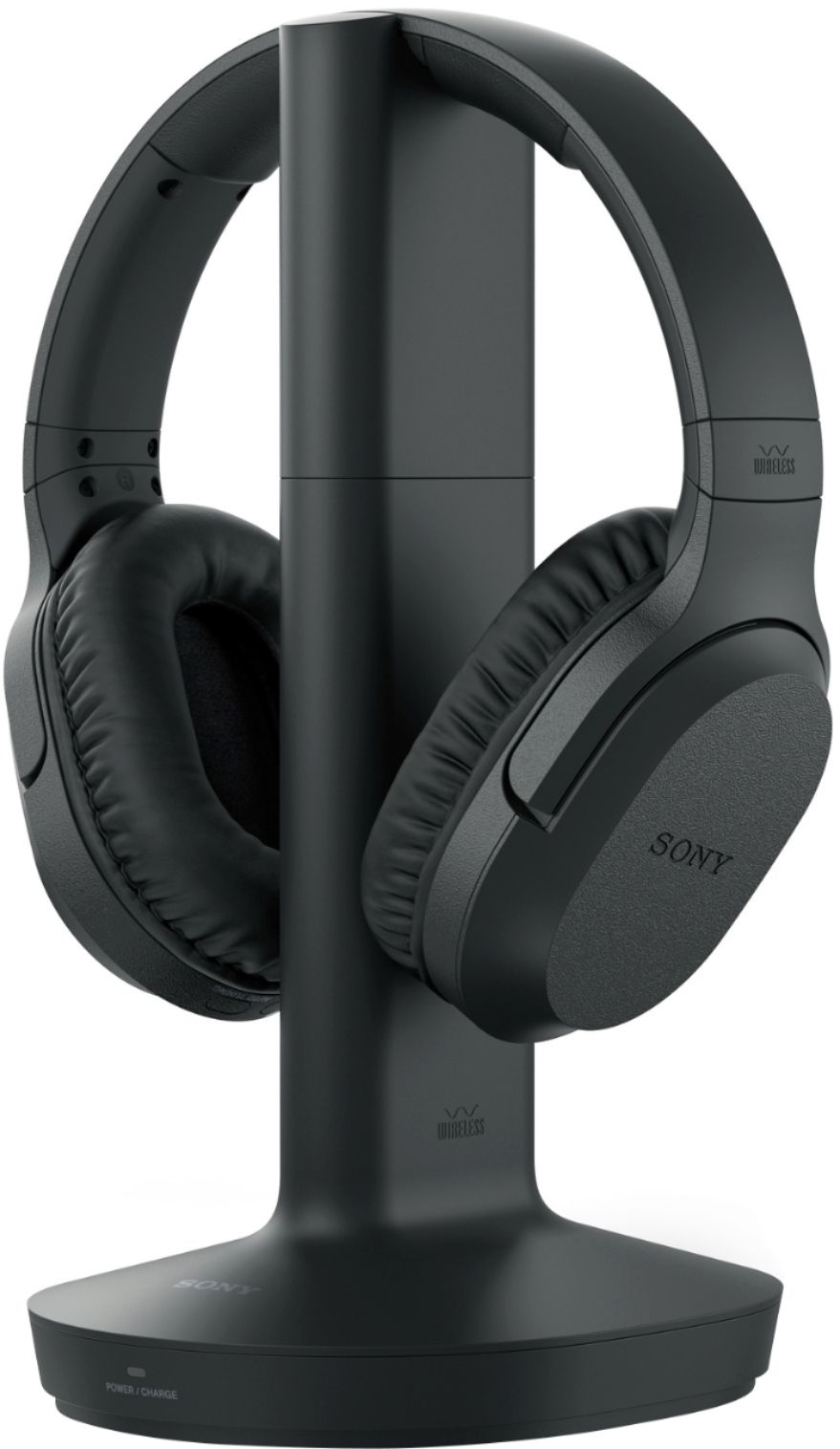
A:AnswerThe headphones get the signal from the charging base that is plugged into the tv and wall outlet. you would have to unplug the base from the tv then plug into lap top. that would be the only way to switch from one to another. The head phones have a pairing switch though so if you had a second set of headphones you can switch from one source to another with out changing headphones. The wife also has a set for a tv in the bedroom. Often when I put mine on they are paired to her tv I just push the button to get them back to mine.
A:AnswerHi, Yes, you can connect multiple headphones to one transmitter. You may refer to this link for more information:
https://www.sony.com/electronics/support/audio-video-headphones/articles/00021533
~Ralph
A:AnswerHi, Mike!
We apologize but this product does not have built-in Mic. You may want to check this model, wh1000xm3, which has the feature you are looking for.
~Earl
A:AnswerHello Jimbo, yes, there is a volume control on the headset. You may check the link below for reference:
https://www.sony.com/electronics/support/res/manuals/4743/da265ba85491320863fd7b2651202bb7/47438071M.pdf
Regards, _Bob