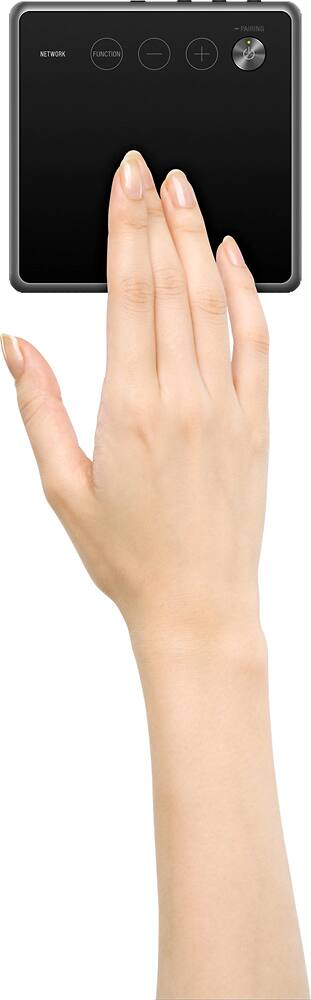
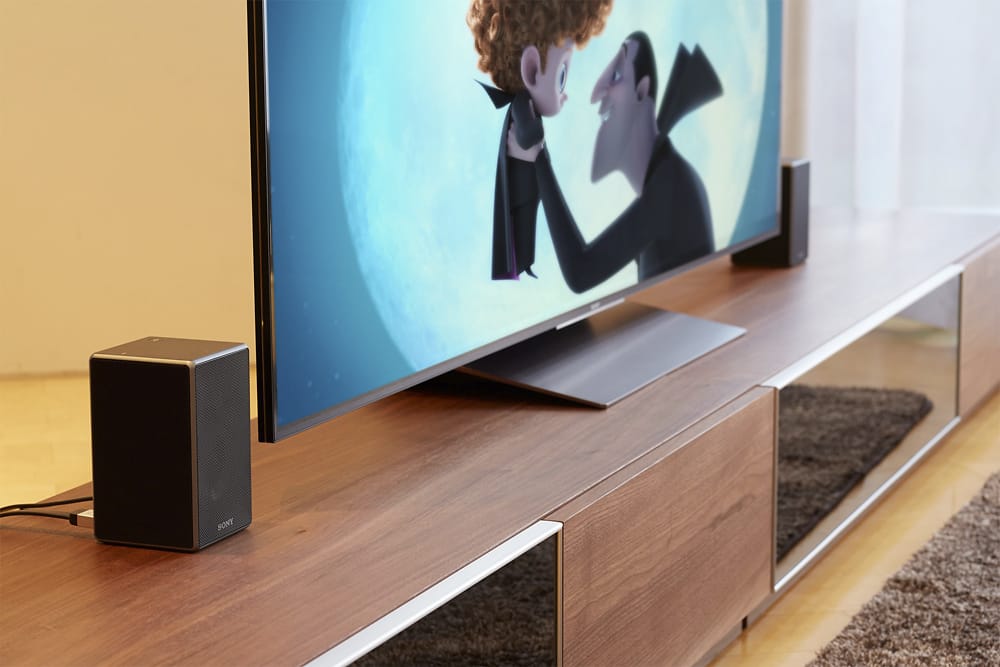
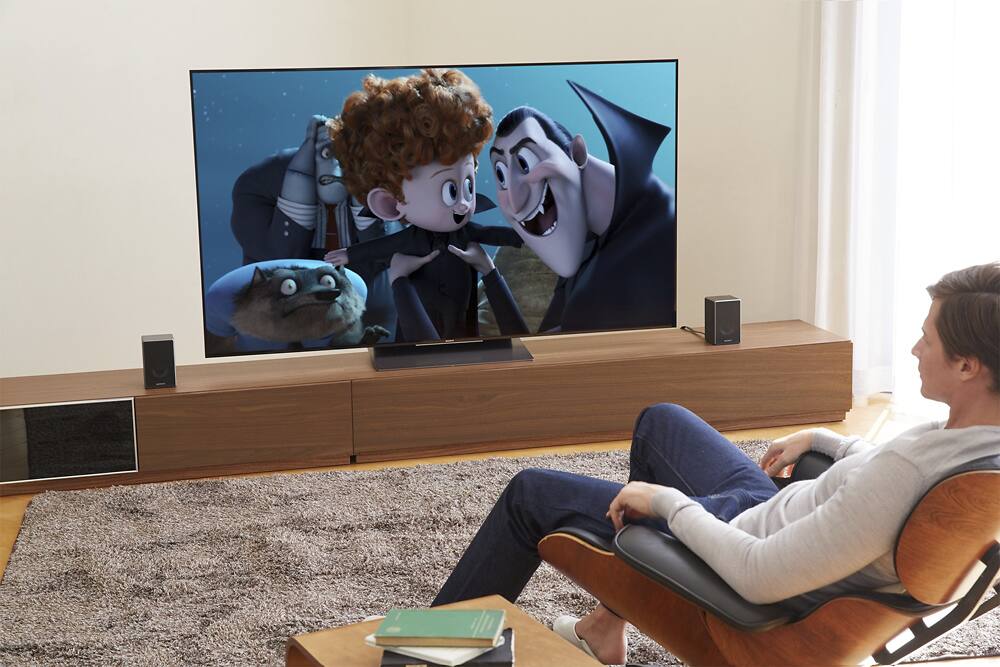
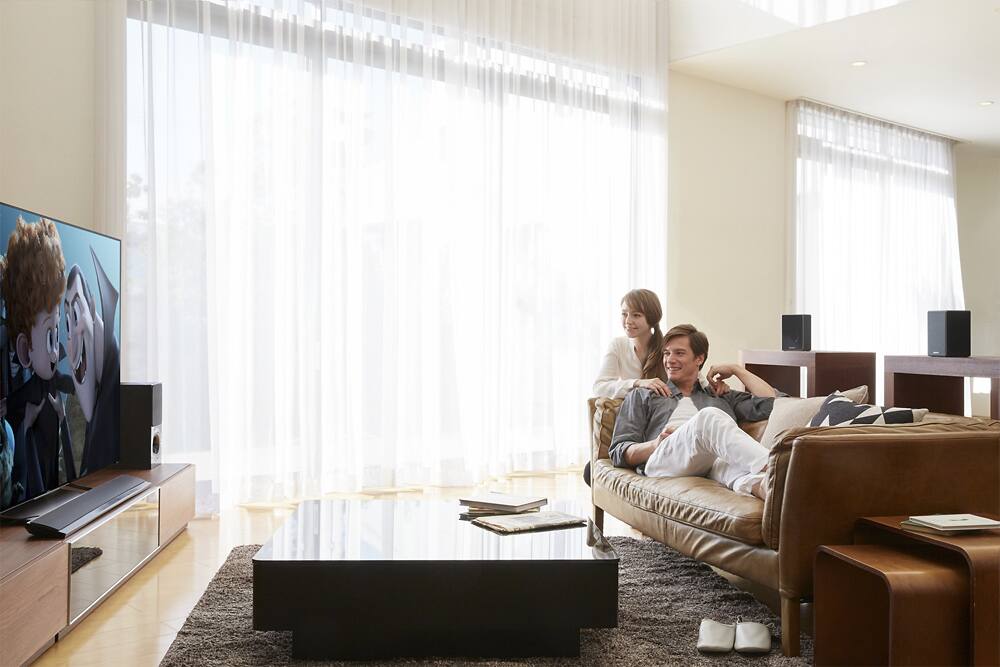
A:AnswerHit home on the soundbar remote,then setup, then go to surround sound setting and follow the on screen instruction, it will tell you when to push the setup button on the back of the speakers, Hold the button down till you hear a voice saying connecting
A:AnswerThese speakers will use your home wifi to connect to your soundbar. Just plug them into your power outlet, download the sony app, and pair your system together using the app.
A:AnswerHi SonyCustomer,
The Sony sound bar HTCT370 will not work with STRDN1070. These 2 devices will have different connections to your TV. The SRSZR5 must be connected directly to the receiver. Thanks,
>Joffrey
A:AnswerPlease check your sound bar if it can accommodate 2 wireless speakers. Also, if it can send and receive Bluetooth signals at the same time.
Thanks,
>Joffrey
A:AnswerThe 'best speaker stand to buy' for these Sony ZR5 wireless surround speakers, that I know of, is the [ Mounting Dream Speaker Stand for Home Theater Surround Sound Satellite Speakers, Set of 2 Floor Stand Mount Built-in Cable Management Universal, 11LBS Capacity Per Stand MD5402 ]. We mounted our ZR5's on them and couldn't be happier with them; they were super easy to assemble and mount speakers to, with lots of bolt, washer & spacer choices etc. They are very sturdy, even on thick carpet. We ordered them due to the design; the vertical tubes are wide enough to run the speaker power cords thru and out the bottom, so that worked perfectly for us and exactly as advertised. The low cost for these affordable speaker mounts was also very nice.
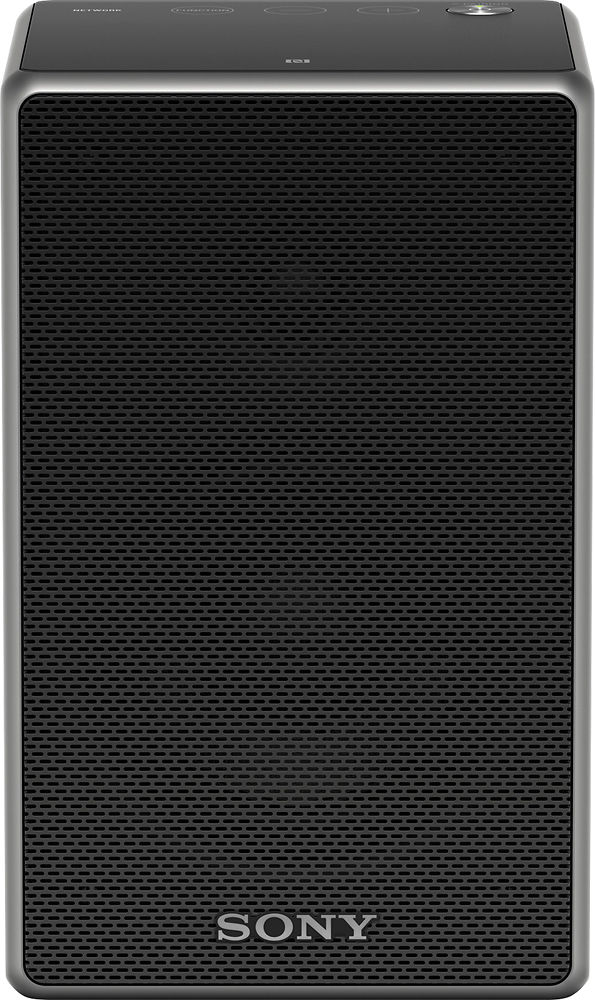
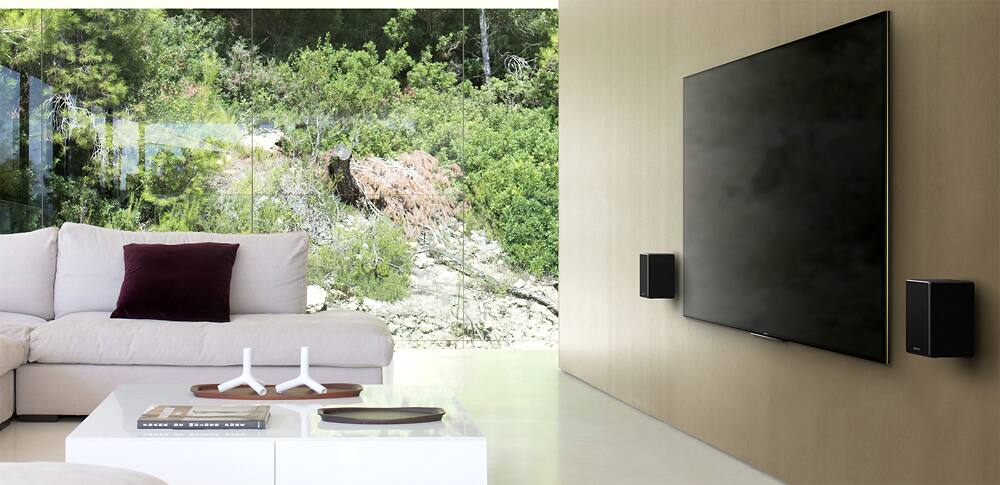
A:AnswerHi! yes it can be mounted on the wall. There is a screw hole for wall mounting. Please see details in the manual: https://docs.sony.com/release//Manual_4592256131.pdf. Regards, ~Erin
A:AnswerHi AmyB, It is not capable to access apps directly on itself. You may need to connect a device that lets you steam various streaming services offered on the internet via your smartphone, iPhone, etc. and output the audio wirelessly to the speaker. -Jerome