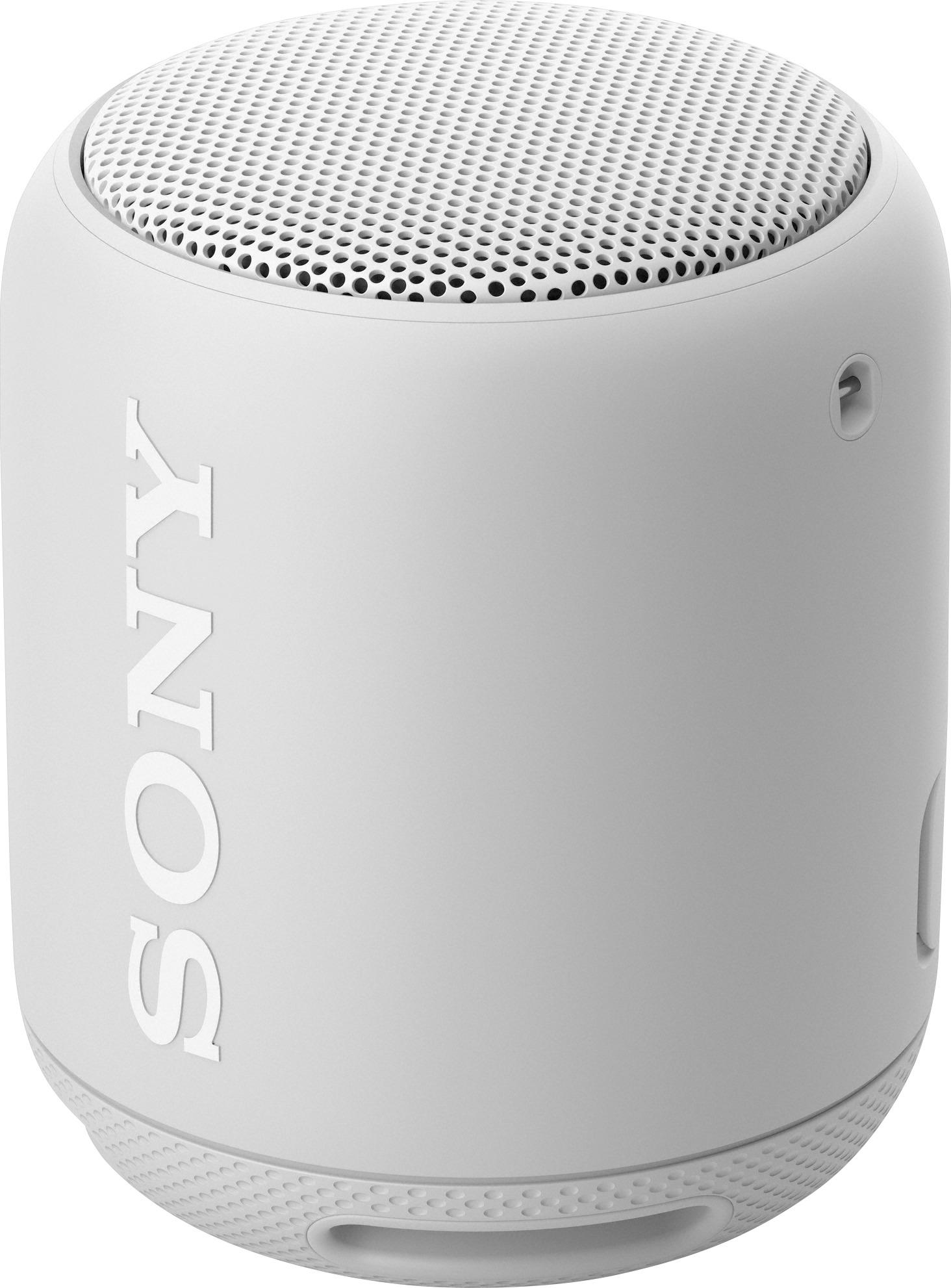
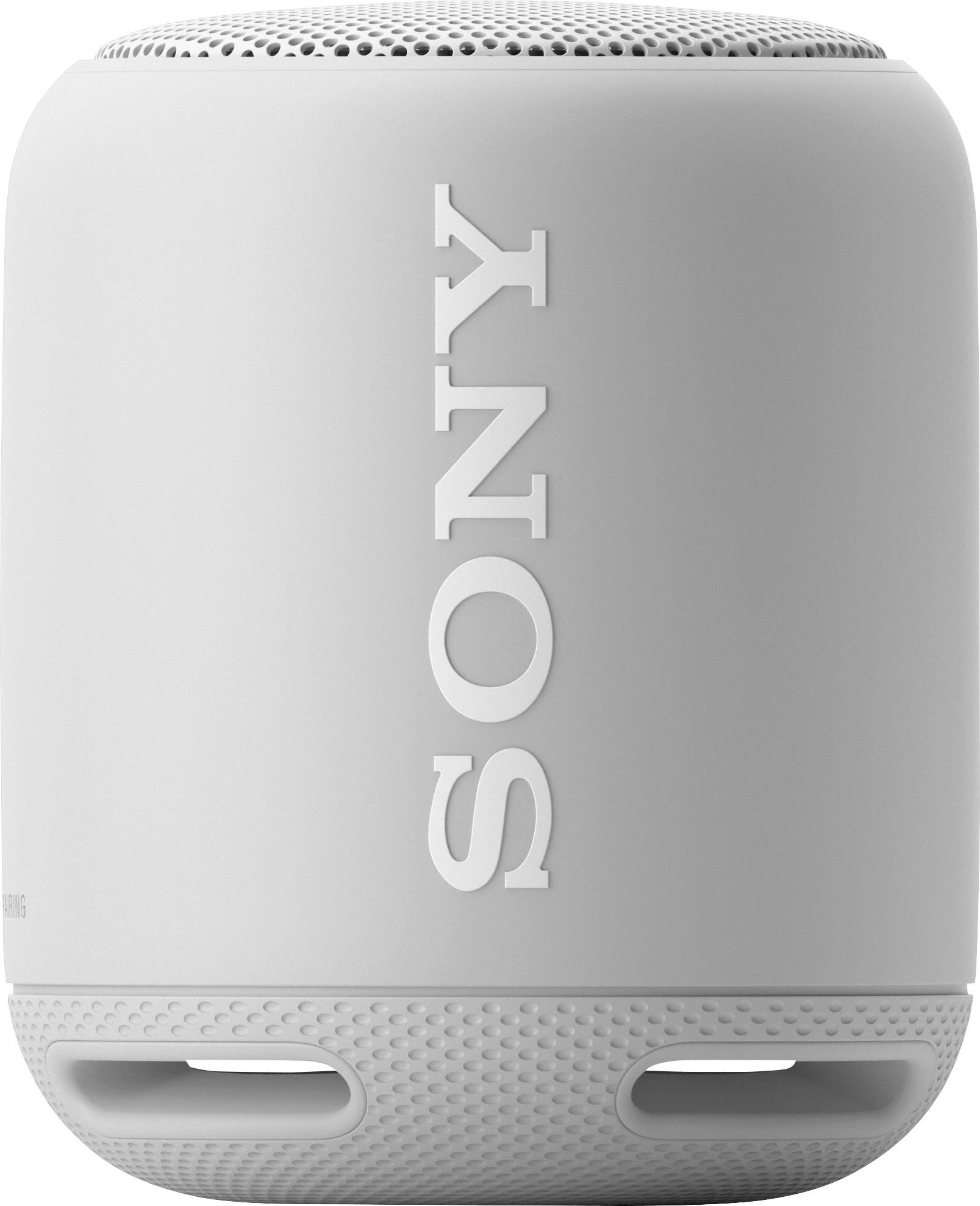
A:AnswerHi Dragonfly, below are the supported Bluetooth profiles of this Walkman. If the Bluetooth profile of the third-party device is one of the listed below, then it should work. Thanks! ^Ron
- A2DP (Advanced Audio Distribution Profile)
- AVRCP (Audio Video Remote Control Profile)
- HSP (Headset Profile)
- HFP (Hands-free Profile)
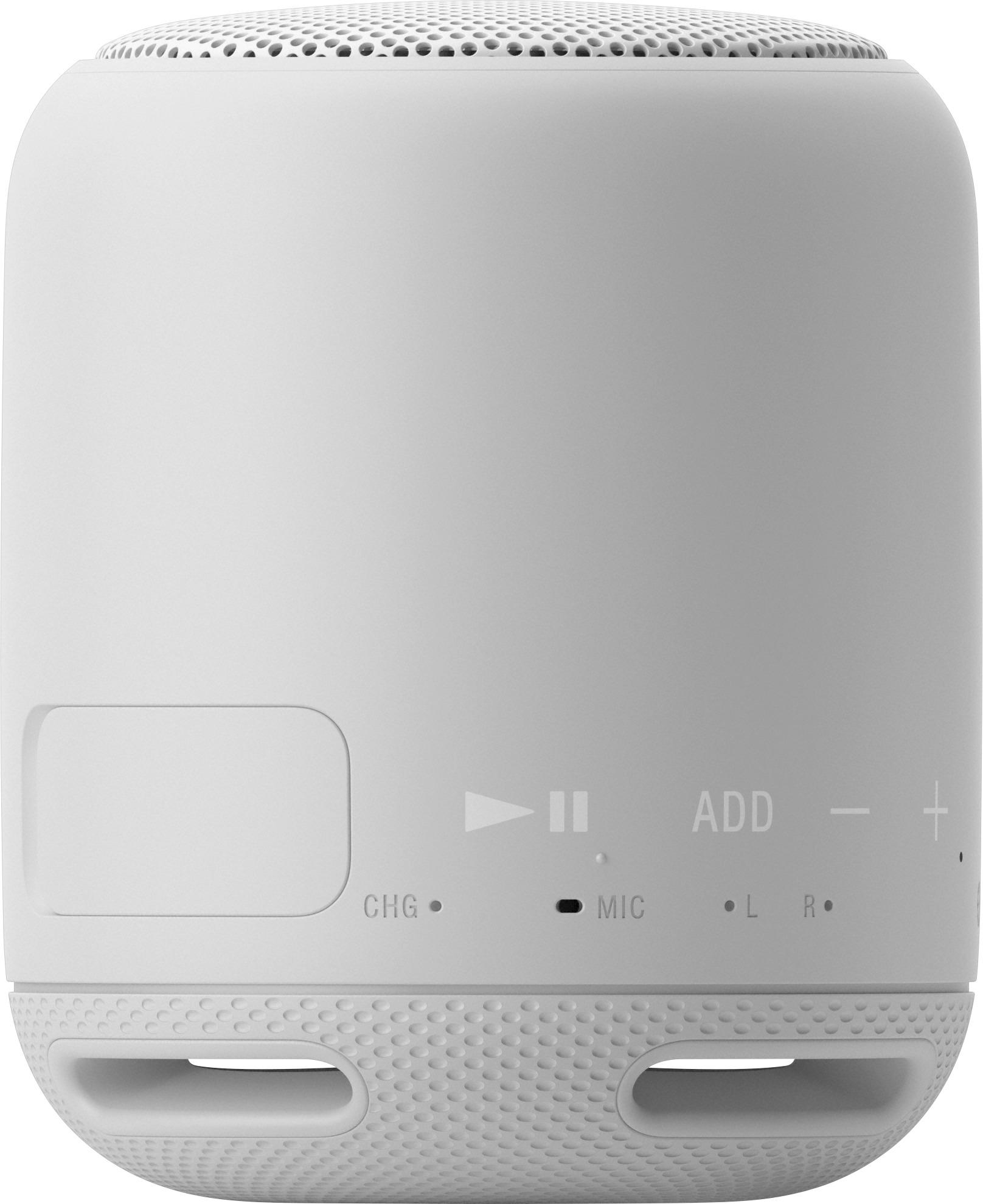
A:AnswerYou can only pair these to a single vluetooth device at a time. So if you pair them with an android/iphone and then want to connect to a tablet, you have to enable pairing. To do so, you press the power button once to turn on. After you see the power indicator come on, press and hold the power button for 3 seconds until you hear the speaker beep and the power indicator flashes. It is now in pairing mode and the tablet should be able to find it.
A:AnswerHi RJ1979, please reach us at [email protected] with your concern so we can further assist you. Please also include your contact and product information. We will do our best to help. Regards, ^Ron
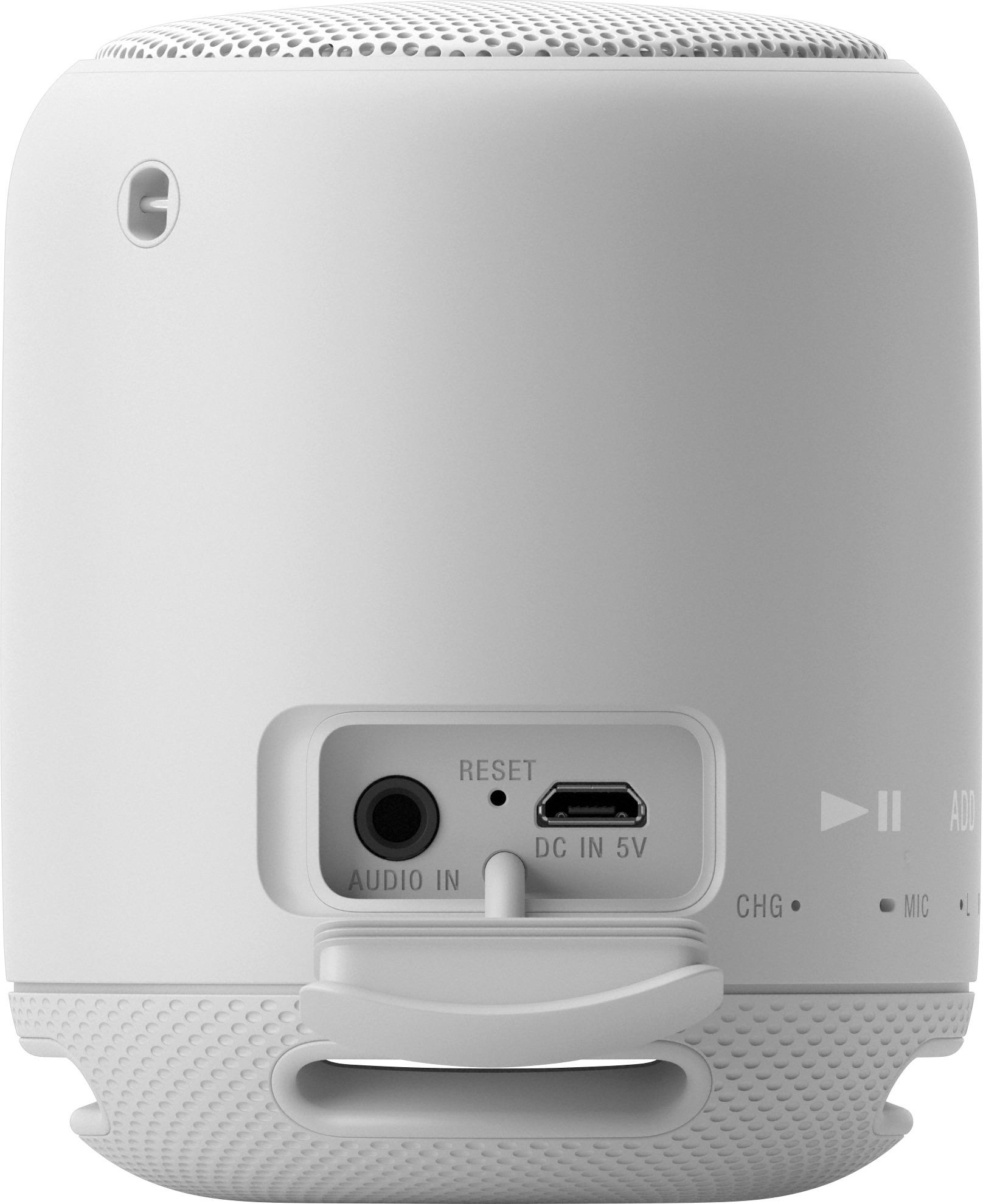
A:AnswerHi fire5186, Yes, it should be charged with your Sony TV. However, we do not recommend this charging method. For more information about charging this speaker, please visit the link below. Thanks! ^Ron
http://helpguide.sony.net/speaker/srs-xb10/v1/en/contents/TP0001266514.html
A:AnswerHi star, You may consider the suggestions from these links and see if the issue will be fixed:
http://helpguide.sony.net/speaker/srs-xb10/v1/en/contents/TP0001271319.html
http://helpguide.sony.net/speaker/srs-xb10/v1/en/contents/TP0001270175.html
Reset the speaker if the issue is still unresolved: http://helpguide.sony.net/speaker/srs-xb10/v1/en/contents/TP0001266519.html
Regards,
Vincent