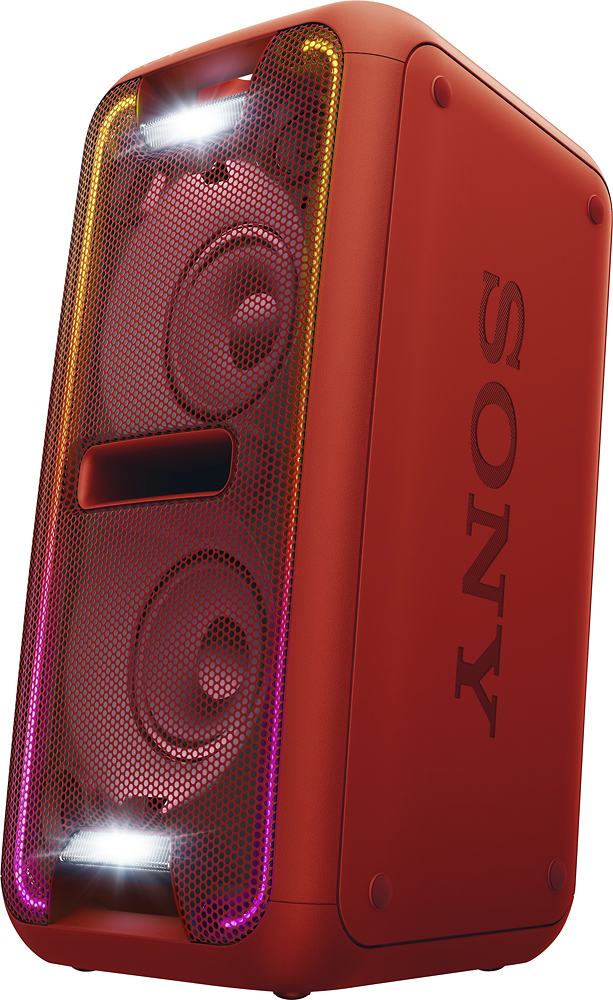
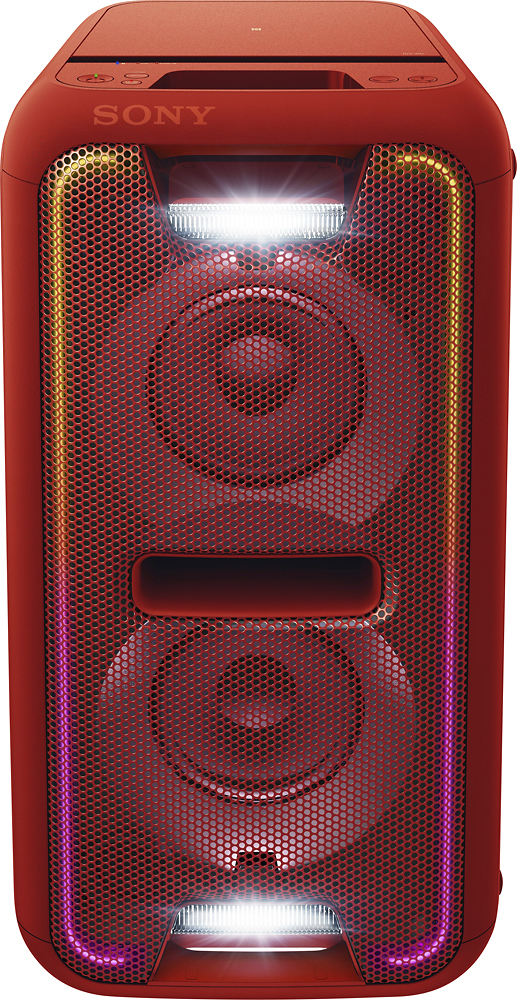
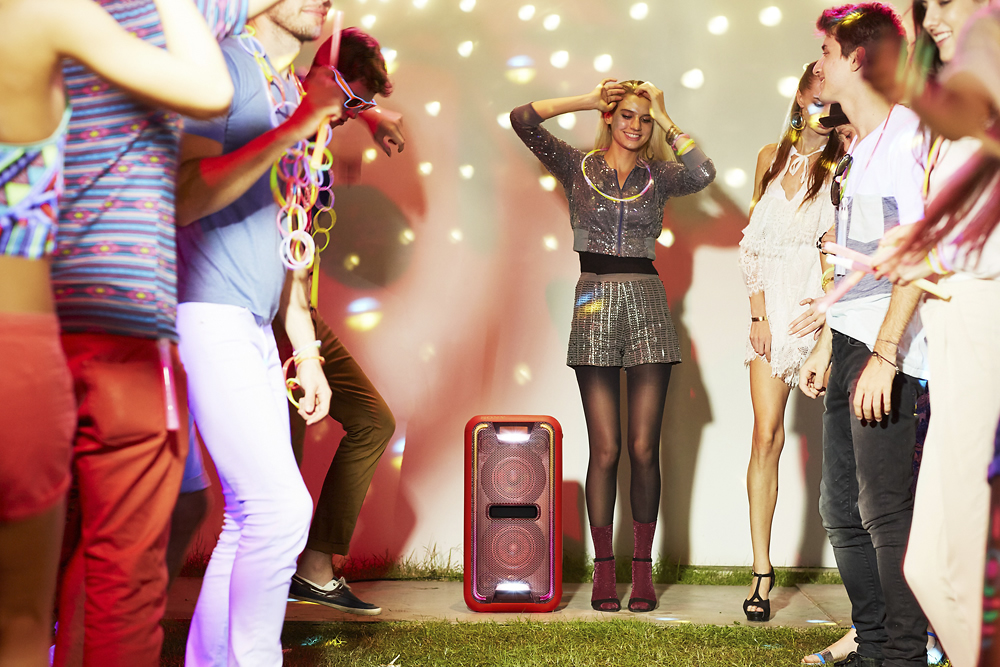
A:AnswerIt’s seems as if they try to stay in sync most of the time they are in sync. Now the reaction of the lights is based off the songs I’d have to say about 70% of the time the lights follow the music but sometimes it seems like they are on a pre-set configuration. I play a lot of hip-hop and rap on mine and the lights are normally right on with the music . There’s a DJ mode in the settings of the app you can adjust a few of the settings in there but also try the equalizer on the music app you were using such as Spotify equalizer settings . There’s no true adjustments for the lights but there’s about 10 different light settings including rave mode and strobe light .
A:AnswerThe problem lies right in front of you. It's not made for a tv! Just because it has inline cables does mean everything works. Stop being cheap and purchase yourself surround sound speakers made for a tv. Not to mention I own this speaker and Its speaker quality isn't that great, though my sony surround system is crisp.
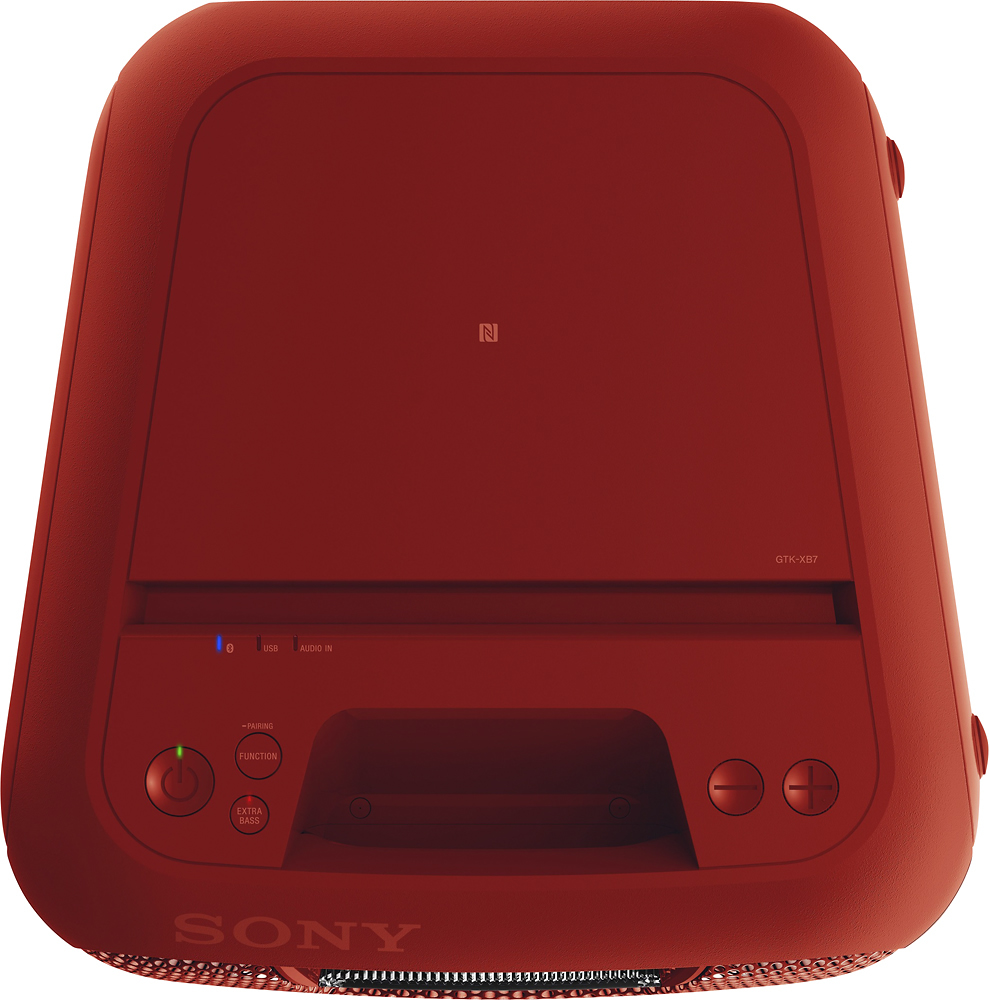
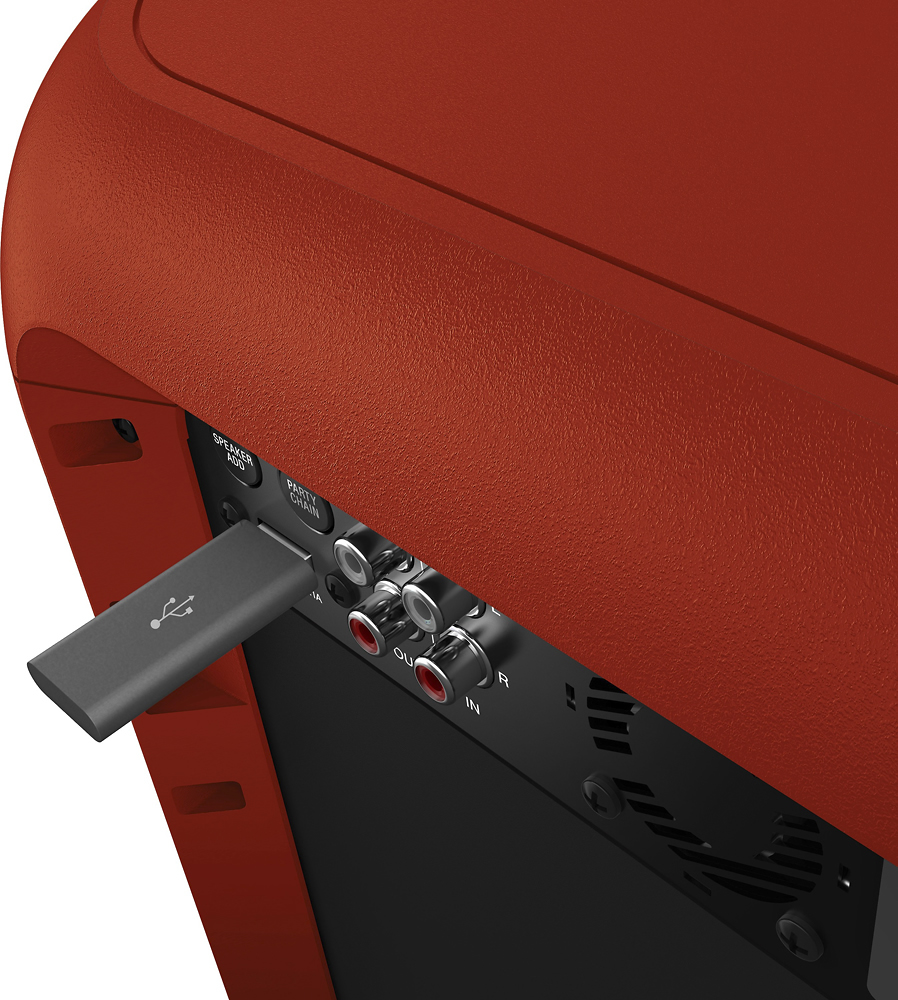
A:AnswerHello BadLuckLazyGuy, you may check all the available ports for this model on the link below:
https://www.sony.com/electronics/support/res/manuals/4582/48db81156001bc4692df7b4b9135b0f0/45824921M.pdf, see pages 9 to 10.
Regards, _Bob
A:AnswerHi Boo, No, it doesn't come with those features. Please refer to this link for complete information; https://www.sony.com/electronics/hi-fi-systems/gtk-xb7#product_details_default. Regards, Jen
A:AnswerHi tornado83, You may follow the steps from this link to reset your unit: https://docs.sony.com/release//Manual_4582492116.pdf (31)
Regards,
Vincent
A:Answerwhen you use the audio in it does not use the maximum volume and you can adjust it yourself or if you have a samsung like s8 you can disable volume sync and you can manually adjust the speaker's volume (i don t see why on earth you d want to do that when it s easier if they are synced since you are controlling the master volume either from the speaker or the phone)
A:AnswerI know this question is old, but the info may be useful to someone else.
I was considering purchasing an XB60 to go with my XB7.
I cannot find any published material that suggests it is possible, so I have just been to a store to attempt this. (Via Wireless party chain). They allowed me to bring in my own XB7. I was unable to do it whilst following the instructions in the XB60 manual. So i'm pretty sure it's not possible.
Also worth noting the XB60 is FAR smaller than the XB7, and has nowhere near the same sound output. If you wanted something equivalent to XB7 I would suggest XB90 (x2 so you can link them)
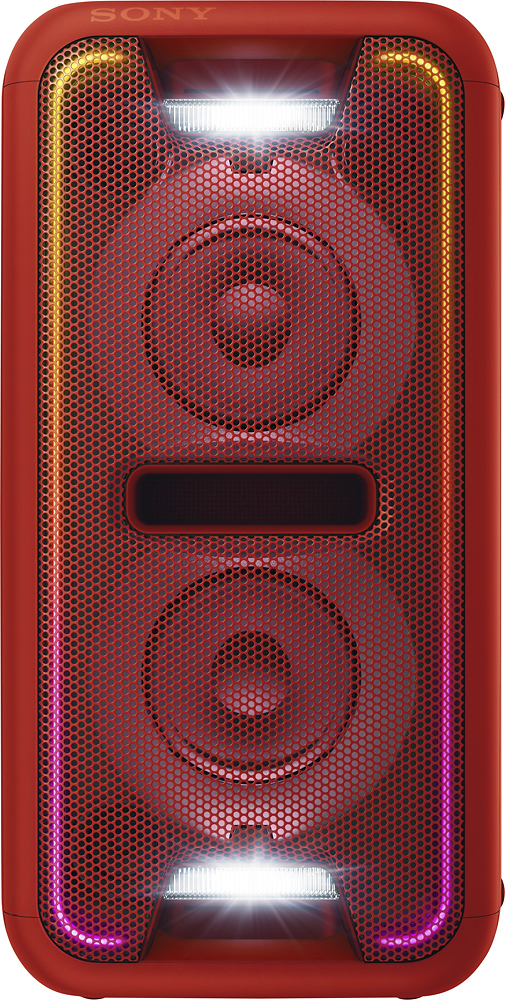
A:AnswerAfter you connect the speakers one to each other with add speaker button on the back of the system 2 green lights will come. This show you they are in party mode. Pressing again the same button will change left and right signal by your choice.