Save up to 50% on 3-Day Sale deals.Ends 12/7.Shop now

Skip to content
Gift Ideas
Main Content

Questions & Answers

Your price for this item is $99.99
The comparable value price is $199.99
Page Showing 21-40 of 60 questions
  • QuestionCan I pair multiple devices? Do I have to forget the other paired devices if I switch between them? Like android tablet, phone and a laptop PC.

    Asked by Anonymous.

    • Answer Hello, thanks for your question. Yes, you can pair the SRSXE300 speaker with multiple devices. The speaker can be paired with up to 8 devices. When a new device is paired in addition to 8 paired devices, the pairing information of the earliest device connected via a BLUETOOTH connection is replaced by the information of the new one. You can connect the speaker concurrently with up to 2 BLUETOOTH devices. (Multipoint connection). The speaker can be paired with multiple devices, but can only play music from one paired device at a time. Please check this link for more details: https://helpguide.sony.net/speaker/srs-xe300/v1/en/contents/TP1000611693.html The SRSXE300 speaker is perfect for bringing quality sound to your party. The Line-Shape Diffuser sends a wide sound all around, without compromising on quality. Plus, with a long battery life, portable size and impressive durability, this speaker is the perfect partner for your next party, wherever that might be. ~Earl

      Answered by SonyListens

  • QuestionMy car radio went out, Will this speaker work at maximum volume if charging on my car USB port?

    Asked by Anonymous.

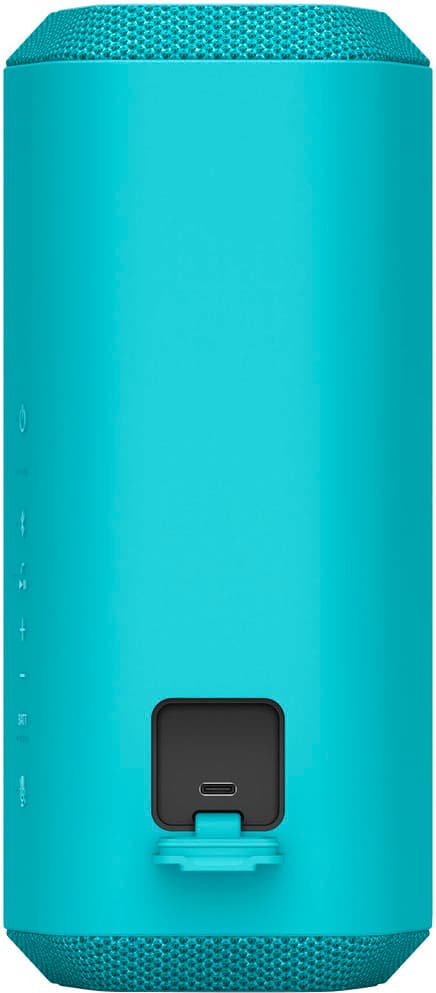
    • Answer Hello, thanks for your question. The SRSXE300 Portable Wireless Speaker can be charged using a USB port in your car. However, it is important to note that using the speaker at maximum volume while charging may affect the charging time and battery performance. It is recommended to use a USB AC adapter with an output current of 1.5 A and a USB cable that complies with the USB standard for optimal charging performance. As long as the speaker is connected to an AC outlet by a USB AC adaptor (commercially available), using a USB port in your car, or to a computer that comes equipped with a USB charging port, the speaker's built-in battery is capable of charging itself even while music playback from the speaker is in progress. However, it may take a long time before charging completes depending on the usage of the speaker. It is recommended that you turn off the speaker before battery charging. Hope this helps. The SRSXE300 speaker is perfect for bringing quality sound to your party. The Line-Shape Diffuser sends a wide sound all around, without compromising on quality. Plus, with a long battery life, portable size and impressive durability, this speaker is the perfect partner for your next party, wherever that might be. ~Earl

      Answered by SonyListens

  • Questioncan it be used on a bluetooth tv??

    Asked by Anonymous.

    • Answer Hello, thanks for your question. Yes, the SRSXE300 can be used with a Bluetooth TV. However, you need to ensure that your TV supports the Advanced Audio Distribution Profile (A2DP) Bluetooth profile, which is necessary for audio streaming. You can check your TV's specifications or settings to confirm this. The XE300 speaker is perfect for bringing quality sound to your party. The Line-Shape Diffuser sends a wide sound all around, without compromising on quality. Plus, with a long battery life, portable size and impressive durability, this speaker is the perfect partner for your next party, wherever that might be. ~Earl

      Answered by SonyListens

  • QuestionDoes those have speakerphone?

    Asked by Olivia.

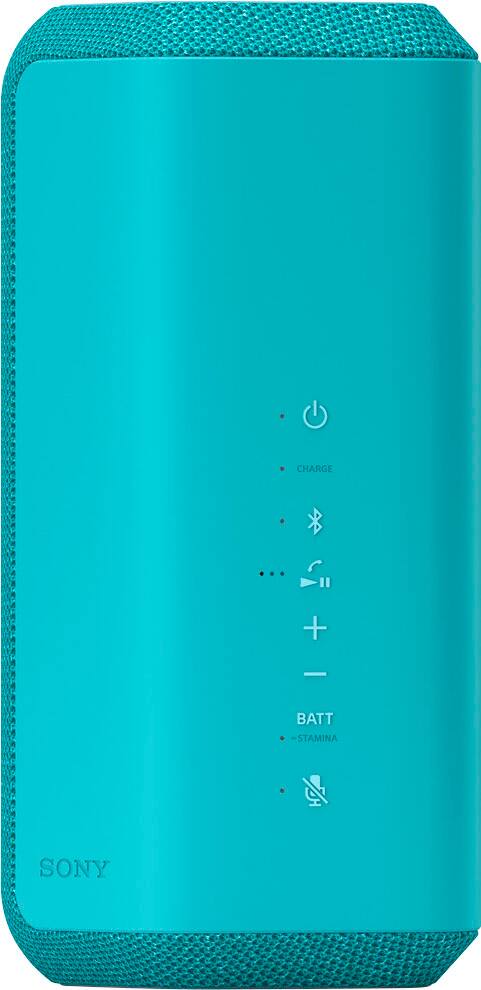
    • Answer Hi Olivia, Thank you for your question. Great news! The speaker has a built-in microphone so you can use it for phone calls. The XE300 speaker is perfect for bringing quality sound to your party. The Line-Shape Diffuser sends a wide sound all around, without compromising on quality. Plus, with a long battery life, portable size and impressive durability, this speaker is the perfect partner for your next party, wherever that might be. -Ralph

      Answered by SonyListens

  • QuestionI want to record voice using .memory stick

    Asked by Anonymous.

    • Answer Hello, we appreciate your interest in our product. Unfortunately, this Bluetooth speaker does not have a record function. The XE300 speaker is perfect for bringing quality sound to your party. The Line-Shape Diffuser sends a wide sound all around, without compromising on quality. Plus, with a long battery life, portable size and impressive durability, this speaker is the perfect partner for your next party, wherever that might be. ~Earl

      Answered by SonyListens

  • QuestionCan it be pared to a gtk-xb72

    Asked by Question.

    • Answer Hi Question, Thanks for your inquiry. Unfortunately, no. The XE300 cannot be used with XB72. The SRS-XE300 can only be connected with the following models via Party Connect function: LSPX-S3, SRS-XV900, SRS-XP700, SRS-XP500, SRS-XG500, SRS-XG300, SRS-XB43, SRS-XB33, SRS-XB23, SRS-XE200. Note: You can't connect Wireless Party Chain supported wireless speaker models in combination with Party Connect supported models. If you have the XB72, you may visit our support page to see all compatible devices . Regards, Craig

      Answered by SonyListens

  • QuestionEvery time I turn on my speaker a gentle voice tell me when I am connected to how many devices and what my level of charge is - great ! However, in between these two informationals, the voice says "Battery care XXXX . What is it telling me ?

    Asked by tom.

    • Answer Hi tom, Thank you for reaching out to us. We really appreciate you like the voice guidance function of your XE2000 speaker, where you can hear if there is a BLUETOOTH connection established between the speaker and the devices and remaining battery power of the unit. For charging the built-in battery of the speaker, the Battery Care mode option is available in addition to the normal charging method. Battery Care mode limits the maximum charge capacity to approximately 90% and makes the battery life last longer. The playback time available in Battery Care mode is shorter than the time available when the built-in battery is charged by the normal charging method. At the time of purchase, the speaker is not in Battery Care mode. You can place/bring the speaker into/out of Battery Care mode with “Sony | Music Center.” Also, by using “Sony | Music Center,” you can activate/deactivate the voice guidance associated with the remaining battery power that you hear when you turn on the speaker. For more information about Voice guidance and Built-in battery life of the speaker, please check the Help Guide of the unit found on our Sony Support Site. Unfortunately, due to the current Best Buy phishing protocol for your protection, we cannot provide a direct email or phone number for customer support as of now. Please find Sony Electronics' Support information: Go to our support website > click on “Support” > scroll down click on “Contact Support” > click on "Audio & Video" and from there you'll see different ways to contact us. Hope this information helps! - Kris

      Answered by SonyListens

  • QuestionI left my speaker plugged in to charge. Will it shut itself off?

    Asked by Gab.

    • Answer Hi Gab, Thank you for the inquiry! The speaker may turn off even while the speaker is connected to an AC outlet by the USB AC adaptor. It is recommended that you turn off the speaker before battery charging. The XE200 speaker sends sound out from a small, compact unit. You can spread sound wider with the Line-Shape Diffuser and enjoy powerful sound pressure and clarity with the X-Balanced Speaker, all housed inside a portable speaker with a handy strap. -David

      Answered by SonyListens

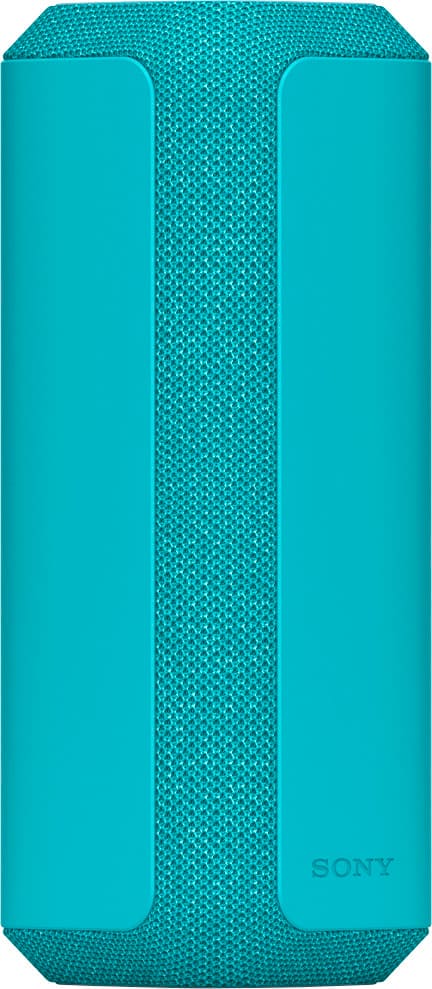
  • QuestionIt looks like 2 speakers on this device. Is there 2 or just one? Thanks

    Asked by Jack.

    • Answer Hi Jack, Thank you for the inquiry! It's one speaker and it is sold per piece. Bring the party with you and spread sound with the XE200 Wireless speaker. A line shaped diffuser and X-balanced speakers provide a wide sound stage, with powerful bass and richer sound. Pair with IP67 Waterproof, dustproof and shockproof design, this speaker is made for even the strongest elements. -David

      Answered by SonyListens

  • QuestionCan I directly set up my iphone to play to this speaker through blue tooth?

    Asked by Touchdown.

    • Answer Yes, just go to your settings and connect through where it says bluetooth.

      Answered by DaniellaK

  • QuestionDo the XE300's (paired in stereo) have a sound delay when connected to a tv via bluetooth?

    Asked by Latency123.

    • Answer I have mine paired in stereo and use them to watch movies on my computer and do not notice a delay.

      Answered by Allison

  • Questioncan i use this for sony turntable?

    Asked by dette.

    • Answer Hi dette, thanks for your question. It depends on the turntable if it supports the A2DP Bluetooth profile (like our PS-LX310BT turntable) which is required by this XE300 for Bluetooth audio playback. The XE300 speaker is perfect for bringing quality sound to your party. The Line-Shape Diffuser sends a wide sound all around, without compromising on quality. Plus, with a long battery life, portable size and impressive durability, this speaker is the perfect partner for your next party, wherever that might be. Hope this helps. ~Earl

      Answered by SonyListens

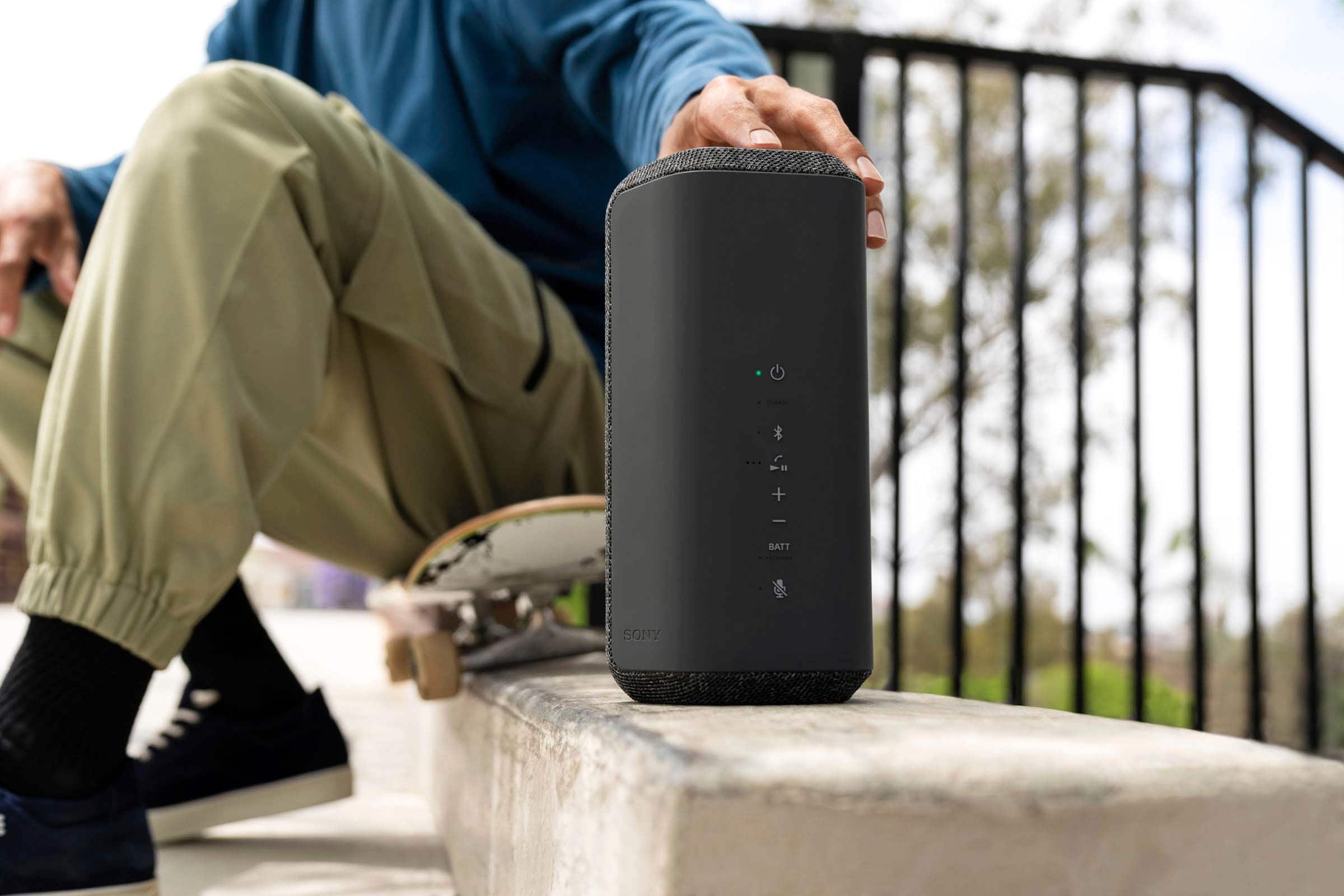
  • QuestionDoes this speaker comes with a Remote

    Asked by sony.

    • Answer Sony xe200 has No remote

      Answered by RuwaidaM

  • QuestionDoes it have a string or something on it where I can hang it up on something? I run heavy equipment so need something like that

    Asked by Brandon.

    • Answer Hi Brandon Great question. The SRSXE300 doesn't have a string or holder to hang the speaker. The XE300 speaker is perfect for bringing quality sound to your party. The Line-Shape Diffuser sends a wide sound all around, without compromising on quality. Plus, with a long battery life, portable size and impressive durability, this speaker is the perfect partner for your next party, wherever that might be. Regrds, Erin

      Answered by SonyListens

  • QuestionCan I use wifi on my desktop computer to stream music playlists from my computer to the Sony XE 300 in a room away from the computer?

    Asked by SKmerganser.

    • Answer Hi SKmerganser Thank you for your question. The speaker can output the sound or audio that is being played from your computer, just make sure to pair your computer to the XE300 via Bluetooth. Use the BLUETOOTH wireless technology between the speaker and a device that are located within 30 m (about 98 ft) from each other. The XE300 speaker is perfect for bringing quality sound to your party. The Line-Shape Diffuser sends a wide sound all around, without compromising on quality. Plus, with a long battery life, portable size and impressive durability, this speaker is the perfect partner for your next party, wherever that might be. Regards, Erin

      Answered by SonyListens

  • QuestionAre these speakers Chromecast ready? If not, which Sony speakers are?

    Asked by Chromecast.

    • Answer Hi Chromecast, thanks for your inquiry. the XE300 isn't chromecast ready. You may consider the SRS-RA3000 and SRS-RA5000 instead which has Chromecast Built-In. The XE300 speaker is perfect for bringing quality sound to your party. The Line-Shape Diffuser sends a wide sound all around, without compromising on quality. Plus, with a long battery life, portable size and impressive durability, this speaker is the perfect partner for your next party, wherever that might be. Best regards, Erin

      Answered by SonyListens

  • Questioncan a sony srs-xe300 be paired with a sony tv?

    Asked by Anonymous.

    • Answer Yes it is sony

      Answered by AnthonyJ

  • QuestionWill this connect to the Sony xe300

    Asked by Anonymous.

    • Answer yes

      Answered by YugandharV

  • QuestionCan this paired to a sony soundbar?

    Asked by Anonymous.

    • Answer Yes

      Answered by NathanielColey

  • QuestionIs there an IOS app that can be downloaded from the App store that lets you control the speaker from an Apple phone?

    Asked by JonD.

    • Answer Hi Jonom, Good question! Yes, there is. You can download the “Sony | Music Center” from the App Store on your iOS device. With the Sony | Music Center app, you can optimize audio settings, select playlist, cue the next Sony, and control Party Connect. Hope this helps! . The XE200 speaker sends sound out from a small, compact unit. You can spread sound wider with the Line-Shape Diffuser and enjoy powerful sound pressure and clarity with the X-Balanced Speaker, all housed inside a portable speaker with a handy strap. Pair with IP67 Water resistance, dustproof and shockproof design, this speaker is made for even the strongest elements. Keep the party going with up to 16-hours of battery life on a single charge and USB-C quick charging gives you up to 70 minutes of playback after just 10 minutes of charge time. Regards, Sam

      Answered by SonyListens