A:Answer Hello Tacoaugust,
Thank you for considering Sony products!
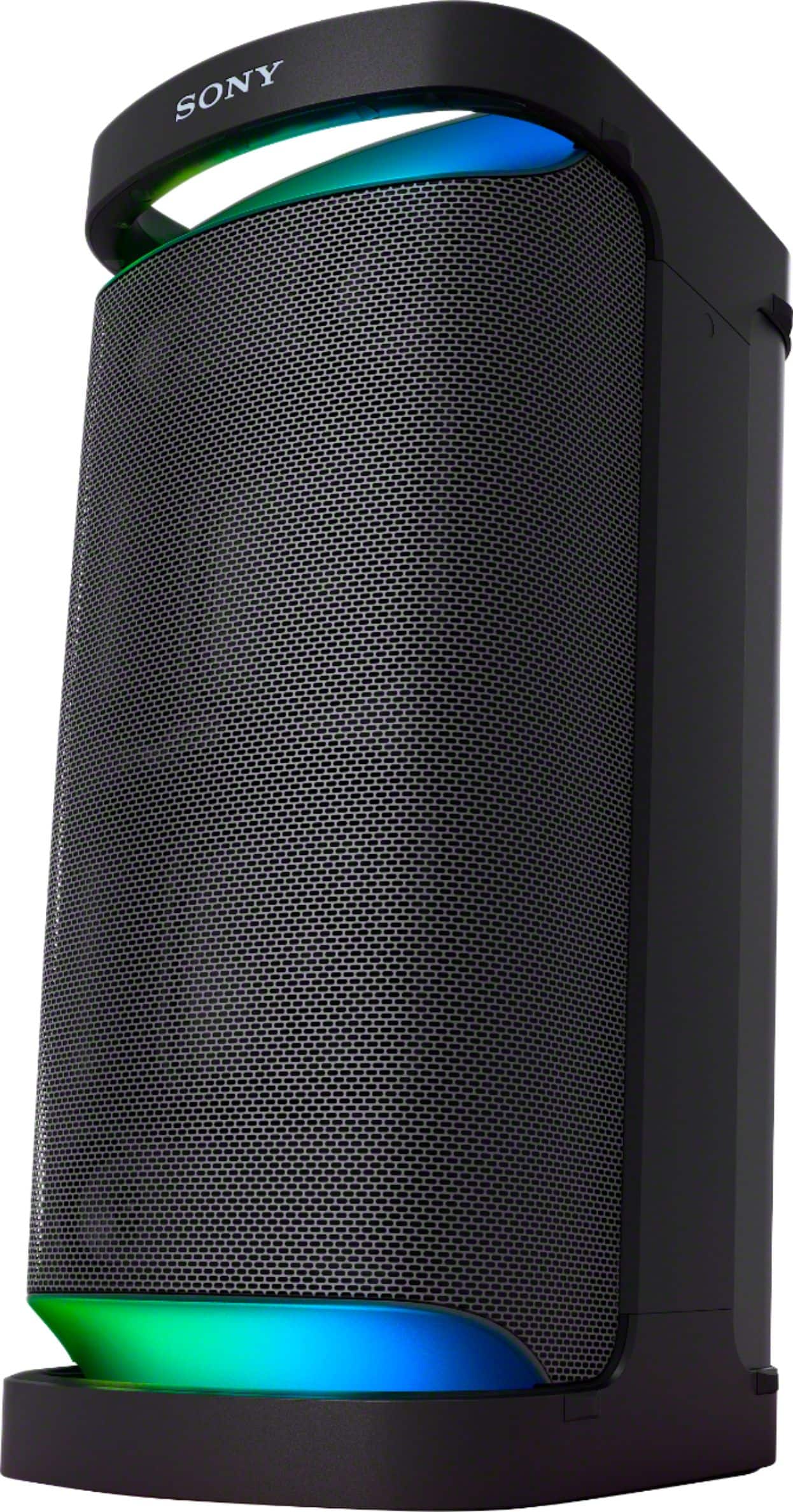
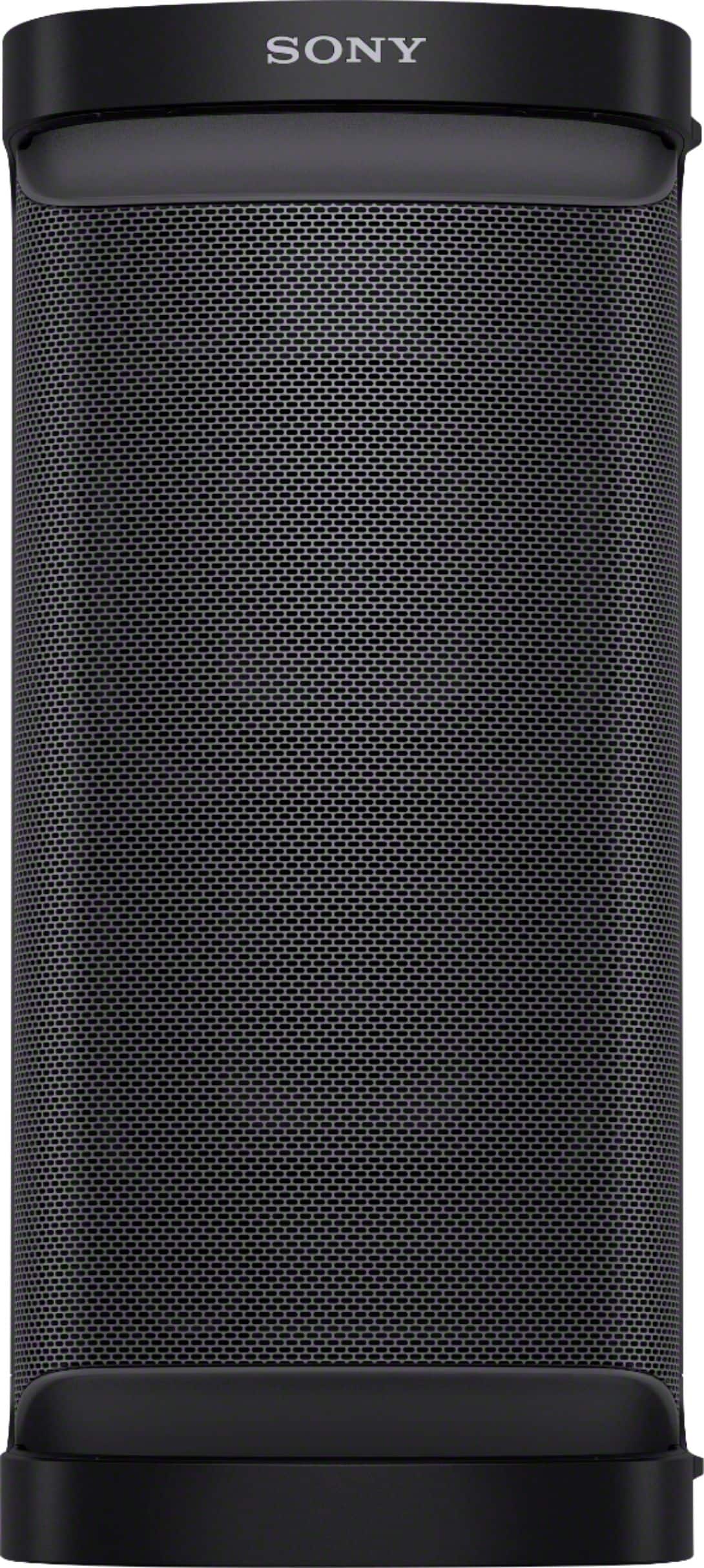
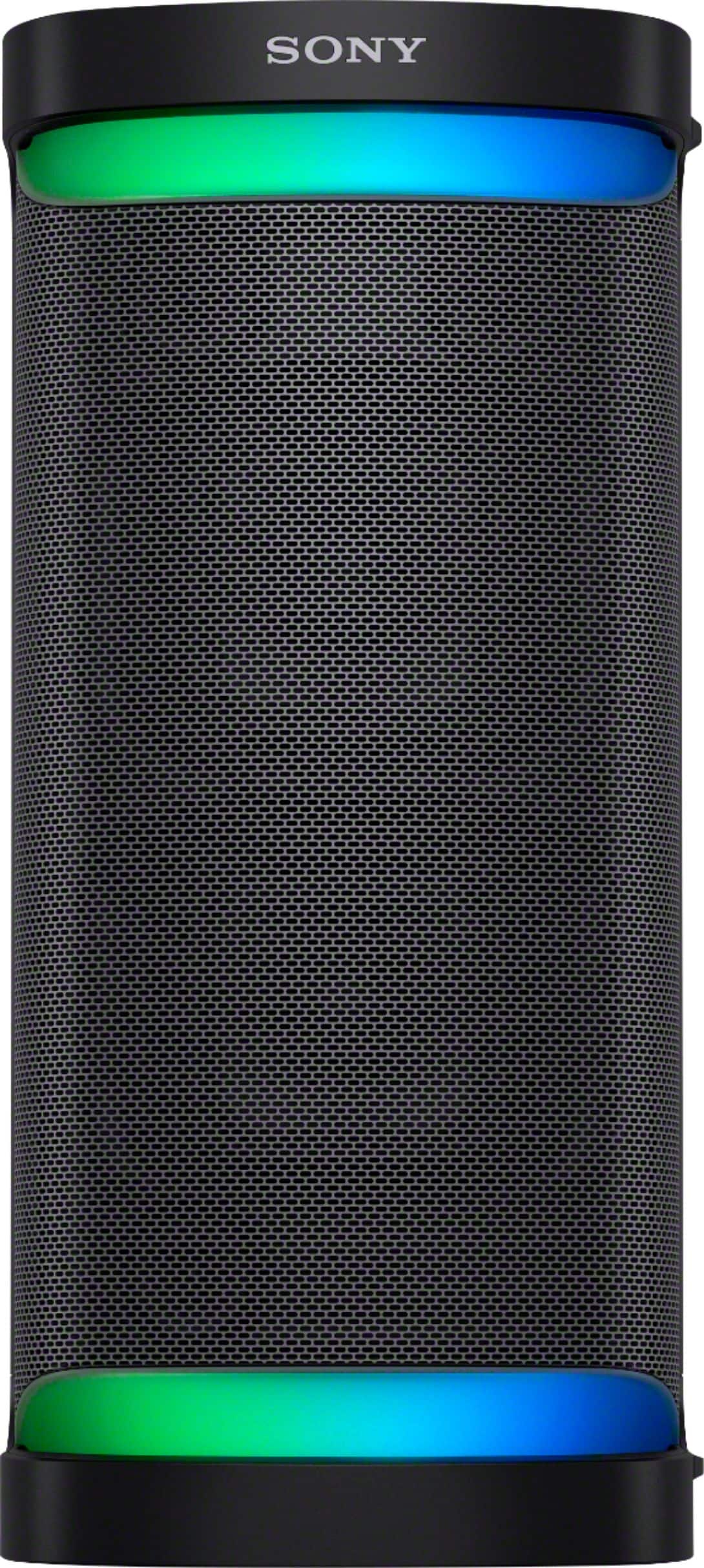
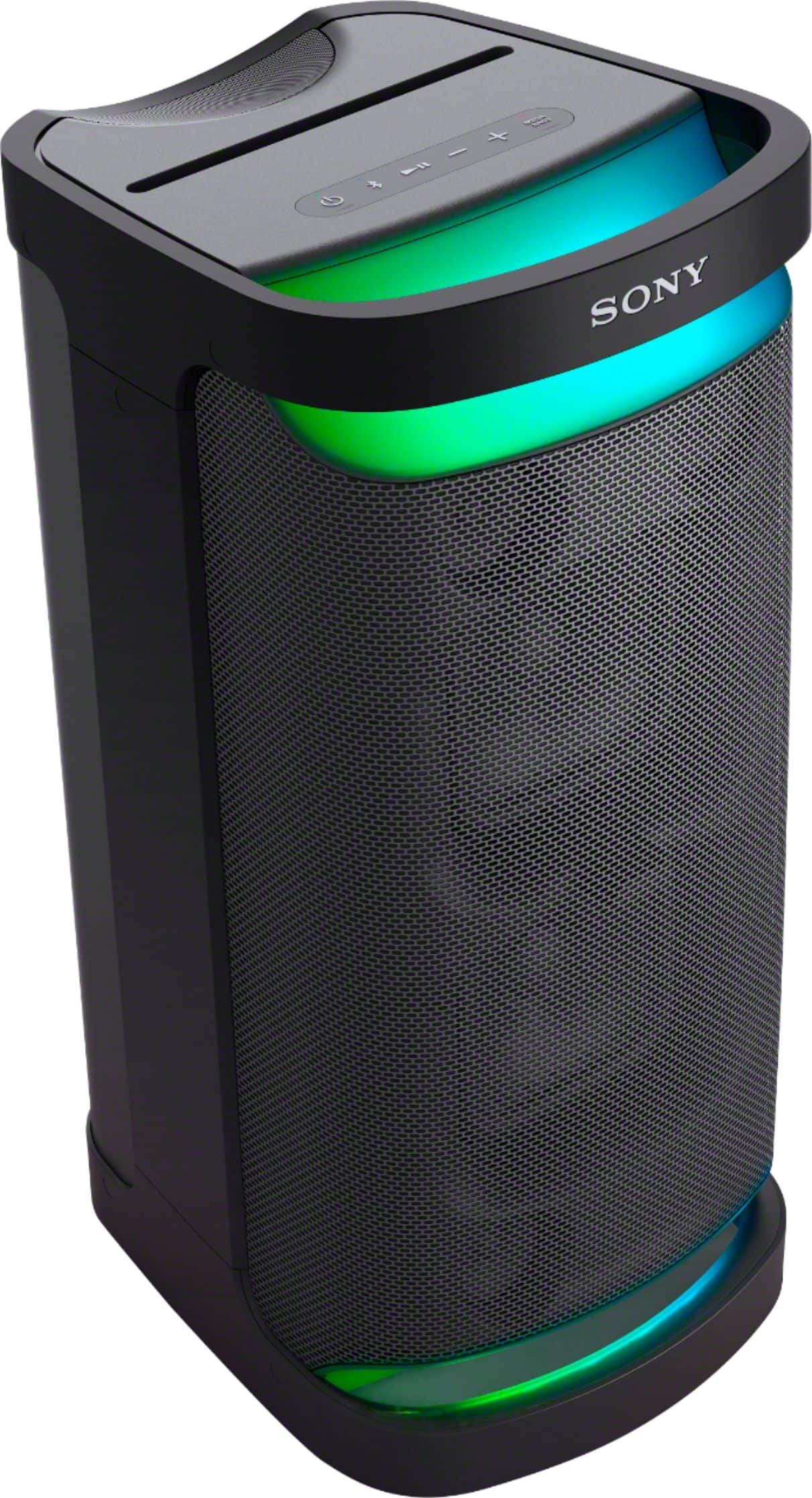
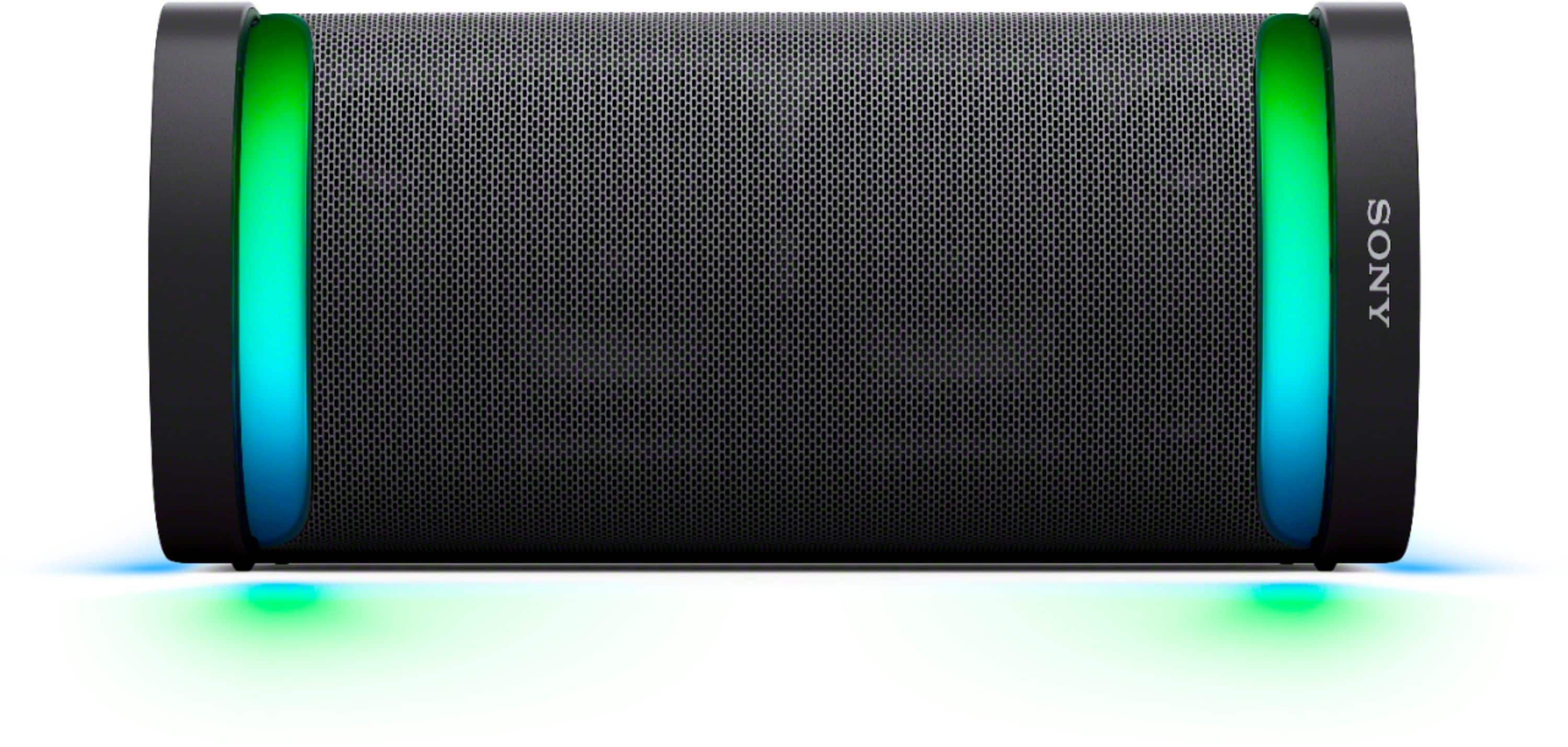
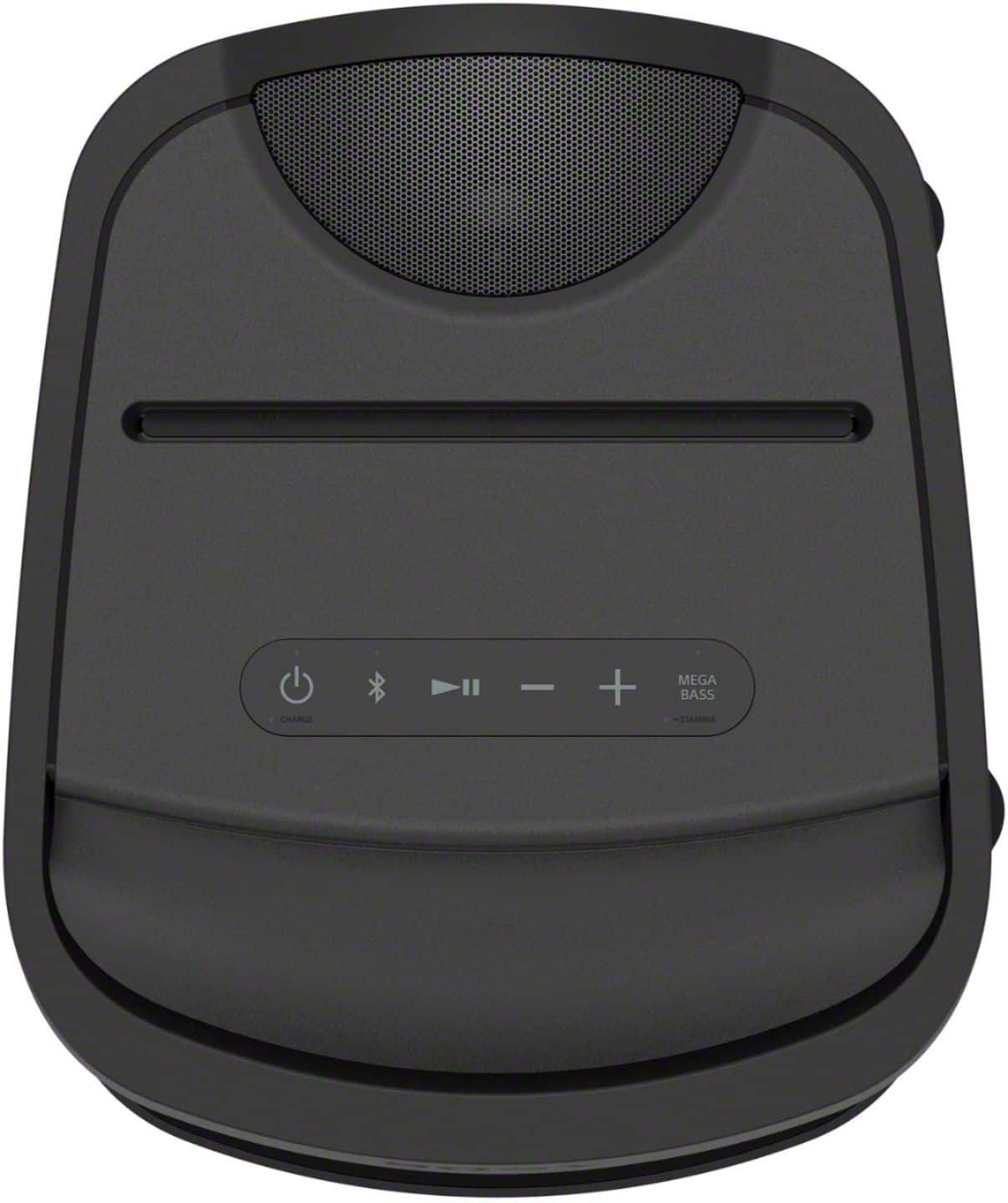
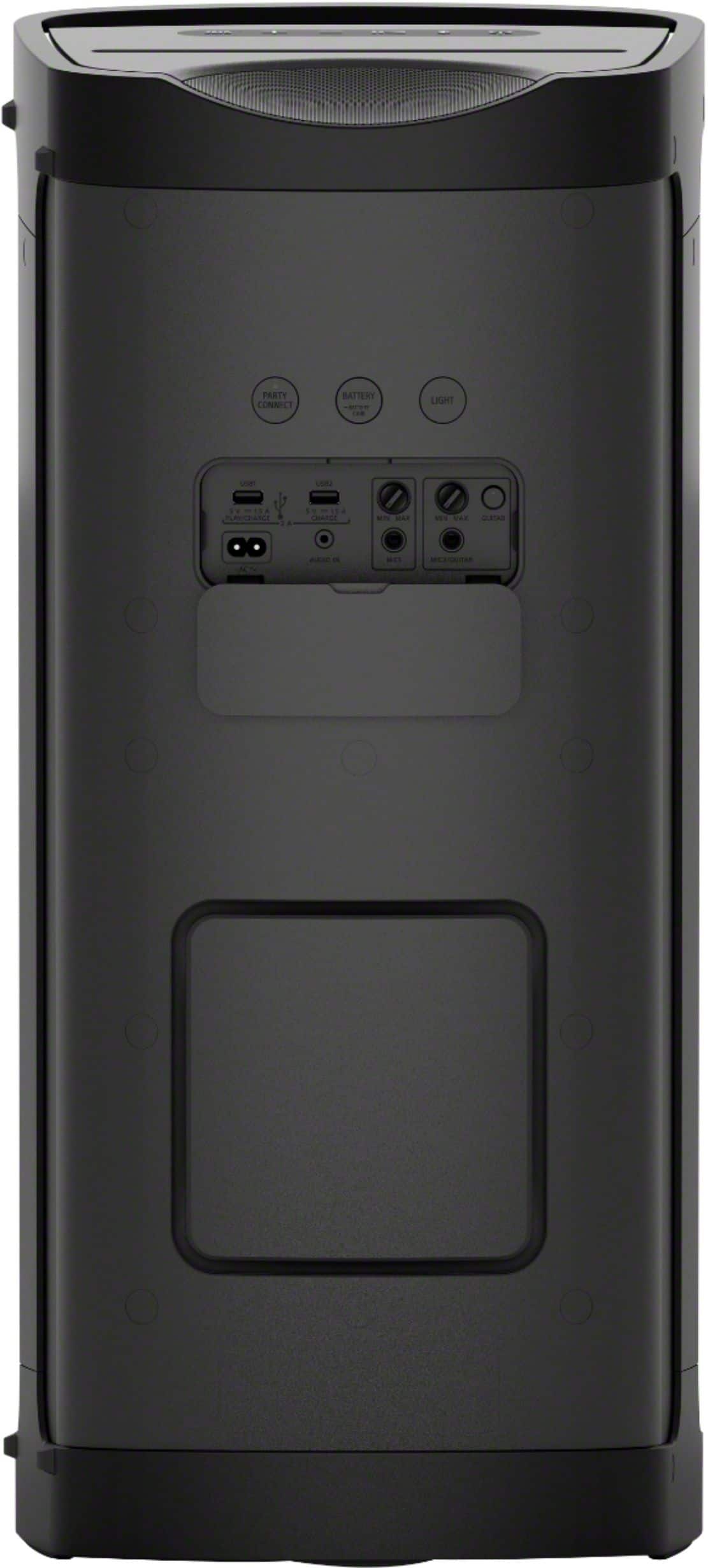
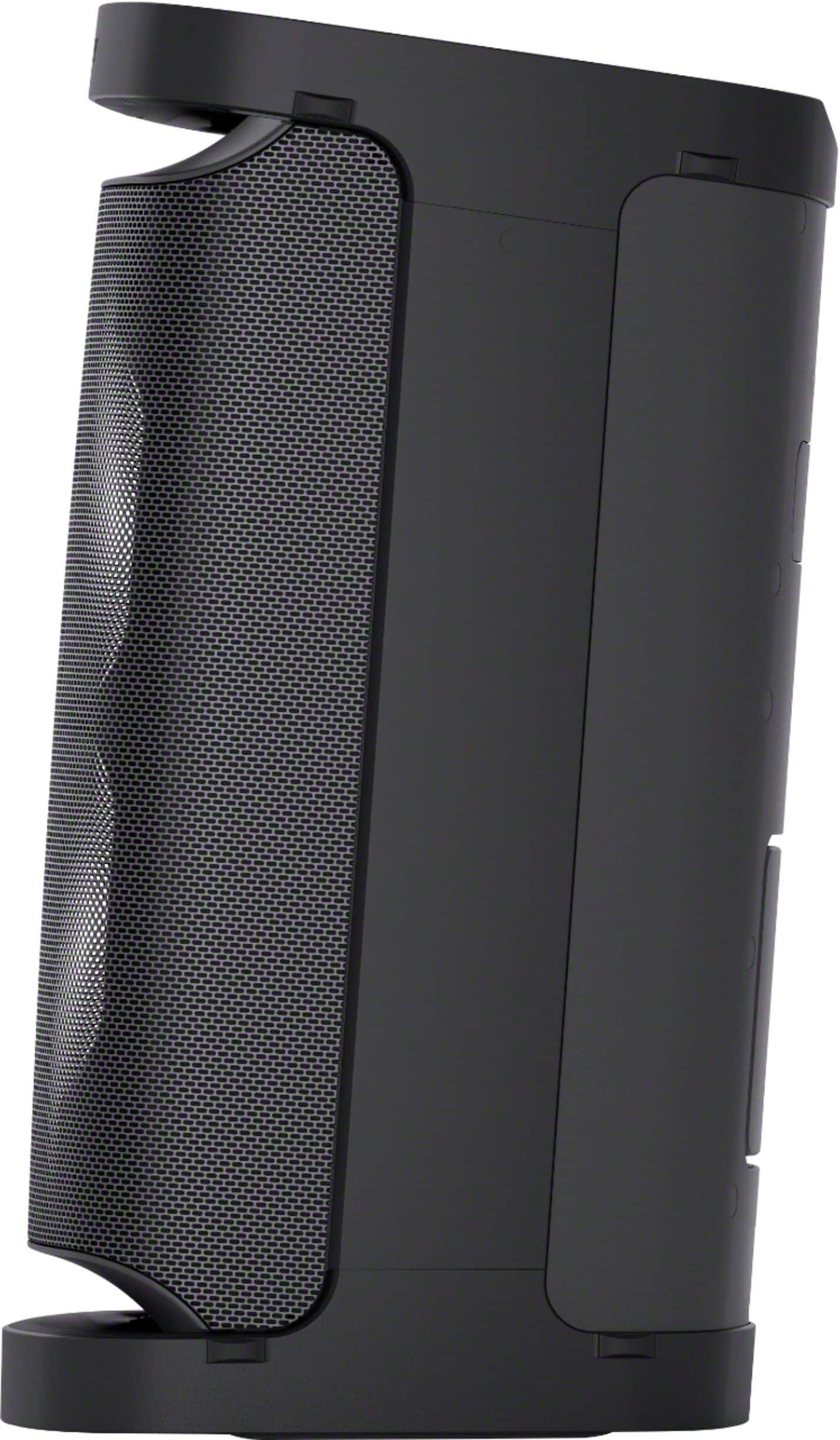
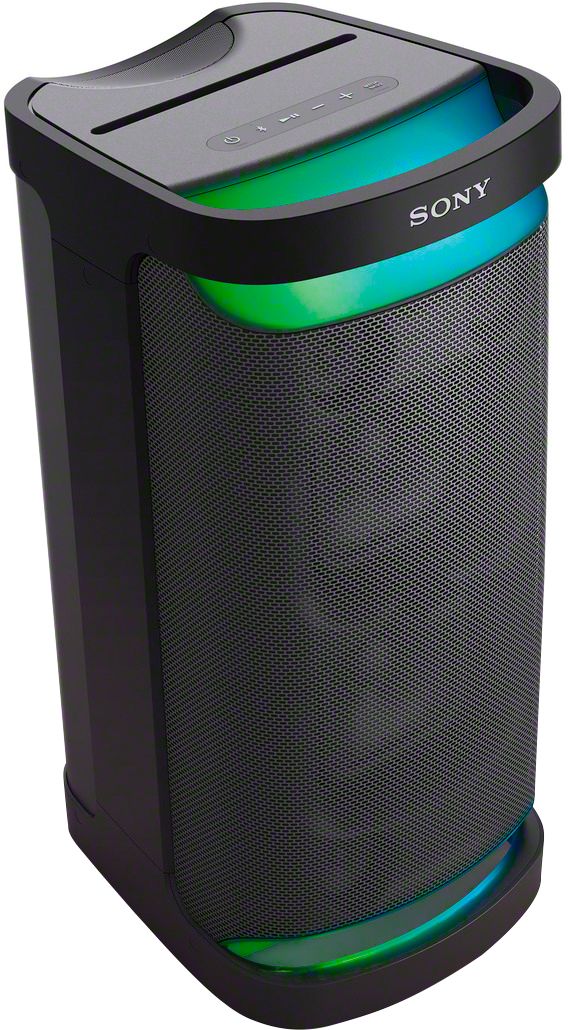
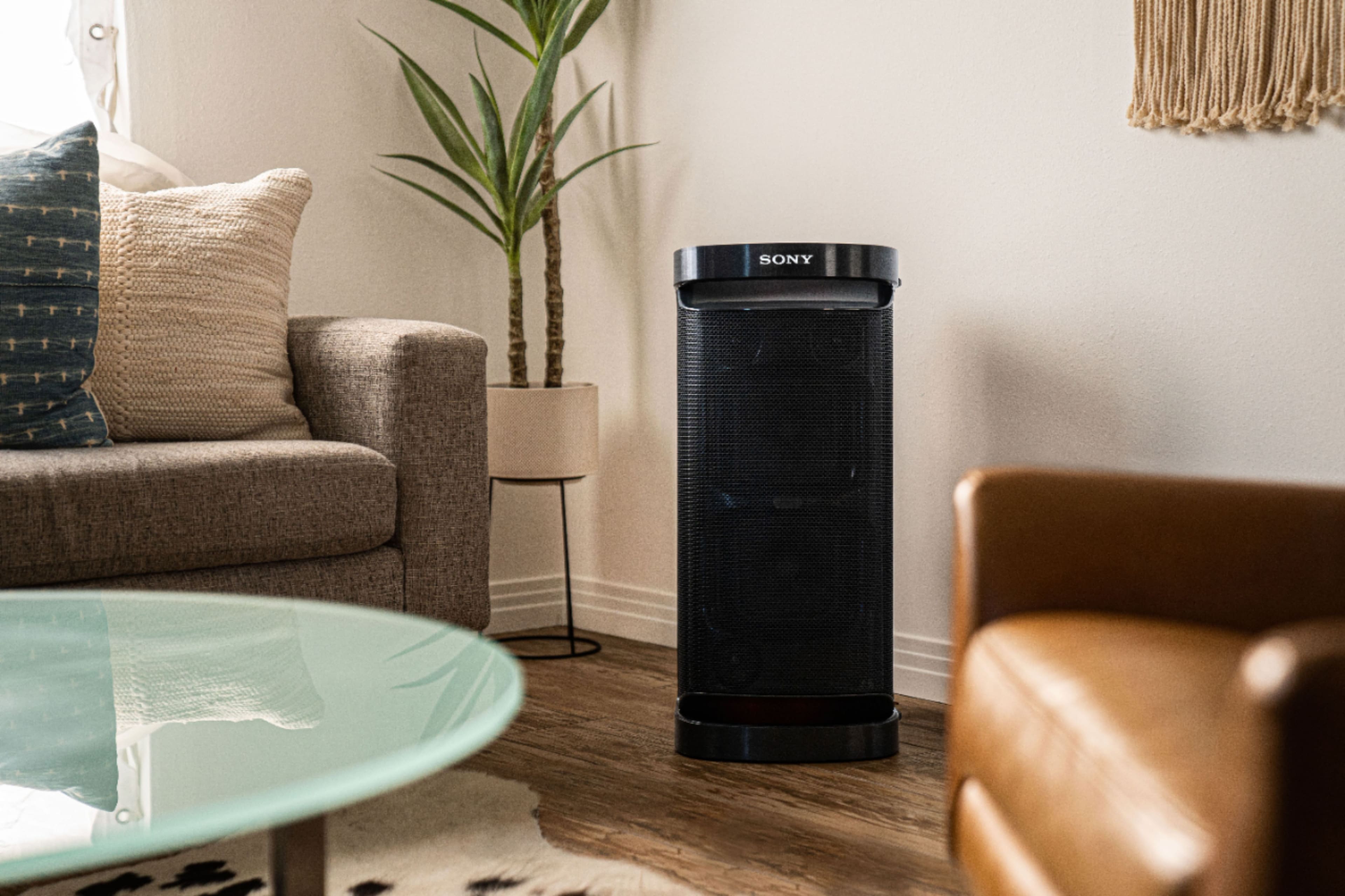
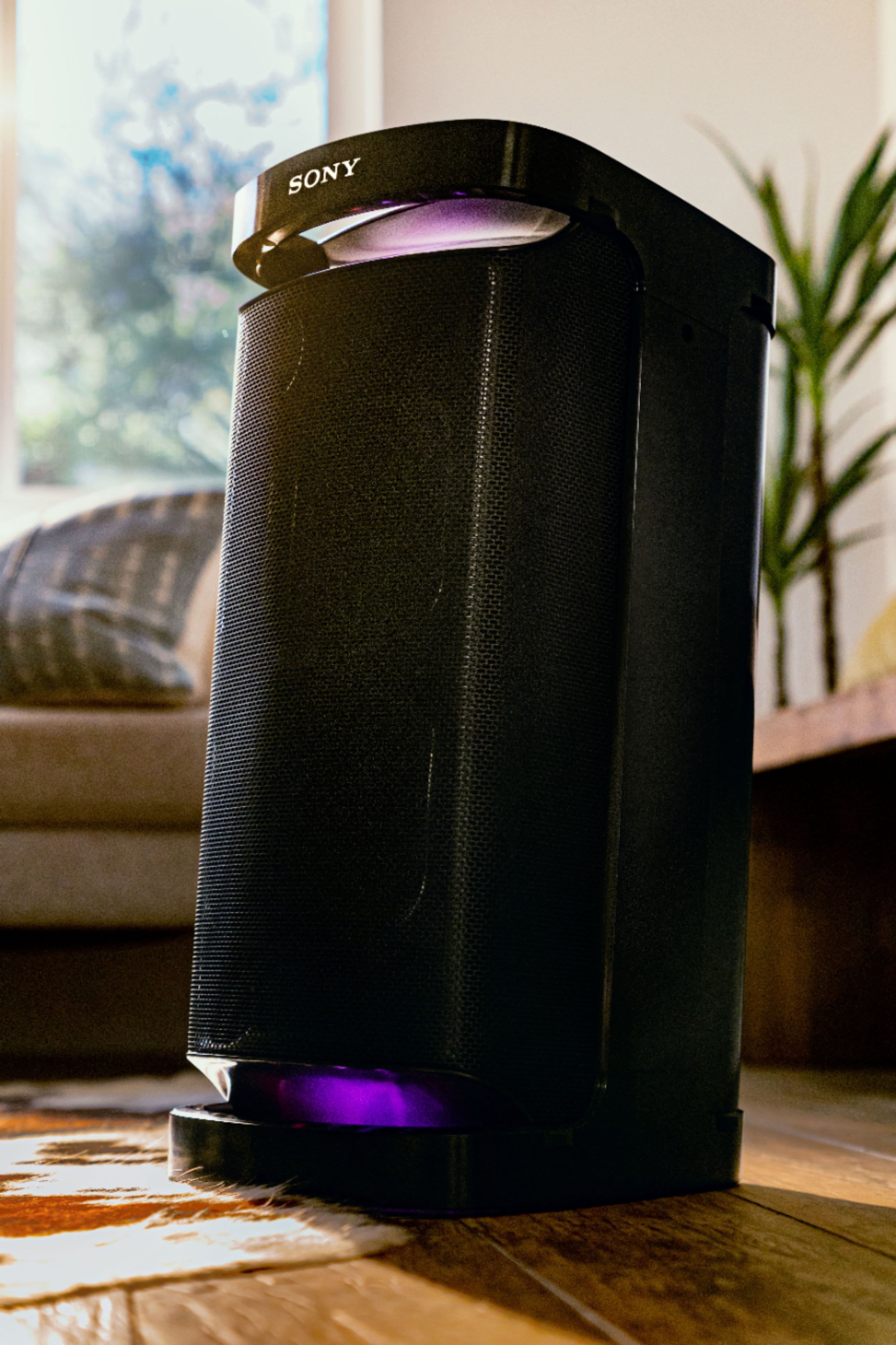
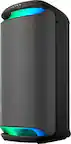
We appreciate your inquiry about the space coverage and sound volume of the SRS-XP500 and SRS-XP700 speakers and are happy to assist you. Both models are designed to deliver powerful, clear sound suitable for medium to large spaces.
The SRS-XP500 offers impressive volume and deep bass, ideal for rooms of up to about 30-40 square meters, making it great for small parties or gatherings. The SRS-XP700, being a more powerful and larger speaker, can fill larger spaces of up to 50-60 square meters with rich, immersive sound and stronger bass performance, perfect for bigger events or outdoor use.
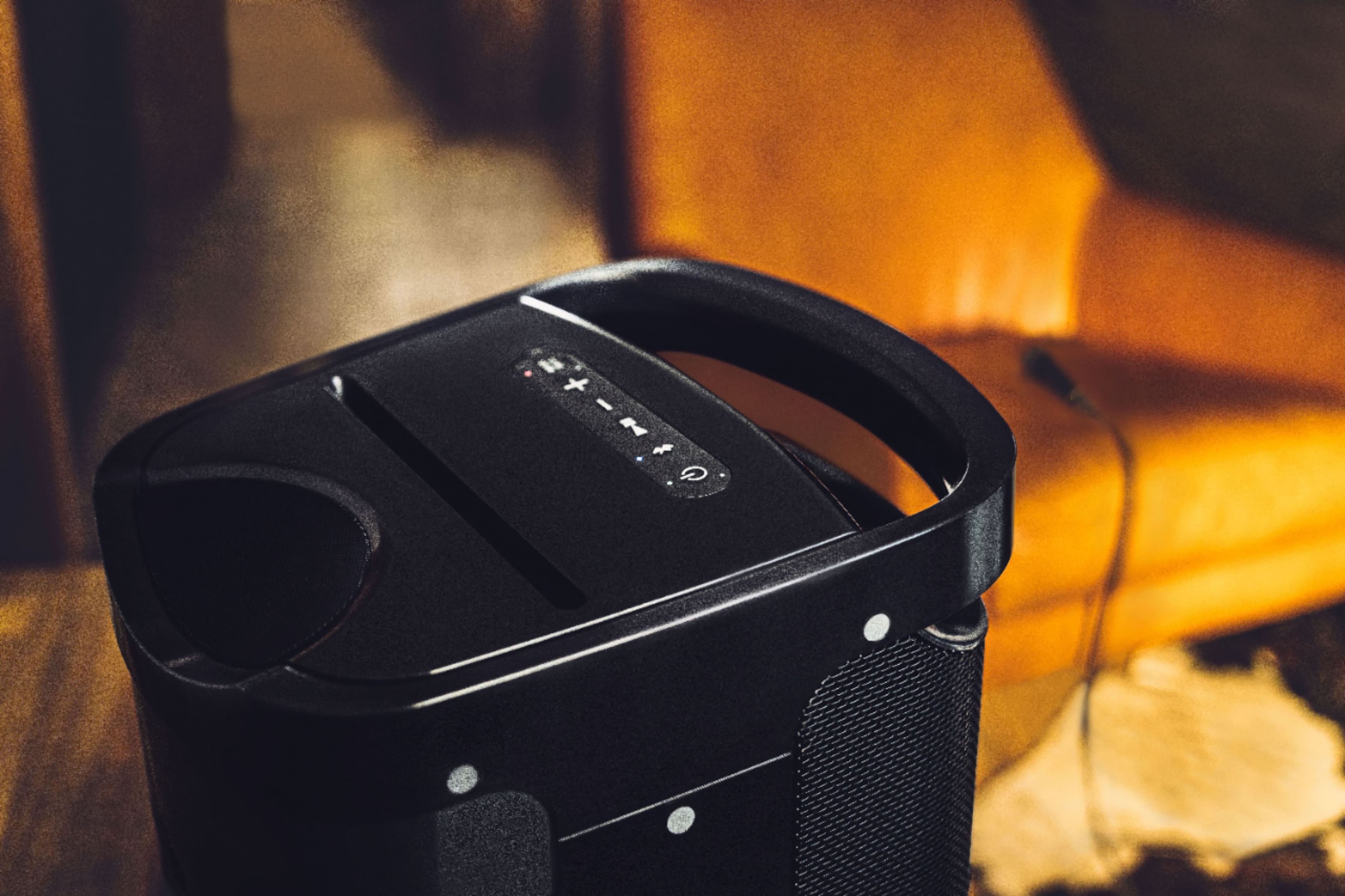
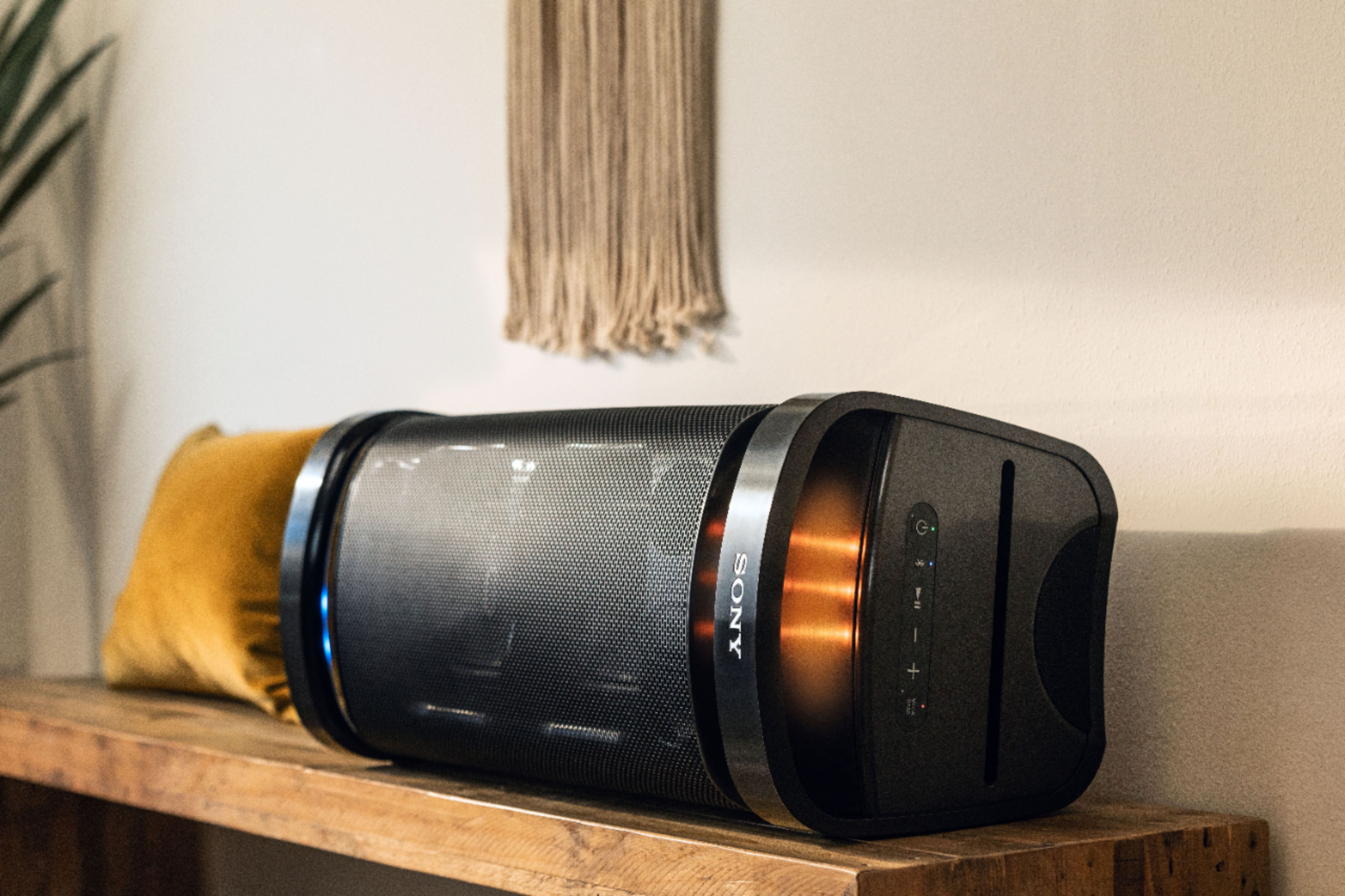
Both feature Sony’s X-Balanced Speaker Units for clear vocals and punchy bass, along with durable, portable designs. Your choice depends on your space size and volume needs.
For more details, please visit: https://www.youtube.com/watch?v=lqtdk0gsdoo
If you need further assistance, feel free to ask!
Best regards,
-Fred