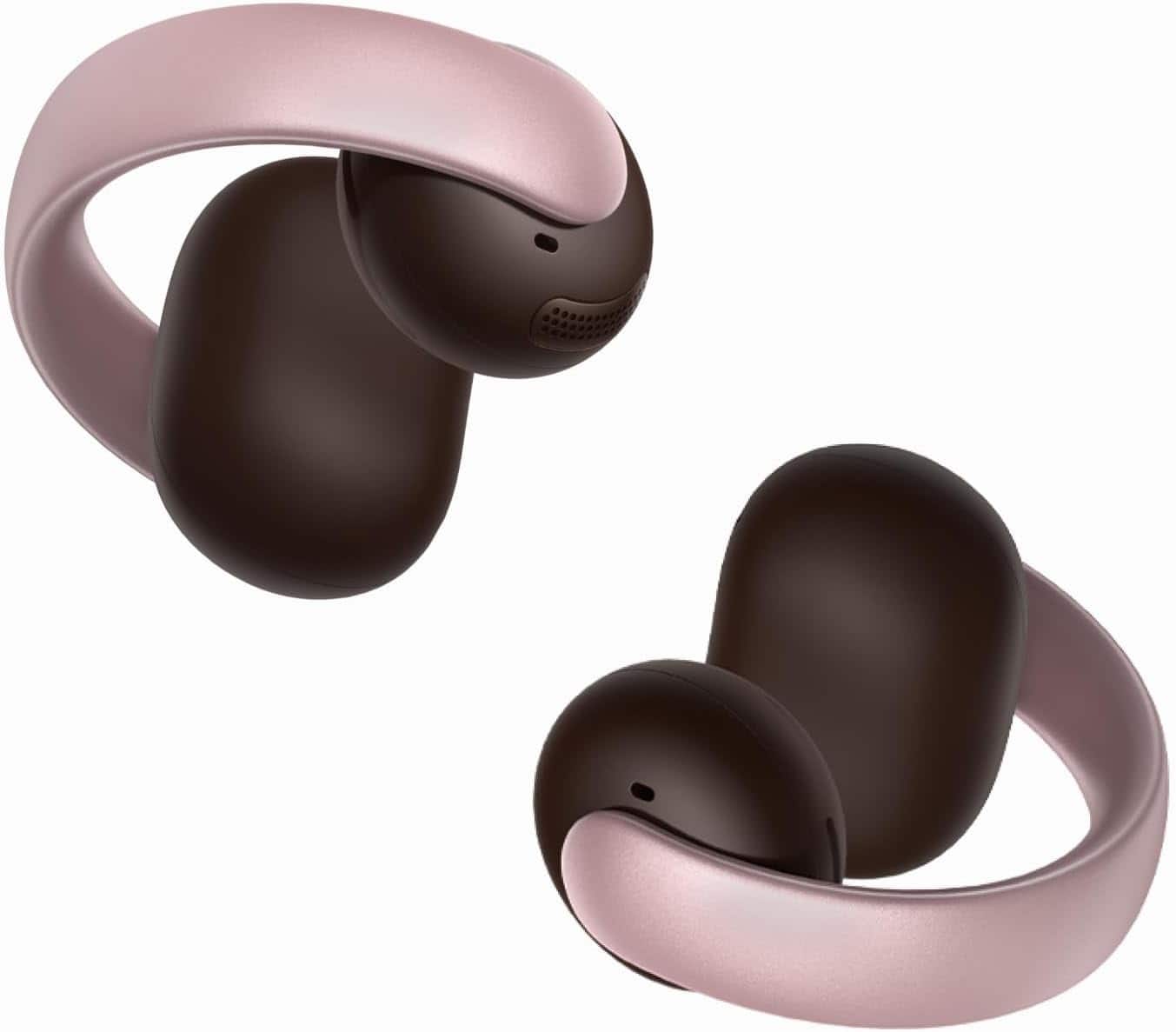

A:AnswerIf you're experiencing microphone quality issues with the Soundcore AeroClip Open-Ear Clip-On Earbud Headphones during MS Teams calls, here are some potential solutions to improve call quality:
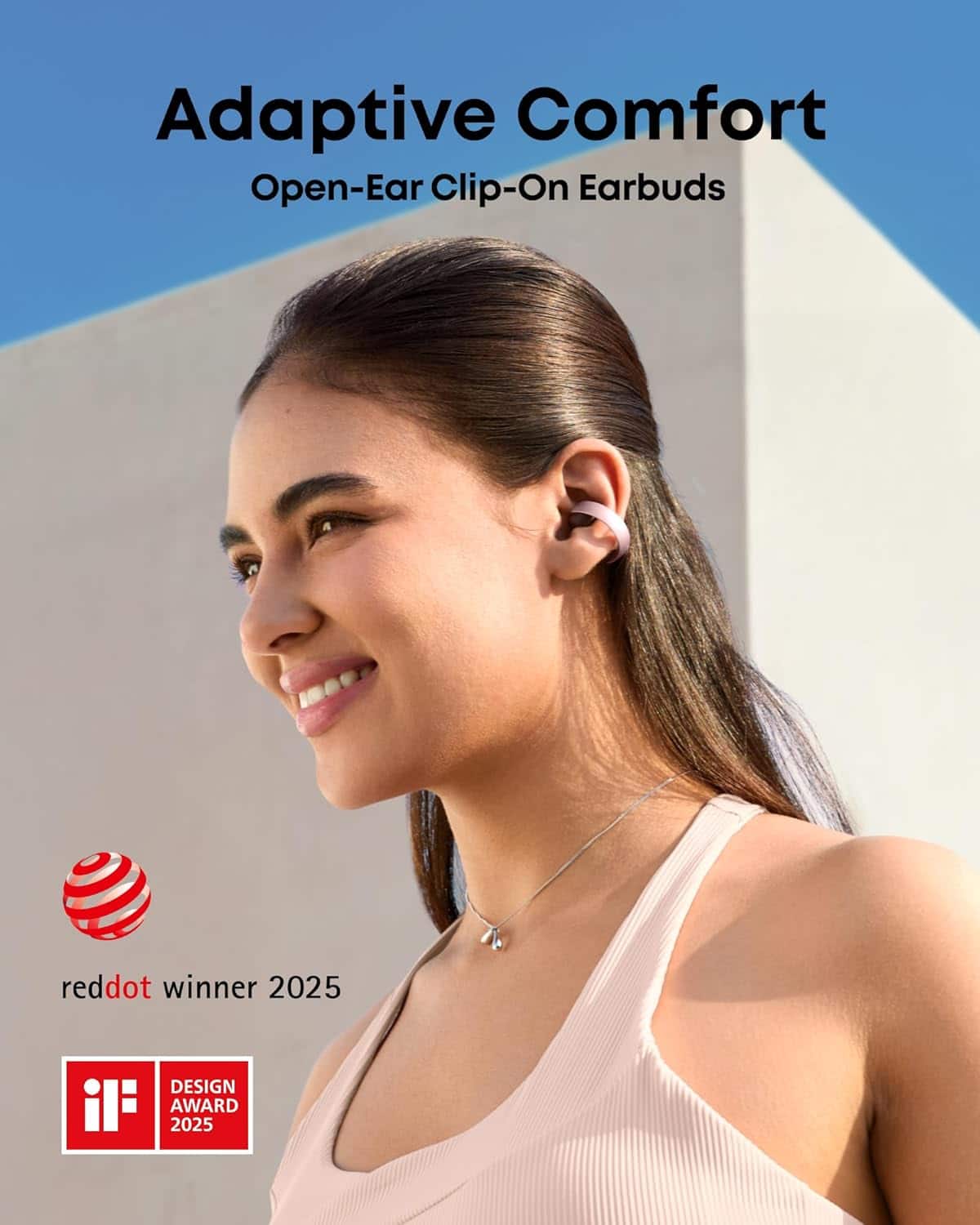
Ensure Proper Wearing Position: Verify that the earbuds are positioned correctly on your ears to achieve optimal call performance.
Increase Volume Levels: Raise both the volume of the earbuds and the connected device to maximum levels.
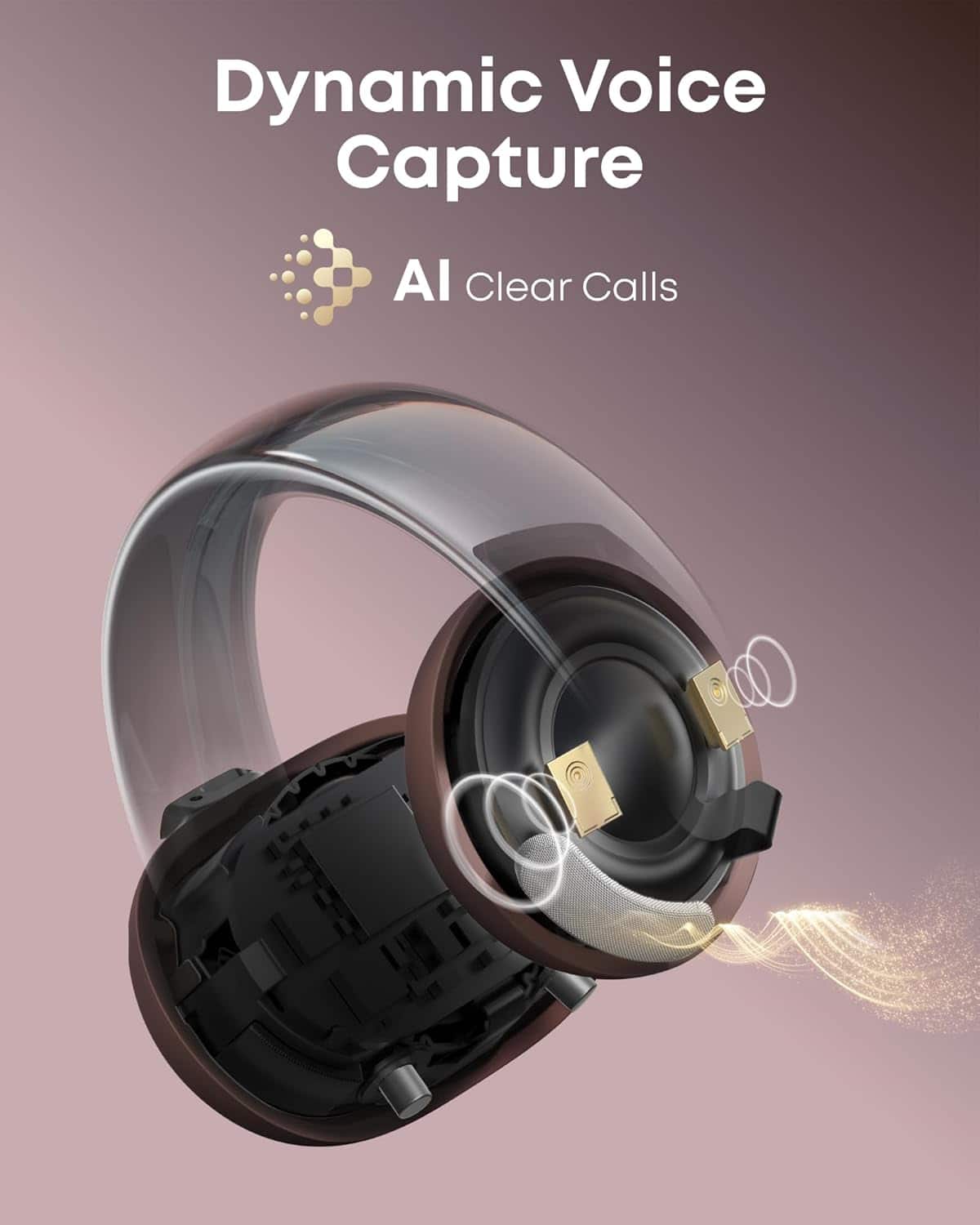
Clean Microphone Holes: Inspect the microphone hole for any dust or blockages. Use a clean, soft brush or cotton swabs with rubbing alcohol to gently clean it.
Try a Different Call Setup: If you are using MS Teams (VoIP or app-based calls), try using your phone to make a regular service provider call. It can help determine if the issue is linked to the app.
Change the Environment and Device:
Test the earbuds in a quieter location.
Pair the earbuds with a different Bluetooth-enabled device to see if the issue persists.
Use the App and Update Firmware:
Ensure the Soundcore app and firmware are upgraded to their latest versions for improved performance.
Let me know if you would like specific instructions for resetting the earbuds or further assistance!
A:AnswerYes, the Soundcore AeroClip Open-Ear Clip-On Earbuds are compatible with Samsung Galaxy phones. The AeroClip uses Bluetooth 5.4 for connections, ensuring compatibility with most smartphones, including Samsung Galaxy models. To pair the AeroClip with your phone:
Open the charging case to power on the earbuds, and they will automatically enter pairing mode.
Enable Bluetooth on your Samsung Galaxy phone and search for available devices.
Select "Soundcore AeroClip" from the list of Bluetooth devices to connect.
Remember that customization and additional features can be adjusted using the Soundcore app.
A:AnswerAre the cases sold separately? If you lose the charging case, can you buy another one?
Typically, for Anker Soundcore products, replacement cases may be available separately. You might want to check online marketplaces or directly on the Anker official website based on your region.
Is there a way to turn off any AI functionality?
Turning off AI features would vary depending on the specific product. For earbuds, AI functionalities (such as smart noise cancellation or voice control) are often adjustable via the companion app provided by Soundcore. Please verify within the app or product manual for precise steps.
For accurate assistance, I recommend checking the product page from Anker or providing me any additional details
A:AnswerThe Soundcore AeroClip Open-Ear Clip-On Earbud Headphones support connection to the Soundcore app, which offers various customization and management features such as music controls, call management, voice assistant support, and more. However, based on the available information, there is no mention of a "Find My Earbud" feature specifically within the app for these earbuds.