A:AnswerTurn it off /on then press the bluetooth button about 30 seconds, when it starts blinking , turn on your device bluetooth on , make your device bluetooth visibility is on as well and you'll be good ! It should work!
A:AnswerIt is just one in the package. "2" in the title refers to the model...there are at least 2 other Flares, the original, and Flare Mini. Though you can buy additional Flare 2 speakers and use the app to sync them to fill a room with music.
A:AnswerNormally the Bluetooth signal might be affected by obstructions, such as clothes, walls, pillars, home appliances, Wi-Fi, etc. The issue of voices cutting in and out is also affected by the battery life and Bluetooth range.
A:AnswerOur Bluetooth speakers can normally pair with Alexa devices like Amazon Echo Dot. However, Bluetooth cache may be the reason for the pairing failure between these devices. If the issue persists, please contact Soundcore customer support at service@soundcore.com for further assistance.
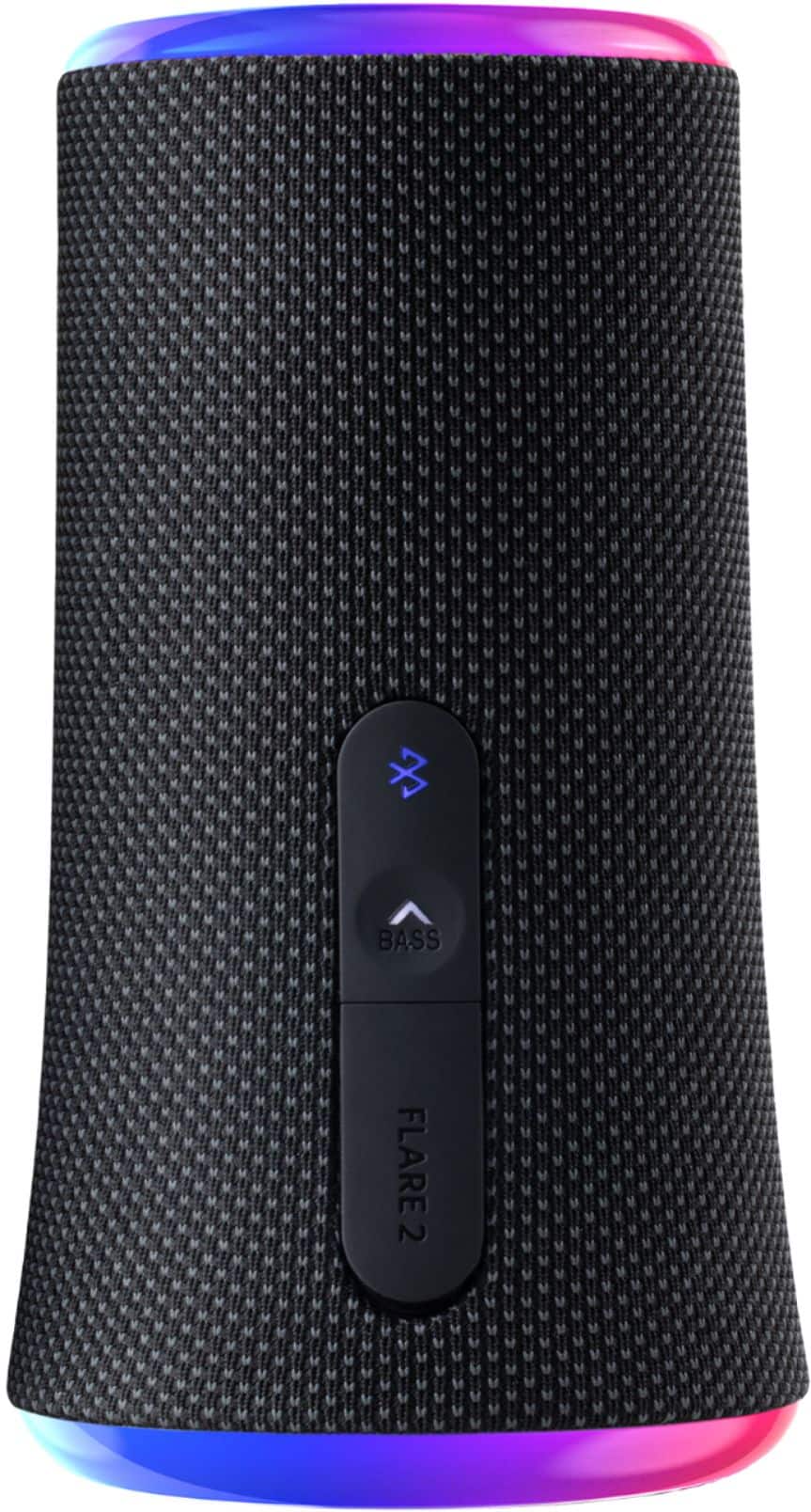
A:AnswerThe device sending sound over Bluetooth can adjust the volume. Or you can use the buttons on the speaker. There is an app that has a mixer, but it’s not required
A:AnswerWhen turned on, the speaker will reconnect with the last device it was connected to. If you want to connect it to a different device just press & hold the Bluetooth button and it will search for another device.
A:AnswerOnly one connects to the phone. The rest connect to each other. Since the speakers connect to each other, each speaker added could be further from the phone. So you should be able to cover quite a distance. You can have over 100 speakers synced up. I have a Soundcore Mini 3 speaker and it is able to connect up as well, so they do not all have to be Flare 2 units.
A:AnswerThere's a usb-c port under a waterproof flap on the side. Under the Bass button. It comes with a cable, but you need a power adapter for the usb-a side. Like a phone adapter.