Outlet EventEnds Jan. 19. Limited quantities. No rainchecks.Shop now

Main Content

Questions & Answers

Page Showing 1-20 of 22 questions
  • QuestionWhat is the battery life on a single charge?

    • Answer The battery life on a single charge is a remarkable 12 hours.
    This question and answer was generated by AI based on customer and product data.
  • QuestionWhat is the weight of the earbuds?

    • Answer The product weight is 0.12 pounds.
    This question and answer was generated by AI based on customer and product data.
  • QuestionWhat is the purpose of the adjustable ear hooks?

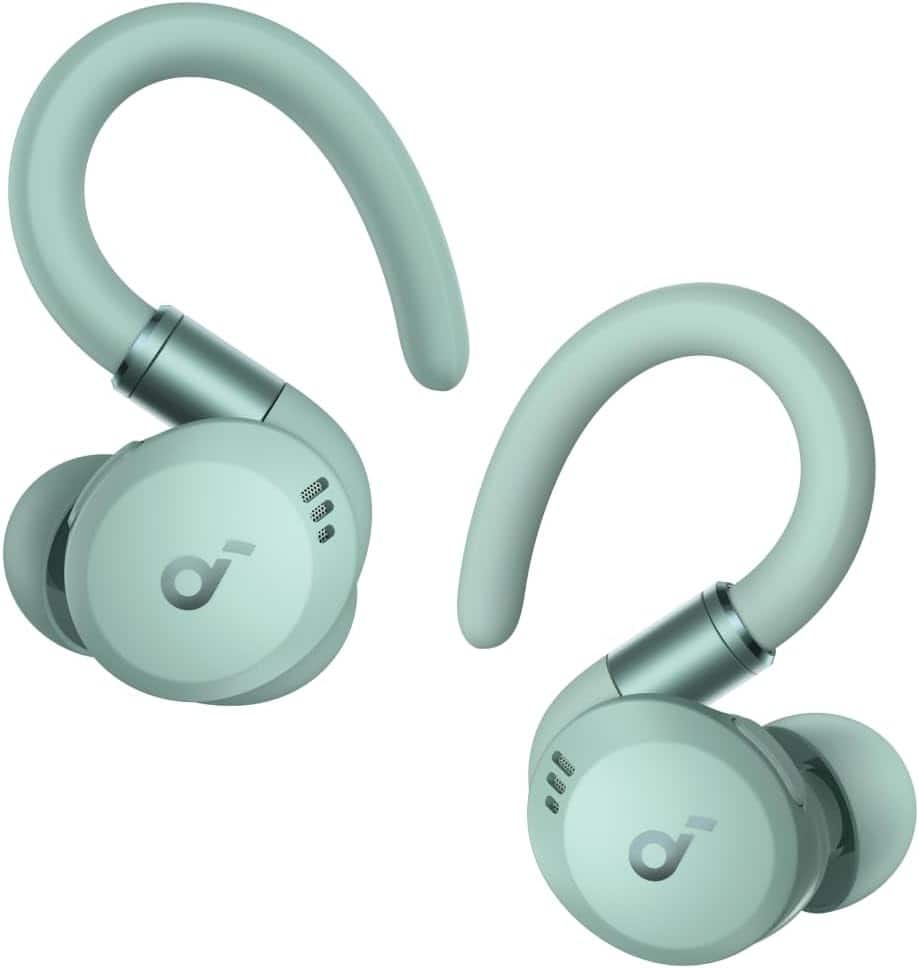
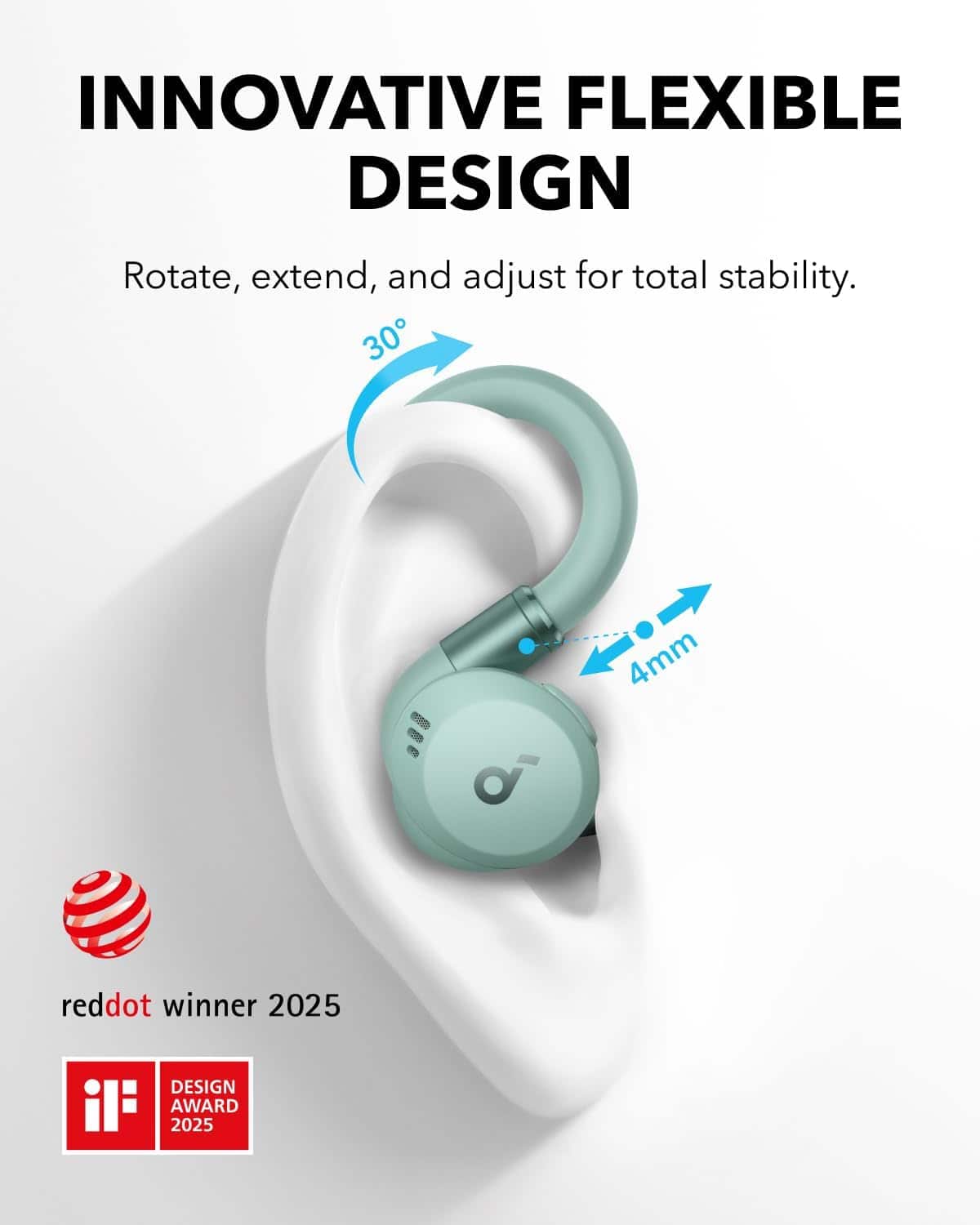
    • Answer The adjustable ear hooks on the Soundcore Sport X20 earbuds provide a personalized and secure fit for any activity.
    This question and answer was generated by AI based on customer and product data.
  • QuestionDo these earbuds have a built-in microphone?

    • Answer These earbuds have a built-in microphone.
    This question and answer was generated by AI based on customer and product data.
  • QuestionWhat is the battery life with the charging case?

    • Answer The battery life can be extended to 48 hours with the charging case.
    This question and answer was generated by AI based on customer and product data.
  • QuestionHow long does it take to charge the earbuds for 4 hours of listening?

    • Answer Charge the earbuds for 10 minutes to listen for 4 hours.
    This question and answer was generated by AI based on customer and product data.
  • QuestionIs there a charging case included with the earbuds?

    • Answer These earbuds come with a charging case that extends the battery life to 48 hours.
    This question and answer was generated by AI based on customer and product data.
  • QuestionHow is the fit if I wear glasses?

    Asked by Justasking.

    • Answer Great. I mow with sunglasses and they work fine

      Answered by user732666

  • QuestionIs this compatible w/ Apple and Android phones? Is this multi point? simultaneously connect to 2 phones? Can you wear just one?

    Asked by bluetooth.

    • Answer 1.Compatibility with Apple and Android phones: The Soundcore - by Anker Sport X20 True Wireless Noise Cancelling Earbuds are designed to work with devices that support Bluetooth, including both Apple (iOS) and Android devices. 2.Multi-Point connection: These earbuds do not explicitly support multi-point connection, which means you cannot connect them simultaneously to two phones. 3.Single-ear use: Yes, you can wear just one earbud and use it, but certain operations (such as pairing, resetting, or customizing the EQ and LED lights) cannot be performed in single-ear mode.

      Answered by Soundcore Team

  • QuestionHow is the waterproofing on these? Are you able to swim laps with them?

    Asked by TrashOpossum.

    • Answer for swimming or fully submerging earbuds in water, a higher waterproof rating, such as IPX7 or IPX8, is typically necessary.

      Answered by Soundcore Team

  • QuestionIf I am listening to a video and I receive a call, Can I answer and listen to the call automatically or do I have to press something?

    Asked by Monica.

    • Answer When you are listening to a video and receive a call while using the Soundcore Sport X20 True Wireless Noise Cancelling Earbuds, you will need to press a button to answer the call. To answer, you can double-tap the left or right earbud. To hang up the call, press and hold either the left or right earbud for 2 seconds.

      Answered by Soundcore Team

  • QuestionHow do I pair my ear buds

    Asked by Patty.

    • Answer To pair your Soundcore Sport X20 True Wireless Noise Cancelling Earbuds, please follow these steps: Prepare the Earbuds: Remove the protective film below the earbuds, if any. Place the earbuds in the charging case and leave the case open. Reset the Earbuds: Press and hold the button on the charging case for 10 seconds until the LED strip flashes white rapidly three times. This confirms that the reset is successful. Ensure the earbuds are properly connected to the charging case during this process. Align the charging contacts correctly to avoid reset failure. Prepare the Bluetooth Device: Turn off Bluetooth on your device. Forget all previous pairing records of the Soundcore Sport X20 on your phone/computer. Activate Bluetooth and Pair: Turn Bluetooth on again on your device. Search for "Soundcore Sport X20" in the list of available devices and select it to pair. If prompted with a pop-up window asking to confirm pairing, select "Pair." Additional Tips: If pairing issues persist, try using another device (e.g., another phone or tablet) to pair with the earbuds. Ensure the earbuds are fully charged before pairing. This process should successfully pair your Soundcore Sport X20 earbuds with your desired device.

      Answered by Soundcore Team

  • QuestionDoes its have the option to read messages and notifications with the iPhone?

    Asked by Anonymous.

    • Answer Based on the provided information, there is no indication that the Soundcore Sport X20 True Wireless Noise Cancelling Earbuds support the functionality to read messages or notifications aloud on an iPhone. The product does not mention a feature that directly integrates such capabilities. For managing features and customizing control options, you can explore the soundcore app, but this specific functionality is not highlighted as available for these earbuds.

      Answered by Soundcore Team

  • QuestionDo these fit comfortably on someone that has large ears / ear canals?

    Asked by JC.

    • Answer The Soundcore Sport X20 earbuds are designed to fit comfortably for most users by providing various ear tip sizes and adjustable ear hooks to ensure a secure, personalized fit. For individuals with larger ears or ear canals, you can try the following steps to enhance comfort: Select the ear tips that provide the best fit and create a proper seal for your ears. It is possible to use different sizes for each ear, such as a medium size on one side and a large on the other. Utilize the adjustable and rotatable ear hooks; you can extend them to the appropriate length and ensure they rest securely around your ears. Take the “Fit Test” in the Soundcore app to check if you're wearing the earbuds in the correct position for maximum comfort and optimal performance. These earbuds are designed to adapt to various ear shapes and sizes, so they should work well even for individuals with larger ear canals when correctly adjusted.

      Answered by Soundcore Team

  • QuestionCan I take a 20 to 30 minute shower with these

    Asked by Sebby.

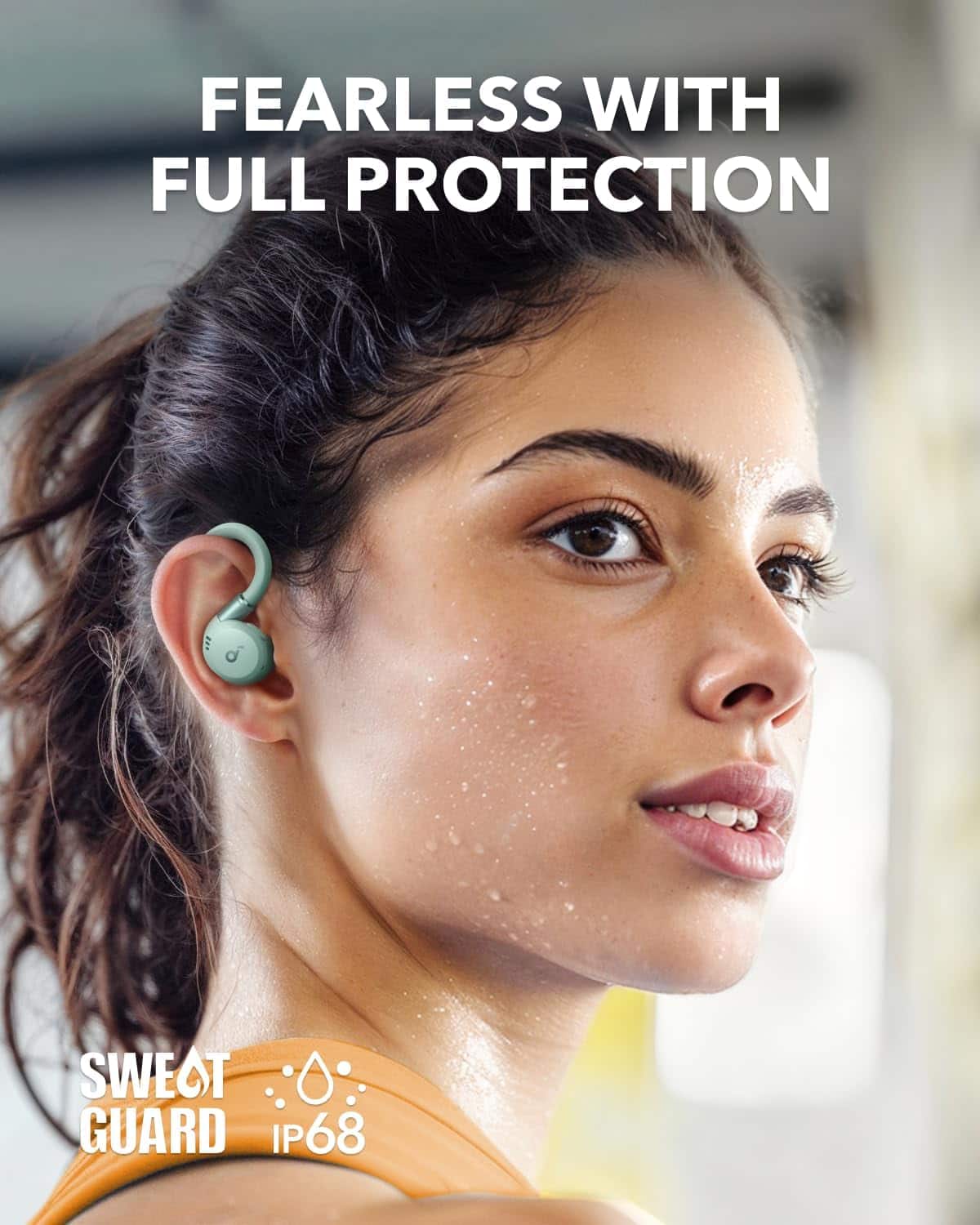
    • Answer The Soundcore Sport X20 earbuds are rated with an IPX rating for water resistance, but they are not recommended for submersion or prolonged exposure to water, such as wearing them in the shower. Although water-resistant, they are not entirely waterproof, which means consistent exposure in a shower could lead to damage. It's best to avoid using them during activities involving heavy water exposure.

      Answered by Soundcore Team

  • QuestionAre these loud enough to use while mowing?

    Asked by Curious.

    • Answer The Soundcore Sport X20 earbuds are designed to deliver great sound quality and noise cancellation, but whether they are loud enough when mowing depends on several factors, including the noise level of the mower and the fit of the earbuds in your ears. To maximize their performance: Ensure that the ear tips fit snugly in your ears to create a tight seal, which enhances noise isolation. Use the Soundcore app to customize your sound settings, if needed. Turn up the volume on your connected device for louder playback. While the earbuds do have noise-canceling capabilities, the effectiveness might vary depending on the intensity of the mower's noise. If possible, try them out in mowing conditions to ensure they meet your expectations.

      Answered by Soundcore Team

  • QuestionDoes the microphone enhance your voice so that you can be heard through loud background noises?

    Asked by Anonymous.

    • Answer The microphone on the Soundcore Sport X20 True Wireless Noise Cancelling Earbuds does improve call clarity under certain conditions, but it may not completely eliminate loud background noises. Here are some strategies to ensure clearer calls: Ensure proper volume settings: Raise the volume of both the earbuds and the connected device to the maximum. Snug Fit Ear Tips: Use ear tips that fit snugly and wear the earbuds correctly to create a tight seal for better performance. Testing in Quieter Environments: Test the earbuds in a quieter environment to check if call quality improves. Switching to phone mic: Try using your phone mic to see if it's a better option for particular noisy situations. While the microphone is optimized for clarity, external ambient noise may still be present in busy environments. For further tips or troubleshooting, test the earbuds in varying conditions or adjust settings accordingly.

      Answered by Soundcore Team

  • QuestionCan i sleep with them on ?

    Asked by ScottW.

    • Answer Yes, you can sleep with the Soundcore Sport X20 True Wireless Noise Cancelling Earbuds on. However, for comfort and fit during sleep, especially if you sleep on your side, you might need to use the appropriate ear tips and softer pillows to reduce pressure on your ears. If wearing the earbuds for long durations causes discomfort, replacing the ear tips with breathable or alternative sizes might help. Avoid using hard or metallic/magnetic component pillows for better comfort while sleeping with the earbuds on.

      Answered by Soundcore Team

  • QuestionWhat is the wireless range?

    Asked by J.

    • Answer 20 yards

      Answered by DavidR

  • QuestionDoes it have louder volume? I have mild hearing loss(old age).

    Asked by PatD.

    • Answer Yes ,louder options

      Answered by DavidR