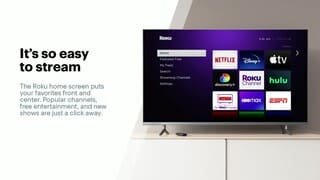
A:AnswerYou can search the Roku channel store to see what channels are available. However, most cord cutters use a service such as Sling, Youtube TV, or Hulu to get "cable channels." The channels available on these services vary based on the package you buy.
A:AnswerGood question, the device works independently from Cable and Satellite systems streaming tv channels over high speed internet connections. It works with most streaming apps from all major players and networks.
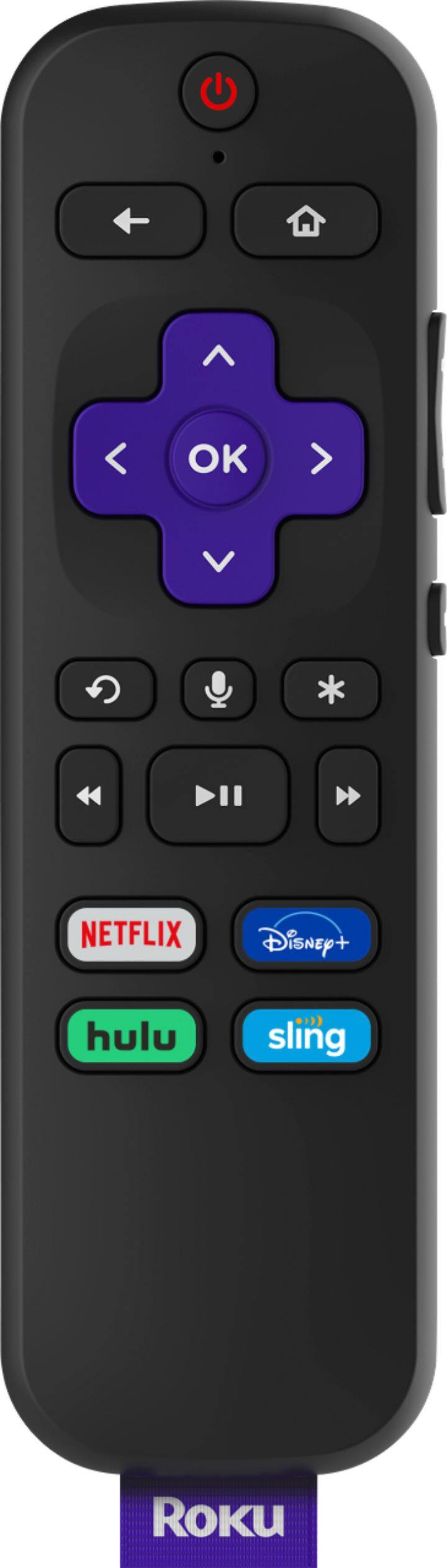
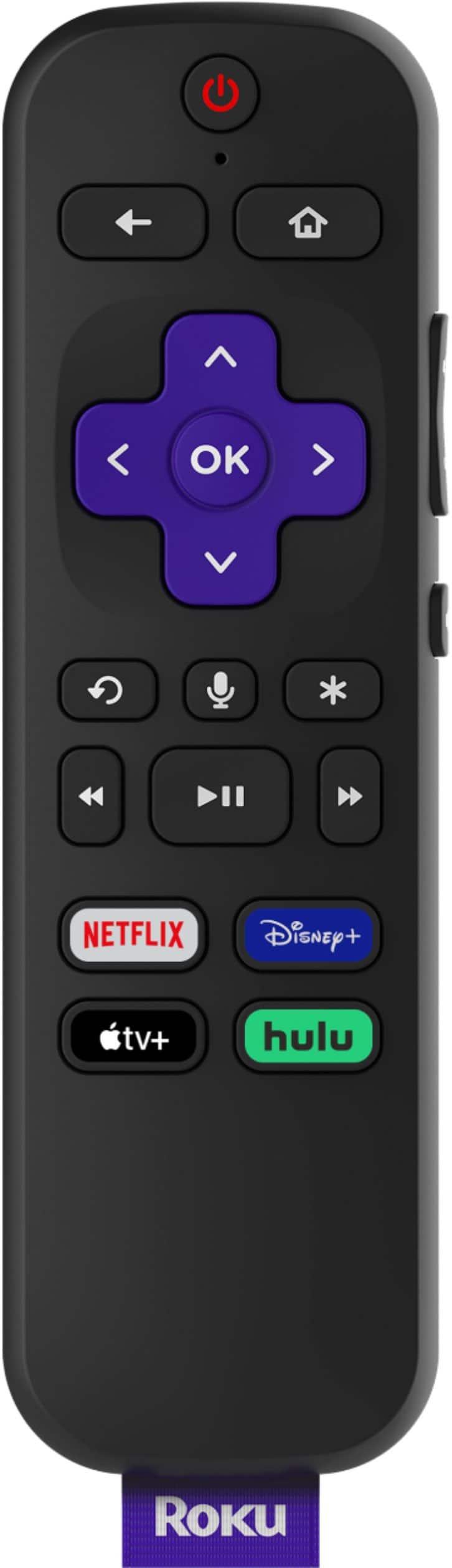
A:AnswerAs others have mentioned, no, but you can buy the remote that has that separately. It’s also included with the Roku Ultra, and with a different package with the Roku stock 4K.
Also, you can use the iOS/Android Roku “app” to basically give you the same thing, like plug your headphones into the iOS/android device, and have it route the audio through the app. So multiple ways to do it.
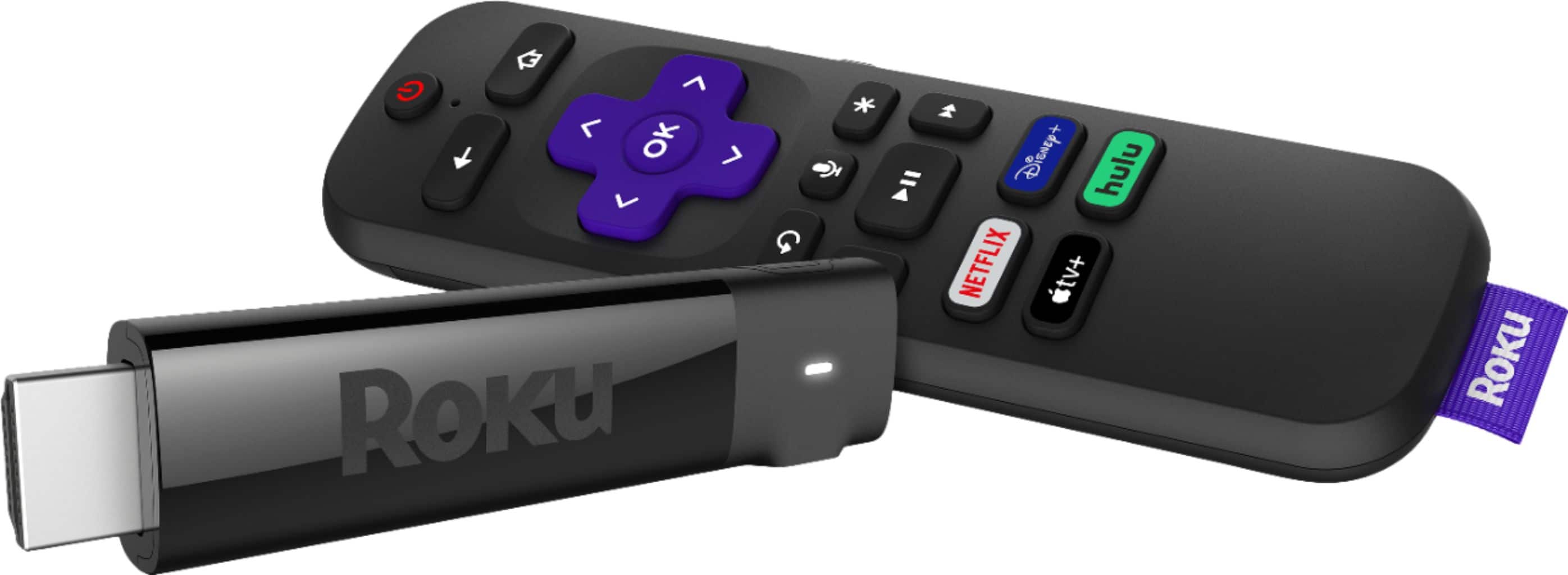
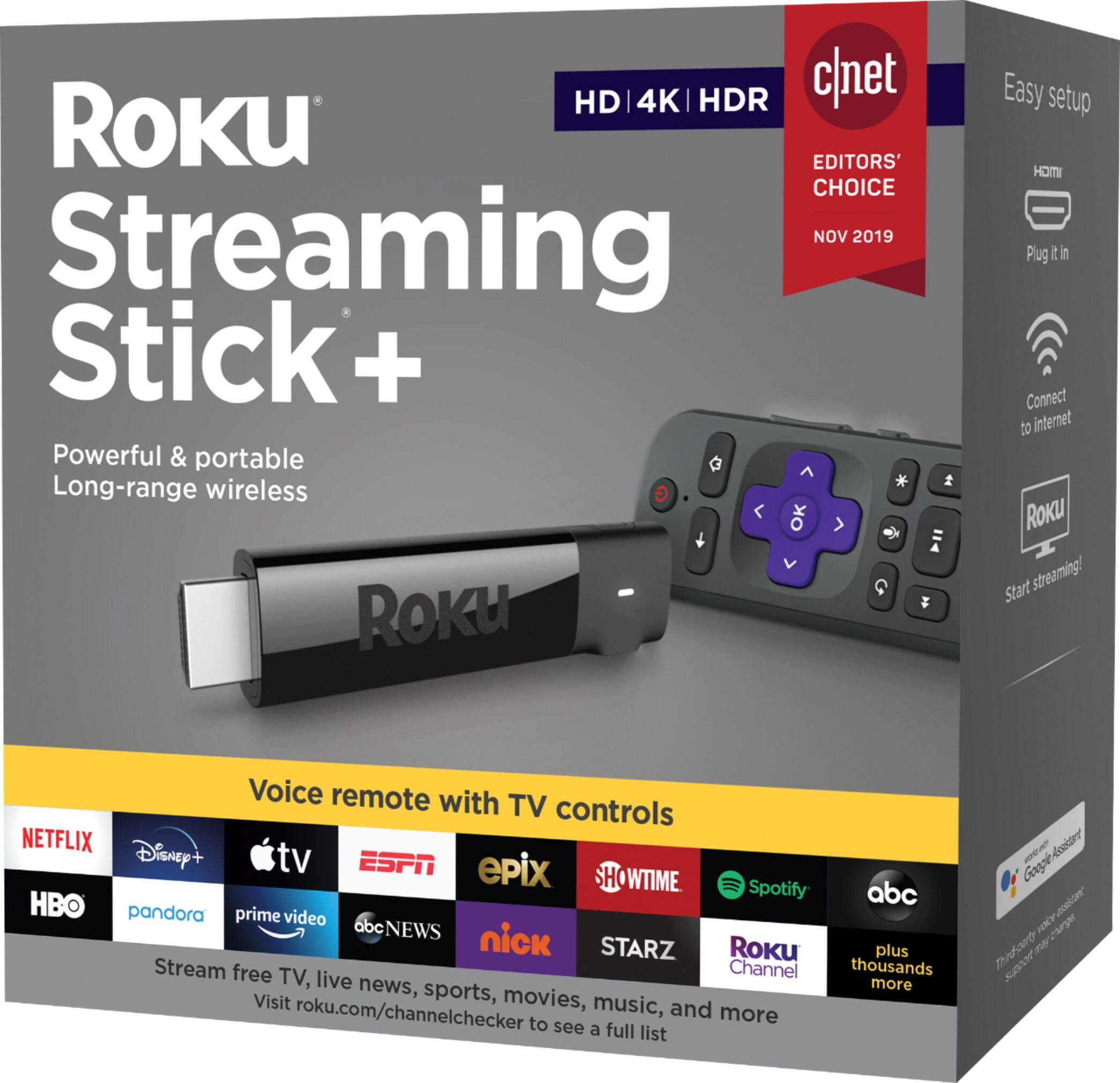
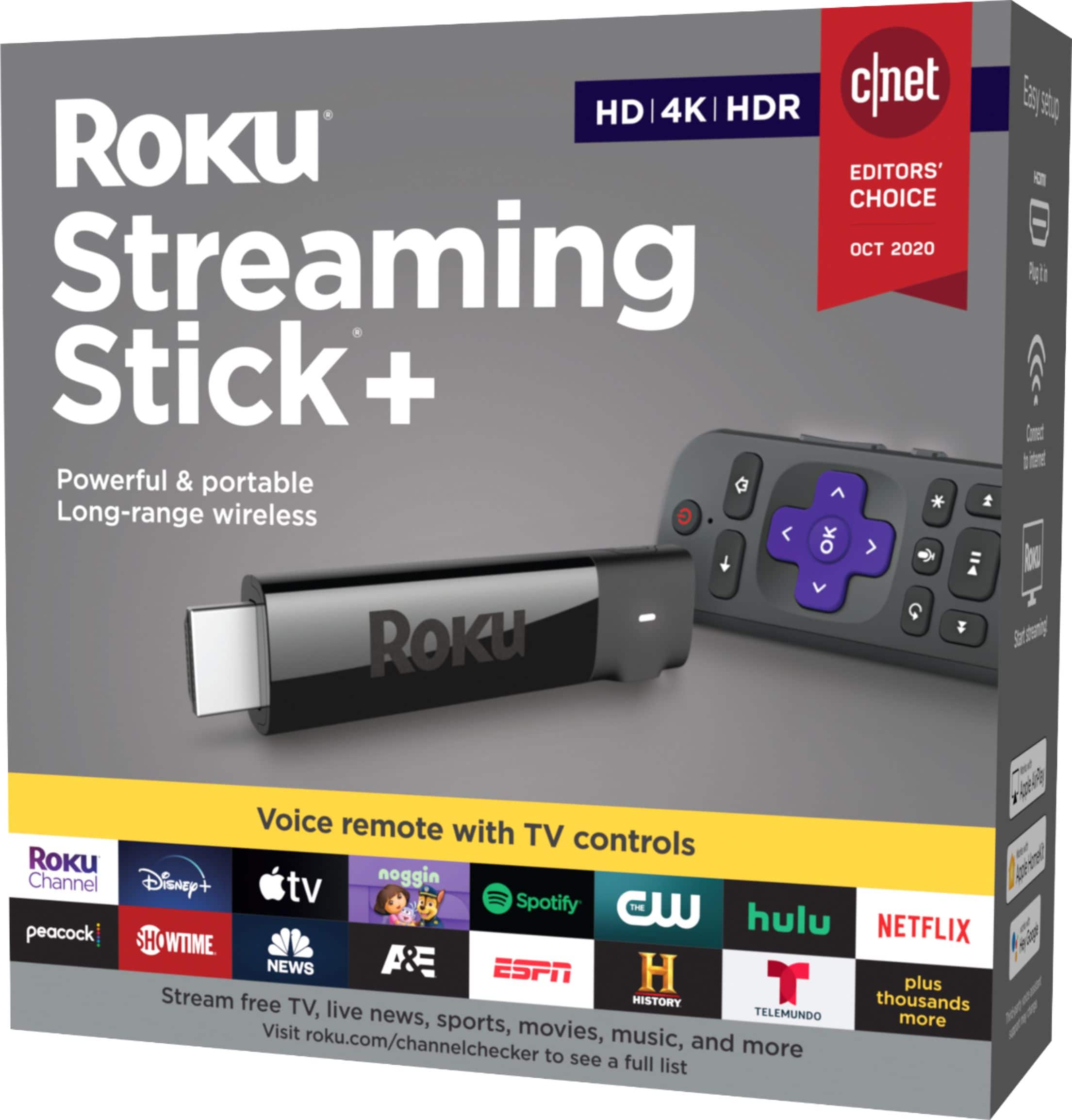
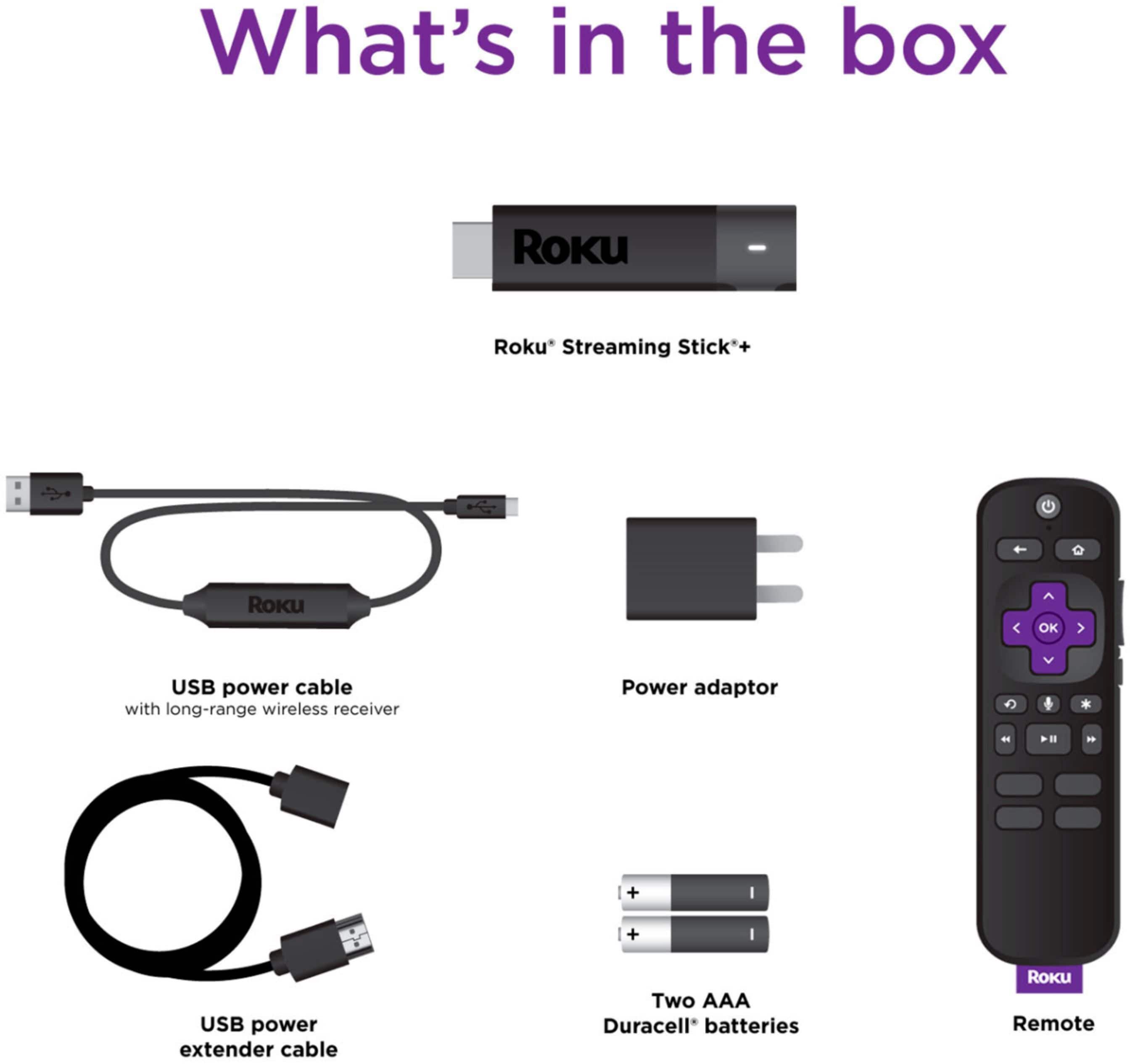
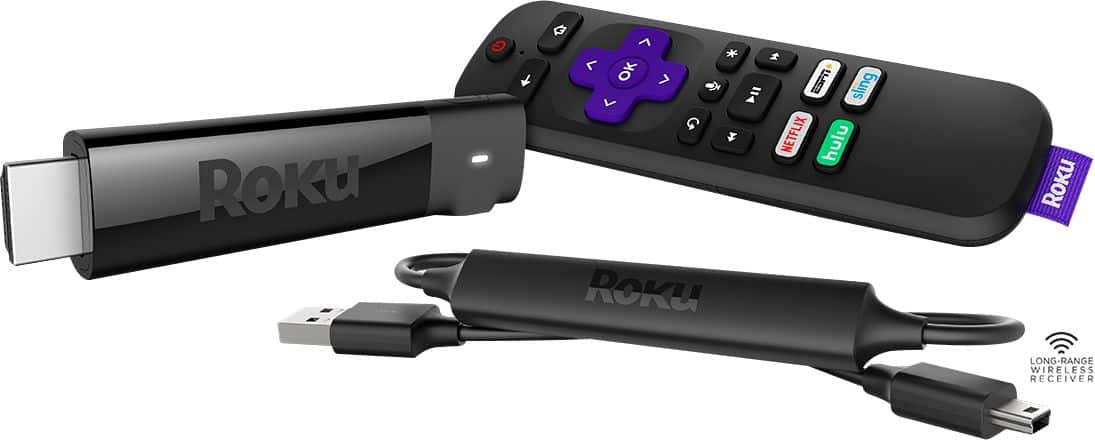
A:AnswerNo, you don’t have to buy an HDMI cable, it already comes with it. Everything that is needed for the streaming stick is already in the package. Batteries included too for the remote!
A:AnswerSpectrum has nothing to do with Roku.
Sounds like confusion to me.
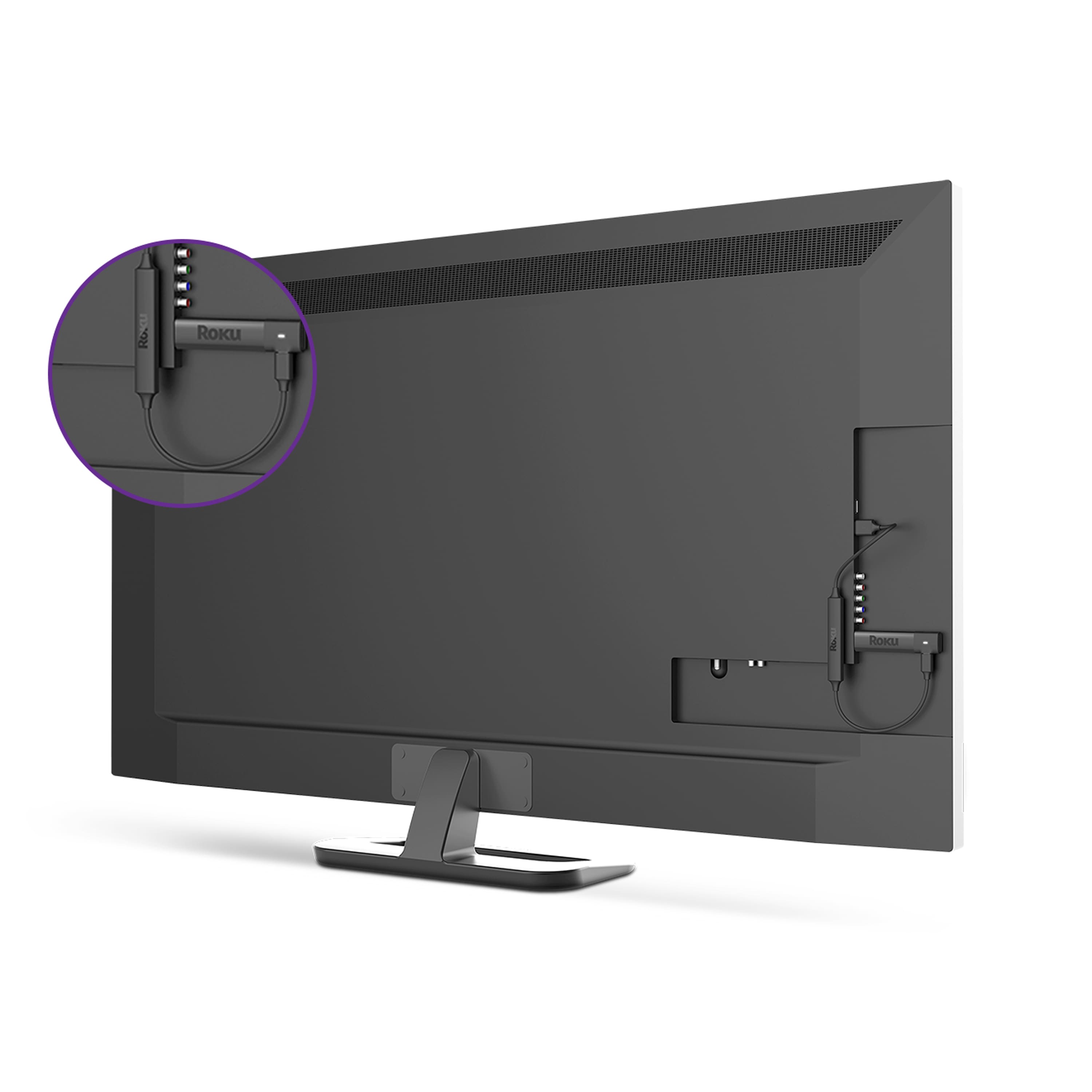
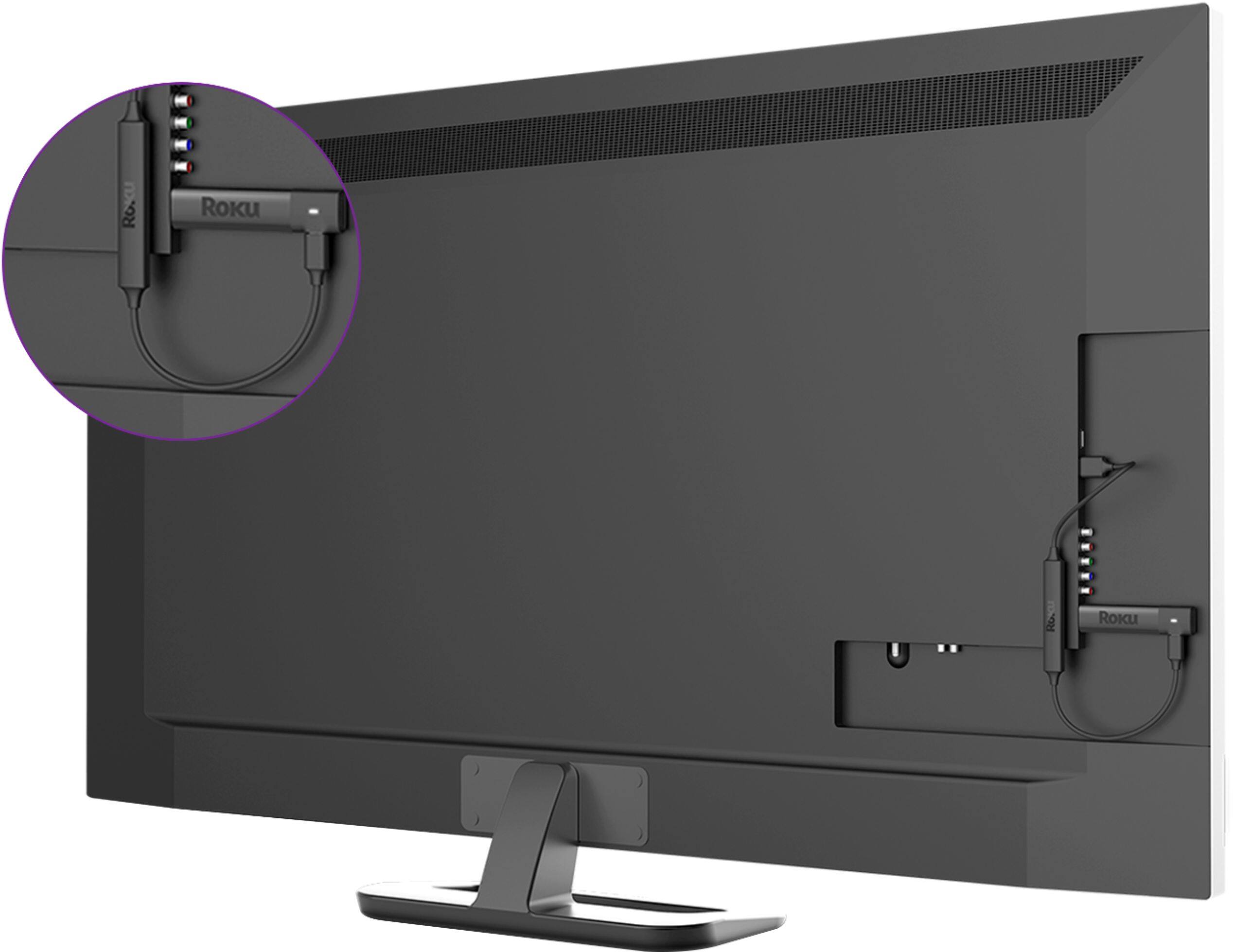
Roku gets plugged into an HDMI port (the USB end into a USB port for power) on your TV. You have Netflix on the Roku.