A:AnswerHello,
Thank you for reaching out to us with your question. No, we would recommend looking into our NVR kits which have audio features.
Please let us know how we may further assist you,
Thank you.
JV
Swann Customer Support
A:Answerwhy would you be looking for a .pdf? It does not created .pdf files. the screenshot takes pictures in .png format. the video record can be converted to mp4 as you review it.
where you find them depends on your system. mine is /home/user/homesafe view/ (folder is dated)/ (camera is #'d and dated)
A:AnswerAnything just as long as you can connect an HDMI cable to it. So for example, a computer monitor or a TV. Check the back of your screen & make sure it has an HDMI input jack other wise you can buy an adapter for it.
A:AnswerHello Benzo,
Thank you for reaching out to us with your question. There is no specific limit but we recommend no more than 3 connections at once; the available bandwidth of the internet connection that the camera is using may also limit the connections that can be sustained.
Please let us know how we may further assist you,
Thank you.
JV
Swann Customer Support
A:Answeryou can make it 3X3 (9 total). But depending on the size of your monitor you may also want to consider the auto sequence feature. It goes through each working camera for a period of time you select. I have mine set for 4 seconds on each camera.
A:AnswerHello,
Thank you for reaching out to us with your question. These cameras will have supplied an AC power adapter that will connect to your regular wall adapter.
Please let us know how we may further assist you,
Thank you.
JV
Swann Customer Support
A:AnswerHello Vessel,
Thank you for reaching out to us with your question. This model is highly recommended. This is a 10 camera system that can take up to 16 cameras. It can be connected to any TV or monitor using the VGA/HDMI ports.
Please let us know how we may further assist you,
Thank you.
JV
Swann Customer Support
A:AnswerHello Timothy,
Thank you for reaching out to us and sharing your feedback. The video is compressed to AVI or MP4 file format.
Please let us know how we may further assist you,
Thank you,
JV
Swann Customer Support
A:Answerif your old wiring is BNC and RCA terminations you MIGHT be able to use it. Keep in mind the cables themselves are not the highest quality in the world. I would verify that it is your cameras that are bad before considering a new system (it may be the cables instead). Just move a working camera to the location of one that does not work and see if it works in place of the old one (repeat for each camera that does not work). If it does work, then your cables are likely fine. But there are still a lot of other factors to consider before making the change. Swann only seems to honor their warranty if you use the cables that come with the new system ( I just went through that with them). I have read other reviews that claim it is possible.
A:AnswerHello SJ,
Thank you for reaching out to us with your question. An internet connection is not require for this unit to record onto its 1 TB hard drive. An internet connection is only required if you will need to remotely access your device.
Please let us know how we may further assist you,
Thank you.
JV
Swann Customer Support
A:AnswerI think as long as the cameras are equal or lower resolution and use the same BNC connectors it should work. I've installed this Swann system to replace a Samsung system and the cameras worked. Make sure to swap out the power supply to match the device being used.
A:AnswerHello Hong,
Thank you for reaching out to us with your question. Based on the information provided, you can be having issues with the hard drive in your recorder. In order for us to be able to further assist, we ask that you please contact us when you are in front of the unit.
https://support.swann.com/s/contactsupport
Please let us know how we may further assist you,
Thank you.
JV
Swann Customer Support
A:AnswerHello Jason,
Thank you for reaching out to us with your question. Yes, this unit can be remotely accessed using the Swann Security application.
Please let us know how we may further assist you,
Thank you.
JV
Swann Customer Support
A:AnswerPlease note that the warranty with Swann is a very restrictive warranty. There is almost no refund, period!! Only if the unit is DOA. If you have a problem with the unit, you must file a claim with Swann. They might then ask you to return the unit and if it is the DVR, then you have no security system while it is in transit to them and while they troubleshoot the DVR and then send something back to you. If they find nothing wrong with the unit, they will charge you a handling charge (they don't say how much). Can you imagine if they find nothing wrong, send the same unit back to you; you install it and start experiencing the same problems. Except now you've incurred shipping charges and the handling charge. Now what?! Total nightmare! With this type of warranty, stick to the Best Buy return policy or perhaps buy a protection plan if offered. Better yet, don't buy Swann. I'd like to revise my initial review on this system, but you can't edit reviews left on the Best Buy website. Shortly after I bought my system, the cameras started to lose video. All 8. After at least 7 calls to Swann, lots of troubleshooting (note: I have a degree in electronics) they finally agreed to allow a claim and asked that I return the DVR. Then the process would be as I described above. TERRIBLE SWANN CUSTOMER SERVICE. Can't even call it service actually.
A:AnswerHello Debbie,
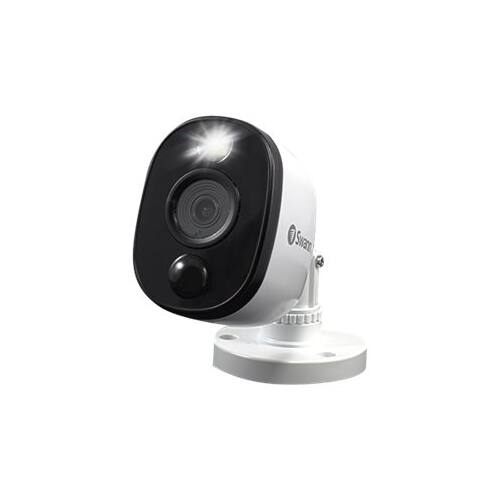
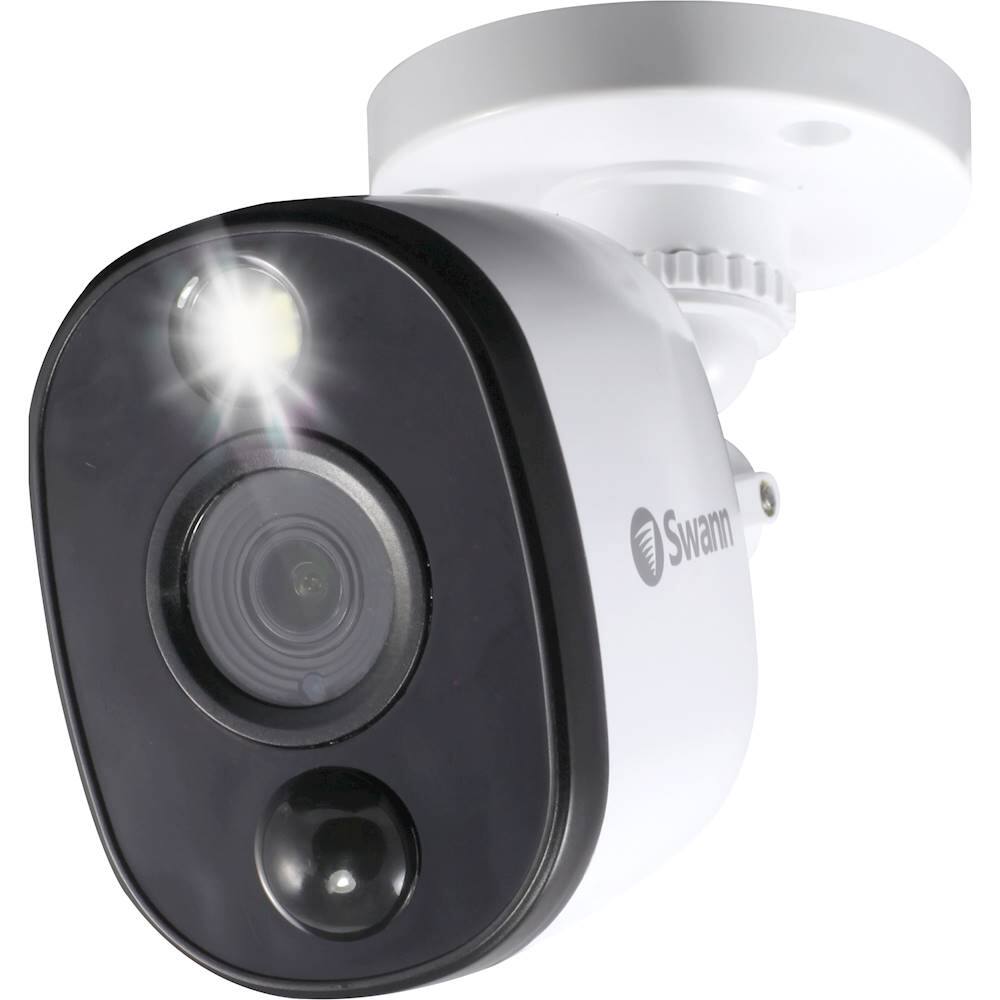
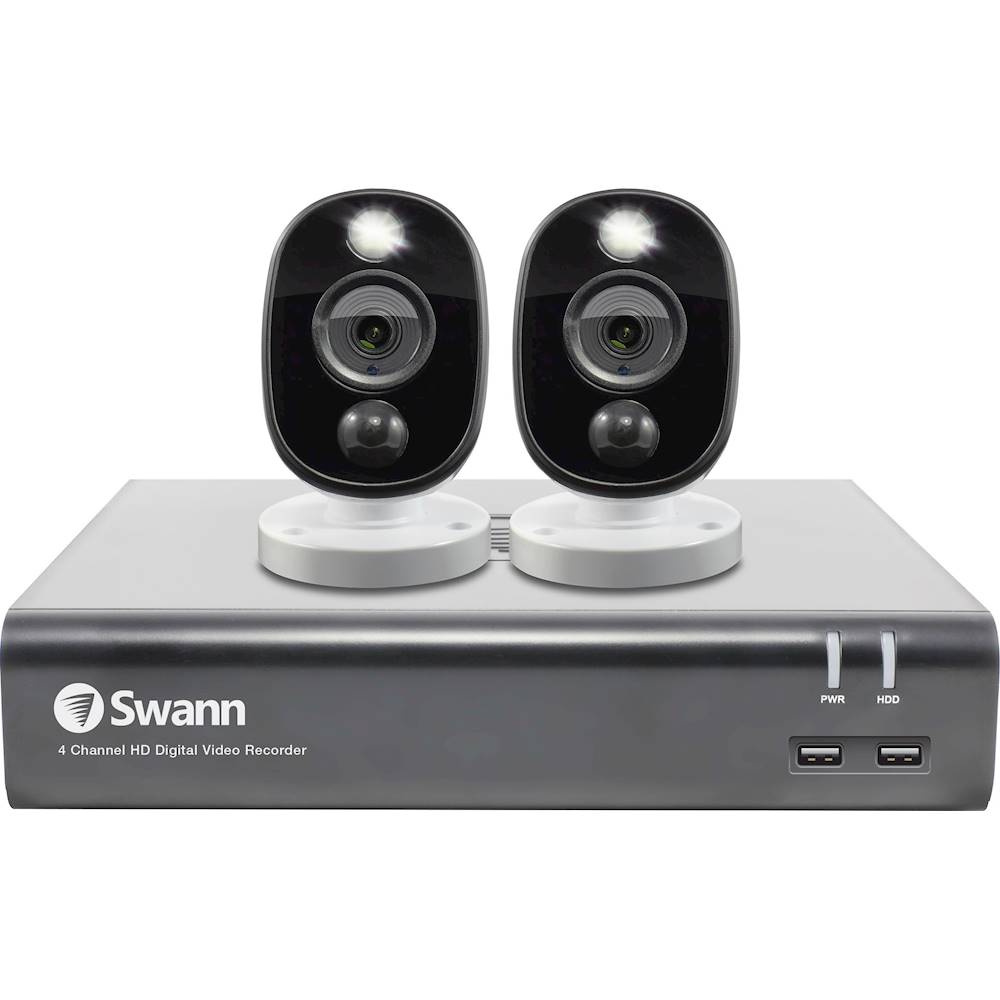
Thank you for reaching out to us. Yes, the sensor warning lights can be disabled as needed.

Please let us know how we may further assist you,
Thank you.
JV
Swann Customer Support
A:AnswerHello Tom,
Thank you for reaching out to us. Yes, within the settings the screen display can be changed to show two channels. Please contact our support team when you are in front of the unit.
Click on the blue box on the bottom right-hand corner to live chat with a technical support agent or contact us over the phone.
https://support.swann.com/s/contactsupport
Please let us know how we may further assist you,
Thank you.
JV
Swann Customer Support
A:AnswerHello jb57ny,
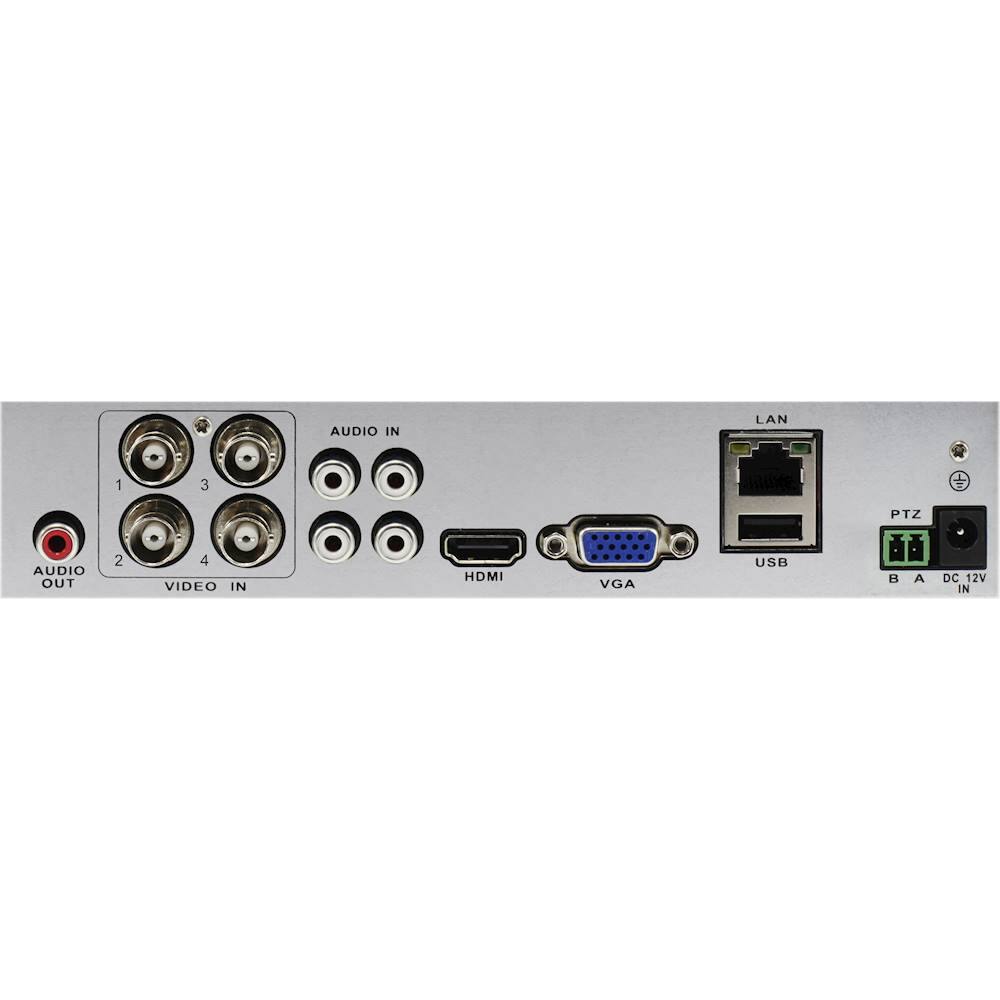
Thank you for reaching out to us. No, this kit will require a BNC cable connection. We would recommend looking into any of our NVR kits.
Please let us know how we may further assist you,
Thank you.
JV
Swann Customer Support
A:AnswerHello Willie,
Thank you for reaching out to us with your question. The longest recommended run is 300 feet before potential video loss. Please contact our support team for further assistance in this area. Professional assistance may be required.
Please let us know how we may further assist you,
Thank you.
JV
Swann Customer Support
A:AnswerHello Mercy,
Thank you for reaching out to us with your question. Yes, the recorder will begin overwriting the previous footage once full. The cameras require a hardwired connection and have a 90-degree viewing angle. The cameras included in this kit have night vision features.
Please let us know how we may further assist you,
Thank you.
JV
Swann Customer Support
A:AnswerI am not sure if this is misinformation or not. After receiving the information I contacted the company and they said they do not send a notification when offline. Someone needs to confirm this information and something to back it up. I’m getting 2 different stories.