Questions & Answers
- Model:
- SWDVK-445804V-US
- |
- SKU:
- 6286338
Highly rated by customers for: Good cameras
Page Showing 1-9 of 9 questions
Q: QuestionCan you use this without an internet connection and only a stand-alone system?
Asked by NickName.
- A:Answer Yes, you can. The internet connection is for app or web monitoring but you can see your records using the mouse and tv.
Answered by MarioZ
Q: QuestionDo these cameras have the option to record 24 hours or just when motion is detected. ?
Asked by JoJo.
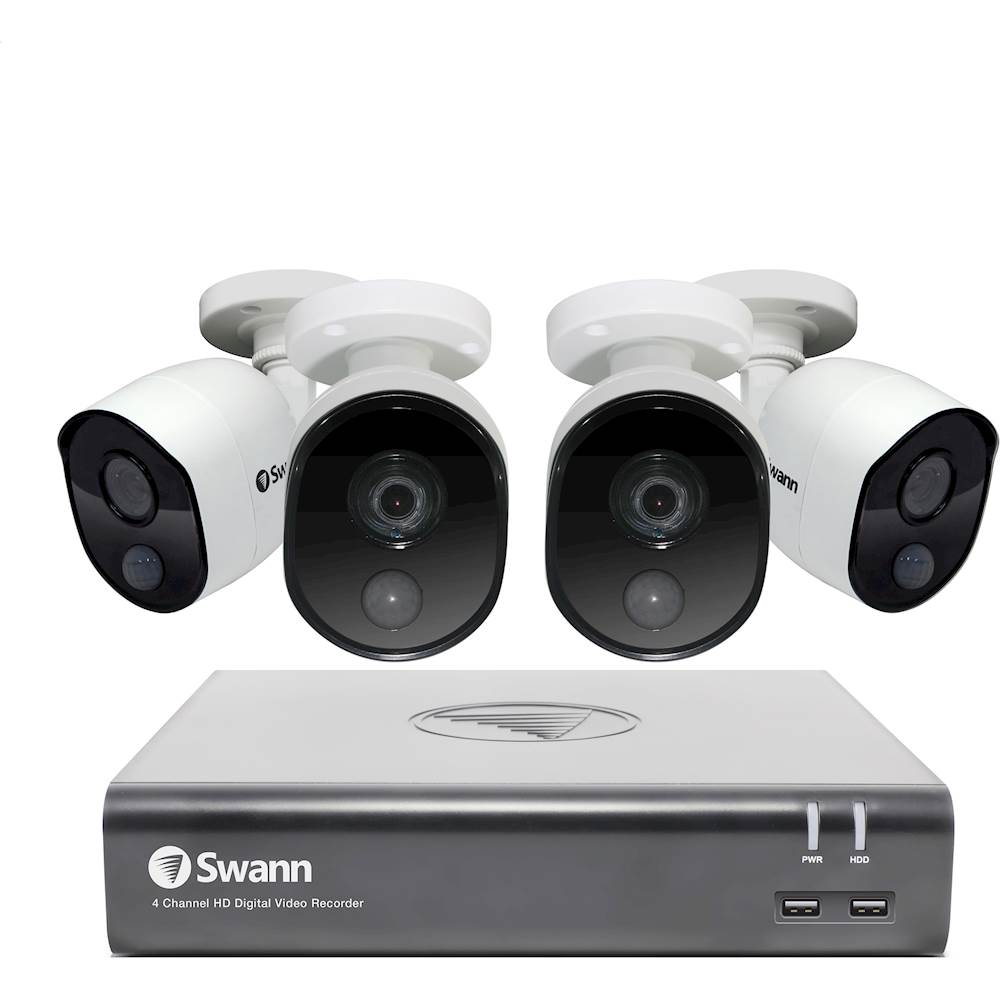
- A:Answer You can set it up to record 24/7, continuously only during certain times, only when motion is detected, only when sound is detected, or any combination of all of these. Also, each camera can be set individually. Additionally, when motion and/or sound is detected, you can set it up for all other cameras to start recording. I have one camera that records 24/7, another camera that records continuously only at night but triggered by motion during the day, and two others only record when motion is detected on either of the first two cameras.
Answered by SallyWagg
Q: Questiondo i need ip pro to set this up if so is it cloud Thank you
Asked by oldman.
- A:Answer The application is very easy to download. The hard part is wiring and of course if you are not an electrician. Other than that, once you have your wiring done plug it in, follow the instructions and load up the app on your cell and watch it live anywhere you are. I hope this helps you.
Answered by Anonymous
Q: QuestionCan this record audio? Example: a barking dog next door? or conversations?
Asked by Mary.
- A:Answer No, this system does not record audio.
Answered by CommunityAnswer
Q: QuestionDo you know what the mega pixel is per camera? My alarm system company that will be connecting it requires a minimum.
Asked by DeeDee1.
- A:Answer The recording resolution of this camera is up to 3 MP.
Answered by CommunityAnswer
Q: QuestionIs this a good product for outdoors in arizona
Asked by ALCal.
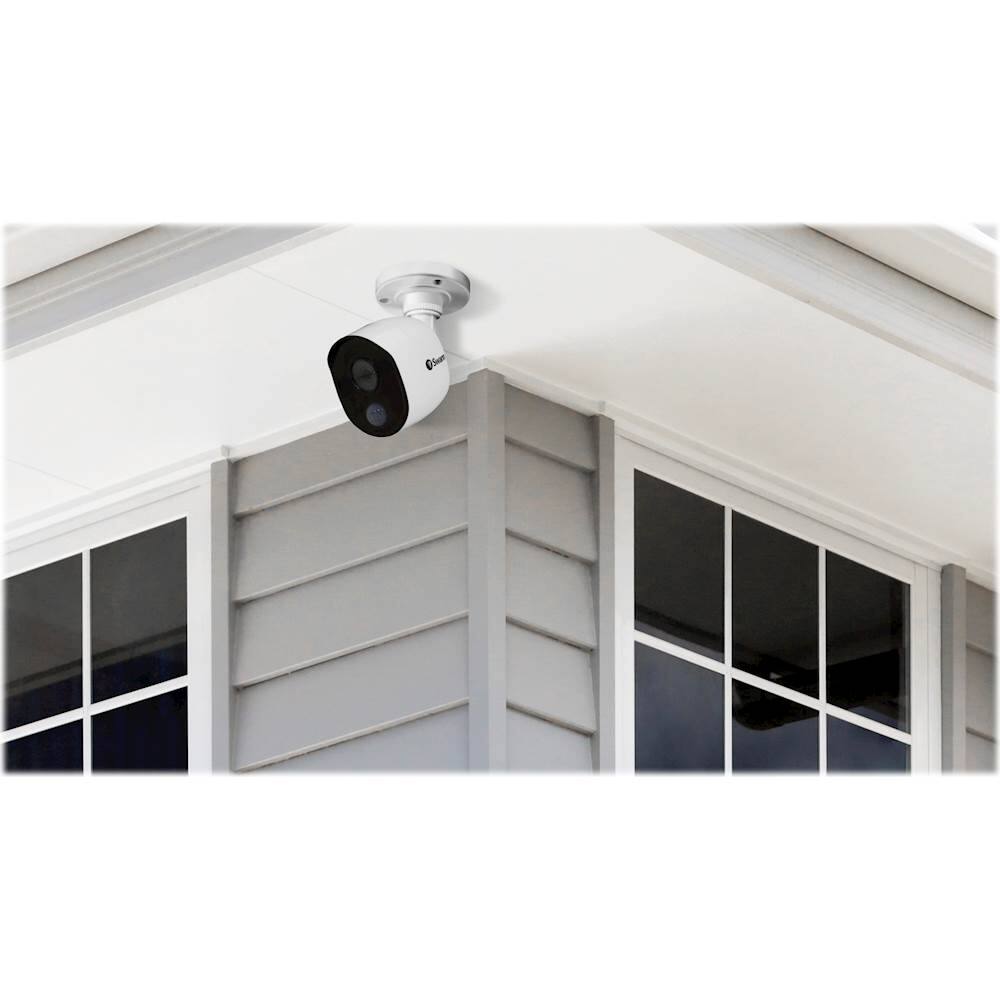
- A:Answer The cameras are able to withstand tempatures between -22°F ~ 122°F.
Answered by Swann

Q: QuestionDoes it operate solely through a mouse or can I connect to a laptop and keyboard to fast-forward and rewind; moreover, how difficult is it to fast-forward and rewind?
Asked by coopster.
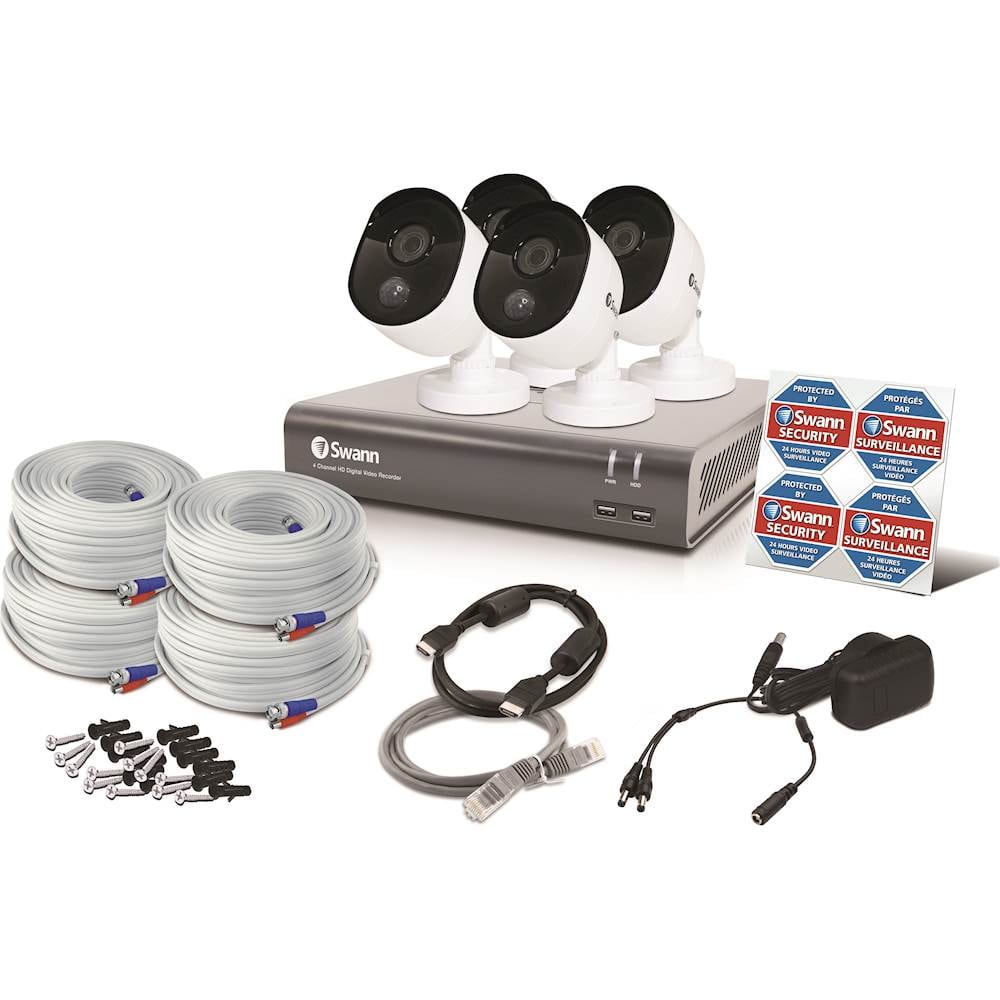
- A:Answer The DVR must be controlled via the supplied mouse. you are able to connect a computer to the DVR wirelessly. However, the DVR must be connected to an internet source and you must download the compatible program to connect the DVR to your laptop.
Answered by Swann

Q: Questioncan this system be connected to a computer or do you have buy separate monitor
Asked by Anonymous.
- A:Answer You are able to connect the unit to a computer but you must download the compatible software. Please keep in moind for the installation ayou will have to connect a monitor to the DVR.
Answered by Swann

Page 1, Showing 1-9 of 9 questions
Most-viewed items
- $329.99$329.99The price was $469.99
- $149.00$149.00The price was $399.00
- $159.99$159.99The price was $179.99
- $122.00$122.00The price was $129.99
- $449.99$449.99The price was $649.99
- $1,149.00$1,149.00The price was $1,299.00