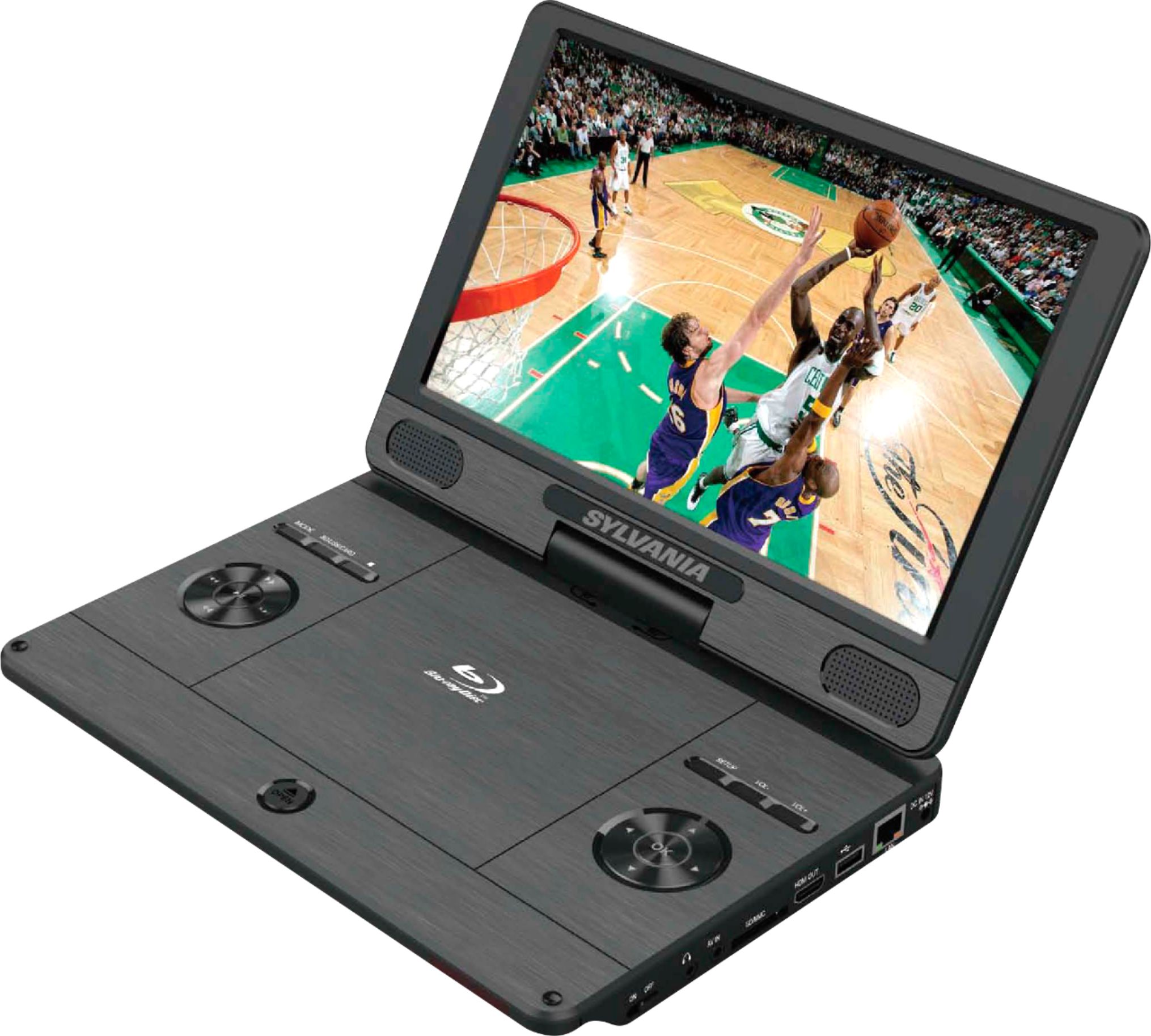
A:AnswerYes.. on the Remote, Not the Best Remote...hard to read.. tiny....CC is on the Remote Control,Button , bottom left, 2 above.. saying.....SUB-T...tiny letters.. not saying CC.... But SUB-T.....
A:AnswerNo, this unit does not support wireless speaker connections. You could however, use a wireless audio adapter to enable the device to have this feature.
A:AnswerI found it better to hit the stop button, because even if you take the disc out of your player and later put it back in the player will remember and give you the option to resume where you left off!
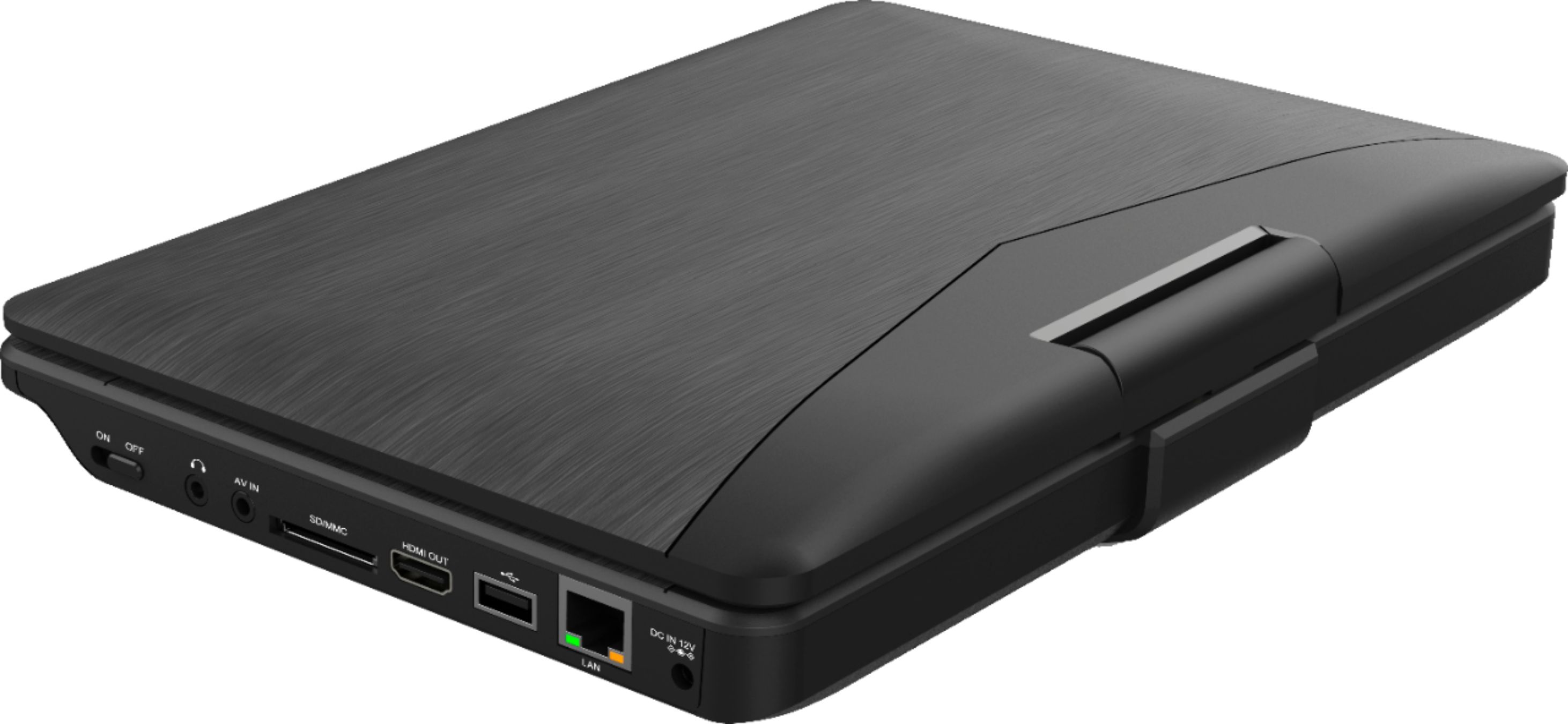
A:AnswerYou have to use the mode button on the left side of the player. If it detects your SD card a little icon will flash as it reads the contents. If it can read your card you’ll see a folder icon to navigate to your files. It seems to be a little hit or miss as far as compatibility.
A:AnswerYes, though it seems to be a little picky about which drives it will read. The first drive I tried wasn’t recognized, but the next two I tried worked fine. And it had no trouble playing h.264 content at 1080p.
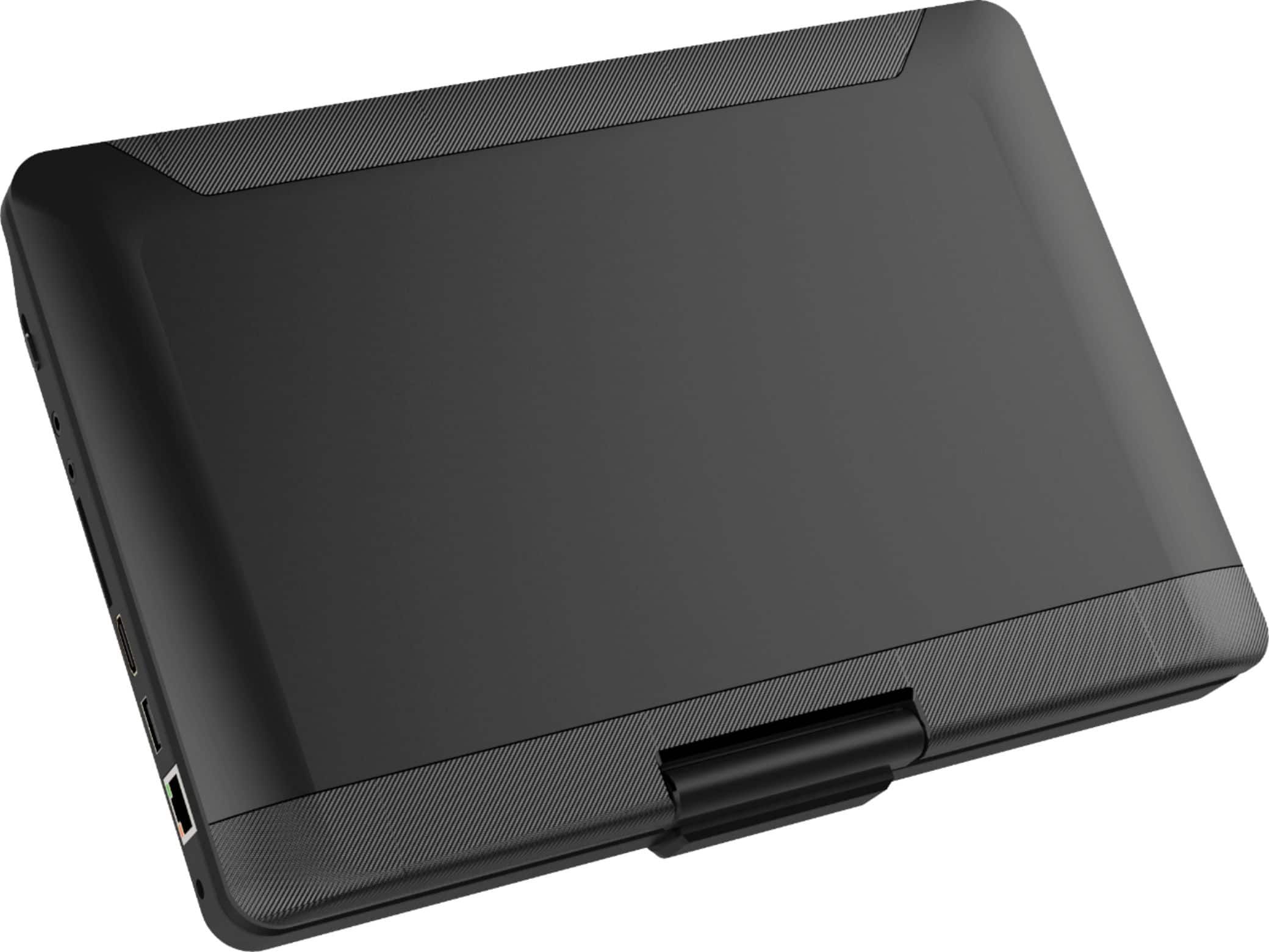
A:AnswerThe screen swivels 180 degrees, and it folds. It cannot be laid flush, based on the attachment point of the screen to the base, and the fact that the base is thicker than the screen.