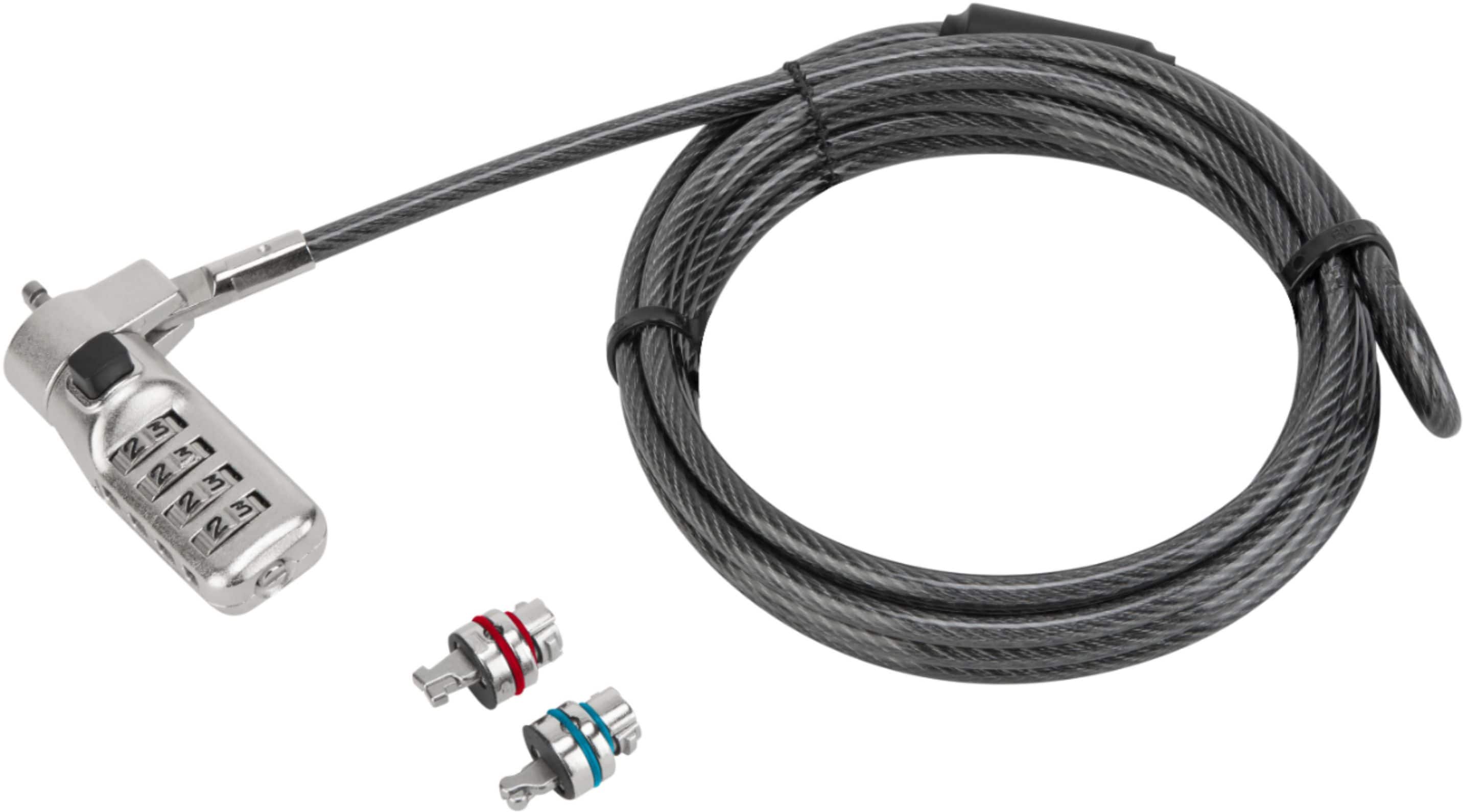
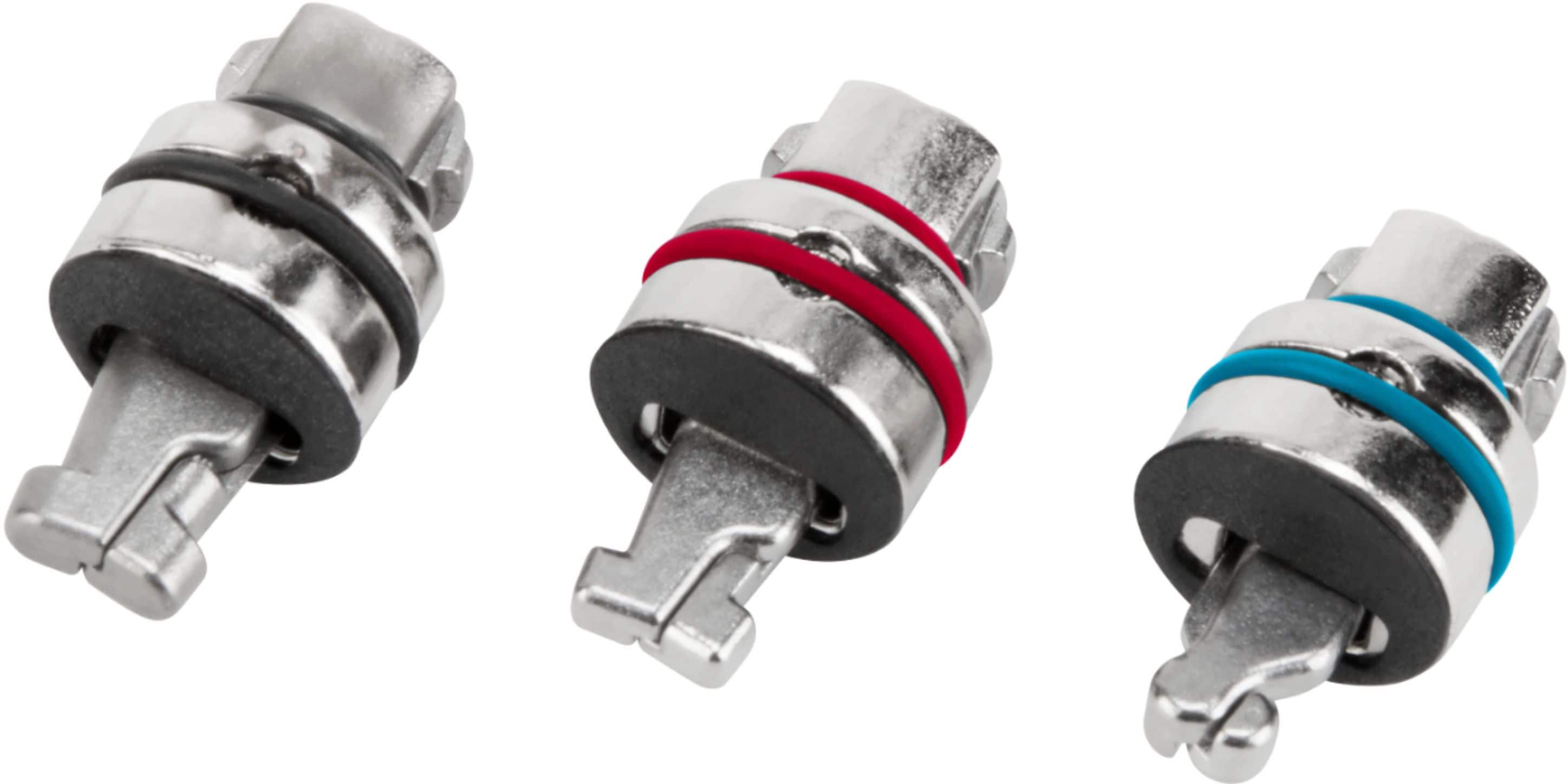
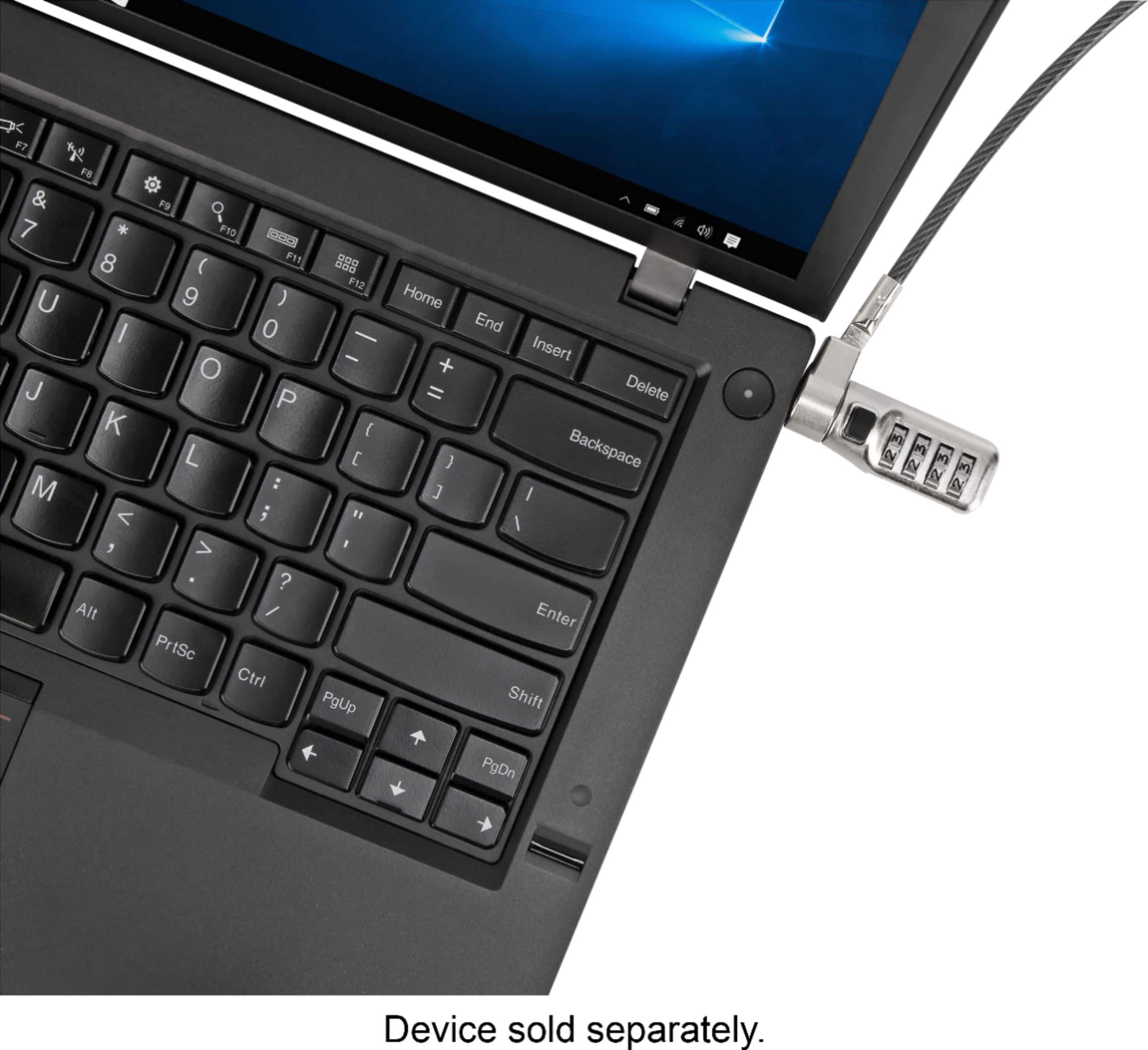
A:AnswerHello, Redd. Thank you for reaching out to us. Yes, this lock is compatible with your Dell Latitude 3510 using the Noble® WEDGELOCK® wedge-shaped lock head.
A:AnswerThe MacBook Air does not have a lock slot, so on its own the Defcon 3-in-1 will not work. However, if you also get the our lock slot adapter (ASP001GLX) then you will be able to use this lock.
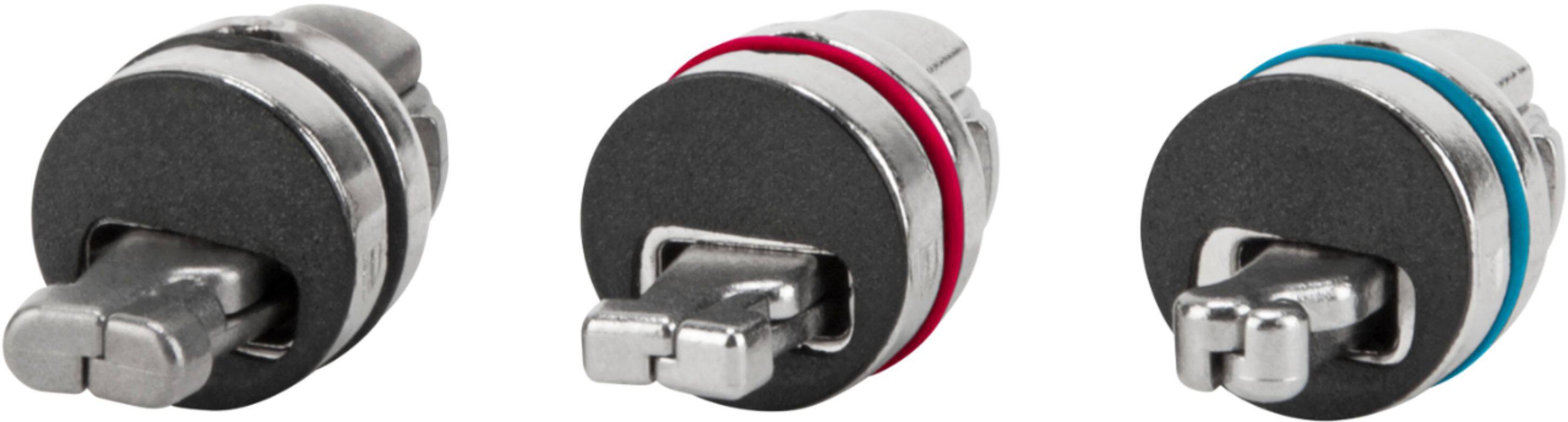
A:AnswerThe HP ZBook Firefly 15 G7 MObile Notebook uses a Nano lock slot according to HP. The Defcon 3-n-1 Universal Cable lock has 3 interchangeable heads for Kensington® T-BarTM lock slots, Kensington® Nano lock slots, and Noble® WEDGELOCK® . This lock will work with your device.
A:AnswerAccording to HP your Elitebook 845 has a Nano Lock slot. The Defcon 3-n-1 has a Kensington® T-BarTM lock slots, Kensington® Nano lock slots, and Noble® WEDGELOCK® wedge-shaped lock slots. This allows it to work with virtually any laptop that has a lock slot, including yours.
A:AnswerHello, Yiyi. In order to better assist you, we would need to know about your make and model of computer. Please feel free to contact one of our customer service agents at 877-482-7487, Monday through Friday, 10AM EST to 7PM EST.
A:AnswerHello, RJ. Thank you for reaching out to us. This lock is compatible with Kensington® T-BarTM lock slots, Kensington® Nano lock slots, and Noble® WEDGELOCK® wedge-shaped lock slots.
A:AnswerAs a company we have purchased these for several of our laptops, most being Dells. The cable comes with three different ends that SHOULD fit any laptop, but I am not a product specialist.
A:AnswerHello, JC. Thank you for reaching out to us. This lock is designed for ensington® T-BarTM lock slots, Kensington® Nano lock slots, and Noble® WEDGELOCK® wedge-shaped lock slots.
A:AnswerHello, Bre. Thank you for reaching out to us. I apologize, this lock will not be compatible with your HP N4000 because it has a Kensington Mini Security Slot.
A:AnswerHello, ASATX. Thank you for reaching out to us. This lock attaches to major lock slot designs: Kensington® T-BarTM lock slots, Kensington® Nano lock slots, and Noble® WEDGELOCK® wedge-shaped lock slots.
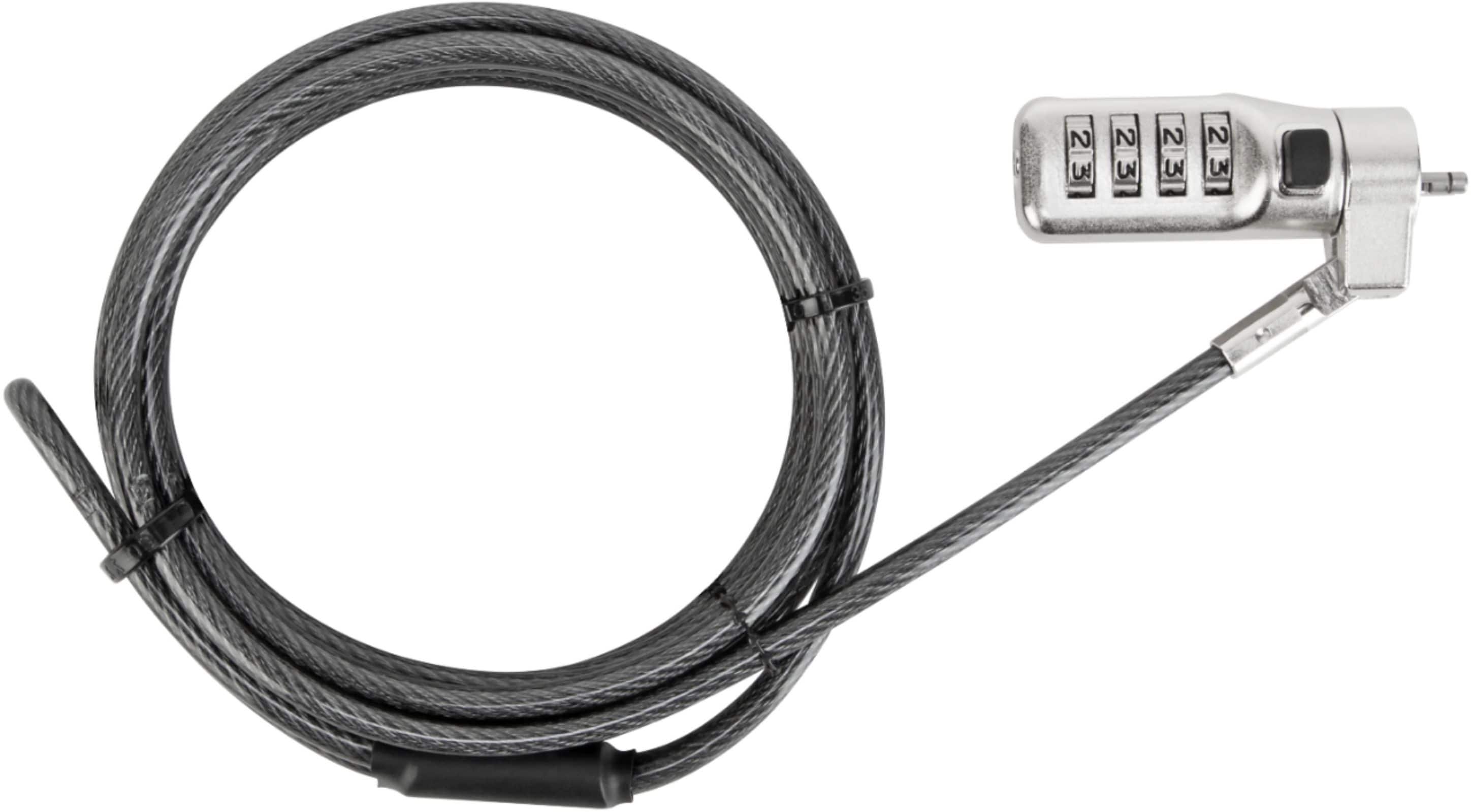
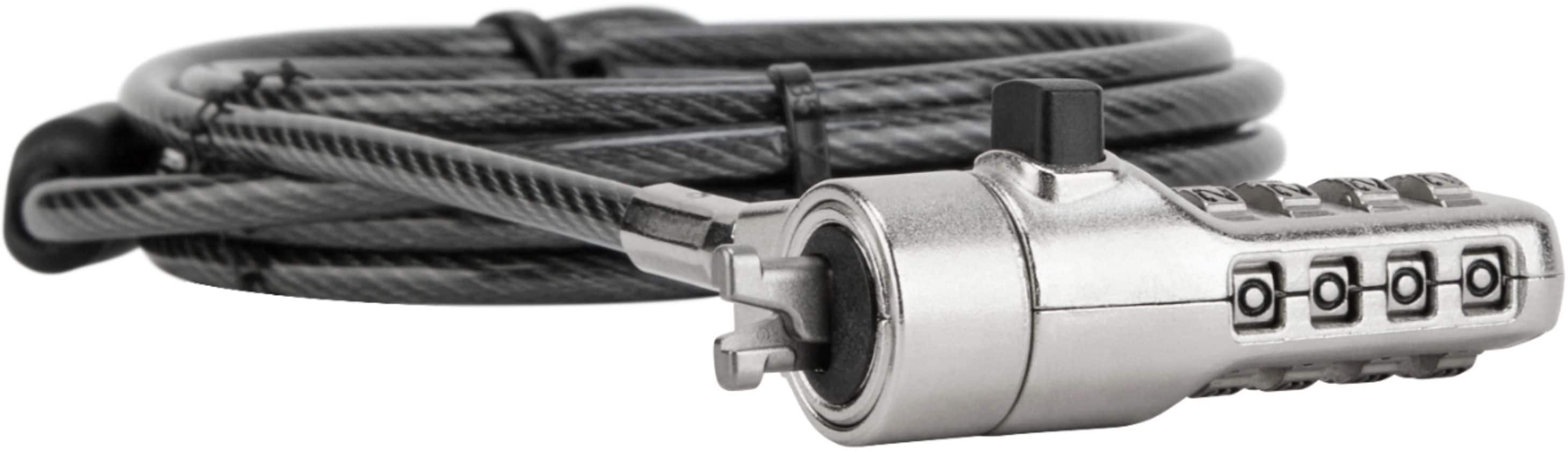
A:AnswerStill have the directions? They tell you to set the combination to the correct string you chose to remove the lock from the computer. Press down on the button as if you were disconnecting from the computer. Then grab hold of the lock head—firmly—and give it a good tug. I wonder if pliers would help in case you need to secure your hold on the head. The head of the lock, that is; not your own head.
Cheers.
A:AnswerHello, JJ. Thank you for reaching out to us.
This lock is compatible with any computer that has these lock slot designs: Kensington® T-BarTM lock slots, Kensington® Nano lock slots, and Noble® WEDGELOCK® wedge-shaped lock slots
A:AnswerYes and No.. As there are no locking slots on the MacBook you would need an additional device like a laptop locking station from Kensington and then attach the cable lock to that device.