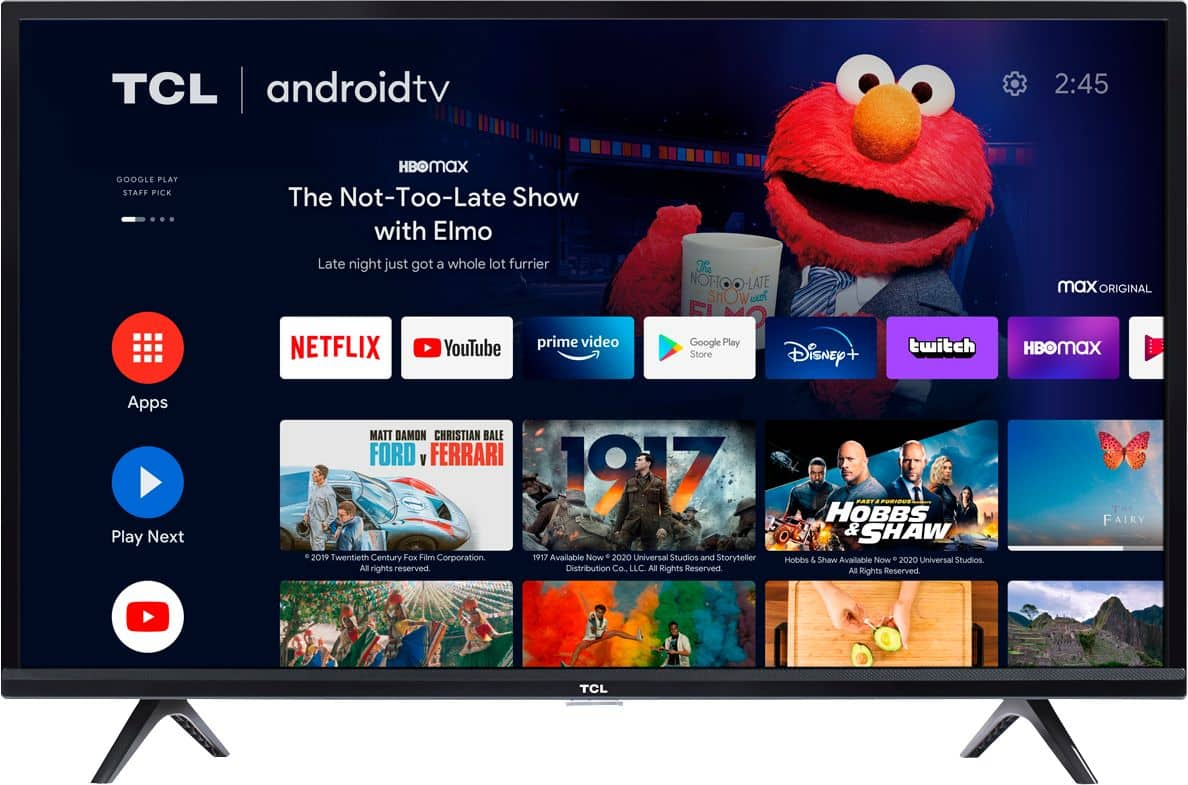
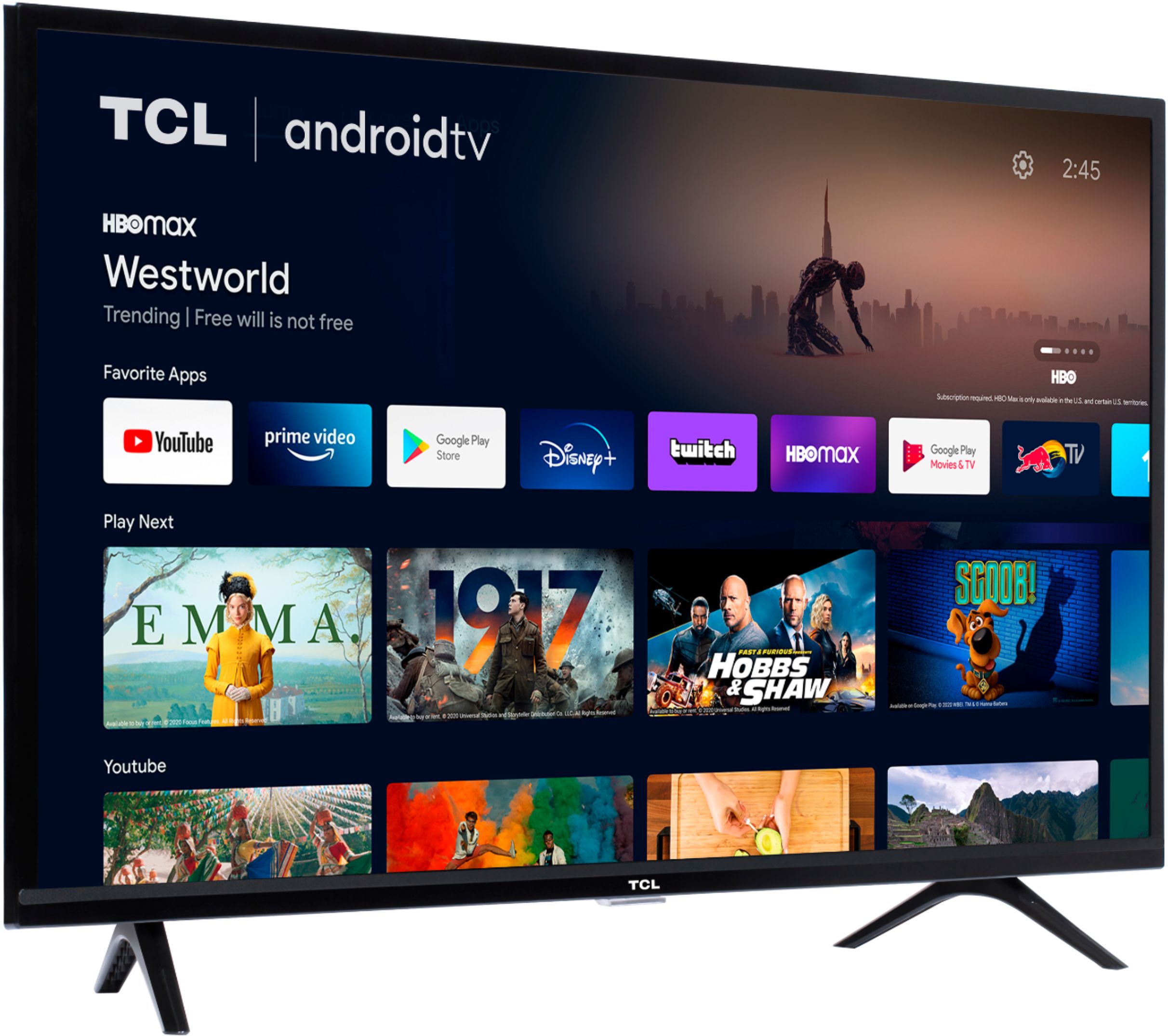
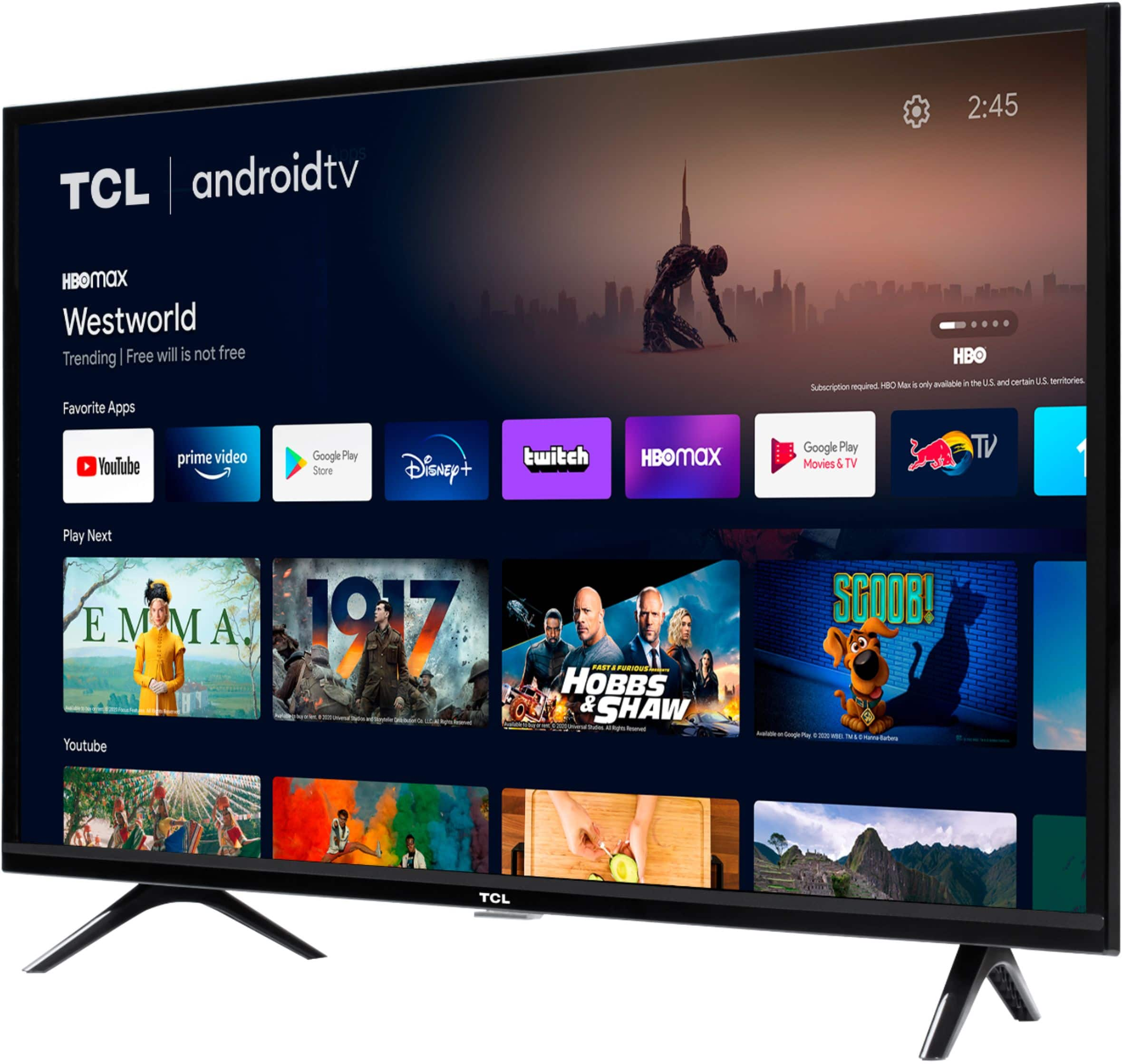
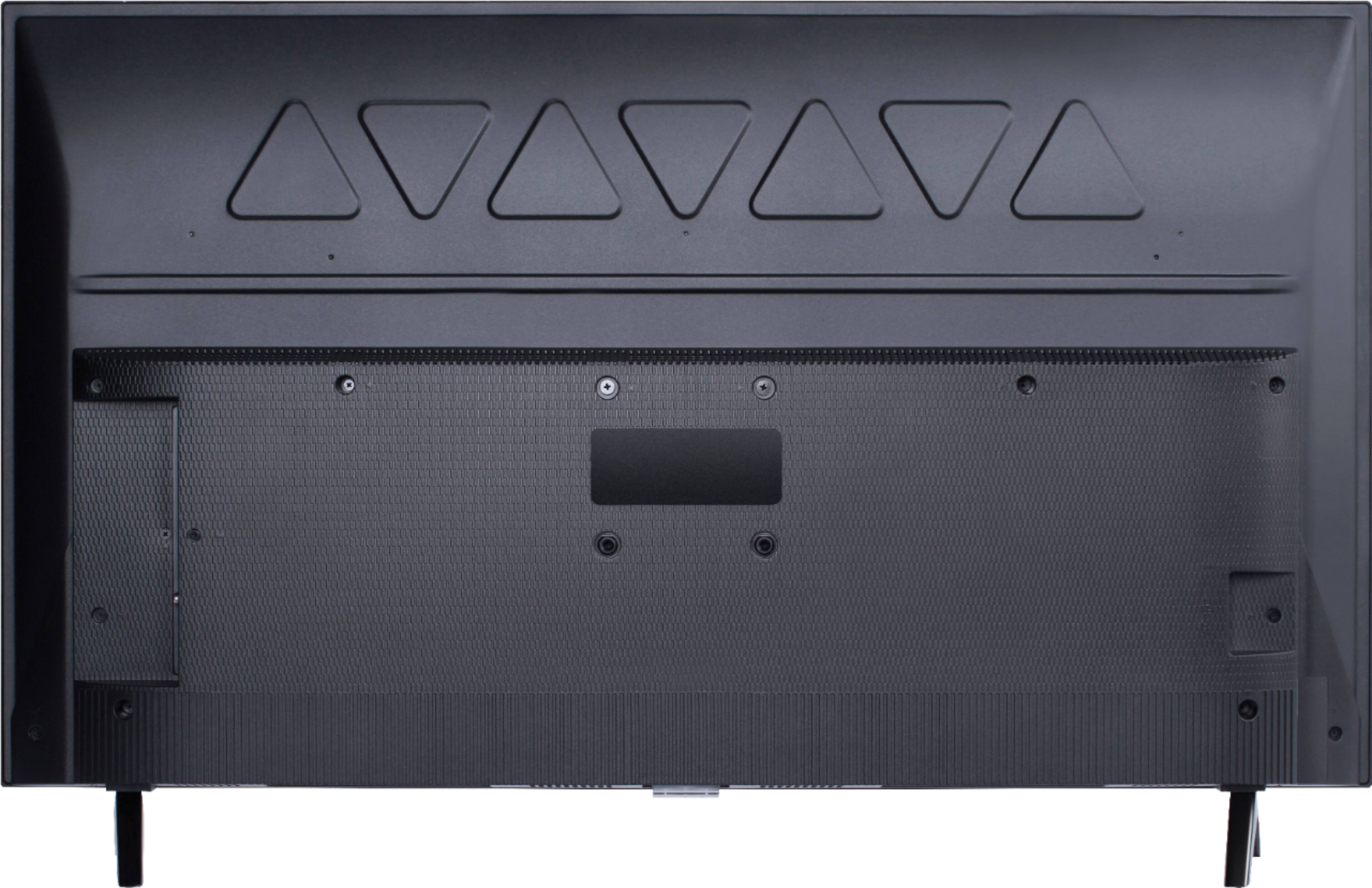
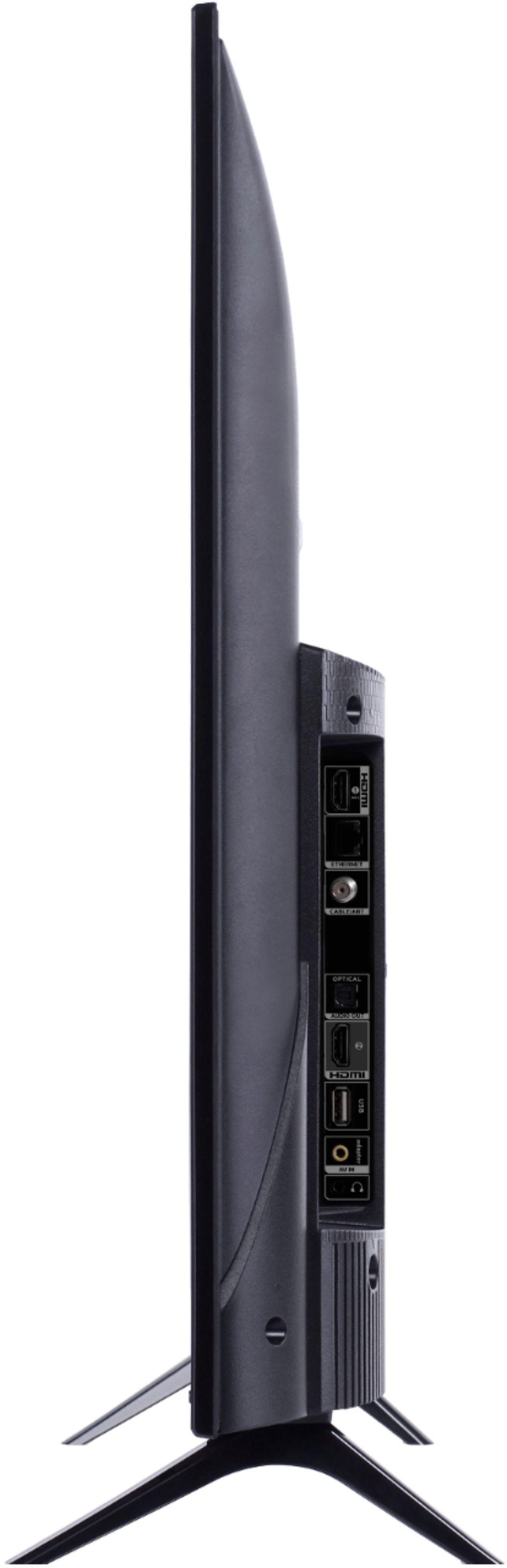
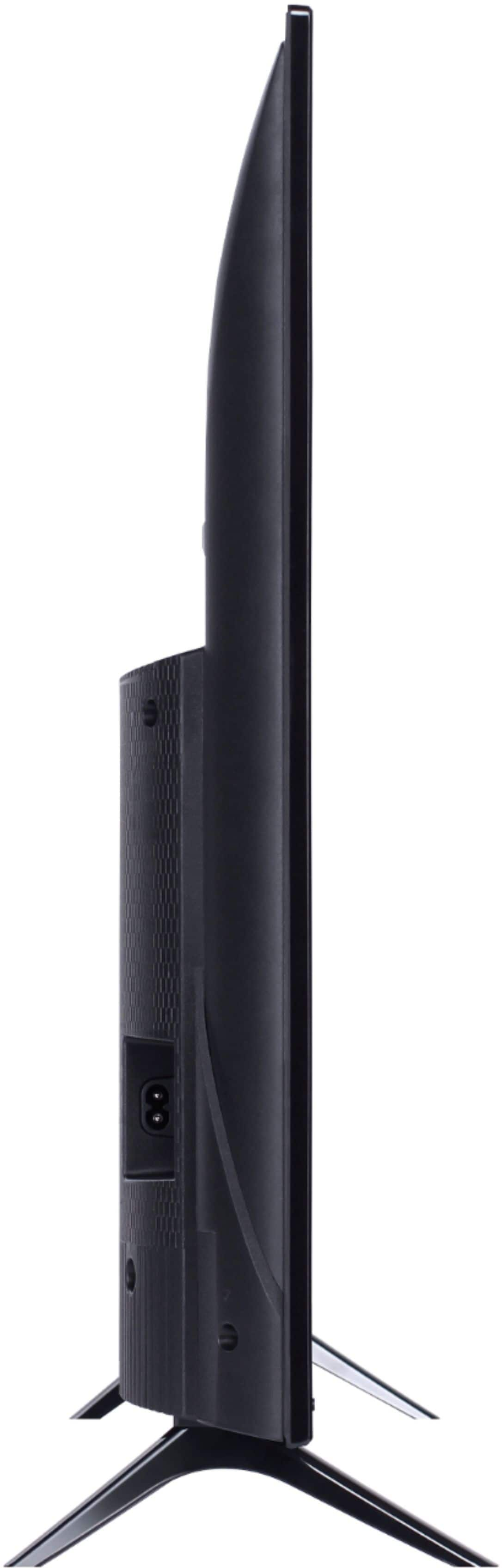
A:AnswerWith the feet attached, the dimensions of this TV are as follows: (W x H x D) 35.6" x 22.7" x 7.3". Hope this helps! Thank you, TCL Customer Support
A:AnswerOur TCL Android TVs come with Chromecast built-in. Casting to your TV is a simple way to enjoy photos, videos, music, and other content on the big screen. You can watch entertainment from a laptop, tablet, or mobile device. Hope this helps! Thank you, TCL Customer Support
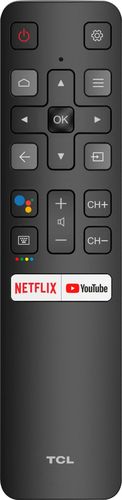
A:AnswerTo access the sleep timer you would press the remote menu button from any input or from the home screen navigate to: Settings -> Screensaver -> Put TV to Sleep. Then select your time option. Hope this helps! Thank you, TCL Customer Support
A:AnswerYou can either, plug in the USB drive and select "ok" when prompted to play content from a USB device or you press the input button on the ATV remote and select the Media player input. You then select the content you want to play (for ease, number the pictures in order you want them to play in). Press the menu button and select repeat all for sequence mode. Once all the timing has been selected and music (if applicable) press the back button on the ATV remote and navigate on the digital keypad to the slide show play button. Select "ok" on the ATV remote (if you selected music to play you need to navigate to the music play button and press "ok" on the ATV remote for that to play as well). Hope this helps! Thank you, TCL Customer Support
A:AnswerTo access the sleep timer you would press the remote menu button from any input or from the home screen navigate to: Settings -> Screensaver -> Put TV to Sleep. Then select your time option. Hope this helps! Thank you, TCL Customer Support
A:AnswerWith the feet attached, the dimensions of this TCL Android TV are as follows: (W x H x D) 35.6" x 22.7" x 7.3". Hope this helps! Thank you, TCL Customer Support
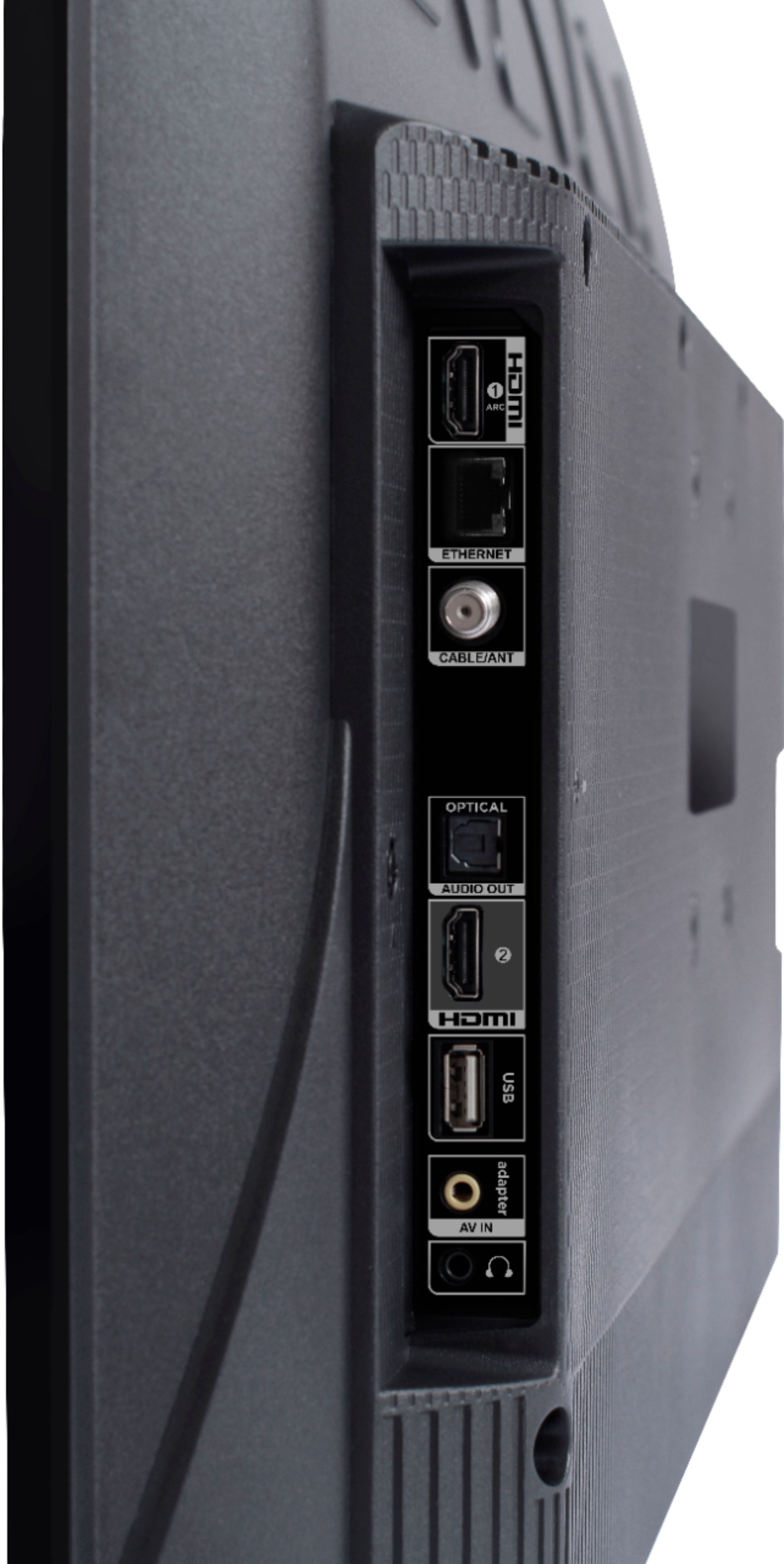
A:AnswerThis TCL Android TV features various inputs, including 2 HDMI ports, that can be used to connect external devices like a game console. Please keep in mind that this TV features a 1080p resolution and does not support HDR. Hope this helps! Thank you, TCL Customer Support
A:AnswerAlthough this TCL Android TV is designed with the primary role of television in mind, it does come with 2 HDMI ports. Any of these ports can be used to connect the TV to external devices, such as a PC. Hope this helps! Thank you, TCL Customer Support
A:AnswerThe Sling TV streaming app is indeed one of the many available streaming apps on this TCL Android TV. Hope this helps! Thank you, TCL Customer Support
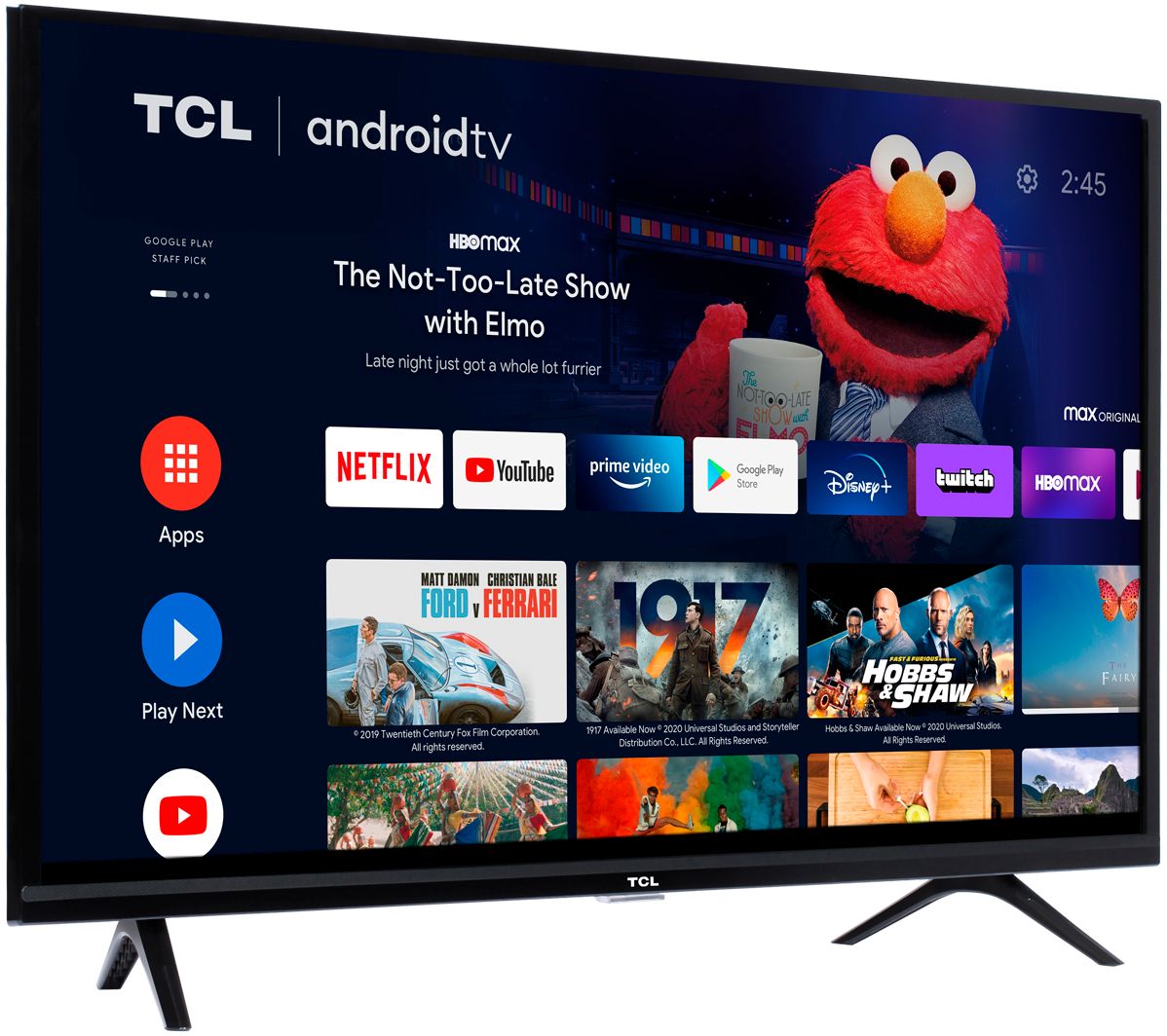
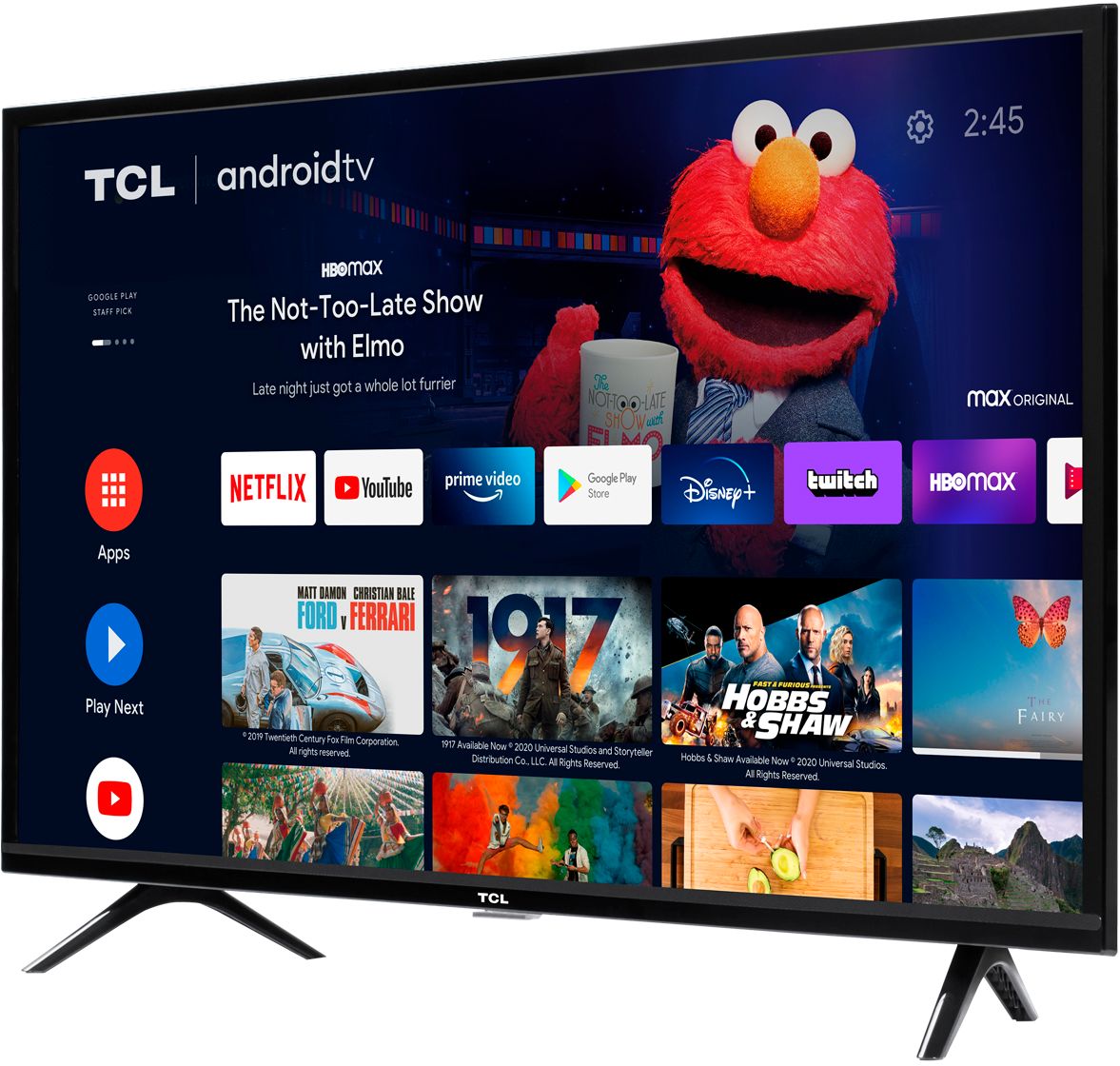
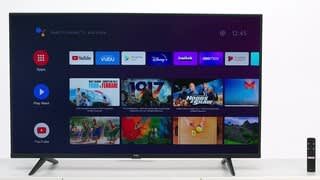
A:AnswerThis TCL Android TV features an Android operating system with access to 5,000+ apps with over 500,000 TV shows and movies available through the Google Play Store. Hope this helps! Thank you, TCL Customer Support
A:AnswerThe Roku is more seen TV oriented, more channels easier interface, not much additional functions. Android is more network and utilities oriented, for example you can talk to the android TV (control) and tell him to switch to music because you are cooking, several functions like home security etc. can be integrated if you have the time and the patience because is technology in development. For watching pure TV Roku is better, if you are the nerdy like person, Android.