Questions & Answers
- Model:
- 43S435
- |
- SKU:
- 6427886
Q: QuestionHello, I would like to know if the roku streaming is free or do you have to sign up and pay a monthly fee?
Asked by Trisha.
- A:Answer In order to use the smart features of this TCL Roku TV, you would need to complete the guided setup. This includes connecting to the Internet via WiFi, creating a Roku account (completely free), and activating the TV (completely free). There are no fees to simply use the TV. Hope this helps! Thank you, TCL Customer Support
Answered by TCLExpert

Q: QuestionDoes this TV come with an RF remote or an IR remote?
Asked by Balshetzer.
- A:Answer IR (although you can add an RF renmote for ~$20.
Answered by TVReviewer
Q: QuestionI bought this for my blind husband because it said it was voice controlled. The remote doesn't offer this option. If I can't get that remote, how do I use Alexa Dot or Goggle Home to operate the TV?
Asked by Anonymous.
- A:Answer Hello, Great question, you would need to add the Roku skill to your Alexa profile. You would also need to set the TV up in you Google Home app as well to use Google. However, it maybe better to turn on the "Audio Guide" under the accessibility feature's so the TV reads off the items that are highlighted. If you still require more help you can reach out to us at [email protected] Hope this helps, TCL Customer Support
Answered by TCLExpert

Q: QuestionCan I use my Amazon fire stick with this tv
Asked by Anonymous.
- A:Answer TCL Roku TVs have access to thousands of streaming channels, and over 500,000 movies and tv episodes to fulfill almost any streaming need. This TV also includes 3 HDMI ports to connect external devices, such as that of an Firestick. Hope this helps! Thank you, TCL Customer Support
Answered by TCLExpert

Q: QuestionI want to connect my tablet to this TV so that I can use it as a monitor for Teams Meeting. what is the best way to connect?
Asked by RBAPGH.
- A:Answer TCL Roku TVs support screen mirroring with compatible Android and Windows devices. Here is a great article with more details on how: https://support.roku.com/article/208754928-how-to-use-screen-mirroring-with-your-android-or-windows-device. Hope this helps! Thank you, TCL Customer Support
Answered by TCLExpert

Q: QuestionIs this tcl 43 " class 4 series compatible with FIOS network
Asked by aquila.
- A:Answer Yes
Answered by TVReviewer
Q: QuestionCan I mirror my Samsung phone for things like YouTube?
Asked by Mainewoods.
- A:Answer TCL Roku TVs support screen mirroring with compatible Android and Windows devices. Here is a great article with more details on how: https://support.roku.com/article/208754928-how-to-use-screen-mirroring-with-your-android-or-windows-device. Hope this helps! Thank you, TCL Customer Support
Answered by TCLExpert

Q: Questiondoes this tv have a voice remote
Asked by Anonymous.
- A:Answer This TCL Roku TV does not feature a voice remote. However, you can download the free Roku mobile app on your Smartphone or tablet to use as a remote. Through the Roku mobile app, you gain access to power toggle, volume toggle, private listening, voice search, and more. Hope this helps! Thank you, TCL Customer Support
Answered by TCLExpert

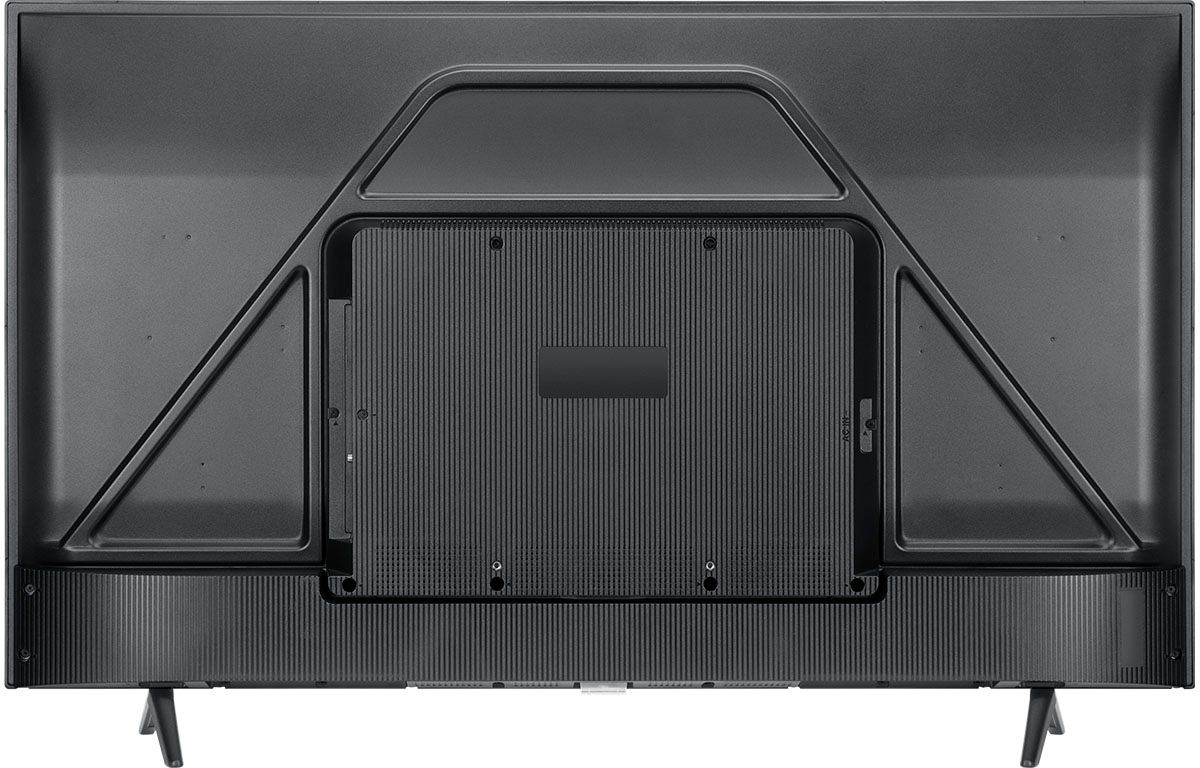
Q: QuestionCan you use the TV without the stand on a flat surface or is the stand required?
Asked by JJFP.
- A:Answer It might with a brace behind it.
Answered by Numbnuts
Q: QuestionDoes the TCL have Bluetooth capability?
Asked by Rick.
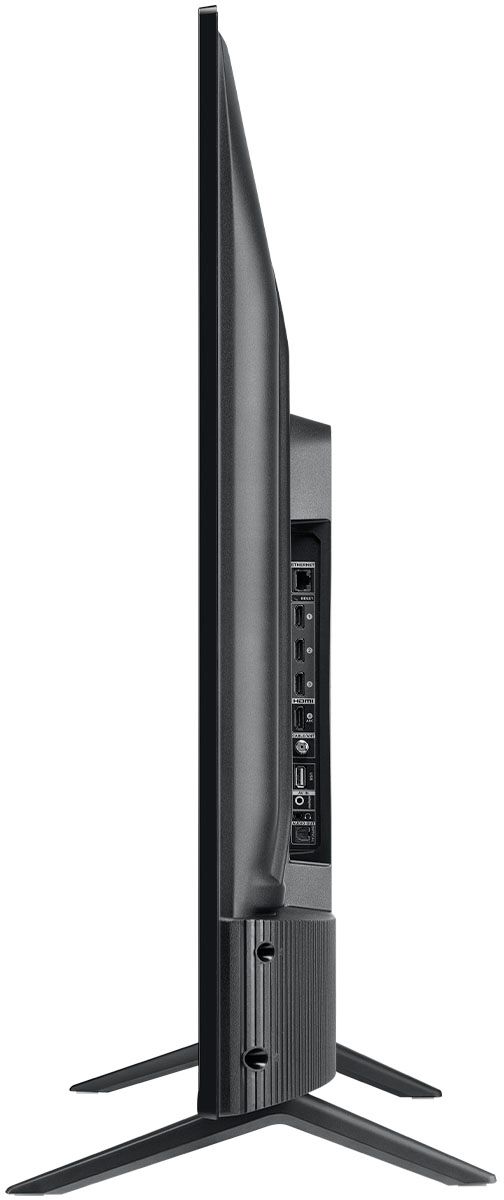
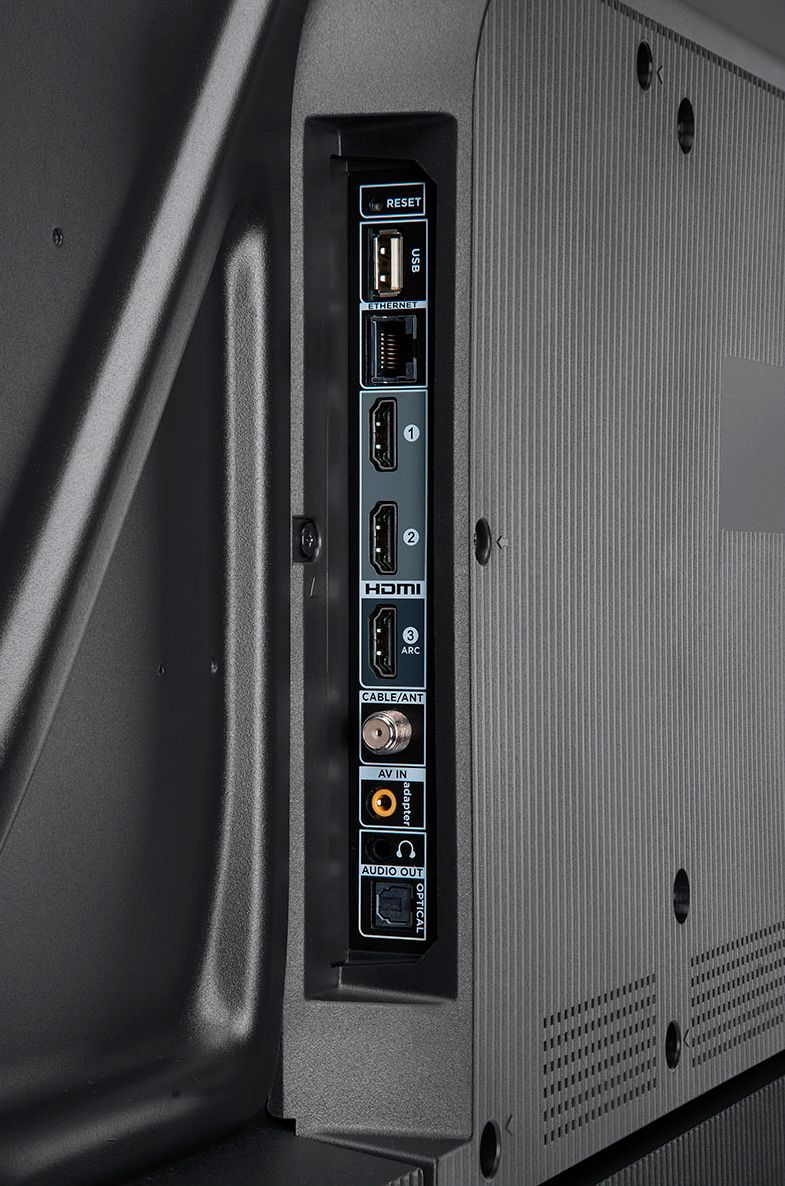
- A:Answer Currently, our Roku based TVs do not support Bluetooth. If you are trying to connect a sound bar or speakers you can use the Optical port, or the HDMI ARC port. For Headphones, there is a Headphone jack on the back of the TV, or you can download the Free Roku app for private listening. Hope this helps! Thank you, TCL Customer Support
Answered by TCLExpert

Q: Questioncan this tv be wall mounted with various wall mount units?
Asked by pete.
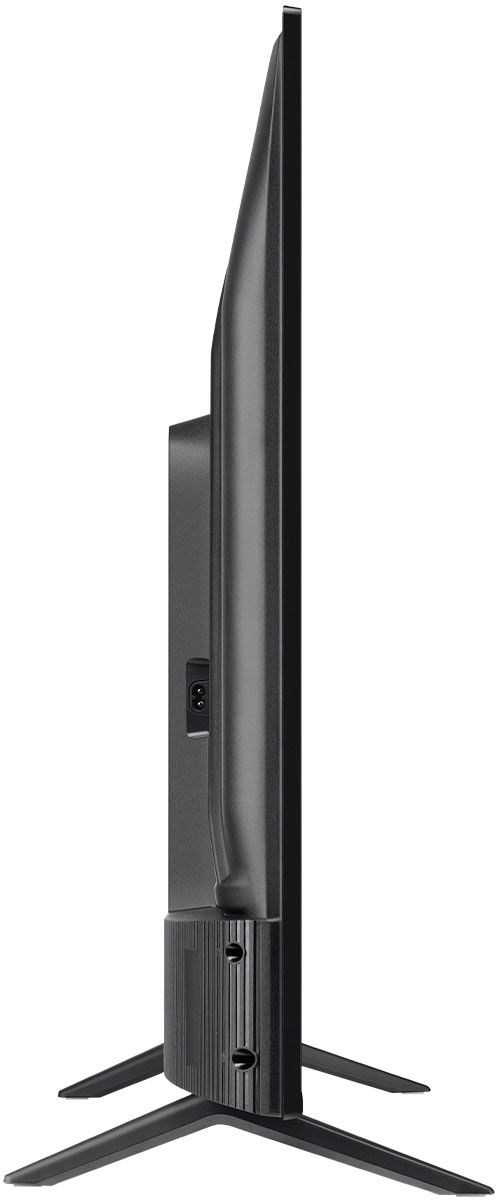
- A:Answer Yes, as the description notes there is a Vesa mount on the back I have mine wall mounted
Answered by dougis
Q: QuestionWhat is the hight and with of the screen ?
Asked by Anonymous.
- A:Answer Without the feet attached, the dimensions of this TV are as follows: (W x H x D) 38.2" x 22.3" x 3.3". Hope this helps! Thank you, TCL Customer Support
Answered by TCLExpert

Q: Questionwhat's the difference between searers 4 and searers 5 tv
Asked by big.
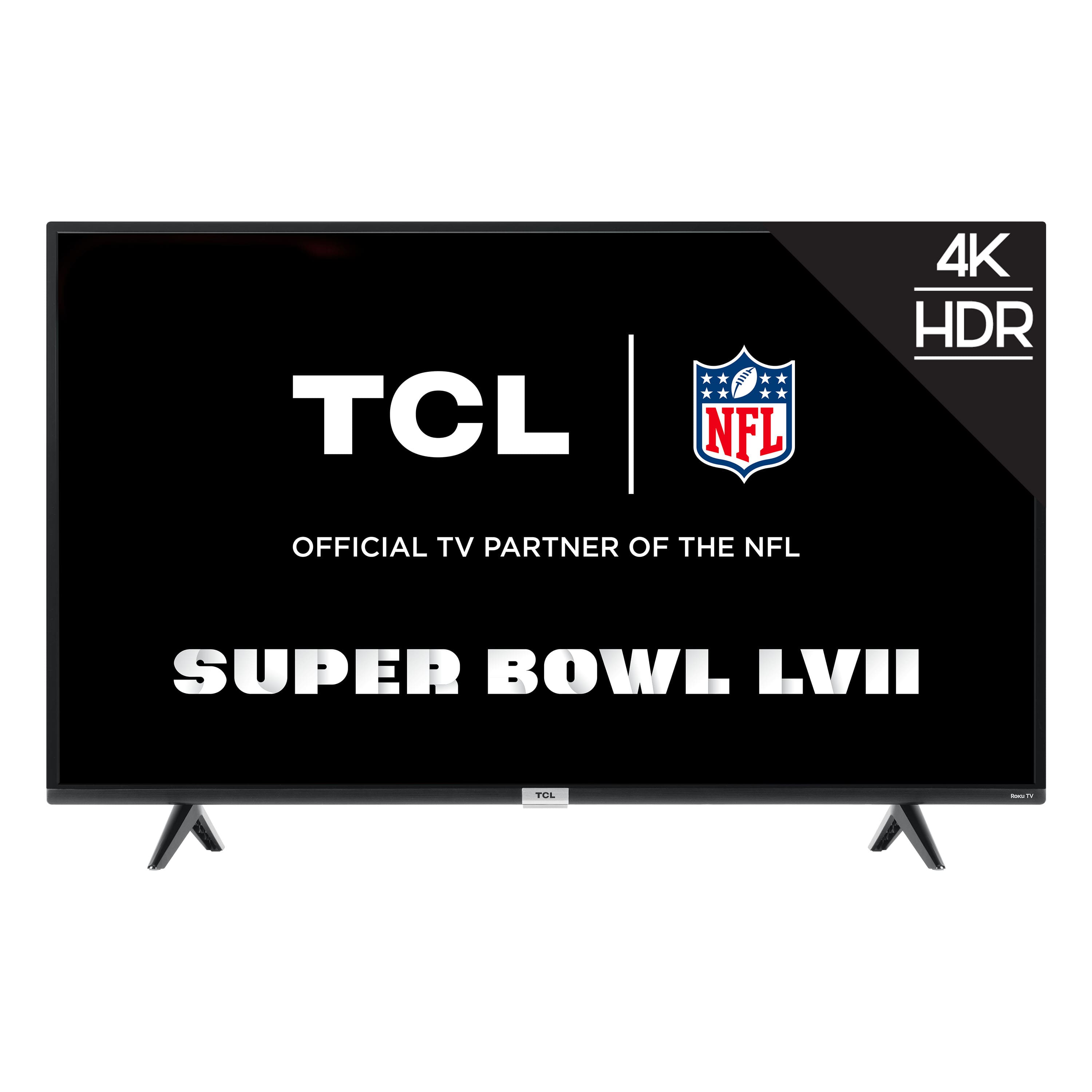
- A:Answer Each series builds on each other. Both of these series are 4K UHD, have HDR support, and have a Roku operating system. The new 5 -Series feature Dolby Vision support, wide color gamut, auto-game mode, an edge-to-edge glass display, QLED technology, CCZ, eARC, etc. Hope this helps! Thank you, TCL Customer Support
Answered by TCLExpert

Q: QuestionDo you suggest using this tv as a laptop monitor? Can I help in reading text clearly?
Asked by sumanth.
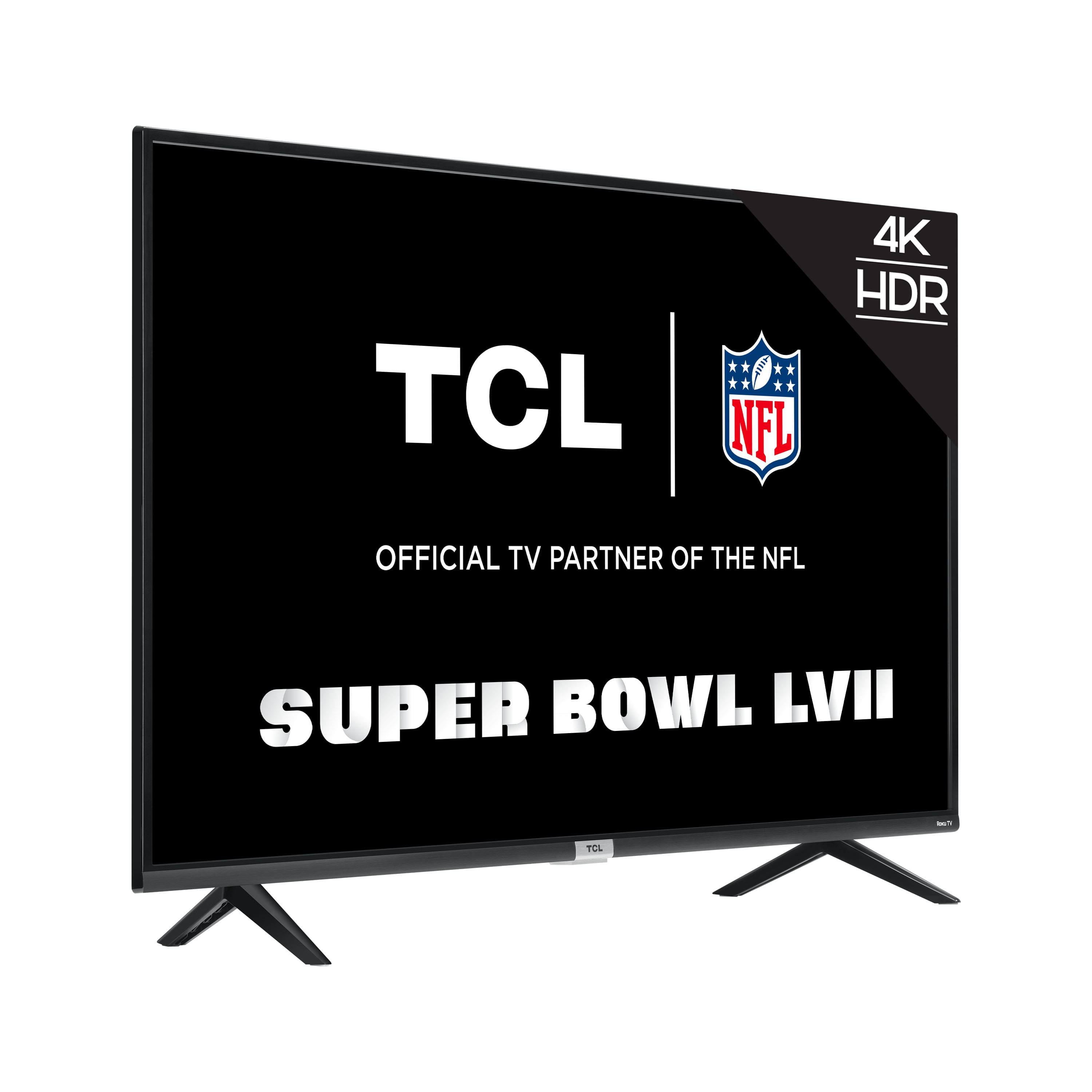
- A:Answer Although this TCL Roku TV is designed with the primary role of television in mind, it does come with 3 HDMI ports. Any of these ports can be used to connect the TV to external devices, such as a PC. Hope this helps! Thank you, TCL Customer Support
Answered by TCLExpert

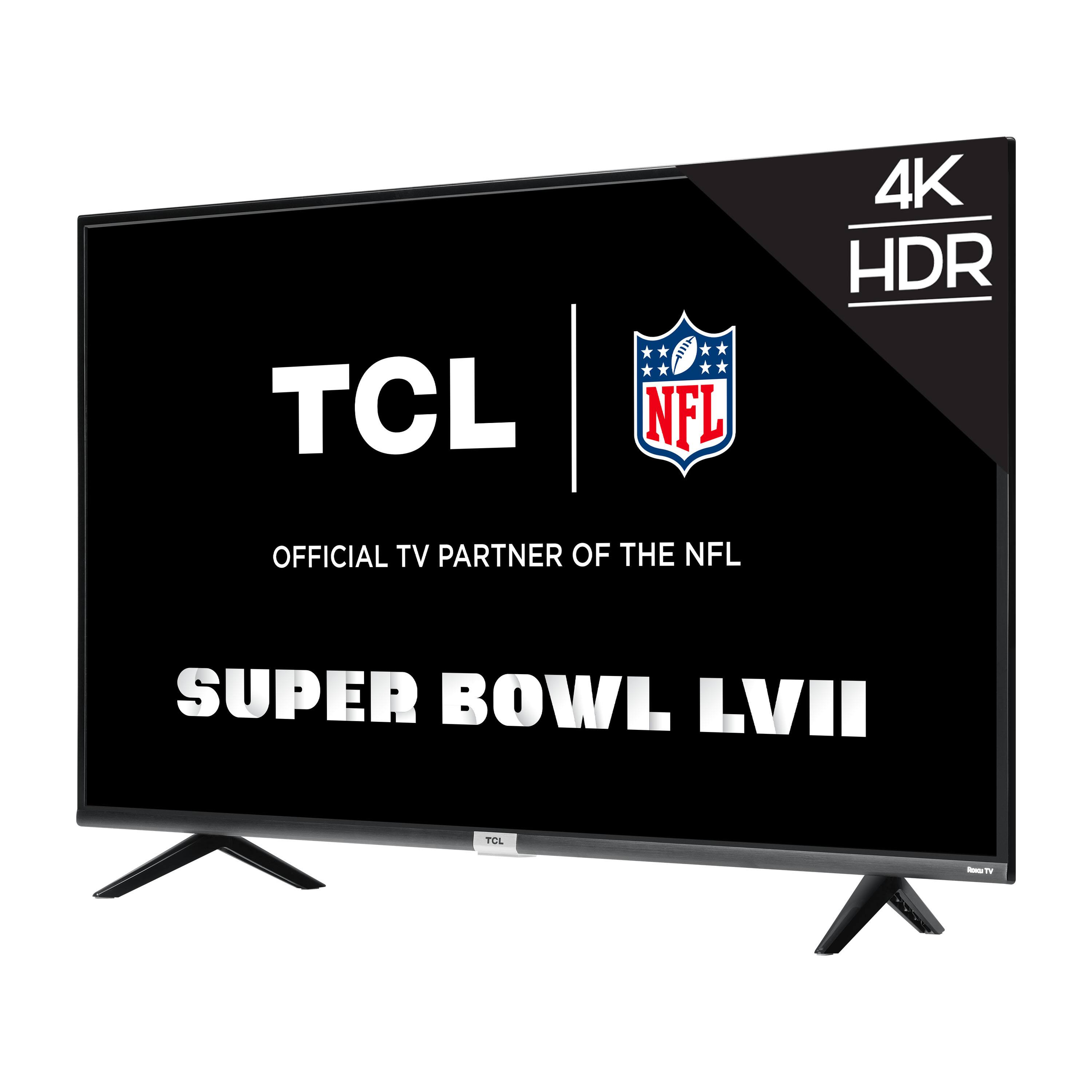
Q: Questiondoes this tv has hdmi 2.1 ?
Asked by suraj.
- A:Answer This TCL Roku TV does not feature HDMI 2.1. For advanced gaming features including the world's first THX Certified Game Mode, take a look at our Award Winning 6 Series! Hope this helps! Thank you, TCL Customer Support
Answered by TCLExpert

Q: QuestionhOW TO OPEN MANUAL OF THE tv model
Asked by PATEL.
- A:Answer This TCL Roku TV should come with a physical paper copy of the Quick Start Guide. Hope this helps! Thank you, TCL Customer Support
Answered by TCLExpert

Q: QuestionCan it connect to devices via bluetooth? (eg: headphones)
Asked by Merry.
- A:Answer Hello, Unfortunately, at this time our Roku TV's do not support bluetooth connections. However, if you are only using streaming channels and want to listen to the content privately you can do so by downloading the Roku app onto your mobile device. Then using the remote tab in the Roku app to select "Private Listing." This should now project the sound onto your mobile device only. Lastly, you can connect your bluetooth headphones to your mobile device. Note: Audio quality in this setup is determine by your internet and home wifi bandwidth. Hope this helps. Thank you, TCL Customer Support
Answered by TCLExpert

Q: QuestionDoes this TV support the Youtube TV app?
Asked by Sandy.
- A:Answer Yes
Answered by Moosestang
Q: QuestionWhen plugged in with standard headphones can you still hear the sound of the tv?
Asked by Vineland.
- A:Answer If headphones are connected for private listening, the internal speakers will automatically be disabled. Hope this helps! Thank you, TCL Customer Support
Answered by TCLExpert

Most-viewed items
- $449.99$449.99The price was $649.99
- Ultimate Deal$299.00$299.00
- $74.99$74.99The price was $129.99
- $20.00$20.00The price was $29.00