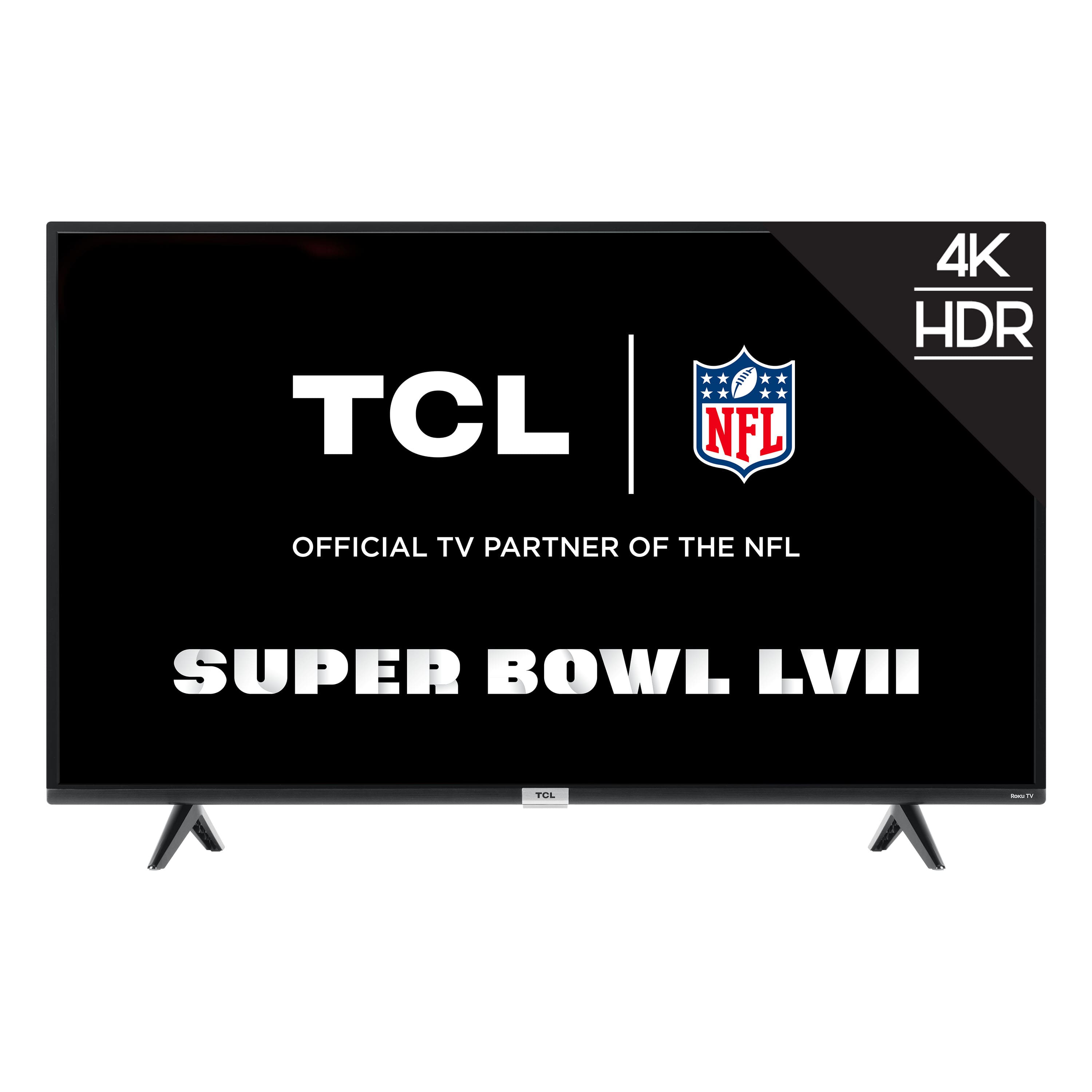
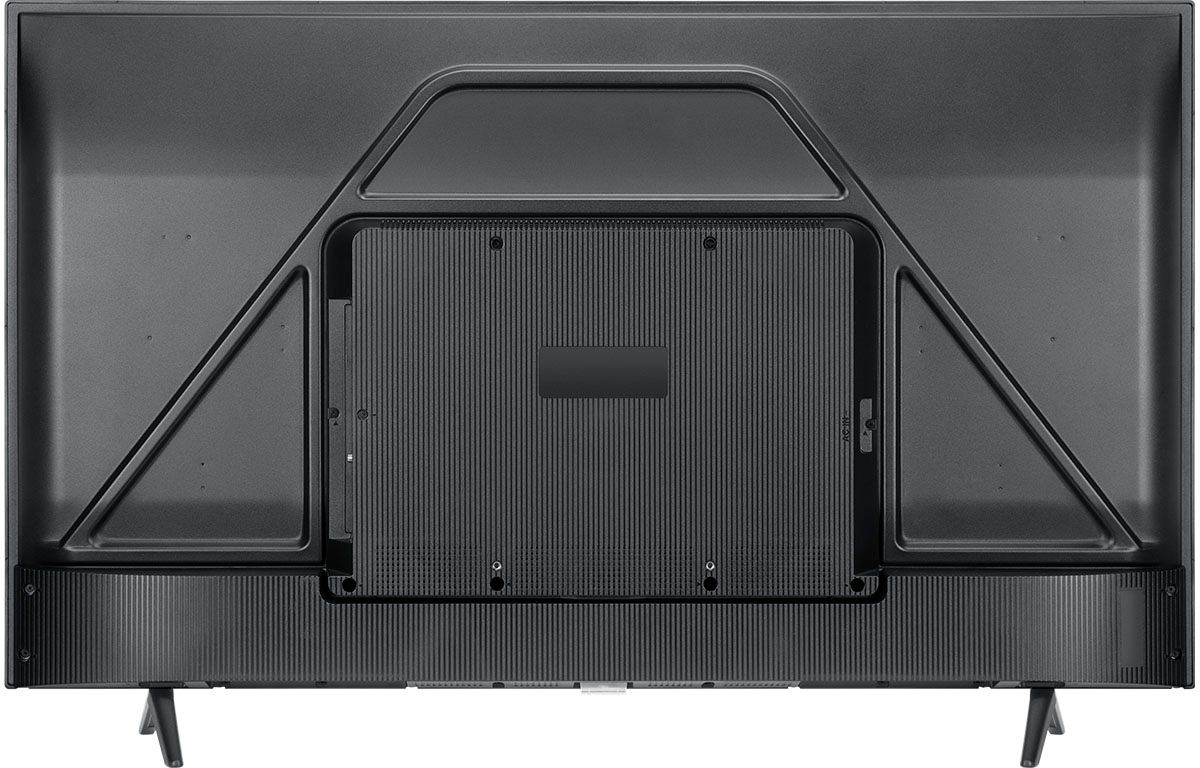
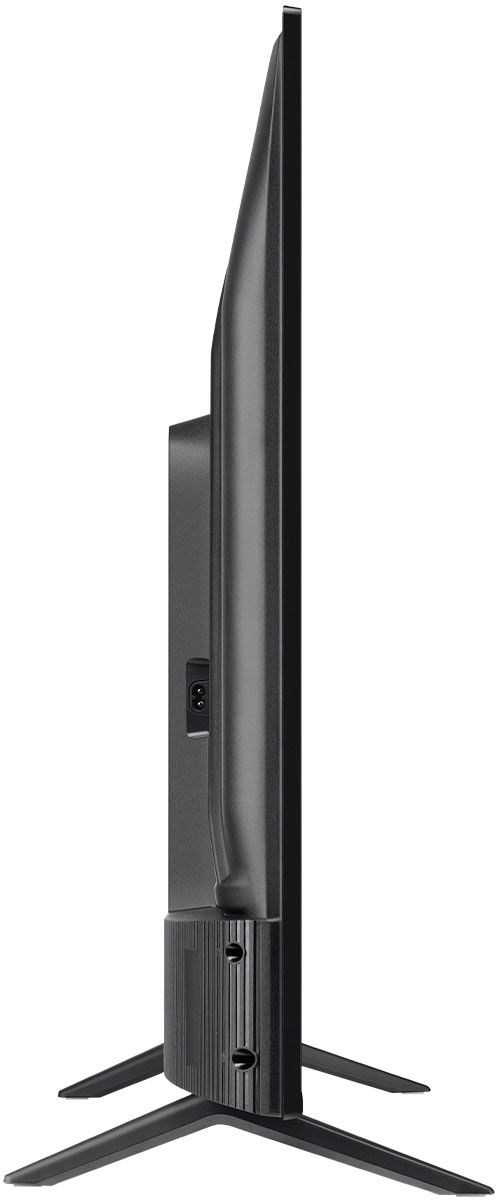
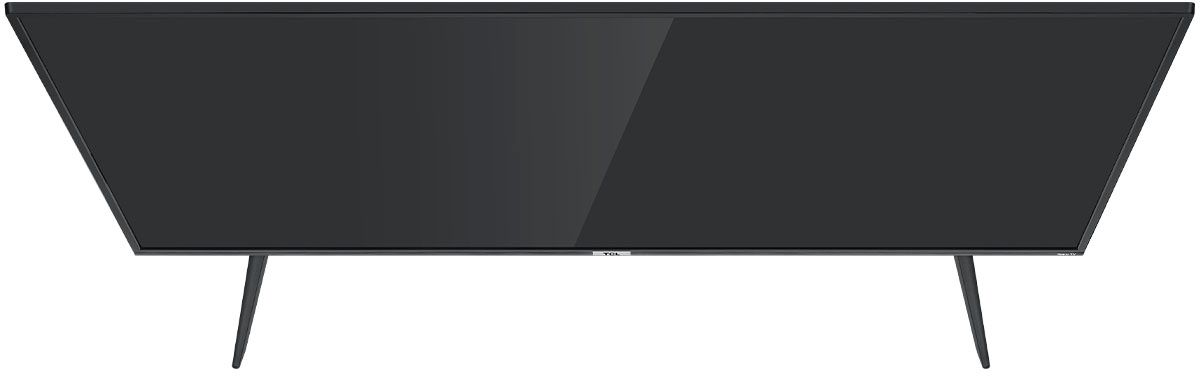
A:AnswerFor this 43 inch TCL Roku TV, the feet spacing to fit on a stand is 29.8 inches wide and 9.9 inches deep. Hope this helps! Thank you, TCL Customer Support
A:AnswerRoku is always free to use. You would simply activate the TV under your already existing Roku account. Hope this helps! Thank you, TCL Customer Support
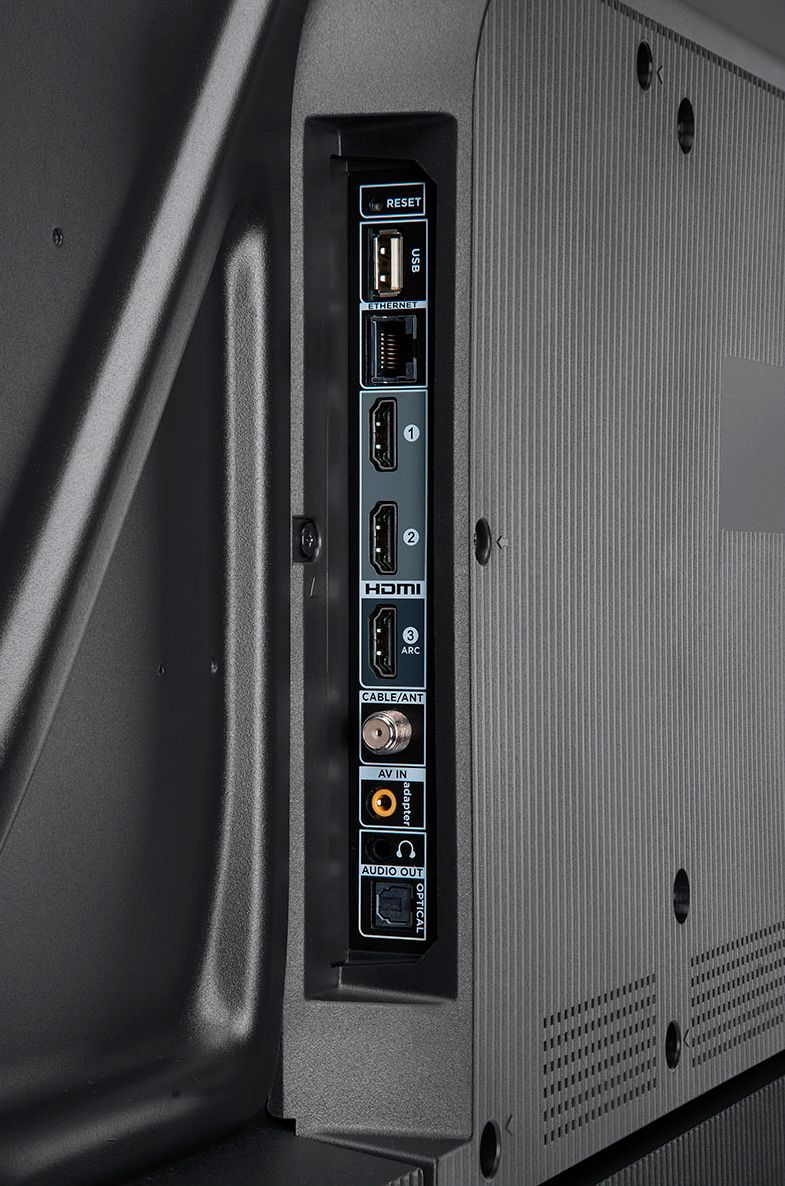
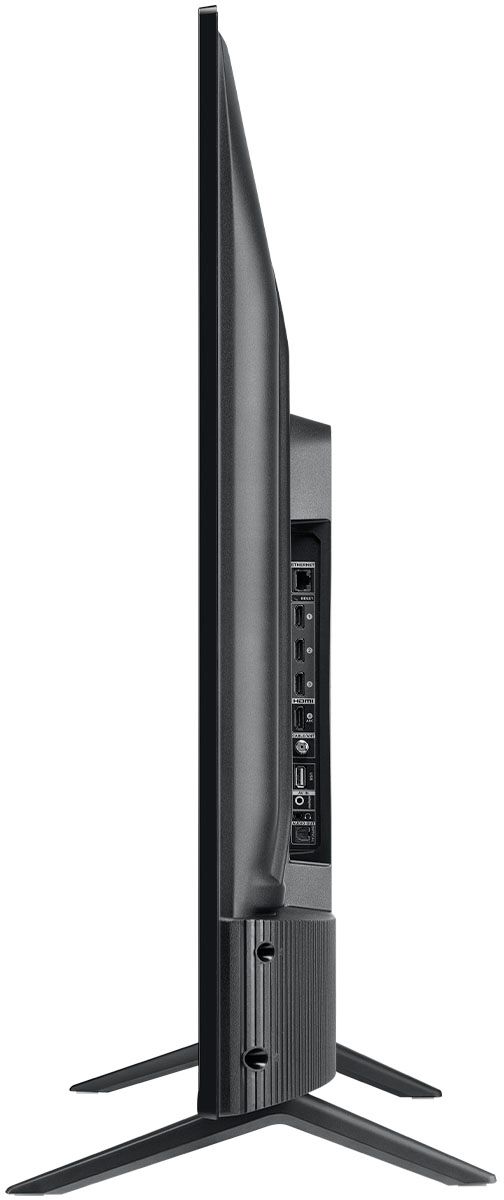
A:AnswerThis TV has the following inputs: 3 HDMI, Composite, Coaxial, USB, Optical Audio Out, Ethernet, and headphone jack. You would want to check the connection type on your DVD player to see if it will work. Hope this helps! Thank you, TCL Customer Support
A:AnswerThis TCL Roku TV features various inputs that can be used to connect external devices like a VCR. Hope this helps! Thank you, TCL Customer Support
A:AnswerThis TCL Roku TV does not feature a voice remote. However, you can download the free Roku mobile app on your Smartphone or tablet to use as a remote. Through the Roku mobile app, you gain access to power toggle, volume toggle, private listening, voice search, and more. Hope this helps! Thank you, TCL Customer Support
A:AnswerThere is not a physical button for it, but there is an option for it. Simply press the asterisk (*) button on your TCL Roku TV remote while watching content, highlight the sleep time option, and choose how long you want to set it for (30minutes-3hours). Hope this helps! Thank you, TCL Customer Support
A:AnswerThe AT&T TV streaming channel is one of the thousands of streaming channels offered through the Roku Channel Store. You can also visit www.roku.com/whats-on to see other streaming channels Roku offers. Hope this helps! Thank you, TCL Customer Support
A:AnswerOur TCL Roku TVs do not currently support Bluetooth. However, you can download the free Roku app on your smart phone or tablet to use voice search, voice control, and experience private listening. To enjoy private listening you simply click private listening in the app, and attach headphones to your smart phone or tablet. Or you can use the 3.5 mm headphone jack in the back of the TV to connect standard headphones. Hope this helps! Thank you, TCL Customer Support
A:AnswerTCL stands for "The Creative Life". The 43S435 features a Roku operating system and the 43S446 features a Google TV operating system. While they are different TVs with different cosmetics and different connectivity, all of our TVs in any given series are designed to work in a similar performance envelope. They give the same exceptional picture and sound performance, with the added benefit of giving customers the choice of different operating systems for their needs. Hope this helps! Thank you, TCL Customer Support
A:AnswerAll of our TCL Roku TVs have a Roku operating system built-in. Roku is a streaming platform that offers many features, including thousands of streaming channels (apps) and over 500,000 movies and TV episodes. Some content is free while other content is subscription based or pay-per-view. You can go to www.Roku.com/whats-on to see what streaming channels and apps are offered through the Roku Channel Store. To search for a specific channel you would simply want to enter that information into the search section. Hope this helps! Thank you, TCL Customer Support
A:AnswerThere are options available to adjust the settings to better fit your personal preference. You can access the Options menu on the TV by pressing the asterisk (*) button on your remote while watching content. Additionally, you can access expert picture settings by downloading the free Roku mobile app on a smartphone or tablet. The Roku mobile app works as a remote and allows you to access additional features like voice search, private listening, expert picture settings, and more. Hope this helps & happy viewing! Thank you, TCL Customer Support
A:AnswerNo. You need to enter payment info so you can pay through roku. For example if you watch ufc on espn+ you can order the pay per view events through roku.