A:AnswerNo. You need to enter payment info so you can pay through roku. For example if you watch ufc on espn+ you can order the pay per view events through roku.
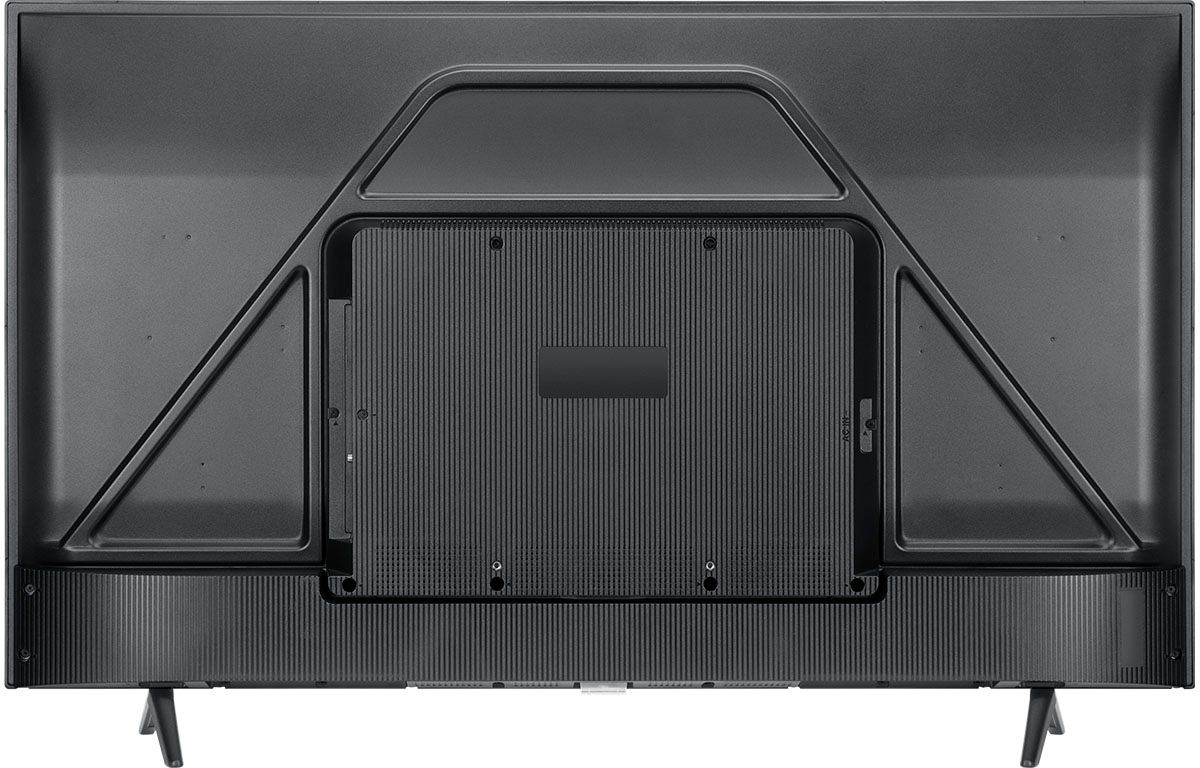
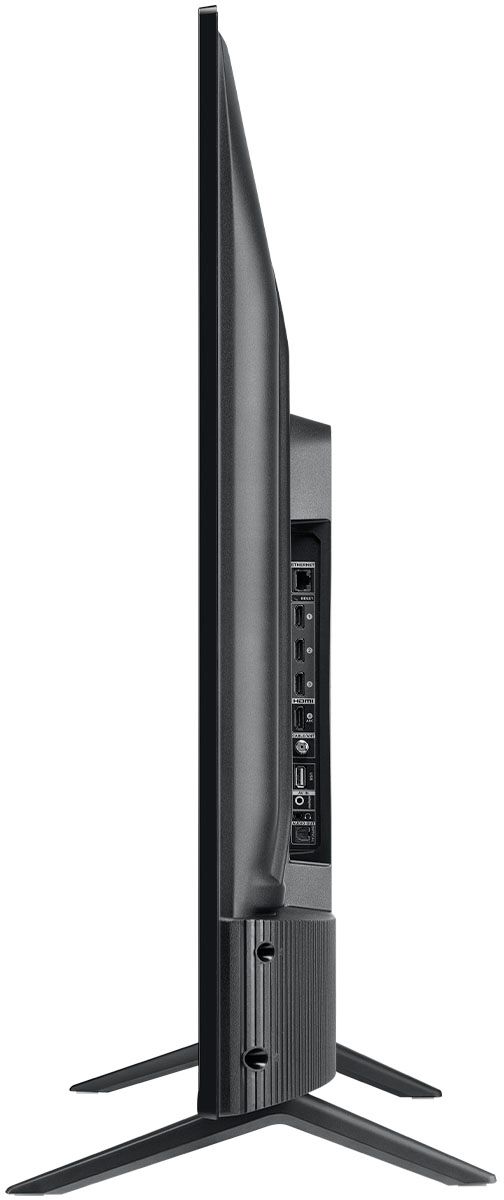
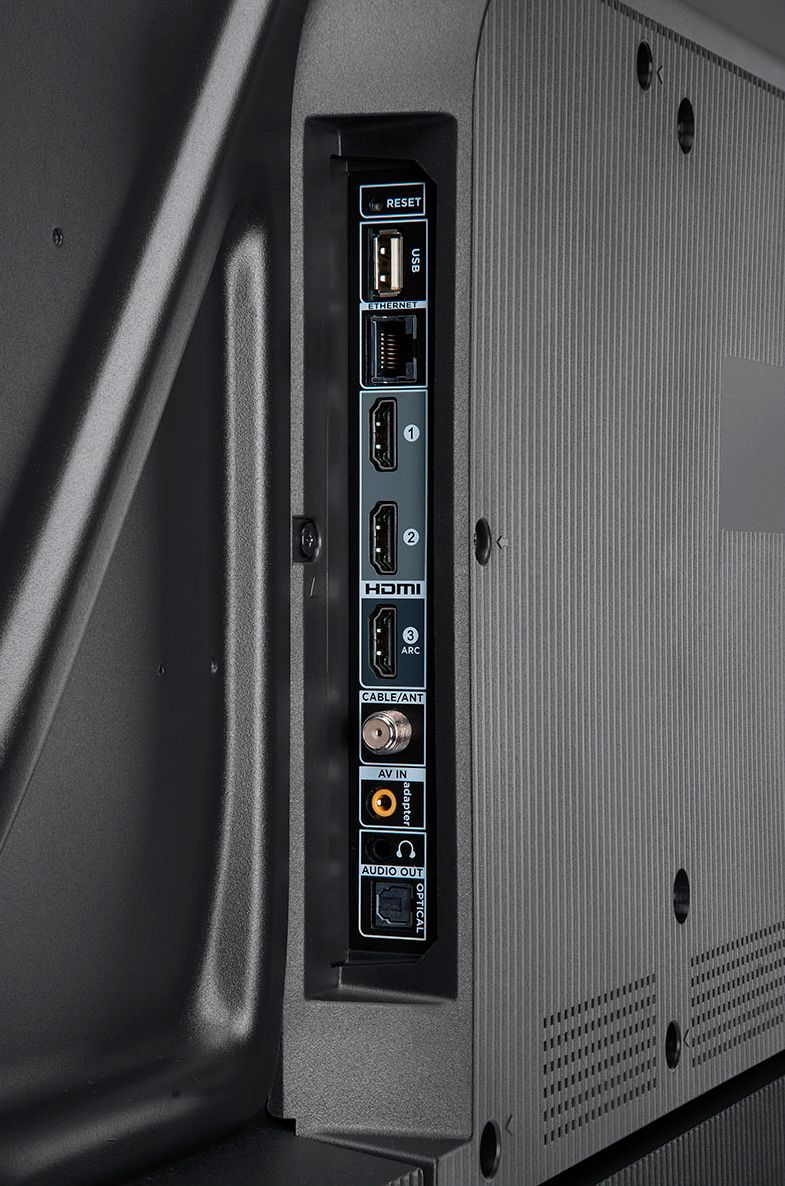
A:AnswerThis TCL Roku TV can connect to the Internet via WiFi or through Ethernet. This TCL TV also features various inputs that can be used to connect external devices like a cable box. Hope this helps! Thank you, TCL Customer Support
A:AnswerOur TCL Roku TVs do not currently support Bluetooth. However, you can download the free Roku app on your smart phone or tablet to use voice search, voice control, and experience private listening. To enjoy private listening you simply click private listening in the app, and attach headphones to your smart phone or tablet. Or you can use the 3.5 mm headphone jack in the back of the TV to connect standard headphones. Hope this helps! Thank you, TCL Customer Support
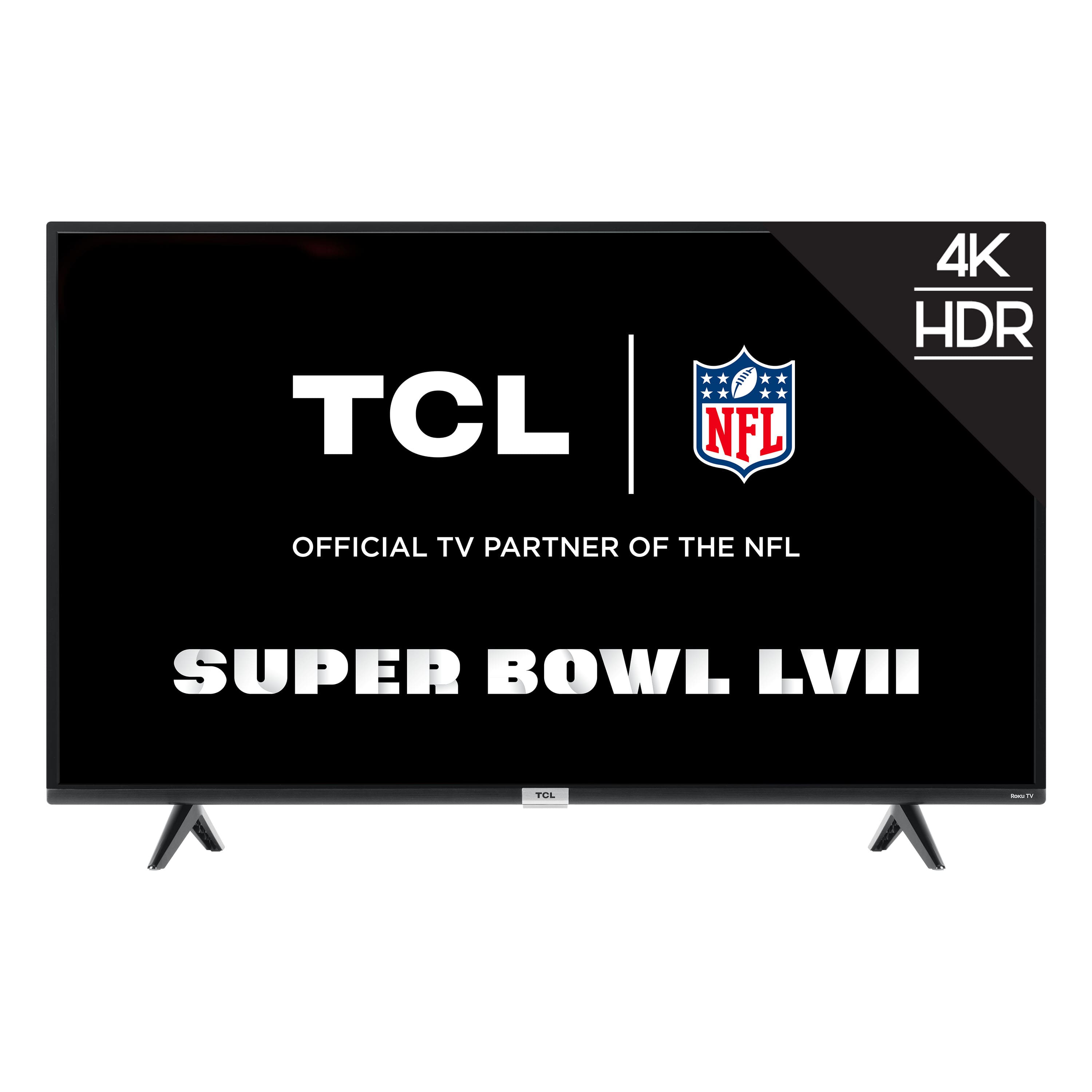
A:AnswerThis TCL Roku TV uses a combination of advanced signal processing and back light scanning to enhance the native refresh rate and present an effective refresh rate of 120Hz CMI. The result is a smooth, blur free image, perfect for fast moving sports or video games. Hope this helps! Thank you, TCL Customer Support
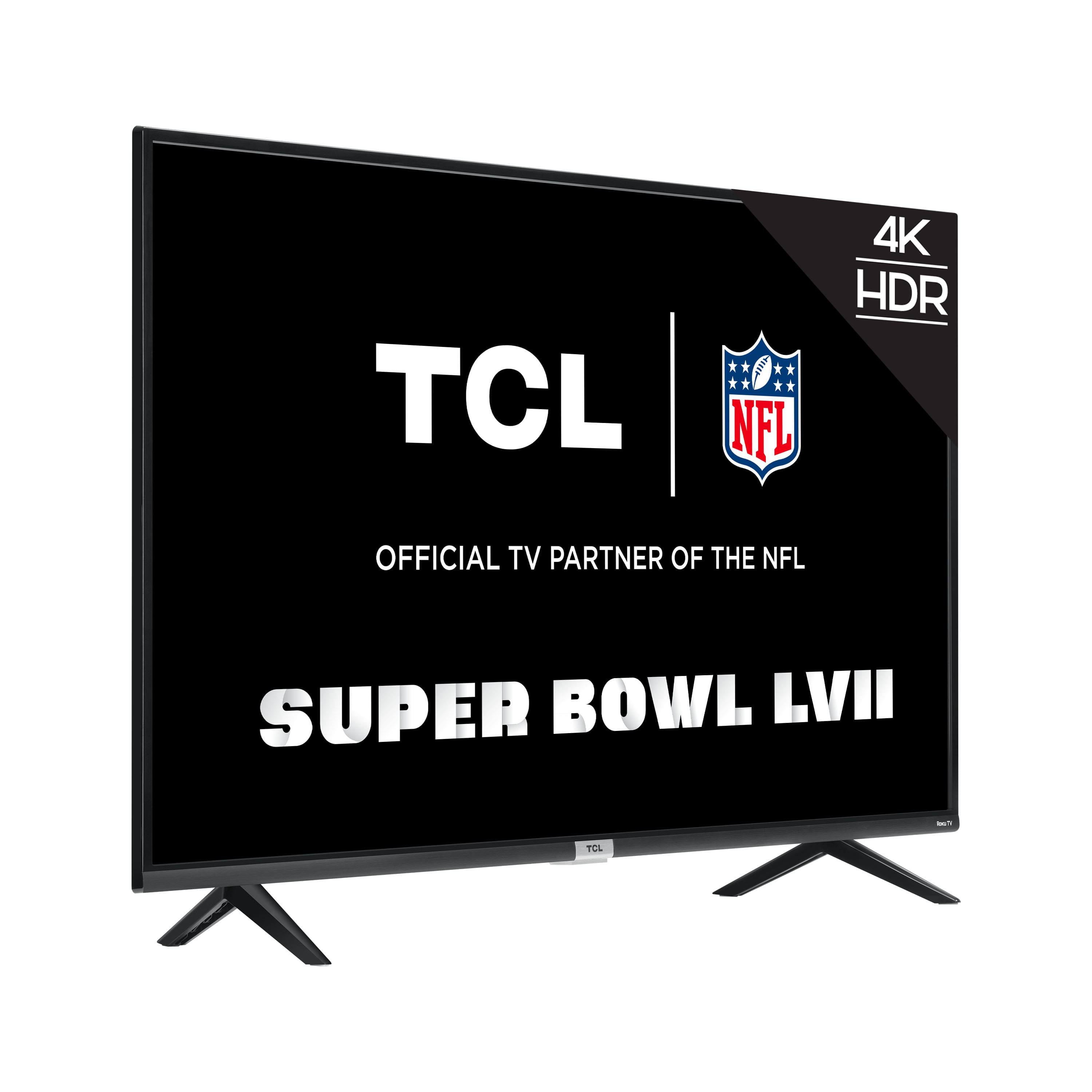
A:AnswerFor inquiries concerning instillation, you would want to contact your local Best Buy or Best Buy Customer Support as they would be best equipped to further assist you. Hope this helps! Thank you, TCL Customer Support
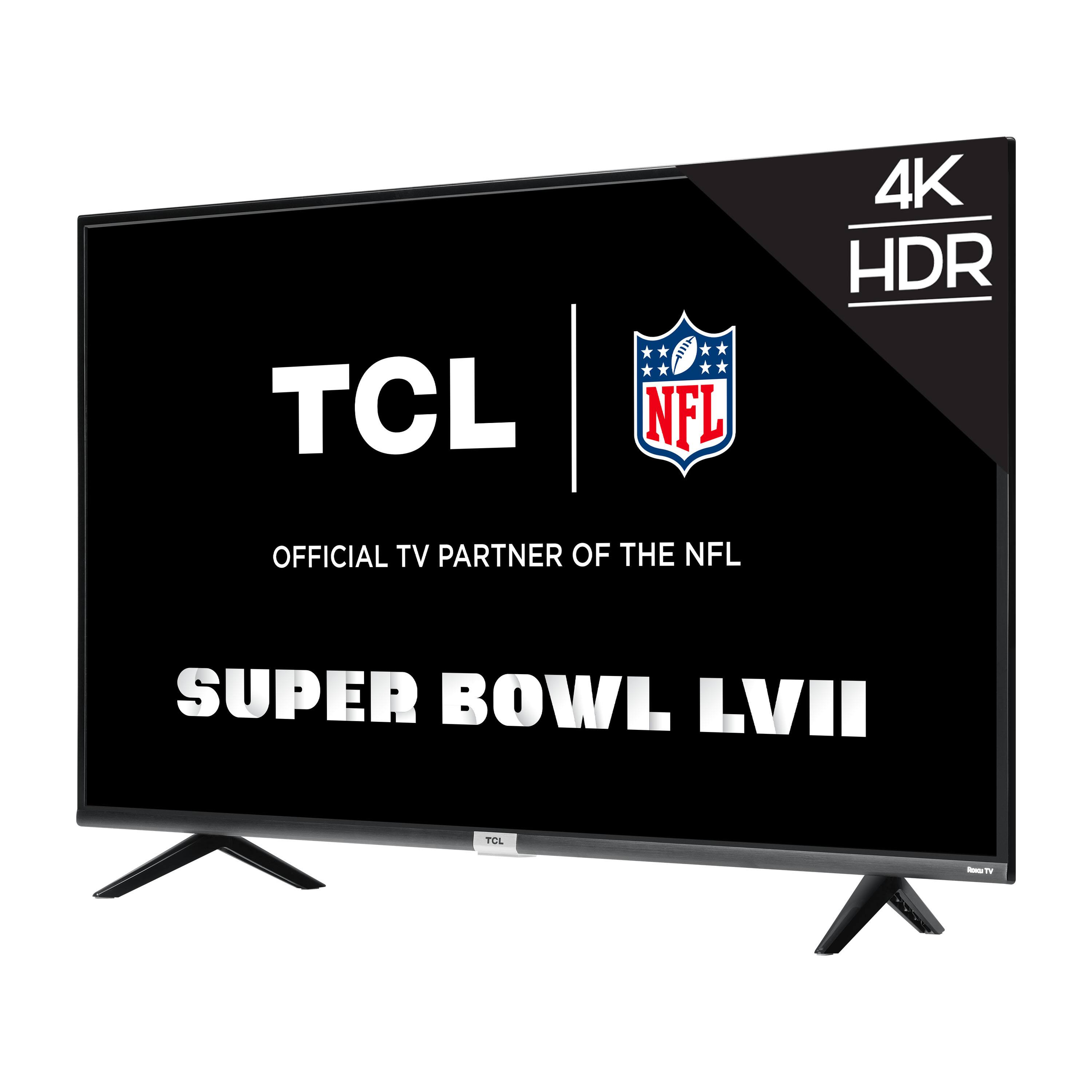
A:AnswerTCL Roku TVs support screen mirroring with compatible Android and Windows devices. Here is a great article with more details on how: https://support.roku.com/article/208754928-how-to-use-screen-mirroring-with-your-android-or-windows-device. Hope this helps! Thank you, TCL Customer Support
A:AnswerHello Gent,
This TV already has Roku built in, however if you did not want to set the TV up at all and just use your Roku Stick that is already set up instead of the build in Roku OS on the TV. We highly recommend bypassing the Roku stick and using the internal Roku OS of the TV with your Cable Box.
Hope this helps,
TCL Customer Support

A:AnswerThere are different sizes of M6 screws. Saying 'use an M6 screw' is too generic. TCL should provide the exact size of M6 screw that is necessary when using a wall mount for this TV.
A:AnswerThe description lists it as supporting 120HZ but the TV doesn't actually support it. It is capped out at 60HZ compatibility. See the attached pics. Hope that helps .
A:AnswerWhile this TCL Roku TV features an effective refresh rate of 120Hz CMI, it does not support 120Hz input from external connected devices. Hope this helps! Thank you, TCL Customer Support