Last-Minute SavingsLimited quantities.Shop now

Main Content

Questions & Answers

Page Showing 21-33 of 33 questions
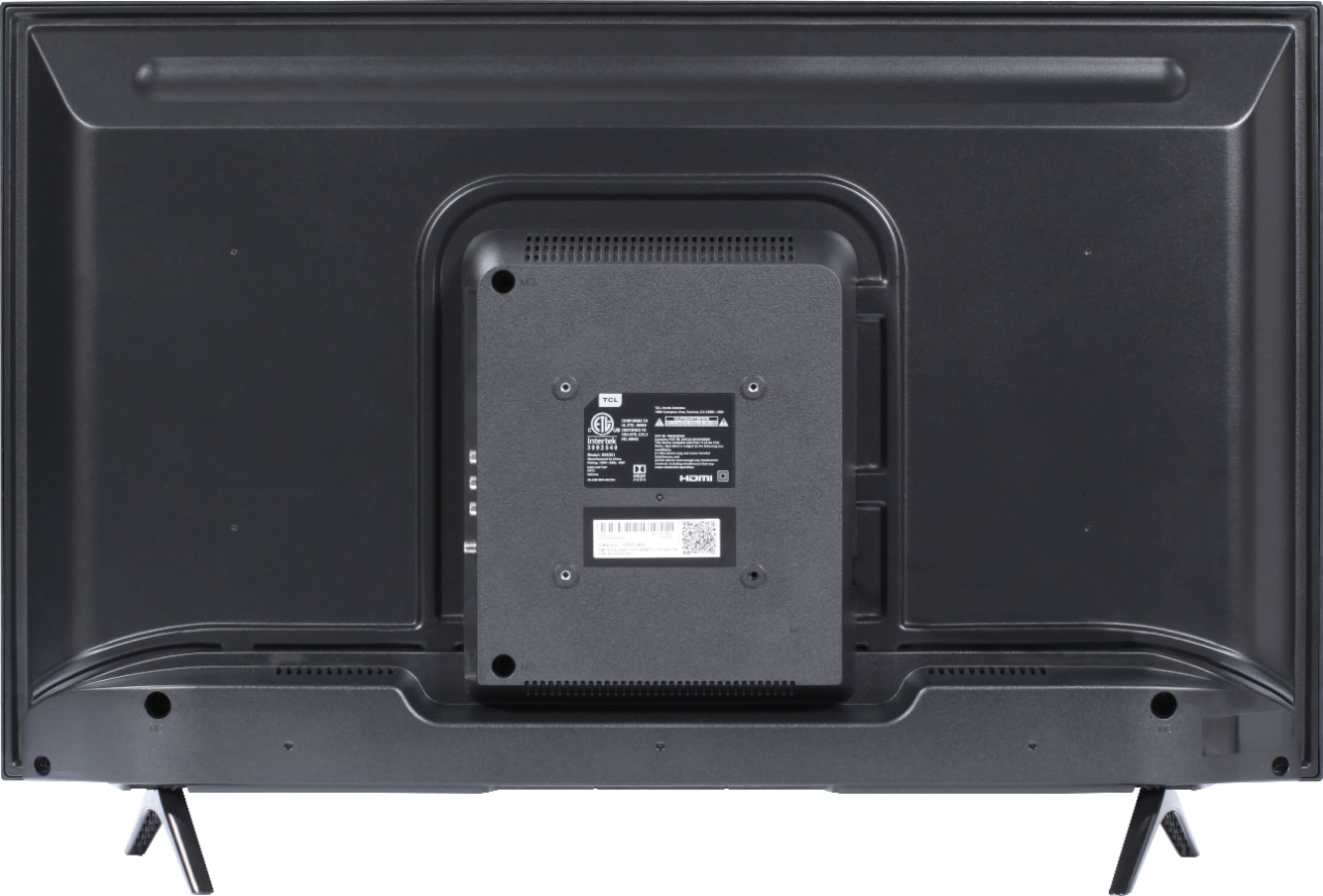
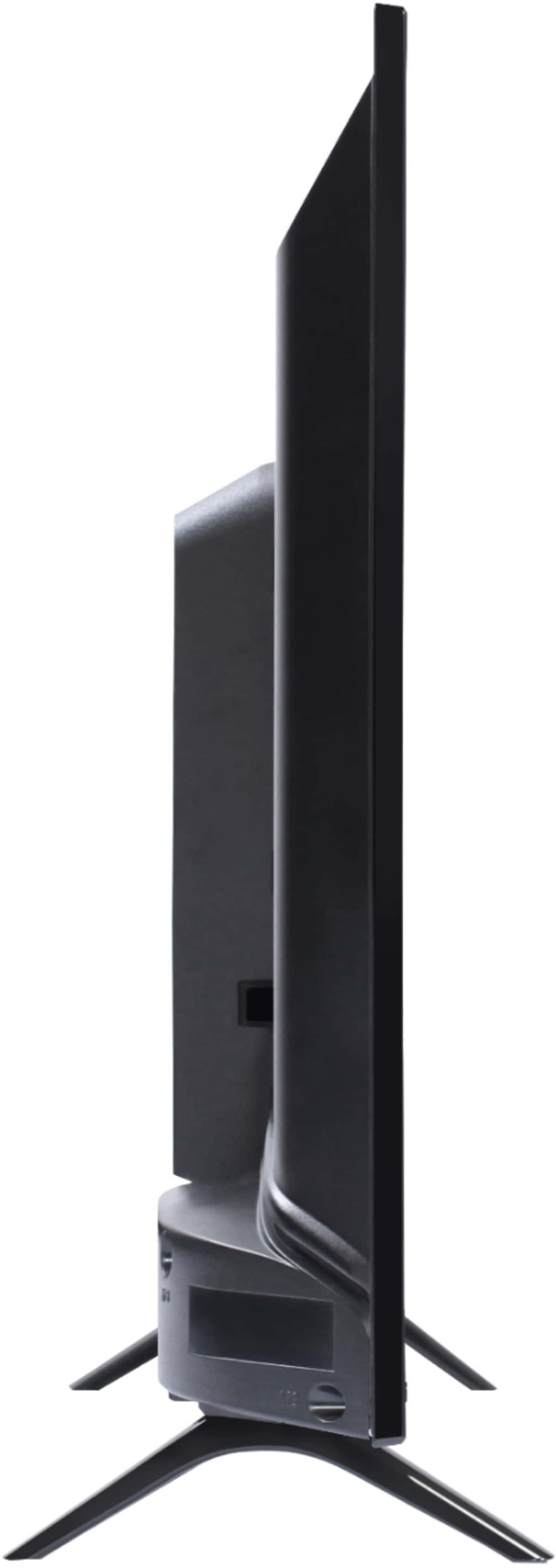
  • Questionwhat size is the TV. height, width, depth.

    Asked by Boat.

    • Answer The dimensions of this TV without the feet attached are as follows: (W x H x D) 38.2" x 22.4" x 3.0". Hope this helps! Thank you, TCL Customer Support

      Answered by TCLExpert

  • QuestionCan you download the Xfinity app on this TV?

    Asked by Rkyd.

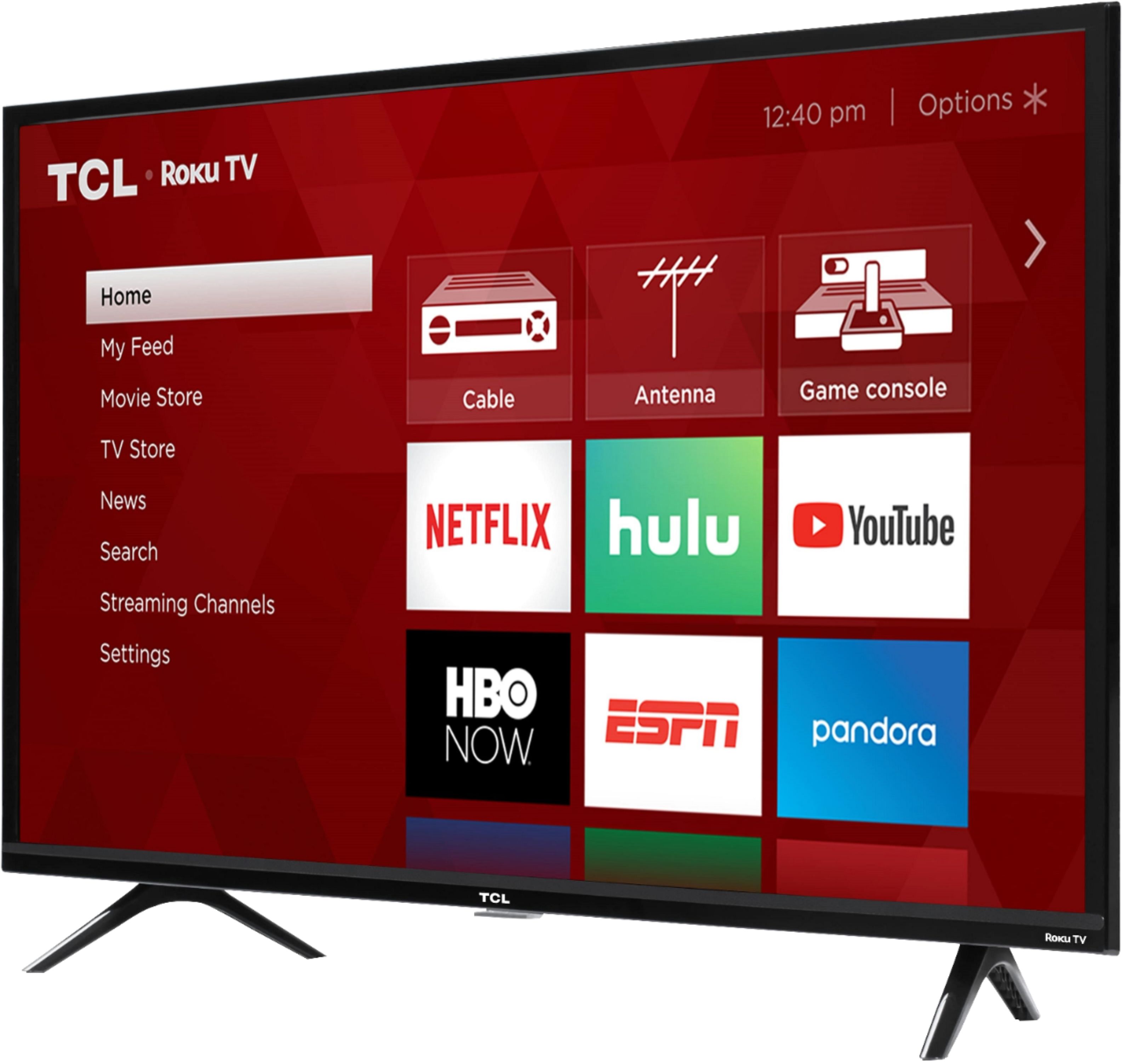
    • Answer Absolutely! The Xfinity streaming channel is one of the thousands of streaming channels offered through the Roku Channel Store. You can also visit www.roku.com/whats-on to see other streaming channels Roku offers. Hope this helps! Thank you, TCL Customer Support

      Answered by TCLExpert

  • QuestionDoes the TV that I recently just purchaced have limited warranty that comes with it?

    Asked by Bettyboop.

    • Answer All new TCL Roku TVs come with a standard one-year part and labor warranty. You can visit https://www.tclusa.com/support/warranty more specific warranty questions. Hope this helps! Thank you, TCL Customer Support

      Answered by TCLExpert

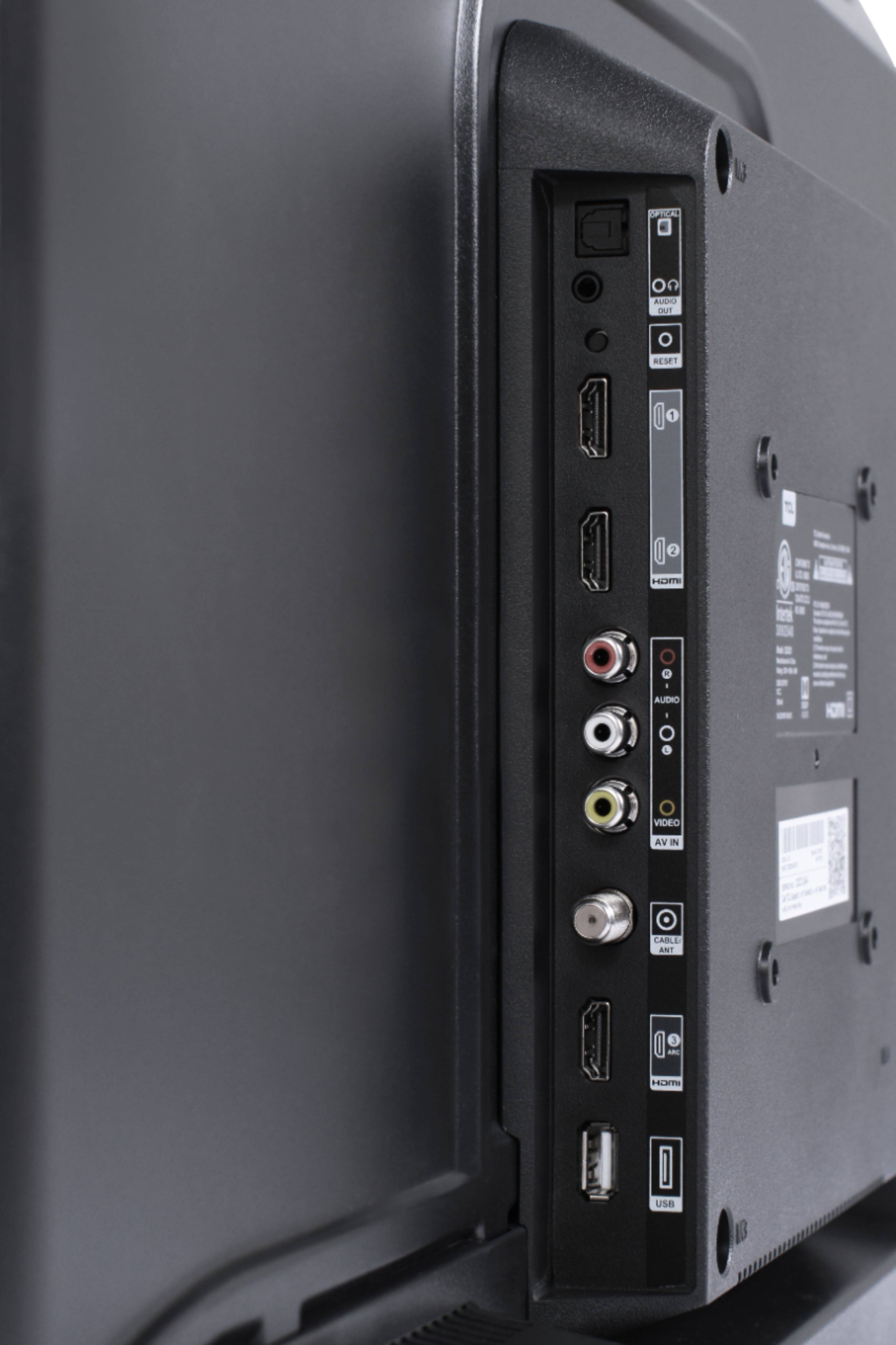
  • Questiondoes the tv have a built in usb multimedia app that can display sub-titles

    Asked by MyrtleRx.

    • Answer The built-in media player and USB port are design to use moderately sized thumb drives for playing back movies, pictures, and music. You can visit https://support.tclusa.com/283183-playing-video-or-music-from-usb-devices-using-roku-media-player for more information about the functionality and file types supported. Hope this helps! Thank you, TCL Customer Support

      Answered by TCLExpert

  • QuestionCan this tv use an ethernet connection. Thats for my internet. I want to hardwire tv to my modem.

    Asked by Cat.

    • Answer This TCL Roku TV has the ability to connect to the Internet via WiFi. This TV does not support an Ethernet connection. Hope this helps! Thank you, TCL Customer Support

      Answered by TCLExpert

  • QuestionDoes this TV have a built-in camera?

    Asked by Lynnie.

    • Answer No

      Answered by Nathan

  • QuestionCan you use a firestick on this device?

    Asked by Anonymous.

    • Answer Yes you can.

      Answered by Anthony

  • QuestionWhat is the refresh rate?

    Asked by No1NeeNee.

    • Answer The refresh rate is 120Hz.

      Answered by CommunityAnswer

  • Questionspectrum is cable provider,wi fi compatable or is cable necessary to cable outlet?

    Asked by Andre.

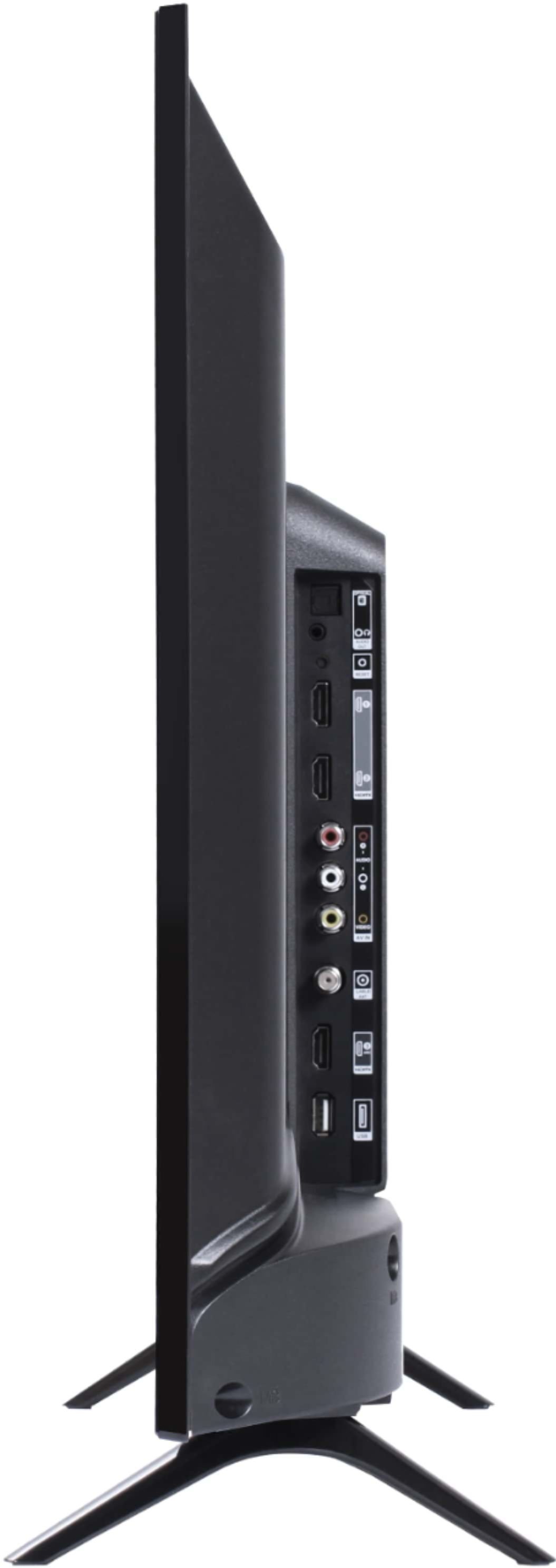
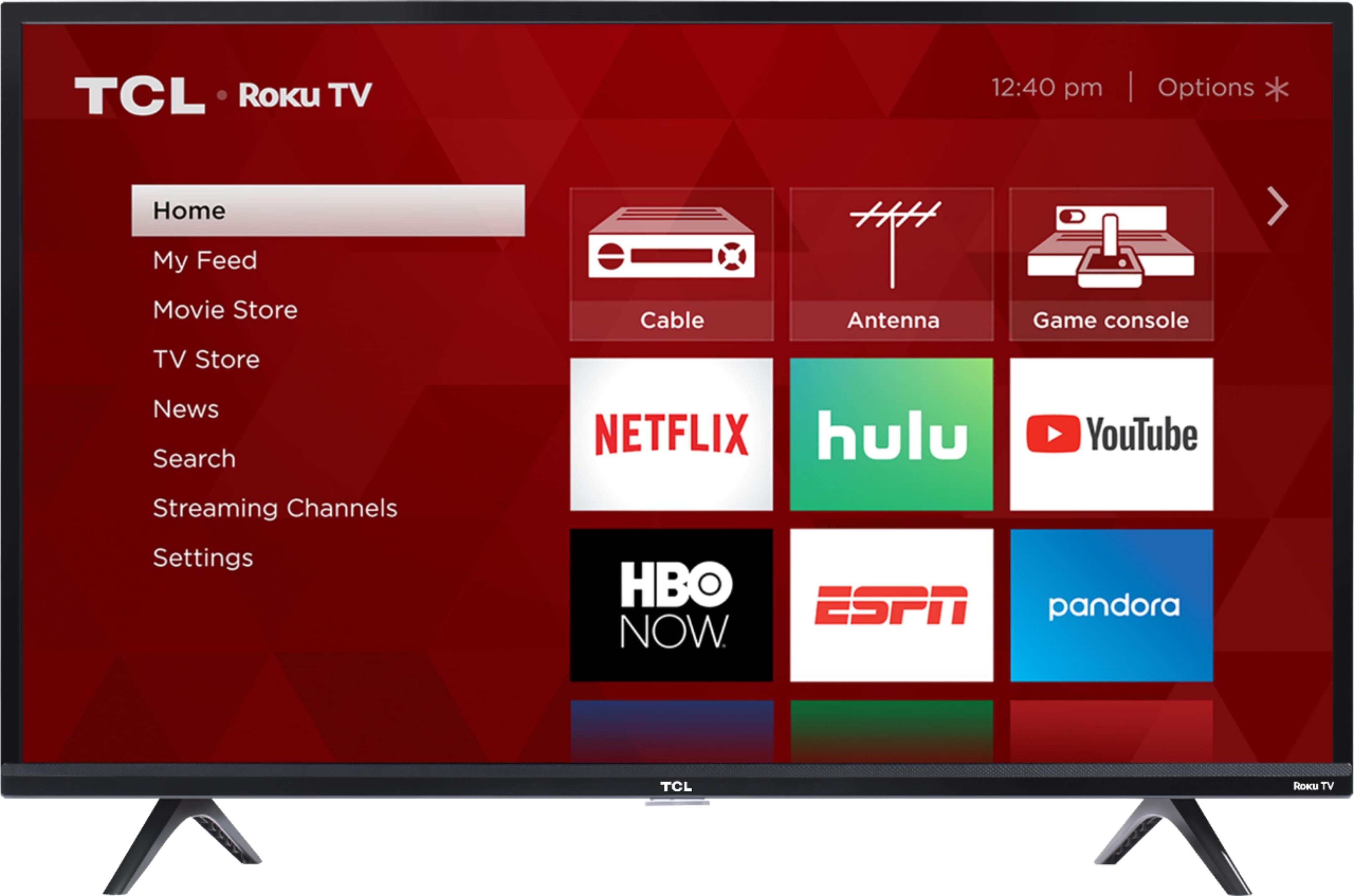
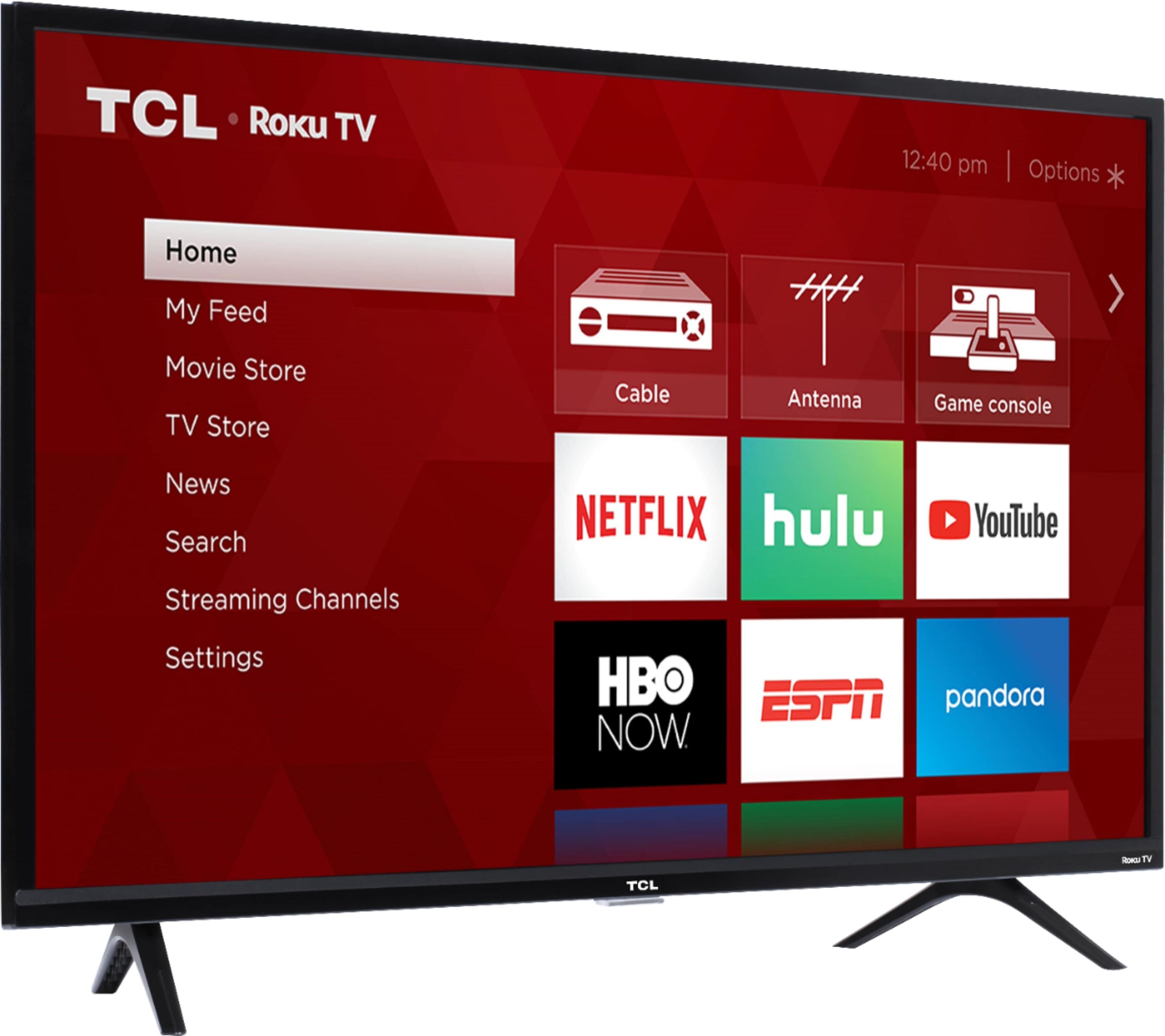
    • Answer In order to use the smart features of this TCL Roku TV, you would need to complete the guided setup. This includes connecting to the Internet via WiFi, creating a Roku account (completely free), and activating the TV (completely free). However, if you just want to use this TV as a traditional TV by connecting external devices through the various inputs and not use the smart features, you can elect to not connect this TV to the Internet at startup. You will still have access to all of the inputs and features of a traditional TV. Hope this helps! Thank you, TCL Customer Support
      Answered by TCLExpert

  • QuestionDoes this TV have built-in Bluetooth?

    Asked by Ty.

    • Answer Currently, our TVs do not support Bluetooth. If you are trying to connect a sound bar or speakers you can use the Optical port, or the HDMI ARC port. For Headphones, there is a Headphone jack on the back of the TV, or you can download the Free Roku app for private listening. Hope this helps! Thank you, TCL Customer Support

      Answered by TCLExpert

  • QuestionCan the right & left stand be adjustment

    Asked by Lisa.

    • Answer The feet have dedicated positions where they are connected to the TV. For this 43 inch TCL Roku TV, the feet spacing to fit on a stand is 32.4 inches. Hope this helps! Thank you, TCL Customer Support

      Answered by TCLExpert

  • QuestionCan the WiFi be disabled? not just “not connected” but completely disabled.

    Asked by Gwa752.

    • Answer In order to use the smart features of this TCL Roku TV, you would need to complete the guided setup. This includes connecting to the Internet via WiFi, creating a Roku account (completely free), and activating the TV (completely free). However, if you just want to use this TV as a traditional TV by connecting external devices through the various inputs and not use the smart features, you can elect to not connect this TV to the Internet at startup. You will still have access to all of the inputs and features of a traditional TV. Hope this helps! Thank you, TCL Customer Support
      Answered by TCLExpert

  • QuestionDistance between left & right stand?

    Asked by Woody.

    • Answer Woody, The distance in the feet is 33 inches. -TCL Customer Support

      Answered by TCLExpert