A:AnswerShould work in Canada
Check the model number for the price difference this is 4 series the 5 and 6 series prices and upgrades are substantially higher
A:AnswerIt is compatible but you need to use the roku app from your smart phone, from the app click on the headphones and will connect your headphones to the rv.
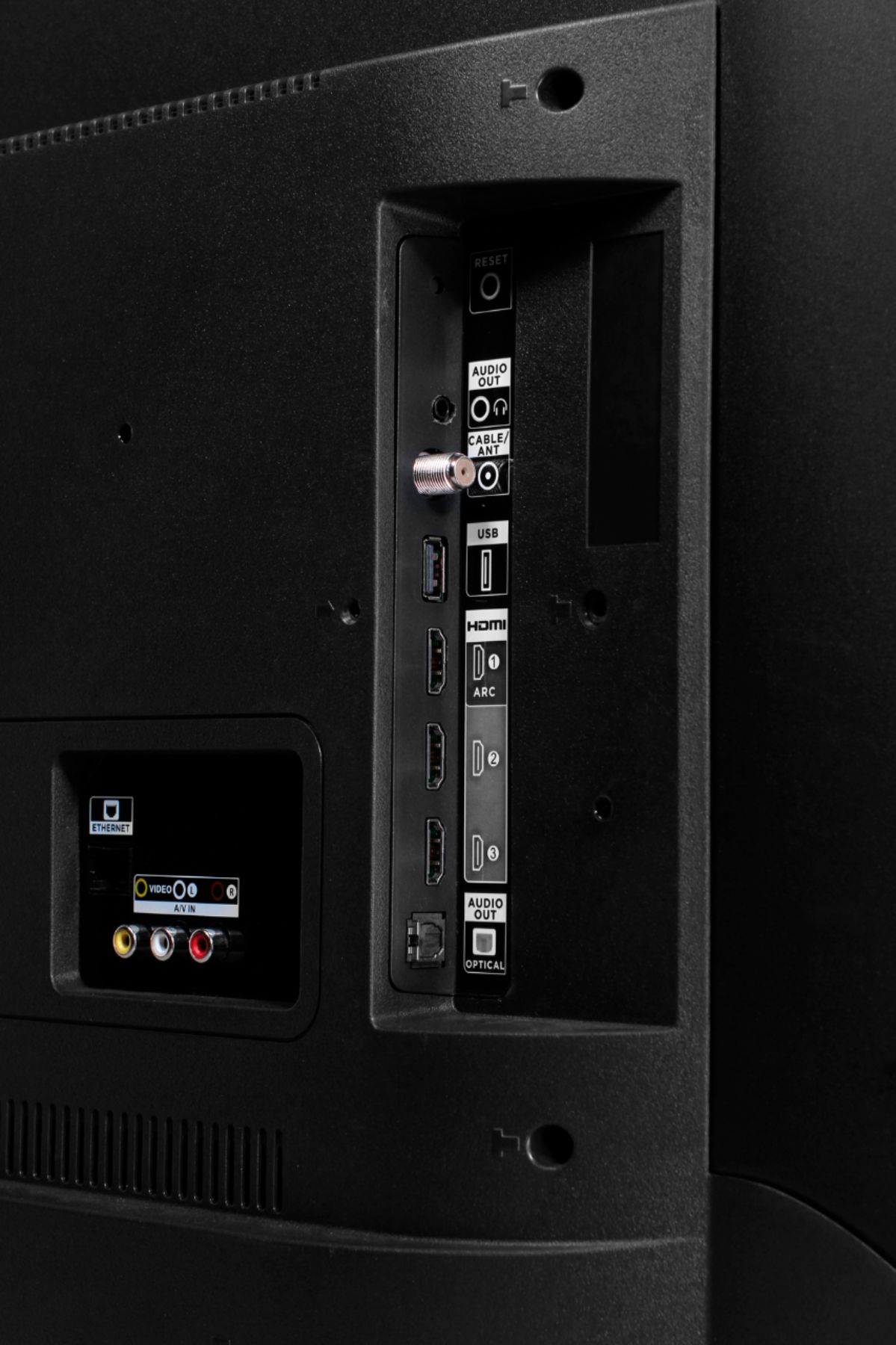
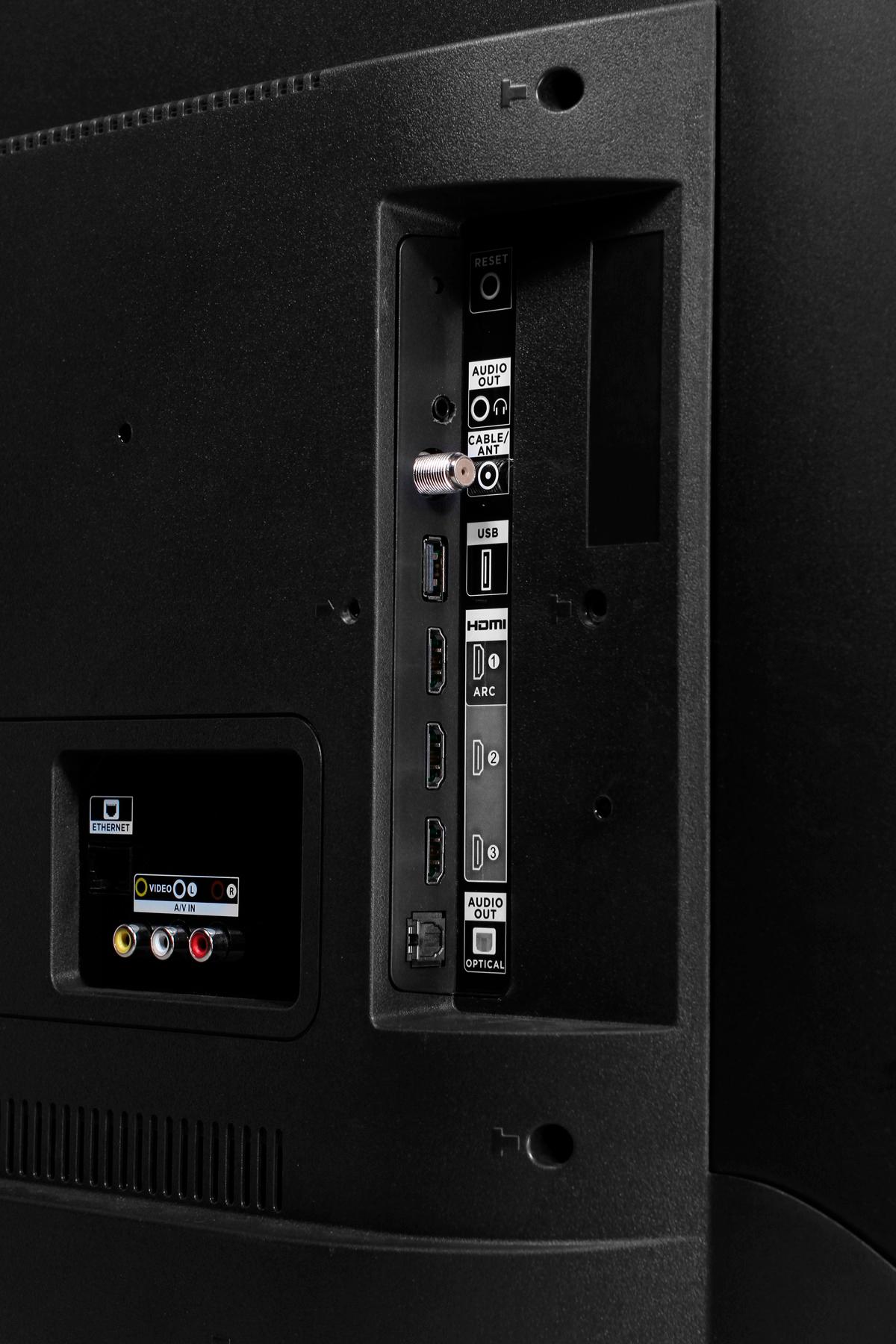
A:AnswerYes just hook it up to your hdmi on the side of your tv then go to your home button then go to the right hand side and choose where you hooked up the fire stick easy setup
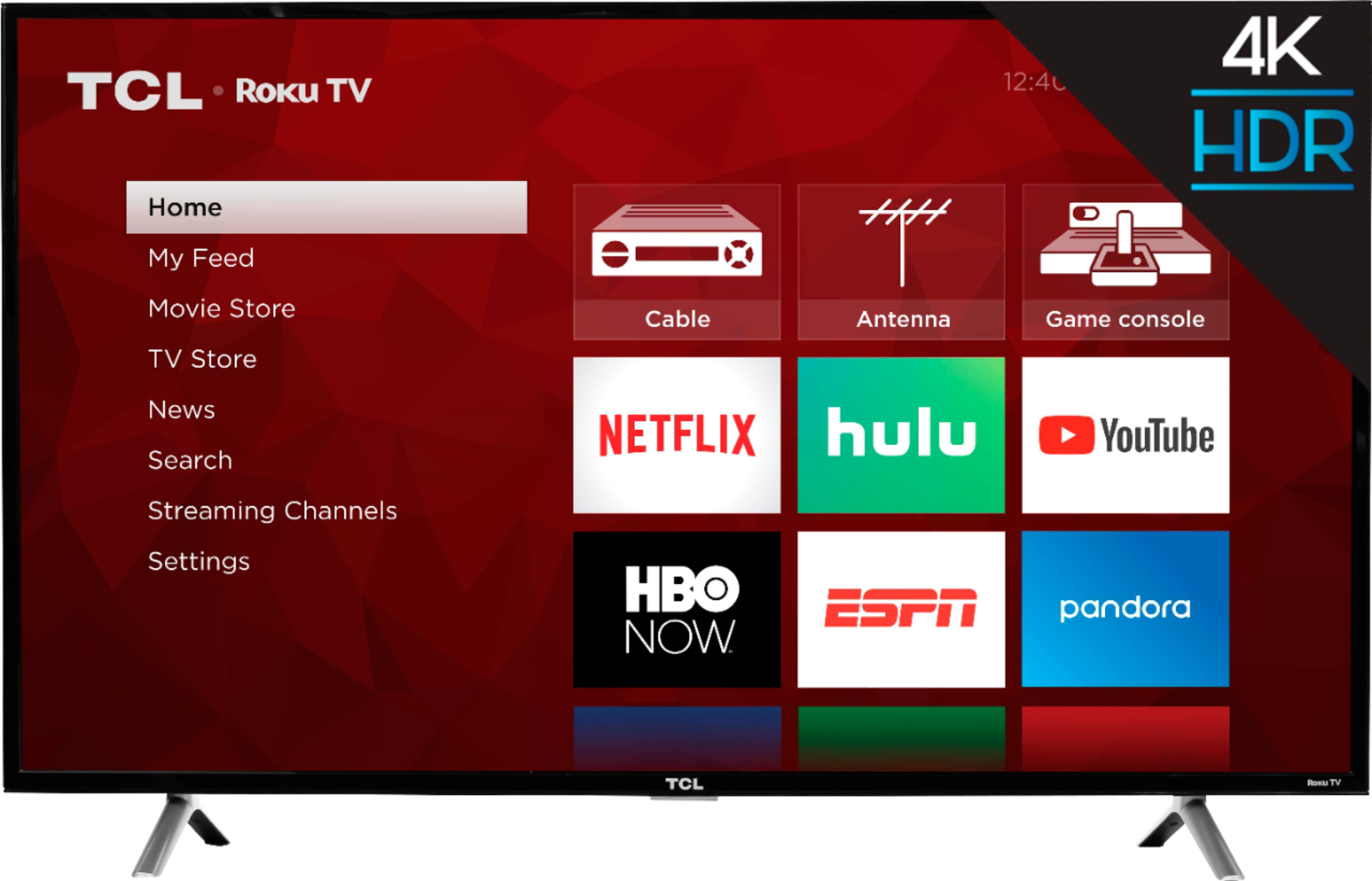
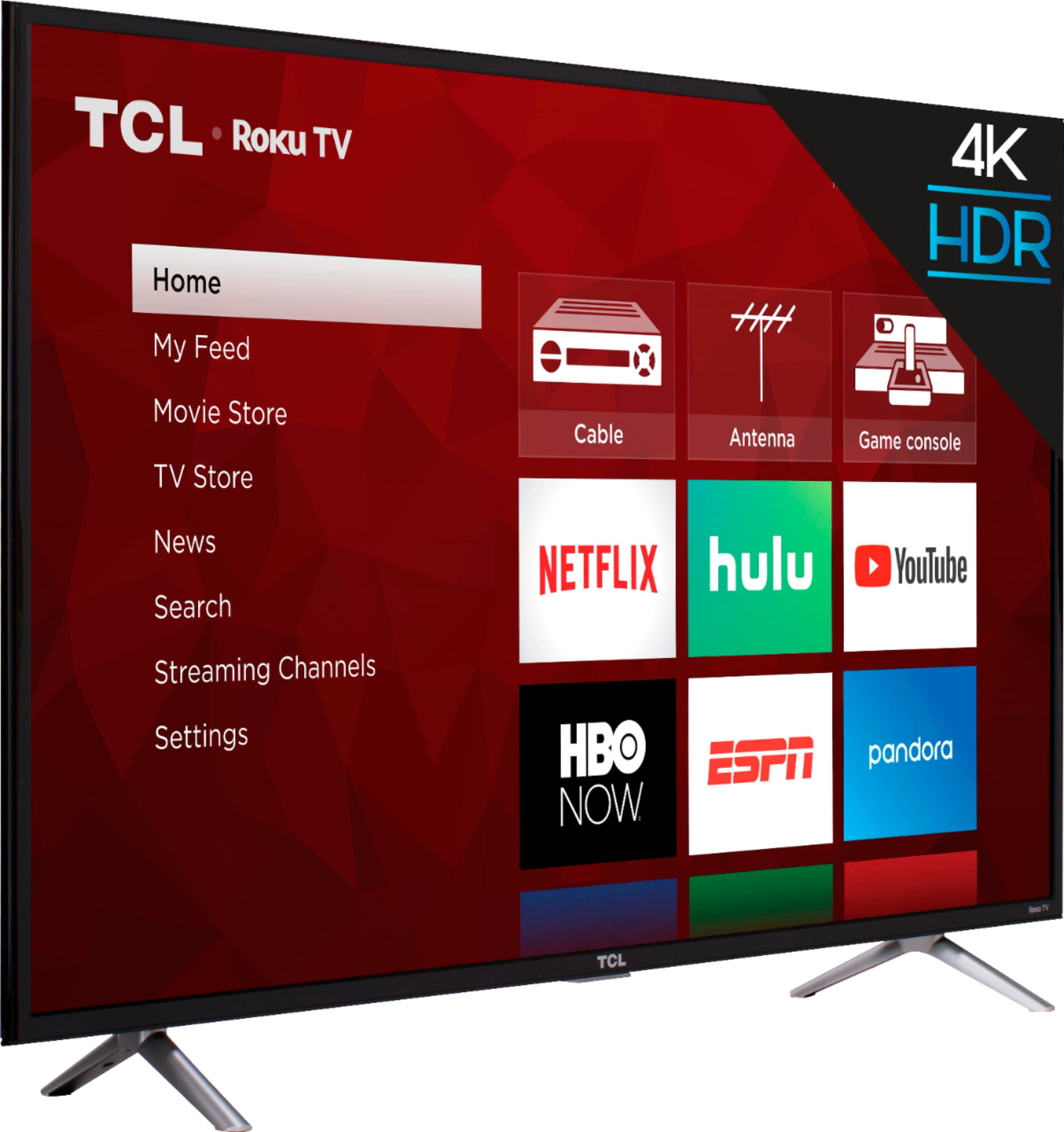
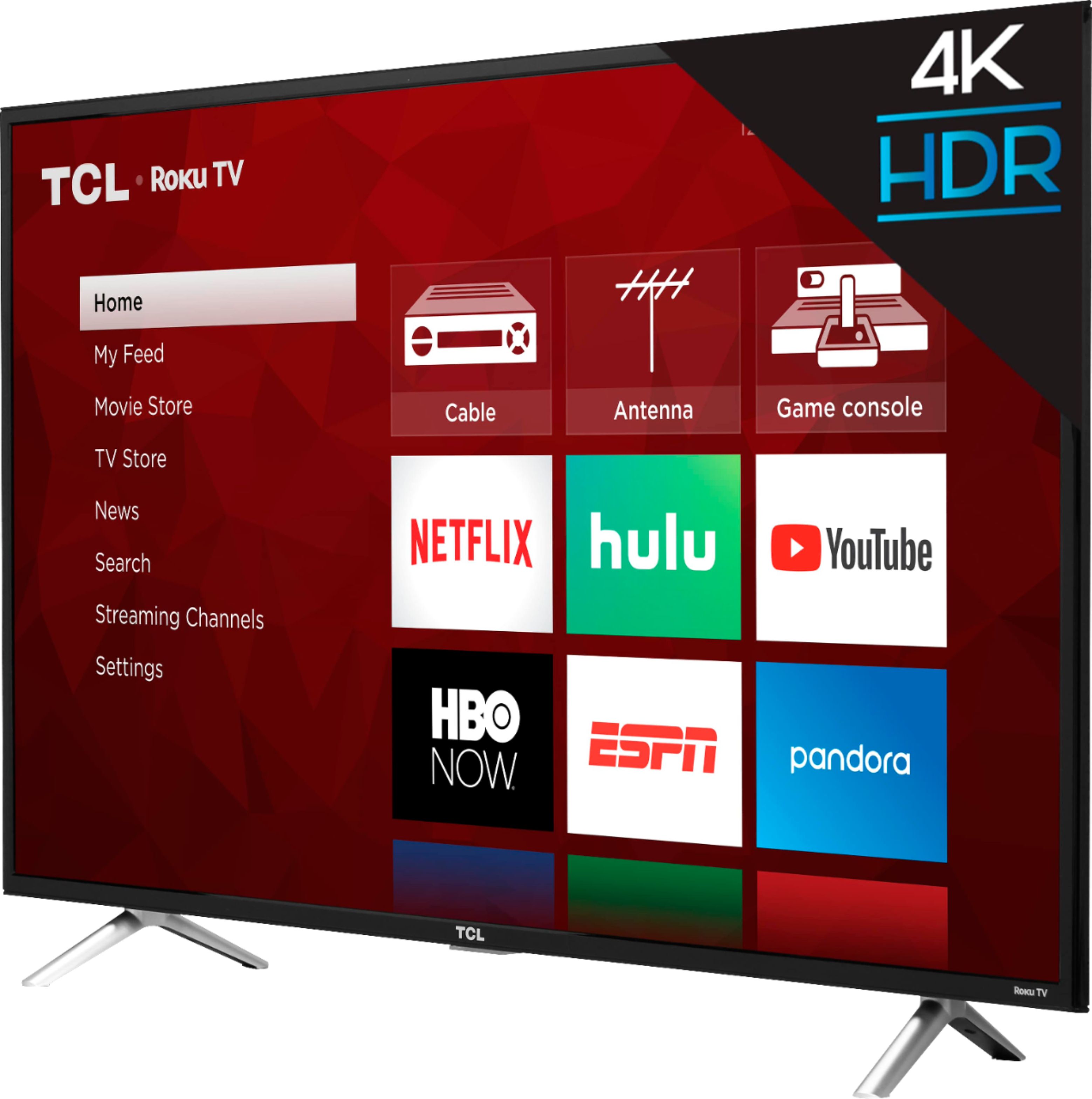
A:AnswerThis TV comes with built in Roku and just uses WiFi. It has connections on the back for hooking up gaming consoles, etc. You don't need a cable box.
A:AnswerTCL Roku TVs support screen mirroring with compatible android and Windows devices. Here is a great article with more details how: https://support.roku.com/en-ca/article/208754928-how-to-use-screen-mirroring-with-your-android-or-windows-device. Hope this helps! Thank you, TCL Customer Support