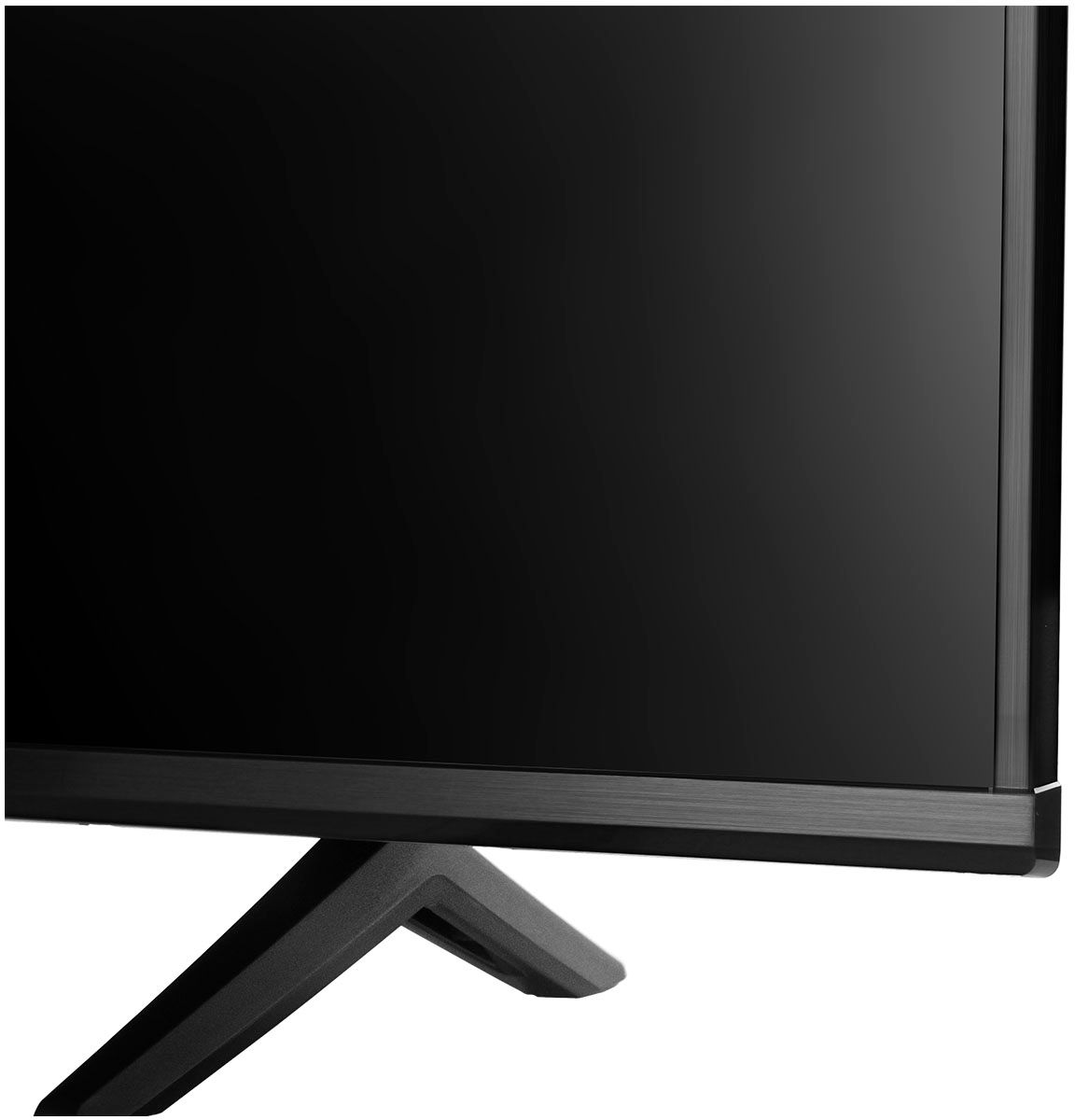
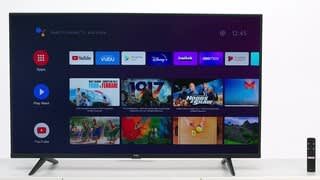
A:AnswerThe YouTube TV streaming app is indeed one of the many available streaming apps on this TCL Android TV. Hope this helps! Thank you, TCL Customer Support
A:AnswerThe Philo streaming app is indeed one of the many available streaming apps on this TCL Android TV. Hope this helps! Thank you, TCL Customer Support
A:AnswerThe Hulu streaming app is indeed one of the many available streaming apps on this TCL Android TV. Hope this helps! Thank you, TCL Customer Support
A:AnswerThe YuppTV and Hotstar streaming apps are indeed some of the many available streaming apps on this TCL Android TV. Hope this helps! Thank you, TCL Customer Support
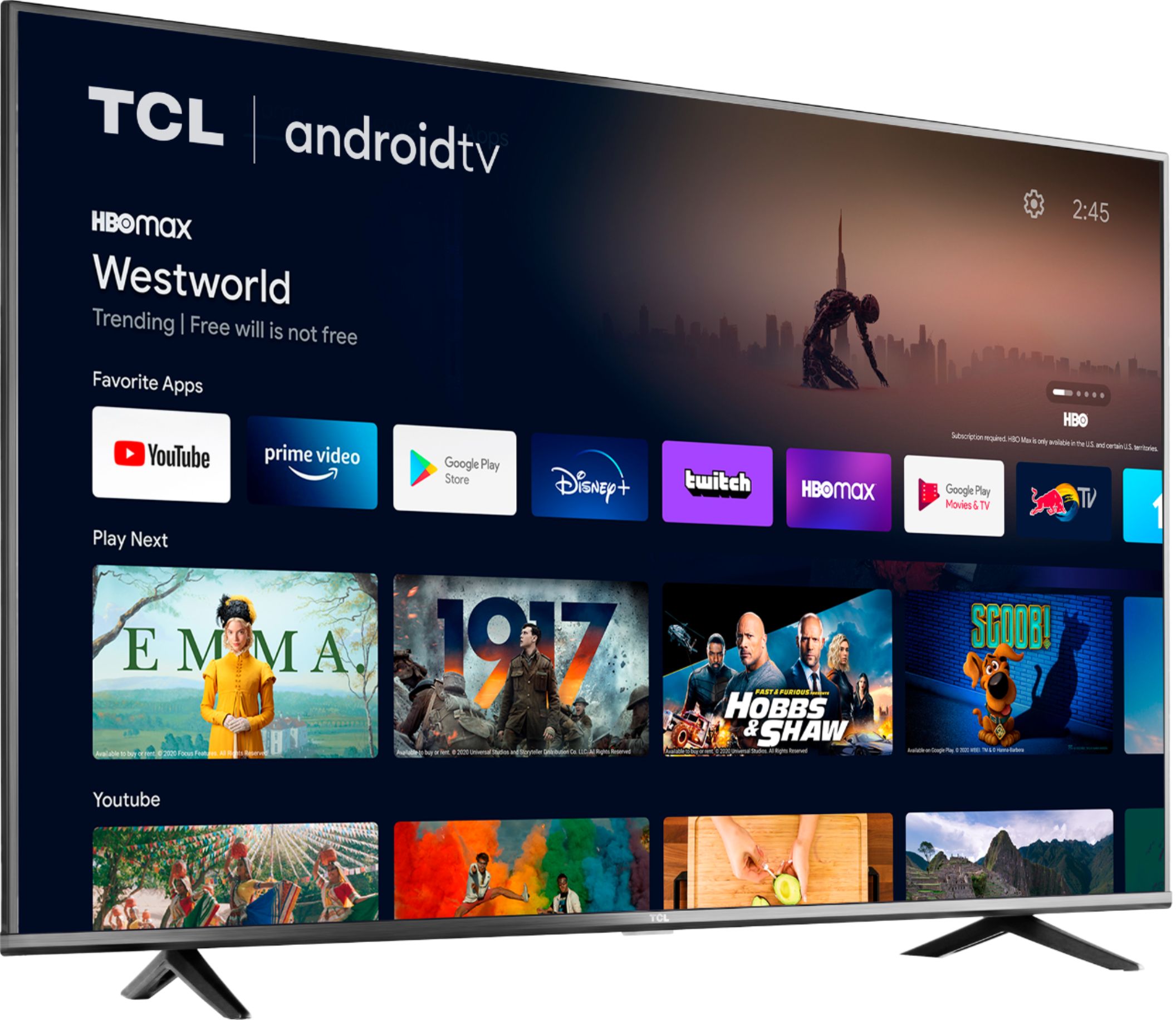
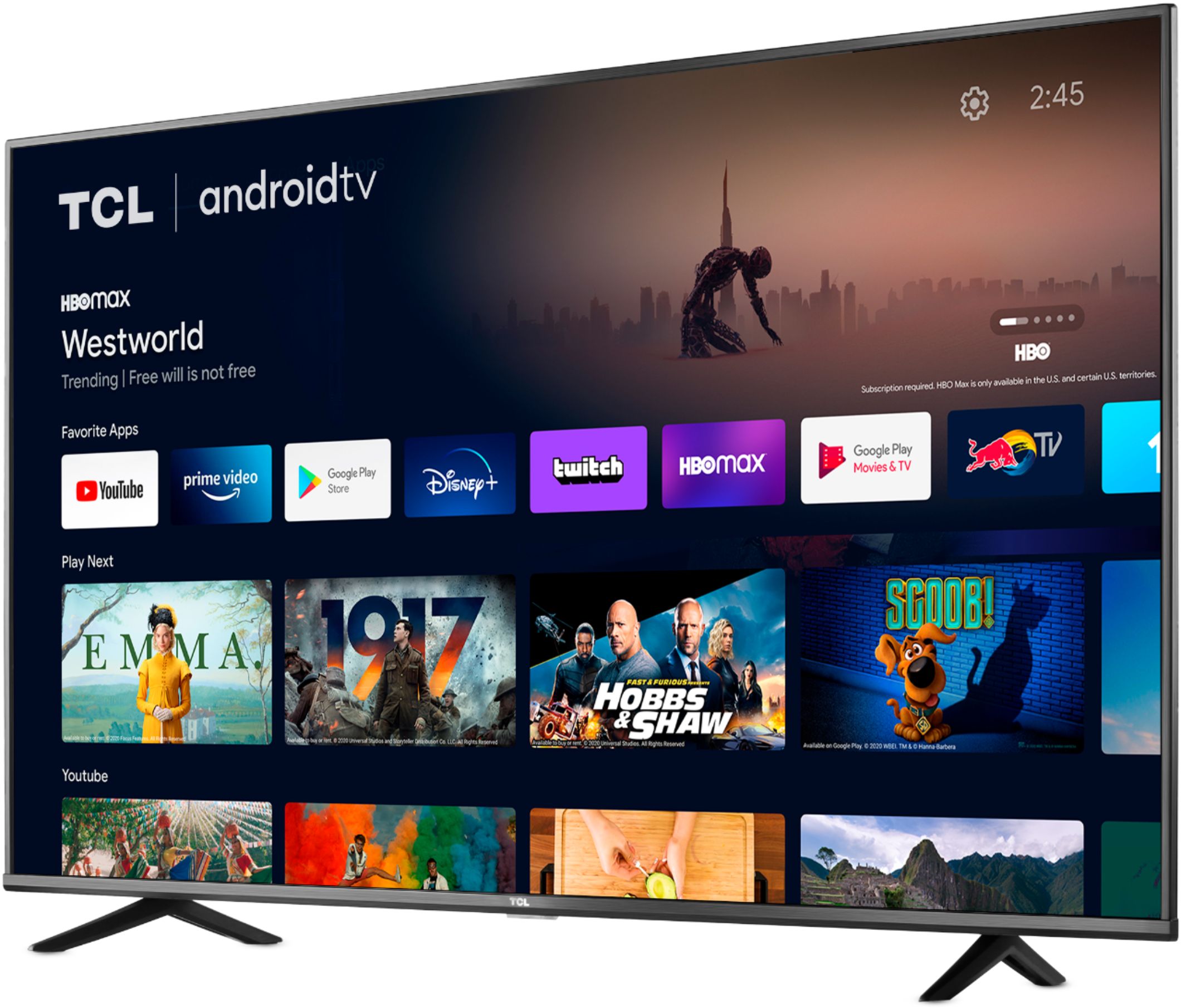
A:AnswerThese streaming apps are indeed some of the many available streaming apps on this TCL Android TV. Hope this helps! Thank you, TCL Customer Support
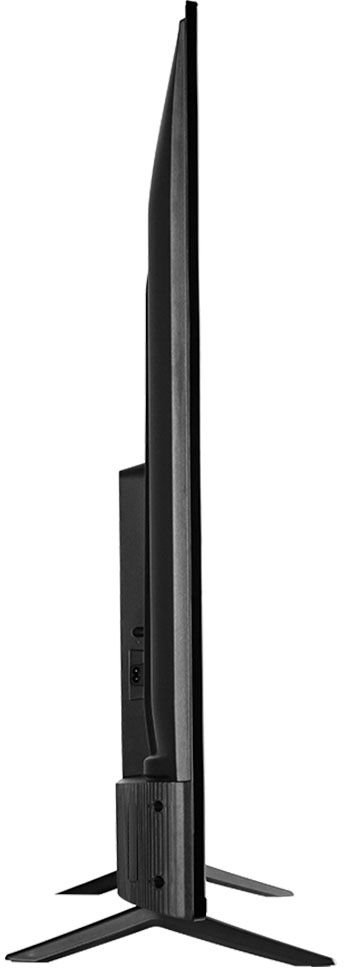
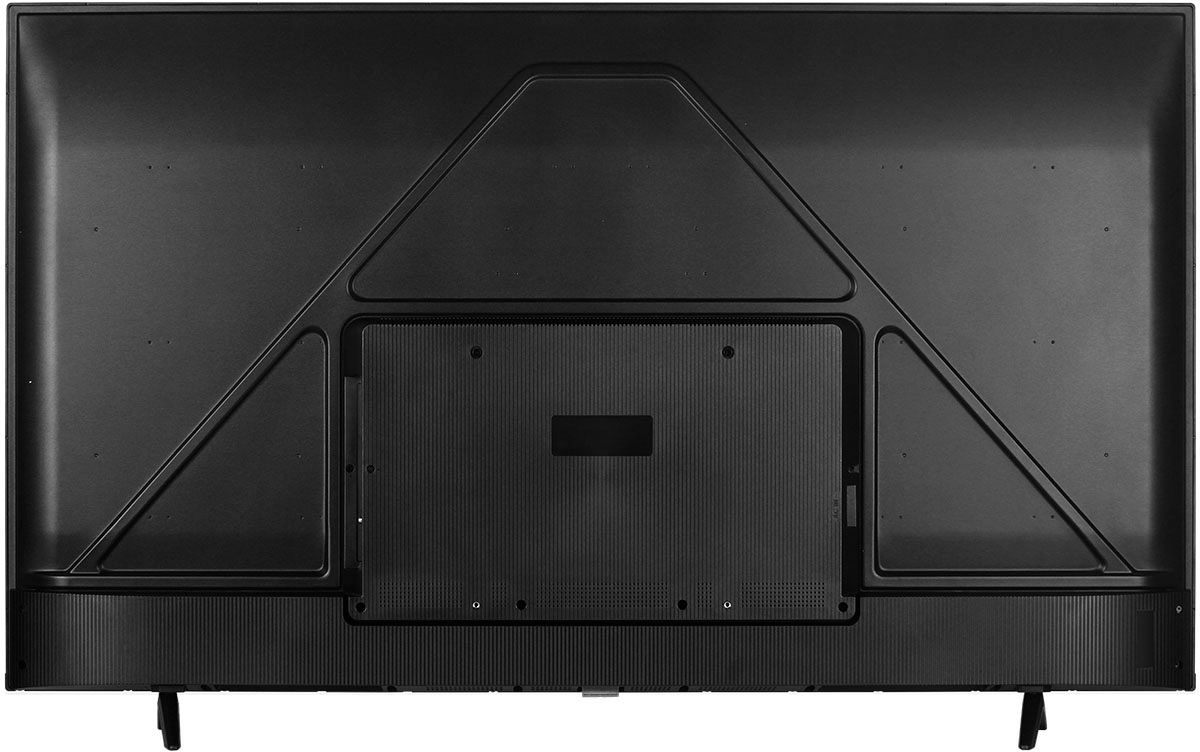
A:AnswerThere are a total of 4 mounting holes. 2 of them have screws in them, and should be removed. We recommend using the appropriate M6 screws that come in the mounting bracket screw kit. This TCL TV uses a 200mm x 300mm VESA mounting pattern. Hope this helps! Thank you, TCL Customer Support
A:AnswerThis TCL Android TV does not support HDMI 2.1. For advanced gaming features including the world's first THX Certified Game Mode, take a look at our Award Winning 6 Series! Hope this helps! Thank you, TCL Customer Support
A:AnswerThis TCL Android TV features an Android operating system. The Xfinity app is not currently an available streaming app on this TCL Android TV. Hope this helps! Thank you, TCL Customer Support
A:AnswerWhile we can not recommend a specific web browser, there are various web browsers that can be downloaded through the Play Store. Hope this helps! Thank you, TCL Customer Support
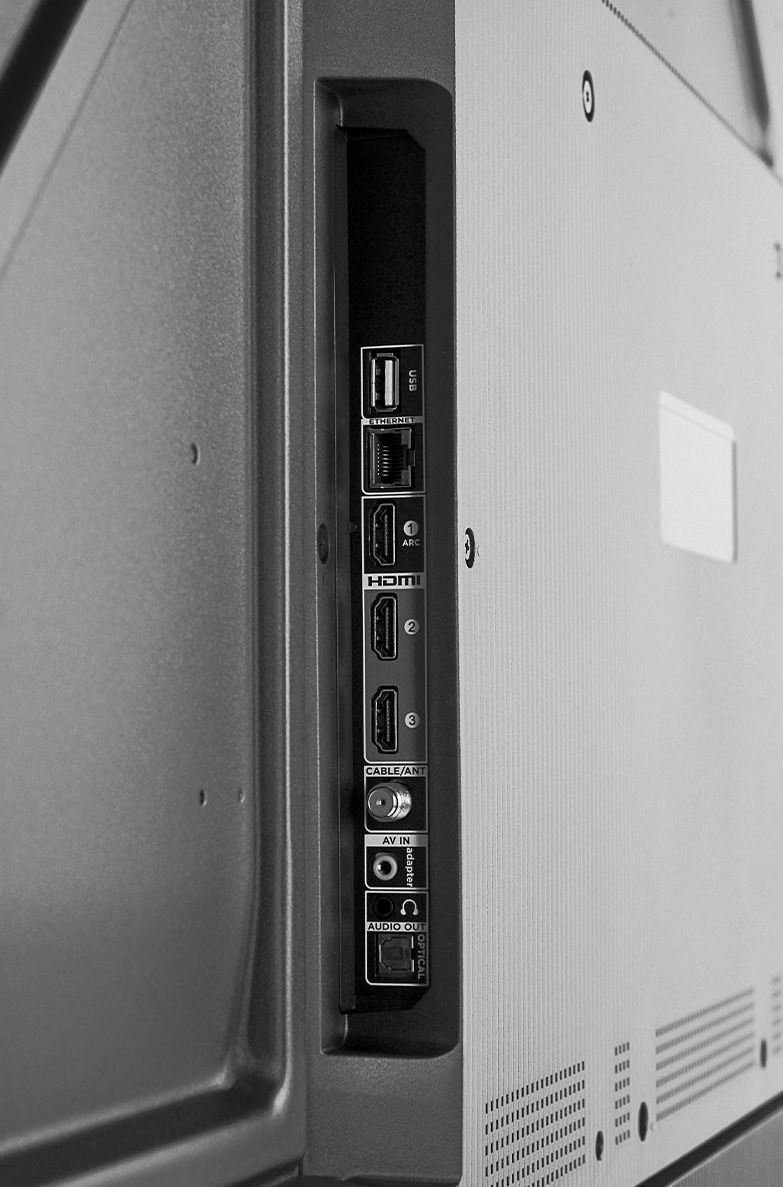
A:AnswerAlthough this TCL Android TV is designed with the primary role of television in mind, it does come with 3 HDMI ports. Any of these ports can be used to connect the TV to external devices, such as a PC. Hope this helps! Thank you, TCL Customer Support
A:AnswerTo access the sleep timer you would press the remote menu button from any input or from the home screen navigate to: Settings -> Screensaver -> Put TV to Sleep. Then select your time option. Hope this helps! Thank you, TCL Customer Support
A:AnswerThis is a TCL Android TV and features an Android Operating System. TCL has proven to deliver what consumers seek out in their quest for premium entertainment – high quality, simplicity and content at a great value - with strategic partners like Roku and now Google. As such, all of the models in both lineups offer distinct features for those looking for the best TV to not only complement their entertainment systems but also their smart home setups. Each platform has its particular strengths and we are confident that each will find fans. This TV features the following inputs: 3 HDMI, Coaxial, Composite, Optical, USB, Ethernet, and 3.5mm headphone jack. Hope this helps! Thank you, TCL Customer Support
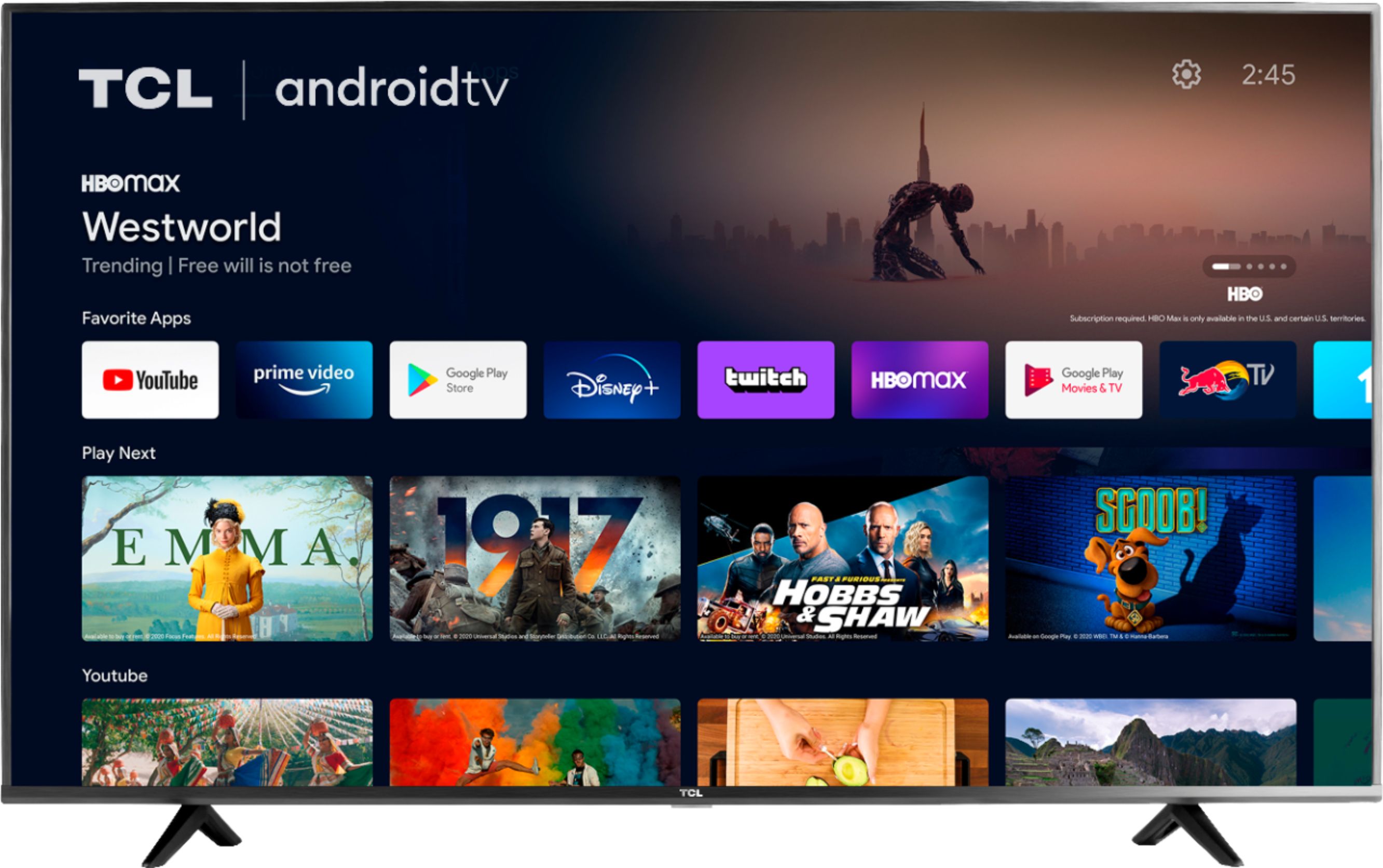
A:AnswerThe SpectrumTV app is not currently an available streaming app on this TCL Android TV. We not not have any addition information concerning the release of new channels. Hope this helps! Thank you, TCL Customer Support