A:AnswerWhile we can not recommend a specific web browser, there are various web browsers that can be downloaded through the Play Store. Hope this helps! Thank you, TCL Customer Support
A:AnswerIf you are wanting to use the smart features and streaming services, you would need to connect to the Internet. However, the TV does not require cable or a cable subscription to you your other paid for streaming channels. Hope this helps! Thank you, TCL Customer Support
A:AnswerThis should work as it is connected via HDMI only to the TV. You should use the recommend power pack for the Portal TV. You would also need this to use "Facebook Portal" with the TV. Hope this helps! Thank you, TCL Customer Support
A:AnswerIf you connect a USB Drive to your TV you can access Live TV Pause. You can visit https://support.tcl.com/androidtv-setup-configuration/setting-up-live-tv-pause-on-your-tcl-android-tv for more information about this. Hope this helps! Thank you, TCL Customer Support
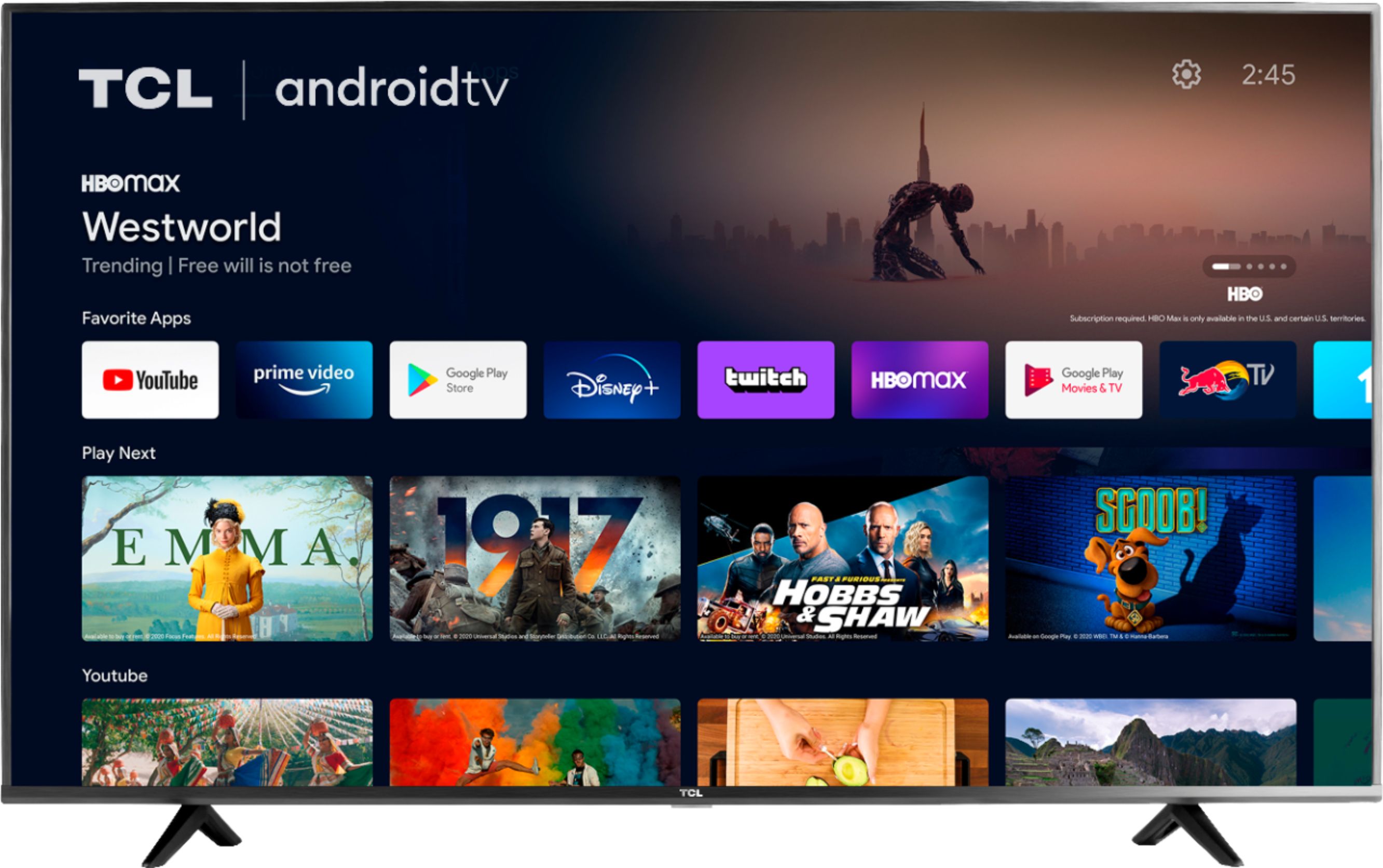
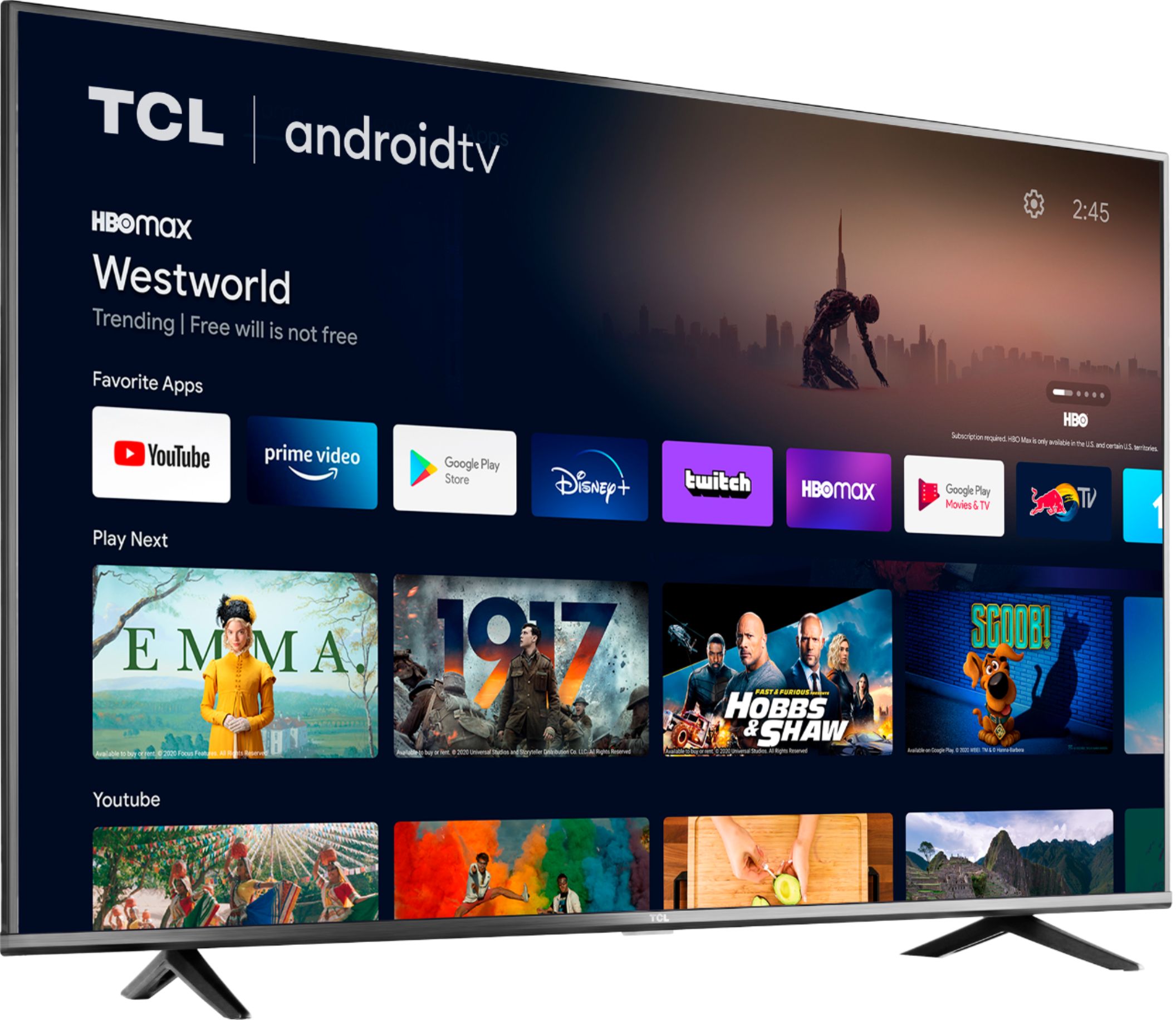
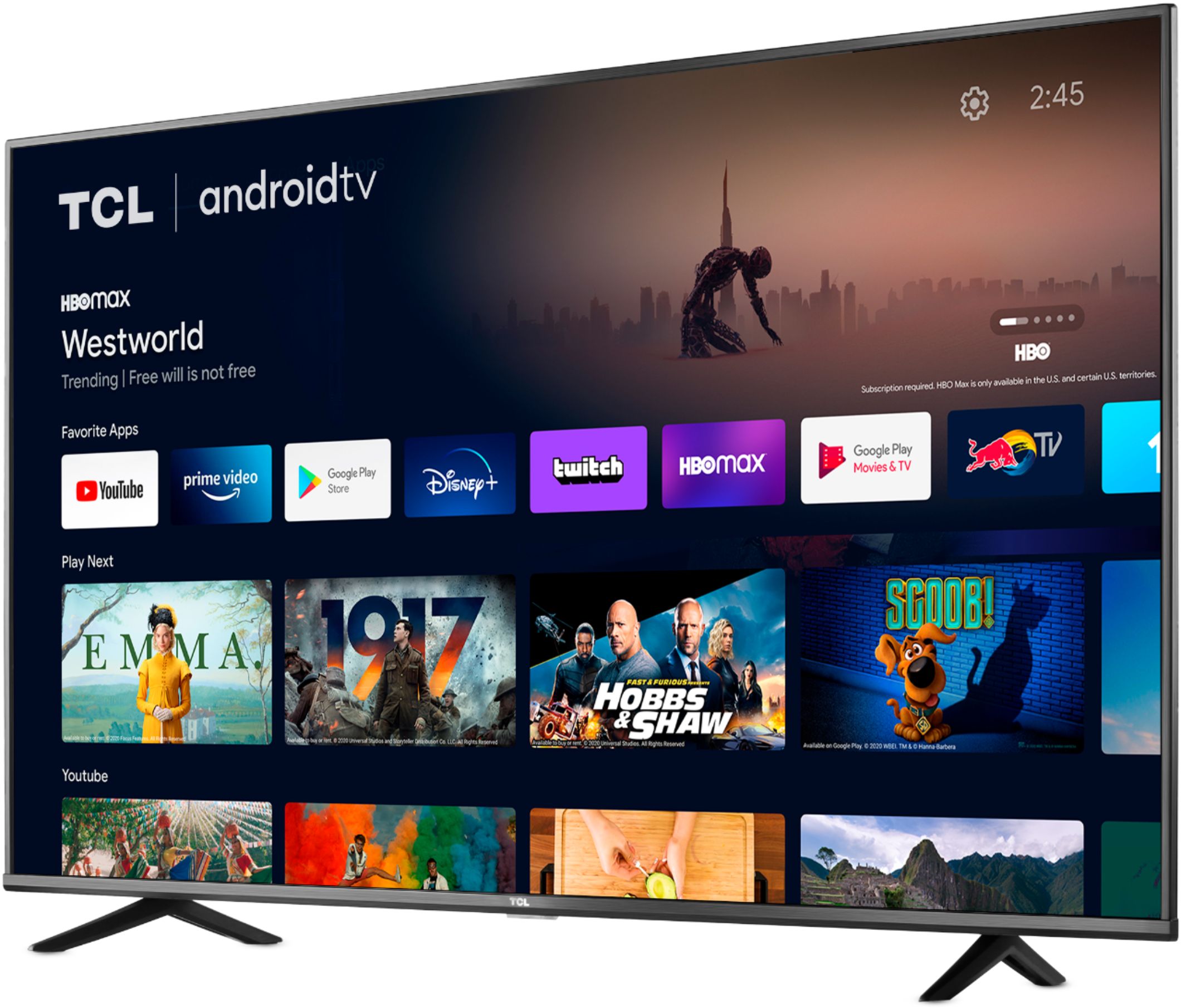
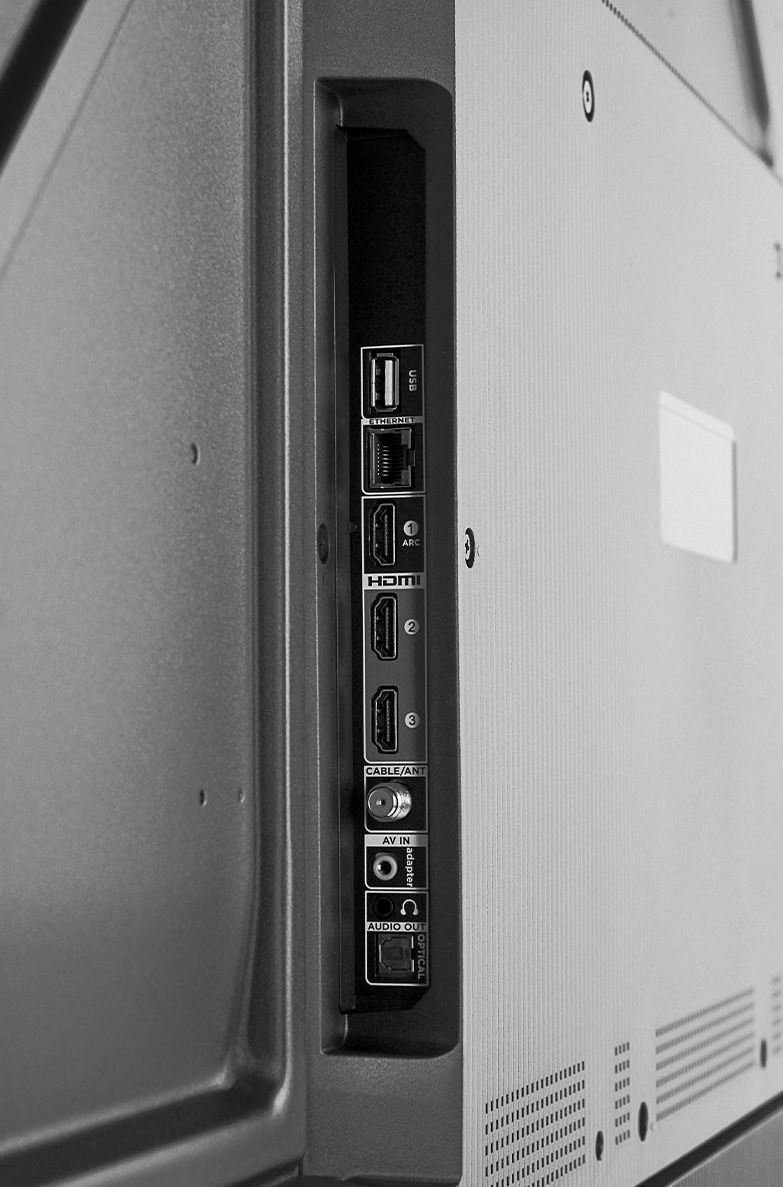
A:AnswerThis TCL Android TV features various inputs that can be used to connect external devices. However, for advanced gaming features including the world's first THX Certified Game Mode, take a look at our Award Winning 6 Series! Hope this helps! Thank you, TCL Customer Support
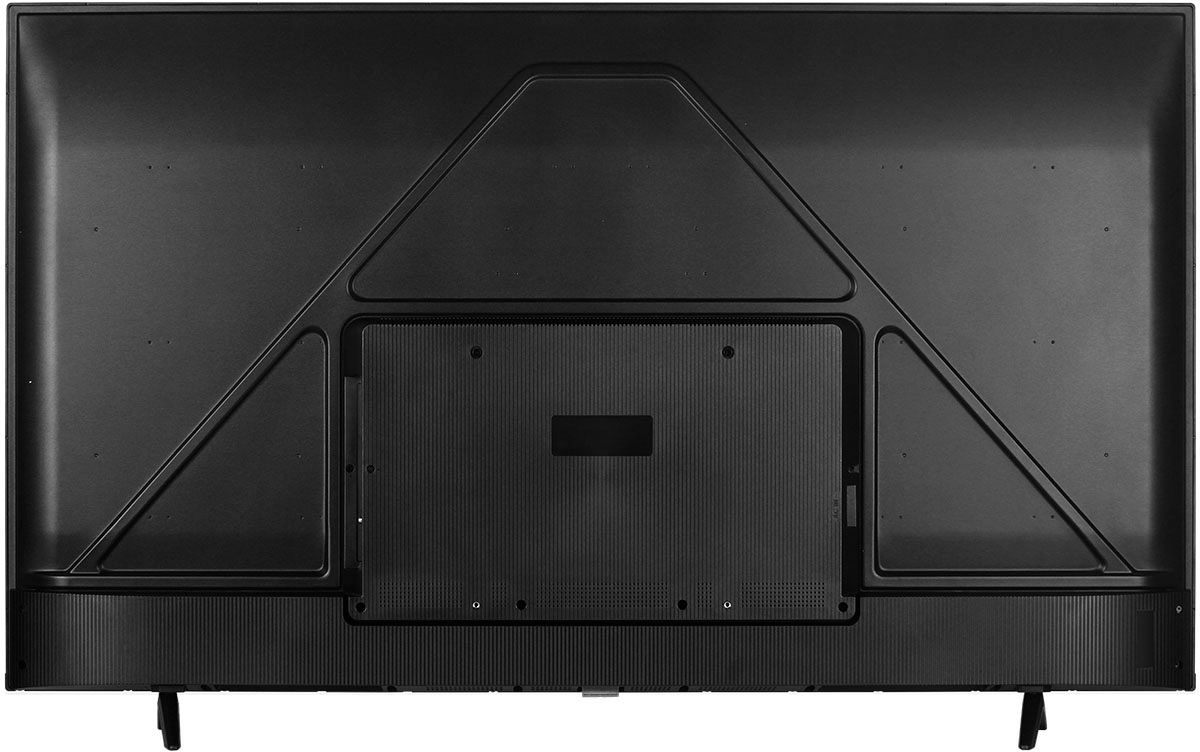
A:AnswerFor this 50 inch TCL Android TV, the feet spacing to fit on a stand is 37.3 inches wide and 11.8 inches deep. Hope this helps! Thank you, TCL Customer Support
A:AnswerFor more information on the condition of a specific TV and installation services, you would want to contact Best Buy customer support or visit your local Best Buy as they would be best equipped to assist you. Hope this helps! Thank you, TCL Customer Support
A:AnswerThe majority of our customers report a good experience with brightness on this TV. There are also various settings that can be adjusted to better fit your personal preference. Hope this helps! Thank you, TCL Customer Support
A:AnswerTCL has proven to deliver what consumers seek out in their quest for premium entertainment – high quality, simplicity and content at a great value - with strategic partners like Roku and now Google. As such, all of the models in both lineups offer distinct features for those looking for the best TV to not only complement their entertainment systems but also their smart home setups. Each platform has its particular strengths and we are confident that each will find fans. Hope this helps! Thank you, TCL Customer Support
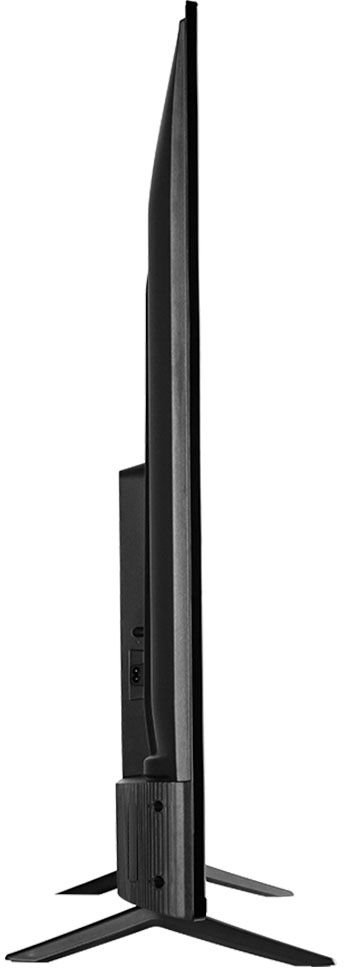
A:AnswerThis TCL Android TV is compatible with most wall mounts that support a 200mm x 300mm VESA mounting pattern. Hope this helps! Thank you, TCL Customer Support
A:AnswerThis TCL Android TV is designed and engineered to be within the US. As such, it supports 120V. Hope this helps! Thank you, TCL Customer Support
A:AnswerThe YouTubeTV streaming app is indeed one of the many available streaming apps on this TCL Android TV. Hope this helps! Thank you, TCL Customer Support
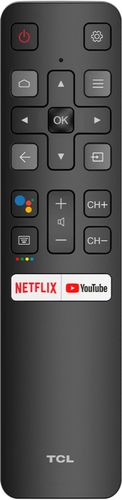
A:AnswerThere is not a physical button for it, but there is an option in the settings. To access the sleep timer you would press the remote menu button from any input or from the home screen navigate to: Settings -> Screensaver -> Put TV to Sleep. Then select your time option. Hope this helps! Thank you, TCL Customer Support
A:AnswerThis TCL Android TV has the following inputs: 3 HDMI ports, 1 Coaxial, 1 Composite, 1 Ethernet, 1 USB, 1 headphone jack, and 1 Optical port. Hope this helps! Thank you, TCL Customer Support
A:AnswerYou can either, plug in the USB drive and select "ok" when prompted to play content from a USB device or you press the input button on the ATV remote and select the Media player input. You then select the content you want to play (for ease, number the pictures in order you want them to play in). Press the menu button and select repeat all for sequence mode. Once all the timing has been selected and music (if applicable) press the back button on the ATV remote and navigate on the digital keypad to the slide show play button. Select "ok" on the ATV remote (if you selected music to play you need to navigate to the music play button and press "ok" on the ATV remote for that to play as well). Hope this helps! Thank you, TCL Customer Support