A:AnswerIn order for us to better assist, please reach out to us at [email protected] with your contact information and a description of what you need help with. Thank you, TCL Customer Support
A:AnswerAll TCL TVs are assembled at one of several factories that are located globally. We are proud of the fact that we are one of only three TV manufacturers globally who is what’s called “vertically integrated”, meaning everything inside a TCL TV is TCL components! Thank you, TCL Customer Support
A:AnswerWhile we can not recommend a specific web browser, there are various web browsers that can be downloaded through the Play Store. Hope this helps! Thank you, TCL Customer Support
A:AnswerThe SermonAudio for TV streaming app is indeed one of the many available streaming apps on this TCL Android TV. Hope this helps! Thank you, TCL Customer Support
A:AnswerOur TCL Android TVs come with Chromecast built-in. Casting to your TV is a simple way to enjoy photos, videos, music, and other content on the big screen. You can watch entertainment from a laptop, tablet, or mobile device. Hope this helps! Thank you, TCL Customer Support
A:AnswerIn order for us to better assist, please reach out to us at [email protected] with your contact information and a description of what you need help with. Thank you, TCL Customer Support
A:AnswerTCL has proven to deliver what consumers seek out in their quest for premium entertainment – high quality, simplicity and content at a great value - with strategic partners like Roku and now Google. As such, all of the models in both lineups offer distinct features for those looking for the best TV to not only complement their entertainment systems but also their smart home setups. Each platform has its particular strengths and we are confident that each will find fans. Hope this helps! Thank you, TCL Customer Support
A:AnswerThe YouTube TV streaming app is indeed one of the many available streaming apps on this TCL Android TV. In order for us to better assist, please reach out to us at [email protected] with your contact information and a description of what you need help with. Thank you, TCL Customer Support
A:AnswerTCL has proven to deliver what consumers seek out in their quest for premium entertainment – high quality, simplicity and content at a great value - with strategic partners like Roku and now Google. As such, all of the models in both lineups offer distinct features for those looking for the best TV to not only complement their entertainment systems but also their smart home setups. Each platform has its particular strengths and we are confident that each will find fans. Hope this helps! Thank you, TCL Customer Support
A:AnswerOur TCL Android TVs come with Chromecast built-in. Casting to your TV is a simple way to enjoy photos, videos, music, and other content on the big screen. You can watch entertainment from a laptop, tablet, or mobile device. Hope this helps! Thank you, TCL Customer Support
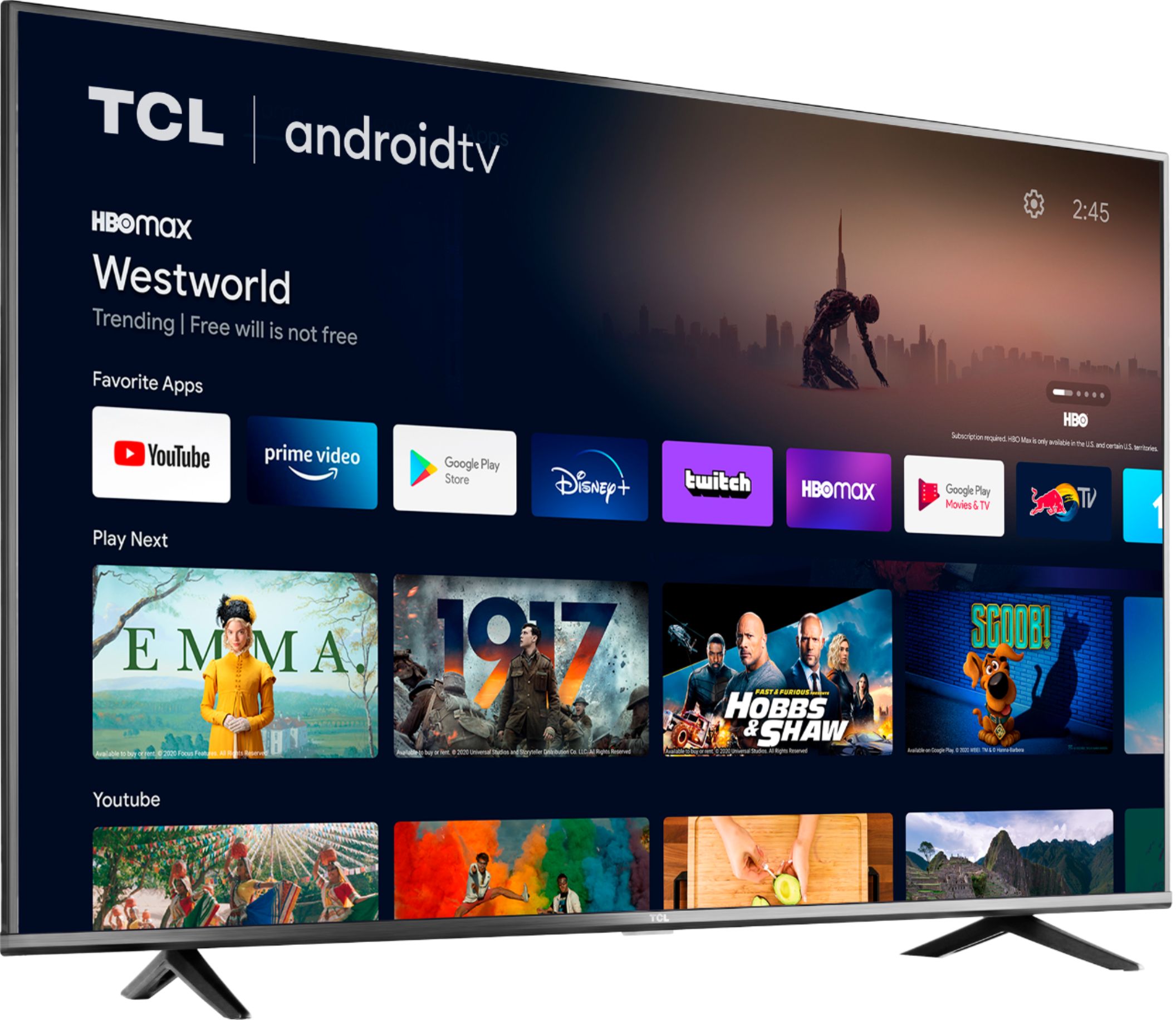
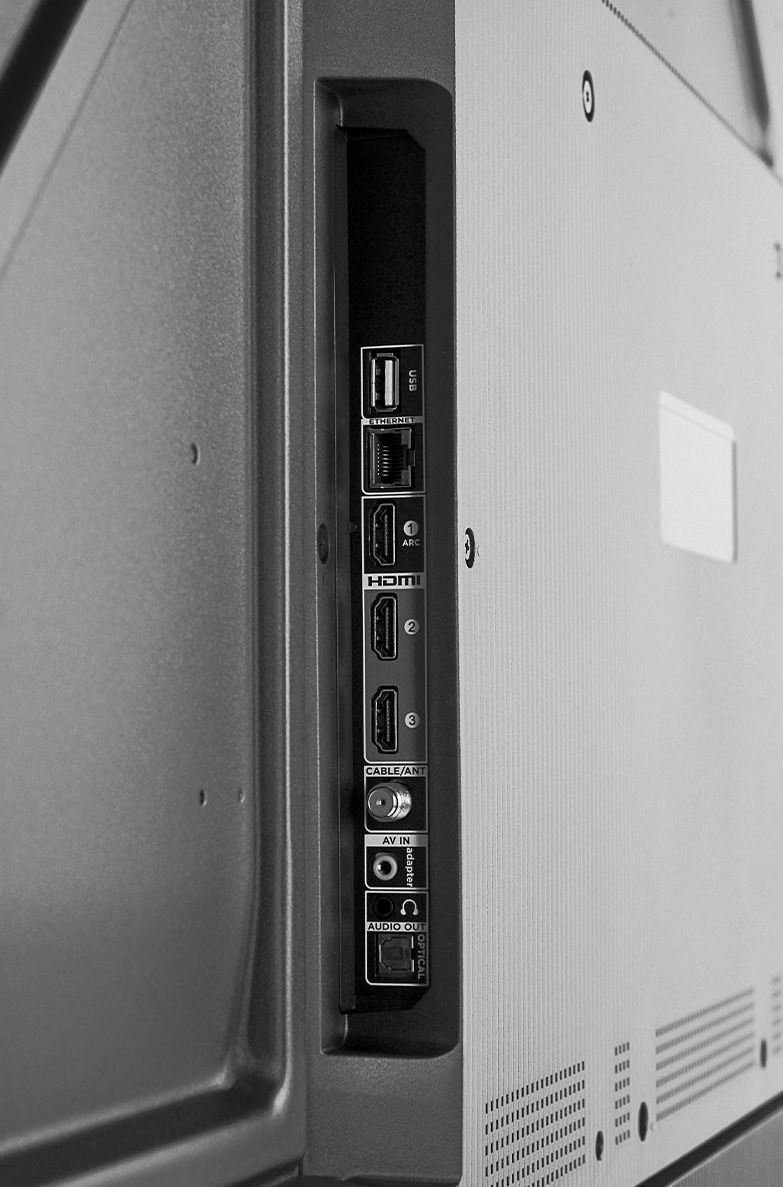
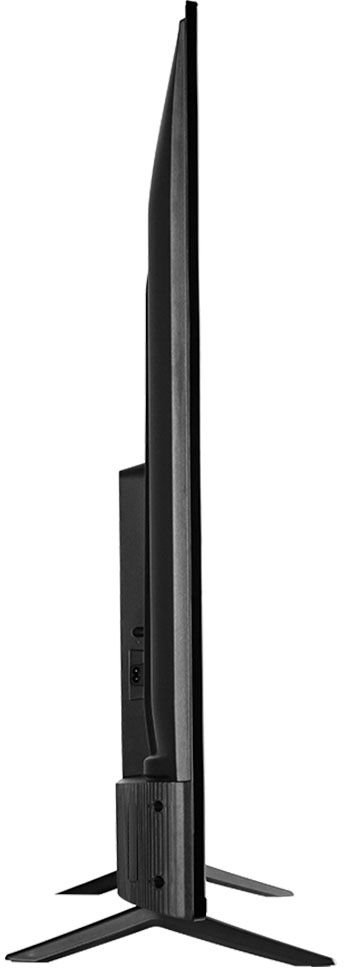
A:AnswerThis TCL Android TV features various inputs that can be used to connect external devices like a cable box. This TV is also compatible with most sound systems and can be connected via HDMI ARC, Optical, or the 3.5mm headphone jack. Hope this helps! Thank you, TCL Customer Support
A:AnswerTCL seems to have disabled Alexa support with a software update. Mine still has the TCL "Works with Alexa" app installed on it but if I try to open it I get a "This app is not available in the current country" message. So maybe it's just geo-blocked in the U.S.?
A:AnswerThe Zoom app is not currently an available streaming app on this TCL Android TV. Additionally, the TV does not feature a built-in camera or mic. However, this TV does come with 3 HDMI ports. Any of these ports can be used to connect the TV to external devices, such as a PC and then the TV can be used as monitor. Hope this helps! Thank you, TCL Customer Support
A:AnswerYou can visit www.tcl.com/us/en/products/home-theater/4-series/50-class-4-series-4k-uhd-led-smart-android-tv-50s434 for all currently available information on this particular model. Hope this helps! Thank you, TCL Customer Support