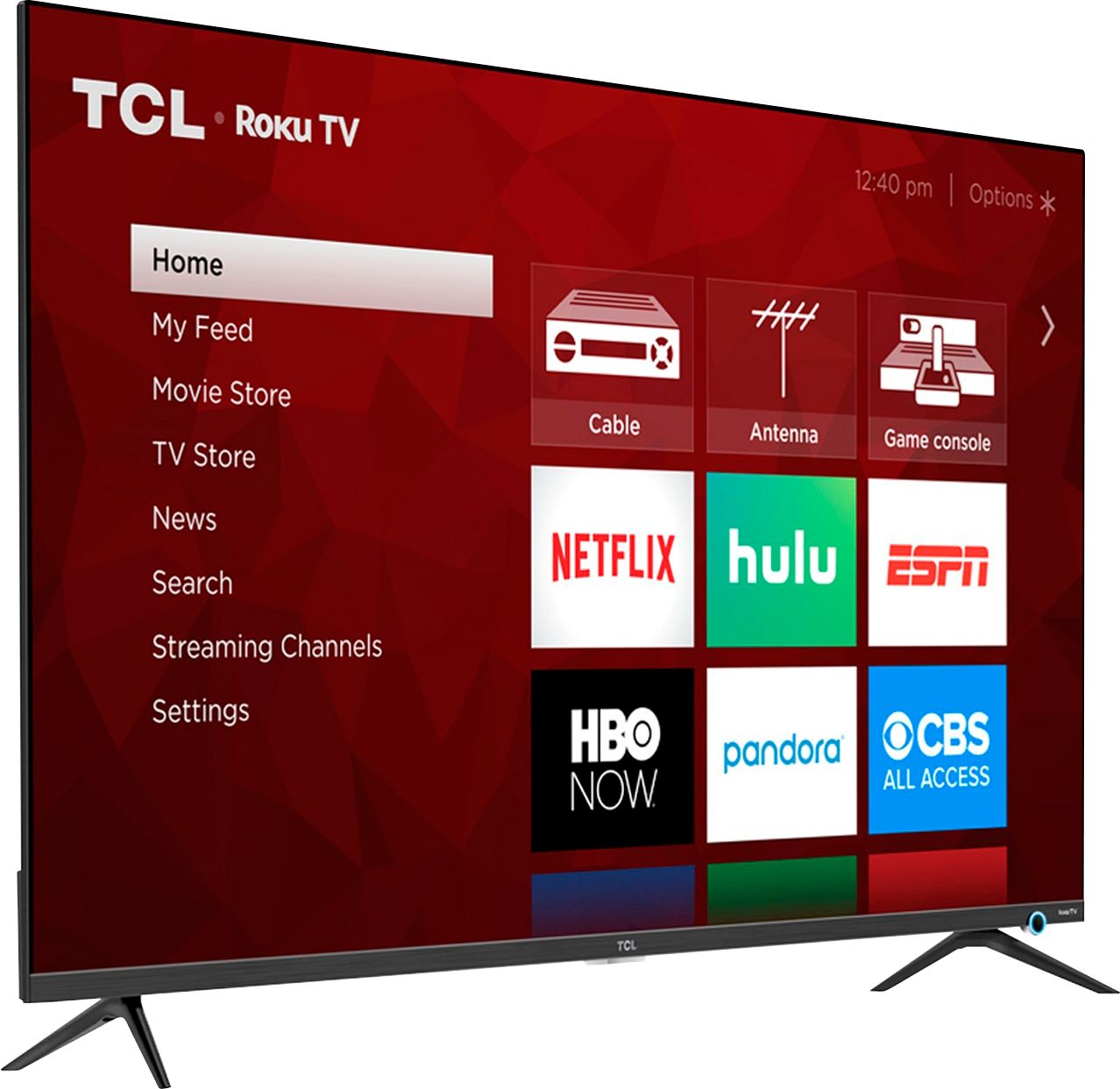
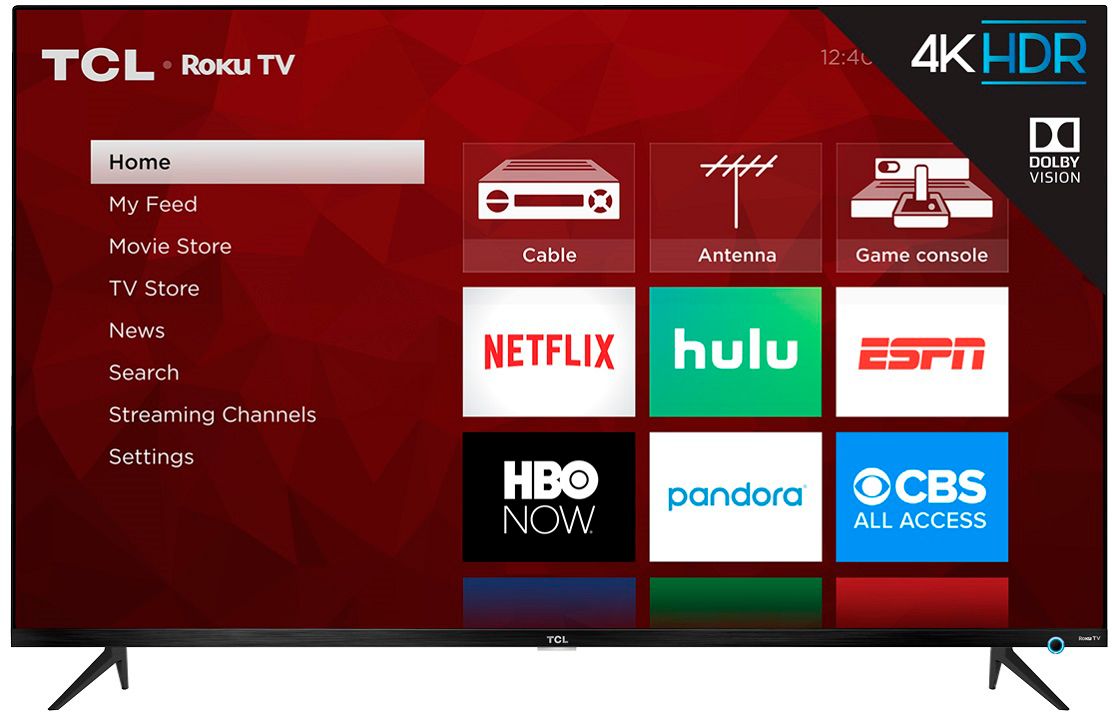
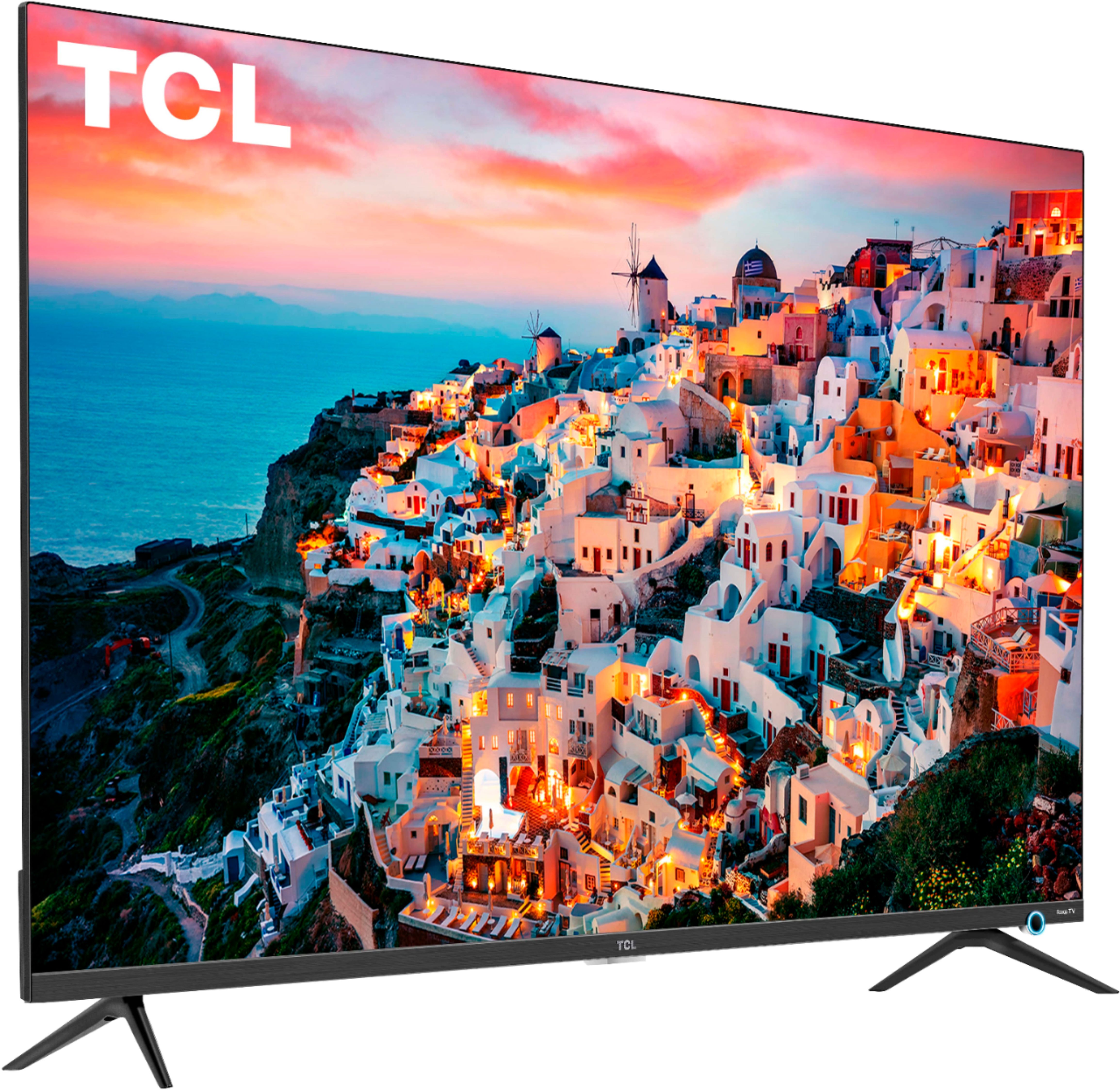
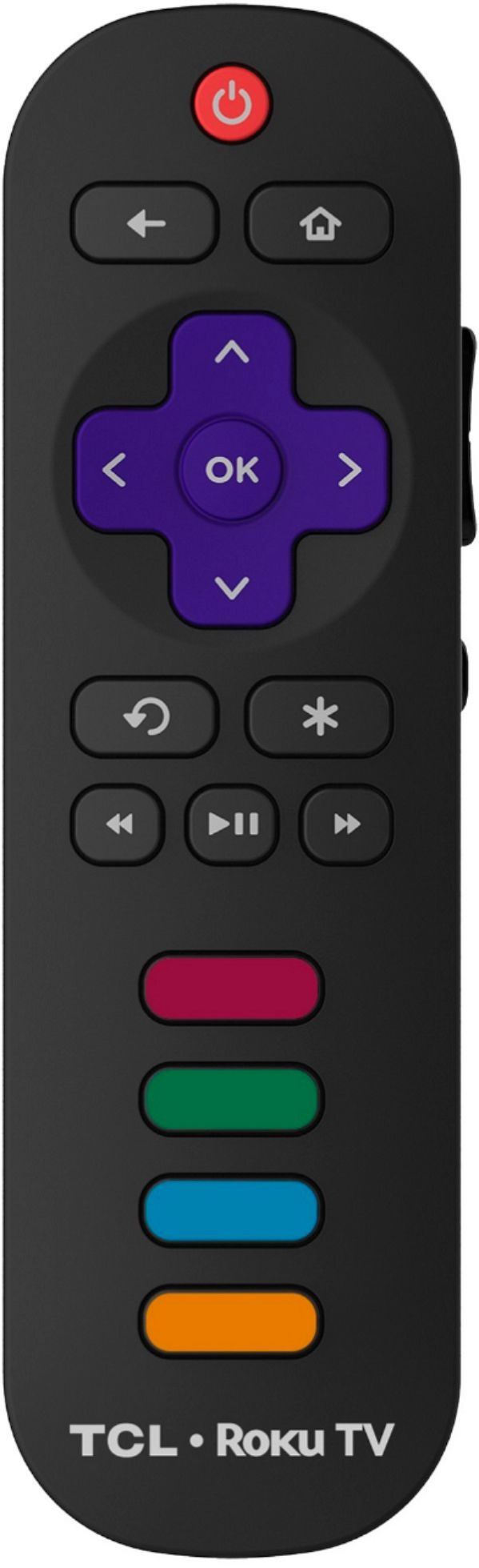
A:AnswerIn order to use the smart features of this TCL Roku TV, you would need to complete the guided setup. This includes connecting to the Internet via WiFi, creating a Roku account (completely free), and activating the TV (completely free). However, if you just want to use this TV as a traditional TV by connecting external devices through the various inputs and not use the smart features, you can elect to not connect this TV to the Internet at startup. You will still have access to all of the inputs and features of a traditional TV. Hope this helps! Thank you, TCL Customer Support
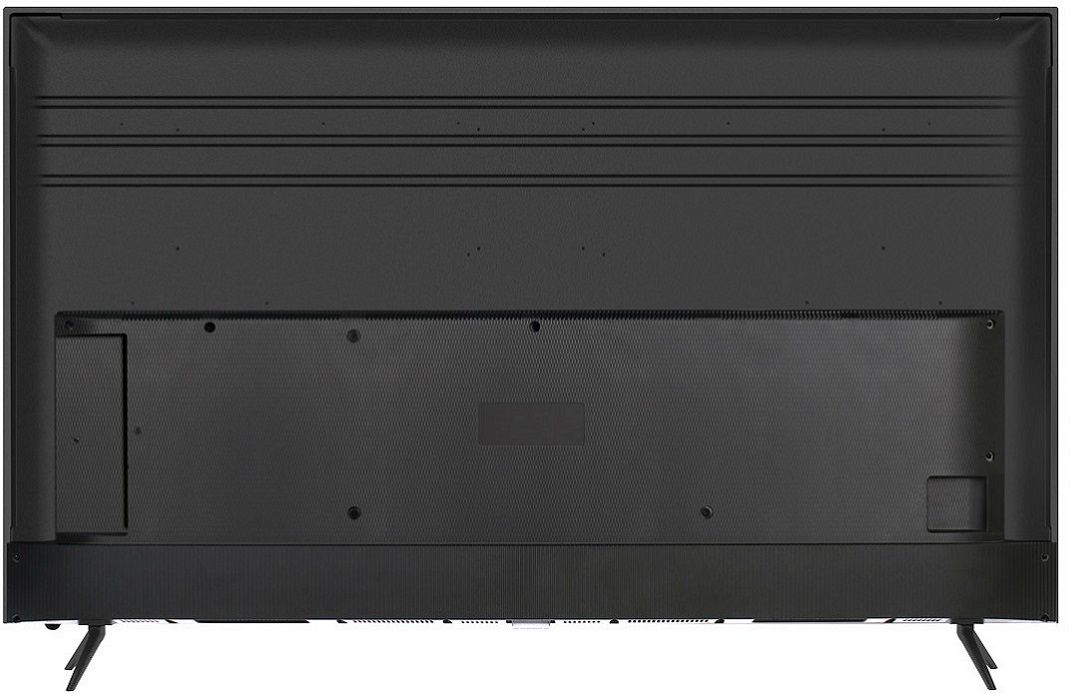
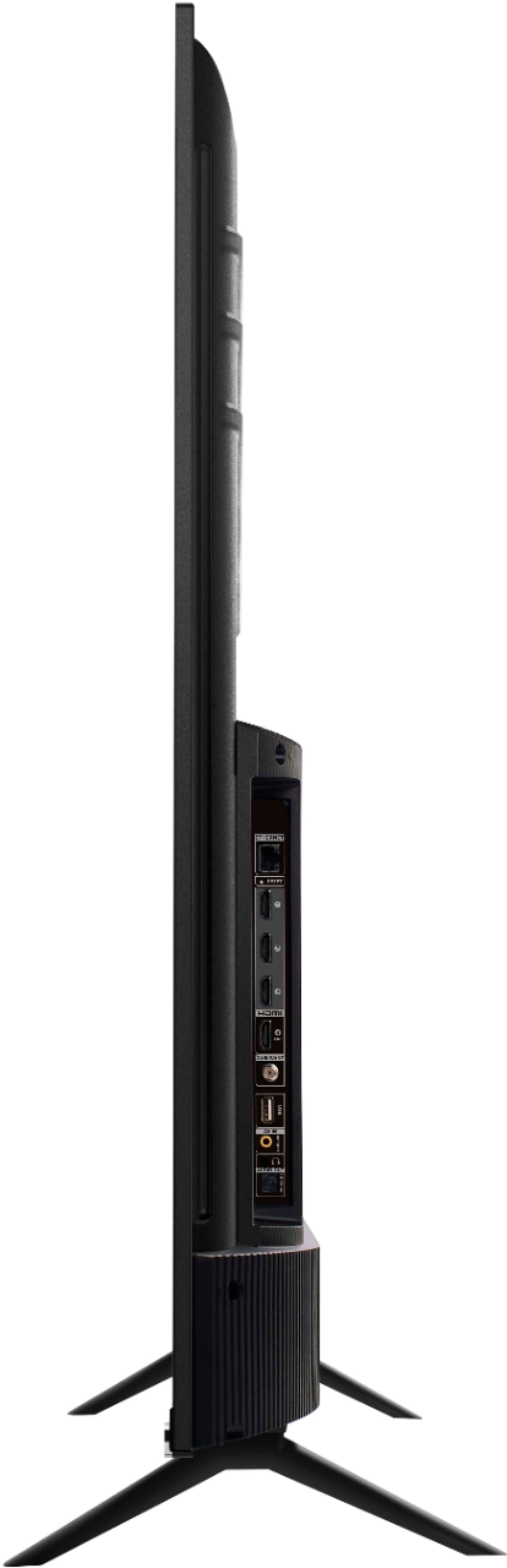
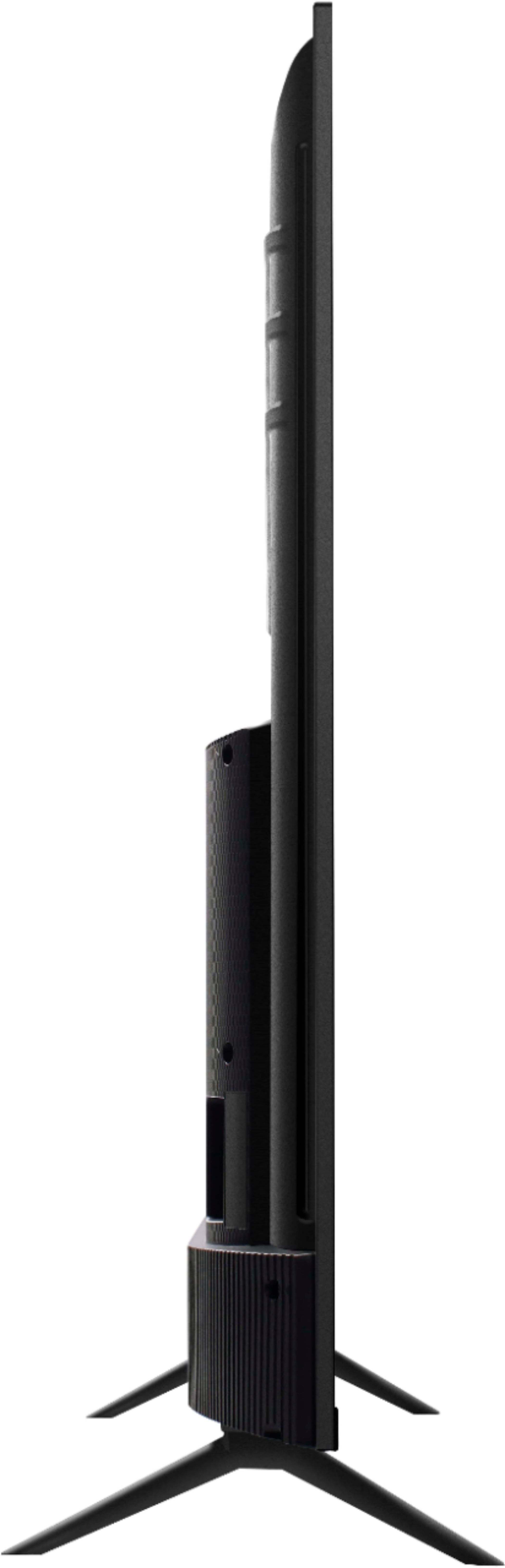
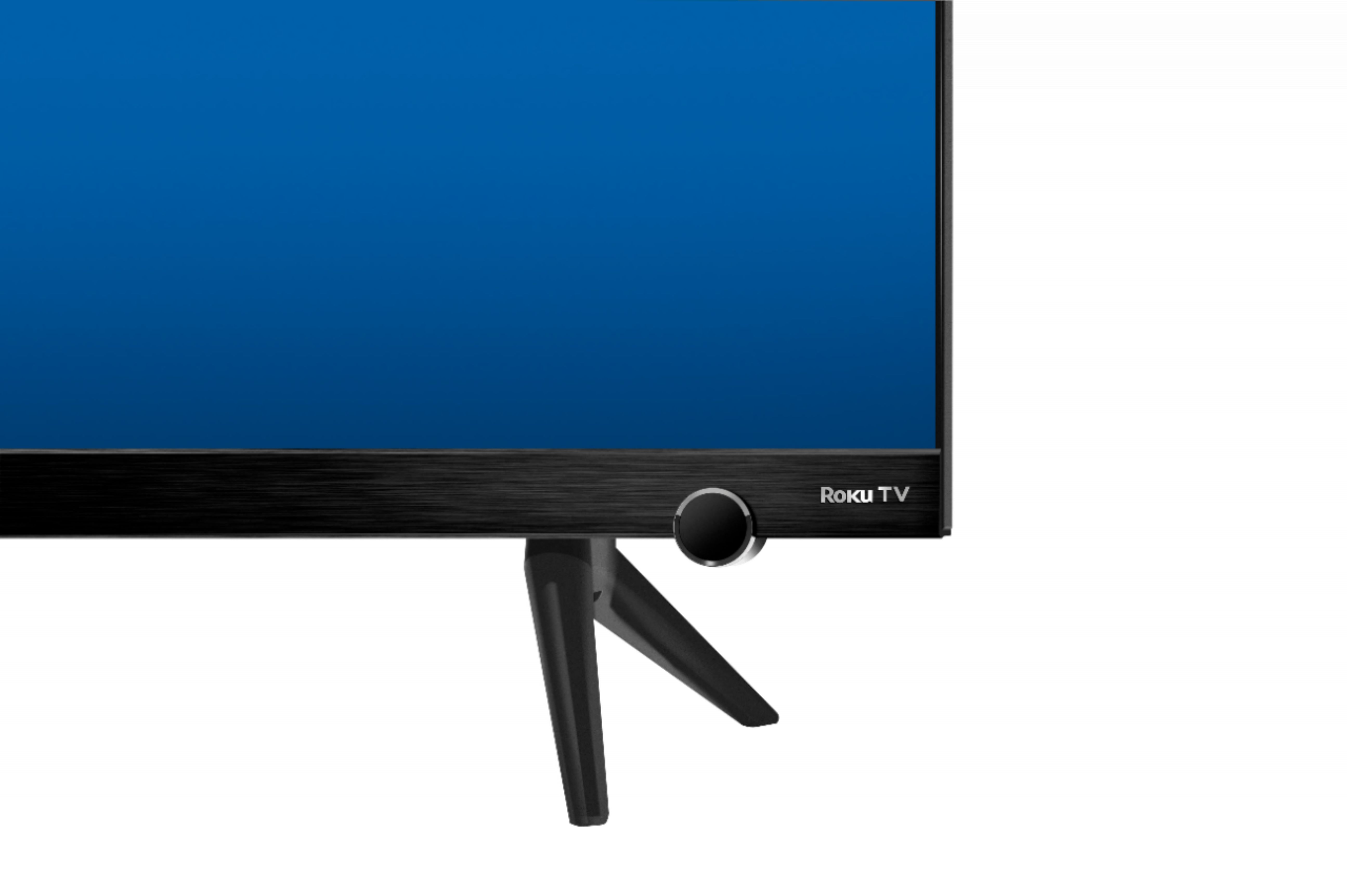
A:AnswerFor this 50 inch TCL Roku TV, the feet spacing to fit on a stand is 40.0 inches. For the 55 inch model, the feet spacing to fit on a stand is 43.9 inches. The 50 inch is compatible with most mounts that support a 300mm x 200mm VESA mounting pattern, while the 55 inch utilizes a 400mm x 200mm VESA mounting pattern. Hope this helps! Thank you, TCL Customer Support
A:AnswerHDMI Arc is a connection that can send audio to and from the connected device. Some examples would be like a soundbar or A/V receiver so you only have to use one cable for Audio and video. Hope this helps! Thank you, TCL Customer Support
A:AnswerDanf,
The outside width of the legs are approximately 40". The Roku wireless speakers will pair with this TV however you will not want use them in addition to the on-board speakers. You will want to use one or the either.
-TCL Customer Support
A:AnswerThis TCL Roku TV is compatible with most mounts that support a 300mm x 200mm VESA mounting pattern. The VESA pattern is indeed horizontally centered on the back of the TV. Hope this helps! Thank you, TCL Customer Support
A:AnswerMine did not have a browser. It let me download Firefox but Firefox would never launch. I can search for other apps and install them and those work fine.
A:AnswerSling works wonderfully. Also Hulu and the major broadcast companies all have apps that work. At least they do for my. Sling is my go to all on one place app though.