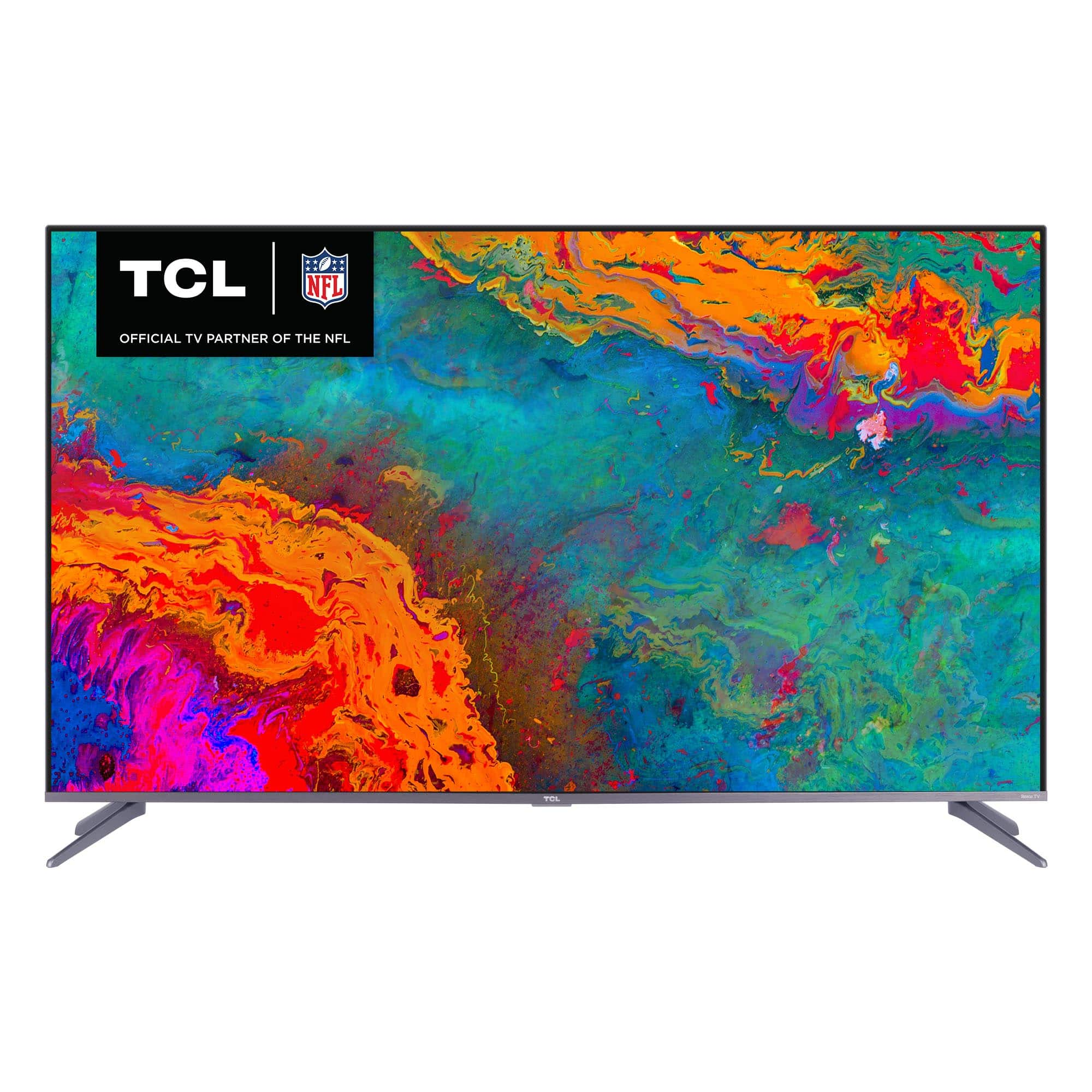
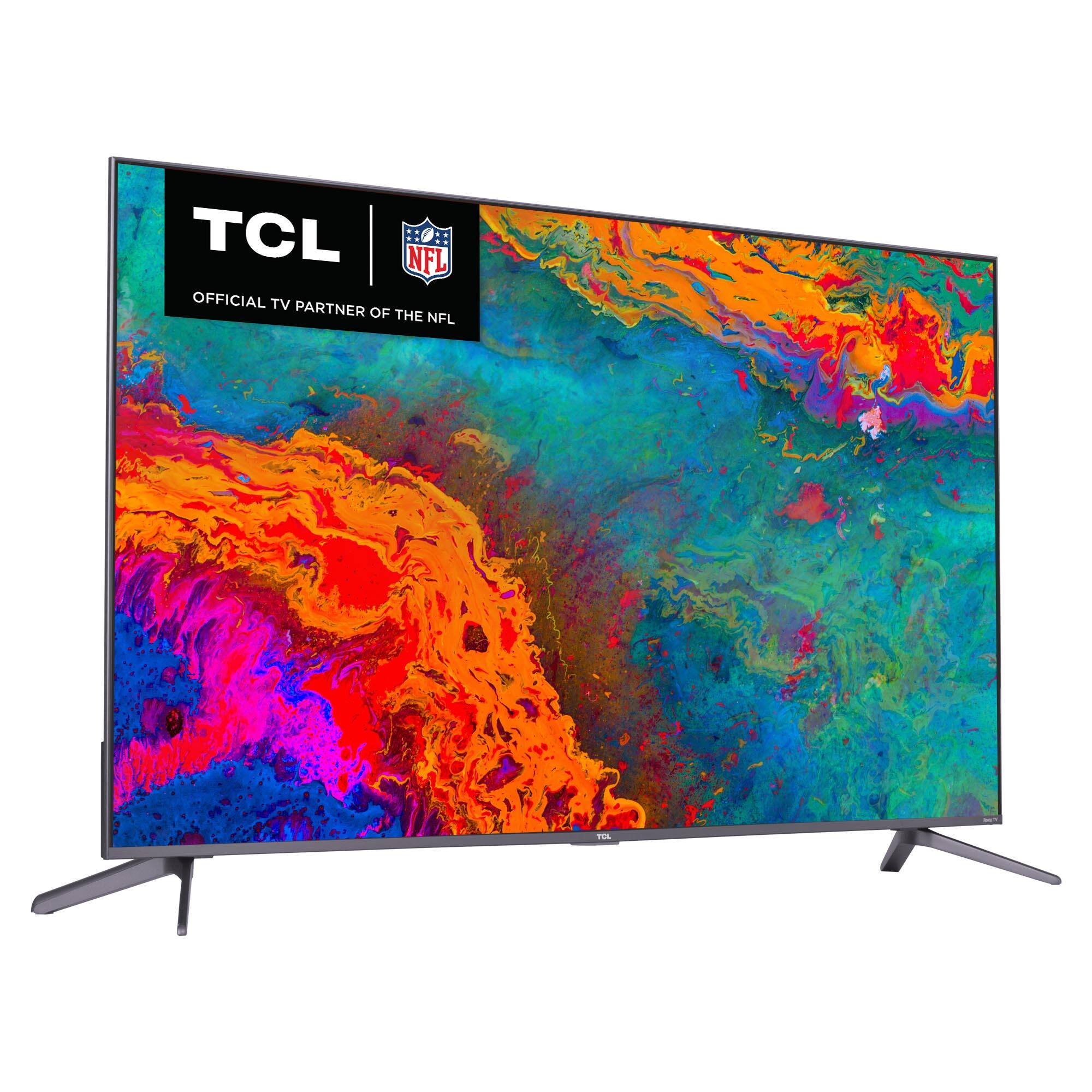
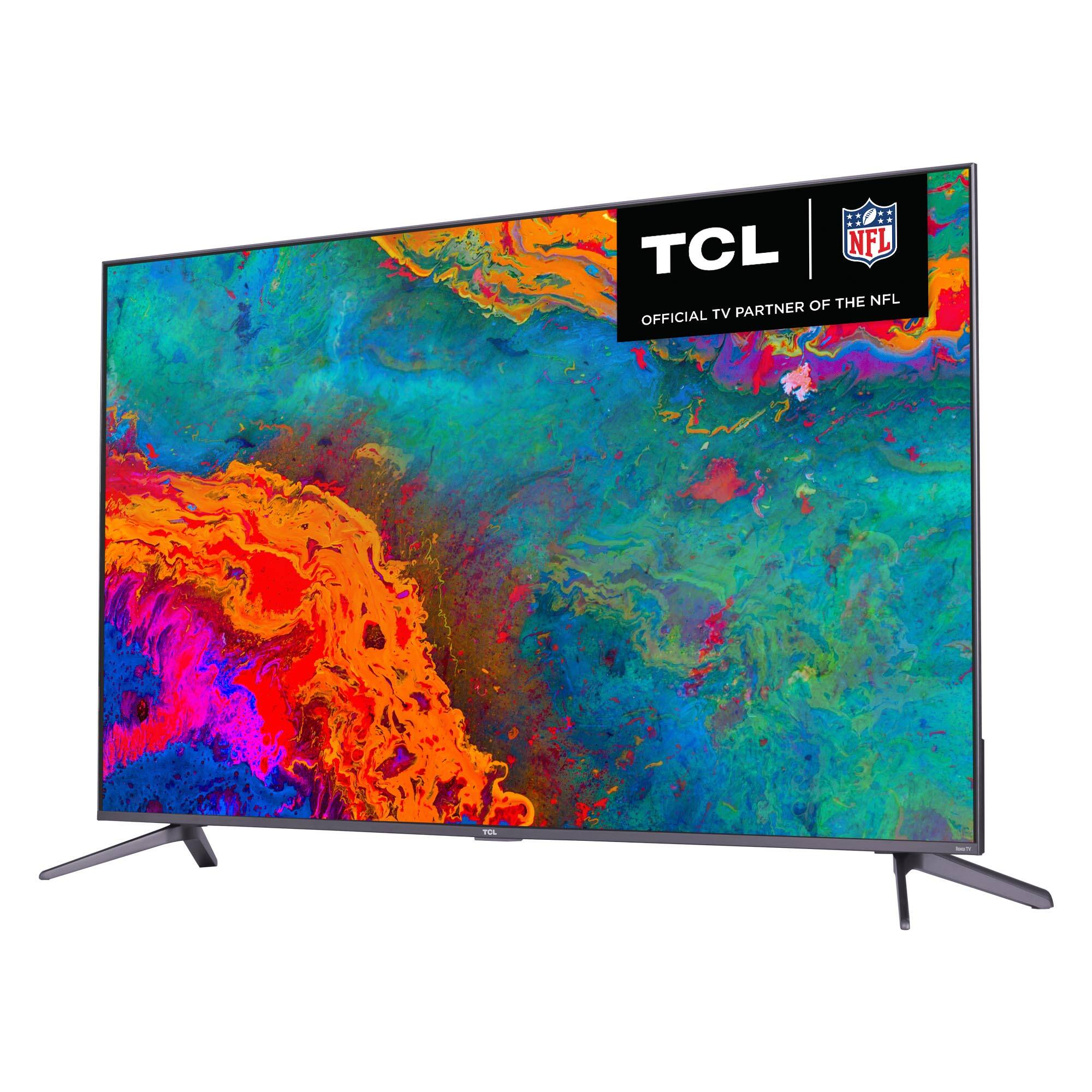
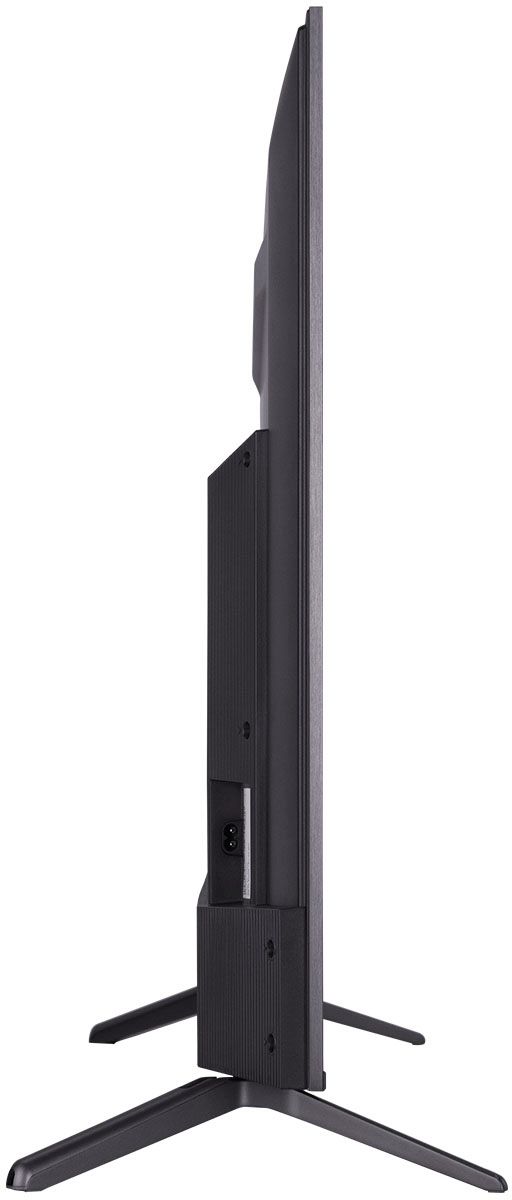
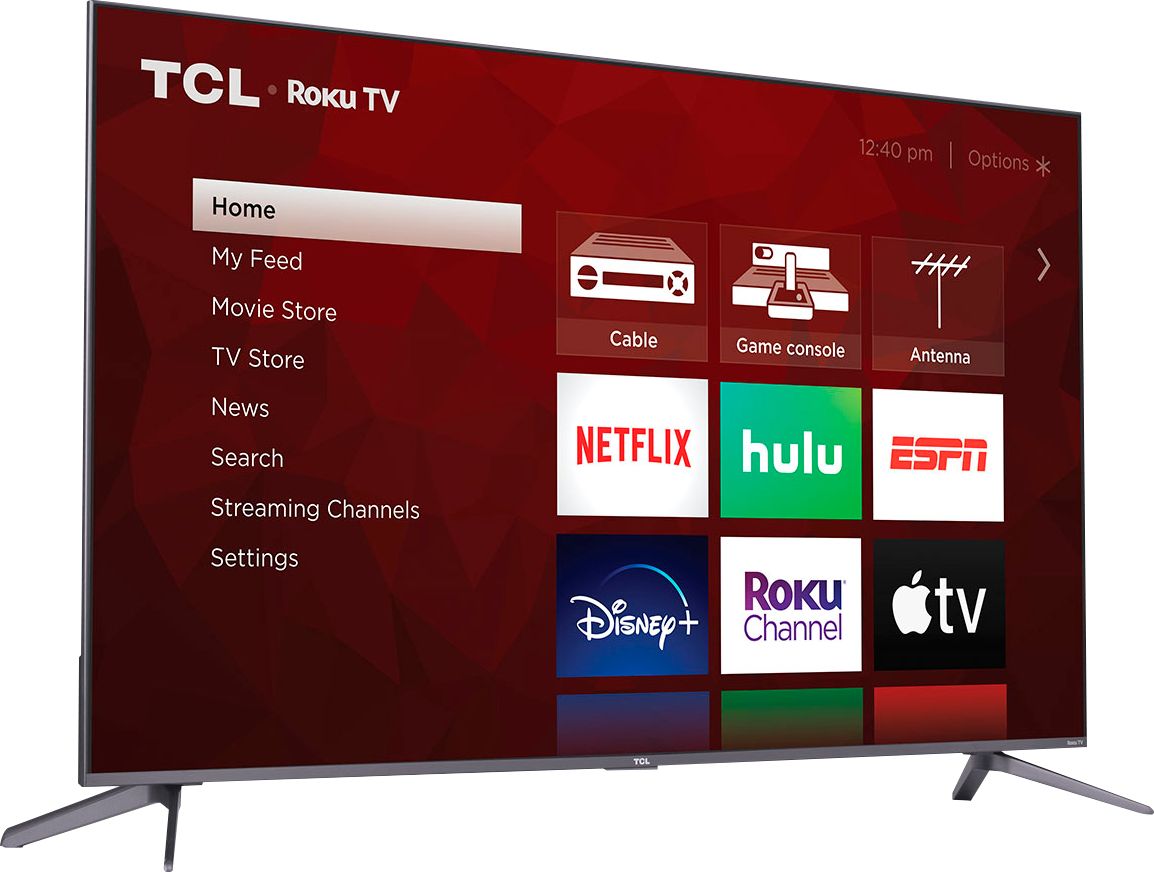
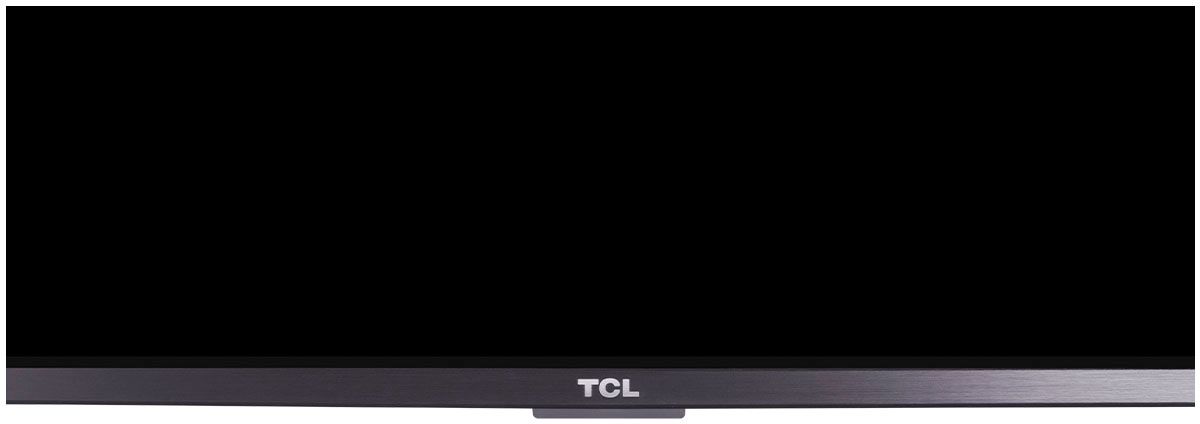
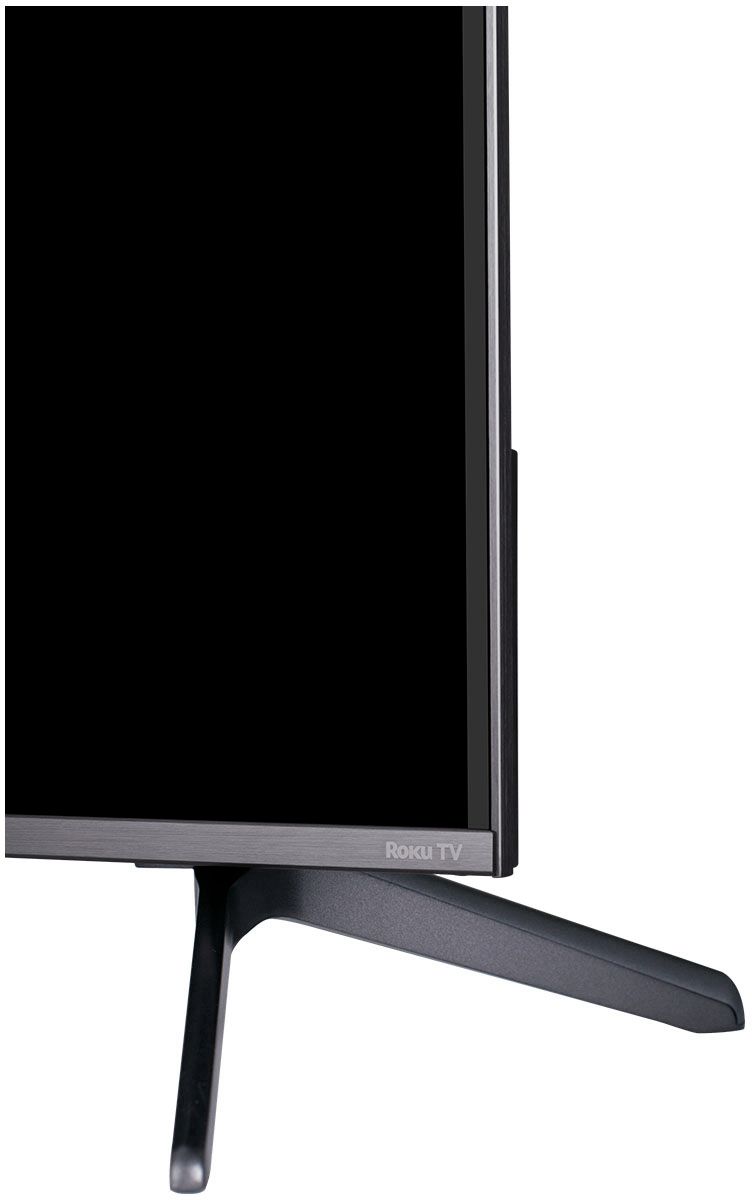
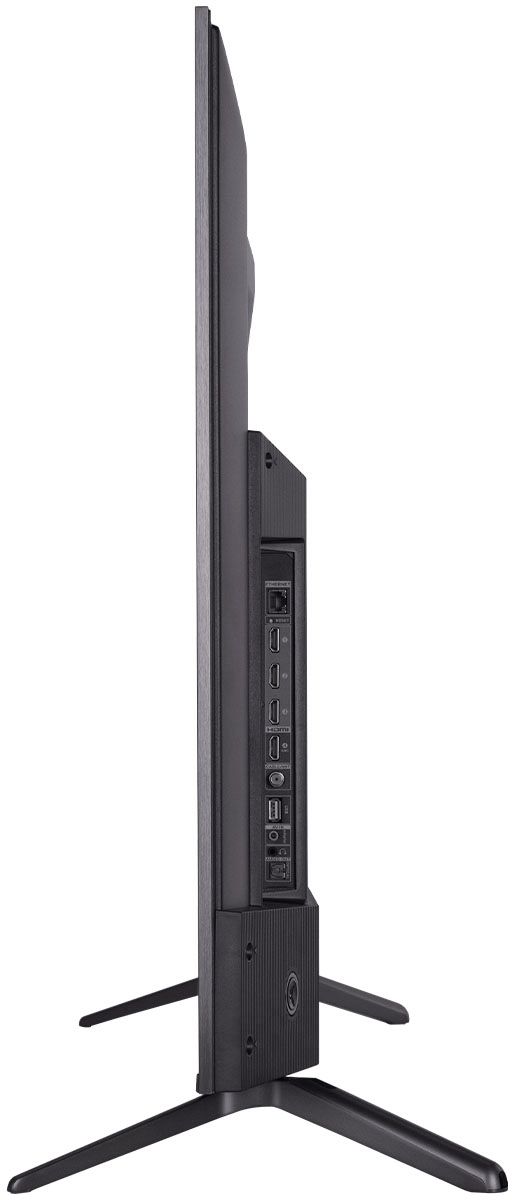
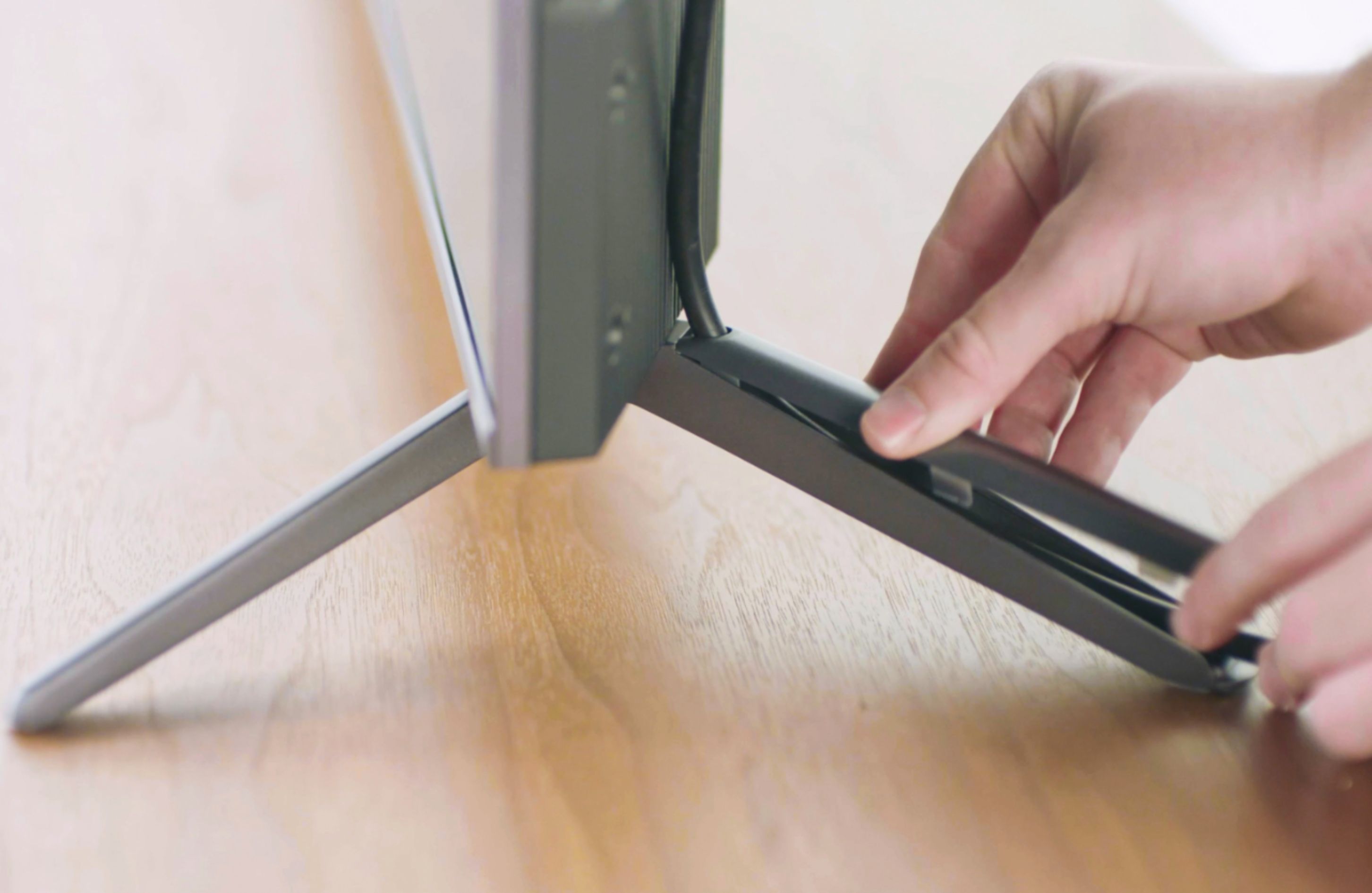
A:AnswerWith the feet attached, the dimensions of this TV are as follows: (W x H x D) 43.9 x 27.5" x 11.6". Hope this helps! Thank you, TCL Customer Support
A:AnswerI just went to Roku's website and checked the channel store. There are four apps for Spectum:
Spectrum TV
Spectrum 23.9
Spectrum Radio
Spectrun Audiobooks
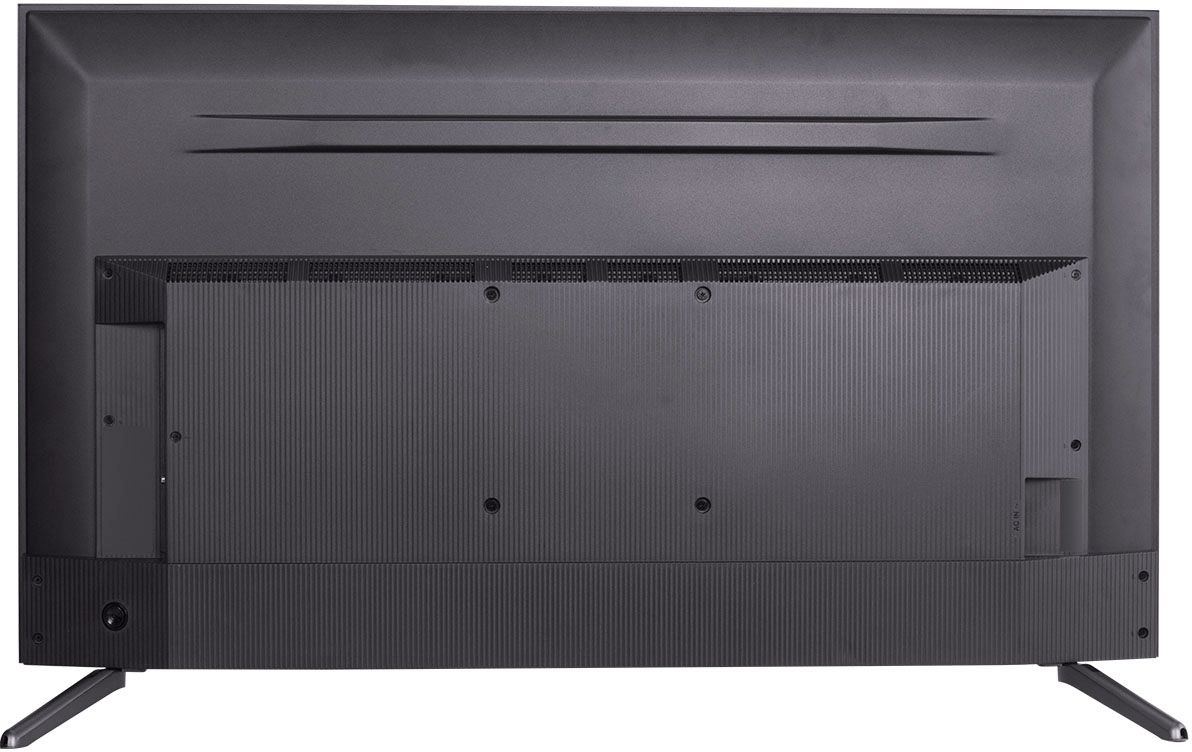
A:AnswerThis TCL Roku TV is compatible with most stands and wall mounts that support a 200mm x 200mm VESA mounting pattern. Hope this helps! Thank you, TCL Customer Support
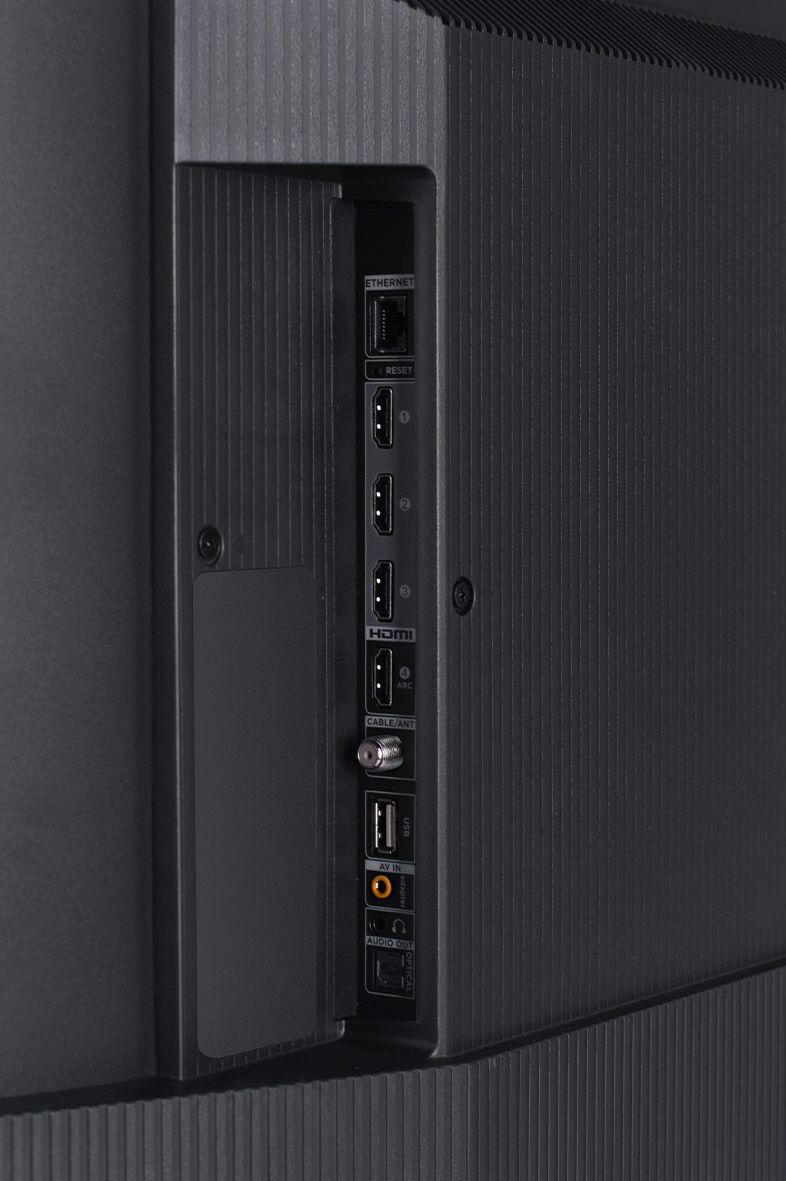
A:AnswerCurrently, our Roku based TVs do not support Bluetooth. If you are trying to connect a sound bar or speakers you can use the Optical port, or the HDMI ARC port. For Headphones, there is a Headphone jack on the back of the TV, or you can download the Free Roku app for private listening. Hope this helps! Thank you, TCL Customer Support
A:AnswerThis TCL TV features various inputs that can be used to connect external devices like a cable box. Hope this helps! Thank you, TCL Customer Support
A:AnswerCurrently, our TVs do not feature SD card slots. The built-in media player and USB port are design to use moderately sized thumb drives for playing back movies, pictures, and music. You can visit https://support.tcl.com/setup-configuration/02-playing-video-or-music-from-usb-devices-using-roku-media-player for more information about the functionality and file types supported. Hope this helps! Thank you, TCL Customer Support
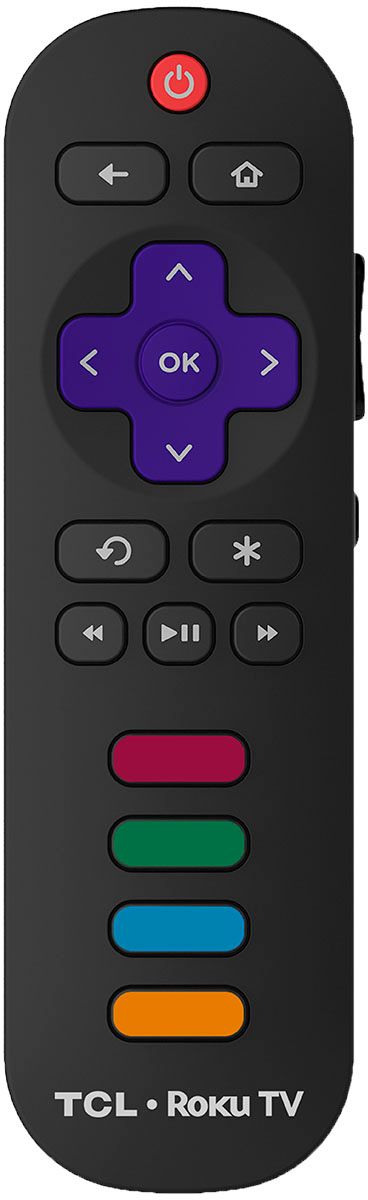
A:AnswerThe remote that comes with this TV is IR. Additionally, you can download the free Roku mobile app on your Smartphone or tablet to use as a remote. Through the Roku mobile app, you gain access to power toggle, volume toggle, private listening, voice search, and more. Hope this helps! Thank you, TCL Customer Support
A:AnswerUnfortunately, we don't have a "Full Justification" setting. However, you can adjust the aspect ratio if the picture you are trying to share does not match the native 16:9 aspect ration of the TV. However, the setting are for "direct" AKA no modification, Normal, slight modification to use the majority of the panel with only a limited amount of cropping the image. then there is zoom which would be used for 4:3 content or anything that has a small resolution and needs to be blown up. Hope this helps! Thank you, TCL Customer Support
A:AnswerThe s535 will accept any frame rate input including 120hz. It will, however, only display at 60hz. “Motionrate 240” is a marketing term that describes the motion smoothing ability of this panel when it is engaged. It is not the actual frame rate of the TV which is 60 hz. So, no XBoxX or Playstation gaming at 120hz.
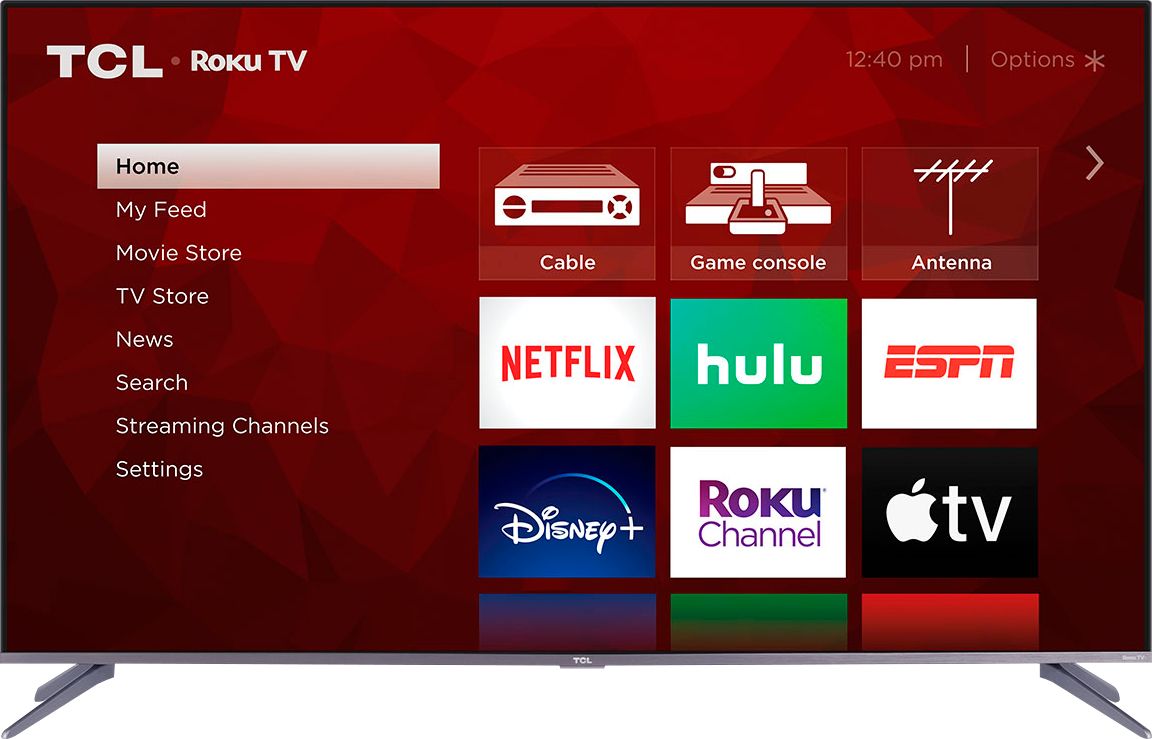
A:AnswerWhen you first power on the TV, it will take you through a guided setup process. This includes connecting to the Internet, creating a Roku account (completely free), and activating the TV (completely free). Hope this helps! Thank you, TCL Customer Support
A:AnswerThere are individual adjustments for the items you listed, the television is also compatible with many apps that can adjust your television for you, via camera if your phones camera has the chutzpah, i do however advise a sound bar, or ANY external speaker which it has hard jacks for, as it gets a little "tinny" at sound setting 22 or higher, (slightly louder than normal indoor same room voice.) it begins to vibrate with the already bass heavy default setting. as far as series goes, 5 and 6 were TCL's finest works and a higher series will cost you more money without any ability to tell the difference.
A:AnswerIn order for us to better assist, please reach out to us at tclsocial@tcl.com with your contact information and a description of what you need help with. Thank you, TCL Customer Support
A:AnswerThe built-in media player and USB port are design to use moderately sized thumb drives for playing back movies, pictures, and music. You can visit https://support.tcl.com/setup-configuration/02-playing-video-or-music-from-usb-devices-using-roku-media-player for more information about the functionality and file types supported. This TV also features a standard headphone jack. Hope this helps! Thank you, TCL Customer Support