A:AnswerYes, assuming your “older MacBook” has Airplay capability. On Home Screen of the s535 go to settings, move right then down to Apple Airplay and HomeKit click on it, Move right and turn on Airplay, decide about code requirements. Then set up MacBook to cast and follow instructions.
A:AnswerFor inquiries concerning installation, you would want to contact your local Best Buy or Best Buy Customer Support as they would be best equipped to further assist you. Hope this helps! Thank you, TCL Customer Support
A:AnswerYou answered your own question. This TV is, indeed, not made for outdoors. You may get away with using it there for a while but sooner or later the heat and humidity will kill it. Especially in a climate such as Florida enjoys.
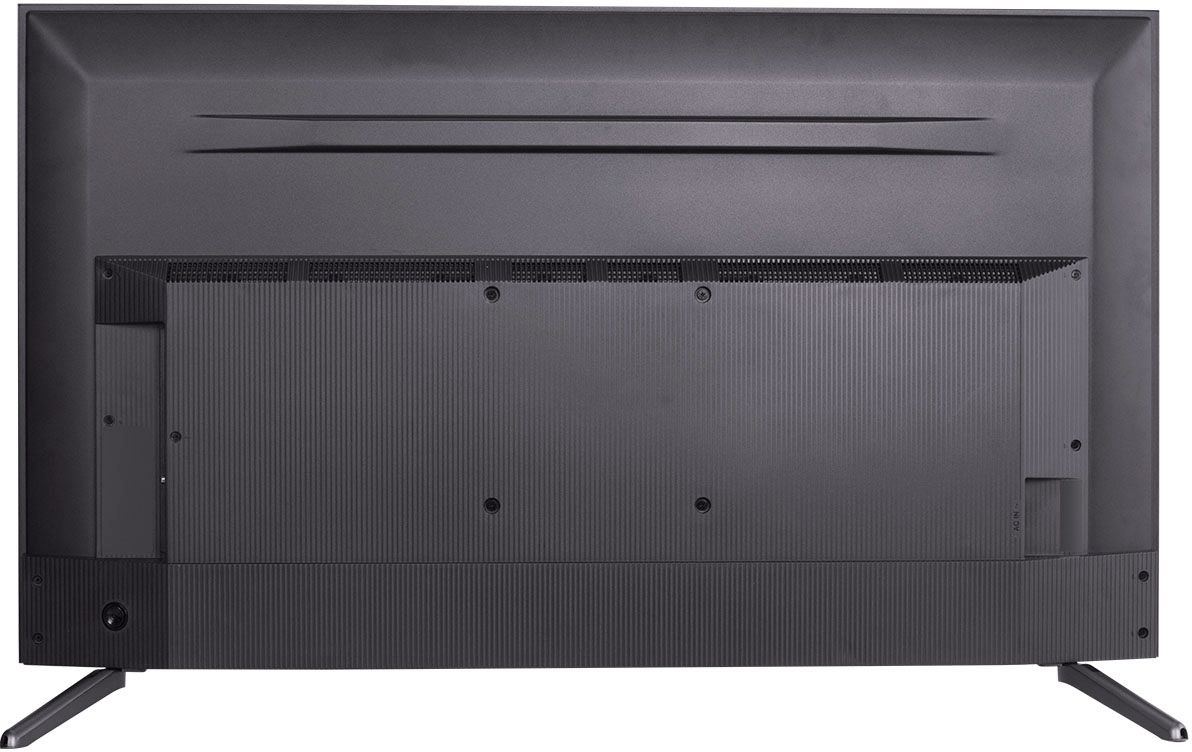
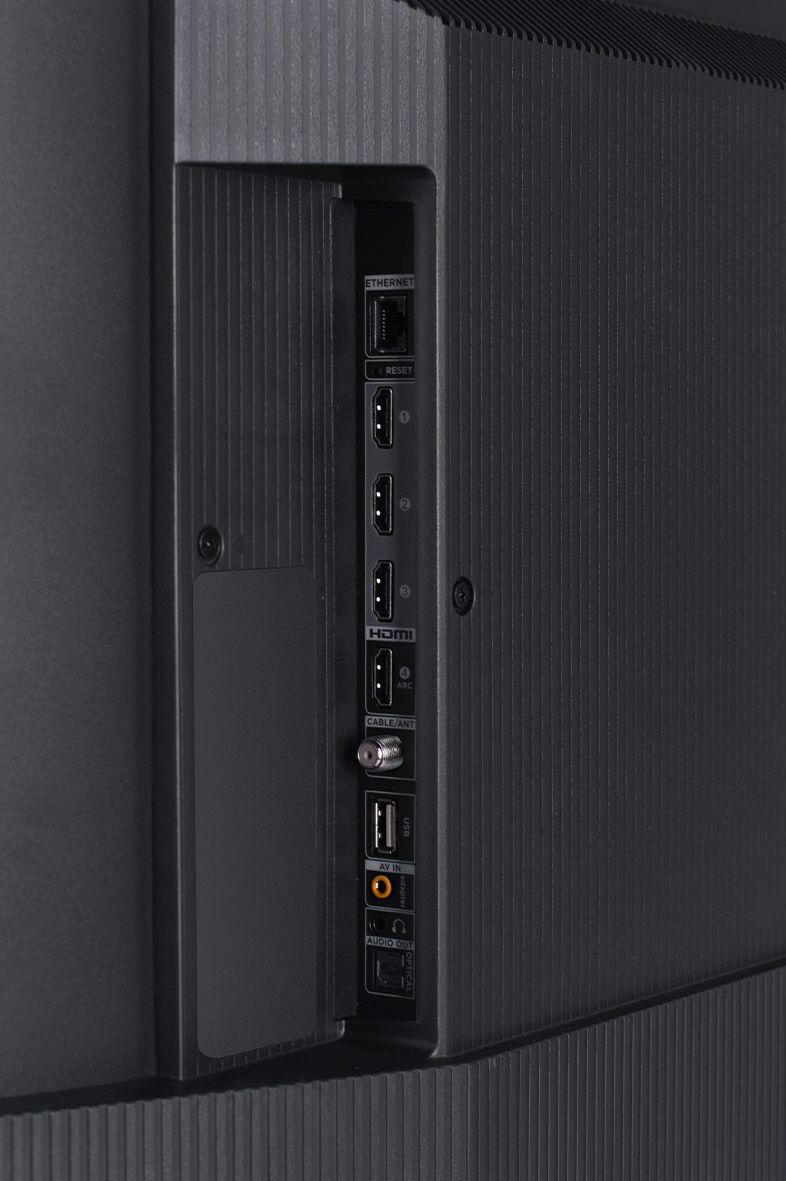
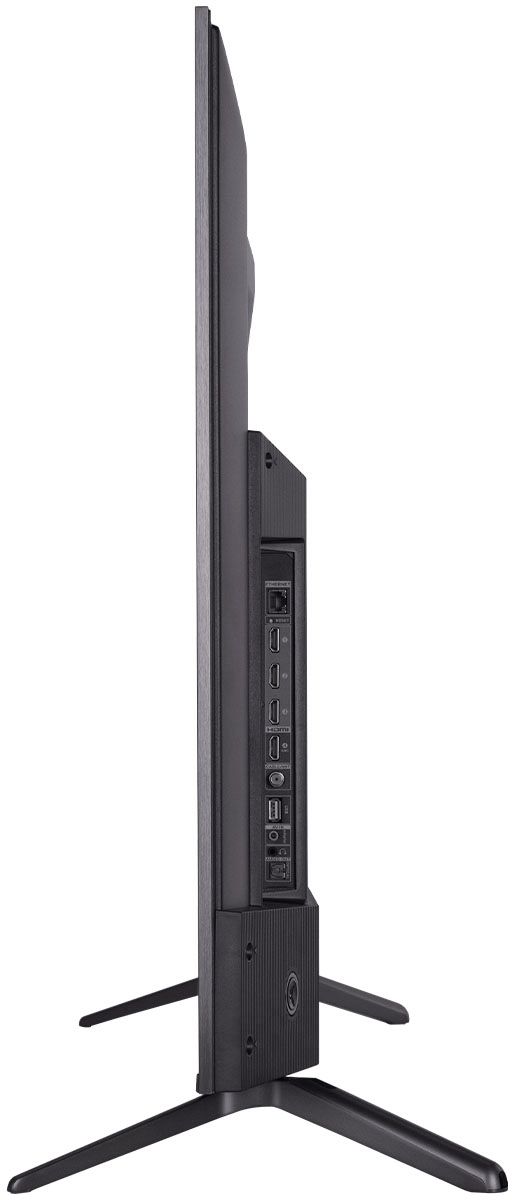
A:AnswerThis TCL Roku TV is compatible with most soundbars and can be connected via HDMI ARC, Optical, or the 3.5mm headphone jack. You should be able to simply disable the TV speakers and use your receiver as you have described. Hope this helps! Thank you, TCL Customer Support
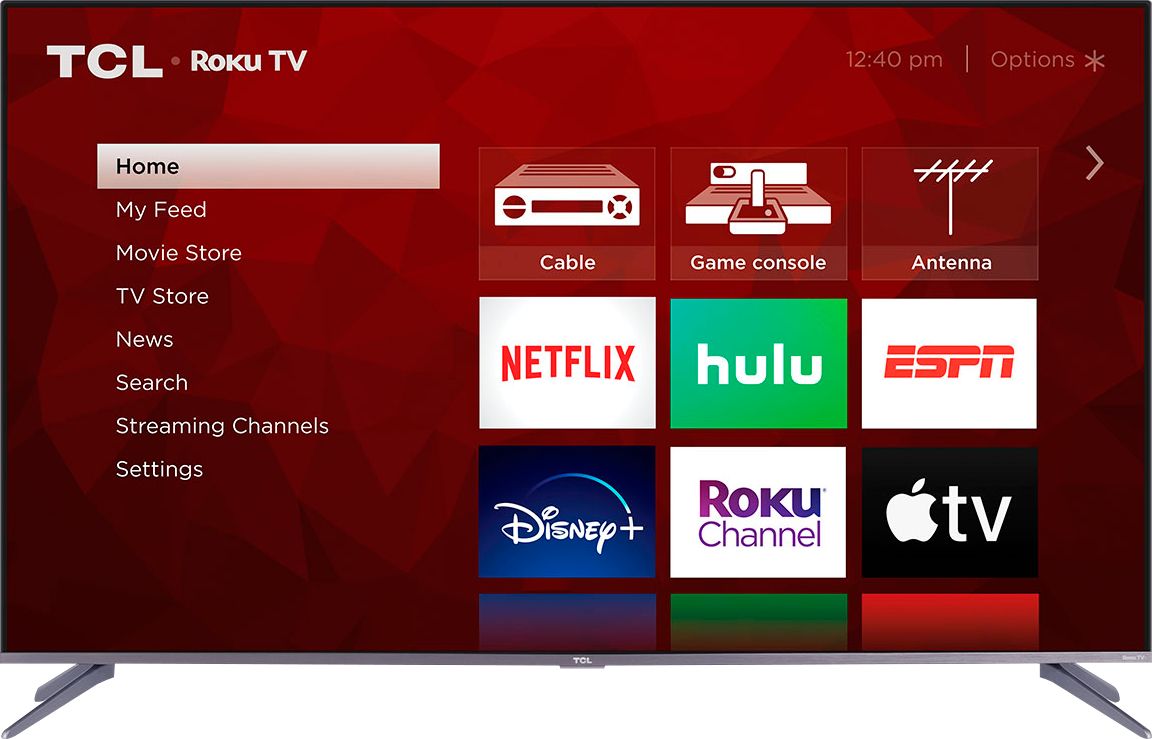
A:AnswerNot sure what your question is, but this is a Roku based TV, not iOS or AppleTV. You can connect an AppleTV box to it via HDMI for screen sharing from iPhones and other Apple devices.
A:AnswerIn order for us to better assist, please reach out to us at tclsocial@tcl.com with your contact information and a description of what you need help with. Thank you, TCL Customer Support
A:AnswerMine so far no banding and cristal clear. Remember this is not a premium tv but performs incredibly well for its price. You will not find a better tv at this price range.
A:AnswerThis TCL Roku TV is compatible with most soundbars and can be connected via HDMI ARC, Optical, or the 3.5mm headphone jack. Hope this helps! Thank you, TCL Customer Support
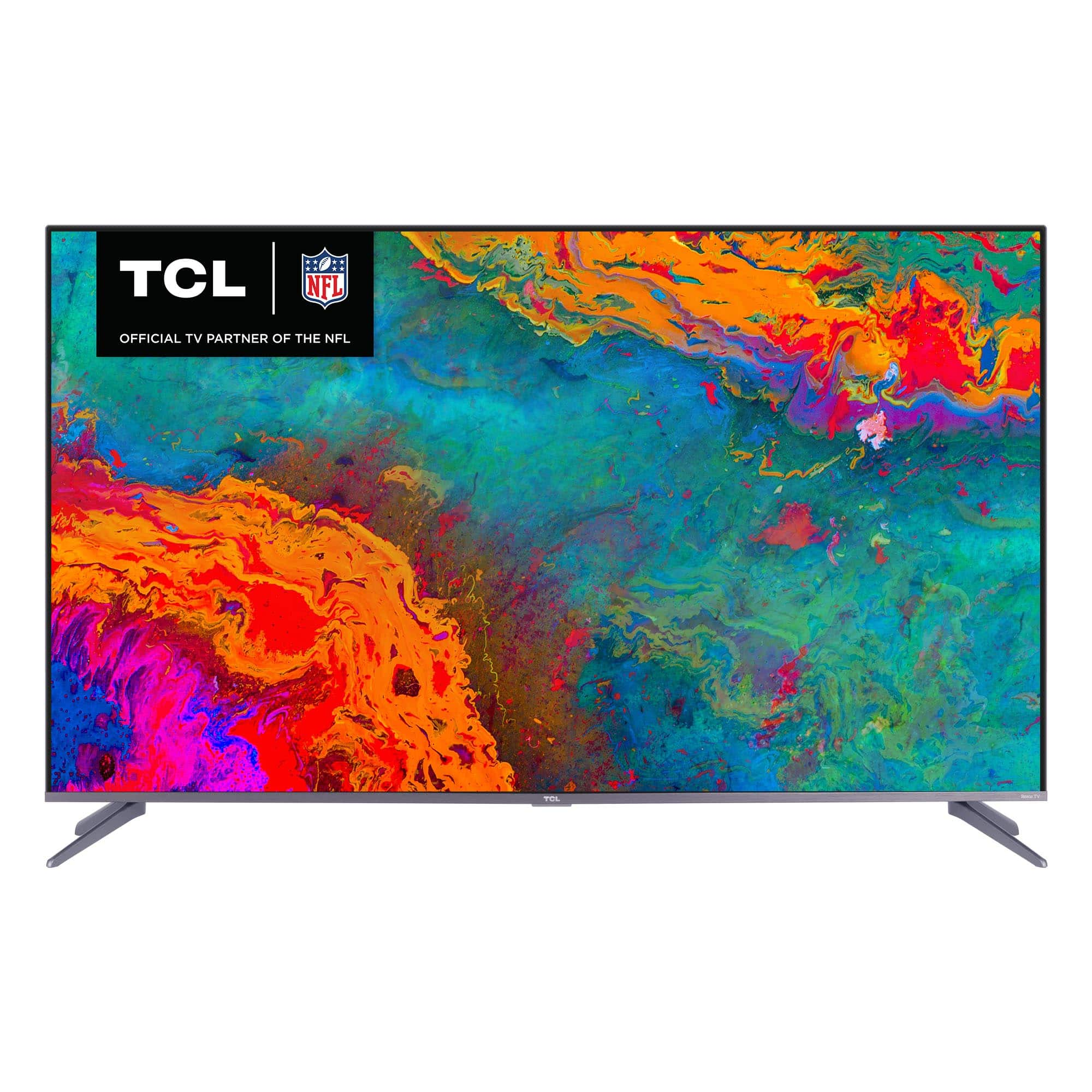
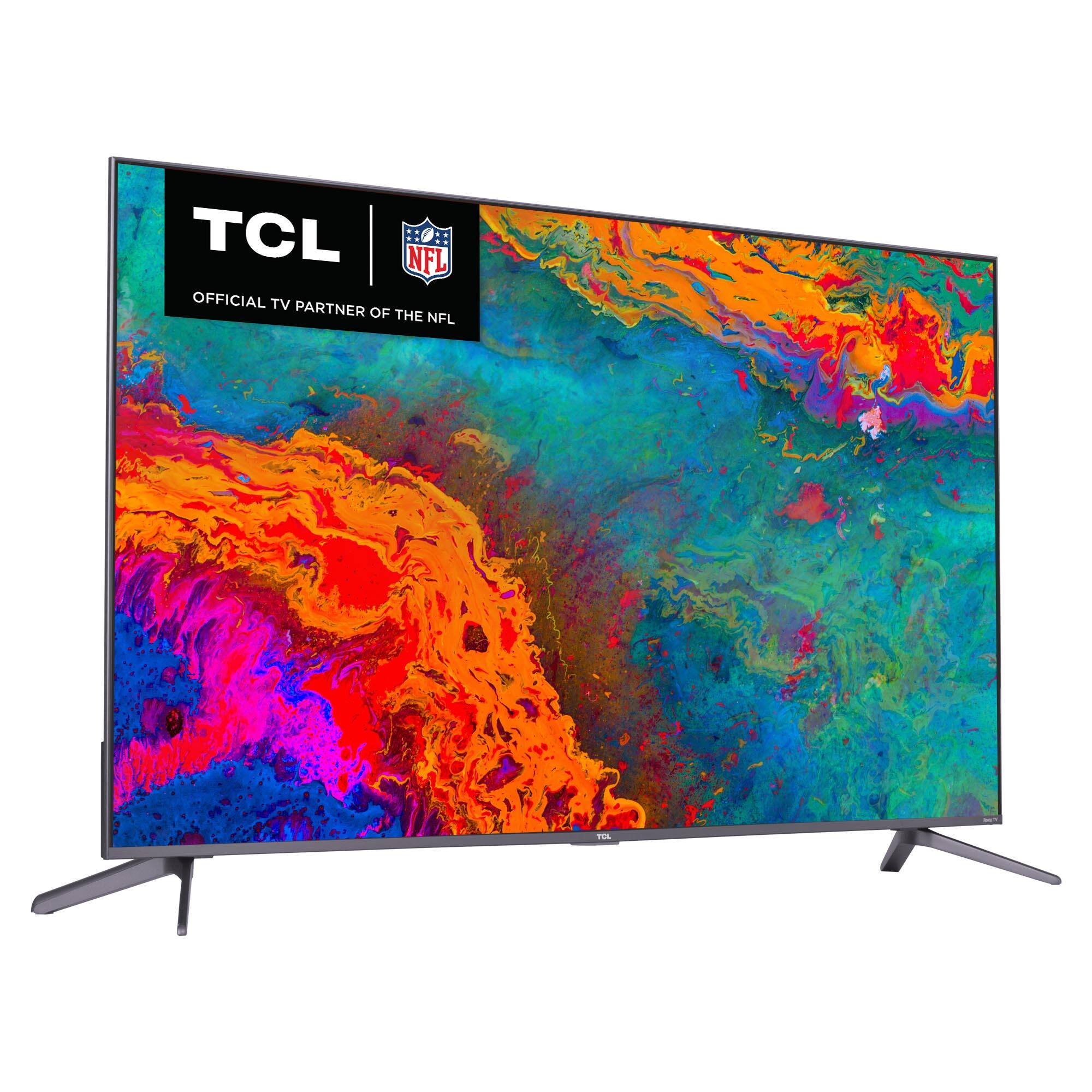
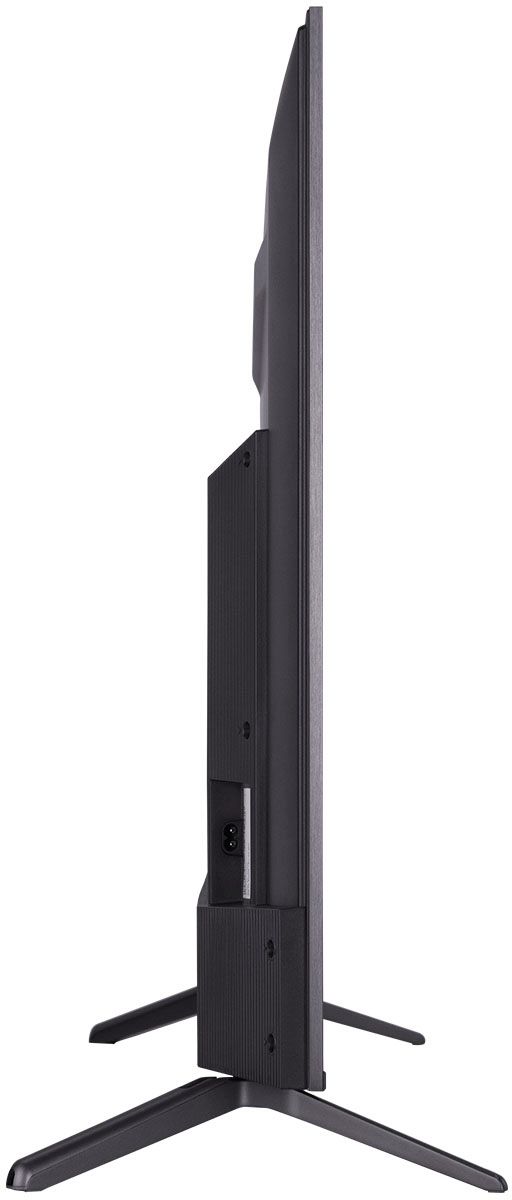
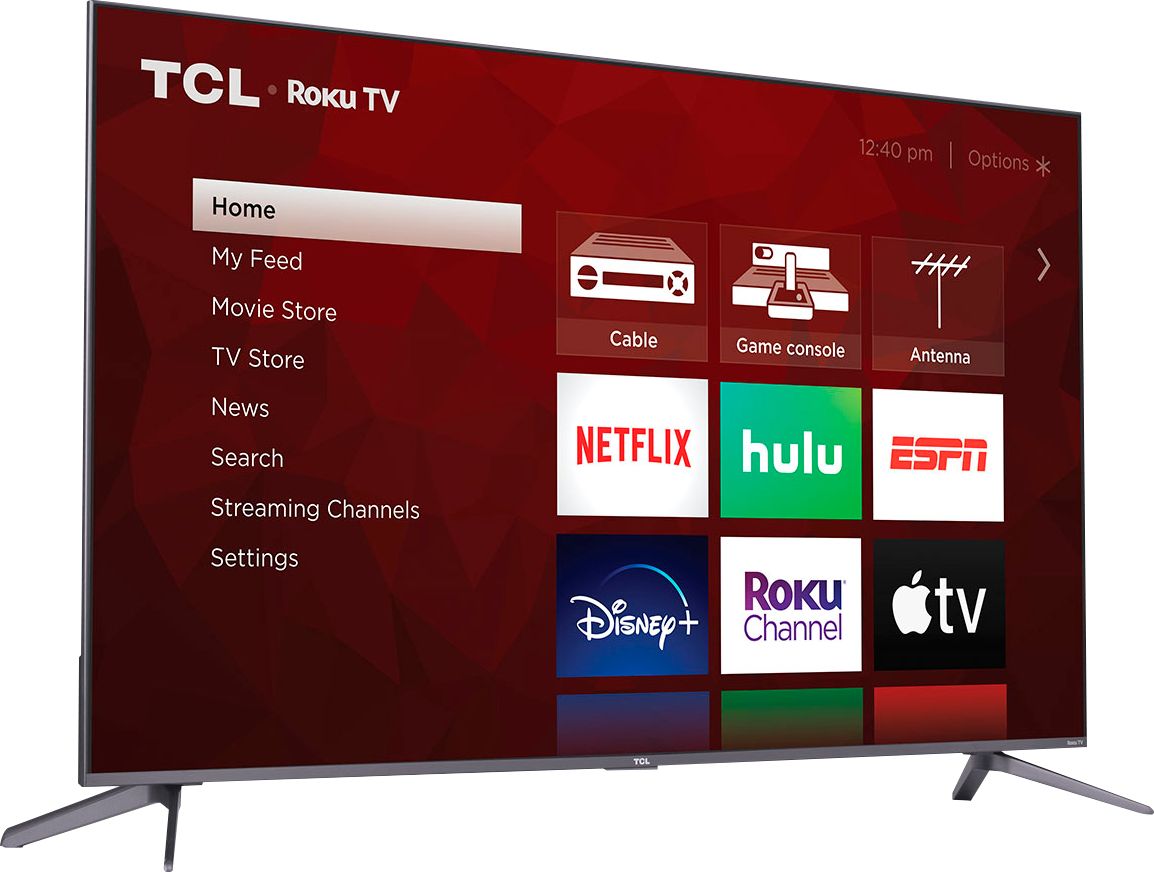
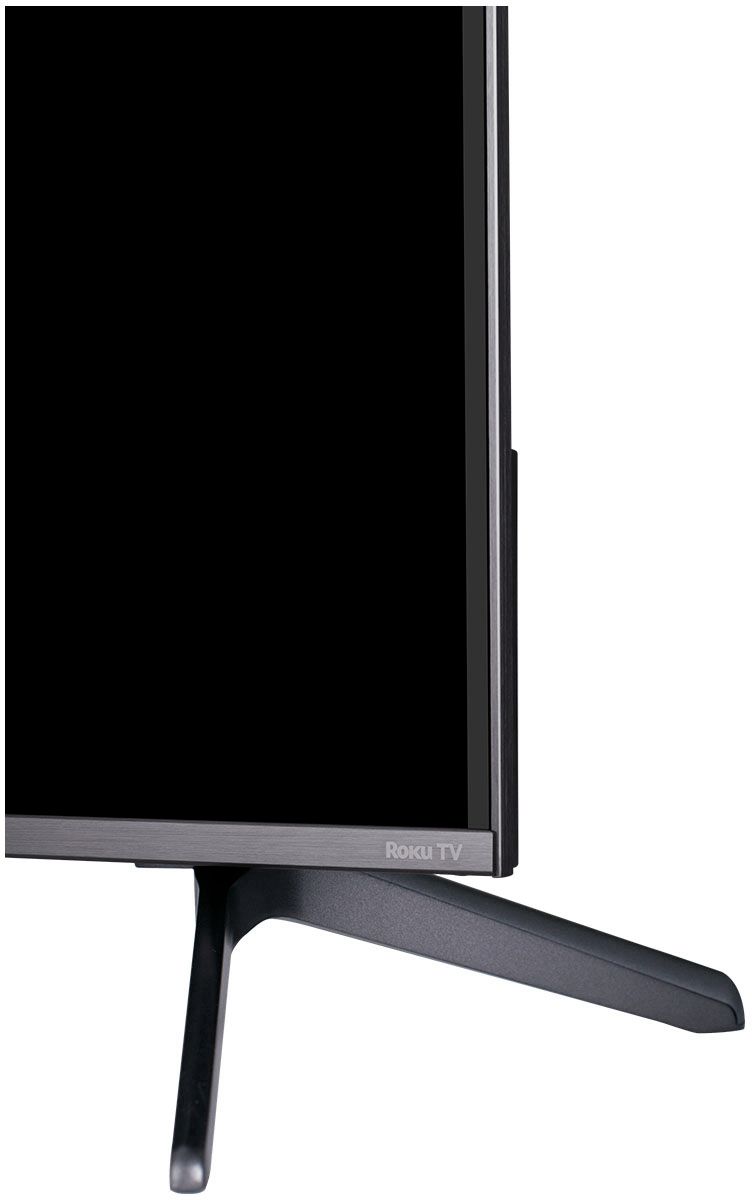
A:AnswerOn the 50”, the outer edges of the stand meet flush with the edge of the tv. The 65” has 2 position options for the stands, so if you don’t have enough space you can put the stands close in and let the screen hang out more. The screen has very small borders on the sides, close to 1/16 of an inch so you’re screen will be almost exact to the size you buy.
A:AnswerThe majority of our customers report a great experience with sports as well as action movies on this TV. Hope this helps! Thank you, TCL Customer Support
A:AnswerNot sure what the exact response time is but I play 60fps 4K games , Call of Duty, Spider-Man, etc. with no input lag. I have a 1ms 165hz monitor I used to play on and there is no difference in response time.
A:AnswerCurrently, when using headphones, the TV speakers are automatically disabled. There are not settings to adjust for this. Hope this helps! Thank you, TCL Customer Support