A:AnswerFor inquiries concerning retailer services, you would want to contact your local Best Buy or Best Buy Customer Support as they would be best equipped to further assist you. Hope this helps! Thank you, TCL Customer Support
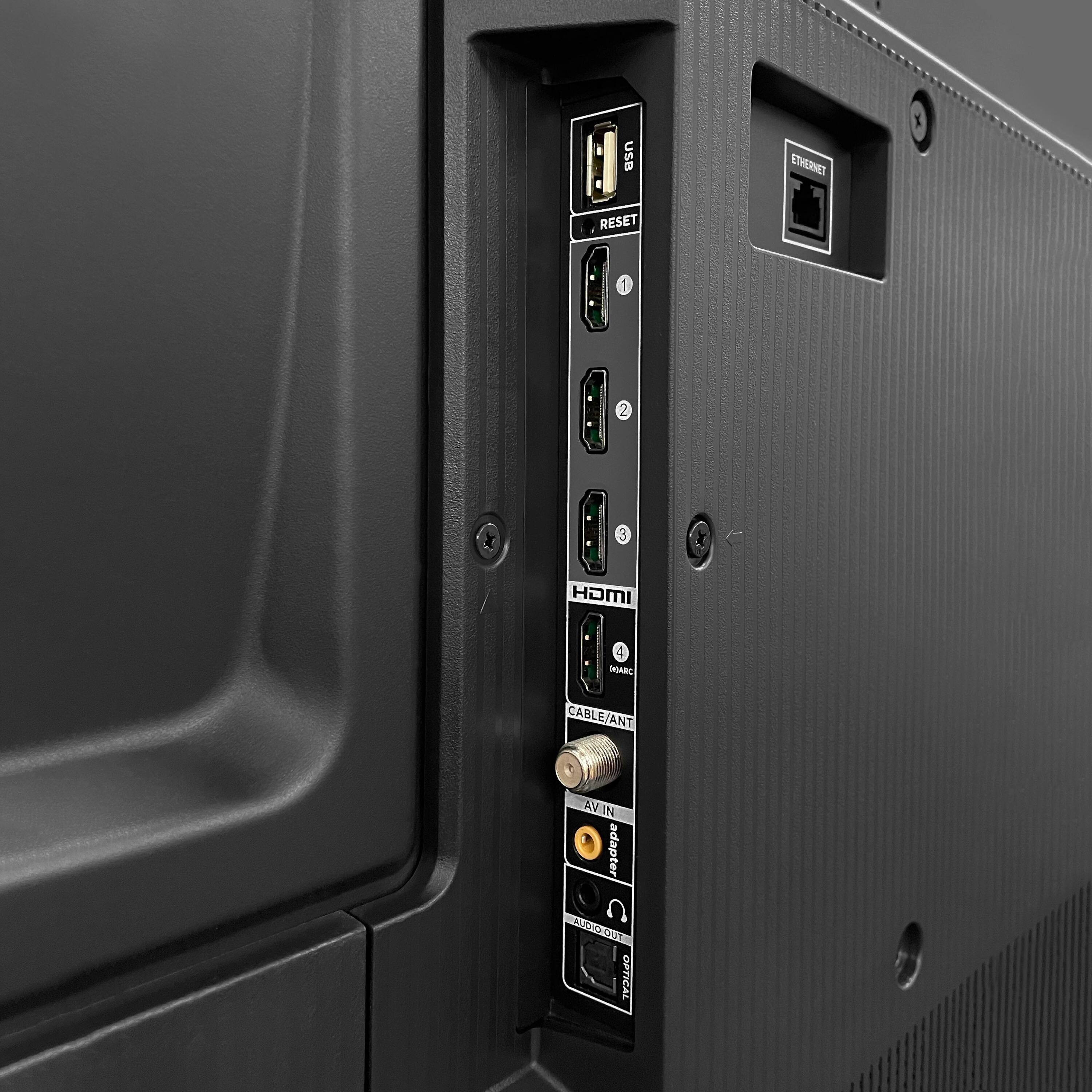
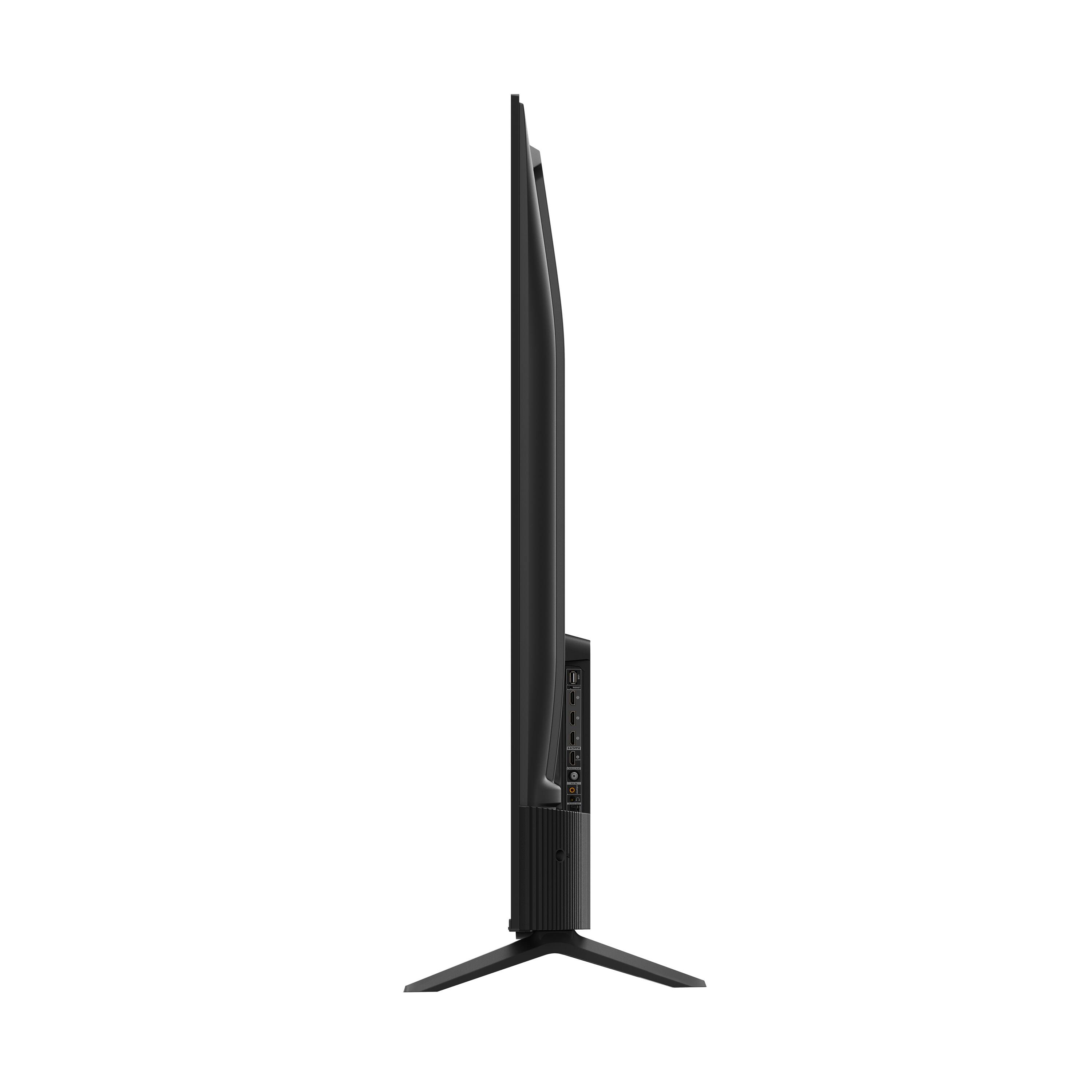
A:AnswerThis TCL TV features various inputs that can be used to connect external devices like a cable box. Hope this helps! Thank you, TCL Customer Support
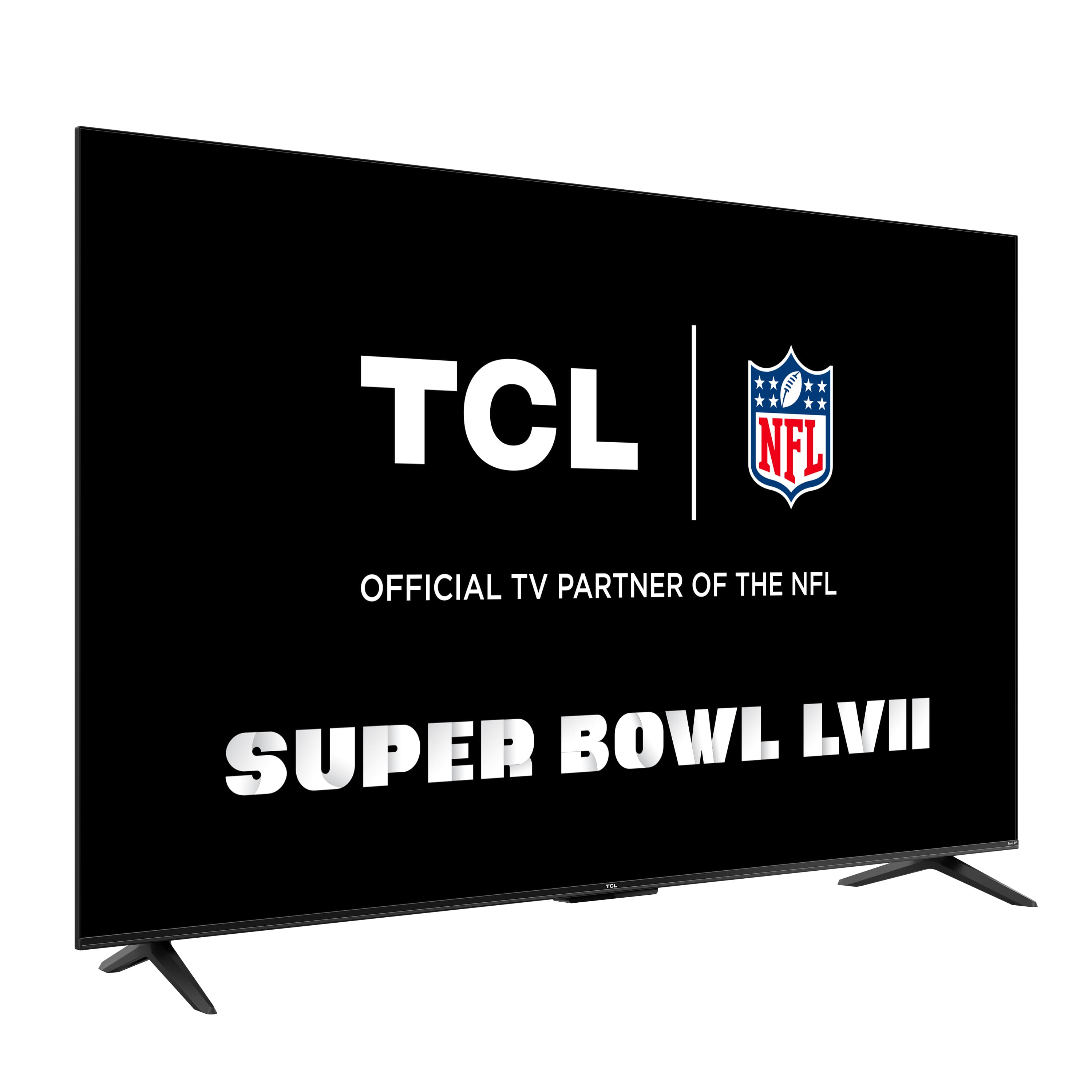
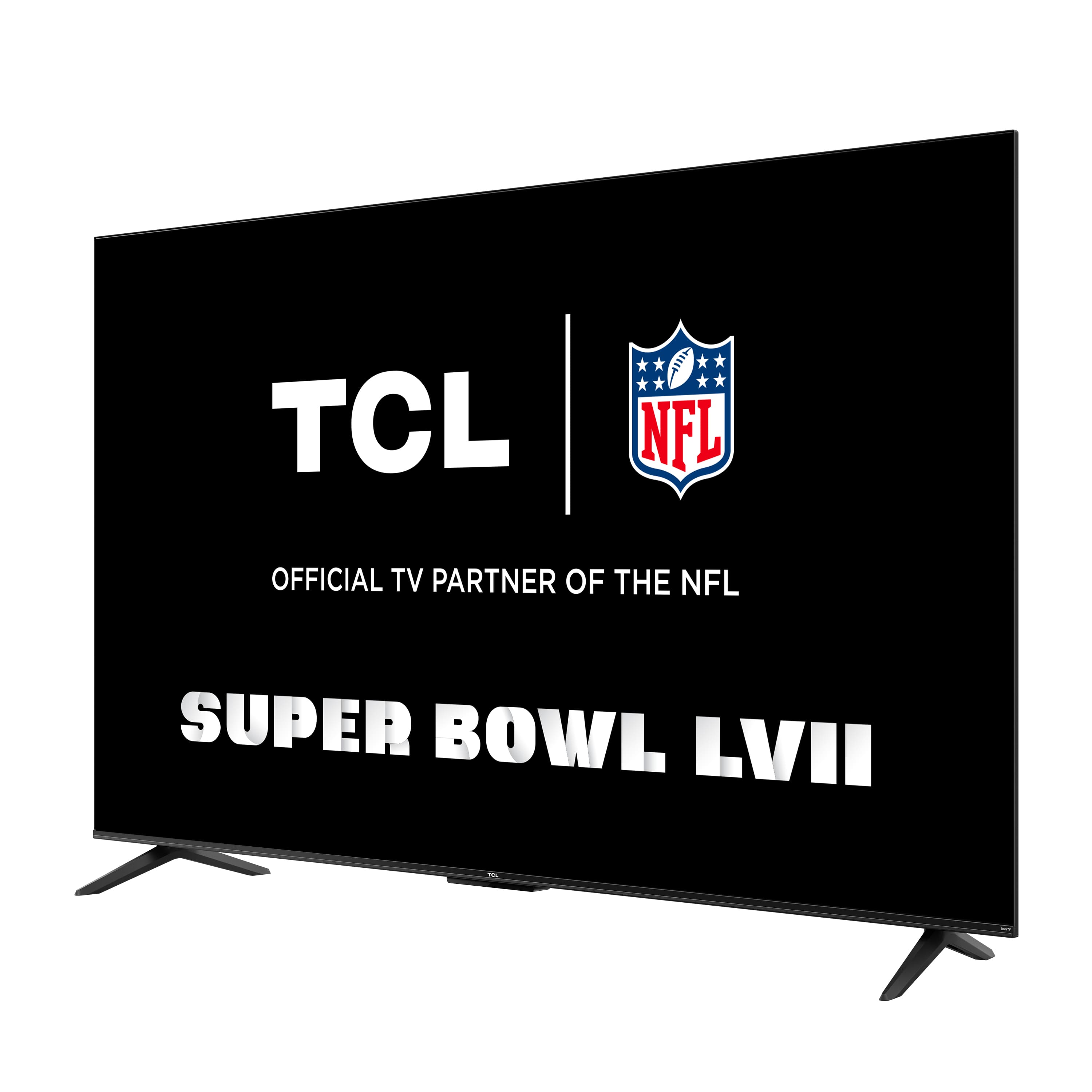
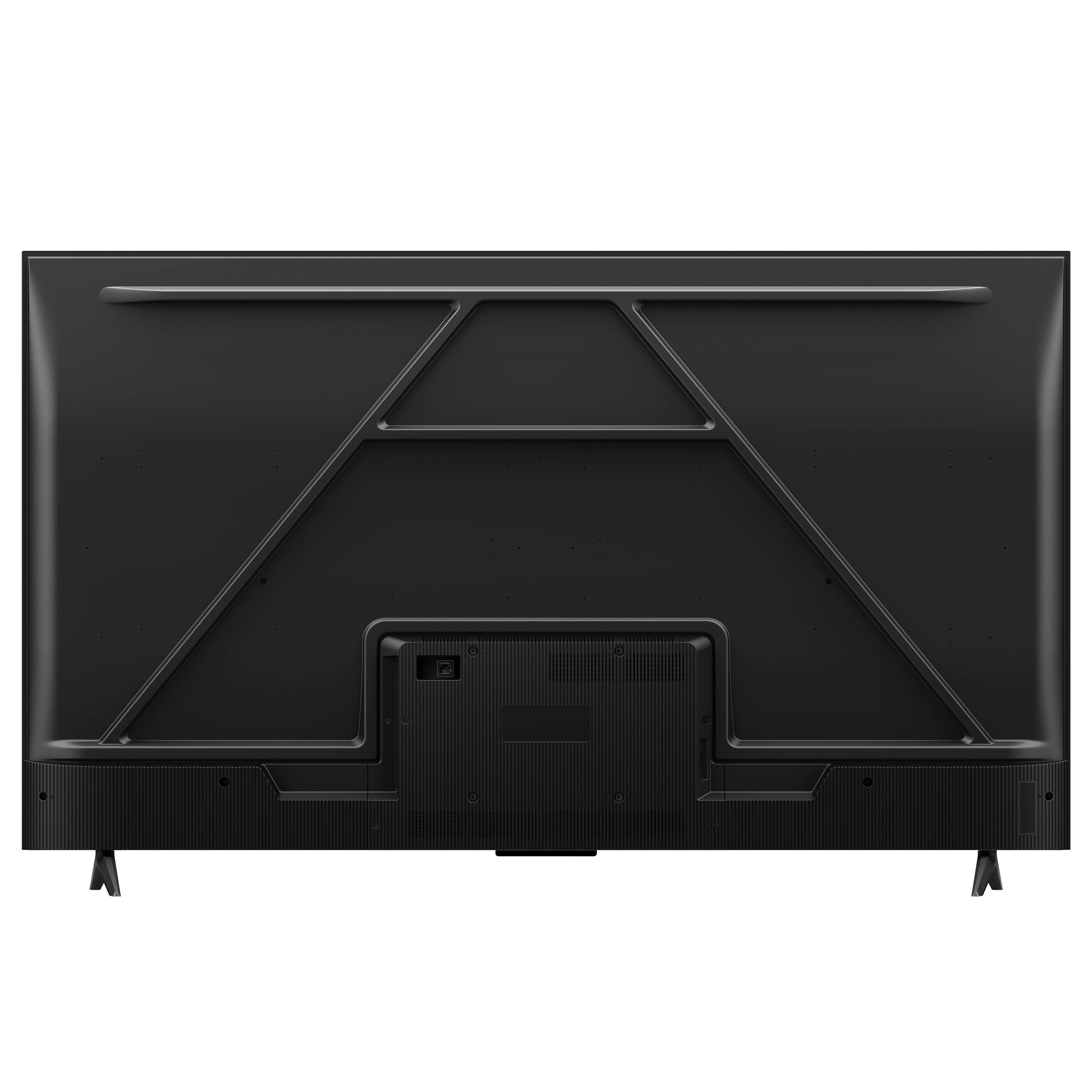
A:AnswerThis TCL Roku TV is compatible with most wall mounts that support a 200mm x 200mm VESA mounting pattern. Hope this helps! Thank you, TCL Customer Support
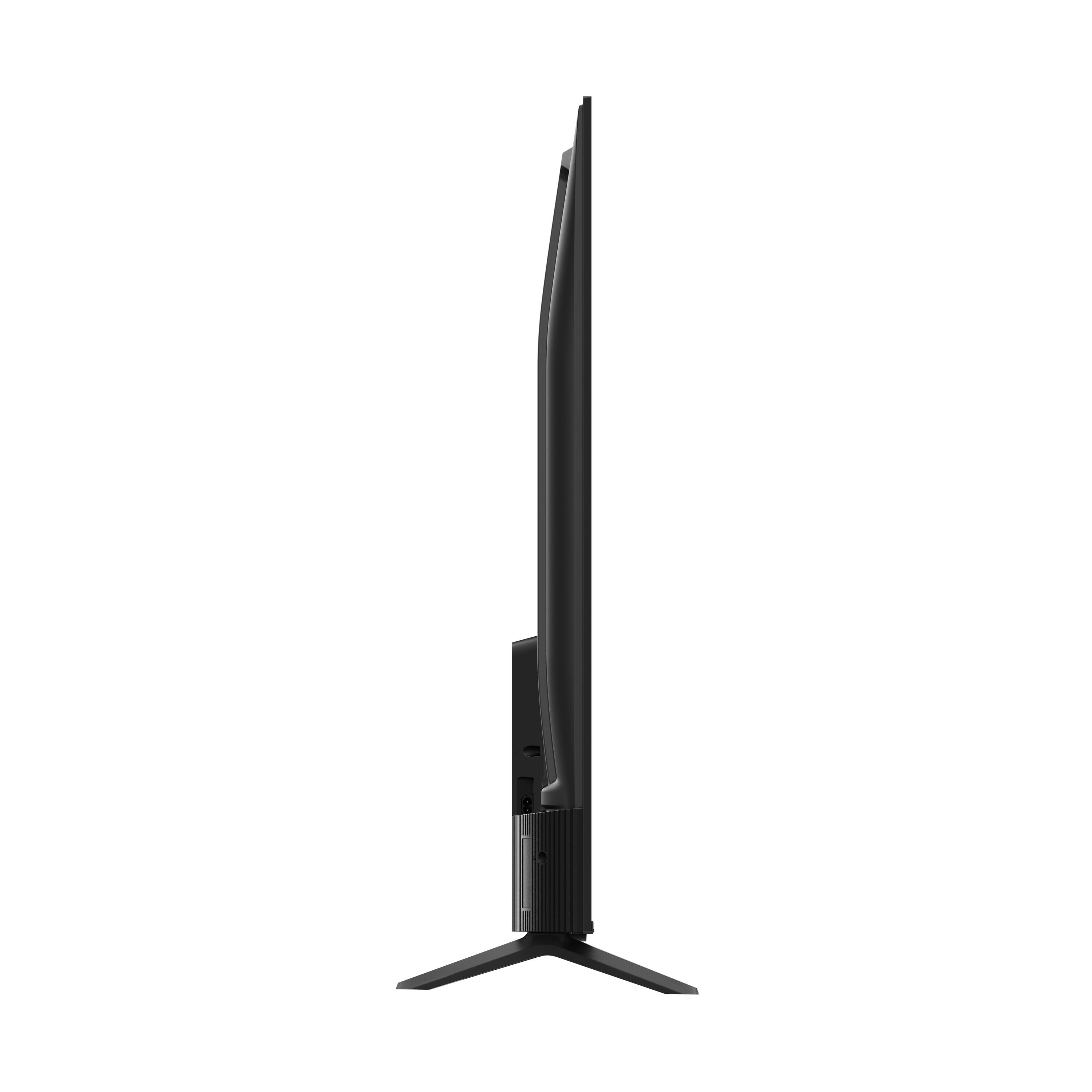
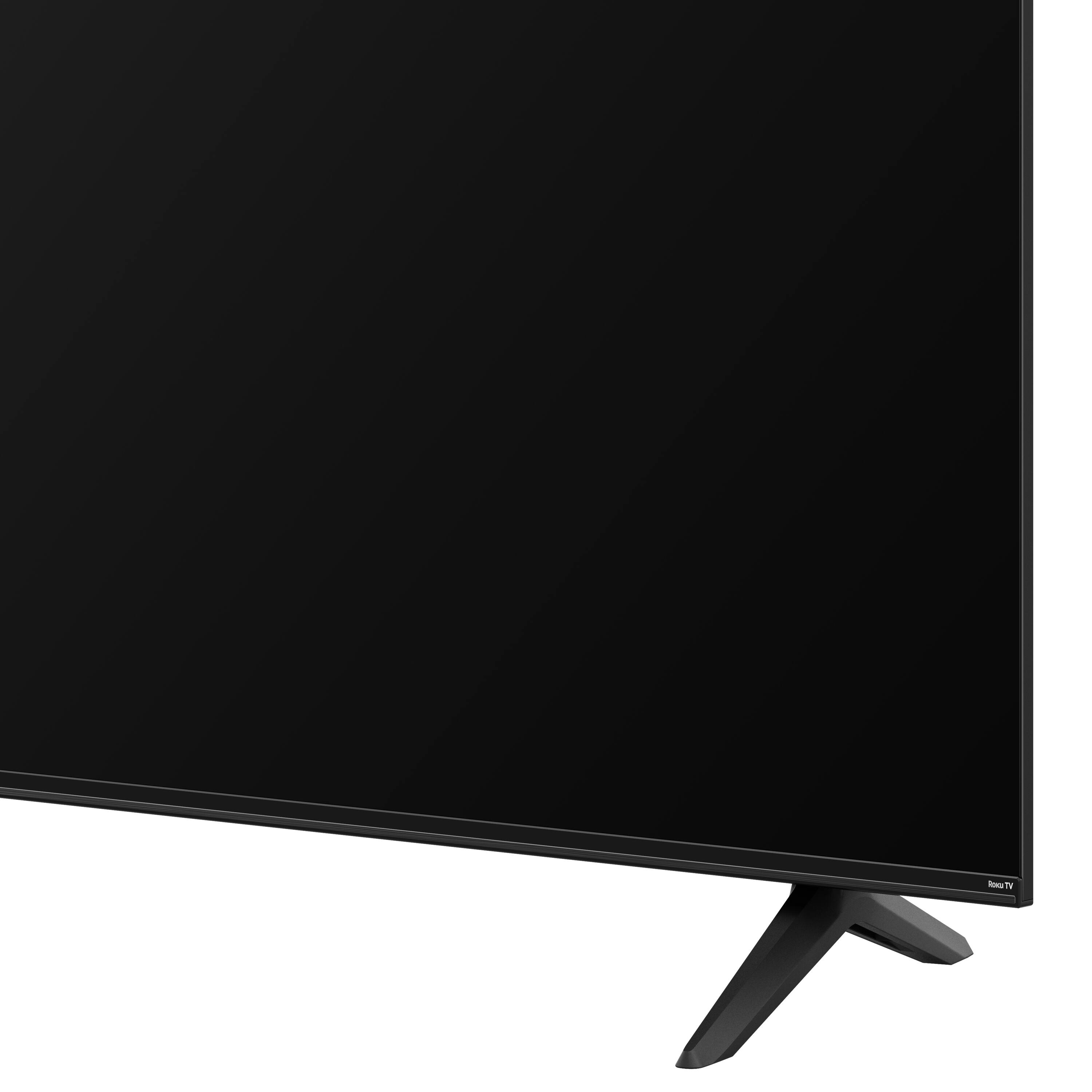
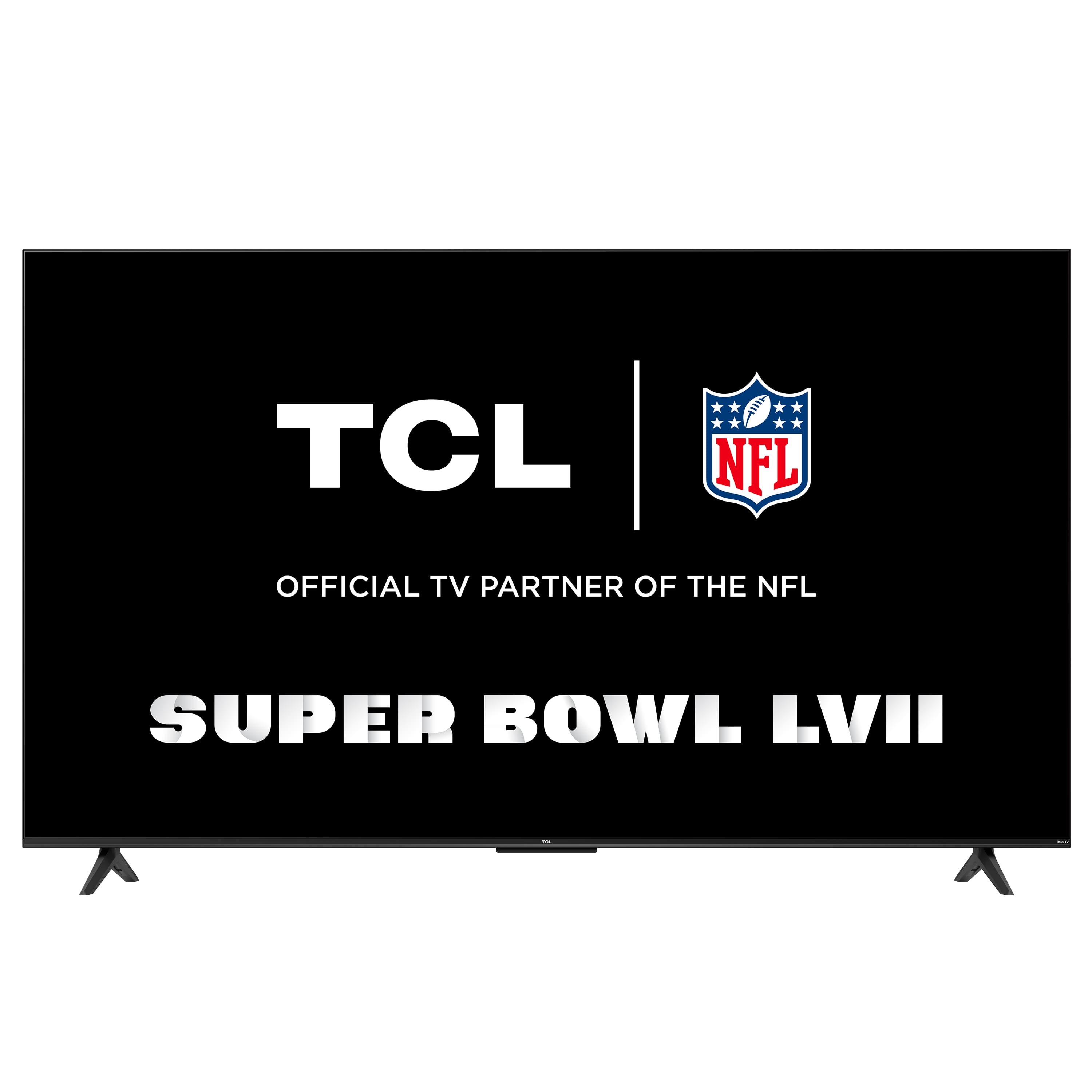
A:AnswerThis TCL TV comes with two feet with screws to secure them, a power cord, a TCL Roku remote with batteries, and a quick start guide. Any sort of wall mounting hardware or bracket would need to be purchased separately. This TV is compatible with most wall mounts that support a 200mm x 200mm VESA mounting pattern. Hope this helps! Thank you, TCL Customer Support
A:AnswerYou would want to check what VESA patterns your current mount supports. This TCL Roku TV is compatible with most wall mounts that support a 200mm x 200mm VESA mounting pattern. Hope this helps! Thank you, TCL Customer Support
A:AnswerThis TCL Roku TV is compatible with most soundbars and can be connected via HDMI ARC, Optical, or the 3.5mm headphone jack. Hope this helps! Thank you, TCL Customer Support
A:AnswerCurrently, our Roku based TVs do not support Bluetooth. Pairing Bluetooth devices to your Roku TV is only supported if you are using the Roku TV Wireless Speakers, or the Roku Smart Soundbar in combination with your TV. You cannot pair Bluetooth devices to your TV on its own—this functionality is not supported. For more information regarding this functionality, you would want to contact Roku Customer Support as they would be the best equipped to further explain. Hope this helps! Thank you, TCL Customer Support
A:AnswerFor this 55 inch TCL Roku TV, the feet spacing to fit on a stand is 41.5 inches wide and 10.1 inches deep. Hope this helps! Thank you, TCL Customer Support
A:AnswerTCL Roku TVs support screen mirroring with compatible Android and Windows devices. Here is a great article with more details on how: https://support.roku.com/article/208754928. Hope this helps! Thank you, TCL Customer Support
A:AnswerCurrently, our Roku based TVs do not support Bluetooth. If you are trying to connect a sound bar or speakers you can use the Optical port, or the HDMI ARC port. For Headphones, there is a Headphone jack on the back of the TV, or you can download the Free Roku app for private listening. Hope this helps! Thank you, TCL Customer Support
A:AnswerIt runs in the Roku platform so they aren’t necessarily pre-loaded but you can load them in a few seconds. We use Roku and YouTube TV and cut our cable several years ago and have never looked back.
A:AnswerHello Train,
Unfortunately, "Smart Sound" is not an industry standard term so we are unable to fully answer your question. Our TV's support a wide range of Dolby Digital formats and can be pair with audio video receivers for the most immersive sound and video experience. Hope this helps.

TCL Social Support