A:AnswerFor inquiries concerning delivery and installation, you would want to contact your local Best Buy or Best Buy Customer Support as they would be best equipped to further assist you. Hope this helps! Thank you, TCL Customer Support
A:AnswerIn addition to the remote that comes with the TV, you can download the free Roku mobile app on your Smartphone or tablet to use as a remote. Through the Roku mobile app, you gain access to power toggle, volume toggle, private listening, voice search, and more. Hope this helps! Thank you, TCL Customer Support
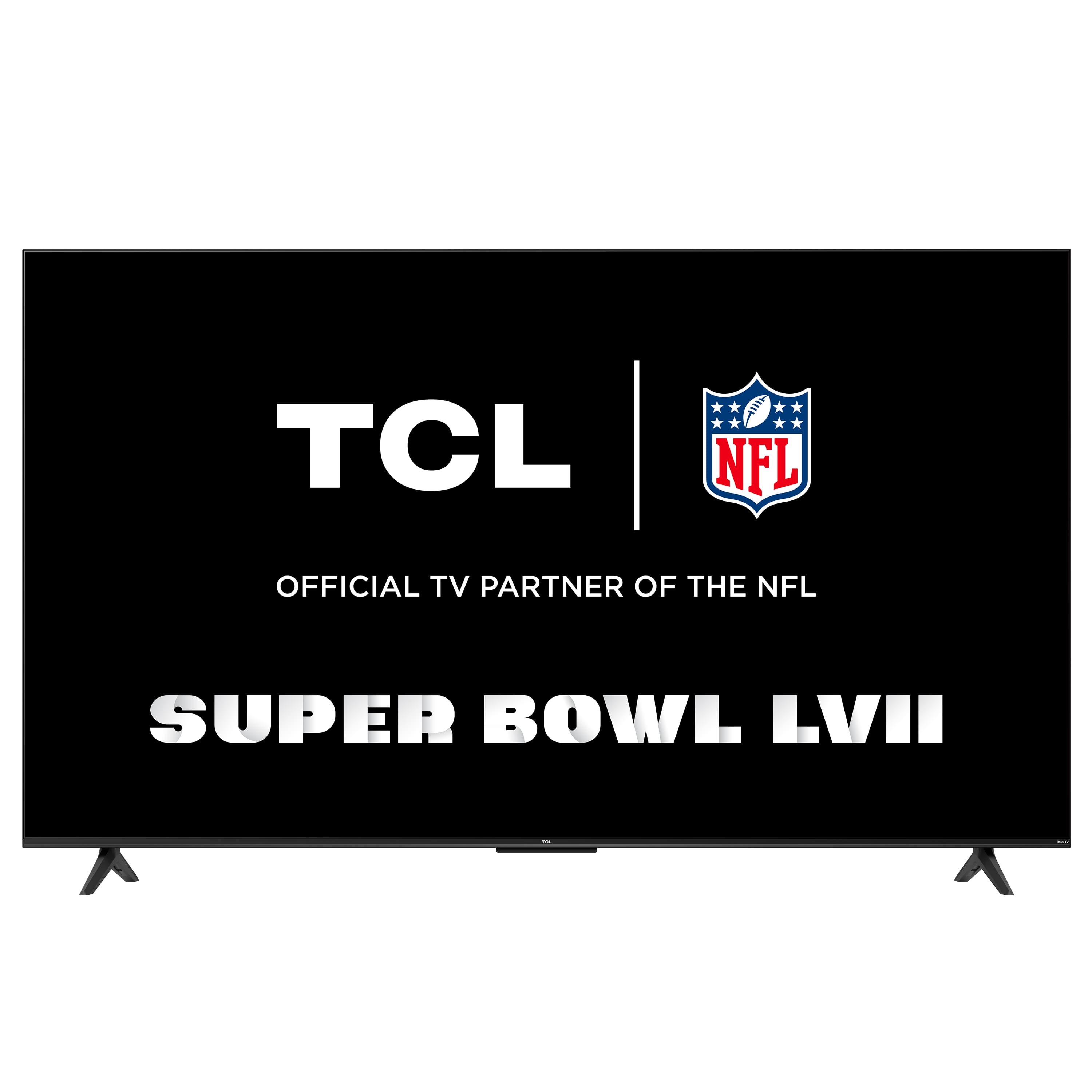
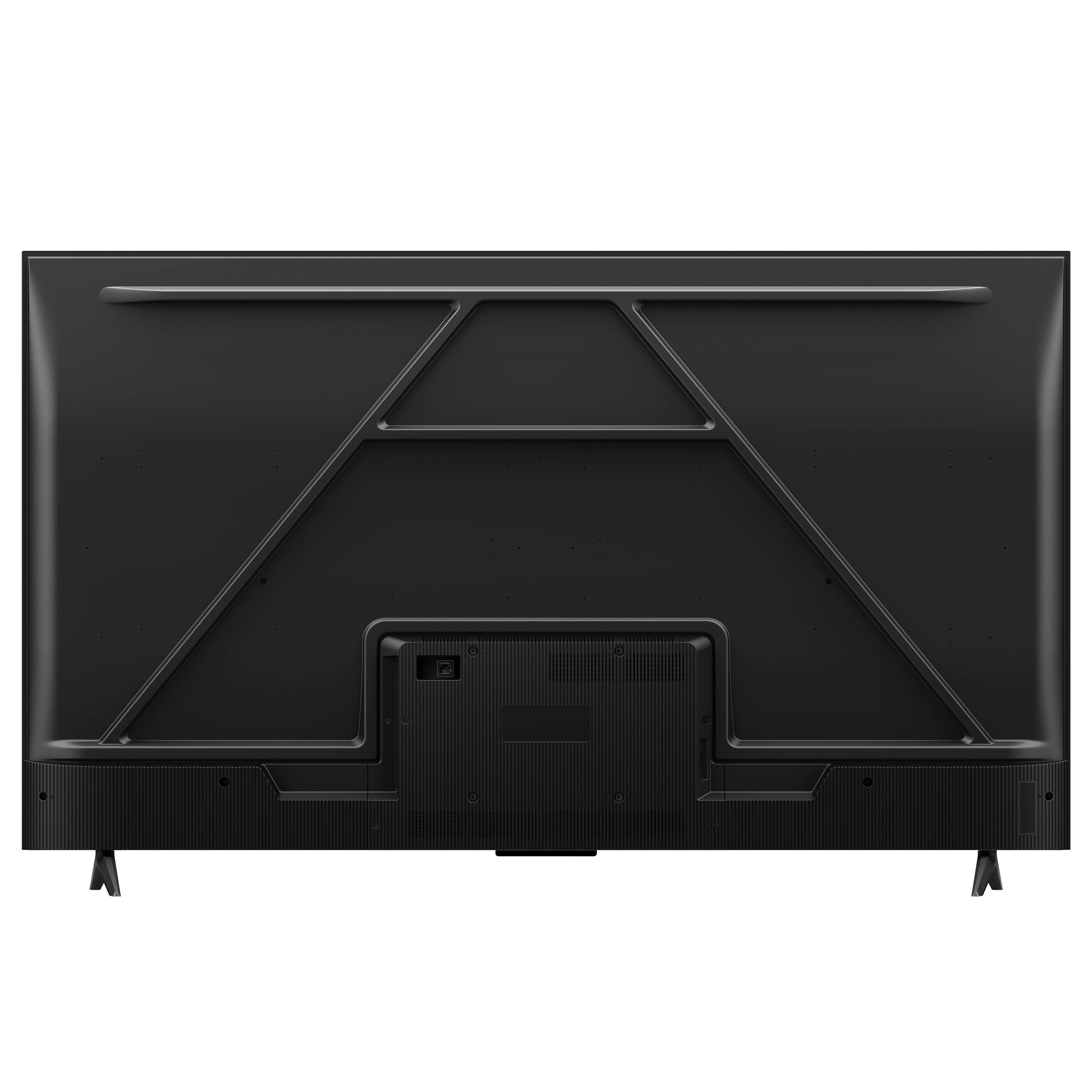
A:AnswerThis TCL Roku TV is compatible with most stands and wall mounts that support a 200mm x 200mm VESA mounting pattern. Hope this helps! Thank you, TCL Customer Support
A:AnswerYou can program the TV to power on to a specific input by going to Home>Settings>System>Power>Power On>Select the input. Hope this helps! Thank you, TCL Customer Support
A:AnswerYou can visit www.tcl.com/us/en/products/home-theater/4-series/55-class-4-series-4k-uhd-led-smart-roku-tv-55s455 and look under the "Downloads" section for a copy of the Energy Guide sticker. Hope this helps! Thank you, TCL Customer Support
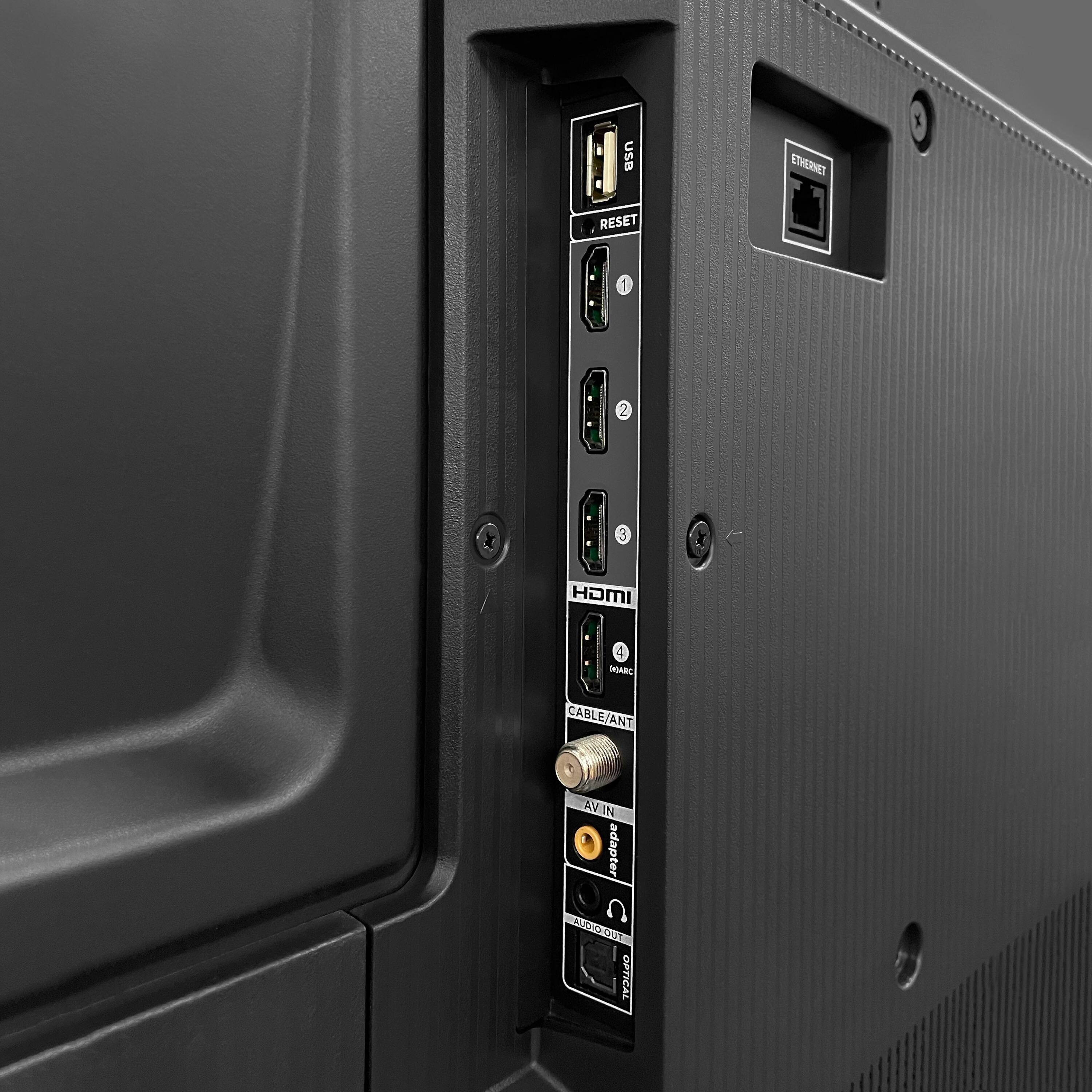
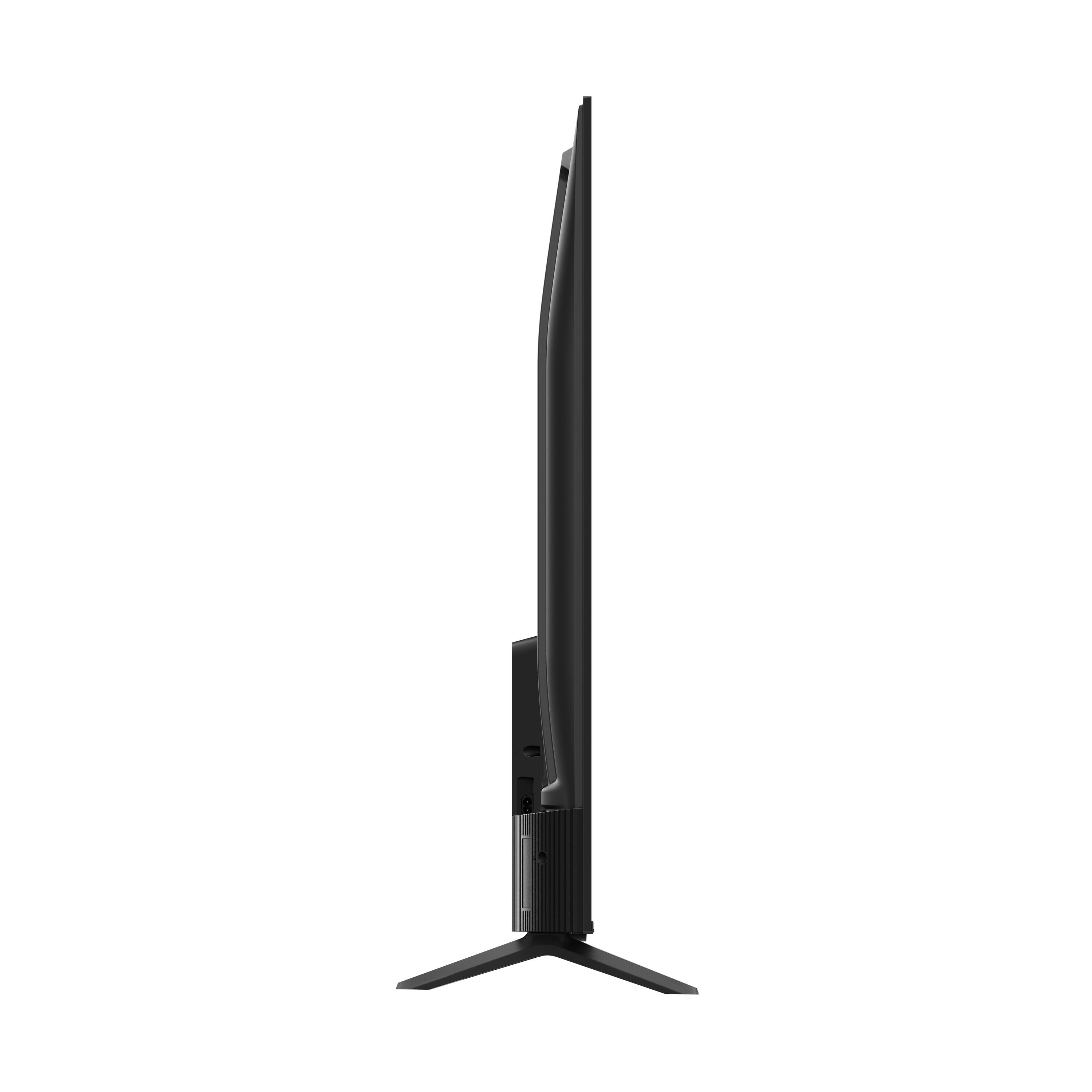
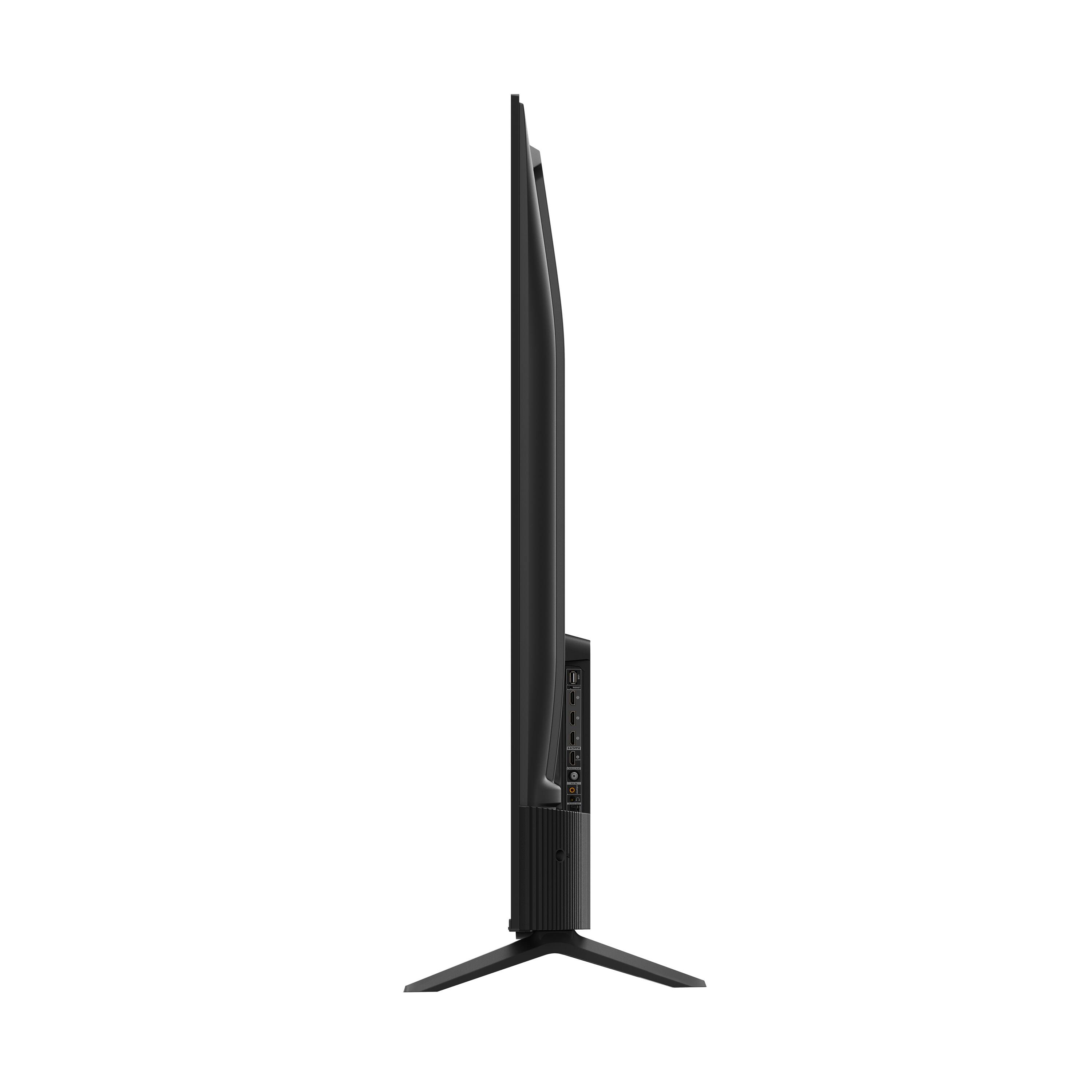
A:AnswerThis TCL Roku TV is compatible with most soundbars and can be connected via HDMI ARC, Optical, or the 3.5mm headphone jack. Hope this helps! Thank you, TCL Customer Support