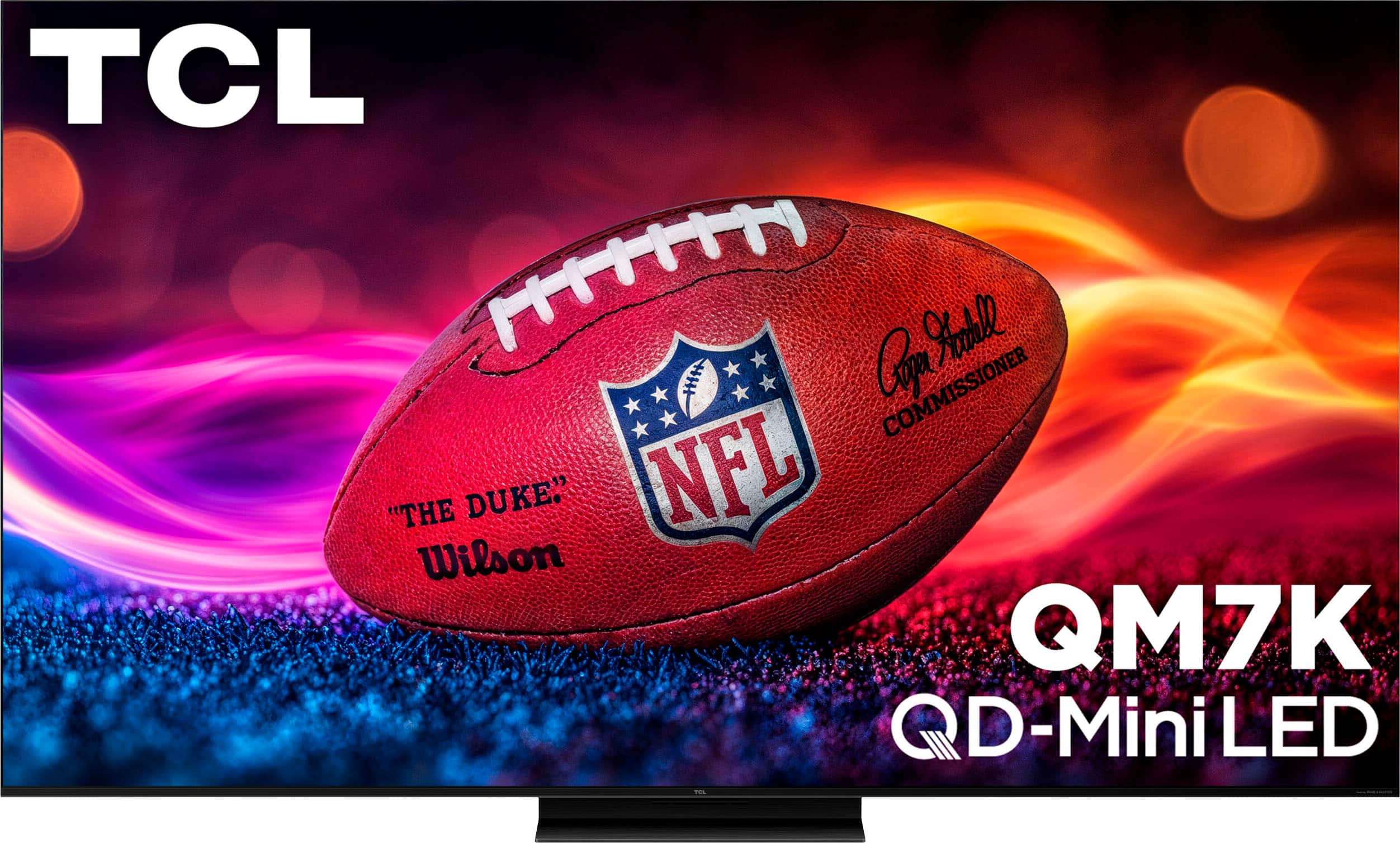
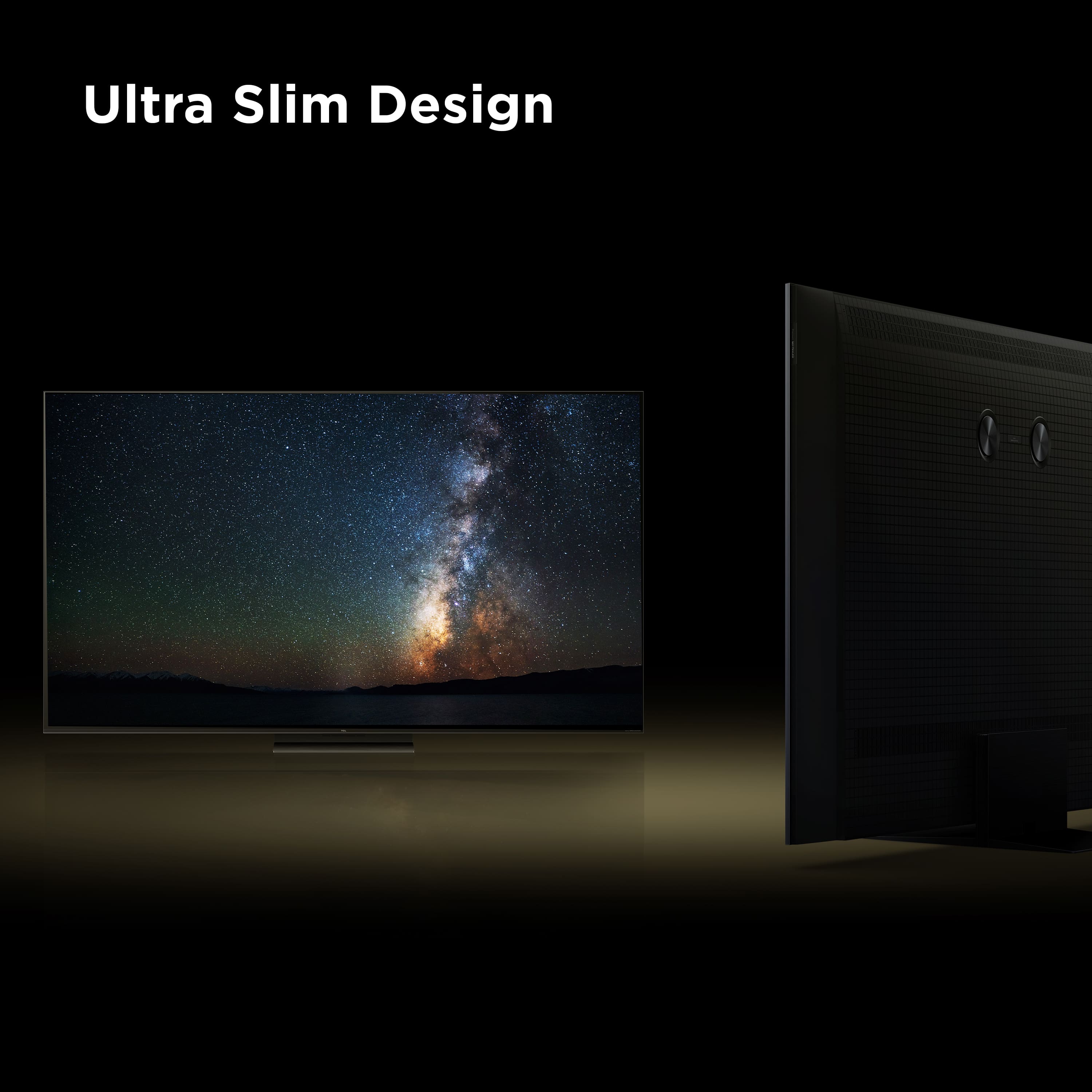
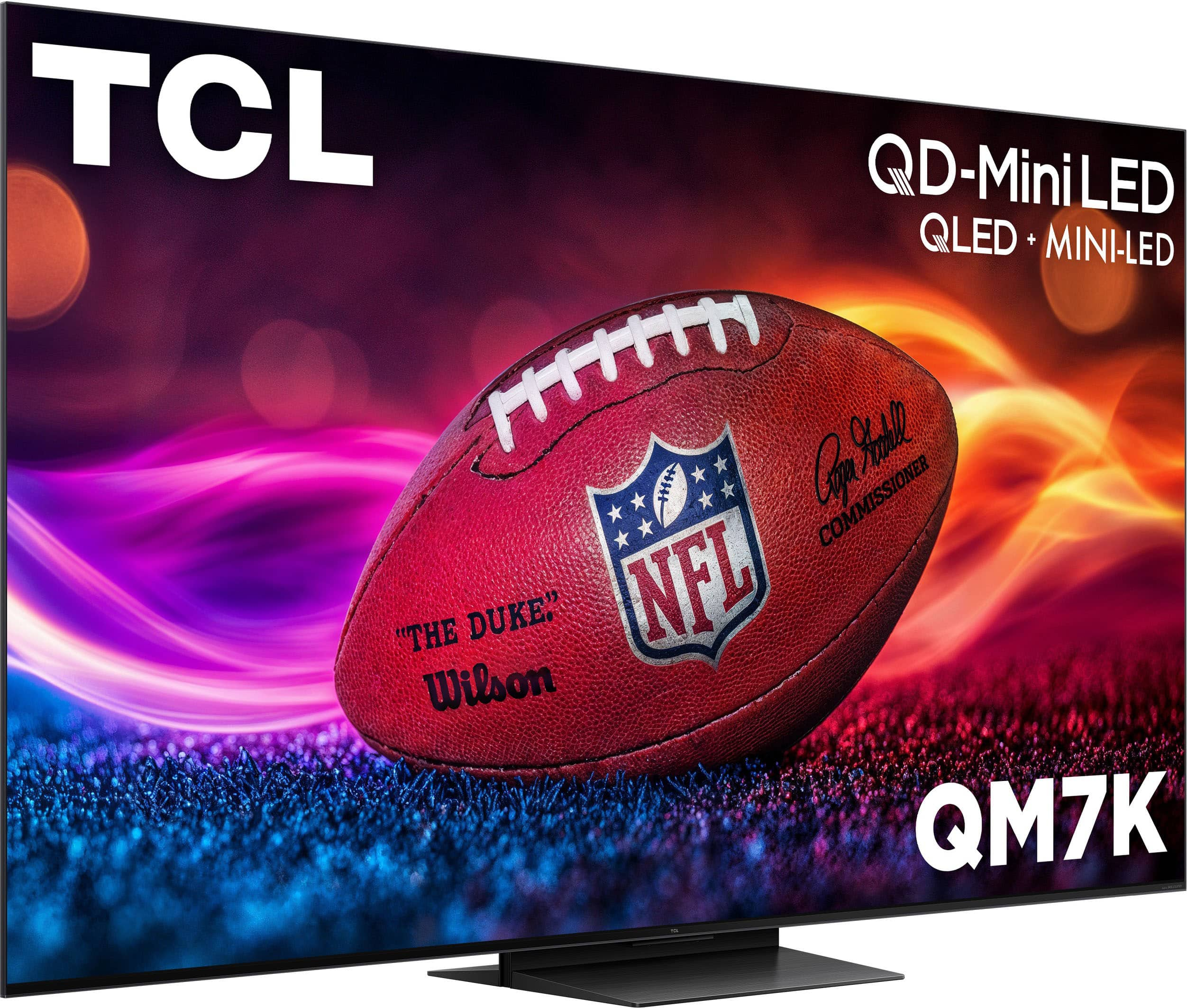
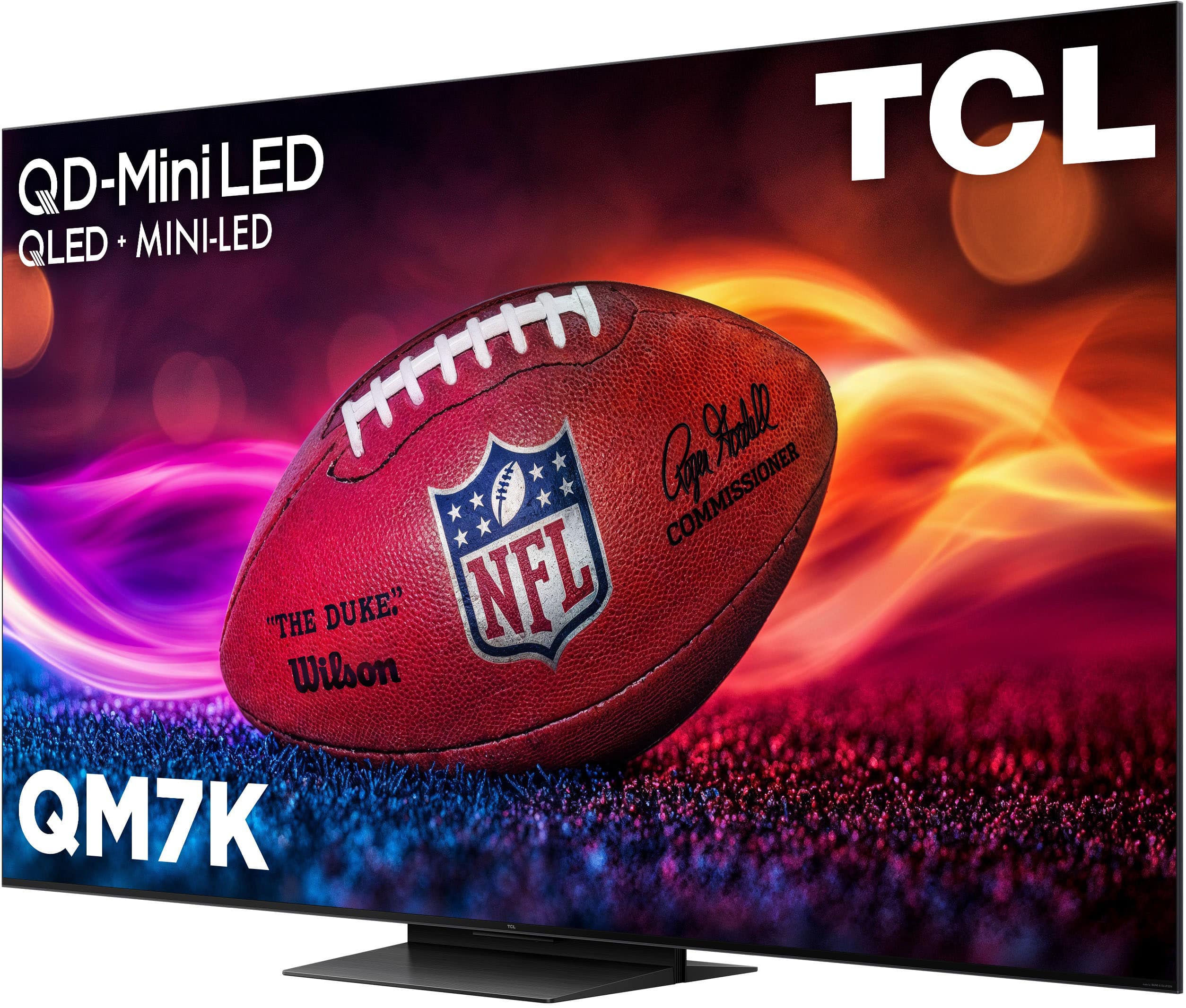
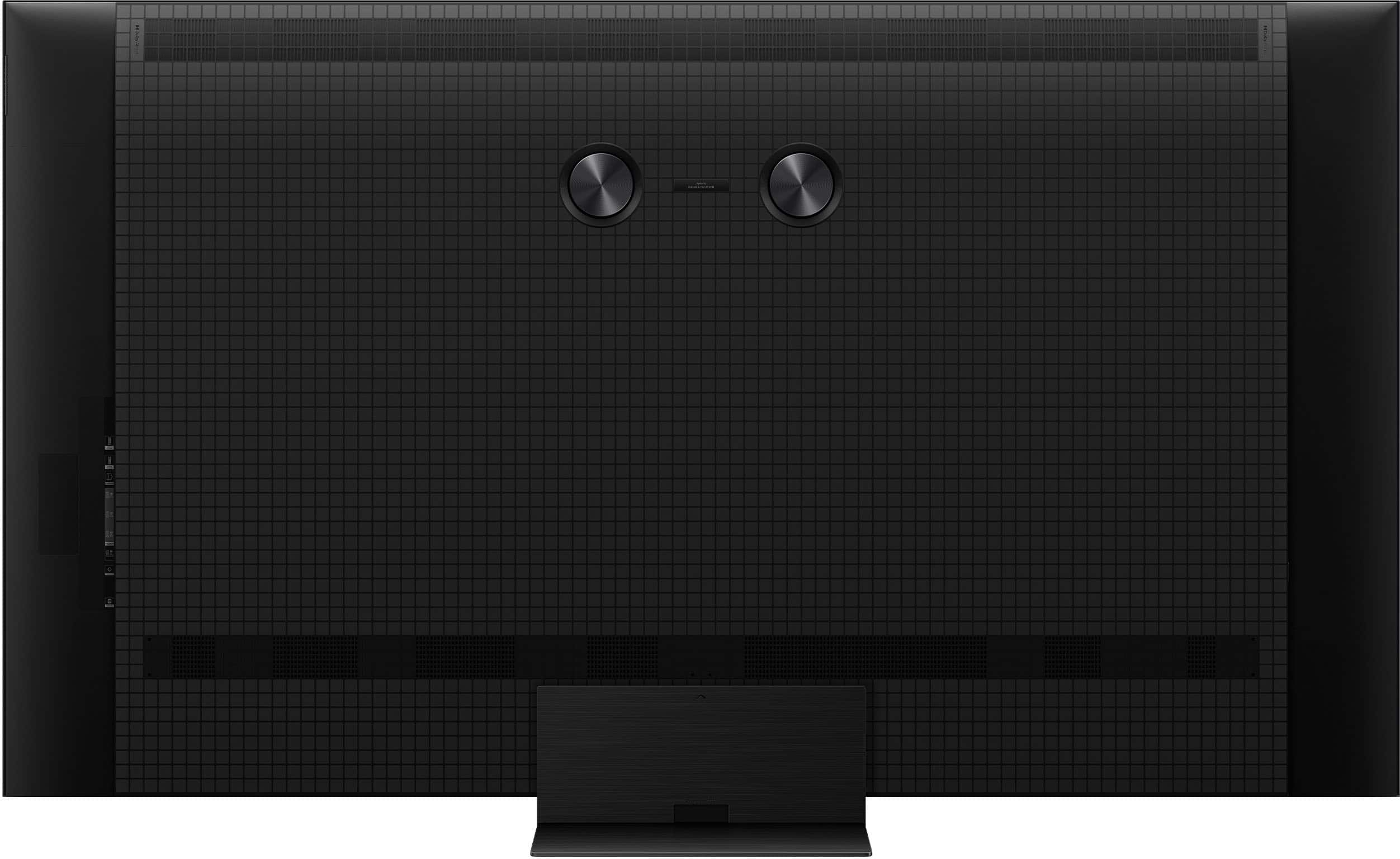
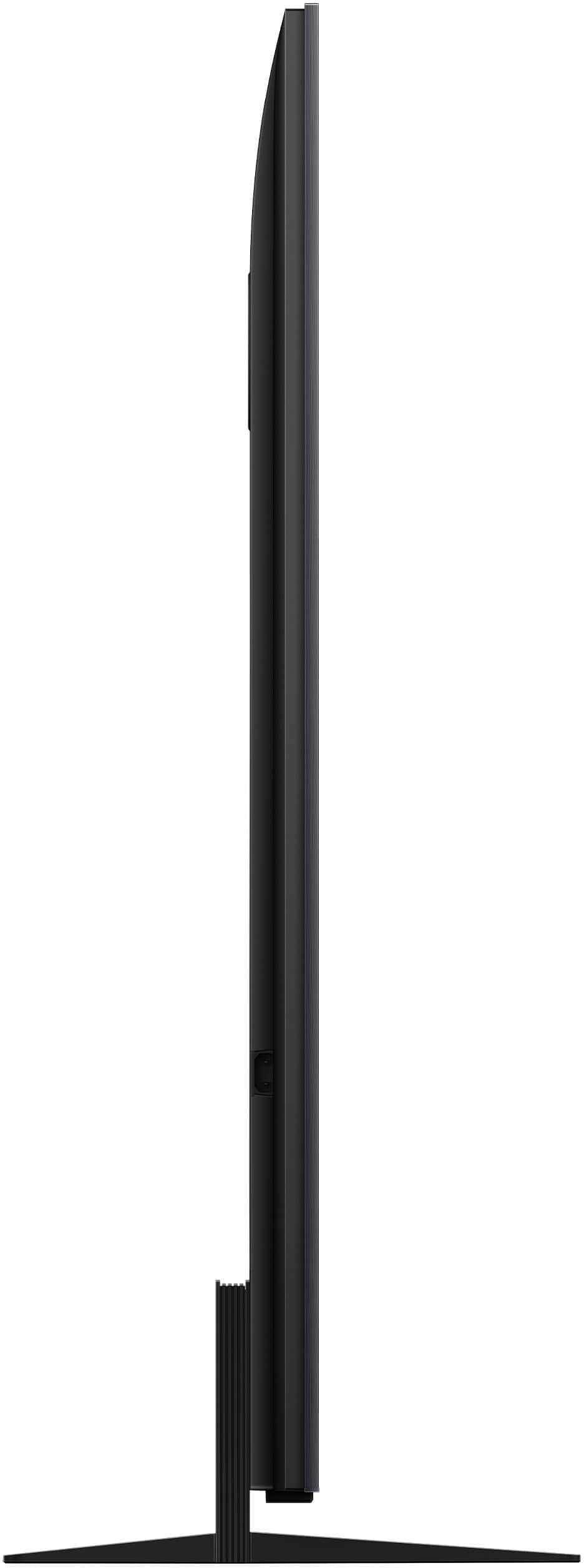
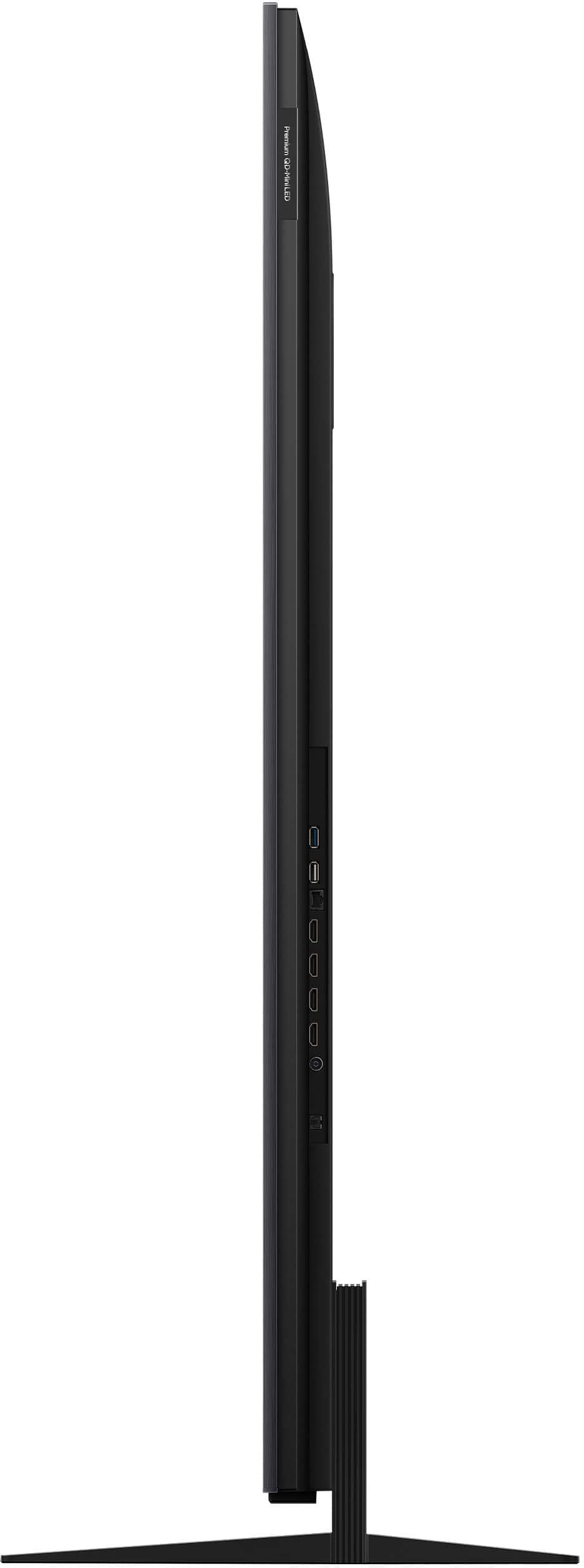
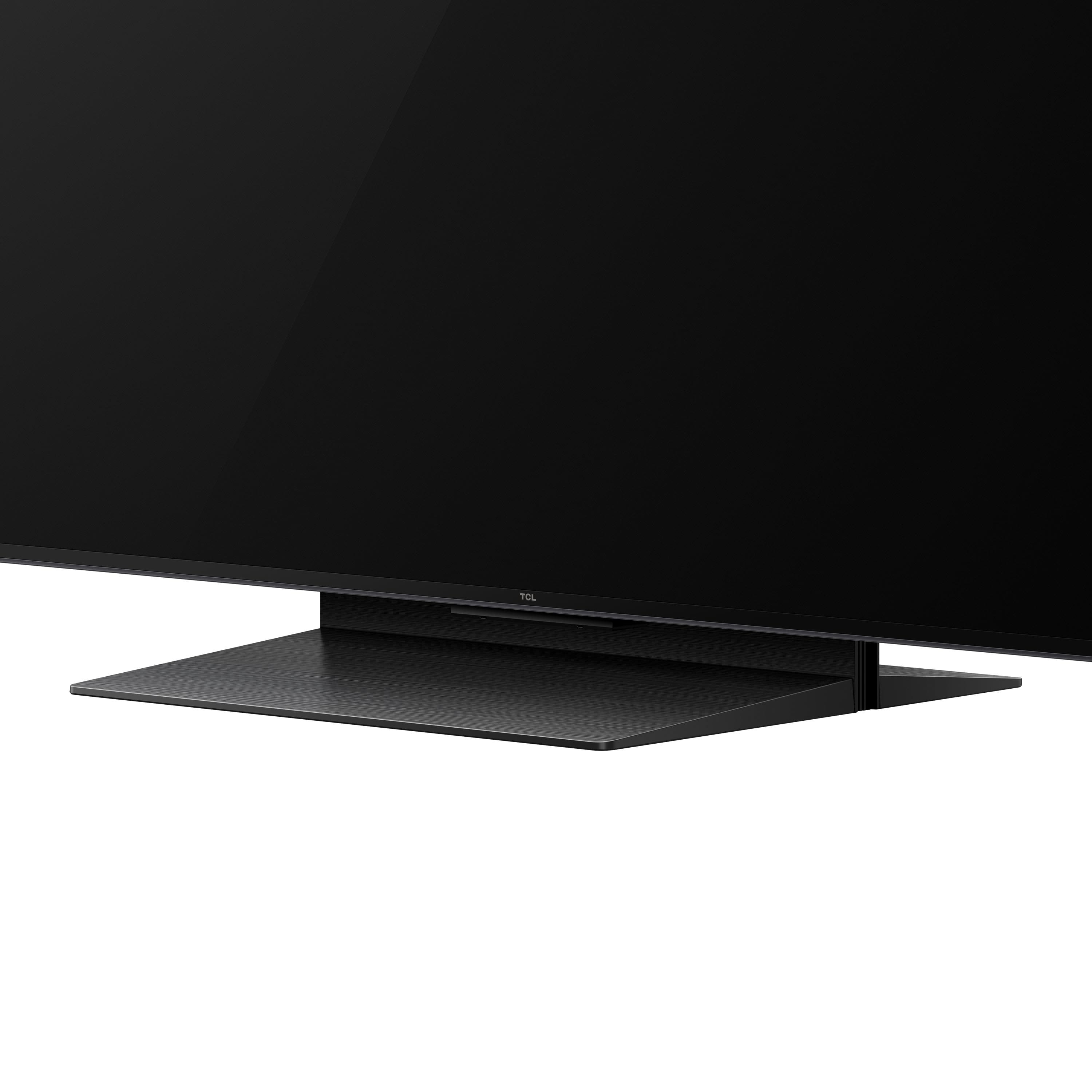
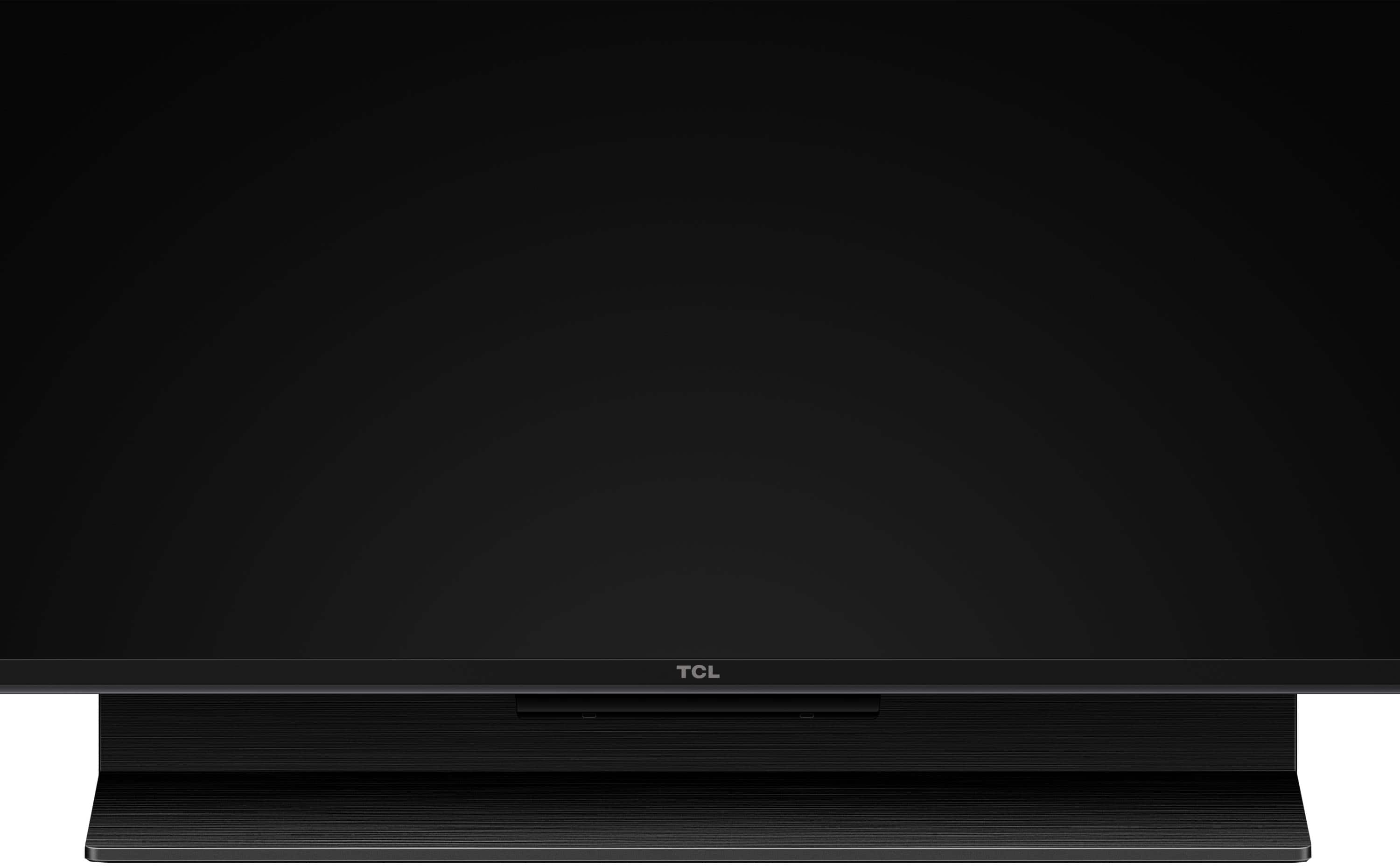
A:AnswerThis TCL TV comes with the pedestal stand as shown in product photos. You can visit https://us.tcl.com/products/qm7k-series-qd-mini-led-qled-4k-uhd-smart-tv-with-google-tv?variant=44054398140481 for more information about this TV. Hope this helps! Thank you, TCL Customer Support
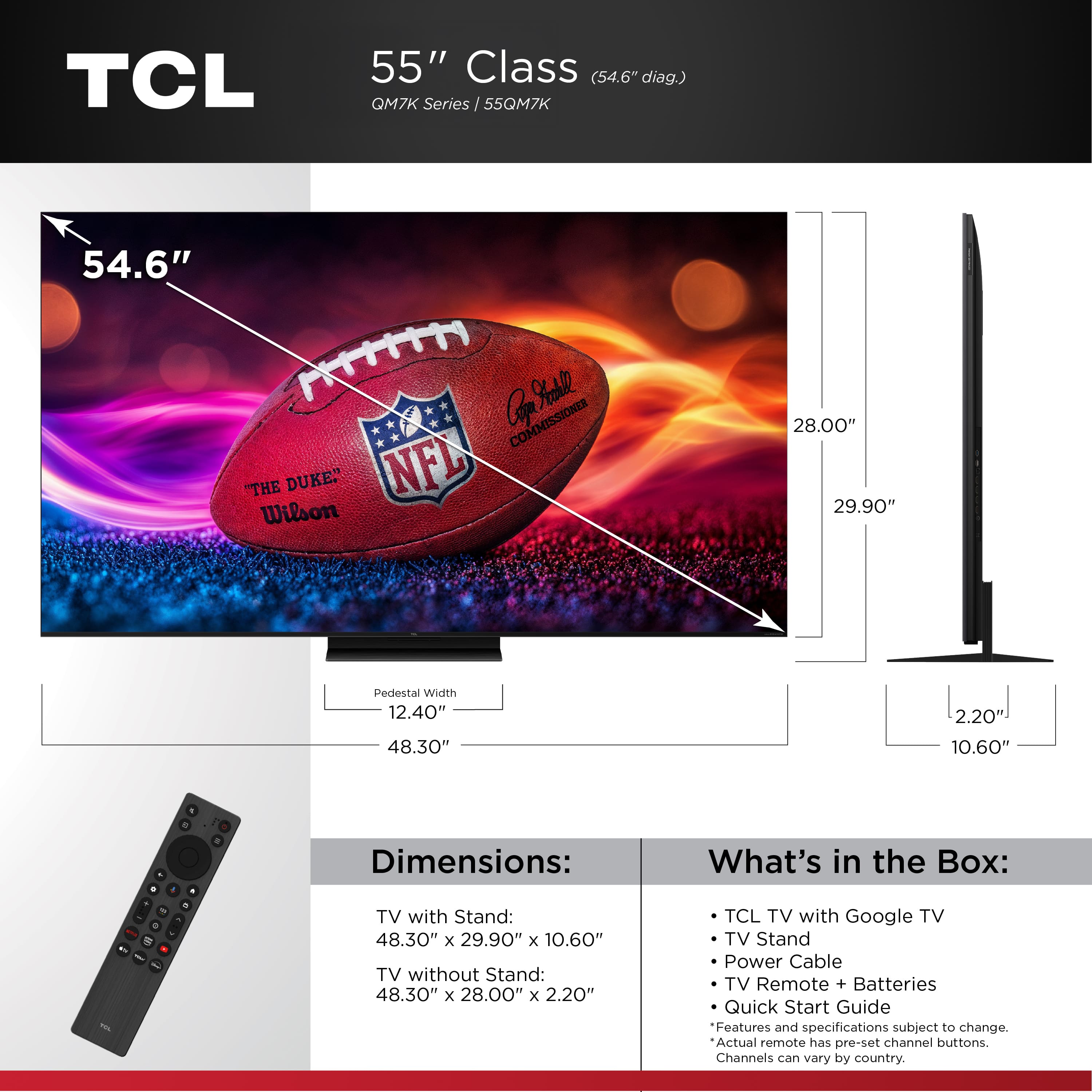
A:AnswerProduct Height With Stand
29.9 inches
Product Width
48.3 inches
Product Depth With Stand
10.6 inches
Product Height Without Stand
28 inches
Product Depth Without Stand
2.2 inches
Product Weight With Stand
32 pounds
Product Weight Without Stand
29.3 pounds
Stand Width
12.4 inches
Stand Depth
10.6 inches
A:AnswerFor inquiries concerning retailer services, you would want to contact your local Best Buy or Best Buy Customer Support as they would be best equipped to further assist you. Hope this helps! Thank you, TCL Customer Support
A:AnswerThere are a total of 4 mounting holes. 2 of them have screws in them and should be removed. We recommend using the appropriate M6 screws that come in most mounting bracket screw kits. This TCL TV uses a 300mm x 300mm VESA mounting pattern. Hope this helps! Thank you, TCL Customer Support
A:AnswerThis 55 inch TCL TV is compatible with most wall mounts that support a 300mm x 300mm VESA mounting pattern. Hope this helps! Thank you, TCL Customer Support
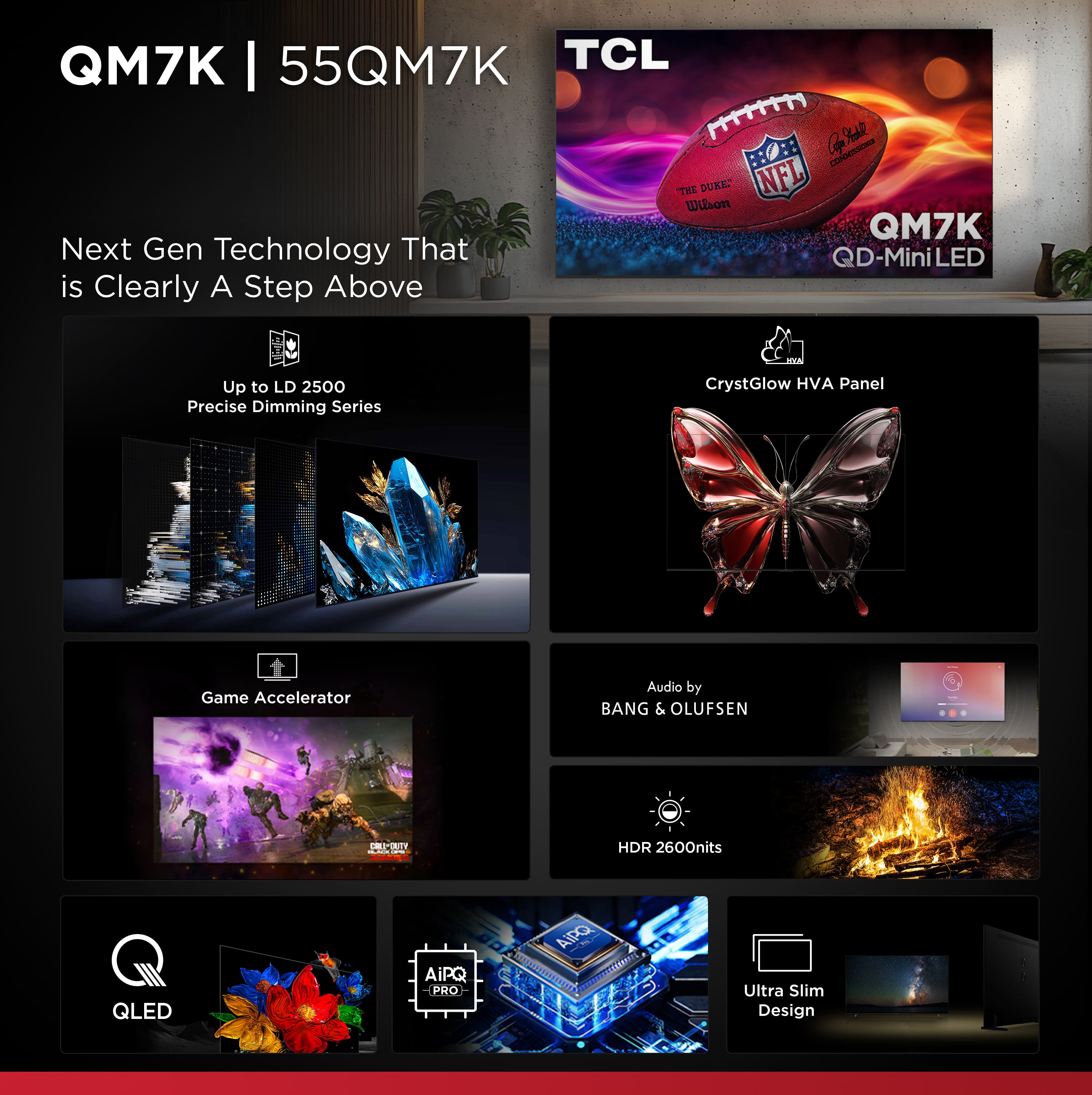
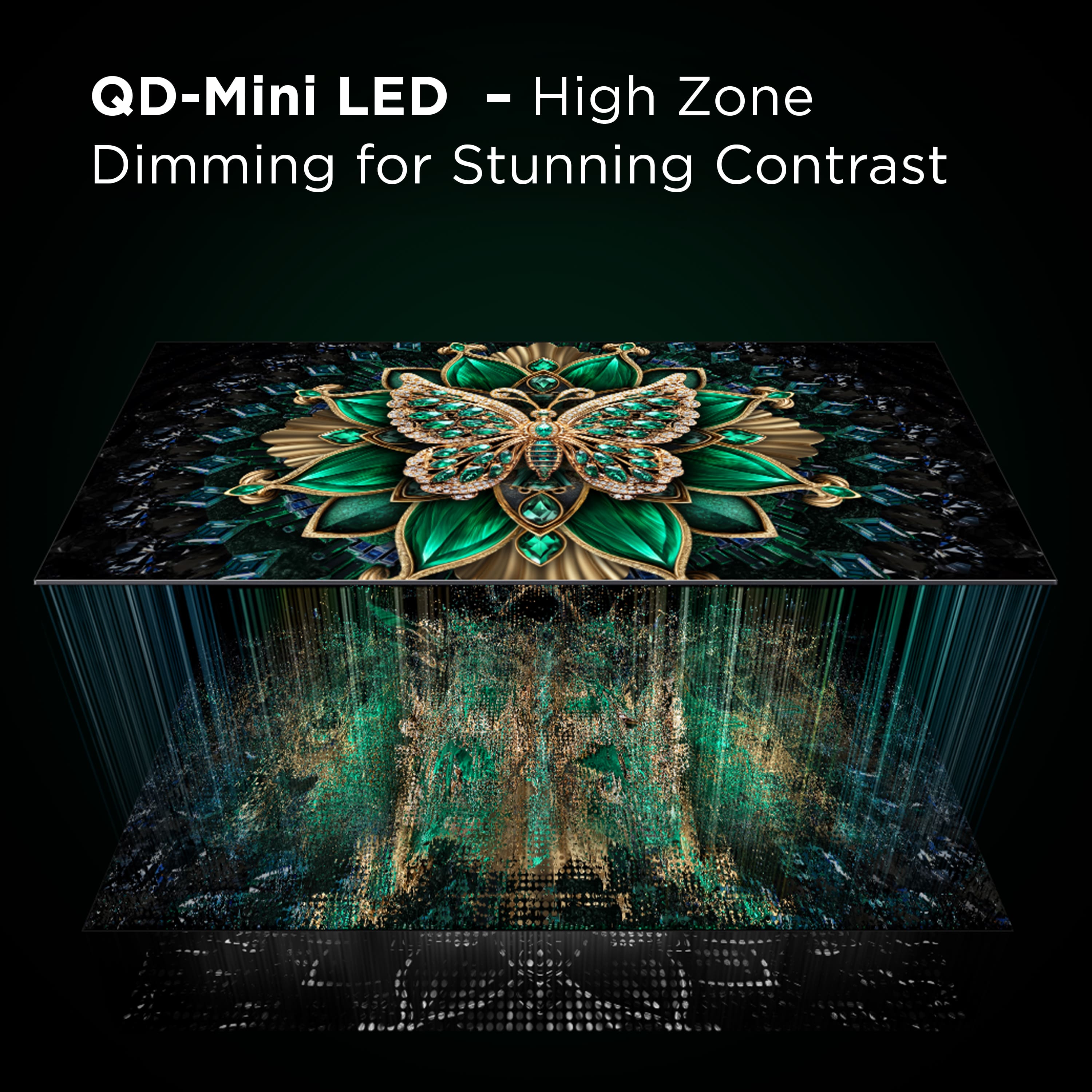
A:AnswerOur QM7K comes in various sizes and features up to LD2500 Precise Dimming Series provides amazing black levels with up to 2,500 precisely controlled local dimming zones. You can visit https://www.tcl.com/us/en/products/home-theater/qm7k-class/75-class-4k-uhd-hdr-qd-mini-led-qled-smart-google-tv-75qm7k to see all of the published information on this TV. Hope this helps! Thank you, TCL Customer Support
A:AnswerThis TCL TV is compatible with most soundbars and speakers and can be connected via HDMI eARC, Optical, Bluetooth, or the 3.5mm headphone jack. Hope this helps! Thank you, TCL Customer Support
A:AnswerIf a USB is connected, you should be able to utilize Live TV pause. You can go to support.tcl.com/us-googletv-setup-configuration/setting-up-live-tv-pause-on-the-tcl-google-tv for detailed instructions. Hope this helps! Thank you, TCL Customer Support
A:AnswerIf headphones are connected, the TV speakers will be automatically disabled. Only one pair of headphones can be connected at a time. Hope this helps! Thank you, TCL Customer Support
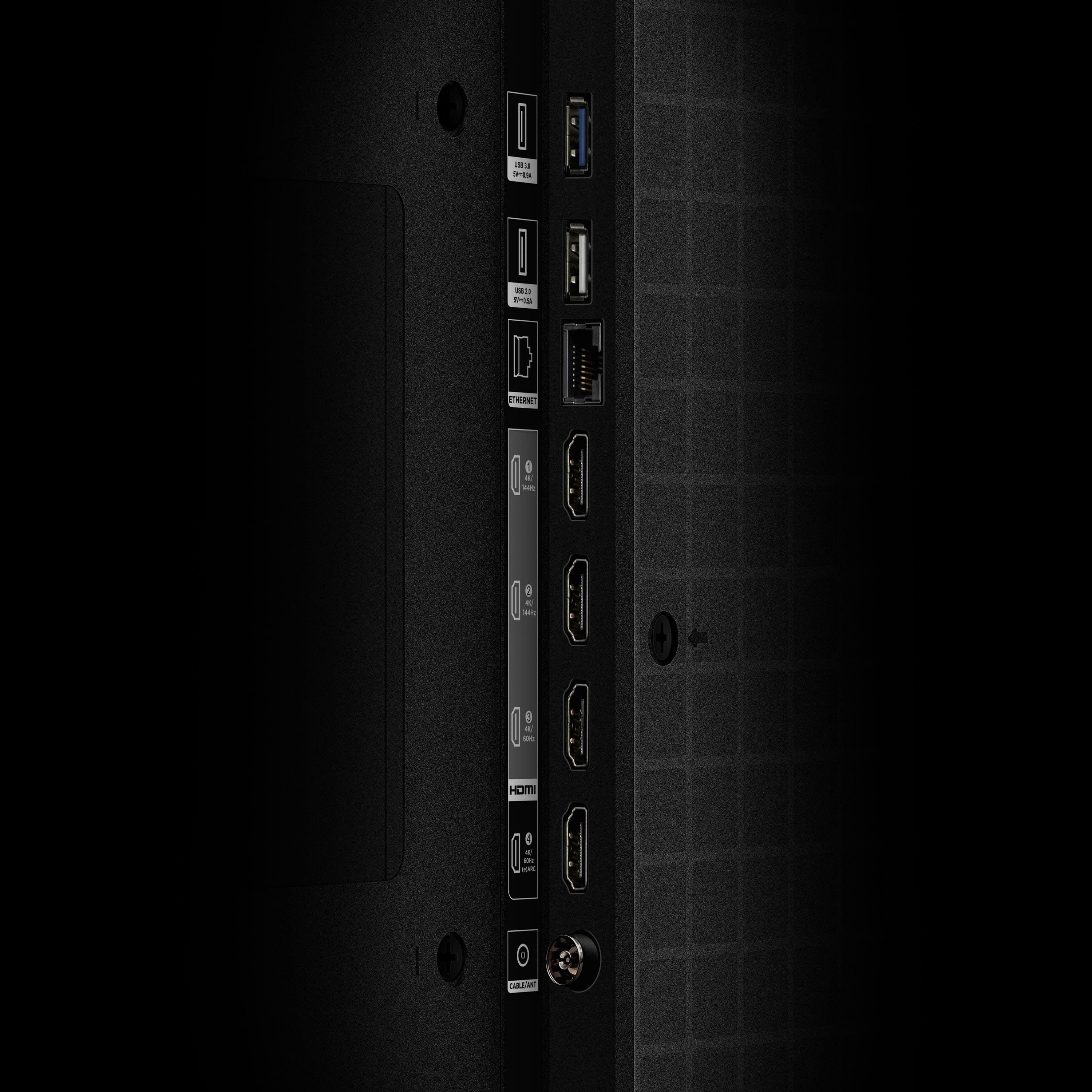
A:AnswerThis TCL TV has a coaxial located on the back of the TV near the other inputs. By connecting an antenna you can receive over-the-air channels. However, the reception depends on the signal strength. Hope this helps! Thank you, TCL Customer Support