A:AnswerOur TCL Roku TVs do not currently support Bluetooth soundbars or speakers. The Roku Wireless speakers are designed to pair over a different type of wireless connection. This TV is compatible with Roku Wireless speakers. Hope this helps! Thank you, TCL Customer Support
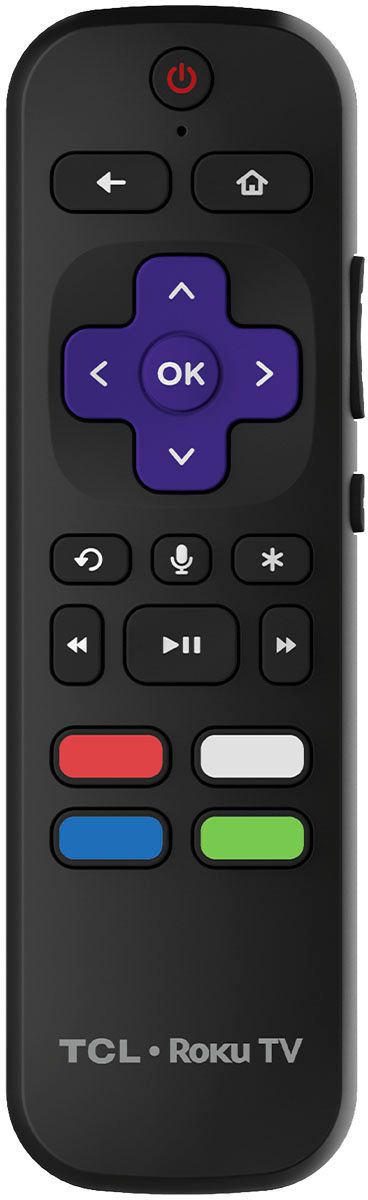
A:AnswerOur TVs are compatible with most Universal and cable remotes. Many Universal and cable box remotes can be programmed to control select features on the TV. You can visit https://support.tcl.com/us-remote-codes for more information. If you do not see your specific remote, you would need to contact the remote's manufacturer to obtain the remote code from them. Additionally, you can download the free Roku mobile app on your Smartphone or tablet to use as a remote. Through the Roku mobile app, you gain access to power toggle, volume toggle, private listening, voice search, and more. Hope this helps! Thank you, TCL Customer Support
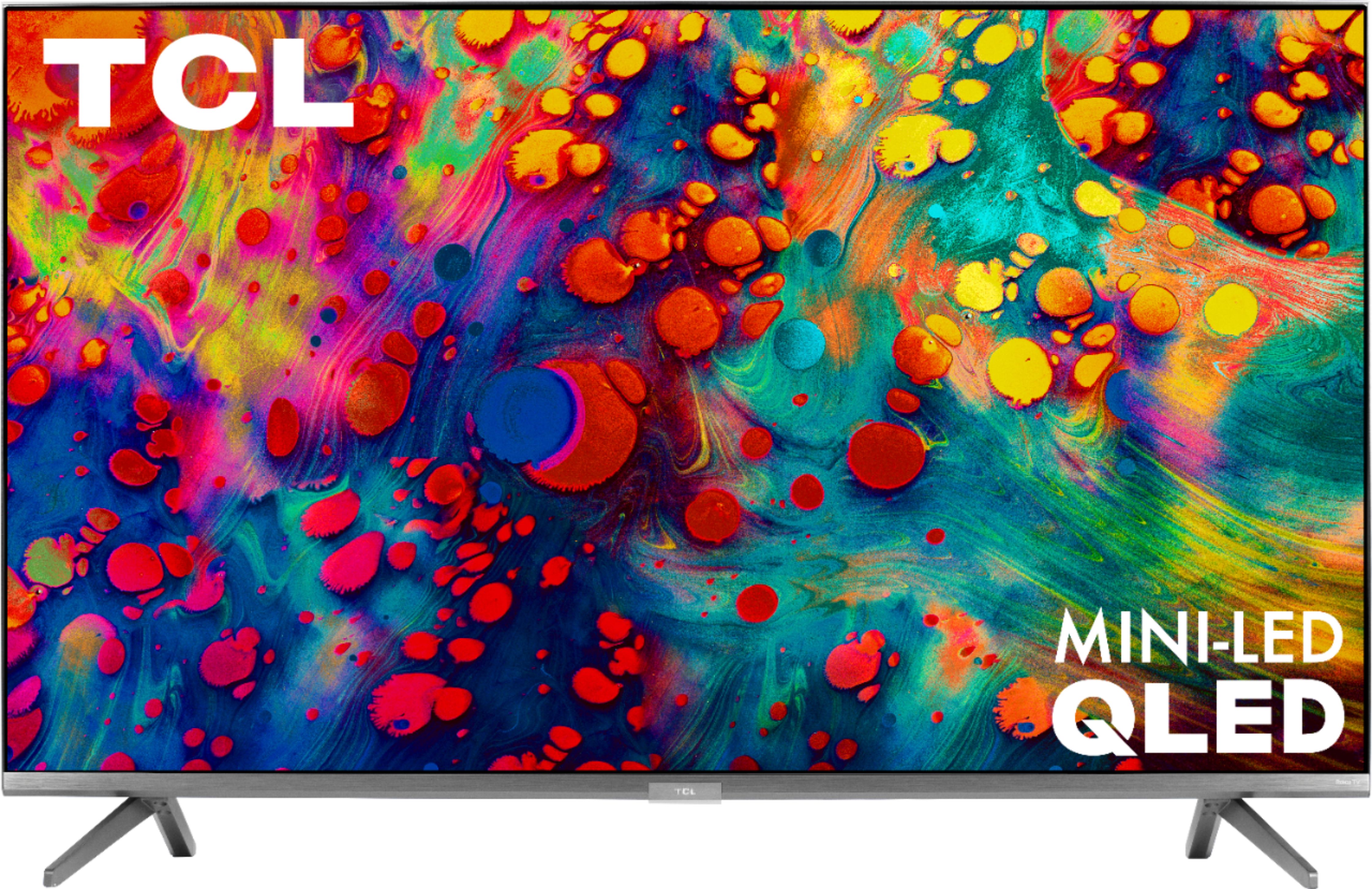
A:AnswerThere are options available to adjust the picture settings to better fit your personal preference. You can access the Options menu on the TV by pressing the asterisk (*) button on your remote while watching content. Additionally, you can access expert picture settings by downloading the free Roku mobile app on a smartphone or tablet. The Roku mobile app works as a remote and allows you to access additional features like voice search, private listening, expert picture settings, and more. Hope this helps & happy viewing! Thank you, Sara TCL Customer Support
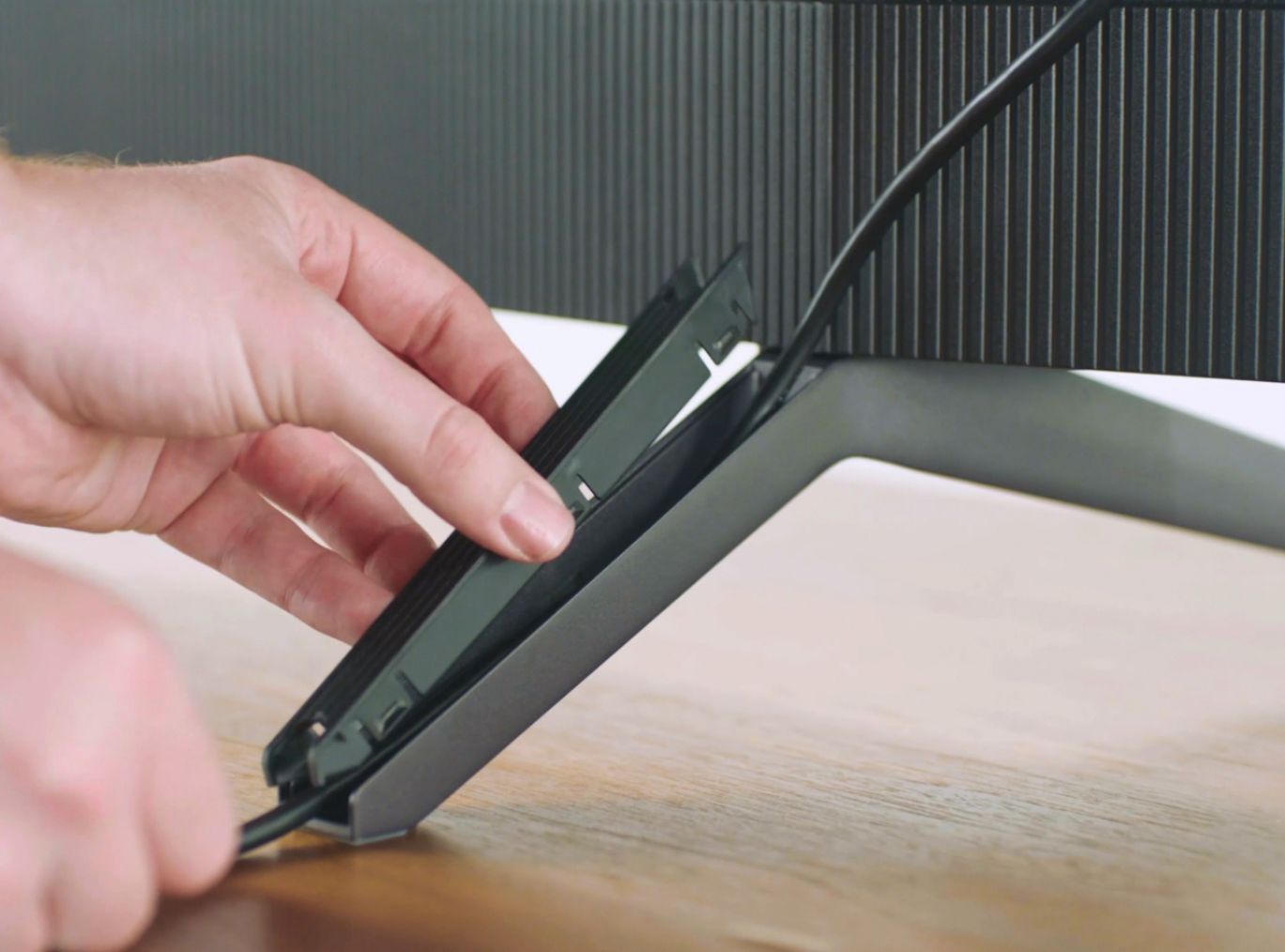
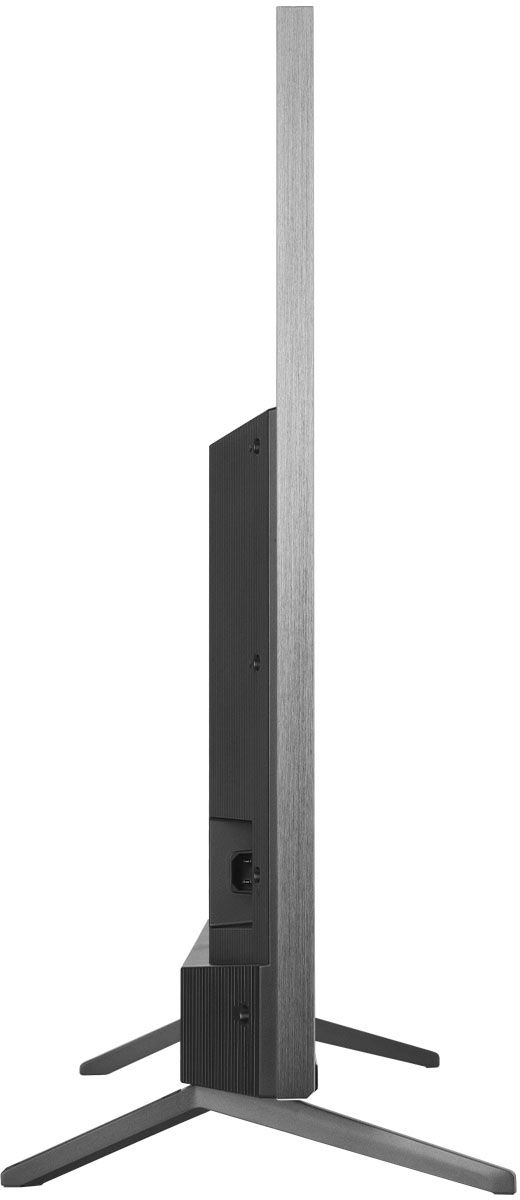
A:AnswerThe 65R635 as well as the 65S535 feature 2 options for feet placement. For the 65R635, at the wider position, the feet spacing to fit on a stand is 51.4 inches. At the more narrow position, the feet spacing to fit on a stand is 21.7 inches. For the 65S535, at the wider position, the feet spacing to fit on a stand is 54.5 inches. At the more narrow position, the feet spacing to fit on a stand is 29.8 inches. Hope this helps! Thank you, TCL Customer Support
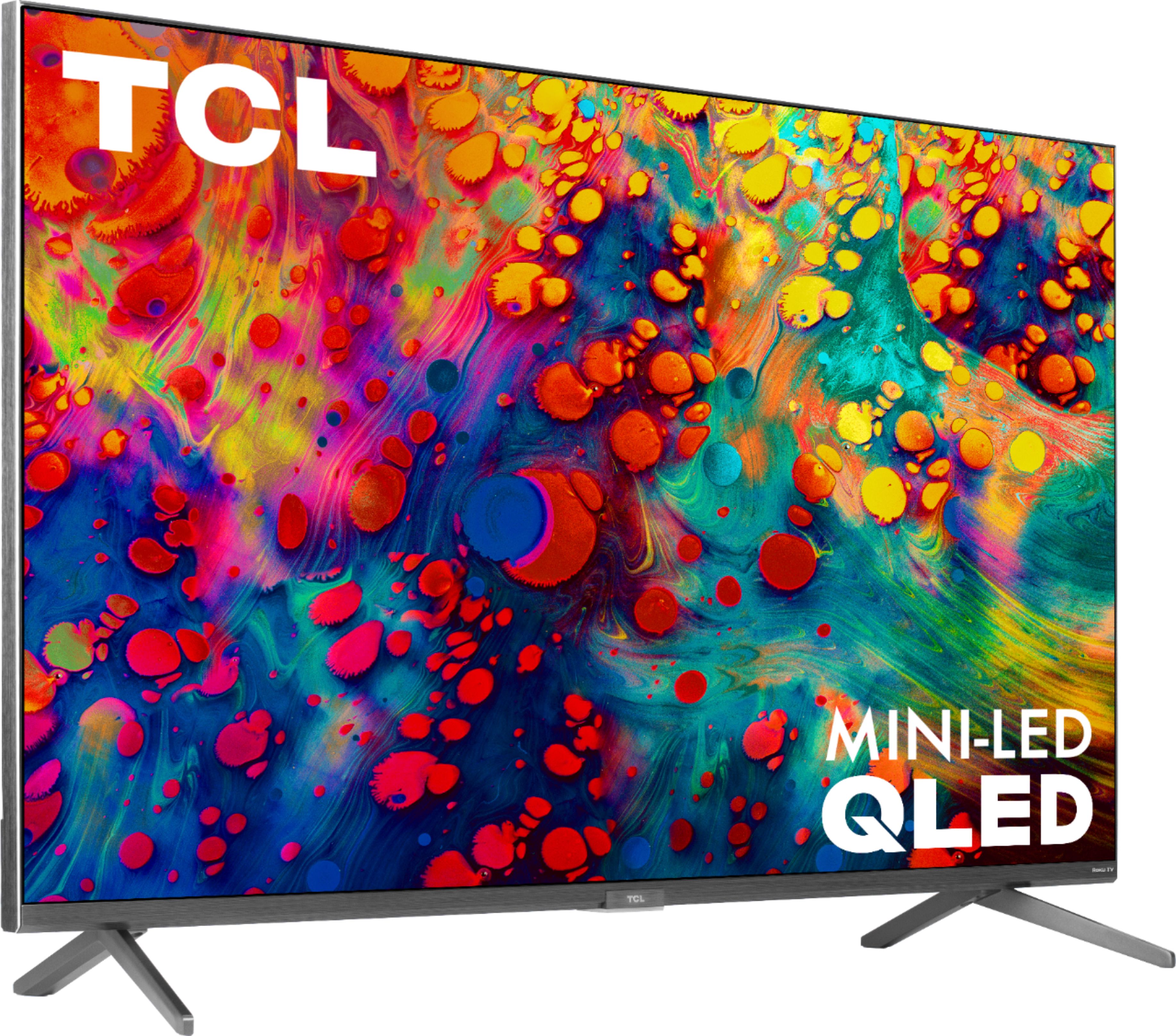
A:AnswerWe are not aware of any image quality issues with any of our TVs. If content is fuzzy when streaming it most likely is a bandwidth issue on your network or from your internet provider. Hope this helps! Thank you, TCL Customer Support
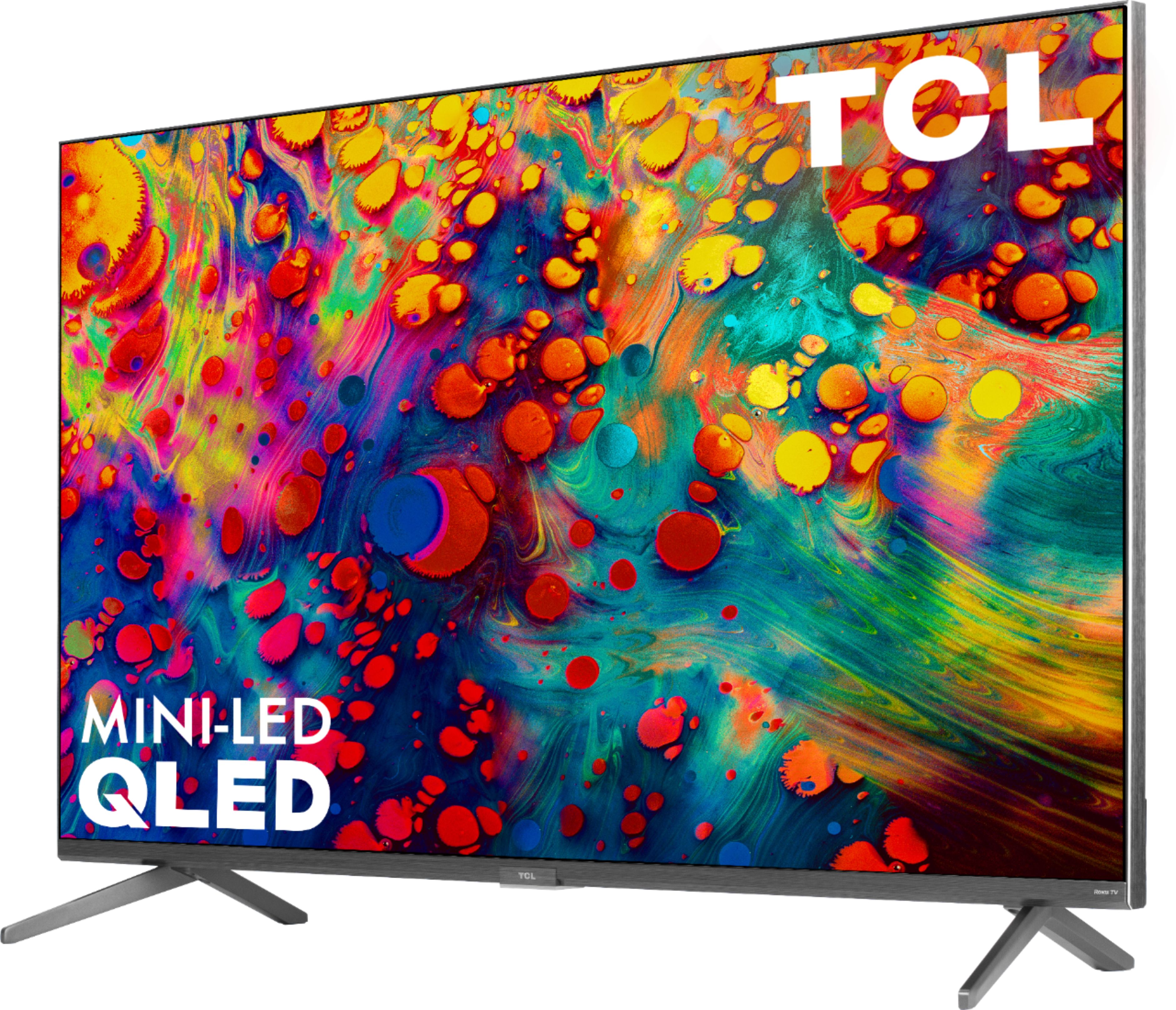
A:AnswerYou can go to www.Roku.com/whats-on to see what streaming channels and apps are offered through the Roku Channel Store. To search for a specific channel you would simply want to enter that information into the search section. Hope this helps! Thank you, TCL Customer Support
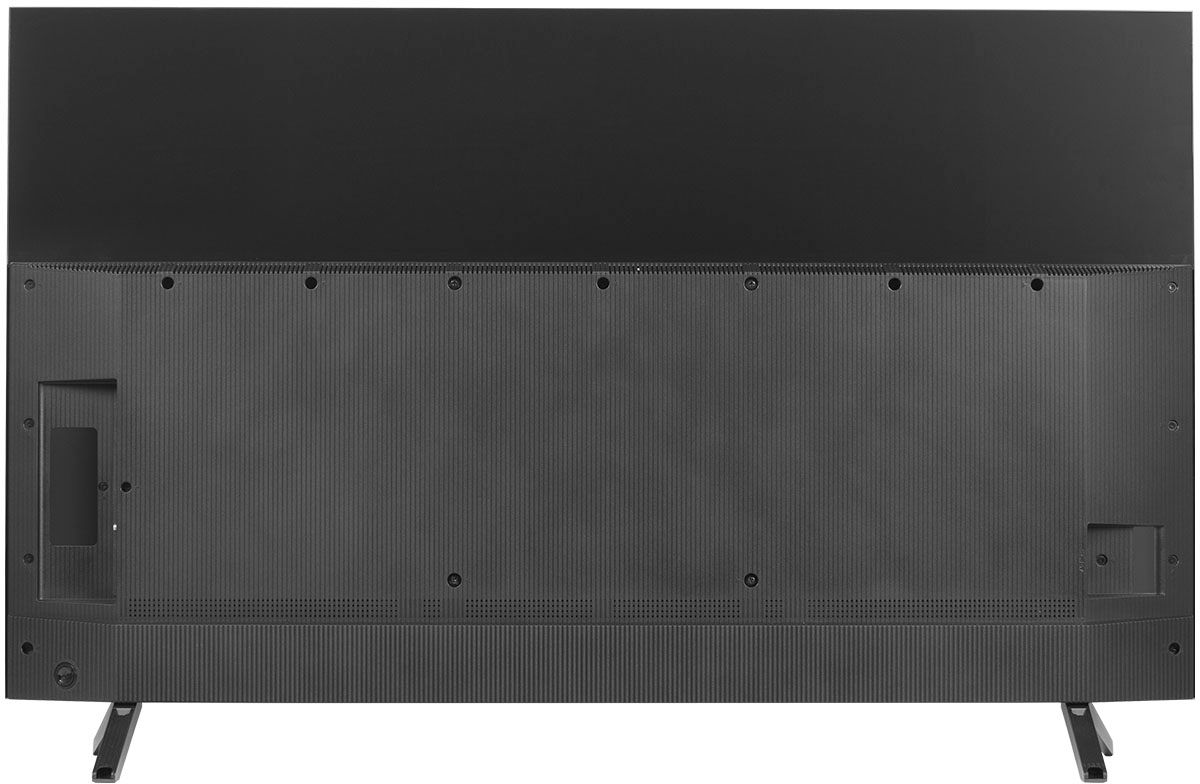
A:AnswerThis TCL Roku TV comes with two feet with screws to secure them, a power cord, a TCL Roku remote with batteries, and a quick start guide. Any sort of mounting screws or hardware would need to be purchased separately. This TV utilizes M6 screws for mounting purposes. The length of the screw depends on the mount you are using. Different mounts may have different thicknesses and some people elect to use spacers. This is why the length depends on your specific setup and hardware. Hope this helps! Thank you, TCL Customer Support
A:AnswerAll new TCL Roku TVs come with a standard one-year part and labor warranty. You can visit https://support.tcl.com/us/03-tcl-tv-warranty-information for more specific warranty questions. Hope this helps! Thank you, TCL Customer Support
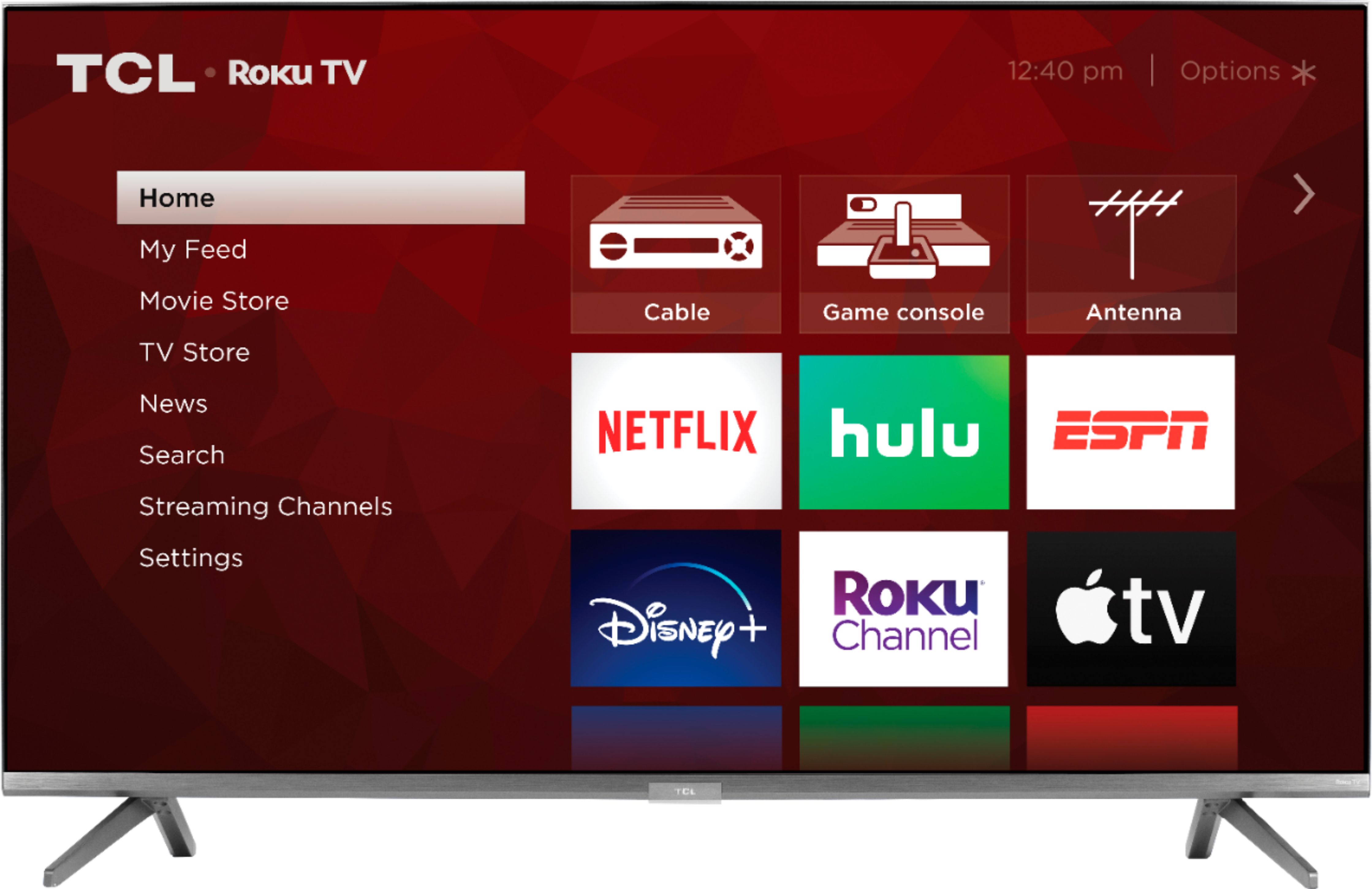
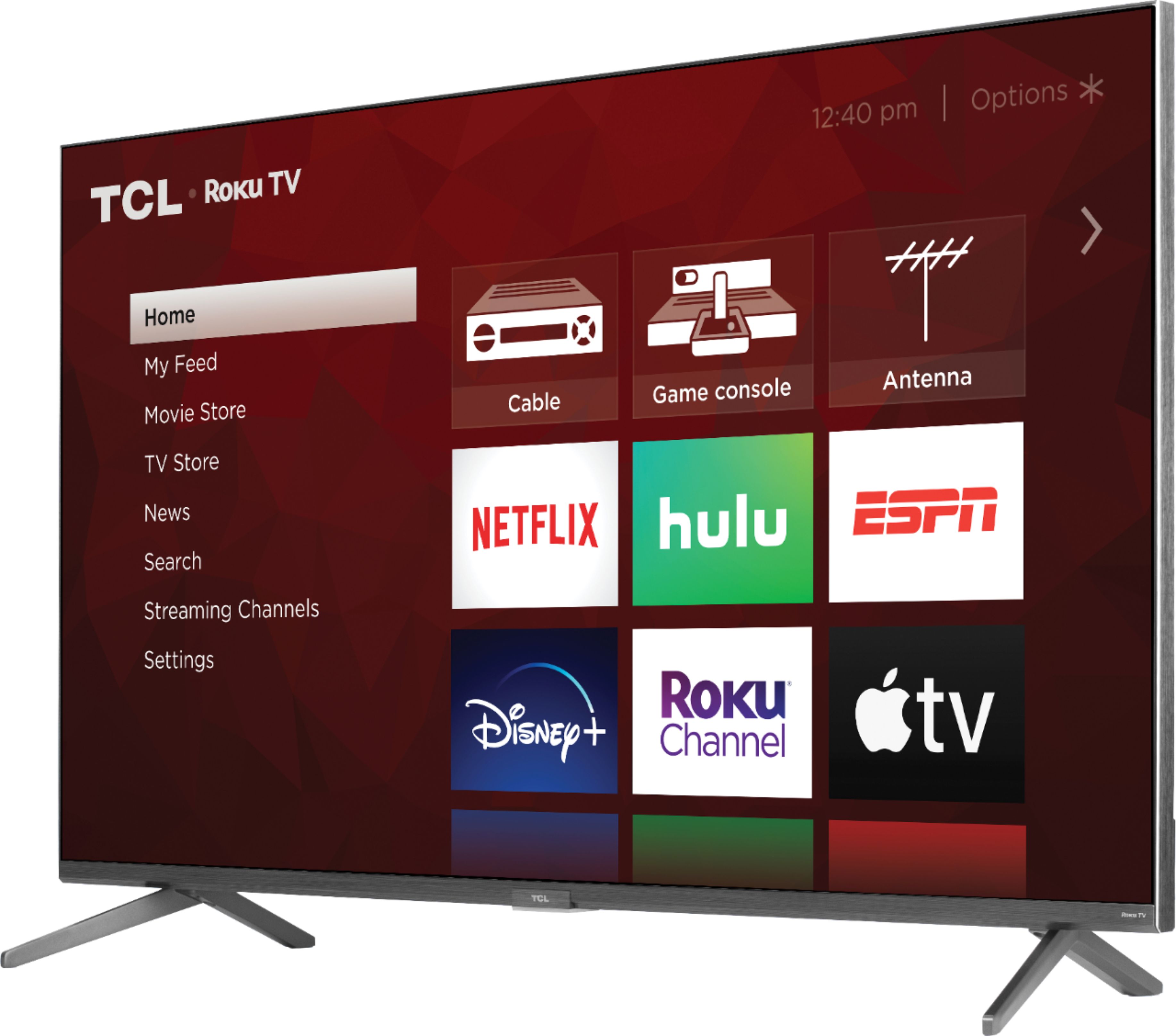
A:AnswerThis TCL Roku TV does not currently feature a web browser. However, there are thousands of streaming channels and over 500,000 different movies and TV episodes available through the Roku streaming system. Additionally, you can screen mirror compatible Android and Windows phones to the TV. This way you can search on your phone, but view on the TV. Hope this helps! Thank you, TCL Customer Support
A:AnswerThis TCL Roku TV is designed and engineered to be used within the US. As such, it supports 120V. Hope this helps! Thank you, TCL Customer Support
A:AnswerThe eARC port should most definitely work. If you experience any trouble, please reach out to us at [email protected] with your contact information and a description of what you need help with. Thank you, TCL Customer Support
A:AnswerFor inquiries concerning stock and availability, you would want to contact your local Best Buy or Best Buy Customer Support as they would be best equipped to further assist you. Hope this helps! Thank you, TCL Customer Support
A:AnswerScreen mirroring with a Roku device is not supported with iOS® or Apple devices. However, you can download the free Roku mobile app on your smartphone to use as a remote, cast personal photos and videos to the TV, experience private listening, etc. You can also cast select channels (Such as YouTube) from your Apple device. You can visit https://support.roku.com/article/208754928-how-to-use-screen-mirroring-with-your-android-or-windows-device for more information. Hope this helps! Thank you, TCL Customer Support
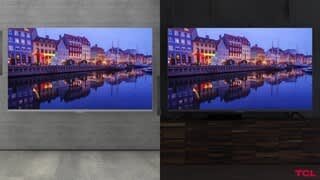
A:AnswerMost of our customers, as well as professional reviewers, have found the black level performance, contrast and overall picture quality to be on par with some of the best TVs of the year. Hope this helps! Thank you, TCL Customer Support