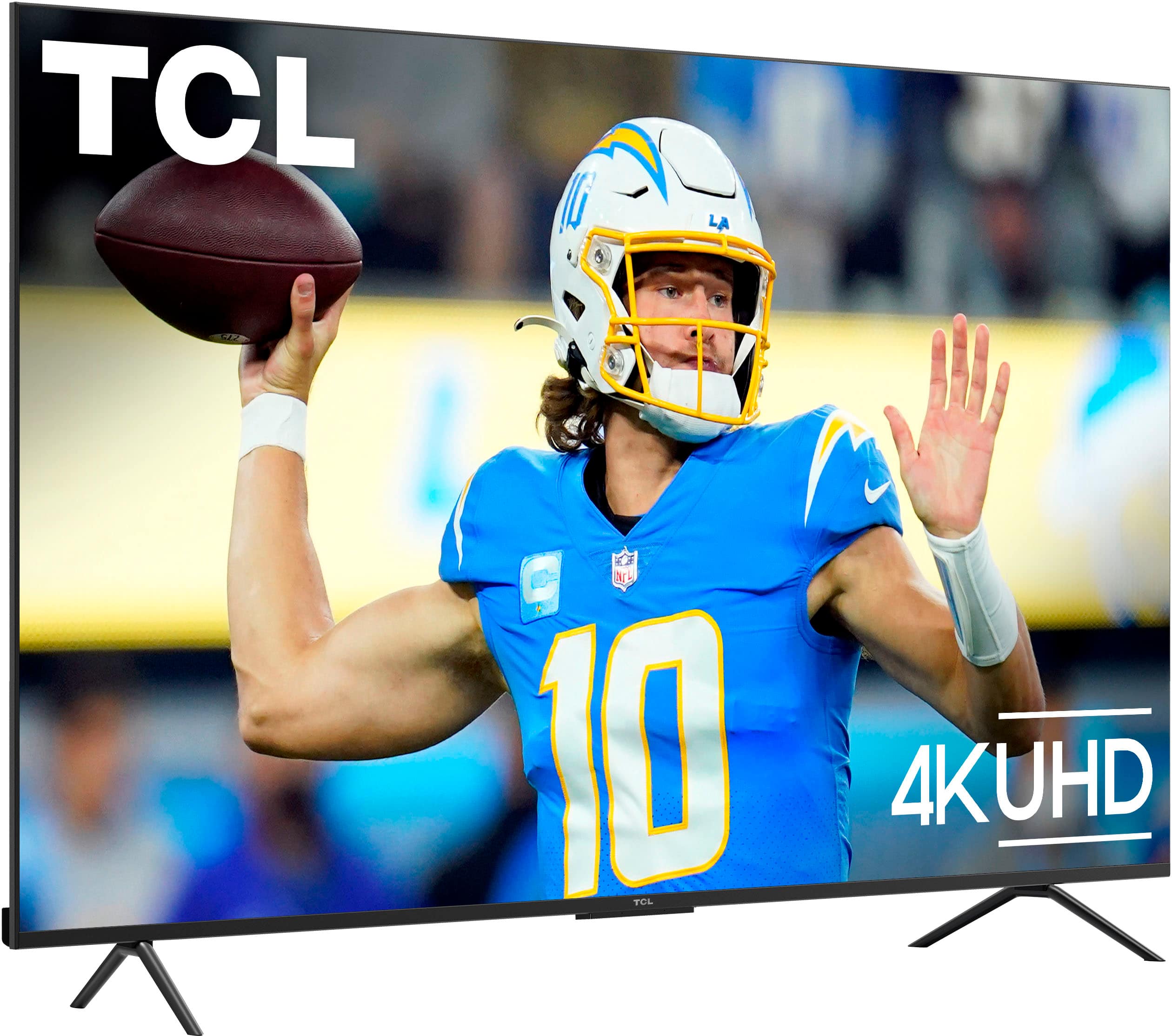
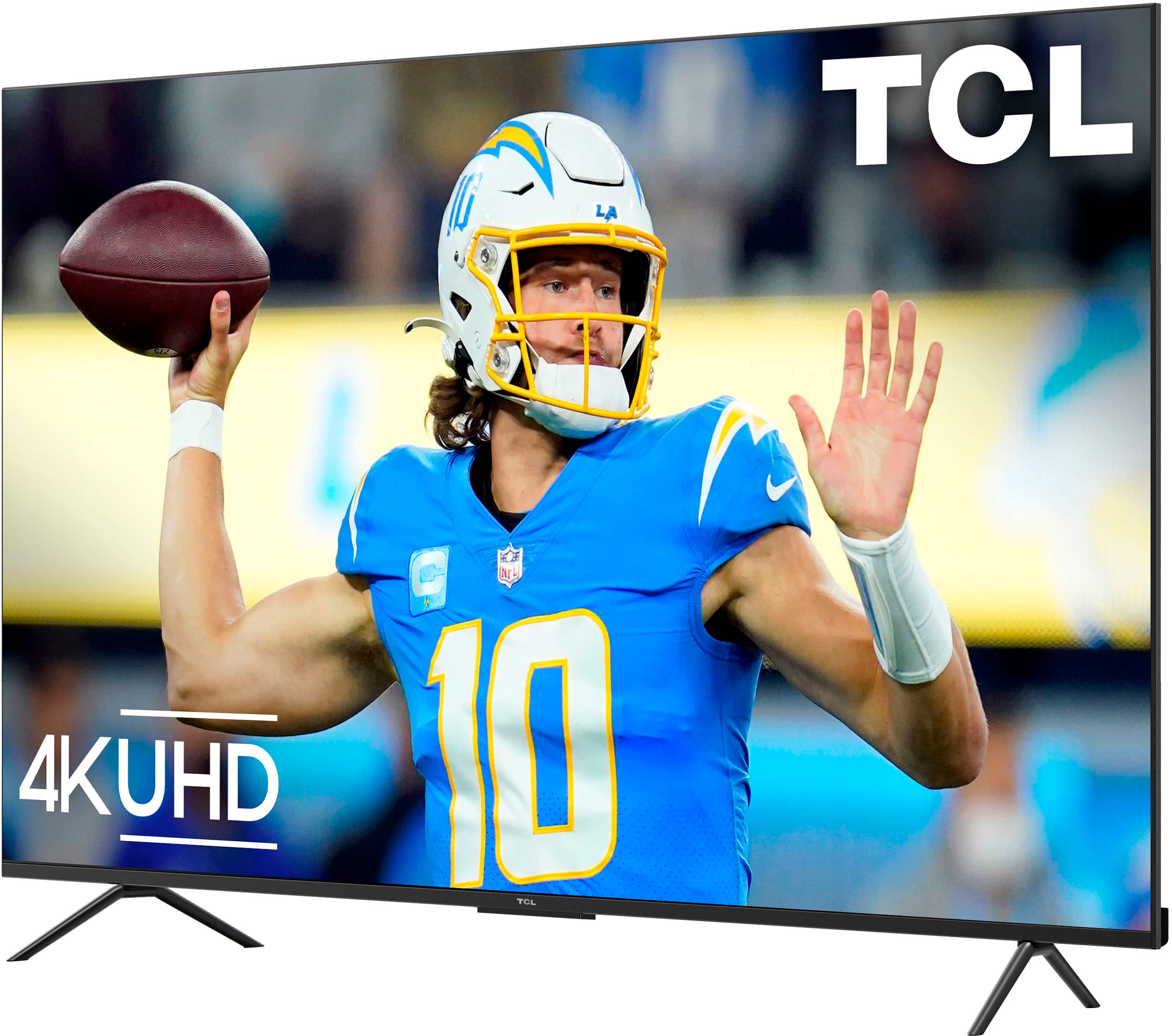
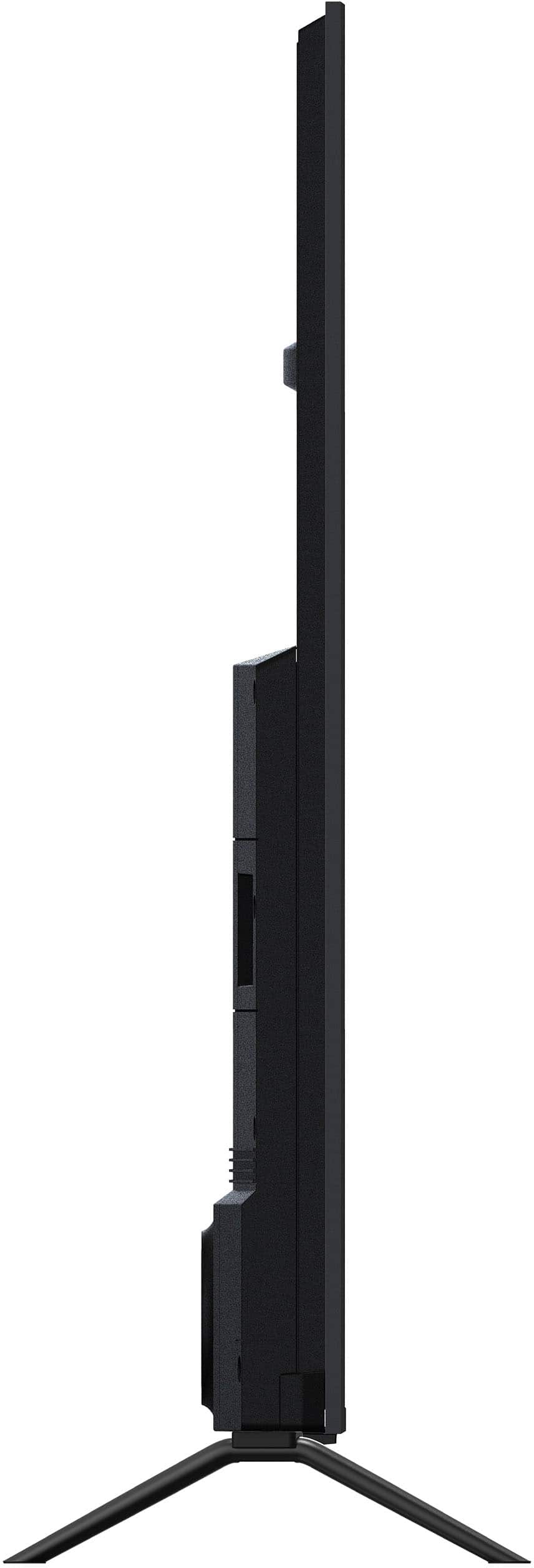
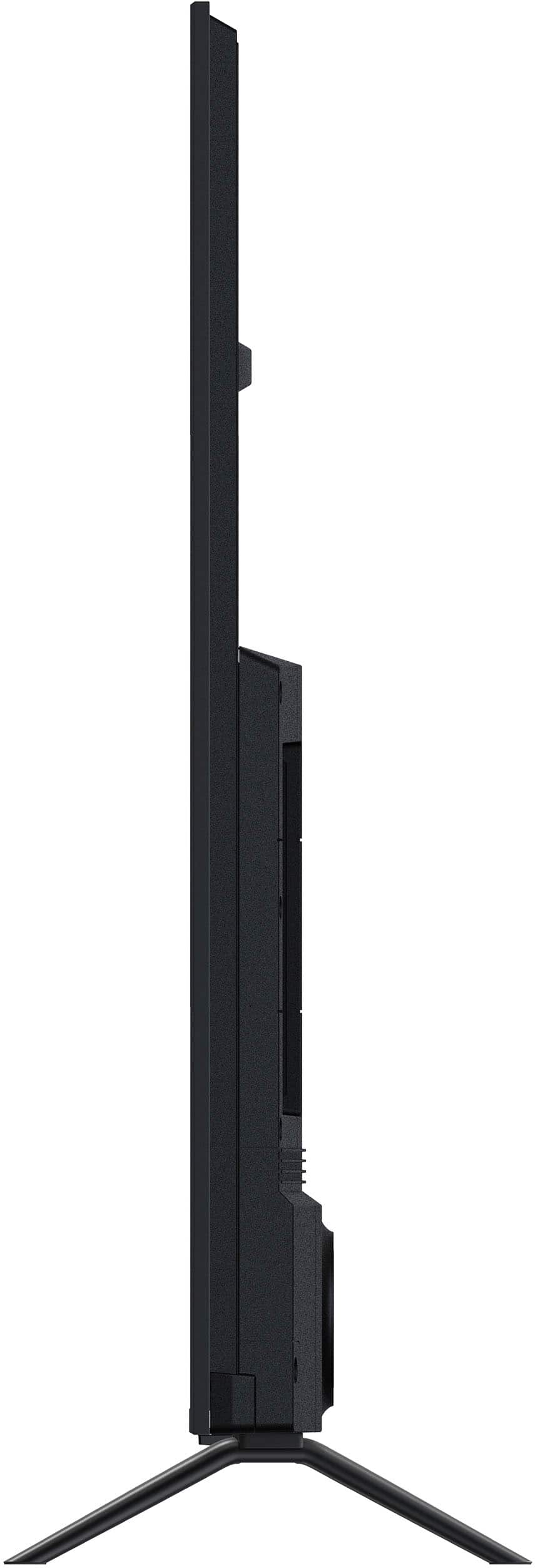
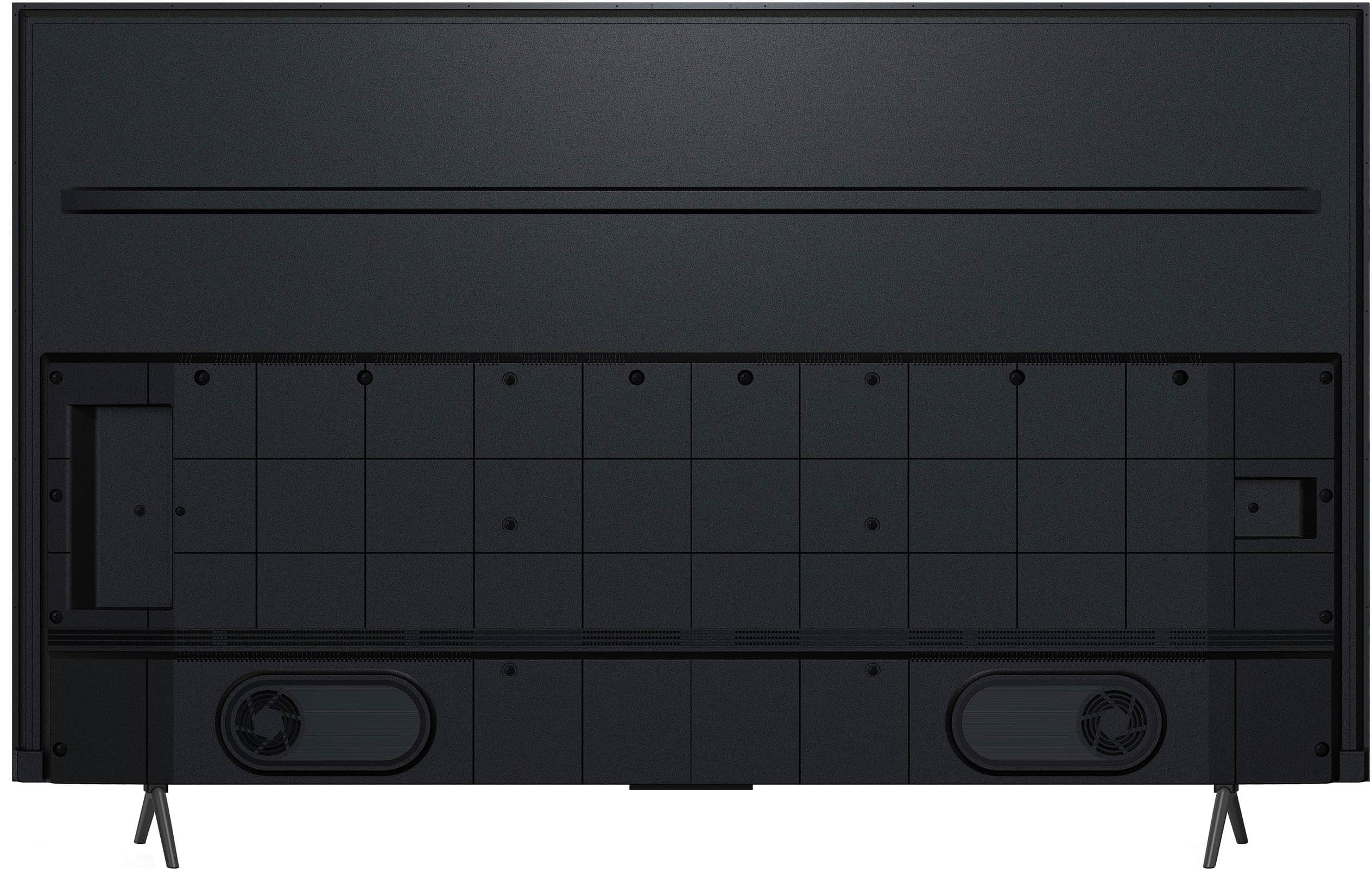
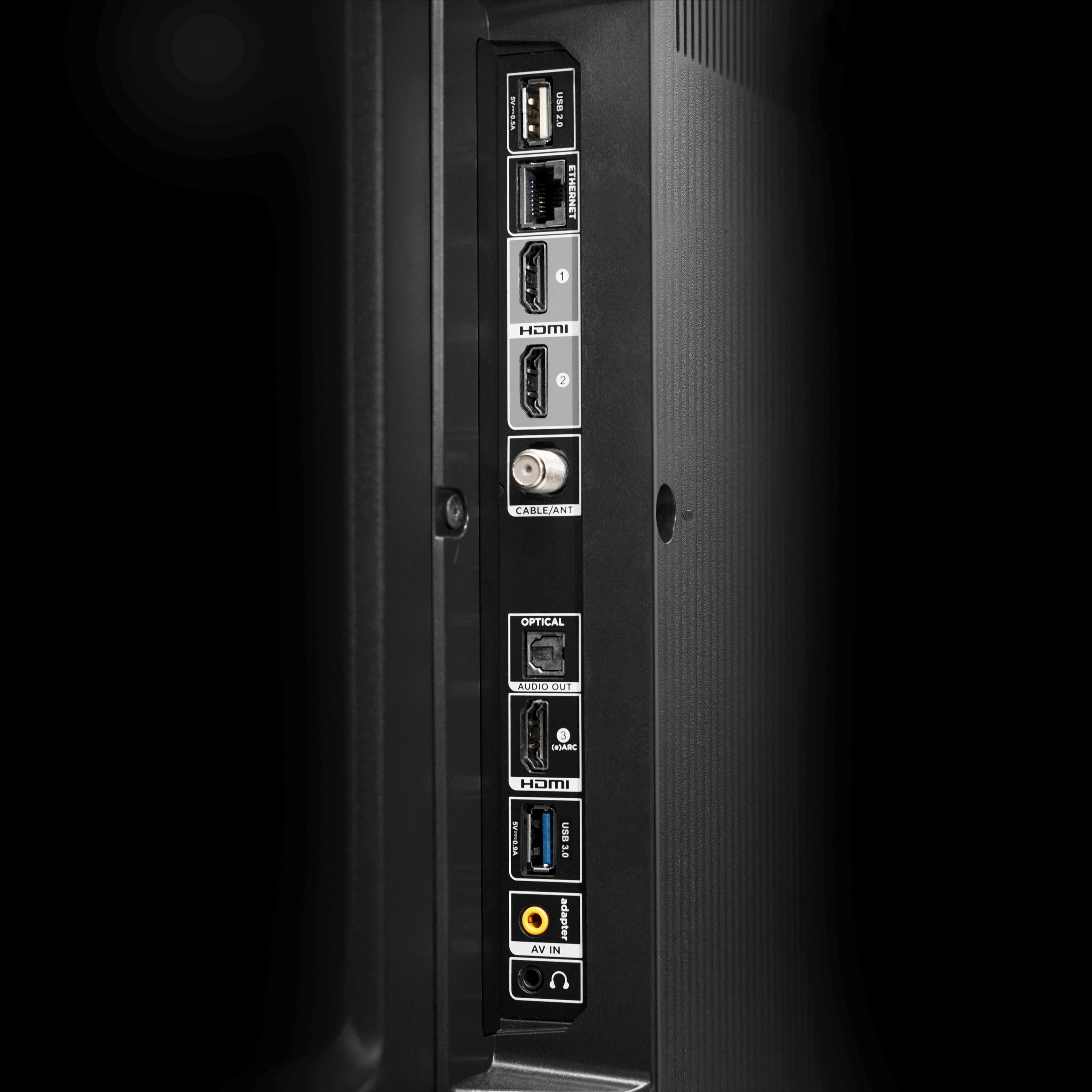
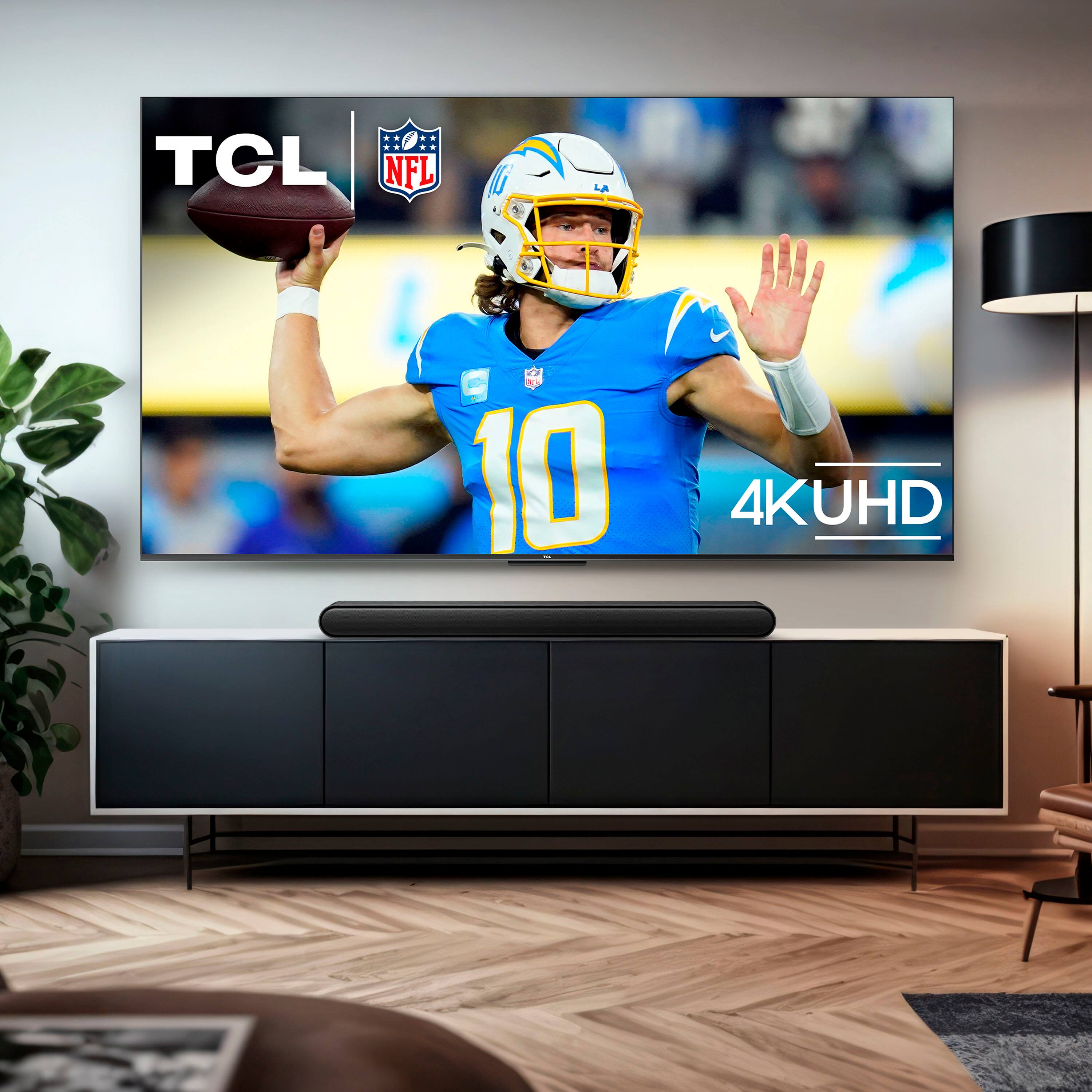
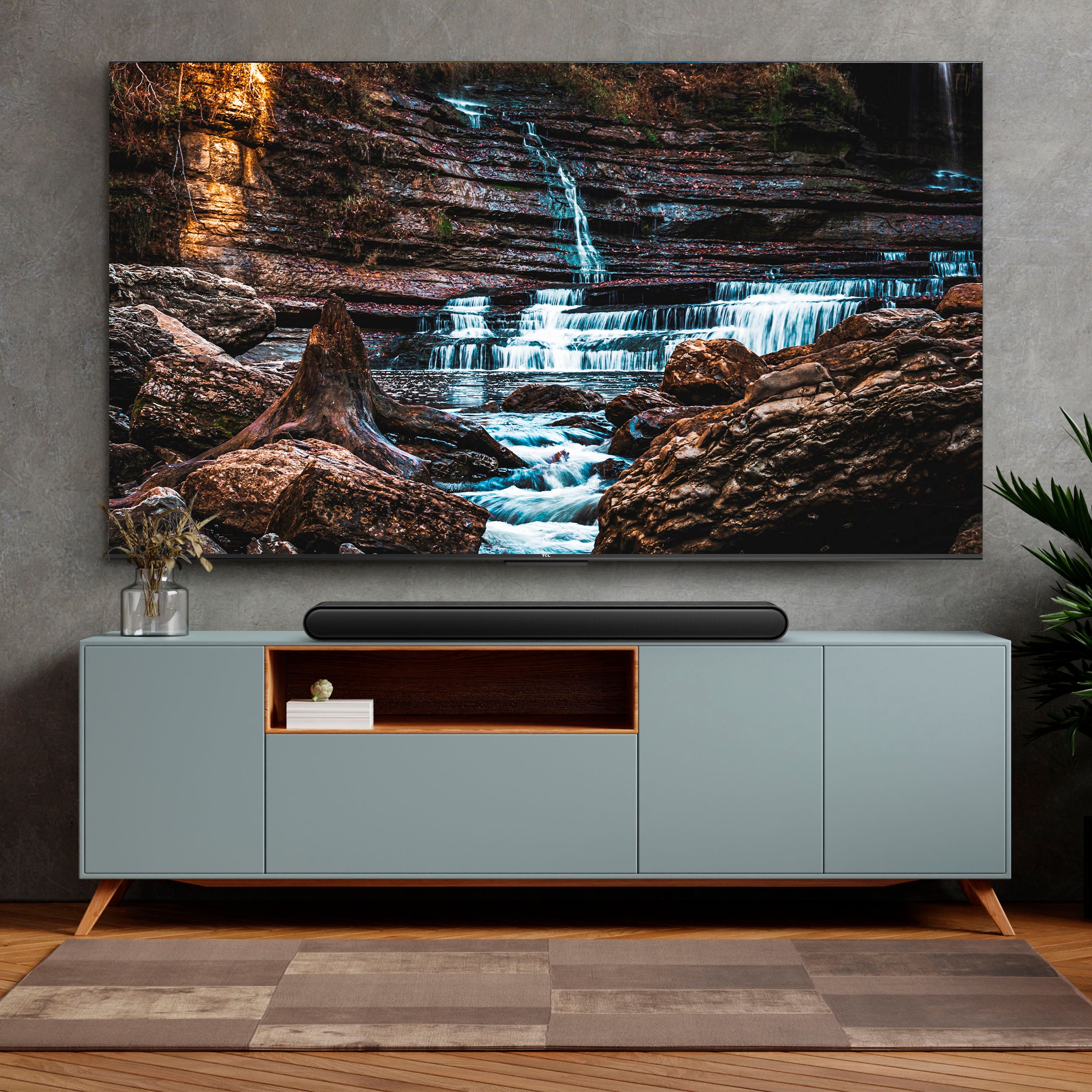
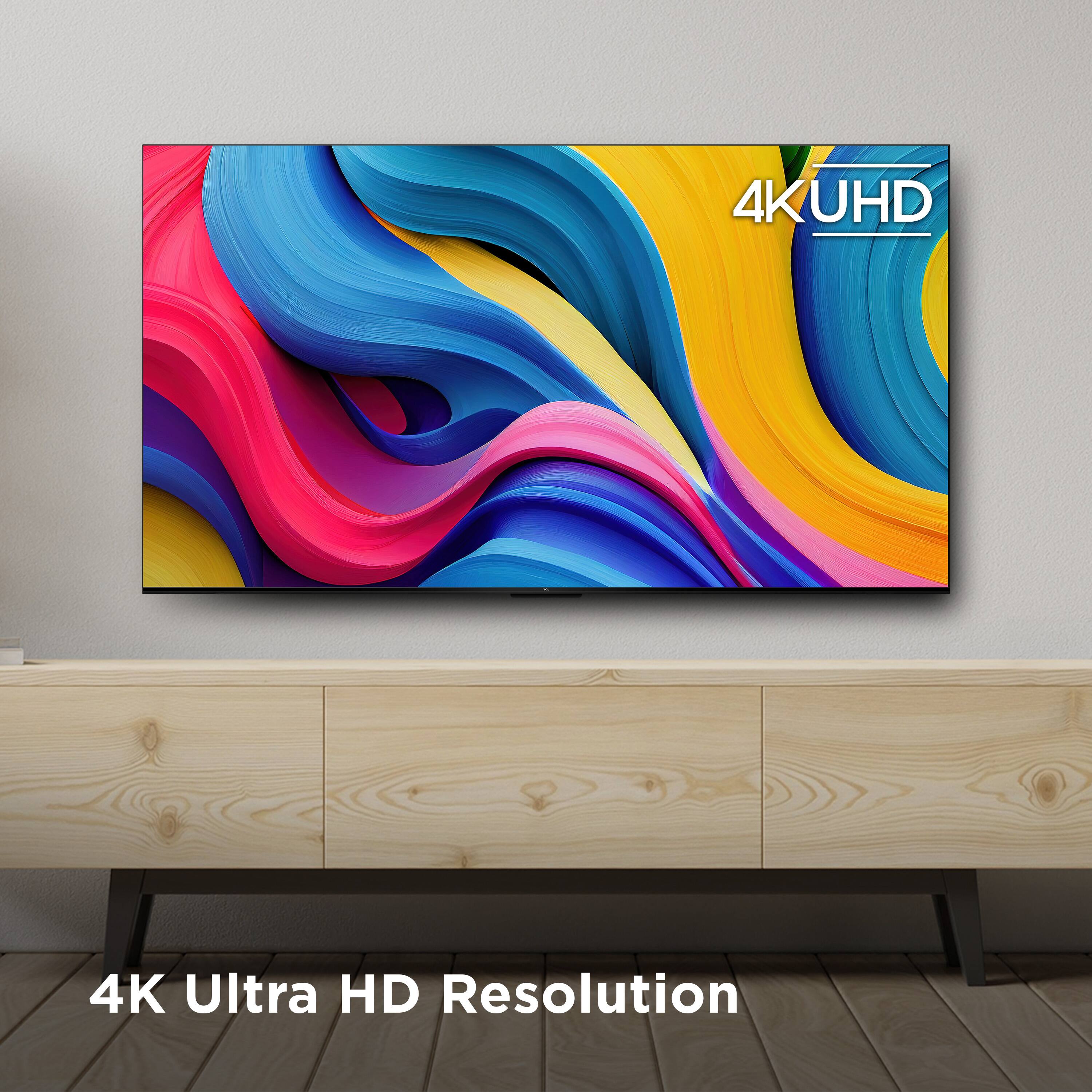
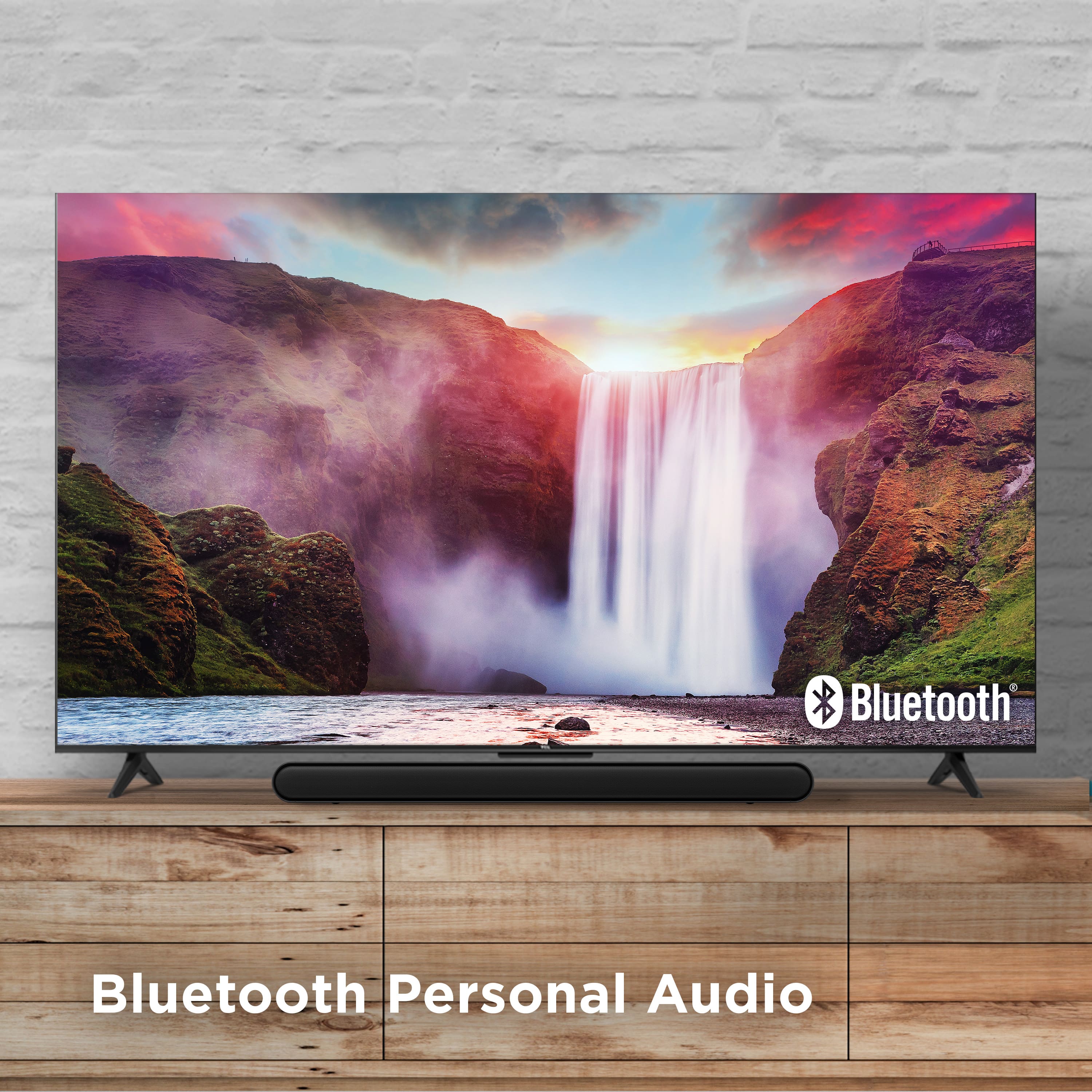
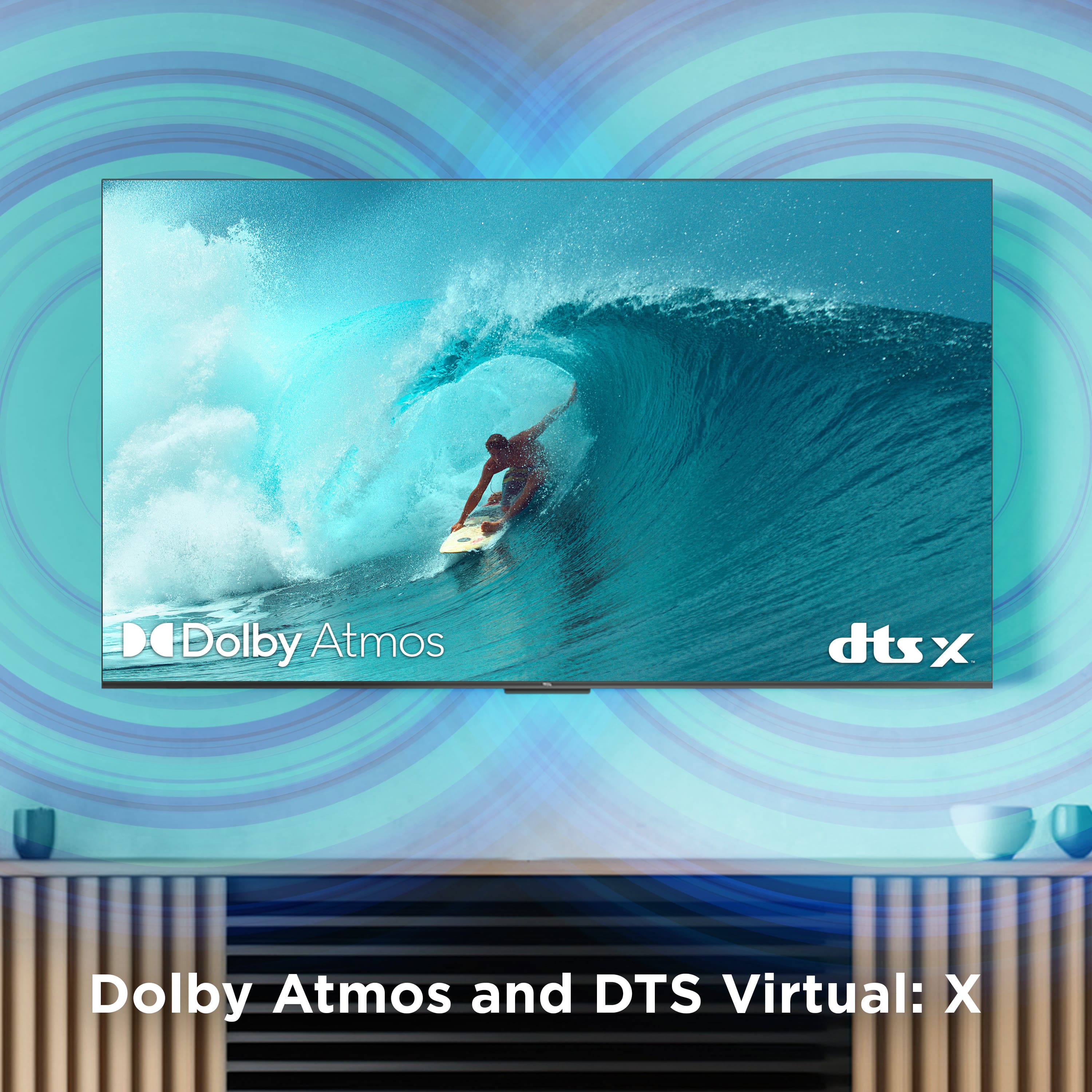
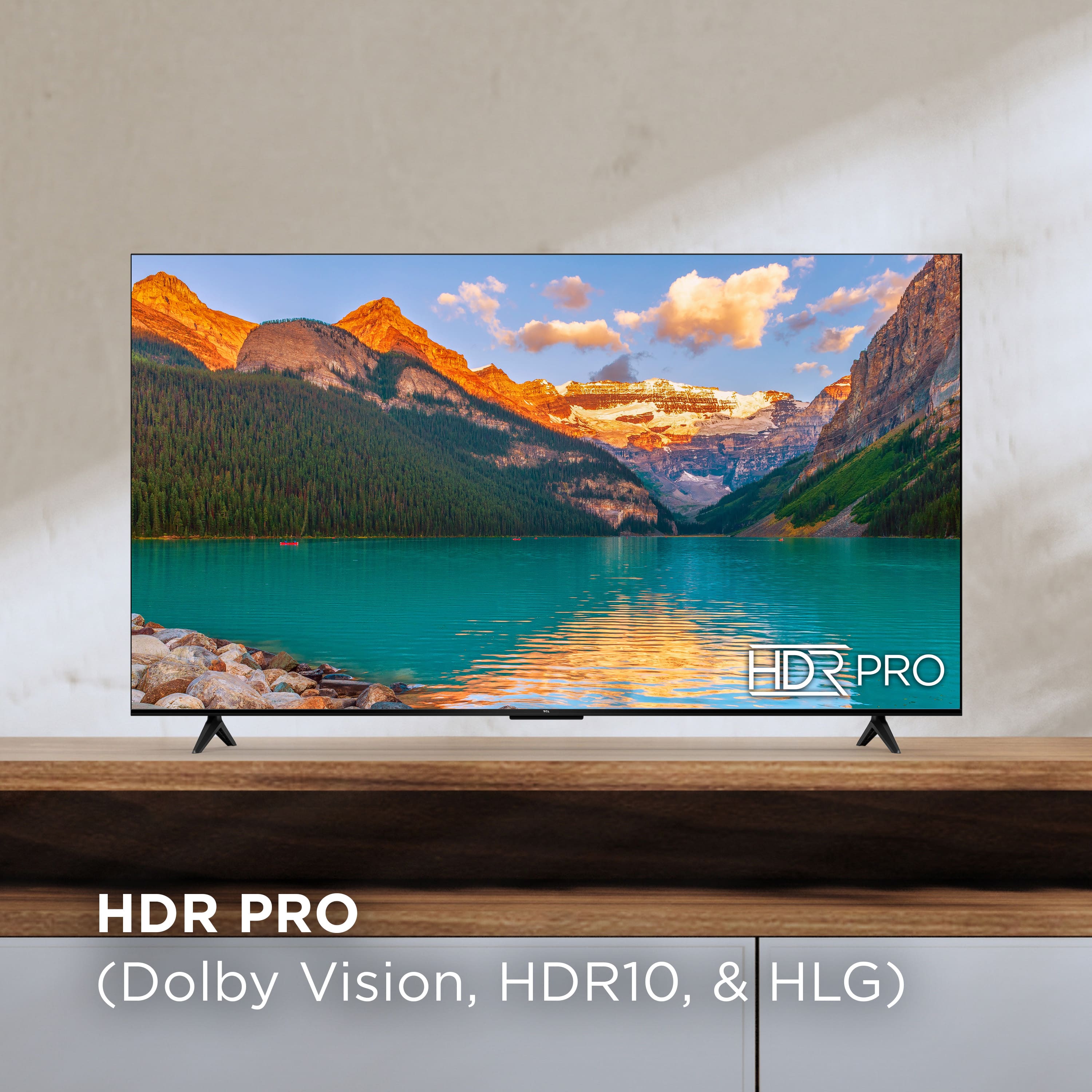
A:AnswerOne of the several HDMI ports on this TV does indeed support ARC. This TV is compatible with most soundbars and can connect via HDMI ARC, Optical, 3.5mm headphone jack, or Bluetooth. Hope this helps! Thank you, TCL Customer Support
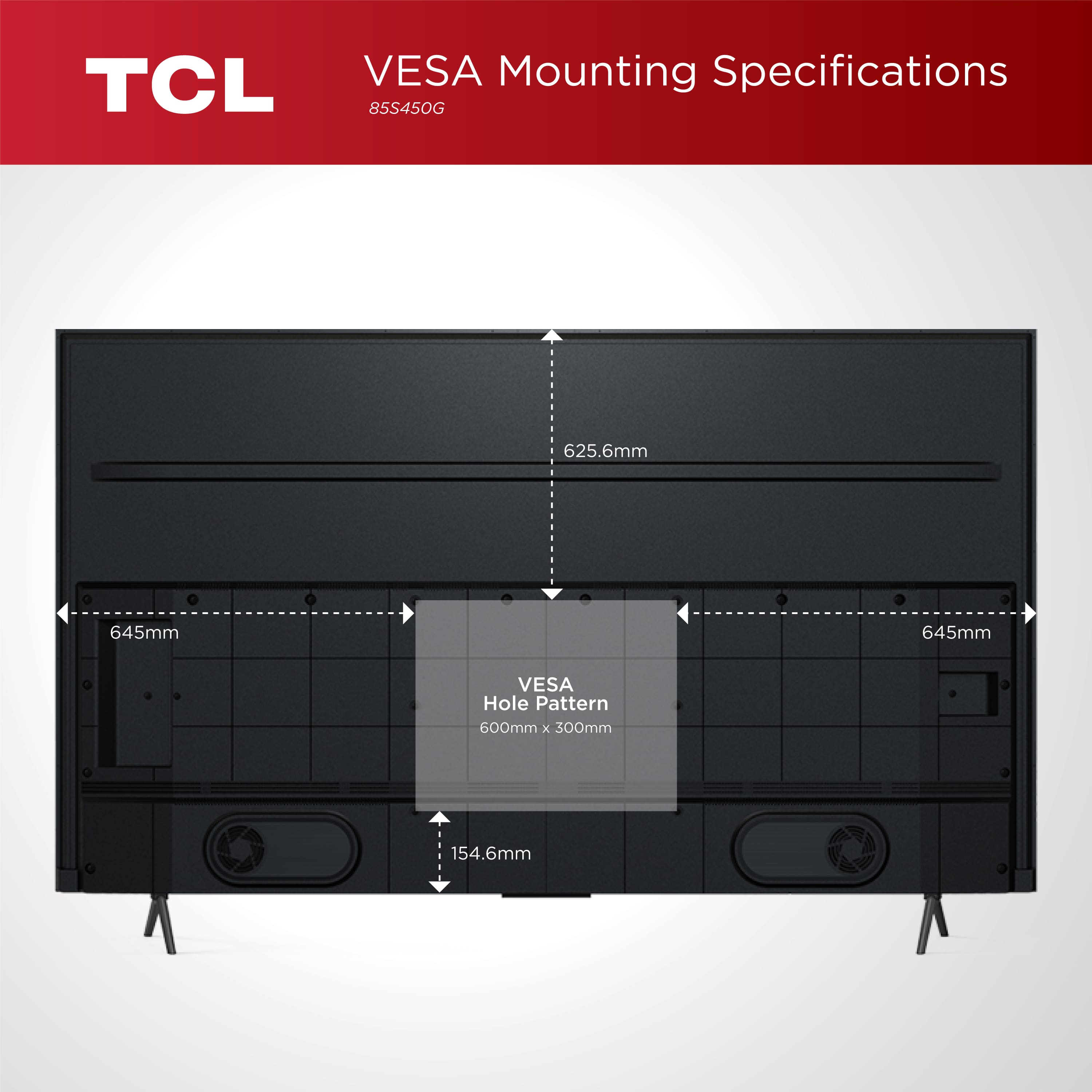
A:AnswerI was actually needing the width distance of the brackets as I wanted to simply hang it over and existing stand bar extended upward from stereo stand. Would you happen to know the distance? Thank you.
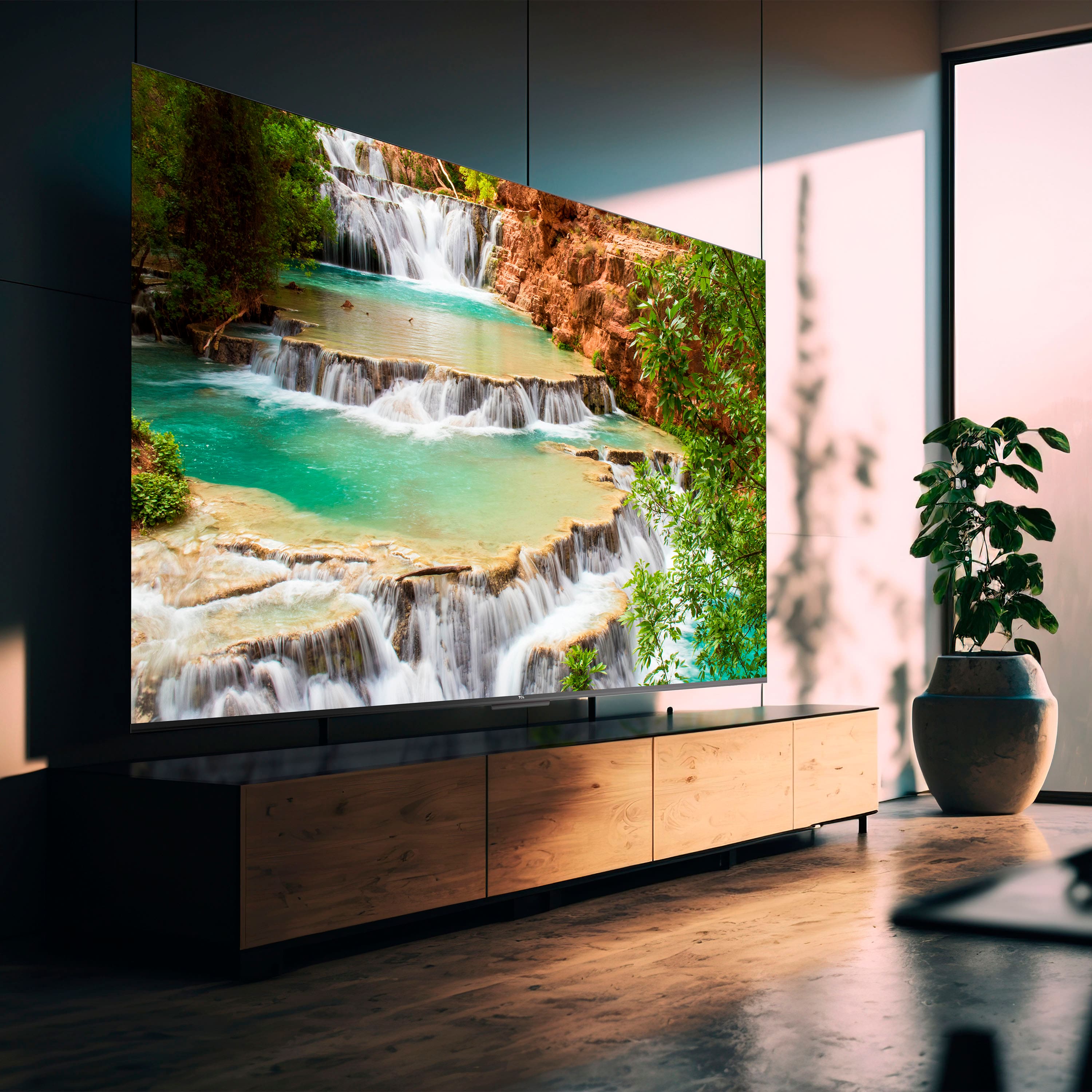
A:AnswerTCL proudly uses high-performance VA Panels on all of our sets to deliver the striking contrast our sets are known for. In fact, being vertically integrated means that not only are the VA panels ours, but nearly everything on the set is TCL, ensuring great quality and performance! Hope this helps! Thank you, TCL Customer Support
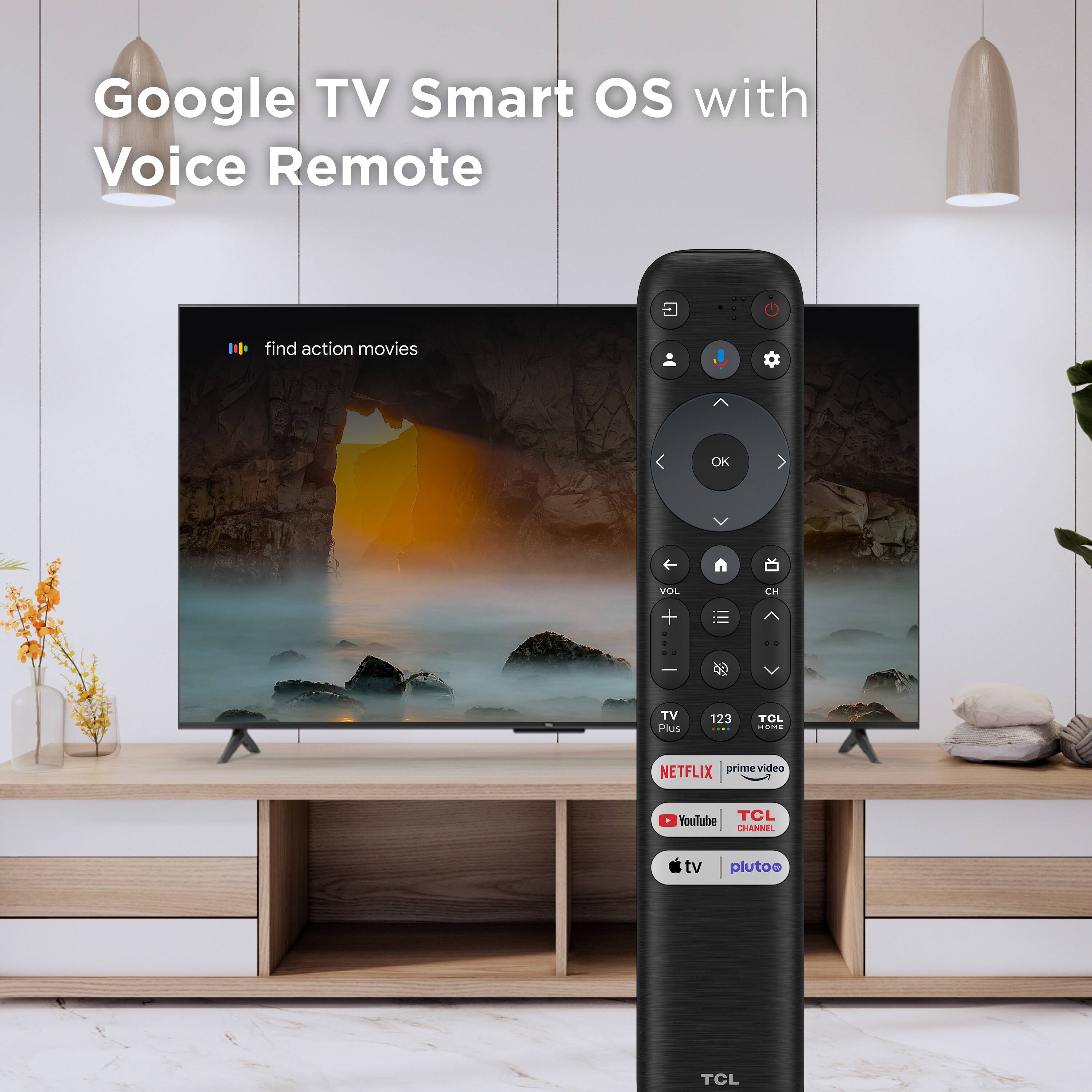
A:AnswerThis TCL TV features a Google TV operating system with access to 5,000+ apps with over 500,000 TV shows and movies available through the App Store. Apps like Hulu, YouTube, Disney+, etc. are a few of the many apps that are available. Hope this helps! Thank you, TCL Customer Support
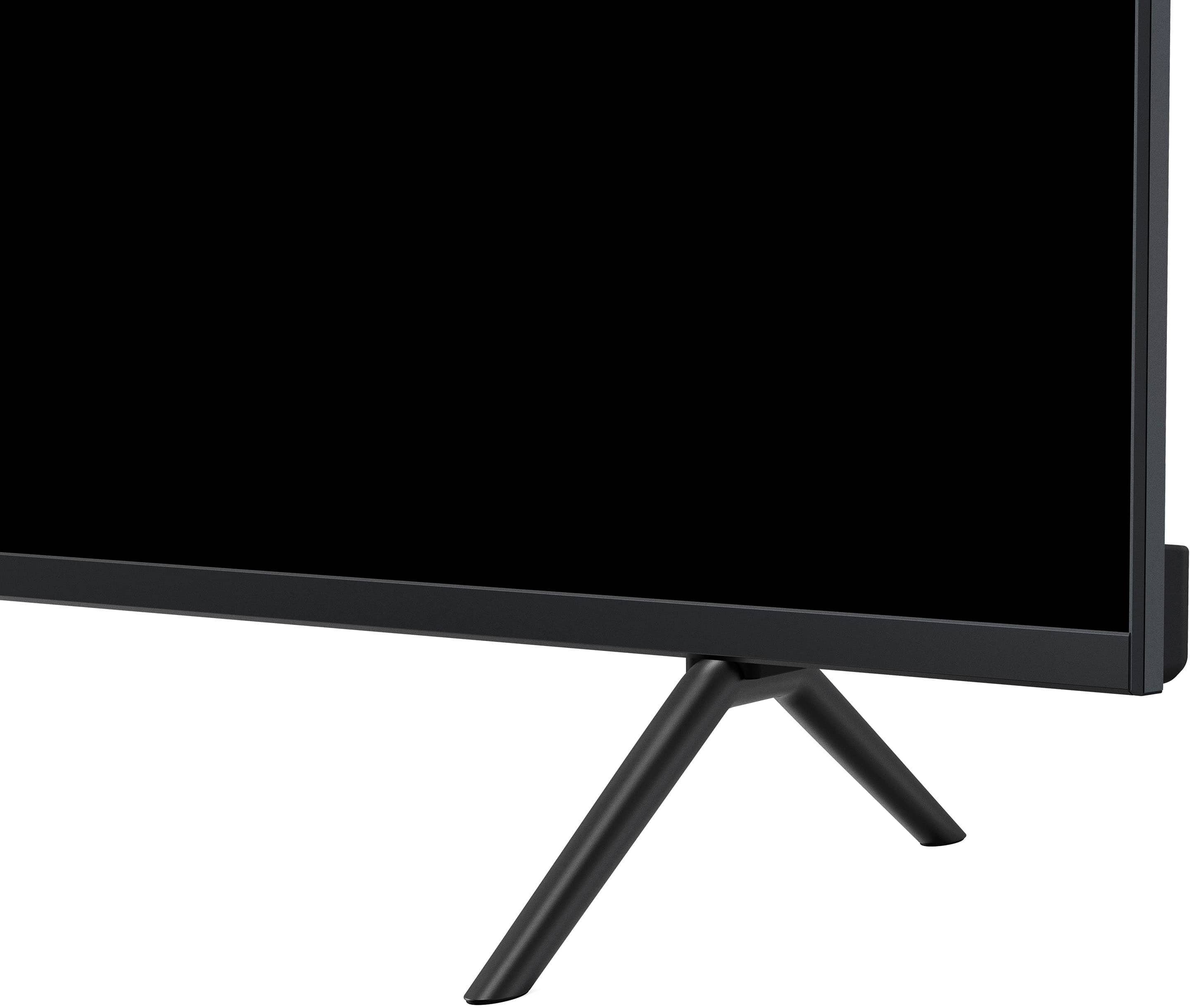
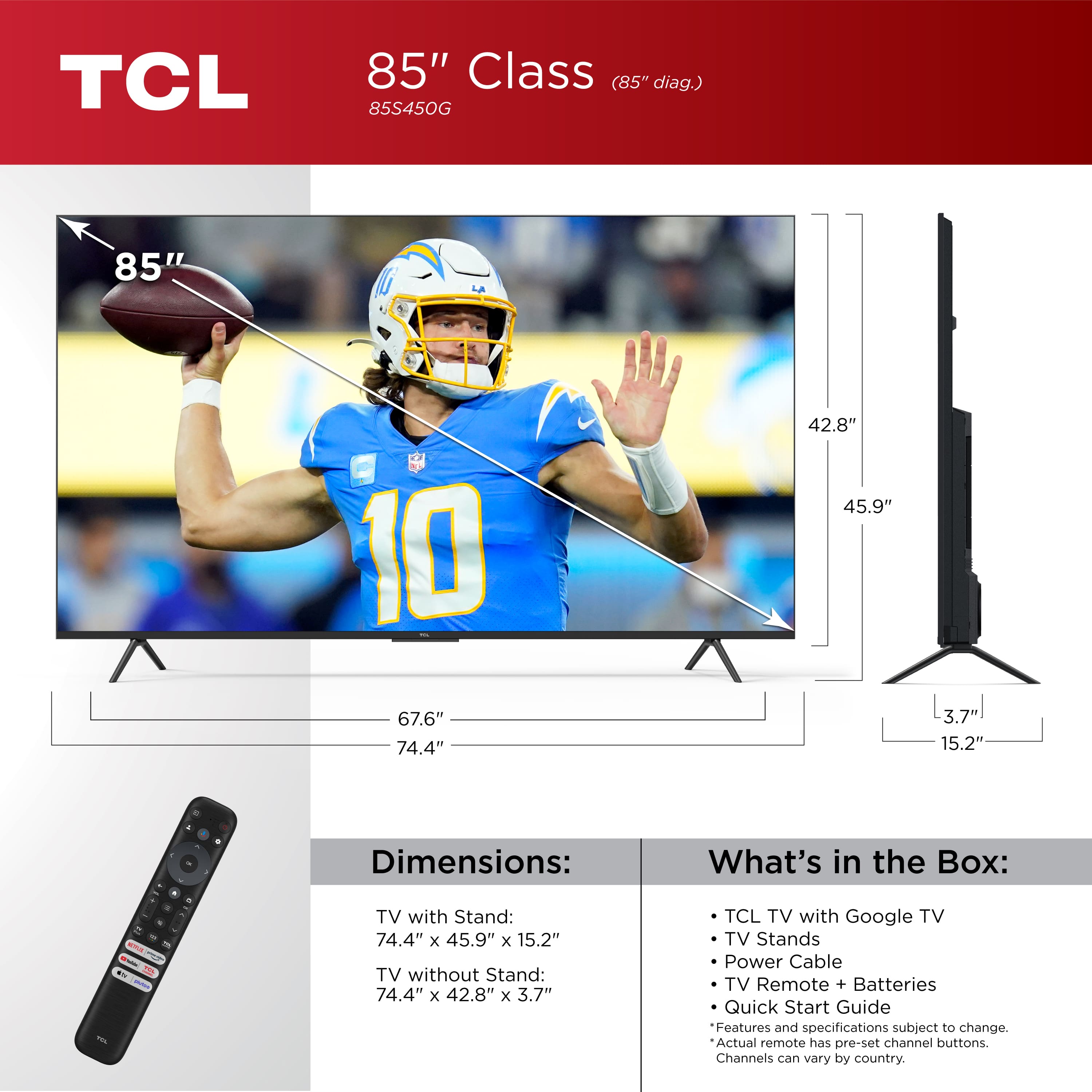
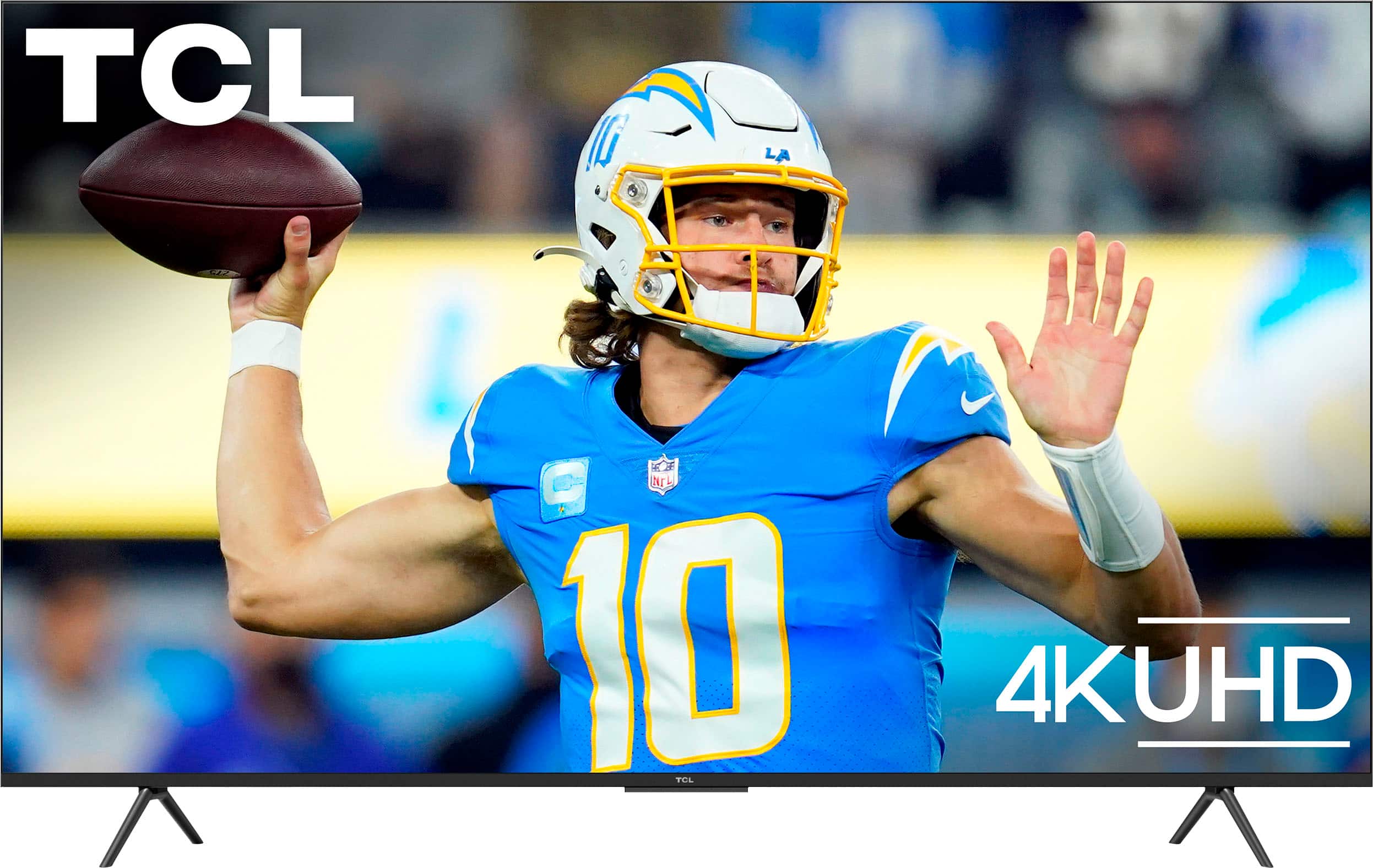
A:AnswerThe stand separation distance of this TV is 67.56-inches. The Width, Height, and Depth of this TV with the stand is 74.4-inches, 45.9-inches, and 15.2-inches. We hope this was helpful! Best, TCL Customer Support
A:AnswerIn order for us to better assist, please reach out to us at tclsocial@tcl.com with your contact information and a description of what you need help with. Thank you, TCL Customer Support
A:AnswerThis TCL TV features Direct LED Backlight and Dynamic Contrast. It delivers good contrast and brightness within its class for a good performance in daytime or nighttime viewing. For detailed information, many TV review websites commonly publish performance measurements using their test methods. This TV supports Operating Temperatures of 5°C to 35°C (41°F to 95°F), and Storage Temperatures of -15°C to 45°C (5°F to 113°F). Hope this helps! Thank you, TCL Customer Support
A:AnswerOur TCL TVs featuring Google TV come with Chromecast built-in. Casting to your TV is a simple way to enjoy photos, videos, music, and other content on the big screen. You can watch entertainment from a laptop, tablet, or mobile device. Hope this helps! Thank you, TCL Customer Support
A:AnswerYou would use the directional round pad on the remote to fast forward/rewind. And the center select/ok button to confirm selections or pause content. There is also a diagram of the remote explaining all of the buttons in the included Quick Start Guide. Hope this helps! Thank you, TCL Customer Support