A:AnswerFor inquiries regarding stock and availability, you would want to contact your local Best Buy or Best Buy customer support. If you get one of our products, and need any further assistance, please feel free to reach out to us at [email protected]. Thank you, TCL Customer Support
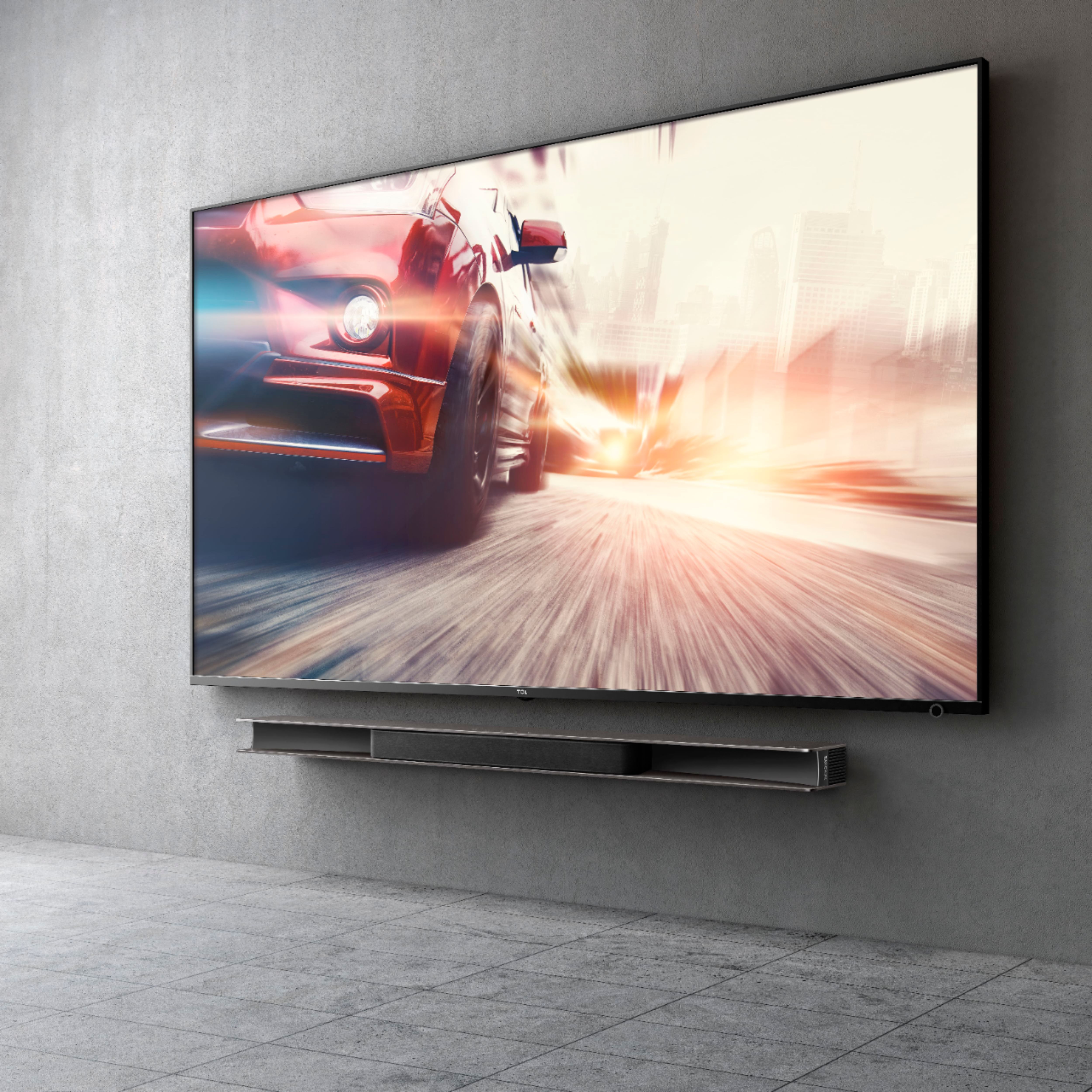
A:AnswerYou can place it above or below a 55" no problem with a universal soundbar VESA mount. A 65 and 75 inch would need special / custom made VESA brackets. Hope this helps! Thank you, TCL Customer Support
A:AnswerThe TCL Alto 9+ accepts LPCM but there is a limit up to 2.0. This is a bandwidth limitation of HDMI-ARC, not the TCL Alto 9+. This applies to all soundbars with ARC. Hope this helps! Thank you, TCL Customer Support
A:AnswerYou would need to utilize a third party mounting system. We cannot recommend any specific product or guarantee that they will work. Hope this helps! Thank you, TCL Customer Support
A:AnswerYou do not have to use the subwoofer. However, it is recommended to use it in order to get the full audio experience out of the soundbar, Hope this helps! Thank you, TCL Customer Support
A:AnswerTCL has a fantastic support system, I've contacted them several times for questions and they are a far better authority on their own products than any one of us customers on Best Buy.
I recommend you go straight to the experts on this one, my sound bar is identical to yours and receives updates so you're close to a solution.
A:AnswerHello Johny,
Usually the soundbar should turn on once there is actual audio playing. If it does not do this for you, you can try plugging your soundbar into one of the different HDMI ports. You might have to plug it into the ARC HDMI port. Hope that helps.
A:AnswerThe TCL Alto 9+ doesn’t support dolby atmos on Xbox Series X dont ever buy this sound bars for gaming you will have trouble. Dolby Atmos only work with TCL series 6 TV. AND NOT CONSOLE!
A:AnswerIn order for us to better assist, please reach out to us at [email protected] with your contact information and a description of what you need help with. Thank you, TCL Customer Support
A:AnswerTCL instructions are not good for connecting to WiFI.
Try this link and just use the WiFI link...not WiFI Fix:
https://www.tcl.com/content/explore/raydanz/wifi-enter.html
A:AnswerSleep and Standby are the same. Sleep/Standby is different than off. Sleep/Standby allows WiFi casting to still work and increases start up speed compared to full off. Lastly, full off is a solid led compared to blinking on Sleep/Standby. Hope this helps! Thank you, TCL Customer Support
A:AnswerIn order for us to better assist, please reach out to us at [email protected] with your contact information and a description of what you need help with. Thank you, TCL Customer Support
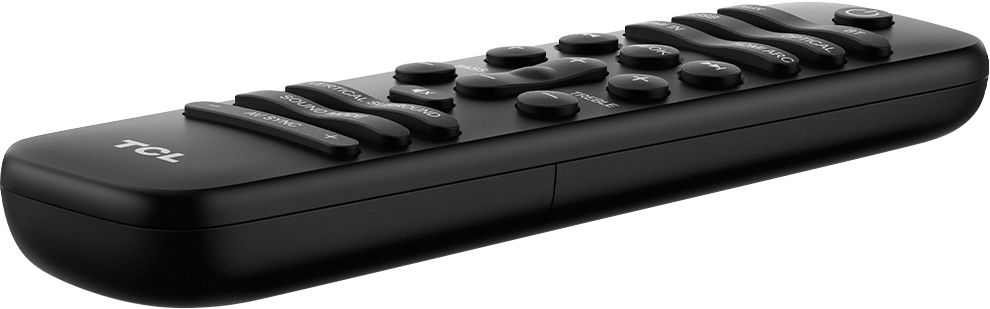
A:AnswerBy holding the power button of the sound bar's remote for about 5 seconds so the sound bar goes into the OFF state instead of the Standby/ Sleep state before powering off the TV. However, this will make the blinking light just stay solid. Hope this helps! Thank you, TCL Customer Support