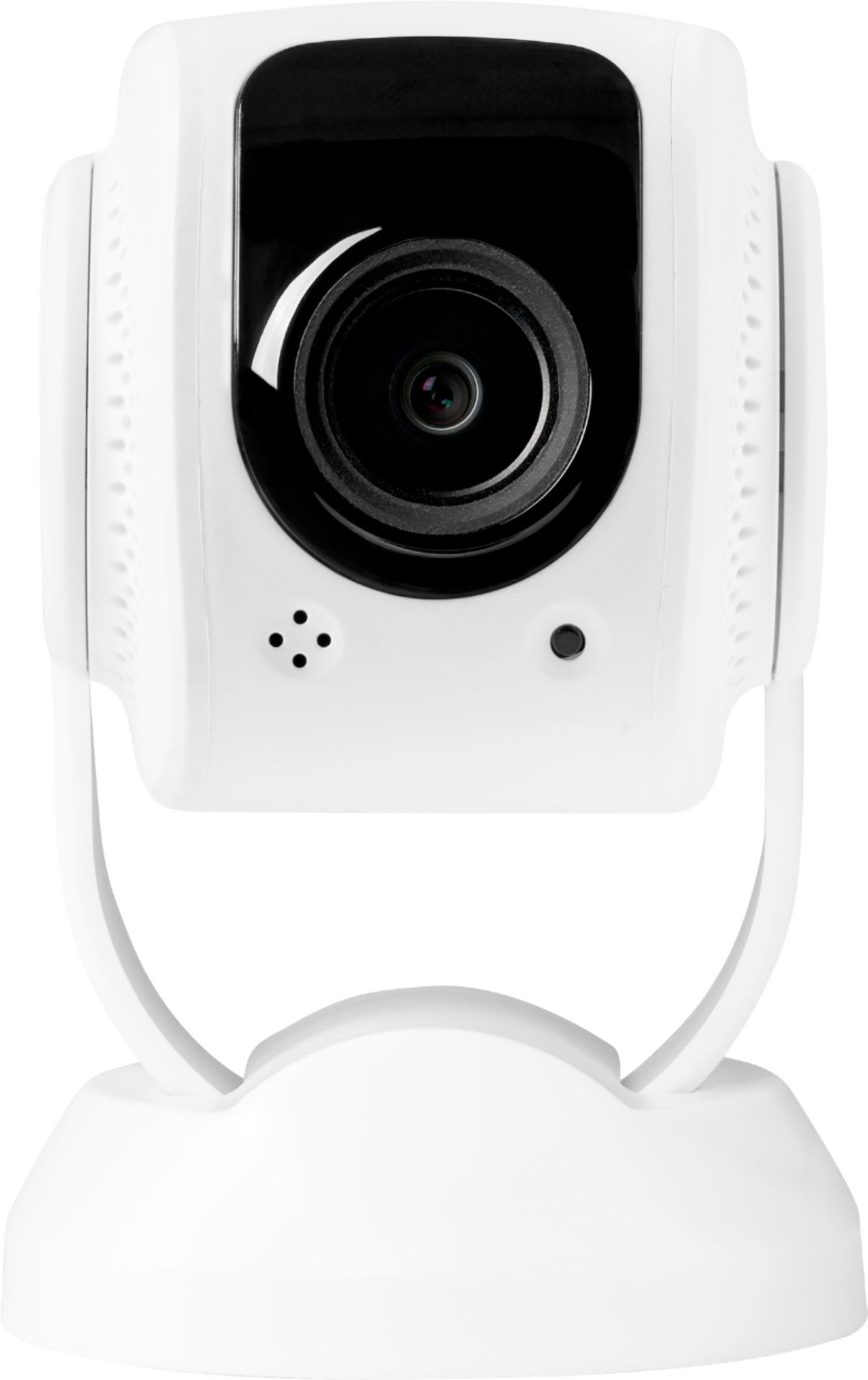
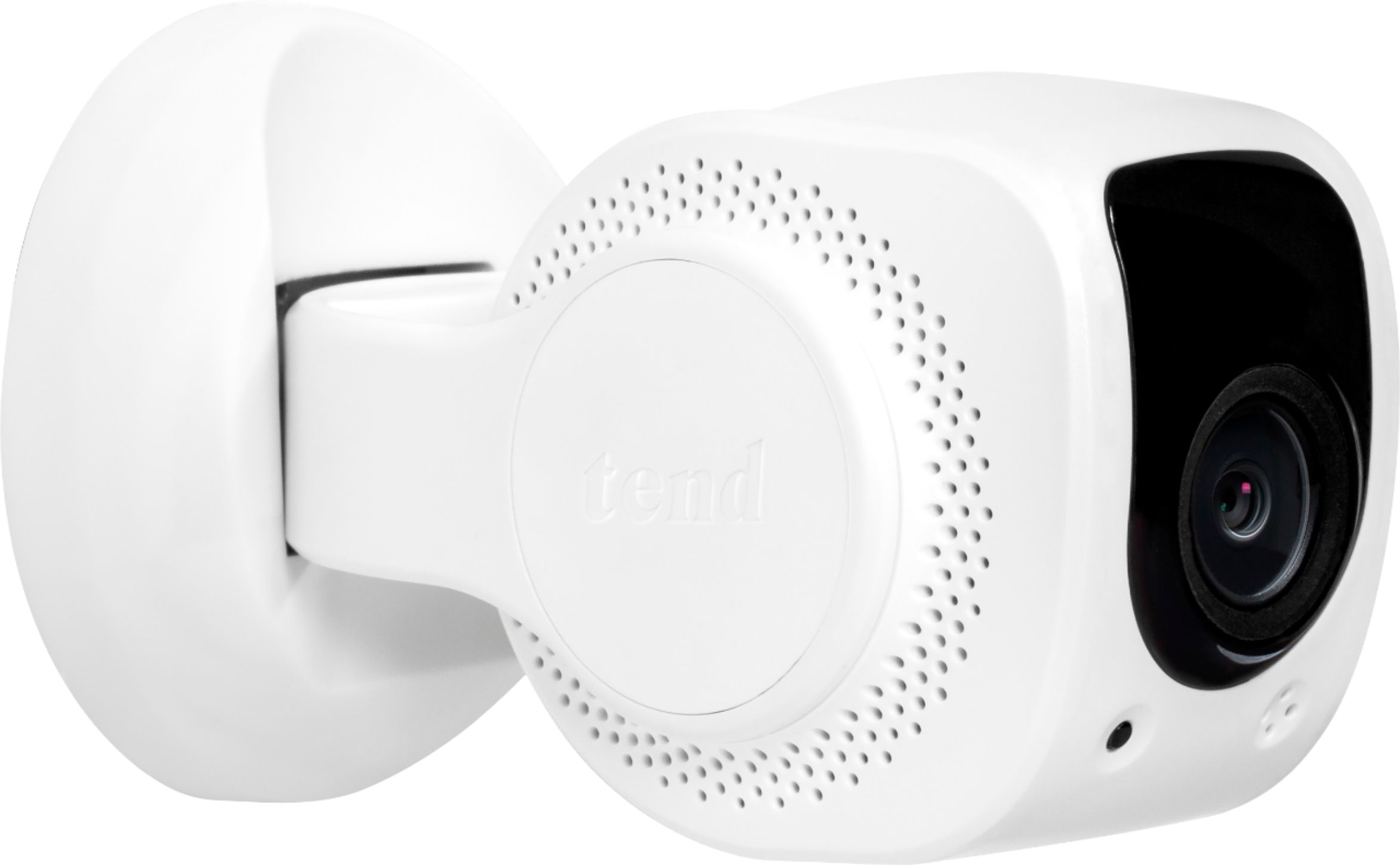
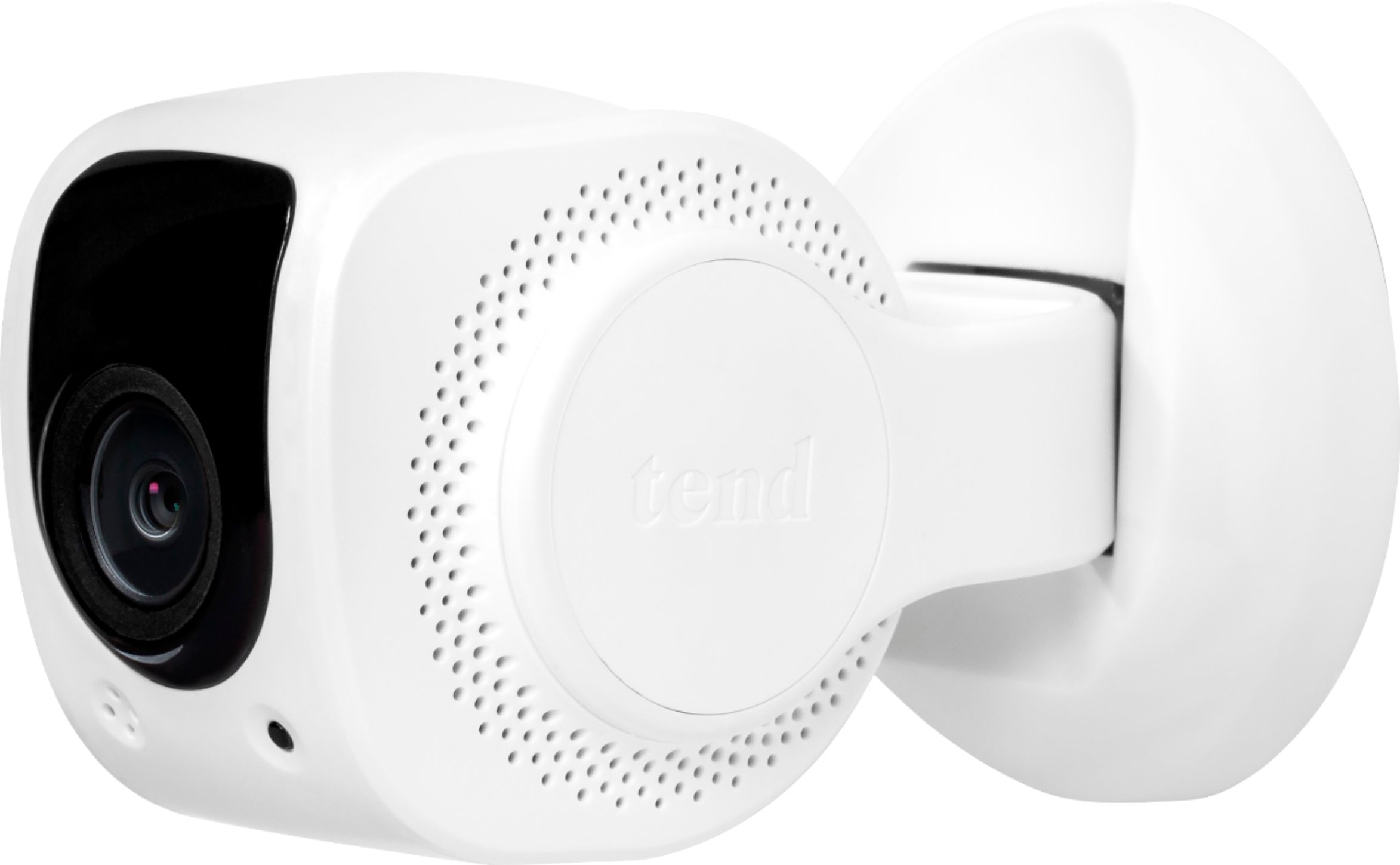
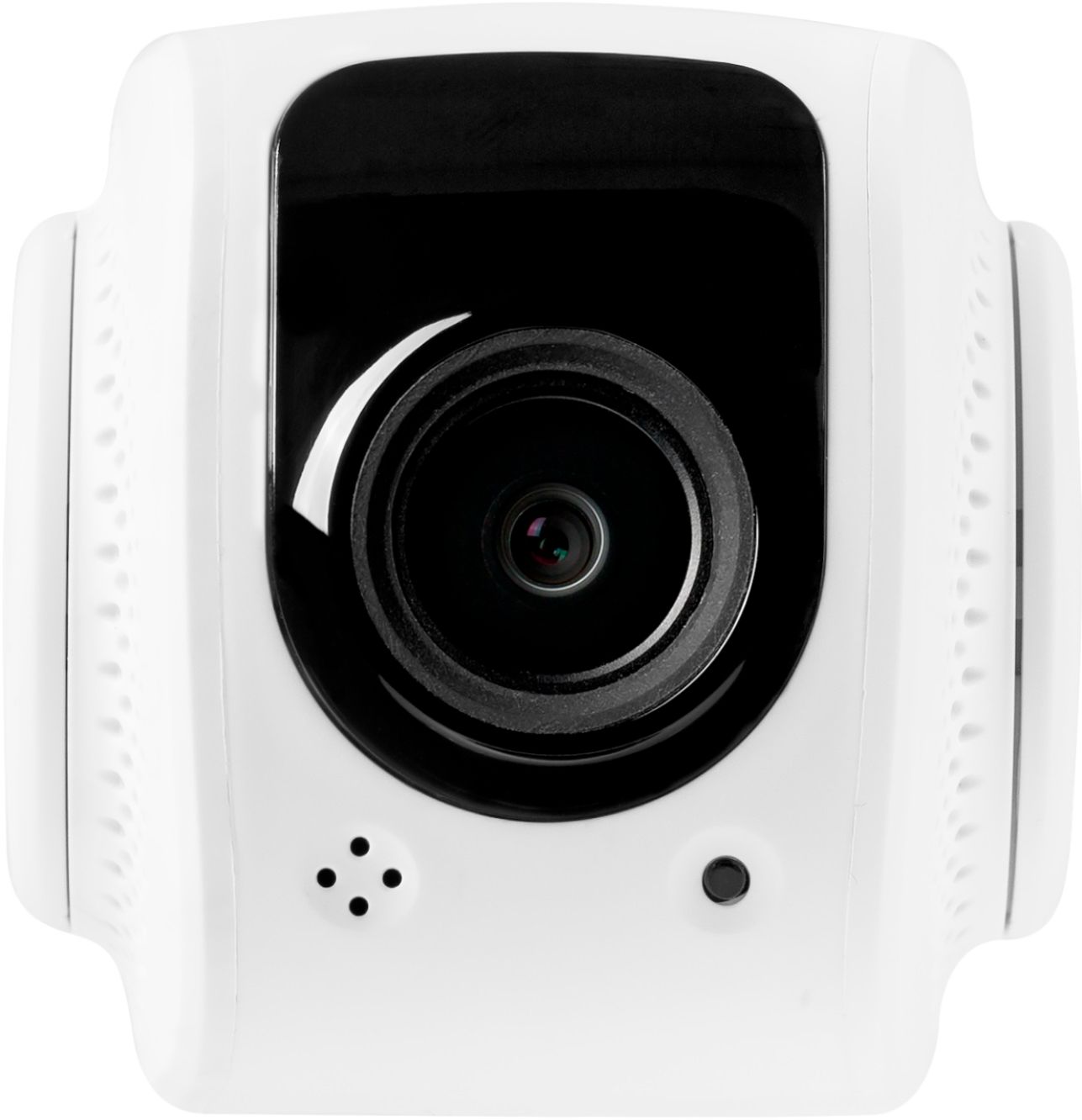
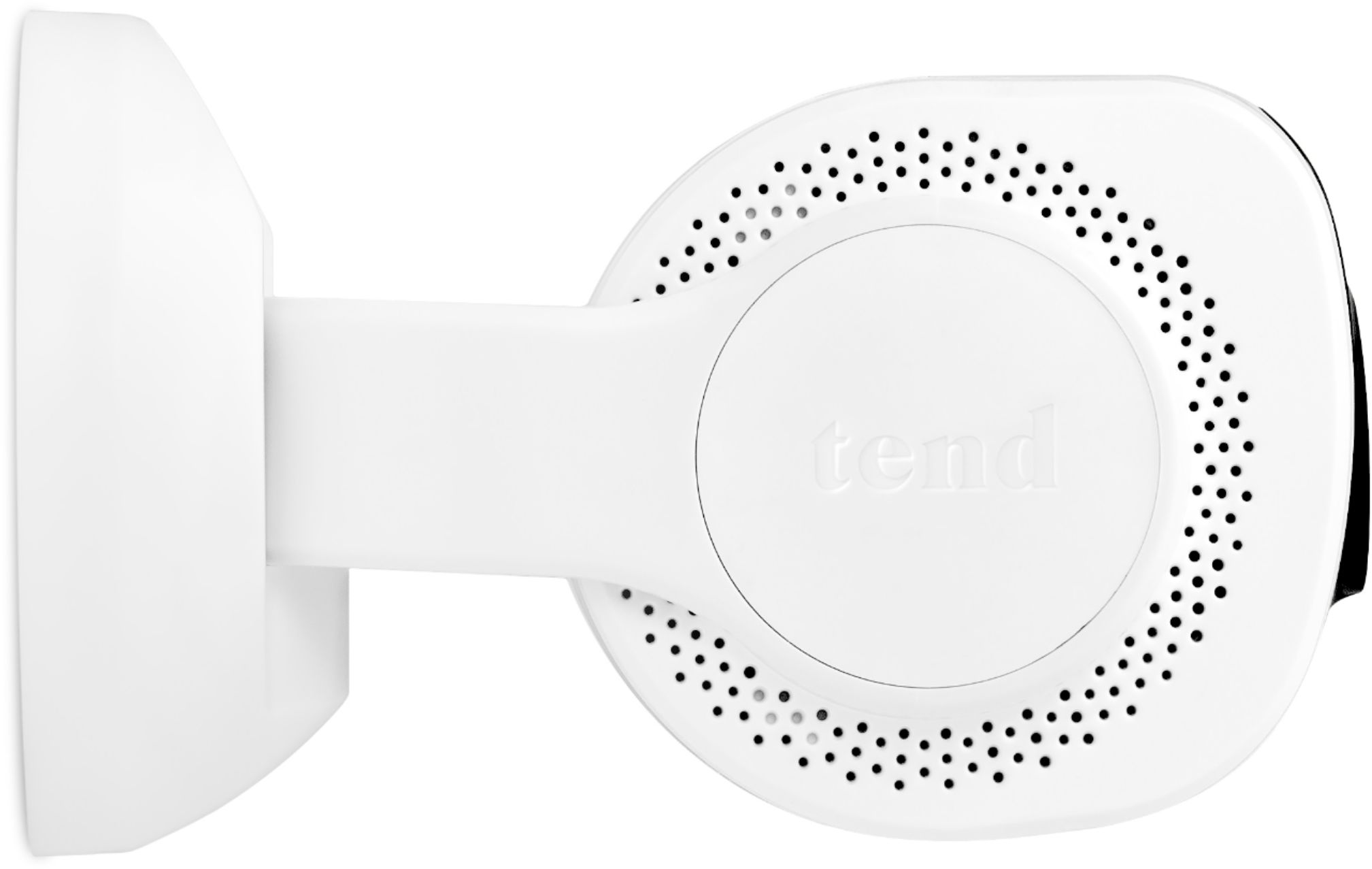
A:AnswerIt is good with daylight, but I recommend it for surveillance, you can listen and speak, for another person to have access to the camera you have to authorize it
A:AnswerThe tend application has a arrow on the left or right of the video feed that will let you go back and forth from your bedroom and then living room. You can not watch simultaneously the video.
A:AnswerYou just click on the right arrow contained in a box at the top center of the app. All of the videos are there for the viewing, downloading or deleting.
A:AnswerThere is a tile in the app that looks like a play button or a square with a triangle inside it. Tap that and it should show any recorded events. If sensitivity is set too low it won't record anything though so make sure you have the sensitivity adjusted in the setting for the camera itself.
A:AnswerTheoretically, yes. Practically speaking, no.
It HAS TO BE CONNECTED to an IOS device, which then has to be accessed thru a Tends extension on your PC browser. (seems redundant, as IOS devices (phones, tablets, etc). already have built-in cameras.
I expect the Tend extension is probably little more than another dreaded android emulator. I know webcams are scarce right now, but don't repeat my mistake.
A:AnswerHi, I'm sorry to say, that I don't think this is going to work the way you want. The only people that will be able to watch you via the camera will be those that have the camera's app, plus the app login information. Seems that they will then be able to view what your camera is pointing at, any time. You need a web cam that will have a USB plug to attach to your computer, if your computer has a USB port in that computer. Good luck!