Questions & Answers
- Model:
- 84+CE
- |
- SKU:
- 5633045
Highly rated by customers for: Ease of use, Overall Performance, Battery Life
Page Showing 41-48 of 48 questions
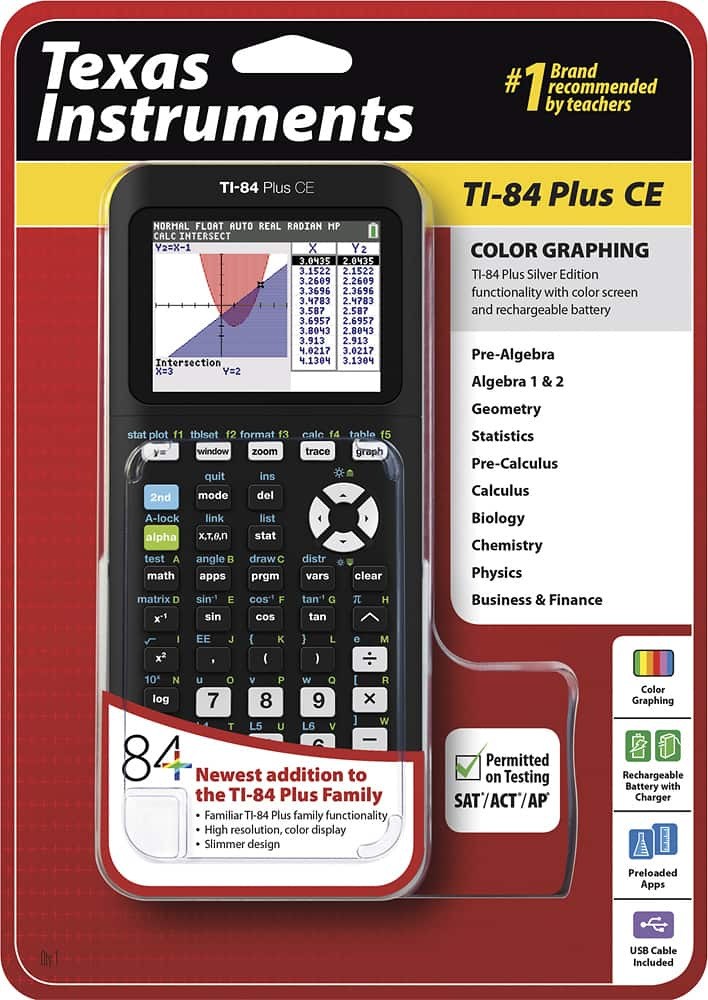
Q: QuestionDoes the this calculator come with 3 MB of memory?
Asked by Kat.
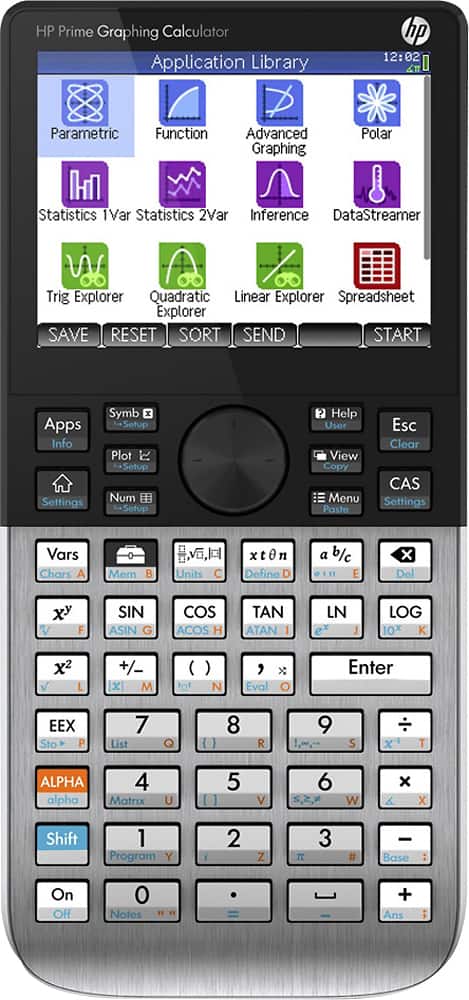
- A:Answer This model has 3 MB of read only memory and 154K of random access memory. the ROM houses the units firmware, logarithmic, exponential, and trigonometric functions. The RAM consists of 56-bit registers (Not including the registers built into the CPU) Some of the registers are used for internal operations so the count may not match register count in the downloadable documentation for the calculator. If your looking for a calculator that has memory to spare the HP Prime is what I use for work related calculations It has 32MB of RAM and 256 MD of flash memory. includes a ton of apps for finance, triangles, statistics, ect.. Half of the RAM is free (around 16MB) and you can use HP Basic to program functionality to it that you need.
I would recommend:
Answered by Mike
Q: QuestionDoes this calculator do indefinite integral and derivative calculations? Which calculators do this?
Asked by calchelpplease.
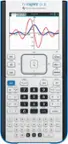
- A:Answer The TI-84 Plus CE is a numeric calculator. It will perform definite integrals but not indefinite integrals nor do any symbolic manipulation. In order to do symbolic manipulation, you will need a calculator with a computer algebra or CAS system. The TI Nspire CX CAS is a great option and is accepted on the College Board AP Calculus exam. You can also check out the following graphig comparison chart for additional information, https://education.ti.com/en/product-resources/graphing-course-comparison
Answered by TICalculators
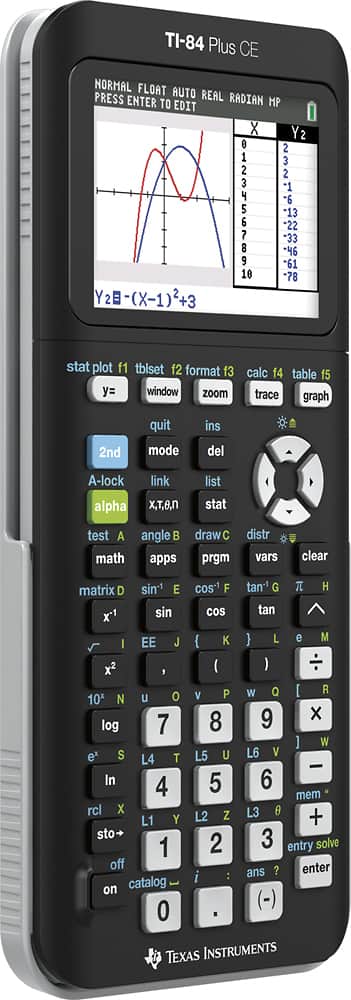
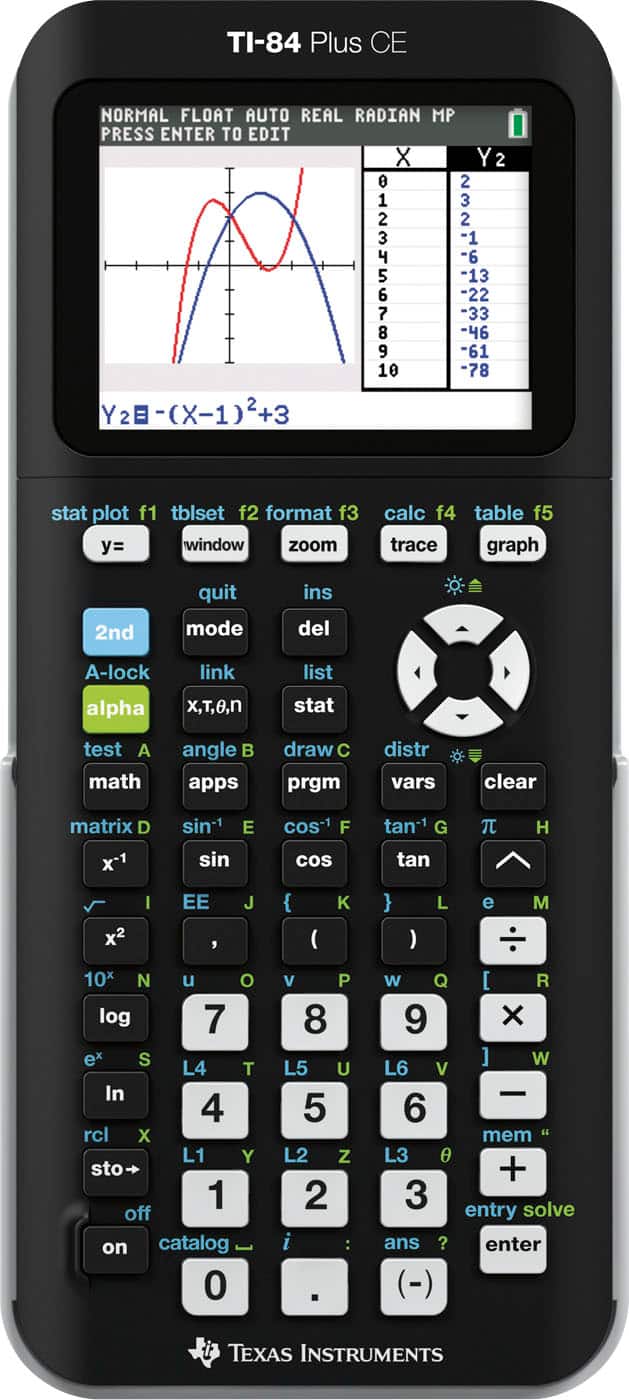
Q: QuestionWhat is the difference between this and a TI-84 plus, what is the CE part of it?
Asked by Aaron.
- A:Answer Hello Aaron, Color screen, rechargeable battery and slim design are the most prominent differences. But here is some additional information for comparison. https://education.ti.com/en/us/product-resources/graphing_course_comparision
Answered by TICalculators
Q: QuestionI need to purchase a new charger for this calculator. What kind should I look for?
Asked by Hannah.
- A:Answer Hi Hannah, you can charge via connecting the USB cable to your computer or any uL certified charging bank.
Answered by TICalculators
Q: QuestionWhat kind of charger does it use specifically, not just the usb charger. I need to buy a replacement charger and cannot find one anywhere.
Asked by emilee.
- A:Answer It charges via a USB Type B Mini
Answered by NEBuckATX
Q: Questionwhere are the instructions how to use the functions?
Asked by Anonymous.
- A:Answer http://education.ti.com/us/studentresources Apps: education.t.com/84ce/apps
Answered by Sniperworm
Q: QuestionHow long does it take to charge the TI- 84+ CE? Is it worthwhile to purchase the product or just get the TI- 84+ because it has batteries? Is it bothersome to have to charge the calculator, and how long does it keep a charge?
Asked by Anonymous.
- A:Answer Not long at all. I charged it on the first day and it still hasn't died with daily use.
Answered by tmar
Q: QuestionMy son lost his charger for the calculator but we are having a terrible time finding one. Would anyone know where to get one at that goes with it?
Asked by Jeidd.
- A:Answer I got it at Best Buy at the computer cables section. It’s the USB A to mini B cable
Answered by Janett1995
Page 3, Showing 41-48 of 48 questions