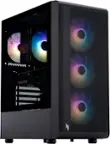
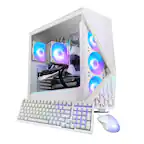
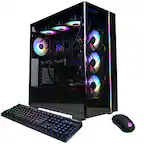
A:AnswerI got this for my daughter to use for gaming (I use it for work during the day). She plays a Spiderman and a Star Wars game she downloaded online. It is night and day from the old PC we had. Graphics are smoother and there is no lagging from the old PC we had. She is delighted with the performance of the PC for her game.
A:AnswerI get 180 on low quality even with 5 other people using the same WiFi. It can get up to 240 or more depending on certain factors. Mine usually runs 180-200
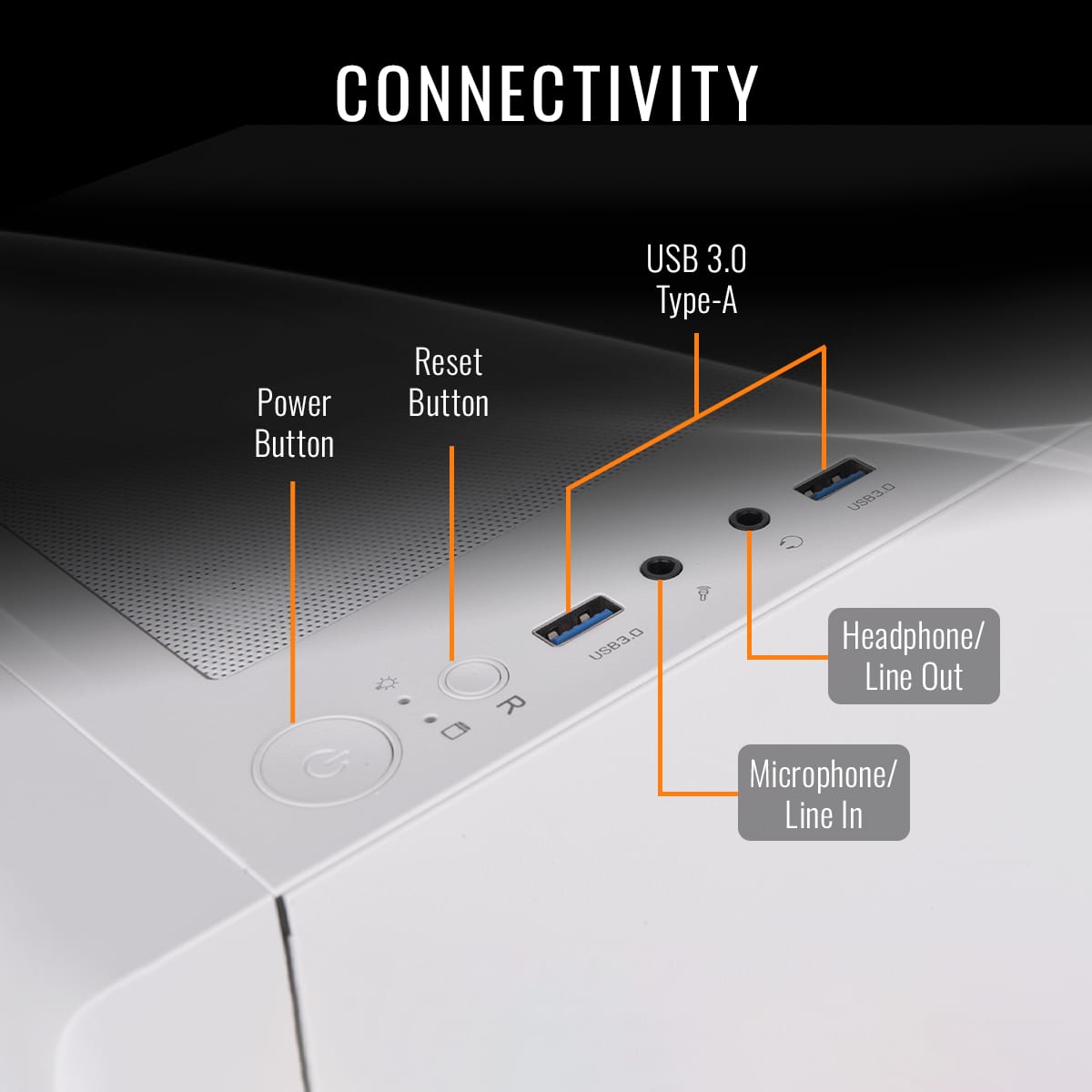
A:Answerno it does not it only has the normal USB ports there are no usb c ports youd need to buy a usb to usb c adapter for this they are very cheap on amazon
A:AnswerHello,
Yes the system is already built. All you need to do is plug things in like monitor, keyboard, and mouse and you are good to go.
Best Regards,
Thermaltake Support
A:AnswerHello,
That depends on what level of HD you are streaming at. We can't guarantee stuff like that because it is dependant on your environment.
Best Regards,
Thermaltake Support
A:Answeryoull need to buy an aux microphone + headphone splitter they are mostly cheap from amazon maybe $10 or under most pc need this if you are using a 2 in 1 gaming headset ive owned 3 pc and everyone needed a headphone splitter if i was using a gaming headset
A:AnswerHello, we do not guarantee anything unless it is specifically stated. Hardware can change at the time of installation, which affects models, vram, and manufacturers. Best Regard, Thermaltake Support
A:AnswerHello, we do not guarantee anything unless it is specifically stated. Hardware can change at the time of installation, which affects models, vram, and manufacturers. Best Regard, Thermaltake Support