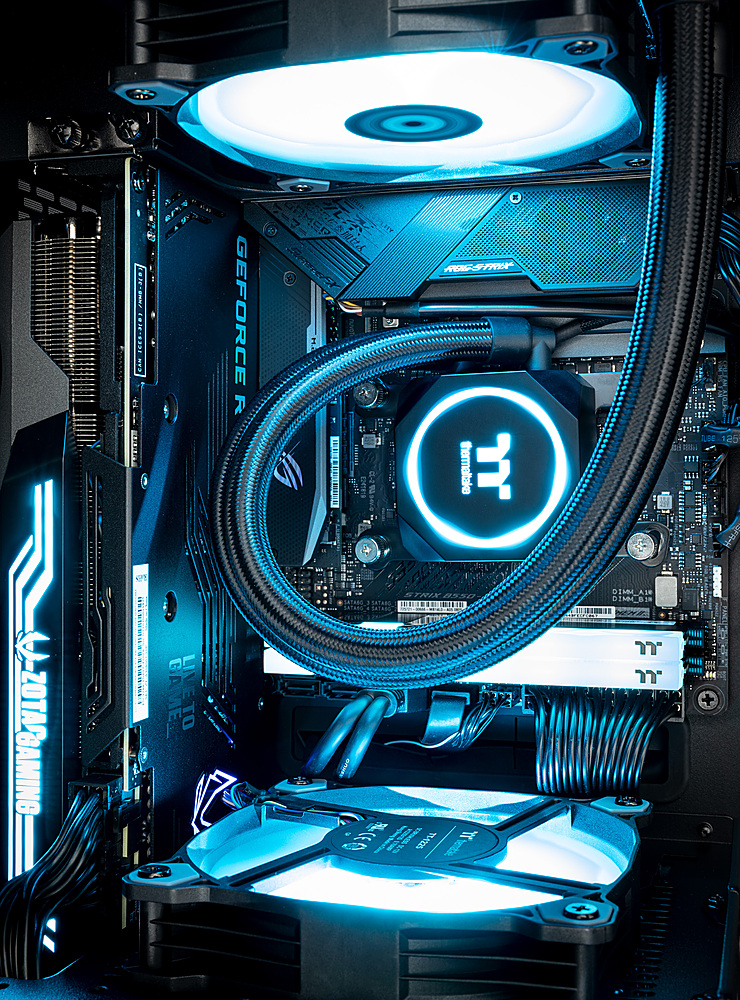
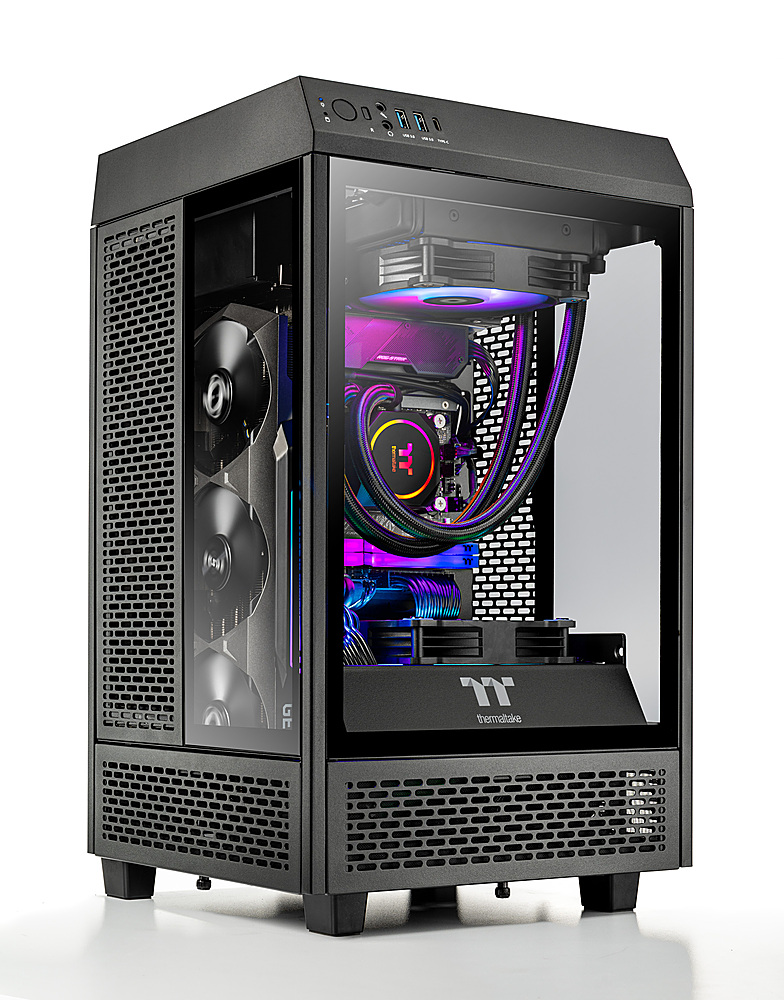
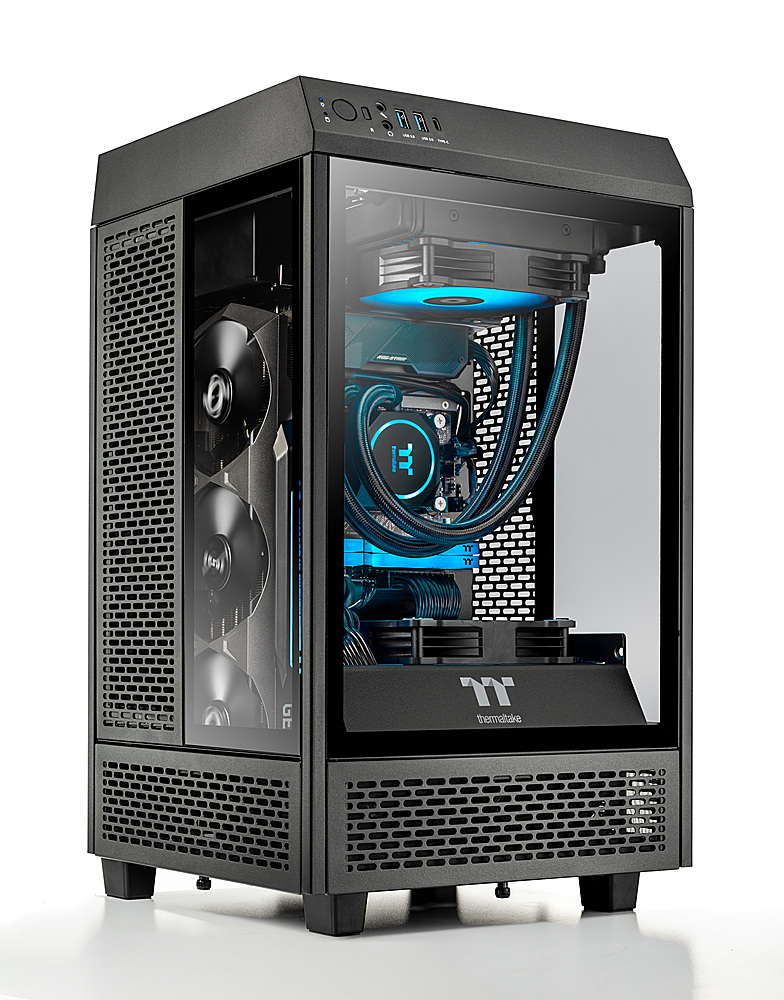
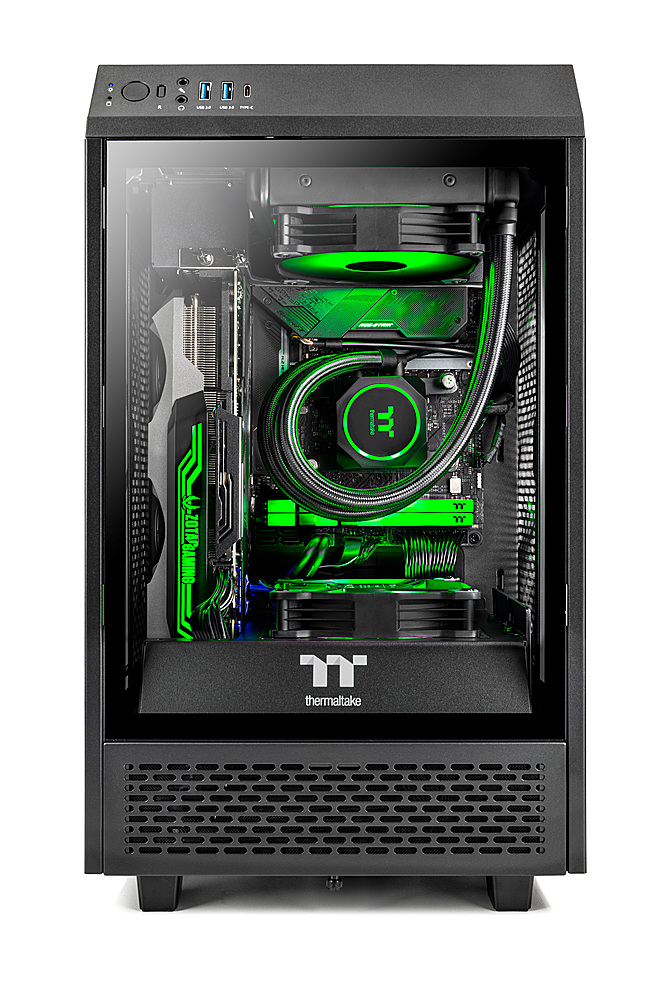
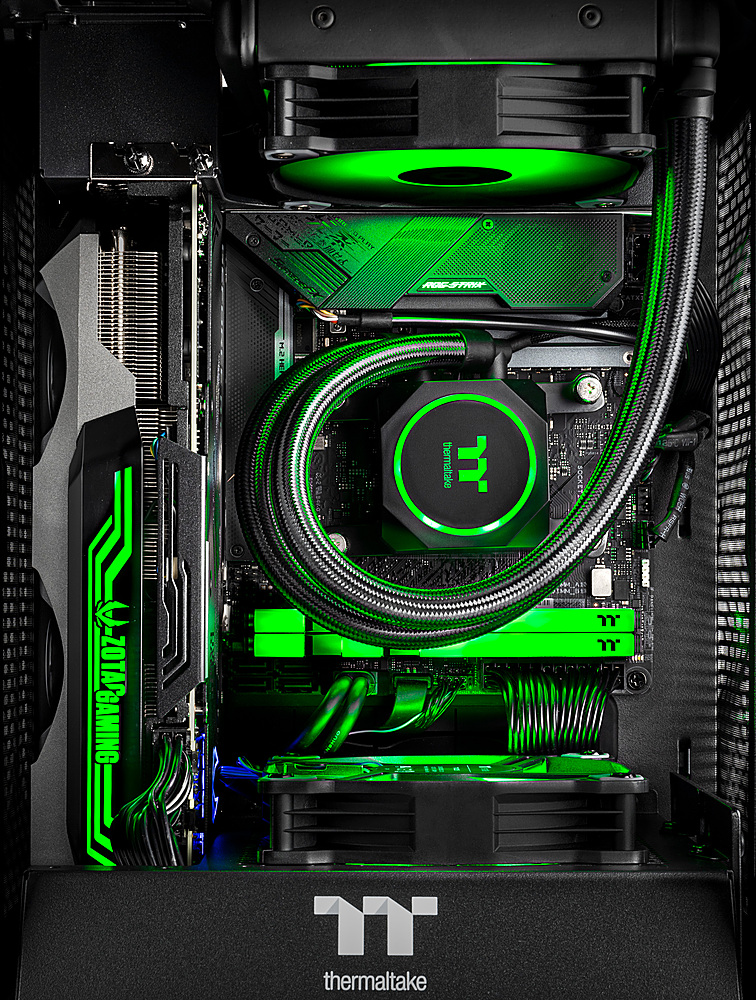
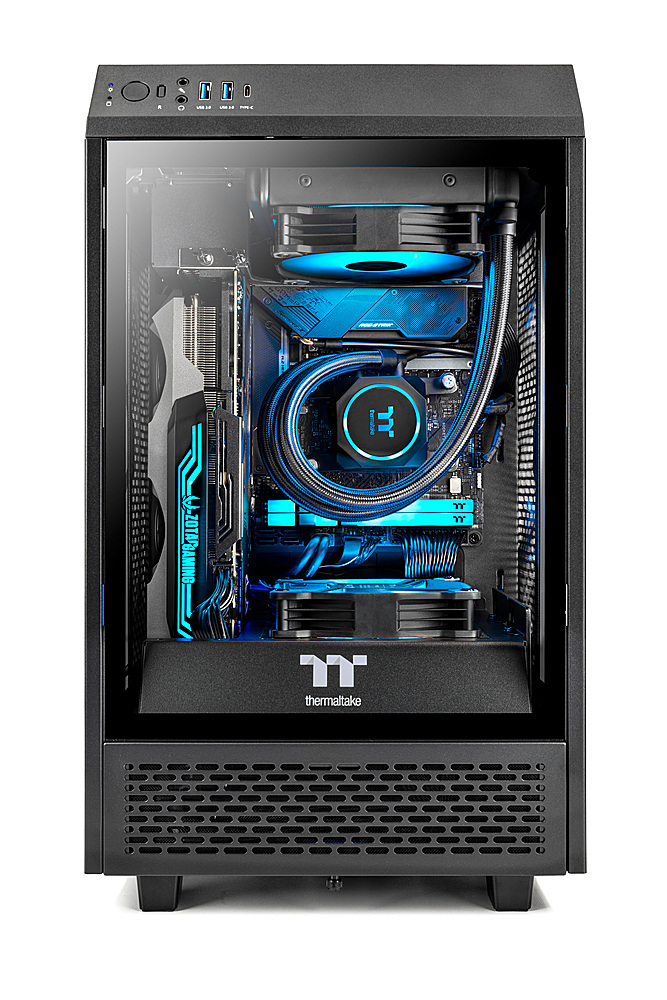
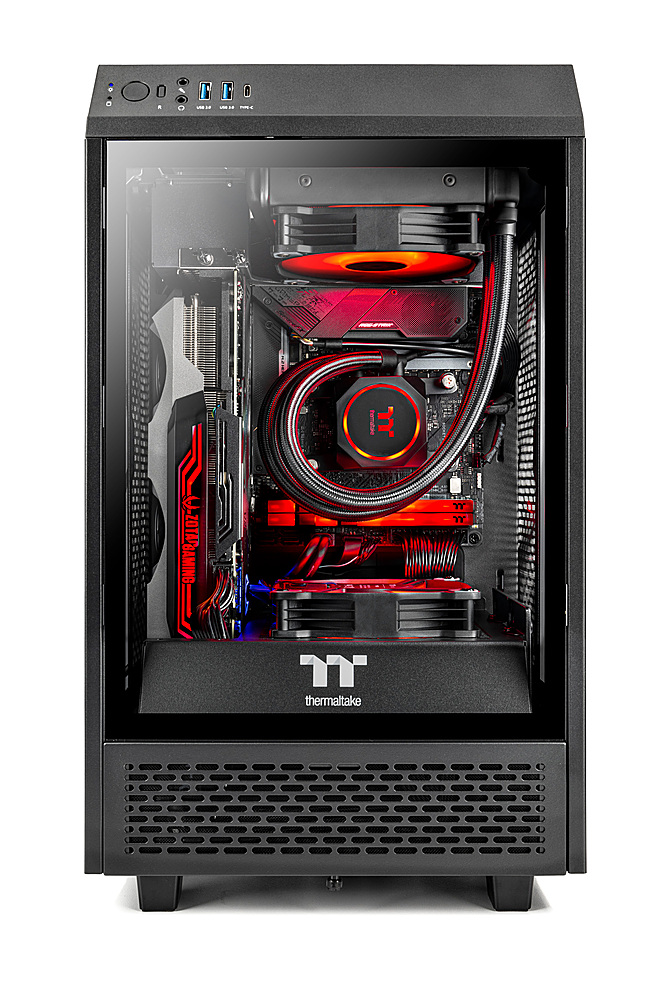
A:AnswerThese do not have PBO Enabled by default so the 5800X is running at lower TDP. They Tend to boost to around 4.5-4.6Ghz in gaming loads without PBO and barely 50Mhz higher with it enabled due to the cooling as you mentioned. I usually take the bottom fan (since its the exact same spec fan as AIO fan) and use it on the AIO in push pull. I just install a regular ARGB fan in place of the removed TT fan (although if you use a TT fan they connect much easier due to their crazy little connector). With push/pull running a 24hr OCCT CPU load while looping Heaven on an OC'd 3080 the system peaks around 75F CPU and low 70s GPU. A quick undervolt and OC of the GPU will give better then stock performance while shaving 50~75W off the GPU which reduces temps a good deal. It takes 30 seconds to get Power Limit to 93%, core to +50 and memory to +1000. I have yet to see a single 3080 sample (out of over 400) not be 100% stable at these settings.
Do note that while these systems used to ship with the excellent Zotac Trinity OC GPUs recently they have been coming with EVGA XC3 or MSI Ventus 3X OC GPUS. These have subpar cooling compared to the Zotac. The Zotac use a much thicker backplate with quality thermal pads while the EVGA uses mediocre pads and the MSI does not use any thermal padding on the rear PCB whatsoever!
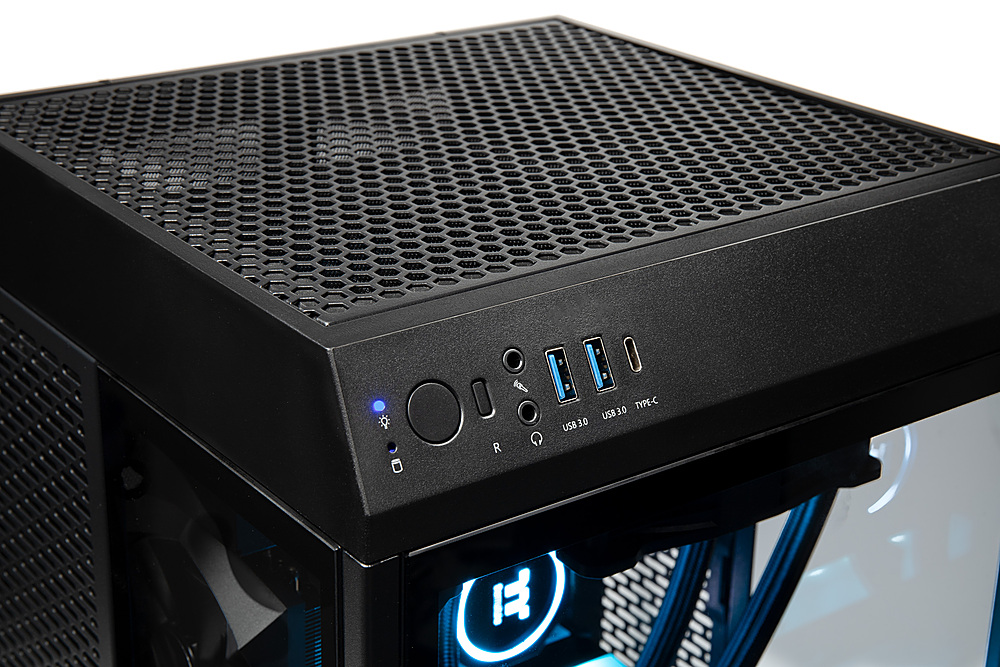
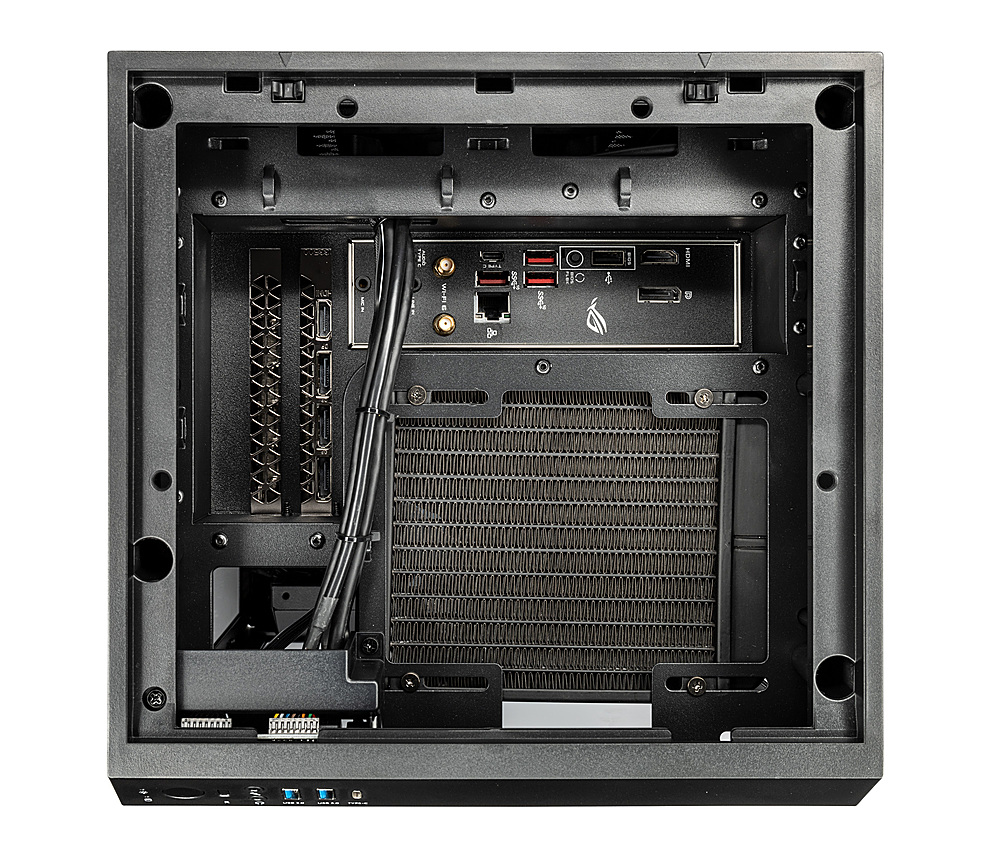
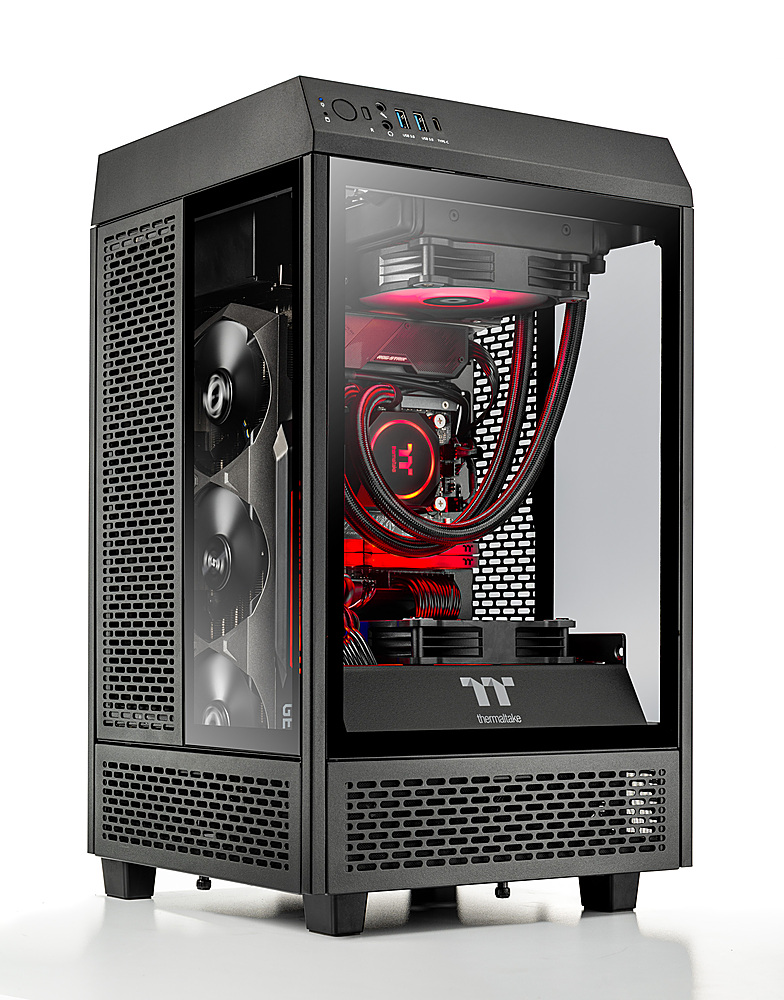
A:AnswerIt has two slots. The first is Gen4 and is taken up by the main drive which contains the operating system. This one is in the main compartment of the PC. The 2nd is Gen3 and is on the back of the motherboard. It is accessible by removing the back panel of the PC to install it. Really simple to do. You can Google Thermaltake's website and get the case schematic to see how to get the panels off the PC. All 4 sides of the PC can be removed after taking off the top cover.